
Any of 57 languages → English speech · same voices
Translate Video to English — from 57 spoken languages, in the same voices
Got a video in Spanish, Hindi, Tagalog or another language? Upload it, choose English, and get the same video back with English speech in the voices of the people on screen. Add English captions afterwards if viewers watch with the sound off.
- 57 spoken languages in
- English speech out
- Same speakers' voices
- Up to 15 min per video
Updated by the Kenerate AI team
Made with Kenerate




On this page
Quick answer
Updated
How do you translate a video to English?
To translate a video to English, upload it to an AI dubbing tool that understands 57 spoken languages, pick English and download the result. On Kenerate AI, ElevenLabs detects the original language, translates it and re-voices each speaker in English with a clone of their voice, for videos up to 15 minutes.
Key facts
- Translates into
- English
- From
- 57 spoken languages, auto-detected
- Longest video
- 15 min, 500 MB
- Voices
- Each speaker's own
- English captions
- Add after, burned in
- Lips
- Separate lip sync step
Real demo
Spanish video to English
A Spanish podcast host, then the English version in the same voice. Turn the sound on.
- Spanish (original). A Spanish line spoken by MiniMax Speech 2.8 HD and lip-synced onto a Wan 3 clip.
- English. Kenerate's AI dubbing (ElevenLabs), source language auto-detected, same voice.
Both clips are unedited outputs.
Translate to EnglishReal demo
Hindi video to English
A Jaipur vlog in Hindi, then in English.
- Hindi (original). A Hindi line spoken by MiniMax Speech 2.8 HD and lip-synced onto a Wan 3 clip.
- English. Kenerate's AI dubbing (ElevenLabs), source language auto-detected, same voice.
Both clips are unedited outputs.
Translate to EnglishReal demo
Tagalog video to English
A Manila vlog in Tagalog, then in English.
- Tagalog (original). A Tagalog line spoken by MiniMax Speech 2.8 HD (Filipino voice) and lip-synced onto a Wan 3 clip.
- English. Kenerate's AI dubbing (ElevenLabs), source language auto-detected, same voice.
Both clips are unedited outputs.
Translate to EnglishReal results
Everyday videos people want in English
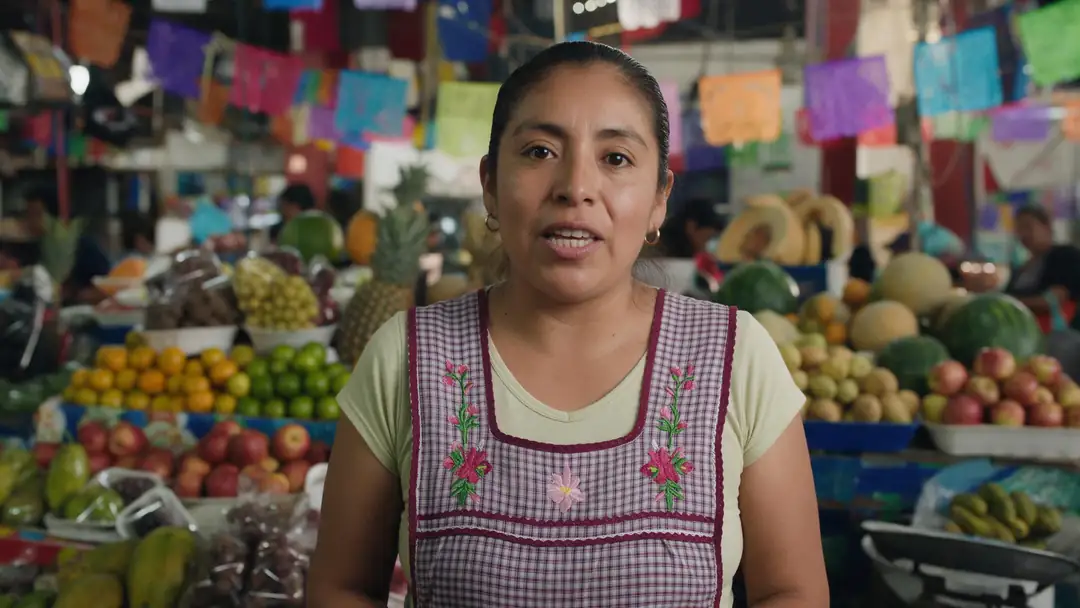
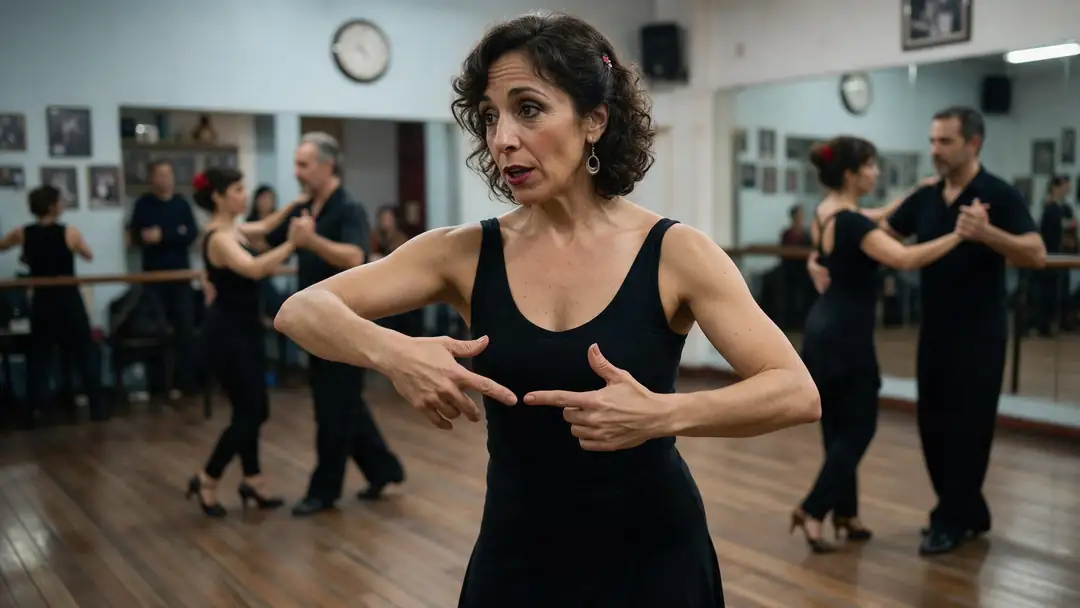
Real 5-second Wan 3 clips set in Mexico, India, the Philippines and Argentina: markets, lessons, tours and small shops. Filter by the source language of their pair guide.
Clips: Wan 3 image to video with sound (AI-generated people). English versions in the demos: Kenerate AI Dubbing, unedited.
How to
How to translate a video to English
- Time needed
- Steps
- 4 steps
Step 1
Open AI Dubbing
Sign in with a verified email; new accounts get starter credits to try it.
Step 2
Upload the video
MP4 or MOV, up to 500 MB and 15 minutes, in any of 57 spoken languages.
Step 3
Choose English
English is first in the popular languages. Leave the spoken language on Auto-detect.
Step 4
Download the English version
Compare it with the original on the result card, then download the MP4.
See it in the app

Open AI Dubbing and upload a video or an audio file, or pick a clip from your history.


Watch the tour · 2:03
Video or audio, 33 languages, speakers & background, side-by-side compare, two voices, your dubs & chat
Chapters
Checked 6 October 2026
English dub, English captions, or both?
Three ways to make a foreign-language video watchable in English, and which one is best for what.
| English dub | English captions only | English dub + English captions | |
|---|---|---|---|
| Best for | Viewers who listen: TV, kids, cooking, driving | Viewers who want the original voices | Social feeds watched with the sound off |
| What viewers hear | English, in the speakers' voices | The original language | English, in the speakers' voices |
| What viewers read | Nothing | English text | English text |
| How on Kenerate | AI Dubbing → English | Not possible in one step: Auto Subtitles captions the spoken language and doesn't translate | AI Dubbing → English, then Auto Subtitles in English (clips up to 4 min) |
| Lips | Add lip sync for close-ups | Unchanged | Add lip sync for close-ups |
Auto Subtitles burns captions into the video and has no subtitle file export.
Sources: Kenerate AI Dubbing (tool) · ElevenLabs — Dubbing docs · HeyGen — AI video translator, checked 6 October 2026 · ElevenLabs — Dubbing, checked 6 October 2026 · English language — Wikipedia
Engines
Tools for getting a video into English
Each step, the tool that does it, and what it is best for.
- Start here
ElevenLabs
AI Dubbing → English
- Input
- Video in any of 57 languages, up to 15 min
- Output
- English speech in the original voices
The translation itself
Open AI Dubbing → English VEED
Auto Subtitles
- Input
- Video up to 4 min
- Output
- English captions burned into the English version
Sound-off viewers, after dubbing
Open Auto Subtitles
VEED, Sync Labs, ByteDance, WaveSpeed
Lip sync
- Input
- The dubbed video
- Output
- Mouth matched to the new language
On-camera faces after dubbing
Open Lip sync
ElevenLabs
Translate audio
- Input
- MP3, WAV, M4A or a mic recording
- Output
- English audio in the original voices
Podcasts and voice notes to English
Open Translate audio
The demos above ran on the AI Dubbing tool.
Tips
Better English translations
What helps the most, whatever the source language.
Clean, close-mic speech matters more than the accent.
Pin the spoken language if a video mixes it with English.
Set the speaker count for interviews and family videos.
Check names, places and numbers in the English version.
Caption the English dub for viewers on mute.
For close-ups, add lip sync after translating.
Example uses
How creators use Translate video to English
Illustrative examples of typical workflows, not customer reviews.

Researcher
A researcher could translate field interviews recorded in Spanish and Tagalog to English, so the whole team can listen to them in the speakers' own voices.

HR manager
An HR manager could translate a training video recorded by the Mexico City office to English for colleagues abroad, then add English captions.

Family video editor
A grandson could translate his grandmother's Hindi stories to English for cousins who grew up abroad, keeping her voice.
FAQ
Translate video to English: questions
7 questions
How do I translate a video to English?
Upload it to Kenerate's AI Dubbing, leave the spoken language on Auto-detect, choose English and download the result. The video comes back with English speech in the original voices; add English captions or lip sync afterwards if you need them.
Link to this answerWhich languages can be translated to English?
Any of 57 spoken languages, including Spanish, Hindi, Tagalog, Chinese, Arabic, French, Japanese, Korean, Portuguese, Russian, Urdu, Tamil, Marathi, Persian and Swahili. The language is auto-detected, or you can pin it.
Link to this answerIs there a Spanish to English video translator?
Yes. Upload the Spanish video, pick English, and the AI re-voices it in English in the same speaker's voice. Mexican, Castilian, Argentine and other varieties all count as Spanish. See our Spanish to English guide for accent tips.
Link to this answerCan I translate a video to English with AI for free?
You can try it without paying: new accounts get starter credits that work on AI Dubbing, enough for a short clip. After that, it is priced by video length, billed by the second up to 15 minutes, with automatic refunds when a run fails.
Link to this answerCan I get English subtitles instead of English audio?
Not in one step. Kenerate's Auto Subtitles writes captions in the language that is spoken and doesn't translate. To get English captions, translate the video to English first, then caption the English version.
Link to this answerHow accurate is AI translation to English?
Clear speech from one mic translates well; heavy background music, crosstalk and slang lower the accuracy. Always check names, numbers and technical terms in the English version before publishing.
Link to this answerCan I translate a YouTube video to English?
Download a video you own or have the rights to, then upload the file: the tool does not take links. Files up to 500 MB and 15 minutes work.
Link to this answerIn depth
Translating video to English, explained
Why English is the most common target, and how the pair guides help.
On this page
Why English is the usual target
English is the most widely spoken language in the world when second-language speakers are counted [1], so a video in English reaches the largest audience. Translating into English is also the most common way to share local footage, lessons or interviews with international teams.
What happens to the original language
The original speech is transcribed and translated, then each speaker is re-voiced in English with a clone of their voice and mixed back with the background sound [2]. Turn on Drop background audio to keep only the English voices.
Guides for common language pairs
Accents and speech habits differ by language. Our pair guides cover them in detail:
- Spanish to English: Mexican, Castilian, Argentine and Caribbean accents.
- Hindi to English: Hinglish and fast conversational Hindi.
- Tagalog to English: Taglish and Filipino varieties.
Spanish to English video translator
Upload the Spanish video and choose English: the speech becomes English in the same voice. Our Spanish to English page covers accents and tips.
Translate video AI free
Kenerate isn't free to use, but new accounts get starter credits that work on AI Dubbing, so you can translate a short clip to English before paying.
Other video-to-English translators
Google's AI answers also list HeyGen and ElevenLabs. HeyGen's translator page lists lip sync and 175+ languages; ElevenLabs lists 90+ languages with voice cloning, per their own pages checked 6 October 2026. Compare them on our AI dubbing page.
Explore
Every Kenerate video tool
Generators, tools, models and guides — all in one studio.