










Skip to content
Upscale to 4K · no watermark

Upscale any image to 4K quality

Turn a small photo, screenshot or AI render into a sharp 4K image. The AI rebuilds edges and texture as it enlarges, and keeps your photo's shape — landscape, portrait or square.

  • True 4K and bigger
  • Keeps your photo's shape
  • 8K option too
  • No watermark
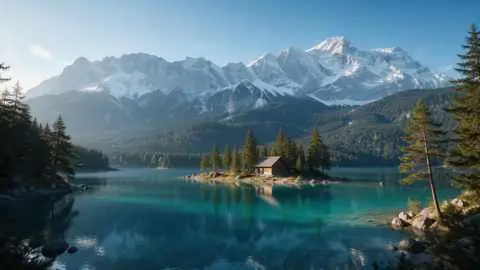
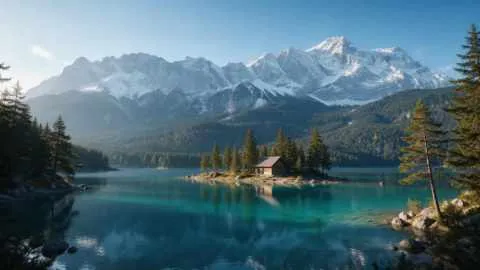
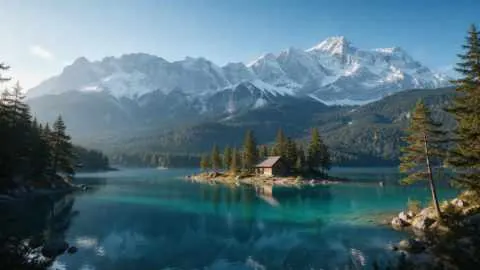
Turquoise alpine lake below snowy mountains with a wooden cabin — original 480 px JPEG
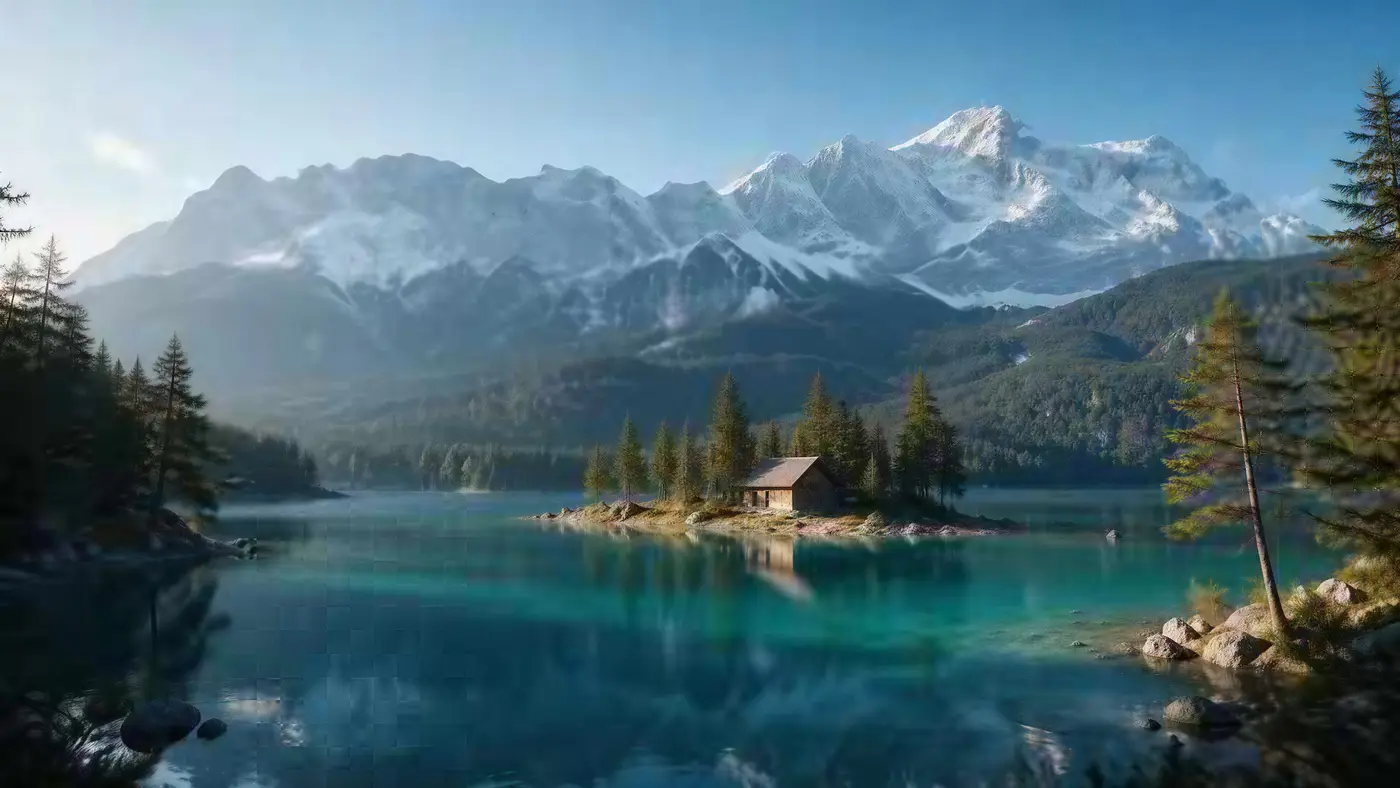
Turquoise alpine lake below snowy mountains with a wooden cabin — after Image Upscaler
BEFORE · 480 px JPEGAFTER · 4K · 5461 × 3072

Image Upscaler480 px JPEG → 4K · 5461 × 3072

Try this photo
  • Real-ESRGAN
  • Image Upscaler 2K · 4K · 8K
  • Kenerate Upscale · 128 MP
  • Ultimate Upscaler
  • Clarity Pro
  • Phota Enhance
  • Recraft Creative
Landscape to 4K — after Image Upscaler
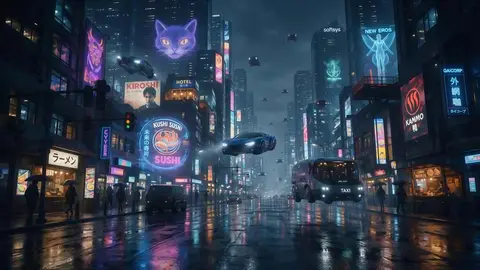
AI concept art — after Ultimate Upscaler
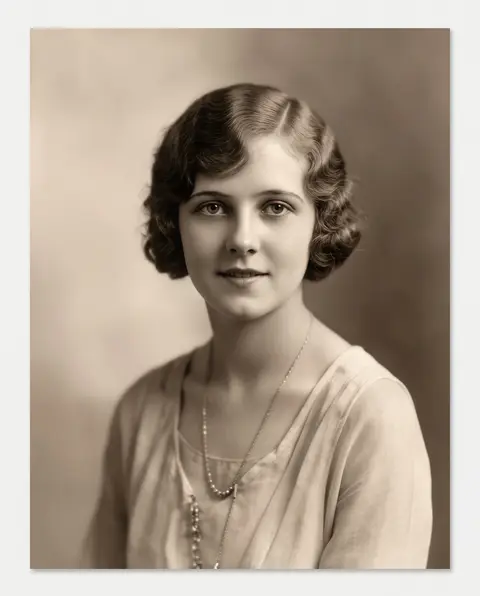
Tiny portrait — after Image Upscaler
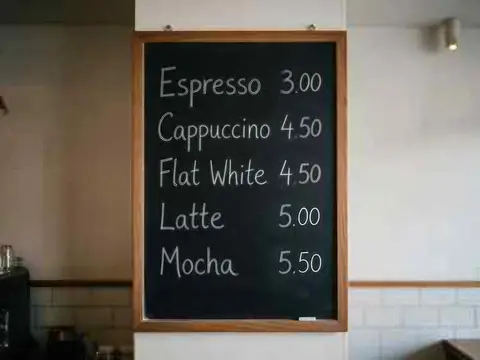
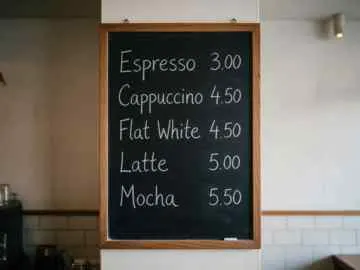
Text on a menu — after Image Upscaler
Wristwatch — after Image Upscaler
Serum bottle — after Image Upscaler
Leather tote — after Image Upscaler
Headphones — after Image Upscaler
Landscape to 4K — after Image Upscaler
AI concept art — after Ultimate Upscaler
Tiny portrait — after Image Upscaler
Text on a menu — after Image Upscaler
Wristwatch — after Image Upscaler
Serum bottle — after Image Upscaler
Leather tote — after Image Upscaler
Headphones — after Image Upscaler

Quick answer

Updated

To upscale an image to 4K, open Kenerate's image upscaler, pick Image Upscaler → 4K and press Upscale. It takes about 45 seconds and keeps your photo's shape: in our tests a 480 px landscape became 5461 × 3072 and a 320 px product photo 4096 × 4096 — bigger than a 3840 × 2160 4K screen. 25 free credits, no watermark.

4K UHD
3840 × 2160 (8.3 MP)
Kenerate 4K output
≈16.8 MP in your photo's shape
Time
About 45 seconds
Also
2K and 8K

Real results

See what it does to real photos

Every slider is a real Kenerate output from the bad input on the left. Drag to compare, then try the same photo.

  1. Turquoise alpine lake below snowy mountains with a wooden cabin — before
    Turquoise alpine lake below snowy mountains with a wooden cabin — after
    BeforeAfter

    01Upscale to 4K

    A tiny landscape, wallpaper-sized

    480 px in, 5461 × 3072 out. Trees, snow and the cabin sharpen instead of smearing.

    Image Upscaler · 480 px JPEG → 4K · 5461 × 3072

    Try it now
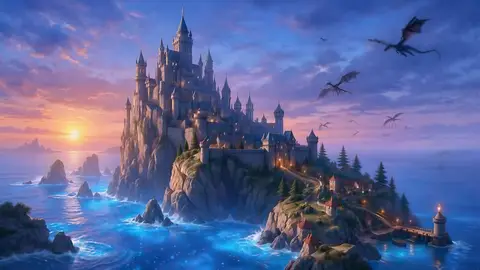
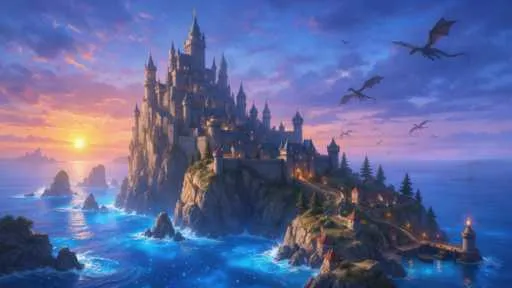
  2. Fantasy castle on a cliff above a glowing sea with dragons — before
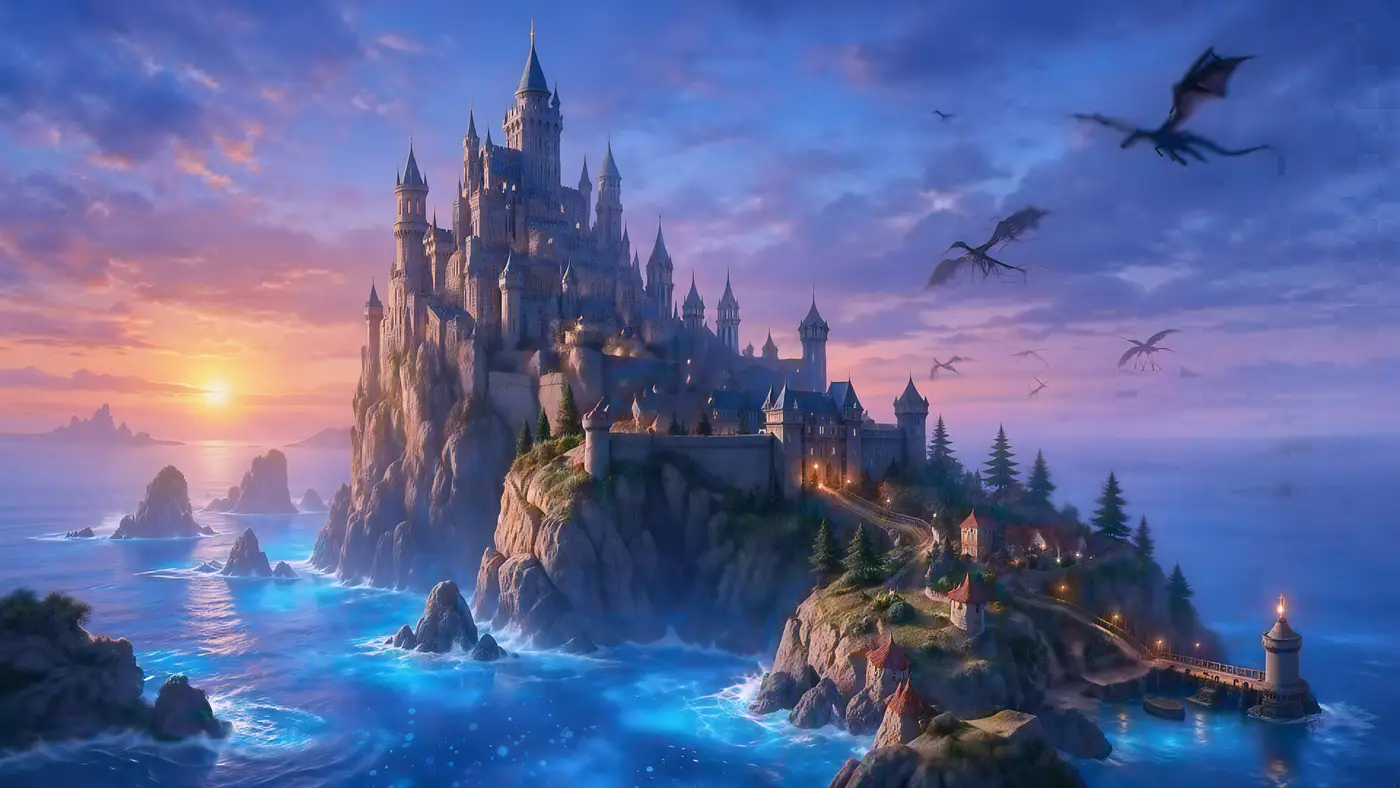
    Fantasy castle on a cliff above a glowing sea with dragons — after
    BeforeAfter

    02AI art

    Renders to 5K and beyond

    A 512 px fantasy render to 5461 × 3072 — towers, waves and dragons all sharper.

    Ultimate Upscaler · 512 px render → 4K · 5461 × 3072

    Try it now
  3. Close-up portrait of a young woman with freckles and dark curly hair — before
    Close-up portrait of a young woman with freckles and dark curly hair — after
    BeforeAfter

    03Low resolution

    A 300-pixel portrait, now 4K

    Skin, lashes and curls come back sharp — and it's still the same person. A faithful upscale, not a new face.

    Image Upscaler · 300 px JPEG → 4K · 3664 × 4579

    Try it now
  4. Silver wristwatch with a black leather strap on white marble — before
    Silver wristwatch with a black leather strap on white marble — after
    BeforeAfter

    04E-commerce

    Zoom-ready watch photos

    Dial markings and marble sharp enough for hover-to-zoom.

    Image Upscaler · 320 px JPEG → 4K · 4096 px

    Try it now

How it works

How to upscale an image to 4K

Three steps. Image Upscaler is already selected when you open the tool from this page.

  1. Upload the image

    Open the Kenerate upscaler from this page and add a JPG, PNG or WEBP up to 25 MB.

  2. Keep Image Upscaler on 4K

    The page opens the tool on Image Upscaler. Choose 4K, or 8K for big posters.

  3. Download your 4K image

    After about 45 seconds compare it at 100% and download PNG, JPG or WEBP — no watermark.

Measured

How big is a 4K image?

4K UHD is 3840 × 2160 pixels — about 8.3 megapixels — the resolution of 4K TVs and monitors. Cinema DCI 4K is 4096 × 2160. Photos are rarely exactly 16:9, so Kenerate keeps your photo's shape and gives you about 16.8 megapixels. These are real sizes from our tests:

Input and output sizes from Kenerate 4K upscales
ShapeInput4K output
16:9 landscape480 × 2705461 × 3072
4:3 photo360 × 2704730 × 3547
4:5 portrait300 × 3753664 × 4579
1:1 product320 × 3204096 × 4096

Every output is wider or taller than a 4K screen, so it fills a 4K display edge to edge. Need an exact pixel size for print? Use Kenerate Upscale and pick megapixels.

At 100%

4K upscale vs a normal resize, zoomed in

The same crop: stretched with bicubic resizing, and upscaled to 4K.

  • Turquoise alpine lake below snowy mountains with a wooden cabin — the 480 px JPEG original stretched to the same size (bicubic)
    Stretched
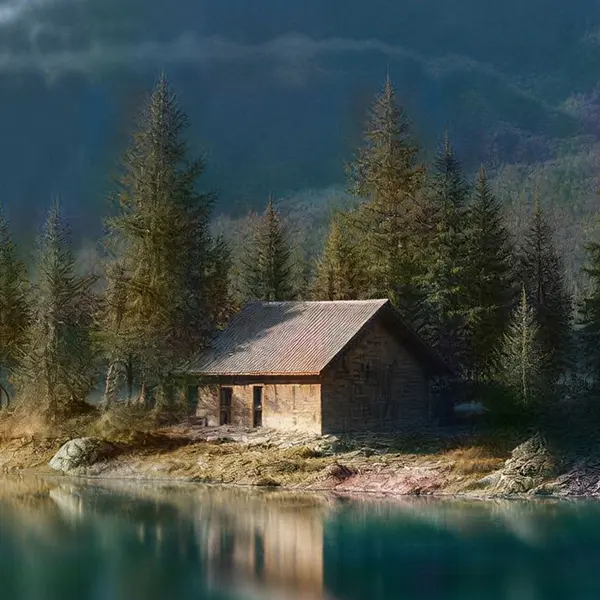
    Turquoise alpine lake below snowy mountains with a wooden cabin — the same crop after Image Upscaler
    Image Upscaler

    Landscape to 4K · 480 px JPEG → 4K · 5461 × 3072

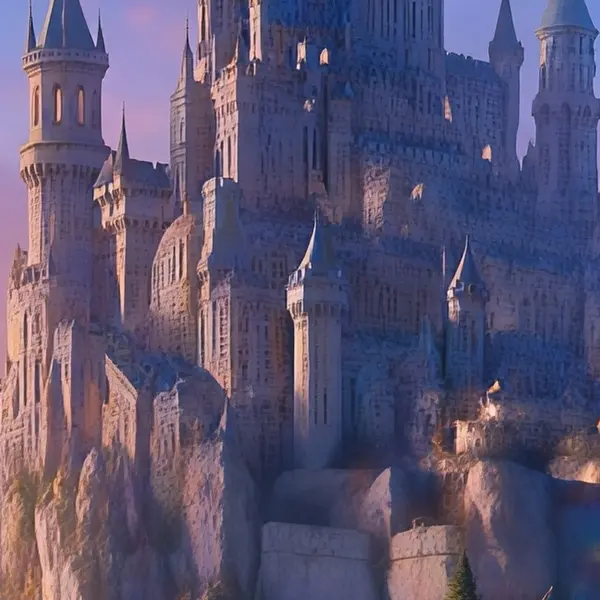
  • Fantasy castle on a cliff above a glowing sea with dragons — the 512 px render original stretched to the same size (bicubic)
    Stretched
    Fantasy castle on a cliff above a glowing sea with dragons — the same crop after Ultimate Upscaler
    Ultimate Upscaler

    AI concept art · 512 px render → 4K · 5461 × 3072

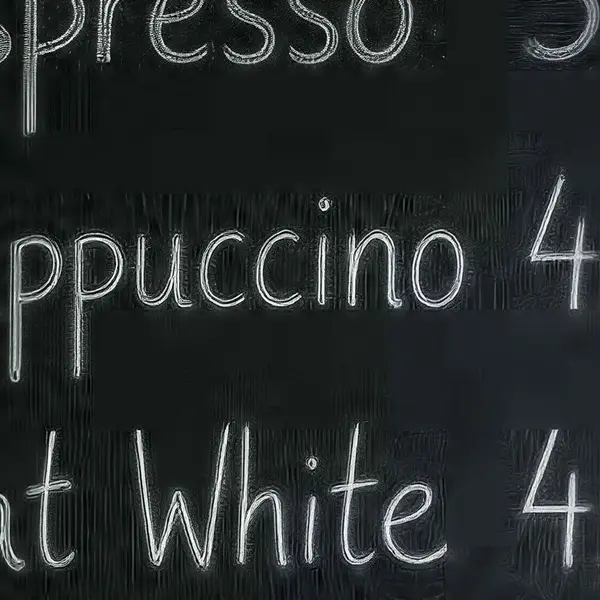
  • Cafe chalkboard menu listing coffee drinks and prices — the 360 px JPEG original stretched to the same size (bicubic)
    Stretched
    Cafe chalkboard menu listing coffee drinks and prices — the same crop after Image Upscaler
    Image Upscaler

    Text on a menu · 360 px JPEG → 4K · 4730 × 3547

  • Silver wristwatch with a black leather strap on white marble — the 320 px JPEG original stretched to the same size (bicubic)
    Stretched
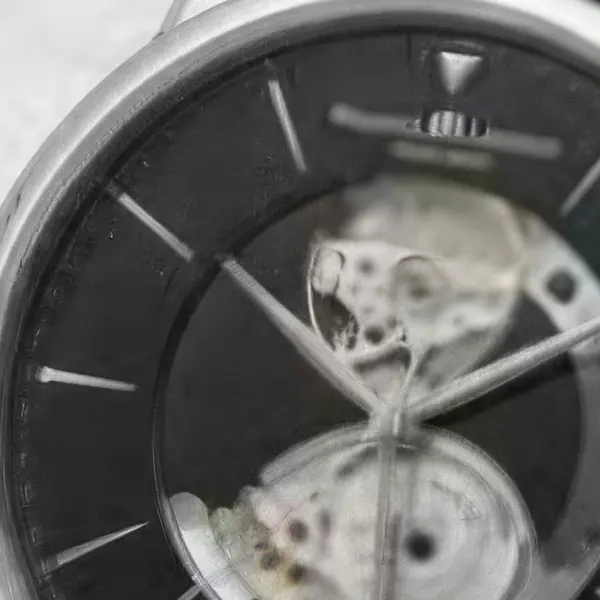
    Silver wristwatch with a black leather strap on white marble — the same crop after Image Upscaler
    Image Upscaler

    Wristwatch · 320 px JPEG → 4K · 4096 px

Left: the original enlarged with ordinary bicubic resizing. Right: the same area of the real Kenerate output. Both crops are shown at the same size.

Look closer

Zoom into a 4K result

A 512 px fantasy render upscaled to 5461 × 3072 with the Ultimate upscaler. Move over it to check the towers and the waves.

  • Castle towers and windows kept crisp
  • Sea and sky gradients stay smooth
  • No blocky JPEG artefacts from the small original

Move your pointer over the image to zoom in.

Fantasy castle on a cliff above a glowing sea with dragons — 512 px render in, 4K · 5461 × 3072 out with Ultimate Upscaler.

Seven engines

Which engine makes the best 4K image?

Image Upscaler is the simple choice for 4K. Ultimate adds more fine detail; Kenerate Upscale hits an exact size.

  • Faithful

    Image Upscaler

    Straight upscale to 2K, 4K or 8K that keeps the original texture.

    Best for: Everyday photos and AI art to a standard size.

    Up to 8K ~45s per image

    Use
  • Faithful

    Ultimate Upscaler

    Higher-quality 2K / 4K / 8K upscale for pro restoration.

    Best for: Marketing assets and photo restoration where fine detail matters.

    Up to 8K ~19s per image

    Use
  • Faithful

    Kenerate Upscale

    Pick the exact size in megapixels — up to 128 MP, very fast.

    Best for: E-commerce and design assets at a precise size, fast.

    Up to 128 MP ~14s per image

    Use
  • Creative

    Clarity Pro

    Up to 16× with a creativity dial — stay true or invent fine detail.

    Best for: Portraits and campaign visuals for print; keeps identity, adds detail.

    Up to 64 MP ~81s per image

    Use
  • Restore

    Phota Enhance

    Restores old, blurry or damaged photos and rebuilds lost detail, up to 4K.

    Best for: Old family photos, archives and low-res pictures you want to print.

    Restored · up to 4K ~37s per image

    Use
New accounts get 25 free credits to try the engines on their own images.

Make your first image 4K — you start with 25 free credits.

More examples

Upscaled to 4K with Kenerate

Hover — or tap “Original” — to see what went in.

Try it free
  • Close-up portrait of a young woman with freckles and dark curly hair — after Image UpscalerUpscaler

    Tiny portrait

    300 px JPEG → 4K · 3664 × 4579

  • Cafe chalkboard menu listing coffee drinks and prices — after Image UpscalerUpscaler

    Text on a menu

    360 px JPEG → 4K · 4730 × 3547

  • Amber glass serum bottle with a dropper on a beige stone — after Image UpscalerUpscaler

    Serum bottle

    320 px JPEG → 4K · 4096 px

  • Matte black over-ear wireless headphones on a pastel blue background — after Image UpscalerUpscaler

    Headphones

    320 px JPEG → 4K · 4096 px

Related

More ways to go big

In depth

What “4K” actually means

The official 4K definitions, how they differ, and what that means for photos — with sources.

Three official definitions

ITU-R BT.2020, the international UHDTV standard, defines the 3840 × 2160 and 7680 × 4320 formats [1]. The US Consumer Technology Association's “4K Ultra High-Definition” display definition requires at least 8 million pixels — at least 3840 horizontally and 2160 vertically — in a 16:9 or wider screen [2]. Digital cinema (DCI) uses a wider 4096 × 2160 container.

Photos aren't 16:9

Those standards describe screens. A photo in 3:2, 4:3 or 4:5 can't be exactly 3840 × 2160 without cropping, so a photo upscaler has to decide what “4K” means. Kenerate keeps your photo's shape and outputs about 16.8 megapixels — every result we measured was larger than a 3840 × 2160 screen in both directions.


Where 4K images are needed

YouTube now recommends 3840 × 2160 thumbnails for videos [3]; LinkedIn accepts profile photos up to 7680 × 4320 [4]. For prints, Walgreens lists 5400 × 3600 px as the minimum for a 24×36 poster [5] — so for large posters, choose 8K or Kenerate Upscale rather than 4K.

Start free

Start free, top up only when you need to

25 free credits on sign-up. The same credits work in every Kenerate tool.

  • 25 free credits on sign-up

    Test on your own images before you buy anything.

  • Credits never expire

    One-time packs — use them this week or next year.

  • No subscription, no watermark

    Nothing to cancel. Free results download clean.

  • One balance, every tool

    The same credits work across images, video, voice and 3D.

Tried it? Tell us how it went

We only publish real, verified reviews — never invented quotes. Send a line about your result (and whether we may quote you), and it will appear here.

Send a review

FAQ

4K upscaling questions

7 questions

Still stuck?

A real person answers — usually within a day.

01

How do I upscale an image to 4K?

Upload it to Kenerate's upscaler, choose Image Upscaler → 4K and press Upscale. It takes about 45 seconds and new accounts get 25 free credits. Download the result with no watermark.

02

What resolution is 4K?

4K UHD — the TV and monitor standard — is 3840 × 2160 pixels (about 8.3 megapixels). Cinema DCI 4K is 4096 × 2160.

03

How big is the 4K output exactly?

Kenerate keeps your photo's shape and outputs about 16.8 megapixels at the 4K setting. In our tests a 16:9 image came out at 5461 × 3072, a square one at 4096 × 4096 and a 4:5 portrait at 3664 × 4579 — all larger than a 3840 × 2160 screen.

04

Can I turn any picture into 4K quality?

You can make any picture 4K in size, and AI upscaling makes it look much sharper than a normal resize. Very small or very blurry originals still won't look like a photo shot in 4K; for blurry ones use Phota Enhance first.

05

Is 4K upscaling free?

Free to start: new accounts get 25 free credits to test. Bigger jobs use one-time credit packs that never expire — no subscription.

06

Should I choose 4K or 8K?

4K is enough for wallpapers, slides, social and most prints. 8K is for big posters and banners — a much larger file.

07

Can I make a video 4K?

Yes, with the separate AI video upscaler.

Every pixel, rebuilt. Up to 128 MP.

Seven engines in one browser tool — faithful, creative and restoration — up to 8K or 128 MP.

AI engines
7
AI engines
Largest output
128 MP
Largest output
Free credits to start
25
Free credits to start
Straight upscale to
8K
Straight upscale to

Explore the toolkit

More upscale, enhance and restore tools

Every Kenerate page for making images bigger, sharper, cleaner and older photos new again.

Written by the Kenerate AI team

We build and run the Kenerate image upscaler; every size on this page was measured from a real output. Last updated 26 September 2026. Corrections: hello@kenerateai.com.

Sources

Ready when you are

Make your image 4K

4K in your photo's shape, 25 free credits on sign-up. No watermark, no subscription.

  • 25 free credits
  • No watermark
  • Credits never expire