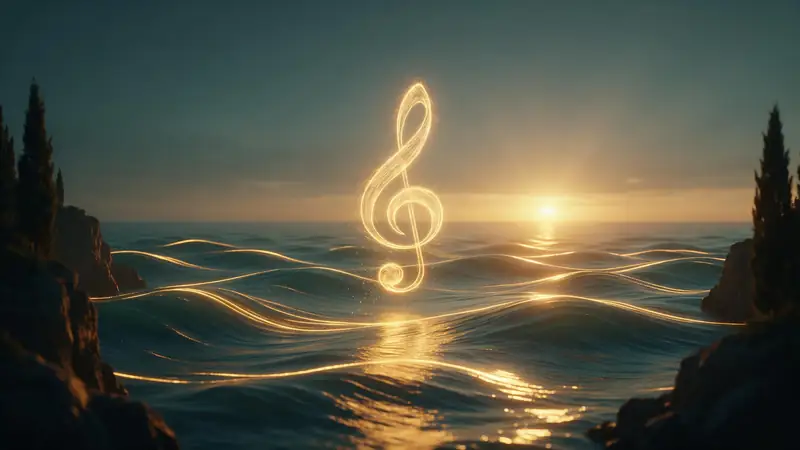
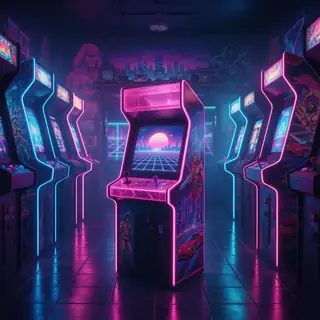
Synth-popSong110 BPM
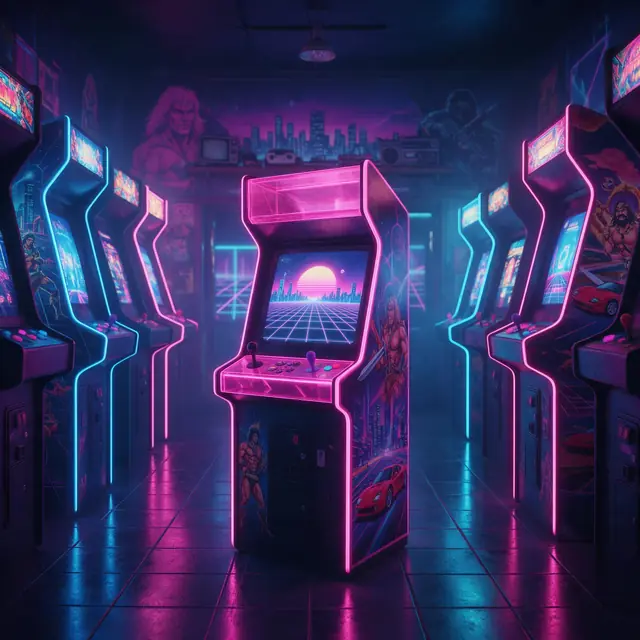
Game Over Arcade
Made with Mureka V9.5 · Lyrics written by the engine
—
PromptSynth-pop song, nostalgic, about an old arcade that closed down, shimmering synths, gated drums, female vocals, 110 bpm
Sonauto renamed itself Treblo in June 2026. If you want a second studio — or more than one engine — Kenerate's Music Studio runs Ken Music, ElevenLabs Music, Mureka and MiniMax Music side by side.
Quick answer
Updated
Sonauto is now Treblo. The company renamed itself on 3 June 2026; accounts, songs and links carried over and old links redirect. Treblo runs its own model (Melodia) and advertises free generation for personal use. Kenerate's Music Studio is an alternative with a choice of engines — Ken Music, ElevenLabs Music (exact length up to 10 minutes), Mureka and MiniMax Music — for songs, your own lyrics and instrumentals, plus Extend. A new account gets 25 free credits.
What happened
What changed, from public reviews of the rename.
Before Jun 2026
A free AI song generator built on its own diffusion model.
3 Jun 2026
The team said the old name was hard to pronounce, spell and recommend. Accounts, saved songs, playlists and shared links carried over; old links redirect.
Today
Treblo generates songs with its Melodia model and advertises unlimited free generation for personal use.
Side by side
From Kenerate's code and the public reviews cited below.
| Feature | Kenerate Music Studio | Treblo |
|---|---|---|
| Music engines | Four families — Ken Music, ElevenLabs Music, Mureka, MiniMax | One in-house model (Melodia) |
| Free use | 25 free credits, then one-time packs that never expire | Unlimited free generation for personal use (advertised) |
| Exact song length | 10 s to 10 min on ElevenLabs Music | Not listed in the reviews cited |
| Make a song longer | Extend (Mureka V8) | Not listed in the reviews cited |
| Same account | Image, video, voice and album-cover tools on one credit balance | Music-focused |
Competitor details are from public reviews (sources below) as of September 2026 and may change — check Treblo's own site for current features and terms.
Listen first
Each from the prompt printed under it. Tap a cover to listen.
Made with Mureka V9.5 · Lyrics written by the engine
PromptSynth-pop song, nostalgic, about an old arcade that closed down, shimmering synths, gated drums, female vocals, 110 bpm
Made with Ken Music 1.5 · Story written by the engine
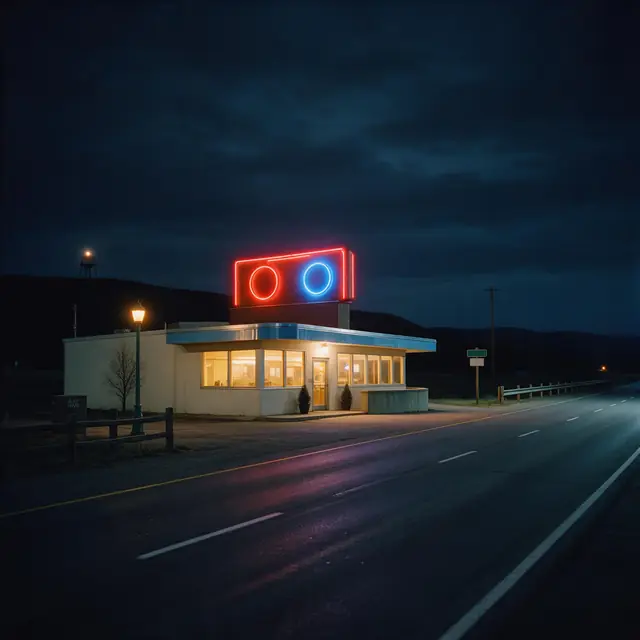
PromptClassic storytelling country song, acoustic and electric guitars, fiddle, pedal steel, deep male vocals telling the story of a small-town diner that never closes, 96 bpm
Made with ElevenLabs Music v2.5 · 70-second exact length
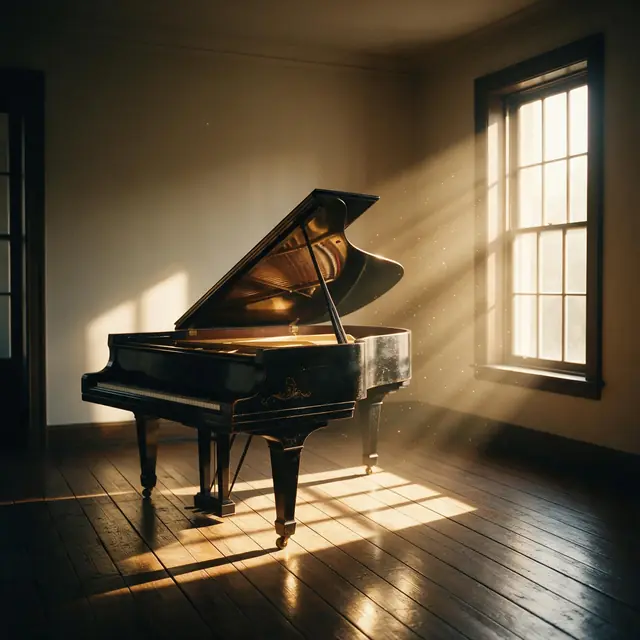
PromptEmotional solo piano piece, slow, reflective and hopeful, soft reverb, for a heartfelt video montage
Made with MiniMax Music 3.0 · AI wrote the bars
PromptHard trap anthem, heavy 808 bass, rapid hi-hat rolls, dark synth melody, energetic male rap about leveling up and winning, hype chorus, 145 bpm
Prompt recipe
Prompts are plain text — they work in any studio.
Open any one in the Music Studio and try it on a couple of engines.
Synth-pop
Nostalgic synth-pop song about an old arcade that closed down, shimmering synths, gated drums, female vocals, 110 bpm
Use this promptCountry
Storytelling country song about a small-town diner that never closes, fiddle, pedal steel, deep male vocals, 96 bpm
Use this promptRock
Energetic indie rock song about quitting a boring job to chase a dream, jangly guitars, raspy male vocals, anthemic chorus
Use this promptPiano
Emotional solo piano, slow and hopeful, for a video montage
Use this promptRap
Hard trap anthem about leveling up, heavy 808s, rapid hi-hats, hype chorus, 145 bpm
Use this promptHow to
Tips
How we compare engines ourselves.
Engines
Facts from the app's engine list.
| Engine | Length | Modes | Good for |
|---|---|---|---|
| Ken Music 1.5Kenerate | Up to ~3 min | Song · Lyrics · Instrumental | Default engine: full songs with vocals in any language; can take an image as inspiration |
| ElevenLabs Music v2.5ElevenLabs | Exact length, 10 s–10 min | Song · Lyrics · Instrumental | Set the exact duration; clean studio mix |
| Mureka V9.5Mureka | Up to 4 min | Song · Lyrics · Instrumental | Writes its own lyrics from a prompt; style chips; MP3/WAV/FLAC |
| MiniMax Music 3.0MiniMax | Up to 4 min | Song · Lyrics · Instrumental | Follows [Verse]/[Chorus] section tags closely |
Pick the engine in the Music Studio's composer. Every engine runs on the same credit balance.
Make your first track — 25 free credits on sign-up.
Start free
The same credits work for music, voice, images and video.
Test on your own images before you buy anything.
One-time packs — use them this week or next year.
Nothing to cancel. Free results download clean.
The same credits work across images, video, voice and 3D.
In depth
What works, what to avoid, and how the pieces fit.
Treblo is the new name for Sonauto, adopted in June 2026 because the old name was hard to pronounce, spell and recommend [1]. Tutorials, links and word of mouth still use 'Sonauto', so searches for the old name continue.
A single-model studio gives you one consistent sound. A multi-engine studio lets you try the same prompt on different models — useful because engines differ most on vocals, how closely they follow lyrics, and how long a track can be.
FAQ
6 questions
Sonauto renamed itself Treblo on 3 June 2026. Accounts, saved songs, playlists and shared links carried over, and old Sonauto links redirect to Treblo.
Yes — same team and product under a new name. Treblo generates songs with its Melodia model.
Kenerate's Music Studio runs four engine families — Ken Music, ElevenLabs Music, Mureka and MiniMax Music — so you can pick the engine per song, set an exact length and extend songs.
A new account gets 25 free credits; after that, one-time credit packs that never expire. There's no subscription.
Yes. Paste them in Lyrics mode with [Verse] and [Chorus] tags and the engine sings them.
Yes — Instrumental mode makes music with no vocals: scores, piano, lo-fi beats and background music.
Explore
Songs, lyrics, genres, instrumentals and cover art — one studio, one credit balance.
Written by the Kenerate AI team
We build and run the Kenerate Music Studio. Every demo on this page is a real output of the engine named on it, made from the prompt shown; engine facts were checked against the app's code. Last updated 28 September 2026. Corrections: support@kenerateai.com.
Ready when you are
25 free credits on sign-up. No watermark. Credits never expire.