

Couple portraits from a prompt or two photos
AI Couple Photo Generator Free Turn Two Photos or One Idea Into Couple Portraits
AI Couple Photo Generator Free by Kenerate AI makes couple portraits from a text prompt, or from reference photos of the two of you, with image models such as GPT Image 2, Flux 2, Seedream and Qwen Image. Use photos only of people who agreed. New accounts start with free credits, and downloads have no watermark.
- Models
- GPT Image 2 · Flux 2 · Seedream · Qwen Image
- Reference photos
- Up to 16 (GPT Image 2)
- Upscaling
- Up to 8K or 128 MP
- Watermark
- None
- Start
- Free credits on sign-up
- Free to start
- No Watermarks
- Image and video models
- No subscription required
Updated by the Kenerate AI team
On this page
Real results
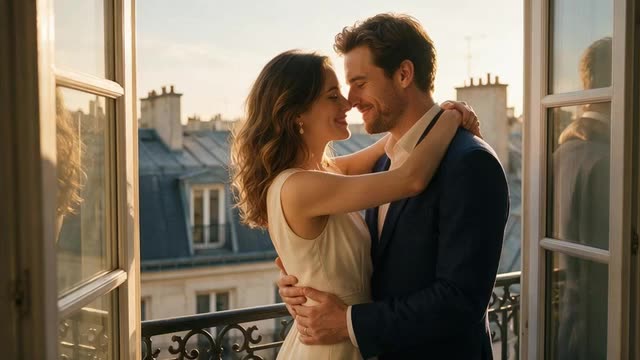
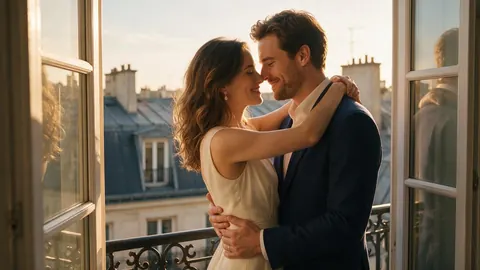
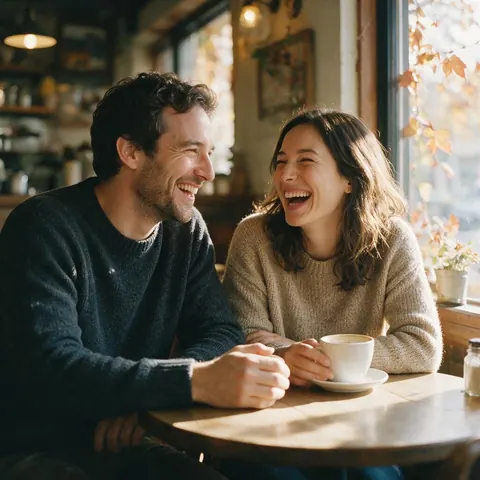
AI couple photo generator free — examples
Generated with the AI models in Kenerate. No watermarks.
What the AI couple photo maker can do
From a prompt
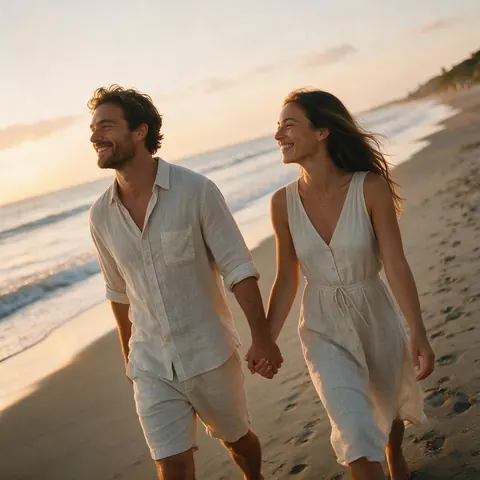
Describe two people and a scene — a beach at sunset, a rainy Paris street — and generate a fictional couple.
From your photos
Add reference photos of both of you: GPT Image 2 edits with up to 16 references and Flux 2 with up to 3, so faces stay recognisable.
Any style
Photoreal, film, anime, watercolour or wedding-album looks — switch the model or the style words.
Fix it in the editor
Change outfits, background or light afterwards in the Edit Studio, or erase a stranger with Magic Eraser.
Make it move
Animate a finished couple photo into a short clip in the Video Studio; video needs a one-time credit pack.
Up to 8K, no watermark
Upscale prints and wallpapers up to 8K or 128 MP; downloads carry no watermark.
Comparison
Photo-based vs prompt-only couple portraits
Two ways to make an AI couple photo on Kenerate.
| Feature | From your photos | From a prompt only |
|---|---|---|
| Who appears | You and your partner | A fictional couple |
| What you upload | A clear photo of each face | Nothing |
| Good models | GPT Image 2, Flux 2 | Seedream, Qwen Image, Flux 2 Dev |
| Consent | Both people must agree | No real people involved |
| Best for | Anniversaries, save-the-dates, gifts | Story covers, mood boards, cards |
How it works
How it works in the app
Step 1
Describe your image
Open Image Studio and type what you want to see — subject, style, lighting and mood.
Step 2
Pick an image model
Tap the model card to browse every image model, filter by use case and choose one.
Step 3
Set the aspect ratio and size
Open Output to choose a ratio such as 1:1, 9:16 or 16:9 and the resolution you need.
Step 4
Click Create
Choose how many images to make, then press Create — results land in your gallery.
See it in the app

Open Image Studio and type what you want to see — subject, style, lighting and mood.


FAQ
Frequently Asked Questions
How do I make a couple photo with AI?
Open the Kenerate Image Studio and pick a model that takes reference images, such as GPT Image 2 or Flux 2. Upload a clear photo of each person, describe the scene — place, outfits, light and pose — and generate. Without photos, just describe a fictional couple. Use photos only of people who agreed to it.
Link to this answerIs the AI couple photo generator free?
Free to start. A new Kenerate AI account gets free credits, which work on free-plan models such as Flux 2 Dev and Qwen Image 3.0. Models like GPT Image 2 need a one-time credit pack; packs never expire and there is no subscription required. Every download comes without a watermark.
Link to this answerHow do I edit an AI couple photo?
Open the photo in the Kenerate Edit Studio. AI Edit changes anything from one sentence — “put them in winter coats” — Change Region repaints only the area you brush, Magic Eraser removes people or objects, and AI Background swaps the scene. Upscale the final photo up to 8K for printing.
Link to this answerWill the faces look like us?
Usually close, not perfect. Reference-image models keep faces recognisable when each photo is sharp, well lit and front-facing; group shots and sunglasses make it harder. Generate a few variations, pick the best, then fix small details with Change Region. Only use photos of people who agreed.
Link to this answerIn depth
AI Couple Photo Generator Free, explained
How to get the best AI couple photo
Describe both people. Give each person a few details — hair, outfit, expression — and say how they stand: holding hands, back to back, mid-laugh. Models follow clear, separate descriptions better than one long sentence.
Set the scene and the light. Golden hour, a neon city night or a snowy cabin changes the mood more than any filter. Add a camera word such as “35mm film” or “soft studio light” for a photographic finish.
Use references for real couples. With photos of the two of you, GPT Image 2 or Flux 2 keep faces recognisable. For a fictional couple, Seedream and Qwen Image give polished results from text alone.
Create your couple portrait
Free credits to start. No watermarks. No subscriptions.
Tried it? Tell us how it went