Calm Woman
MiniMax Speech 2.8 HD · MiniMax
EnglishBusinessOffice hours
Thank you for calling Brightside Dental. Our office is open Monday to Friday, eight to five. Please leave your name and number after the tone, and we'll call you back today.
0:09
Business · personal · after-hours · bilingual
Write your greeting, pick a professional voice and download it — for your business line, phone system or personal voicemail. Bilingual greetings in one clip, 40+ languages.
Updated by the Kenerate AI team
On this page
Quick answer
Updated
Kenerate AI's voicemail greeting generator turns a written greeting into a professional recorded message in the voice you choose, from calm receptionists to bilingual greetings, for businesses and personal lines. Download MP3 or WAV and upload it to your business phone system or VoIP provider; on most personal phones, play the clip while the phone records.
Listen first
Business, personal, after-hours, bilingual and holiday greetings — all made from the scripts shown (the businesses are fictional).
MiniMax Speech 2.8 HD · MiniMax
Thank you for calling Brightside Dental. Our office is open Monday to Friday, eight to five. Please leave your name and number after the tone, and we'll call you back today.
ElevenLabs Multilingual v2 · ElevenLabs
Hey, it's Sam. Sorry I missed you. Leave a message and I'll get back to you as soon as I can.
MiniMax Speech 2.8 HD · MiniMax
You've reached Parker and Lane after hours. For urgent issues, please call our support line. Otherwise, leave a message and we'll reply first thing tomorrow.
ElevenLabs Eleven v3 · ElevenLabs
Hi, you've reached Maria's Bakery. Please leave a message. Hola, gracias por llamar a la panadería de María. Por favor, deje su mensaje.
MiniMax Speech 2.8 HD · MiniMax
Happy holidays from all of us at Green Leaf Studio! We're closed until January second. Leave a message and we'll call you when we're back.
How to
Step 1
Name, who they've reached, what to leave, and when you'll call back — under 30 seconds.
Step 2
Calm Woman or Trustworth Man for business, a friendly voice for personal lines, ElevenLabs for bilingual.
Step 3
WAV at 16 kHz suits many phone systems; check your provider's format.
Step 4
Upload to your phone system or VoIP dashboard; on a personal phone, play the clip while recording your greeting.
See it in the app

Open Voice Studio in Text to speech and type the words you want spoken, or start from a script template.
Text to speech, emotions & tags, Hindi, voice design, cloning & chat
Chapters
Use cases
A clear, calm greeting makes callers more likely to leave a message.
Office hours, departments and call-back promises.
English and Spanish (or any pair) in one message.
“Press one for sales” prompts in a consistent voice.
Swap greetings for holidays without re-recording.
Calm, clear instructions for callers.
A polished greeting if you don't like recording yourself.
Engines
Facts from the Voice Studio's code.
MiniMax
Most natural MiniMax voice; 7 emotions, (laughs)/(sighs) interjections, pronunciation dictionary
Open MiniMax Speech 2.8 HD
ElevenLabs
Lifelike and consistent over long reads
Open ElevenLabs Multilingual v2
ElevenLabs
Most expressive; audio tags like [whispers], [laughs], [excited]
Open ElevenLabs Eleven v3Controls
Greetings are short, so small settings changes are noticeable.
MiniMax voices. 1× is the natural pace; 0.85–0.95× suits narration and learners, 1.1–1.2× suits ads and recaps.
MiniMax voices, in semitones. A few steps down sounds bigger and older; a few up sounds lighter and younger.
MiniMax: neutral, happy, sad, angry, fearful, disgusted, surprised — the same words, a different read.
MiniMax 2.8 reads 13 cues like (laughs), (sighs), (breath); ElevenLabs Eleven v3 reads audio tags like [whispers], [excited], [sarcastic].
ElevenLabs. Lower = more expressive and varied between takes; higher = steadier and more even.
MiniMax lets you pick the format and sample rate (16–44.1 kHz); every clip downloads without a watermark.
Scripts
Fill in your details, open in the studio, pick a voice.
Sales & support menu
Thank you for calling. For sales, press one. For support, press two. For billing, press three. To repeat these options, press nine.
Out of office
Hi, you've reached Jordan. I'm out of the office until Wednesday with limited access to email. For urgent matters, please contact my colleague Priya.
Clinic
You've reached Riverside Clinic. If this is a medical emergency, please hang up and call your local emergency number. Otherwise, leave your name, date of birth and phone number.
Friendly personal
Hey! You've got Sam. Leave a message, or even better, send me a text.
Bilingual
Thank you for calling. Please leave a message after the tone. Gracias por llamar. Por favor, deje su mensaje después del tono.
Tips
Short and specific wins.
Keep it under 20–30 seconds; callers skip long greetings.
Say who they've reached in the first sentence.
Tell callers exactly what to leave: name, number, reason.
Give a real call-back time (“within one business day”).
For clinics, include what to do in an emergency.
Record separate holiday greetings in advance and swap them in.
Example uses
Illustrative examples of typical workflows, not customer reviews.
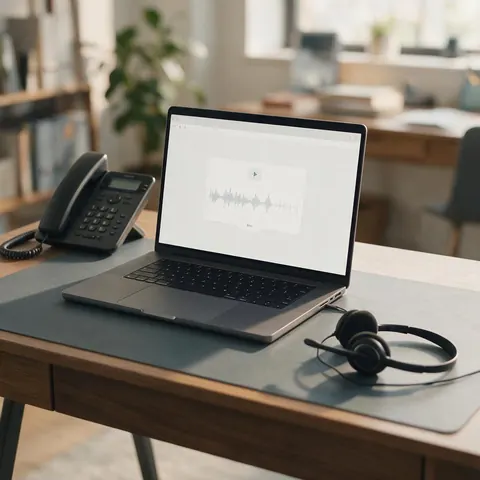
A consultant can record a calm business greeting with a clear call-back promise and upload the WAV to a VoIP dashboard.
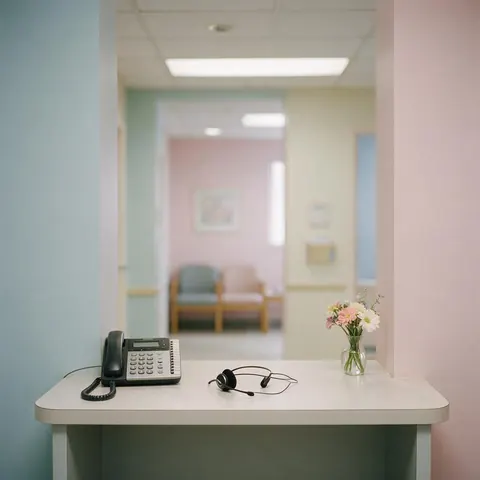
A clinic manager can make a calm greeting that tells callers what to do in an emergency and what details to leave.
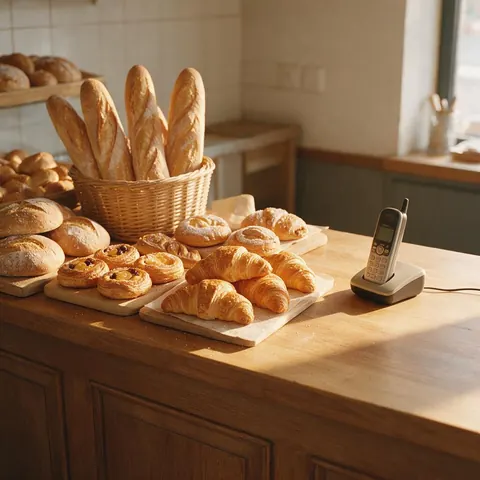
A neighbourhood bakery owner can create a bilingual greeting in English and Spanish so every caller hears it in their language.
FAQ
Open the Phone app, tap Voicemail, then Greeting (top-left), choose Custom and tap Record. To use an AI greeting, play the downloaded clip near the microphone while recording, then tap Save. Visual Voicemail must be supported by your carrier.
Link to this answerIt depends on your phone and carrier. Usually: open the Phone app, go to Settings → Voicemail → Greeting, or call your voicemail by holding 1 and follow the menu to record a new greeting. Play the AI clip near the microphone while recording.
Link to this answerMost personal phones don't accept uploads. Business phone systems, VoIP services and many virtual numbers do — upload the MP3 or WAV from Kenerate there.
Link to this answerMany accept MP3 or WAV; some require WAV at 8 or 16 kHz, mono. Download WAV from the Voice Studio and convert the sample rate in your phone system if it asks.
Link to this answerYes. Write both languages in one script and use an ElevenLabs voice, which reads both naturally — see the bilingual demo above.
Link to this answerA free Kenerate account starts with free credits — enough for many short greetings — with no watermark.
Link to this answerIn depth
What works, what to avoid, and how the pieces fit.
The best greetings answer four questions in under 30 seconds:
Business lines are easy: most phone systems and VoIP dashboards have an upload field for greetings. Personal phones usually only record through the microphone, so play the clip from your computer or another phone, close to your phone's microphone, in a quiet room, while it records. Listen back once before saving.
Voicemail systems record and store messages for callers who can't reach you [1]. Old automated greetings sounded robotic because they stitched recorded fragments together. Neural voices sound like a real receptionist — which is why a short, well-written script matters more than ever: callers now hear every word as if a person said it.
Free to start. No watermark. Download every clip.
Tried it? Tell us how it went