

Game asset → print file · free
Convert FBX to STL and print it
Turn a game prop, a character or a marketplace model into a printable STL — sized in millimetres and standing upright on the build plate.
- Characters export in rest pose
- Set the size in mm
- Z-up for slicers
- Free and private
Updated by the Kenerate AI team
On this page
Quick answer
Updated
How do you convert FBX to STL?
To convert FBX to STL, load the FBX scene, take its meshes in their rest pose and write the triangles to an STL file. Kenerate's free converter does it in your browser: drop the .fbx, fit the longest side in millimetres, keep Z-up on and download a binary STL. Textures, bones and animation are dropped. Nothing is uploaded.
Key facts
- Price
- Free, no account
- Converts
- FBX 7.x (binary or ASCII) → binary STL
- Pose
- Rest / bind pose
- Scale
- Keep units or fit longest side to 25–200 mm
- Dropped
- Textures, materials, bones, animation
- Privacy
- Converted locally — no upload
Why this tool
From game asset to desk ornament
Game models weren't made for printers. These options handle the parts that trip people up.
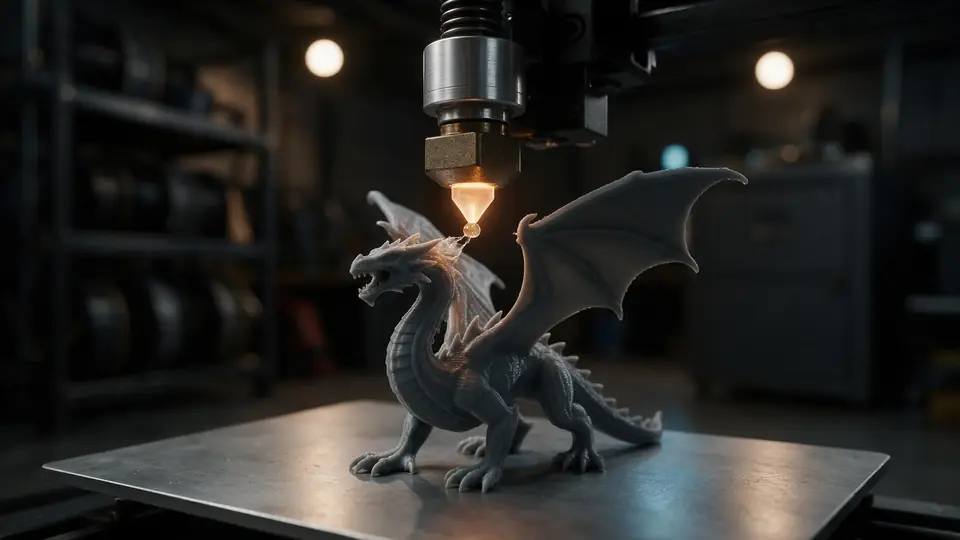
Printable size
FBX units vary (centimetres in many tools). Fit the longest side — 50 mm, 75 mm — and stop guessing.
Try it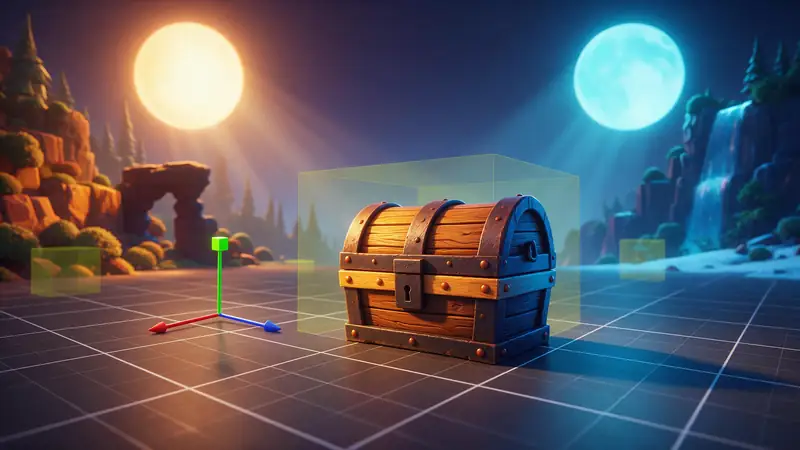
Also
What else it does
Check thickness
Clay view shows thin capes, hair cards and single-sided planes that won't print well.
One merged mesh
All parts are written into one STL in their positions.
How it works
How FBX becomes STL
All on your device.
Parse
The FBX scene is rebuilt with its meshes and transforms.
Pose
Rigged meshes are taken in their rest pose.
Scale and orient
Fit to your size in millimetres and turn Z-up.
Write
Every triangle goes into one binary STL.
How to
How to use the FBX to STL Converter
- Time needed
- Steps
- 4 steps
Step 1
Open the FBX
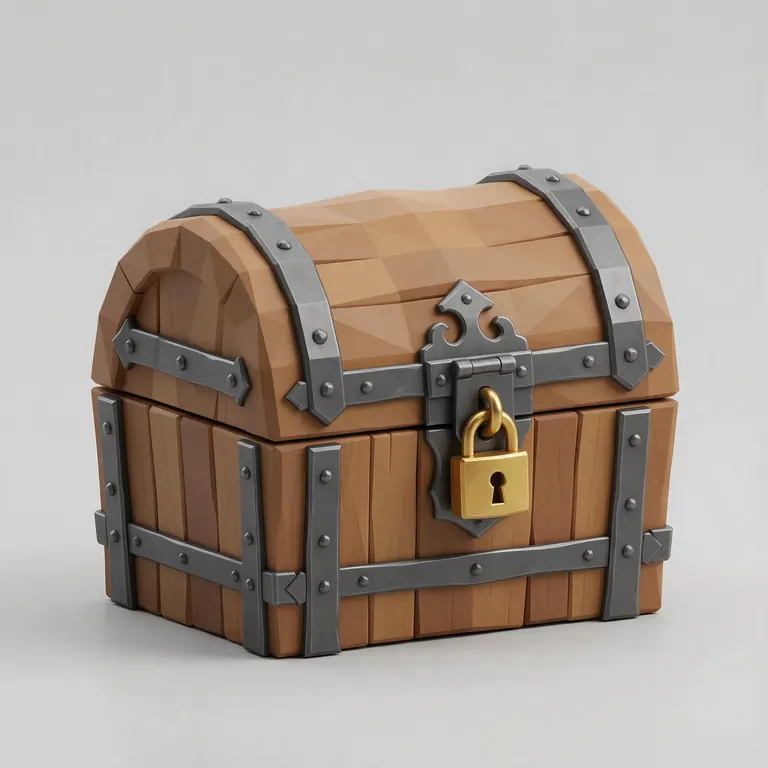
Drop your .fbx onto the box above, or try the sample chest.
Step 2
Check printability
Use Clay view to look for thin or open parts.
Step 3
Set size
Fit the longest side in millimetres; keep Z-up on.
Step 4
Download
Click Download STL and open it in your slicer.
Watch the tour · 1:48
Text, photo or multi-view to a textured GLB, nine engines, the viewer & lighting, compare engines, gallery, download & chat
Chapters
Who uses it
Who converts FBX to STL
Tabletop gamers
Print miniatures from game-ready characters you're allowed to use.
Cosplay and props
Print helmets and props from FBX models.
Game studios
Print physical prototypes and gifts of your own assets.
Educators
Print models from FBX course material.
Compare
FBX vs STL
Opposite ends of the 3D world.
| FBX | STL | |
|---|---|---|
| Made for | Games, film and animation | 3D printing |
| Materials and textures | Yes | No |
| Rigs and animation | Yes | No |
| Units | Set per file | None (mm assumed) |
| Slicer support | No | Universal |
File formats
The formats this tool reads and writes
What each file can hold, what it can't, and where it opens. Facts link to the format's own spec or reference page.
| .fbx · FBX | .stl · STL | |
|---|---|---|
| Full name | Filmbox | Stereolithography |
| Made by | Autodesk, 1996 (Kaydara) | 3D Systems, 1987 |
| Kind | Proprietary scene format | Triangle mesh (binary or ASCII) |
| Holds | Meshes and materials, Skeletons, skinning and animation, Cameras and lights | Triangle surfaces, Facet normals |
| No | An open specification | Colour and textures, Units, Materials |
| Best for | Game engines and animation pipelines | 3D printing — every slicer opens it |
| Opens in | Unity, Unreal Engine, Maya, 3ds Max, Blender | Cura, PrusaSlicer, Bambu Studio, OrcaSlicer, Blender |
Sources: Wikipedia — STL (file format) · Wikipedia — FBX
No file yet?
Make the model first — from one photo
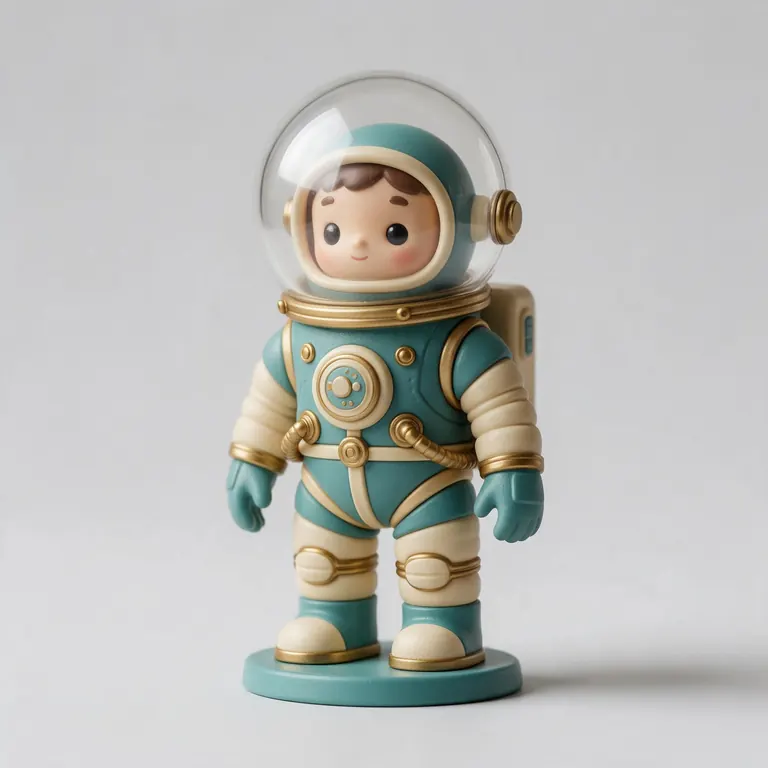
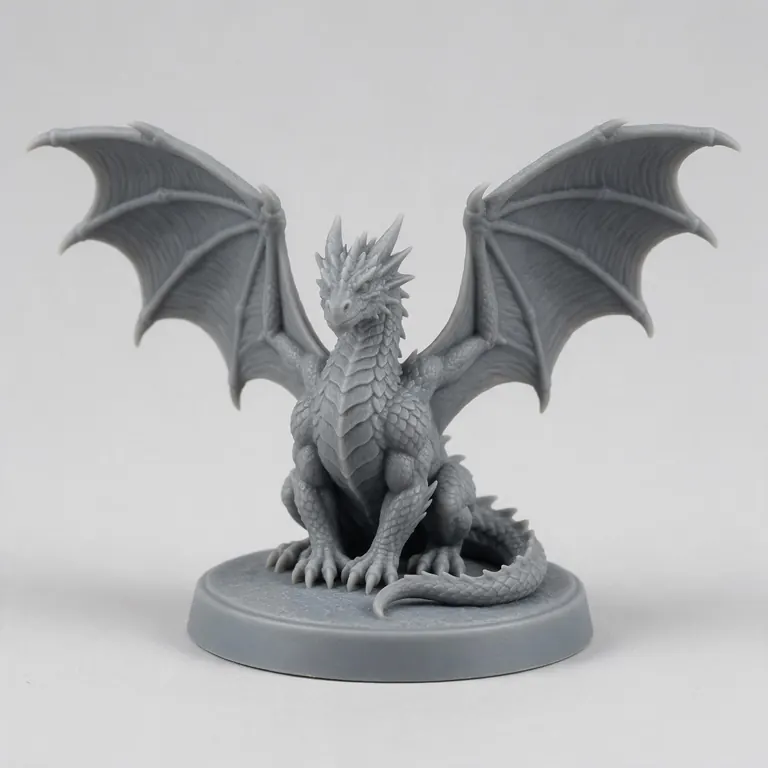
Every sample in the tool above began as a single picture and was turned into a 3D model in the Kenerate 3D Studio. The engine is named on each one.
Example uses
How creators use the FBX to STL converter
Illustrative examples of typical workflows, not customer reviews.
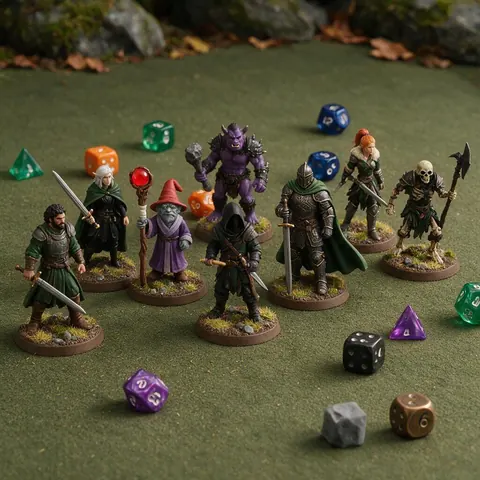
Tabletop gamer
A tabletop gamer can print miniatures from game-ready characters they are allowed to use, sized in millimetres.
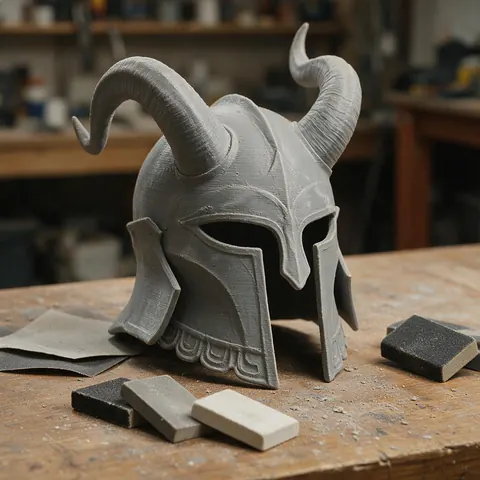
Cosplayer
A cosplayer can convert a helmet or prop FBX to STL and print it at the right size.
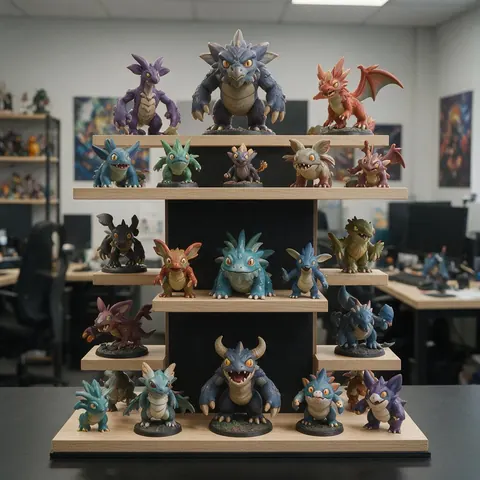
Game studio
A game studio can print physical prototypes and gifts of its own assets for the team or fans.
FAQ
FBX to STL Converter questions
7 questions
Is FBX to STL conversion free?
Yes — free and private, with no account.
Link to this answerWill my character print in its animated pose?
No, it's exported in its rest pose. Pose it in Blender first if you want a different stance.
Link to this answerWhy are parts missing or paper-thin?
Game models often use single-sided planes for hair, cloth and leaves. They have no thickness and won't print; thicken them in Blender with a Solidify modifier.
Link to this answerWill colours be kept?
No — STL has no colour. Use 3MF or paint in your slicer.
Link to this answerIs my file uploaded?
No. It's converted on your device.
Link to this answerCan I convert STL to FBX?
Not here — the tools export open formats only, and FBX is Autodesk's closed format. Convert the STL to GLB or OBJ instead; Unity, Unreal and Blender import both, and Blender can then export FBX if a pipeline insists on it.
Link to this answerCan I use any game model?
Only models you have the rights to use. Check the asset's licence before printing or selling prints.
Link to this answerIn depth
FBX to STL Converter, explained
What the formats really store, what changes when you convert, and how to avoid the usual print and import problems.
Screen models vs printable models
Units and scale
FBX files store a unit scale, often centimetres. STL stores none [1], so fit the model to a known size before printing.
Keep going
Other 3D viewers and converters
- 3D Model ConverterAny format to STL, OBJ, GLB, 3MF, USDZ
- 3MF to STLSlicer projects to plain STL
- GLB to STLAI models ready to print
- OBJ to STLMeshes for any slicer
- STL to OBJPrint files into 3D apps
- STL to 3MFUnits and a modern print format
- GLB to OBJglTF into classic 3D apps
- FBX to OBJStatic meshes from FBX
Try the FBX to STL Converter
Free and private — your files never leave your device. Want to make models with AI? That's the 3D Studio, on any paid plan or credit pack.
Tried it? Tell us how it went