












Skip to content
White background remover · 25 free credits

Remove the white background from any image

Logos, clip art, signatures and products on white — Kenerate removes the white and keeps the subject, even when the subject is white too. No white halo.

  • White-on-white works
  • No white halo
  • Transparent PNG
  • Shape-based Cutout HD
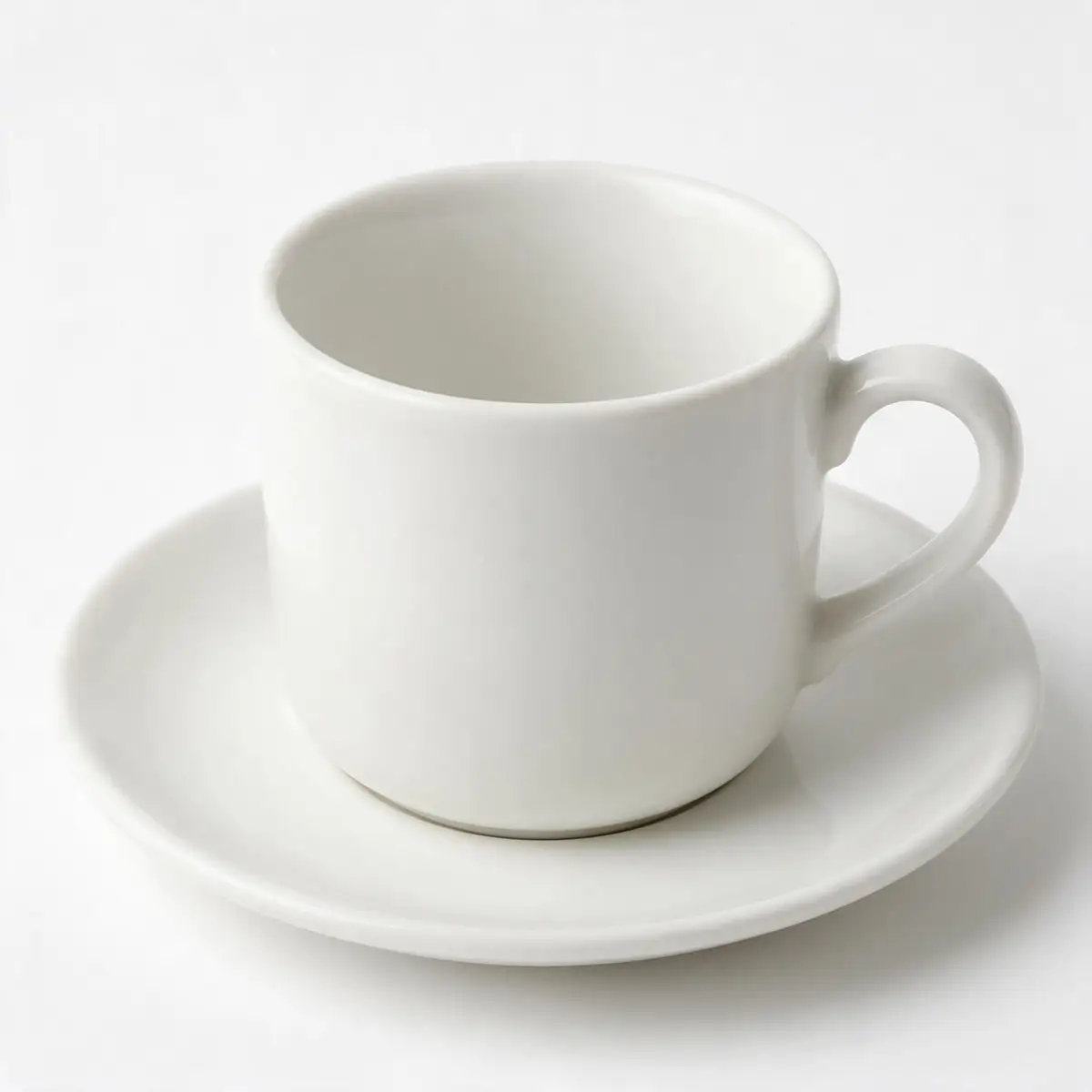
White ceramic cup and saucer on a white background — original photo
White ceramic cup and saucer on a white background — background removed
BEFOREAFTER

Kenerate Cutout HD · White on white

Try this photo
  • Kenerate Cutout
  • Cutout HD · hair & glass
  • Object Pick · keep what you name
  • Magic Eraser
  • AI Edit · Qwen Image 2.0
  • Edit Text in Image · GPT Image 2
  • White, black & colour backdrops
White on white — background removed
Logo JPG — background removed
Sticker art — background removed
Logo on paper — background removed
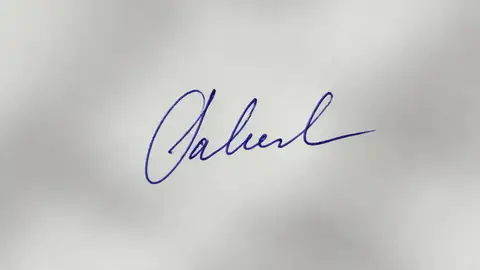
Signature — background removed
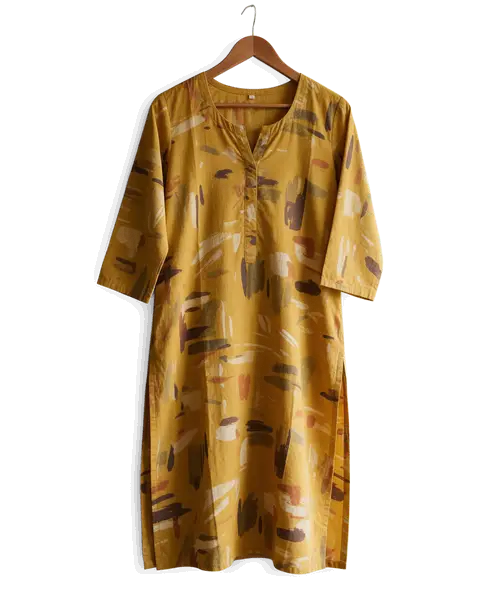
Kurti on a hanger — background removed
Glass bottle — background removed
Dog fur — background removed
White on white — background removed
Logo JPG — background removed
Sticker art — background removed
Logo on paper — background removed
Signature — background removed
Kurti on a hanger — background removed
Glass bottle — background removed
Dog fur — background removed

Quick answer

Updated

To remove a white background from an image, upload it to Kenerate and run Cutout HD: the white is removed, the subject — even a white cup on white — is kept, and you download a transparent PNG. For flat logos on pure white, GIMP's Colors → Color to Alpha or Photoshop's Magic Wand also work.

Best mode
Cutout HD (shape-based)
White-on-white
Subject kept, background removed
Output
Transparent PNG, no white halo
Free to start
25 credits on sign-up

Real results

See it on real photos

Every slider is a real Kenerate result. Drag to compare, then run the same photo yourself.

  1. White ceramic cup and saucer on a white background — before
    White ceramic cup and saucer on a white background — after
    BeforeAfter

    01White on white

    White cup, white background

    Separated even when subject and background are the same colour.

    Kenerate Cutout HD

    Cut this photo out
  2. Green mountain SUMMIT logo on a white background — before
    Green mountain SUMMIT logo on a white background — after
    BeforeAfter

    02Logos

    Logo JPG to transparent PNG

    A flat logo lifted off its white background.

    Kenerate Cutout HD

    Cut this photo out
  3. Cartoon orange cat sticker on a white background — before
    Cartoon orange cat sticker on a white background — after
    BeforeAfter

    03Clip art

    Sticker art, transparent

    A cartoon sticker cut out with its white outline intact.

    Kenerate Cutout HD

    Cut this photo out
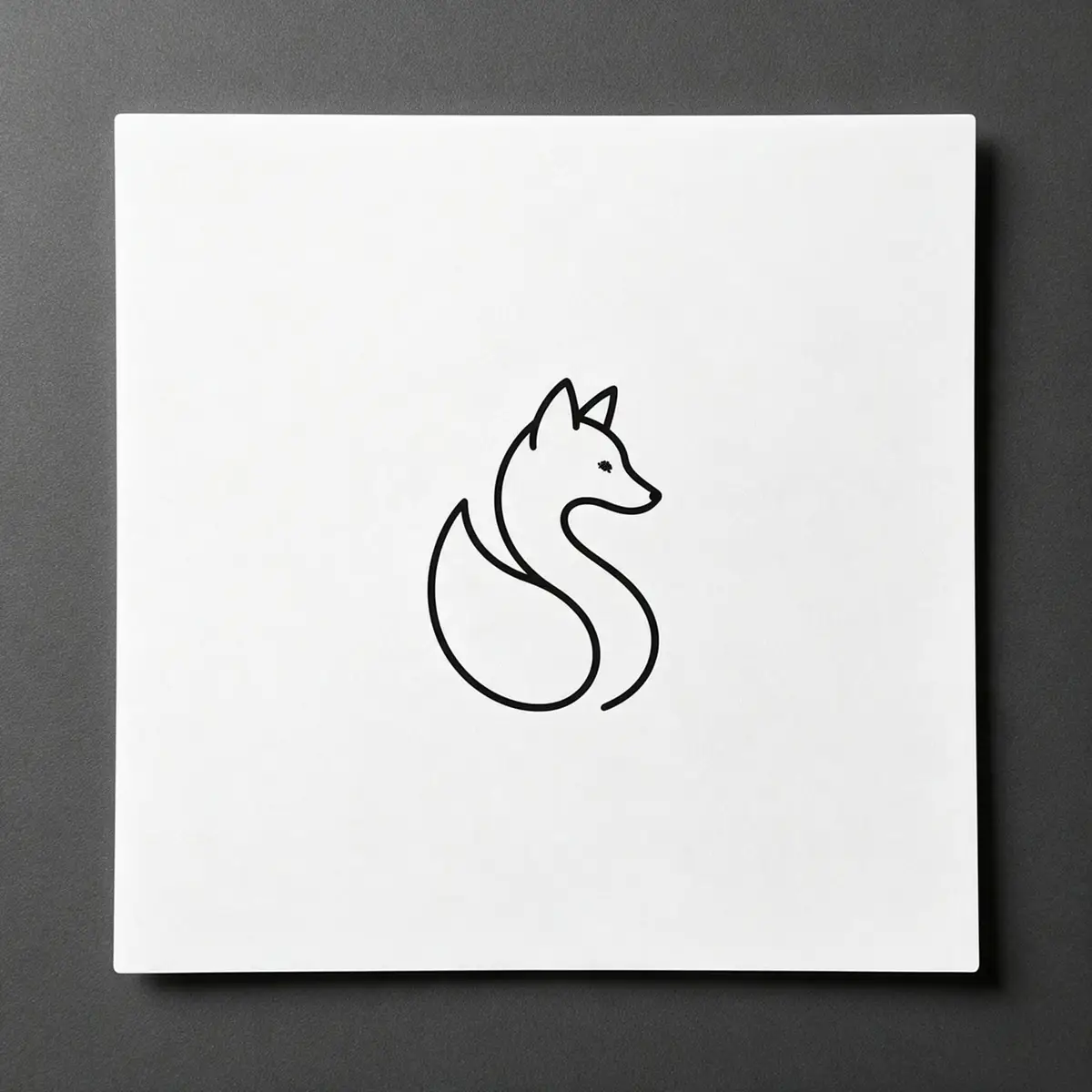
  4. Black line-art fox logo printed on white paper — before
    Black line-art fox logo printed on white paper — after
    BeforeAfter

    04Logos

    A logo on paper, made transparent

    Line-art printed on paper, turned into a clean transparent PNG.

    Kenerate Cutout HD

    Cut this photo out

Real results

What white backgrounds can it remove?

Real Cutout HD results — tap “Original” to see the white.

Try it free
  • White ceramic cup and saucer on a white background — background removed with Kenerate Cutout HDCutout HD

    White on white

  • Green mountain SUMMIT logo on a white background — background removed with Kenerate Cutout HDCutout HD

    Logo JPG

  • Cartoon orange cat sticker on a white background — background removed with Kenerate Cutout HDCutout HD

    Sticker art

  • Black line-art fox logo printed on white paper — background removed with Kenerate Cutout HDCutout HD

    Logo on paper

  • Handwritten blue ink signature on paper — background removed with Kenerate Cutout HDCutout HD

    Signature

Step by step

How do I remove a white background from an image?

  1. Step 1: Upload the image

    JPG, PNG or WEBP — a logo, clip art, signature or product on white.
  2. Step 2: Run Cutout HD

    It separates the subject from the white, even when the subject is white too.

    Tip: Cutout HD separates by shape, so white parts of the subject aren't removed with the background.

  3. Step 3: Download the PNG

    Place it on a dark colour to check the edges.
Green mountain SUMMIT logo on a white background — original photo
Green mountain SUMMIT logo on a white background — background removed
BEFOREAFTER

A logo JPG with a white background, made transparent with Cutout HD.

The hard case

Can it remove white from a white product?

Colour-based tools fail here — they delete the cup along with the background. Cutout HD keeps the shape and shading.

  • White cup and saucer kept, white background removed
  • Soft shading inside the cup preserved
  • Ready for any background colour

Move your pointer over the image to zoom into the edge.

White ceramic cup and saucer on a white background — cut out with Kenerate Cutout HD. The checkerboard is transparent.

In an editor

How do I remove a white background in GIMP, Photoshop or PowerPoint?

These work well on flat logos on pure white; photos with shading need AI.

  1. Step 1: GIMP: Color to Alpha

    Turns white into transparency in one step — best on flat logos and scans.

    ColorsColor to Alpha…

  2. Step 2: Photoshop: Magic Wand or Color Range

    Unlock the layer, select the white, press Delete and export as PNG.

    SelectColor Range…

  3. Step 3: PowerPoint / Word: Set Transparent Color

    Click the white to make it transparent — fine for simple logos on slides.

    Picture FormatColorSet Transparent Color

Have a JPG with a white background? Make it transparent in seconds — 25 free credits.

Methods compared

AI vs Color to Alpha vs Magic Wand

Pick by what's in the image.

  • Kenerate Cutout HD

    White product on white
    Yes
    Flat logos on pure white
    Yes
    Keeps white parts of the subject
    Yes
    White halo risk
    Low
  • Color to AlphaGIMP

    White product on white
    No
    Flat logos on pure white
    Yes
    Keeps white parts of the subject
    Makes them see-through
    White halo risk
    Low on flat art
  • Magic WandPhotoshop

    White product on white
    By hand
    Flat logos on pure white
    Yes
    Keeps white parts of the subject
    If not selected
    White halo risk
    Medium

Troubleshooting

Why is there a white edge around my image?

A white halo is a thin band of near-white pixels left behind when a background is removed by colour. It shows up on dark backgrounds.

  • Use a shape-based tool. Cutout HD doesn't rely on colour alone, so it leaves far less fringe.
  • In an editor, shrink the selection by 1–2 px before deleting (Select → Modify → Contract in Photoshop, Select → Shrink in GIMP).
  • Check on dark. Always preview the PNG on a dark colour before you use it.

Use cases

Who removes white backgrounds

Common jobs, with the real before and after.

  • Small business owner

    Brand assets

    Only has the logo as a JPG with a white box. A transparent version now sits cleanly on dark slides and the website header.

    Cutout HD · transparent PNG

  • Cafe owner

    Menu design

    White cups on white look invisible to colour tools. Cutout HD keeps the cup for a menu on a coloured background.

    Cutout HD · transparent PNG

  • Illustrator

    Stickers

    Exports art on a white page, then removes the white so the sticker border prints correctly.

    Cutout HD · transparent PNG

Example workflows built on real Kenerate outputs — not customer reviews.

In depth

Why white-on-white is hard

What makes white backgrounds tricky for cut-out tools, and how the colour-based trick works — with sources.

Colour alone can't separate them

Every edge pixel is a mix of subject and background colour [1]. When both are white — a white mug on a white table, a white shirt on a wall — the mix looks almost the same as either one, and older matting methods fail precisely when foreground and background colours are similar [2]. AI segmentation models such as U²-Net and IS-Net look at shape and context, not just colour, which is why they handle it far better [3][4].

The “colour to alpha” trick for flat art

For logos, scans and clip art on pure white, a simpler method works: treat white as transparent and everything else as opaque, with greys partly transparent. That is the compositing equation run backwards with a known background colour [1]. It's perfect for black line art on paper, wrong for photos, where a white highlight inside the subject would vanish too.

Check the result on a dark background

Leftover white fringes are invisible on white and obvious on black. Preview any cut-out on a dark colour before you publish it — a thin halo usually means the edge alpha wasn't clean.


Start free

Start free, top up only when you need to

25 free credits on sign-up. The same credits work in every Kenerate tool.

  • 25 free credits on sign-up

    Test on your own images before you buy anything.

  • Credits never expire

    One-time packs — use them this week or next year.

  • No subscription, no watermark

    Nothing to cancel. Free results download clean.

  • One balance, every tool

    The same credits work across images, video, voice and 3D.

Tried it? Tell us how it went

We only publish real, verified reviews — never invented quotes. Send a line about your result (and whether we may quote you), and it will appear here.

Send a review

FAQ

White background removal questions

8 questions

Still stuck?

A real person answers — usually within a day.

01

How do I remove a white background from an image?

Upload it to Kenerate, run Cutout HD and download the transparent PNG. The white background is removed and the edges stay clean.

02

Can it remove white from a white product?

Yes. Cutout HD separates the subject by shape, not only colour, so a white cup on a white background keeps its outline and shading.

03

Why is there a white edge (halo) around my image?

A colour-based tool left a thin band of near-white pixels. Use Cutout HD, or in an editor shrink the selection by 1–2 px before deleting.

04

How do I remove a white background in Photoshop?

Unlock the layer, select the white with the Magic Wand or Select → Color Range, press Delete and export as PNG.

05

How do I remove a white background in GIMP?

Use Colors → Color to Alpha with white selected, then export as PNG.

06

Why does my PNG still show white?

It was saved as JPG, or the viewer shows transparency as white. Save as PNG and place it on a coloured slide to check.

07

Is it free?

Free to start with 25 credits on sign-up. Bigger jobs use one-time credit packs that never expire — no subscription.

08

Can I remove a white background from a signature?

Yes — see the signature guide. The ink stays and the paper goes.

Clean edges. Every time.

Hair, fur, glass and white-on-white — cut out in seconds, with no watermark.

Cut-out modes
4
Cut-out modes
Backdrops: clear, white, black
3
Backdrops: clear, white, black
Free credits to start
25
Free credits to start
Watermarks, ever
0
Watermarks, ever

Explore the toolkit

More background and photo-fix tools

Every Kenerate tool, guide and comparison for removing and replacing backgrounds.

Written by the Kenerate AI team

Written by the Kenerate team; every example is a real Cutout HD result. Last updated 26 September 2026. Corrections: hello@kenerateai.com.

Sources

Ready when you are

Remove the white background free

25 free credits on sign-up. Download a transparent PNG with no white halo.

  • 25 free credits
  • No watermark
  • Credits never expire