Seedance 2.0 Mini is ByteDance's lightest Seedance 2.0 video model, built for fast, low-cost drafts rather than final masters. It renders 4 to 15 second clips at 480p or 720p with native audio, and it keeps the same text, image, video and audio reference inputs as the full Seedance 2.0. BytePlus describes it as the option "for the best cost performance" in the Seedance 2.0 series (BytePlus ModelArk docs). Use it to test prompts, camera moves and ad hooks quickly, then render the winning take on a stronger model.
What is Seedance 2.0 Mini?
Seedance 2.0 Mini (sometimes written Seedance 2 Mini) is the third tier of ByteDance's Seedance 2.0 family, next to Seedance 2.0 and Seedance 2.0 Fast. BytePlus lists it on ModelArk under the model ID dreamina-seedance-2-0-mini-260615, which reflects its mid-June 2026 build. The parent model, Seedance 2.0, first launched on February 12, 2026 (Wikipedia: Seedance 2.0).
According to the official Seedance 2.0 series tutorial, the three models "support largely the same features." The difference is the trade-off between quality and cost:
- Seedance 2.0 for the highest generation quality.
- Seedance 2.0 Fast for a balance of cost and speed when top-tier quality isn't required.
- Seedance 2.0 Mini for the best cost performance.
That makes Mini a preview and volume model. It is not a cut-down toy. It runs the same input modes, just with a lower resolution ceiling and a lighter render.
Seedance 2.0 Mini specs at a glance
Here is how the three Seedance 2.0 tiers compare on the specs BytePlus publishes. Mini and Fast share the 720p ceiling. Only the full Seedance 2.0 outputs 1080p and 4K.
| Spec | Seedance 2.0 | Seedance 2.0 Fast | Seedance 2.0 Mini |
|---|---|---|---|
| Positioning | Highest quality | Balance of cost and speed | Best cost performance |
| Output resolution | 480p, 720p, 1080p, 4K (10-bit) | 480p, 720p | 480p, 720p |
| Clip length | 4–15 s | 4–15 s | 4–15 s |
| Native audio | Yes | Yes | Yes (on by default) |
| Text, image, first/last frame | Yes | Yes | Yes |
| Image / video / audio references | Yes | Yes | Yes |
| Video edit and extend | Yes | Yes | Yes |
Sources: BytePlus Seedance 2.0 series tutorial and the Comfy docs for Seedance 2.0 Mini, which list 24 fps output, a 4–15 second duration range with an "auto" option, and aspect ratios including 16:9, 9:16, 1:1, 4:3, 3:4 and 21:9.
Input modes Mini supports
- Text-to-video: describe the scene and the model generates motion, lighting and sound.
- Image-to-video: animate a first frame, or pin both the first and last frame.
- Omni reference: combine up to 9 images, 3 videos and 3 audio clips in one request. Images carry character look and style, videos carry camera movement and action, and audio carries timbre, melody or dialogue. BytePlus notes that text plus audio alone, or audio alone, isn't supported in the 2.0 series.
- Edit and extend: replace a subject, add or remove objects, or extend a clip forward or backward.
One rule applies to every tier: Seedance 2.0 models restrict generating video from images or videos that contain real faces. BytePlus offers a library of virtual human assets instead (BytePlus Seedance 2.0 launch post).
Why a preview model matters
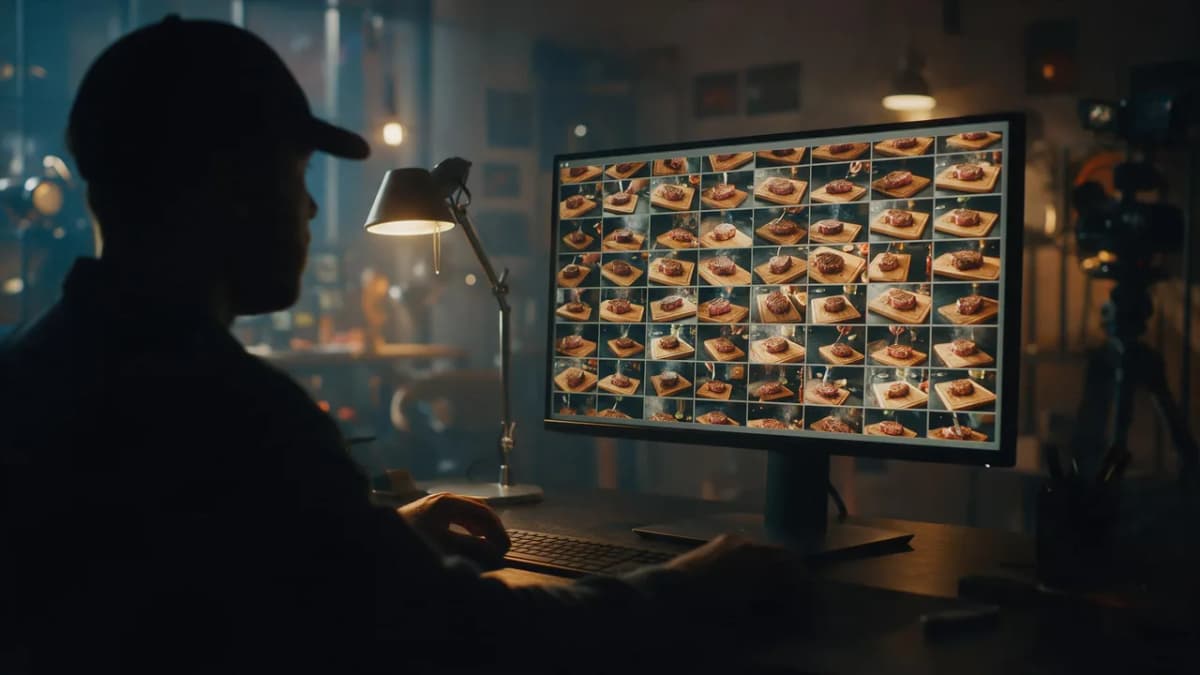
Most of the time you spend on AI video goes to iteration, not final renders. You test a camera angle, notice the subject drifts, adjust the prompt, and try again. Doing that at 1080p or 4K means waiting longer and spending more on takes you'll throw away.
A preview tier changes the math. You run five or ten quick 720p versions, pick the one where motion, framing and timing work, and only then pay for the high-resolution master. Because Mini shares the Seedance 2.0 feature set, a prompt that works in Mini usually transfers cleanly to Seedance 2.0. The model family reads it the same way.
Good jobs for Seedance 2.0 Mini
- Prompt testing: compare camera moves (push-in, orbit, top-down) before committing.
- Ad hook exploration: draft several openings for the same product and see which reads fastest.
- Storyboard animatics: turn concept frames into moving previews for a client or director.
- Social drafts: for vertical Reels, Shorts and TikTok concepts, 720p is often enough to judge pacing, and sometimes enough to post.
- Reference checks: confirm a character sheet or style frame is being followed before a long final render.
When to skip Mini
- You need 1080p or 4K delivery. Use Seedance 2.0 or another high-resolution model.
- You need clips longer than 15 seconds in one take. Seedance 2.5 goes to 30 seconds.
- Fine facial detail or small on-screen text matters. Lower resolution hides the details you're trying to check.
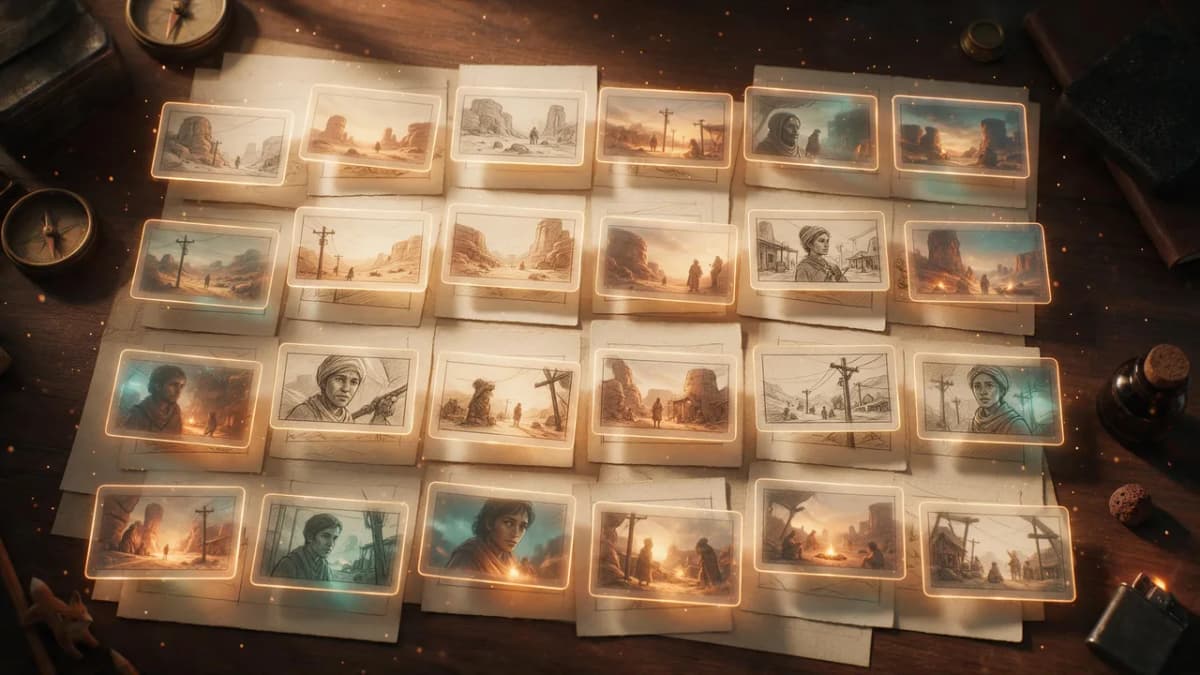
A draft-then-final workflow that saves time
This workflow works with Seedance 2.0 Mini, and the same idea applies to any fast model you use for drafts.
- Lock the shot list. Write one prompt per shot. Keep each to one subject, one action and one camera move.
- Draft at 480p or 720p. Run two to four variations per shot in Mini. Change one variable at a time (camera, lighting or pacing) so you learn what moved the result.
- Pick and refine. Keep the best take's prompt and seed, if your tool exposes one, and tighten the wording.
- Render the master. Move the winning prompt to Seedance 2.0 for 1080p or 4K, or to Seedance 2.5 for longer takes.
- Finish. Add voiceover, music or upscaling only to the final clips.
Seedance 2.5 builds this idea into the model with a Draft mode: you generate a 480p draft, then use that draft's task ID to render a final 1080p version. A draft ID stays valid for seven days (BytePlus Seedance 2.5 tutorial). If you already preview this way with Mini, the habit carries straight over.
Try Seedance in the Video Studio
Prompt examples to test in a preview model
Short, concrete prompts work best for drafts. You want to judge motion and framing, not decode a paragraph. Try these and swap one variable at a time.
AI Prompt RecipeFlux.1 Pro16:9“Slow push-in on a sizzling cast-iron steak on a dark wooden board, steam rising, warm tungsten key light from the left, shallow depth of field, crackling sizzle sound, 6 seconds, 16:9”
AI Prompt RecipeFlux.1 Pro16:9“Same steak scene, top-down locked-off camera, a hand sprinkles flaky salt in slow motion, soft overhead light, crisp sizzle and salt-tap sounds, 6 seconds, 16:9”
AI Prompt RecipeFlux.1 Pro16:9“Wide establishing shot of a desert research outpost at dusk, a dust storm rolling in from the horizon, camera slowly cranes up over the rooftops, low wind rumble, cinematic teal and amber grade, 8 seconds, 21:9”
AI Prompt RecipeFlux.1 Pro16:9“Vertical product reveal: a matte black wireless earbud case floats and rotates above a reflective surface, soft neon rim light in violet and cyan, case lid opens on the beat, subtle electronic whoosh, 5 seconds, 9:16”
AI Prompt RecipeFlux.1 Pro16:9“Image 1 is the character. She walks toward camera through a rainy neon alley, handheld tracking shot, puddle reflections, distant traffic and rain ambience, 6 seconds, 16:9”
For more structure, run your idea through the prompt enhancer before you draft, then strip it back to the essentials for the preview pass.
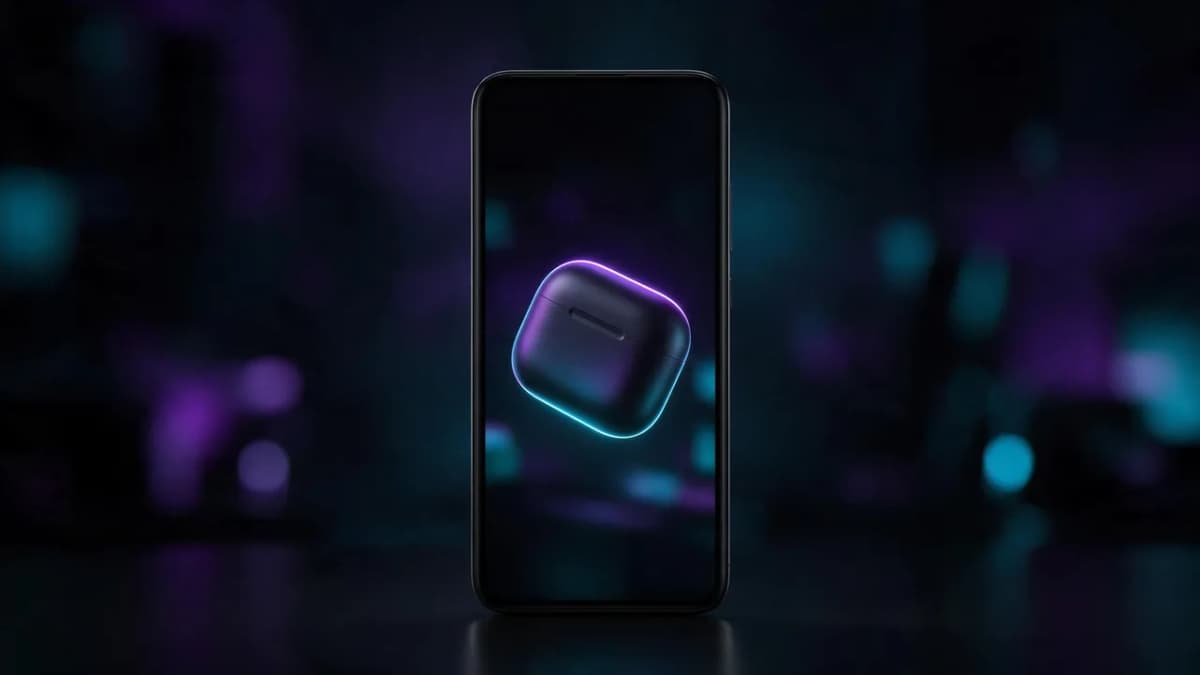
Seedance 2.0 Mini vs Seedance 2.5
People often mix up "Mini" and "2.5" because both arrived in mid-2026. They do different jobs.
| Seedance 2.0 Mini | Seedance 2.5 | |
|---|---|---|
| Role | Fast, low-cost drafts and volume | Flagship long-take generation and editing |
| Max length per generation | 15 s | 30 s, extendable |
| Output resolution (API) | 480p, 720p | 480p, 720p, 1080p (10-bit) |
| References per request | Up to 9 images, 3 videos, 3 audio | Up to 30 images, 10 videos, 10 audio |
| Built-in draft step | No (it is the draft) | Yes, 480p Draft mode |
Seedance 2.5 specs come from the BytePlus Seedance 2.5 tutorial. For the full story on the newer model, read the Seedance 2.5 AI video generator guide and the Seedance 2.5 release date timeline.
Using Seedance on Kenerate
Kenerate's Video Studio runs Seedance 2.0 and Seedance 2.5 next to other video models, including Ken 1 (Kenerate's own model: 1080p, up to 15 seconds, text or image), Veo 3.1, Kling v3, Wan 3.0 and Sora 2 Pro. You can draft an idea on one model and render the final on another without moving files between apps. See the Seedance 2.5 model page for what that model does well.
A practical setup:
- Draft short, low-resolution versions first, whichever model you use.
- Once the motion is right, render the final at full resolution.
- Use the AI video upscaler if a draft-resolution clip turns out good enough to keep.
- Compare models side by side with the text-to-video and image-to-video guides.
New accounts get 25 free credits on sign-up, and credits never expire. See pricing for plan details.
Bottom line
Seedance 2.0 Mini is a preview and volume model: 480p or 720p, 4 to 15 seconds, native audio, and the full Seedance 2.0 reference toolkit at the series' best cost performance. Use it to find the right shot fast, then render the master on Seedance 2.0 for 1080p or 4K, or on Seedance 2.5 when you need a 30-second take. Iterate cheaply, finish once.