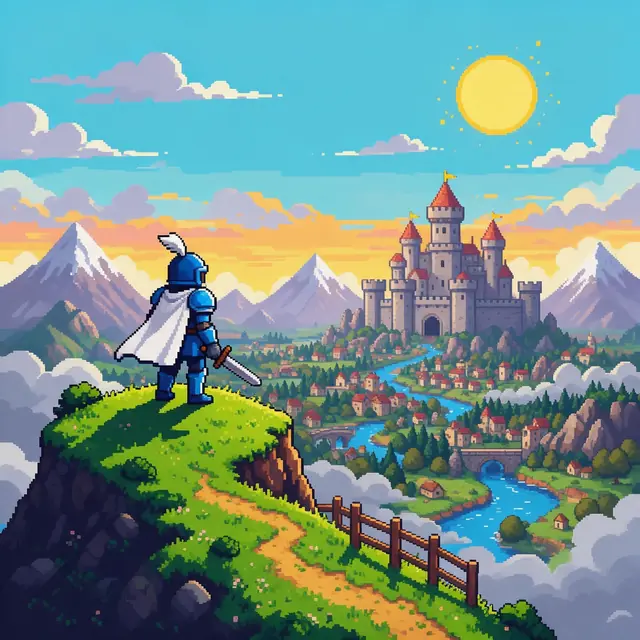
Adventure themeInstrumental140 BPM
Overworld
Made with Ken Music 1.5 · Instrumental
—
Prompt8-bit chiptune adventure theme, bright square-wave melody, bouncy bass, retro video game overworld music, 140 bpm


Overworld · boss battle · save room · chiptune pop
Square waves, bouncy triangle bass and noise-channel drums — describe the level and the AI makes original 8-bit music in about a minute. Overworld themes, boss fights, calm save rooms, even chiptune pop with vocals.
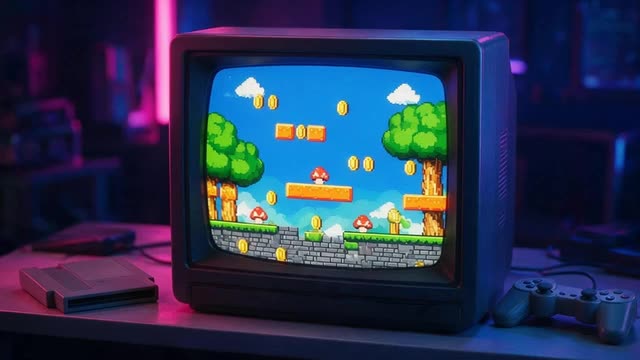
Updated by the Kenerate AI team
On this page
Quick answer
An AI chiptune maker creates 8-bit music in the style of classic game consoles, with square-wave leads, triangle-style bass, fast arpeggios and noise drums. In Kenerate AI's Music Studio you describe the game scene, the mood and a BPM in Instrumental mode and get an original track in about a minute; Song mode adds vocals.
Listen first
Real, unedited generations — one for each kind of game scene, plus chiptune pop.
Made with Ken Music 1.5 · Instrumental
Prompt8-bit chiptune adventure theme, bright square-wave melody, bouncy bass, retro video game overworld music, 140 bpm
Made with MiniMax Music 3.0 · Fast arpeggios
PromptIntense 8-bit chiptune boss battle music, fast arpeggios, driving noise-channel drums, dramatic retro video game, 170 bpm
Made with ElevenLabs Music v2.5 · 60-second exact length
PromptChill 8-bit chiptune for studying, soft square-wave melody, gentle arpeggios, calm retro game save-room music, 85 bpm
Made with Ken Music 1.5 · With vocals
PromptChiptune pop song about playing video games all night, 8-bit synths, bouncy beat, cute energetic female vocals, 128 bpm
How to
Step 1
Sign up free, then /app/music.
Step 2
Or Song for chiptune pop.
Step 3
8-bit sound words, scene, mood, BPM.
Step 4
ElevenLabs Music takes an exact duration.
See it in the app

Open Music Studio and pick a song from a prompt, a song from your lyrics, or an instrumental.
Prompt & lyrics to song, instrumentals, models, your tracks & chat
Chapters
Engines
Facts from the app's engine list.
Kenerate
Best for
Default engine: full songs with vocals in any language; can take an image as inspiration
MiniMax
Best for
Follows [Verse]/[Chorus] section tags closely
ElevenLabs
Best for
Set the exact duration; clean studio mix
Mureka
Best for
Writes its own lyrics from a prompt; style chips; MP3/WAV/FLAC
Prompt recipe
Each opens the Music Studio with the prompt filled in.
Overworld
8-bit chiptune adventure theme, bright square-wave melody, bouncy bass, loopable, 140 bpm
Boss battle
Intense 8-bit boss battle, fast arpeggios, driving noise-channel drums, 170 bpm
Save room
Chill 8-bit save-room music, soft square-wave melody, gentle arpeggios, 85 bpm
Title screen
Heroic 8-bit title screen fanfare, triumphant square-wave melody, rolling arpeggios, 128 bpm
Dungeon
Mysterious 8-bit dungeon theme, minor-key arpeggios, sparse noise drums, 110 bpm
Chiptune pop
Chiptune pop song about playing video games all night, 8-bit synths, cute energetic vocals, 128 bpm
Tempo
Match the tempo to what the player is doing.
70–95 BPM · Calm, loopable
95–120 BPM
120–150 BPM · Adventurous
100–130 BPM · Mysterious
160–190 BPM · Intense
Tips
From making the demos above.
Say '8-bit' and 'square-wave' — 'retro' alone drifts toward synthwave.
Ask for 'loopable' for in-game music.
Fast arpeggios are the chiptune signature — name them.
Short, exact lengths suit menus and jingles.
For game releases, keep a note of the prompt for each track.
Example uses
Illustrative examples of typical workflows, not customer reviews.
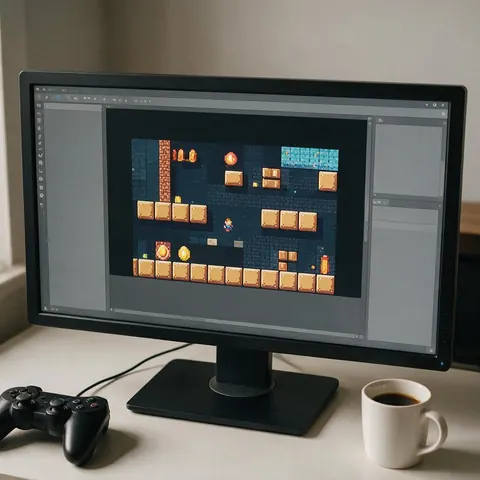
An indie game developer could make loopable overworld, boss and save-room tracks for a retro game.
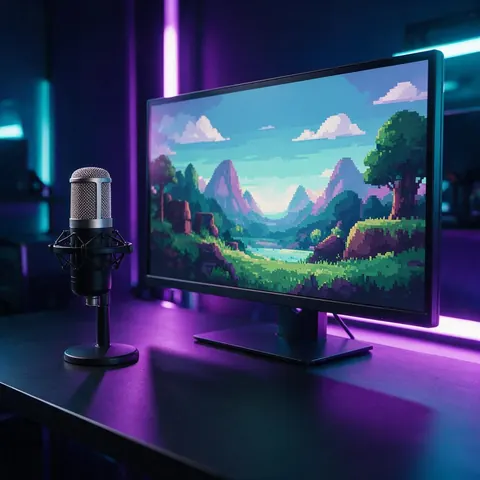
A retro gaming streamer could generate chiptune pop for stream intros.
A game jam team could quickly get a heroic title-screen fanfare.
FAQ
7 questions
Chiptune (8-bit music) is music made with — or in the style of — the sound chips of classic game consoles and computers: square-wave leads, simple bass, fast arpeggios and noise-based drums.
Link to this answerChoose Instrumental in the Music Studio, use words like '8-bit', 'chiptune' and 'square-wave', describe the game scene and mood, add a BPM and generate.
Link to this answerYes, to start: new Kenerate accounts get free credits for their first 8-bit tracks, and every track made with them can be downloaded.
Link to this answerYes — generate loopable tracks for each scene and download them. Check Kenerate's terms for your use.
Link to this answerYes — Song mode makes chiptune pop, like the 'Level Up Tonight' demo.
Link to this answerNo — it's AI-generated audio in the chiptune style, not music written for a console's sound chip.
Link to this answerClassic chiptune drums come from the noise channel: short bursts of noise for snares and hi-hats, and a quick downward pitch sweep on a pulse or triangle wave for the kick. In a prompt, ask for 'noise-channel drums' or 'NES-style drums' with a tempo, and the chiptune maker builds the whole kit for you.
Link to this answerIn depth
What works, what to avoid, and how the pieces fit.
Classic console sound chips had a handful of channels, which shaped the style:
Game music is written for moments: a calm menu, an adventurous overworld, a tense boss. Describe the moment and the BPM, ask for 'loopable', and you have a track per scene.
By the Kenerate AI teamLast updated and reviewed
We build and run the Kenerate Music Studio. Every demo on this page is a real output of the engine named on it, made from the prompt shown; engine facts were checked against the app's code.

Free to start. No watermark. Download every track.
Tried it? Tell us how it went