

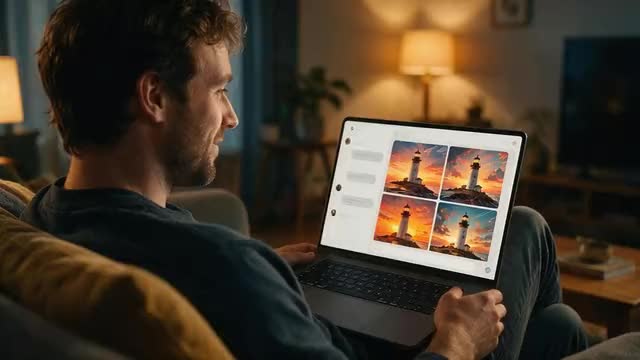
ChatGPT Images explained · images in Kenerate's chat
Can ChatGPT Create Images?
Yes, ChatGPT makes and edits pictures right in the conversation. Here is how it works, what to ask for, and how to do the same in Kenerate's chat when you want to choose the image model yourself.
- 6 image models to pick from
- 1–4 images per request
- Up to 10 reference images
- One-tap remixes
Updated by the Kenerate AI team
On this page
Quick answer
Updated
Does ChatGPT generate images?
Yes, ChatGPT creates and edits images with OpenAI’s built-in image model, and how many you can make depends on your ChatGPT plan. You describe the picture in the chat, or upload a photo and say what to change. Kenerate's chat works the same way but lets you pick the model: 1–4 images per request from 6 models.
Key facts
- ChatGPT
- Creates and edits images with OpenAI’s built-in image model; limits depend on the plan
- How you ask ChatGPT
- Describe it in a conversation, or More > Images; upload a photo to edit it
- Kenerate chat models
- Seedream 5.0 Pro (default) · GPT Image 2.5 Sunburst · Nano Banana 2 · Qwen Image 3.0 · Flux 2 Pro · Ideogram v4
- Images per request
- 1 to 4
- Reference images
- Up to 10 per request (fewer on some models)
- Edits
- Attach a photo and describe the change
- Remixes
- 3 variations · Animate · Upscale 4K · 9:16 · 16:9 · Remove background · Layers · Camera angle · Expand · AI filter · Edit
- Control
- Ask first (approval card with editable model, ratio and prompt) or Auto within a per-chat budget
- Where results go
- In the chat and in your Image Studio history
Gallery
Images made in a chat
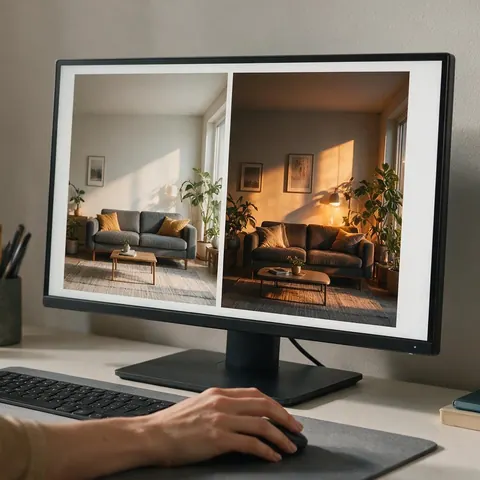
Stills made for this page with Seedream 5.0 Pro: fictional adults creating images in a chat. Screens show abstract pictures, not real apps.
How to
How to use the can ChatGPT create images?
- Time needed
- Steps
- 4 steps
Step 1
Open the chat
Go to Kenerate Agent at /app/chat and sign in.
Step 2
Describe the image
Say what you want, how many (1–4) and the ratio. Attach up to 8 photos to edit or use as references.
Step 3
Check the card
In Ask first mode an approval card shows the model, ratio and prompt; change any of them, then run it.
Step 4
Remix or keep going
Tap a remix such as 3 variations, Animate or Upscale 4K, or ask for the next change in plain words.
See it in the app

Open Kenerate Chat and type what you want to make, or tap a starter to drop a prompt in the box.


Watch the tour · 1:22
Starters, models & Ask first, approval cards, image → edit → new camera angle, one-tap actions, files, history & mobile
Chapters
Tips
How to ask a chat for a better image
These work in ChatGPT and in Kenerate's chat alike.
Say the subject, the setting, the light and the shot: 'a close-up of a ceramic mug on a wet stone table, morning light'.
Give the shape you need: 1:1 for a profile, 9:16 for a story, 16:9 for a slide or a banner.
Ask for 3 or 4 versions at once and keep the best, rather than rewriting the prompt each time.
Put any words that must appear in the picture in quotes, and keep them short.
To edit, attach the photo and say what to keep as well as what to change.
When a result is close, reply with one change at a time: warmer light, a wider crop, no people.
Models
Image models in Kenerate's chat
What each model is good at. Open any one straight in the generator.

ByteDance
Seedream 5.0 Pro
- Reference images
- Up to 10
- Output
- Up to 4K
The default: photoreal detail, the best all-rounder
Open Seedream 5.0 Pro
OpenAI
GPT Image 2.5 Sunburst
- Reference images
- Up to 10
Precise layouts, posters and text in images
Open GPT Image 2.5 Sunburst
Google
Nano Banana 2
- Reference images
- Up to 10
Keeps faces and products consistent across shots
Open Nano Banana 2
Alibaba
Qwen Image 3.0
- Reference images
- Up to 3
Fast, good with text, English and Chinese prompts
Open Qwen Image 3.0
Black Forest Labs
Flux 2 Pro
- Reference images
- Up to 3
Artistic control and clean compositions
Open Flux 2 Pro
Example uses
How creators use can ChatGPT create images?
Illustrative examples of typical workflows, not customer reviews.
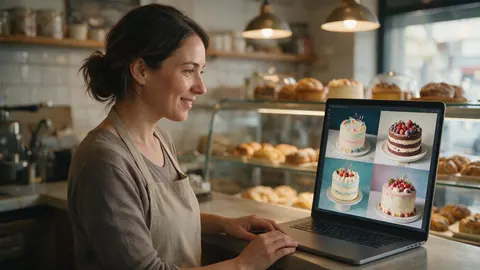
Bakery owner
A bakery owner could ask the chat for four styles of a birthday cake photo, keep the one she likes, and tap Animate to turn it into a short clip for her shop's page.
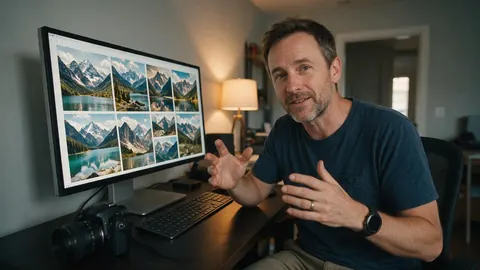
Travel blogger
A travel blogger could attach three of his own photos as references and ask for a matching header image in 16:9, then try the same prompt on a second model to compare.
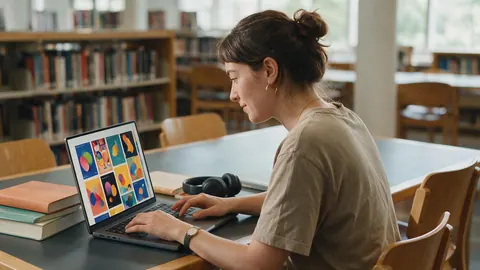
Design student
A design student could ask for poster ideas with Ideogram v4 for the type and Seedream 5.0 Pro for the photo, all in one chat, and share the chat with her tutor as a read-only link.
Which to use
ChatGPT or Kenerate's chat: which fits
Both make images from a conversation. They suit different people.
ChatGPT
Best when you already write, plan and research in ChatGPT and want a picture in the same thread, with one built-in image model chosen for you.
Kenerate AI chat
Best when you want to choose the image model for each job, use up to 10 references, and carry on into video, upscaling or a deck in the same chat.
ChatGPT photo editor guide
Best if your question is really about editing a photo: how ChatGPT does it and where a brush edit works better.
Image Studio
Best when you'd rather set the model, size and references yourself without a chat in between.
FAQ
Can ChatGPT Create Images? questions
8 questions
Does ChatGPT generate images?
Yes. ChatGPT generates images with its built-in model, OpenAI’s built-in image model. Ask for a picture in any conversation, or open More and choose Images, and it creates what you describe. OpenAI's help centre says ChatGPT Images is available on every ChatGPT tier, on the web, iOS and Android.
Link to this answerCan ChatGPT edit my photos?
Yes. Upload a photo and describe the change, and ChatGPT makes an edited version. Our ChatGPT photo editor guide covers that in detail, including area selection and the brush tools on Kenerate if you need precise edits.
Link to this answerIs image generation in ChatGPT free?
Image generation is available in ChatGPT, but how many images you can make depends on your plan and OpenAI changes those limits from time to time. Check OpenAI's own pages for the current numbers.
Link to this answerWhich AI model does ChatGPT use for images?
ChatGPT uses OpenAI’s built-in image model, OpenAI's built-in image model. In ChatGPT you don't pick between image models. In Kenerate's chat you can: Seedream 5.0 Pro is the default, and GPT Image 2.5 Sunburst, Nano Banana 2, Qwen Image 3.0, Flux 2 Pro and Ideogram v4 are one word away.
Link to this answerHow do I make images in Kenerate's chat?
Open /app/chat, describe the picture and say how many you want (1 to 4) and the ratio. You can name a model in your message or change it on the approval card. The images appear in the chat and are also saved to your Image Studio history.
Link to this answerCan I use my own photos as references?
Yes. Attach up to 8 files to a message and the chat can use up to 10 reference images in one request, for a product, a face or a style. Some models take fewer: Qwen Image 3.0 and Flux 2 Pro use up to 3, and Ideogram v4 works from text only.
Link to this answerWhat can I do with an image after it's made?
Every image has one-tap remixes: 3 variations, Animate into a short video, Upscale to 4K, recreate in 9:16 or 16:9, Remove background, Split into layers, a new camera angle, Expand, an AI filter, or Edit. Each one sends a new request in the same chat.
Link to this answerCan the chat make other things besides images?
Yes. The same chat can make video, music, voice-overs, talking avatars and 3D models, and write PDF or DOCX documents, PowerPoint decks and spreadsheets. Video and 3D need a paid plan.
Link to this answerIn depth
Can ChatGPT Create Images?, explained
What works, what to avoid, and how to pick a model.
On this page
How ChatGPT makes images
ChatGPT's image generation is built into the chat. You ask for an image in plain words, or open More and choose Images, and OpenAI’s built-in image model draws it. You can upload an image and describe changes, start from a template, and on mobile turn a sketch into a picture. OpenAI's help centre lists the feature on every ChatGPT tier, on the web, iOS and Android.
Because the model is chosen for you, ChatGPT is simple: one place, one image model, and the rest of your conversation right there.
How Kenerate's chat makes images
Kenerate Agent calls the same image engine as Image Studio. Each request makes 1 to 4 images with the model you name, or Seedream 5.0 Pro by default, and can use up to 10 reference images. In Ask first mode you see an approval card before anything runs and can change the model, ratio or prompt; in Auto mode it runs within the budget you set for that chat. Every result is also saved to your Image Studio history.
Picking a model in the chat
Name the model in your message, or change it on the card.
- Seedream 5.0 Pro: photoreal people, products and places, up to 4K.
- GPT Image 2.5 Sunburst: layouts, posters and pictures that need readable text.
- Nano Banana 2: the same face or product across a set of images.
- Qwen Image 3.0: quick drafts, with English and Chinese prompts.
- Flux 2 Pro: artistic, clean compositions.
- Ideogram v4: typography, logos and graphic design.
After the first image
Every image in Kenerate's chat has one-tap remixes. 3 variations, Animate, Upscale 4K, Vertical 9:16, Wide 16:9, Remove background and Split into layers send straight away; New camera angle, Expand, AI filter and Edit fill in the message so you can finish the instruction.
Try the can ChatGPT create images?
Sign in to start a chat. Every image is also saved to your Image Studio history.
Tried it? Tell us how it went