









Skip to content
Transparent background maker · 25 free credits

Transparent background maker — any photo, in seconds

Upload a photo and get the subject on a transparent background: people, products, pets, logos and art. Hair, fur and glass keep their soft edges. No watermark, no subscription.

  • Real alpha transparency
  • Hair, fur & glass
  • No watermark
  • Object Pick
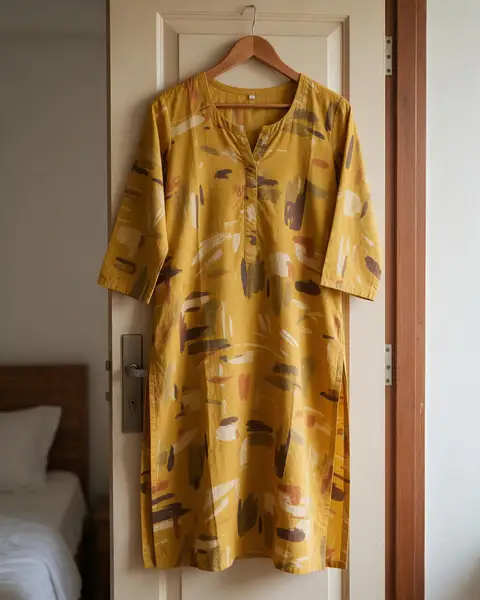
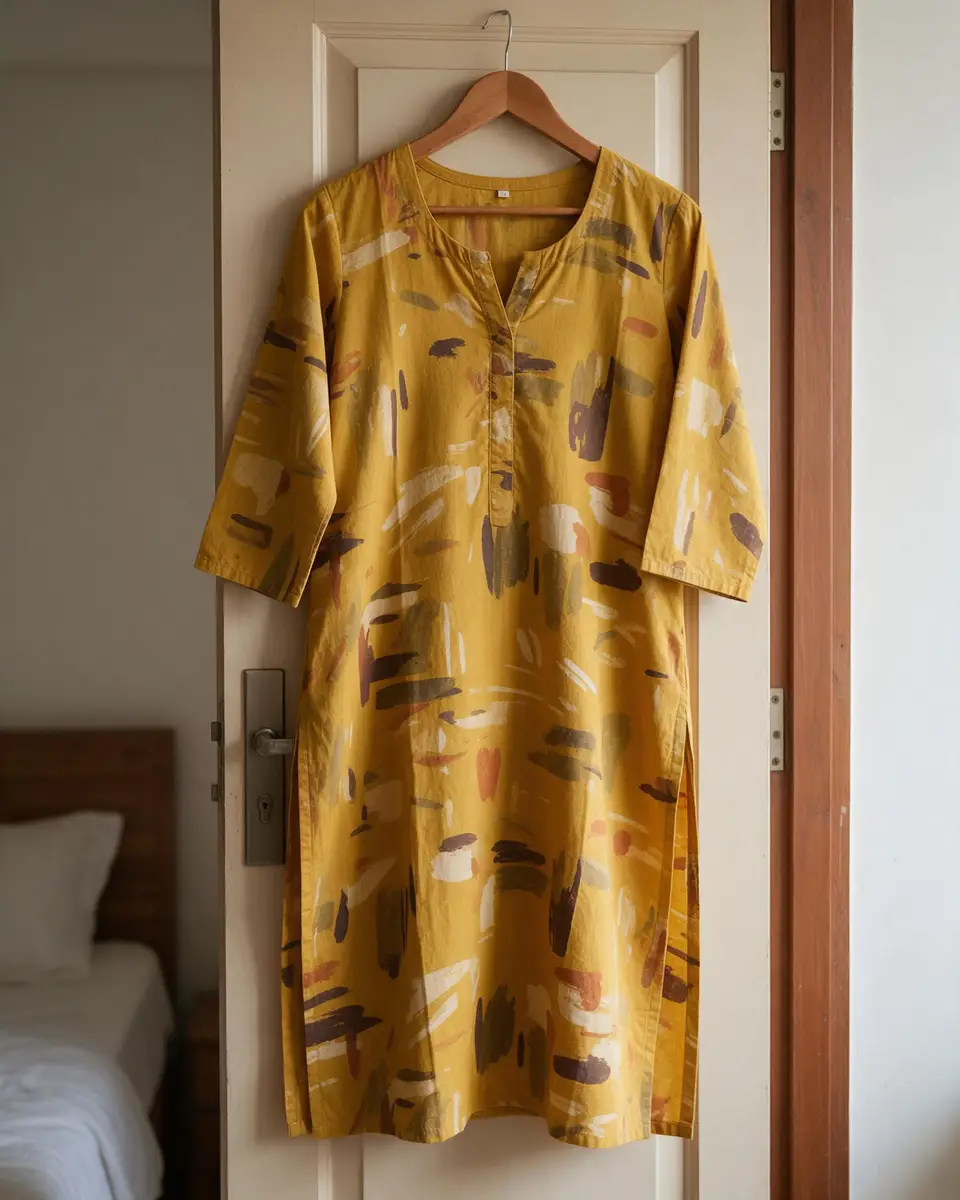
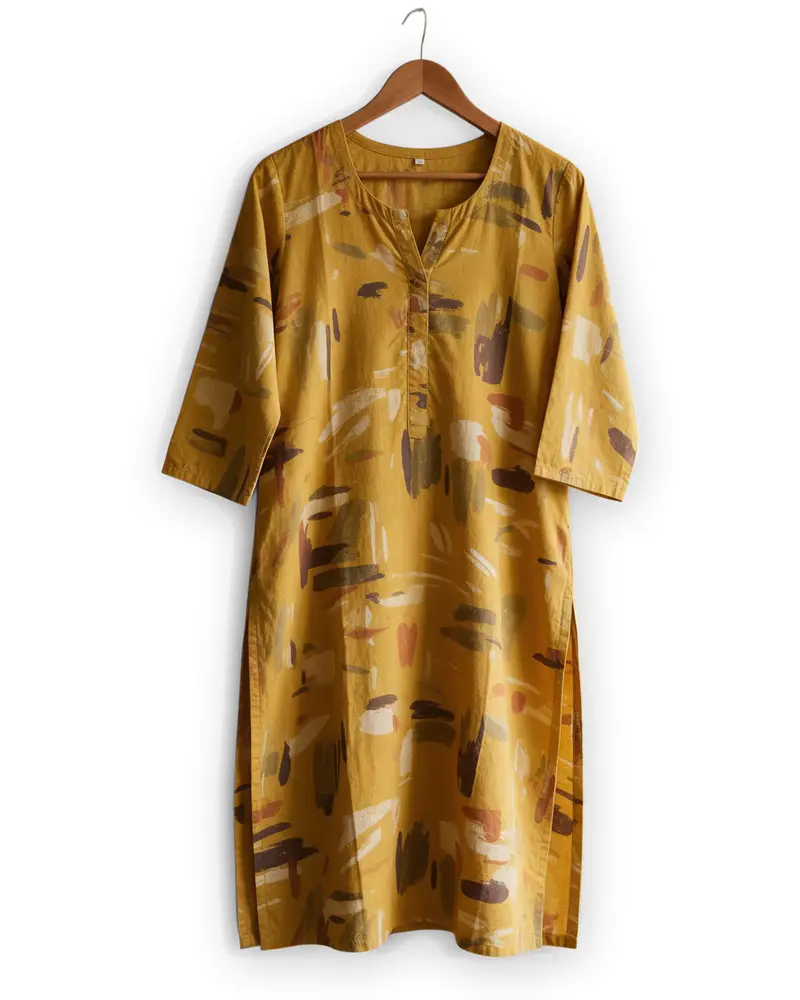
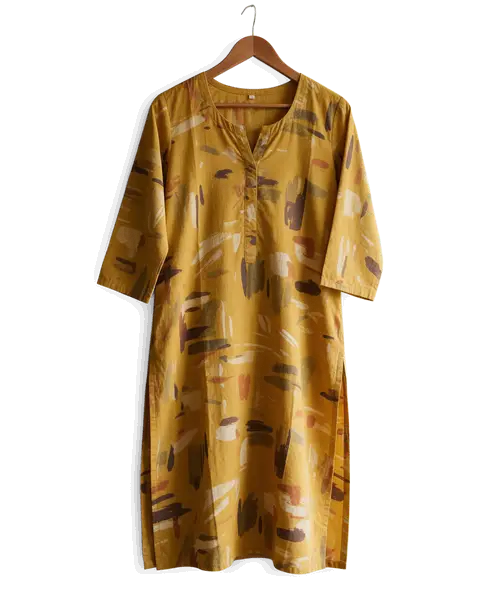
Mustard printed cotton kurti on a hanger on a bedroom door — original photo
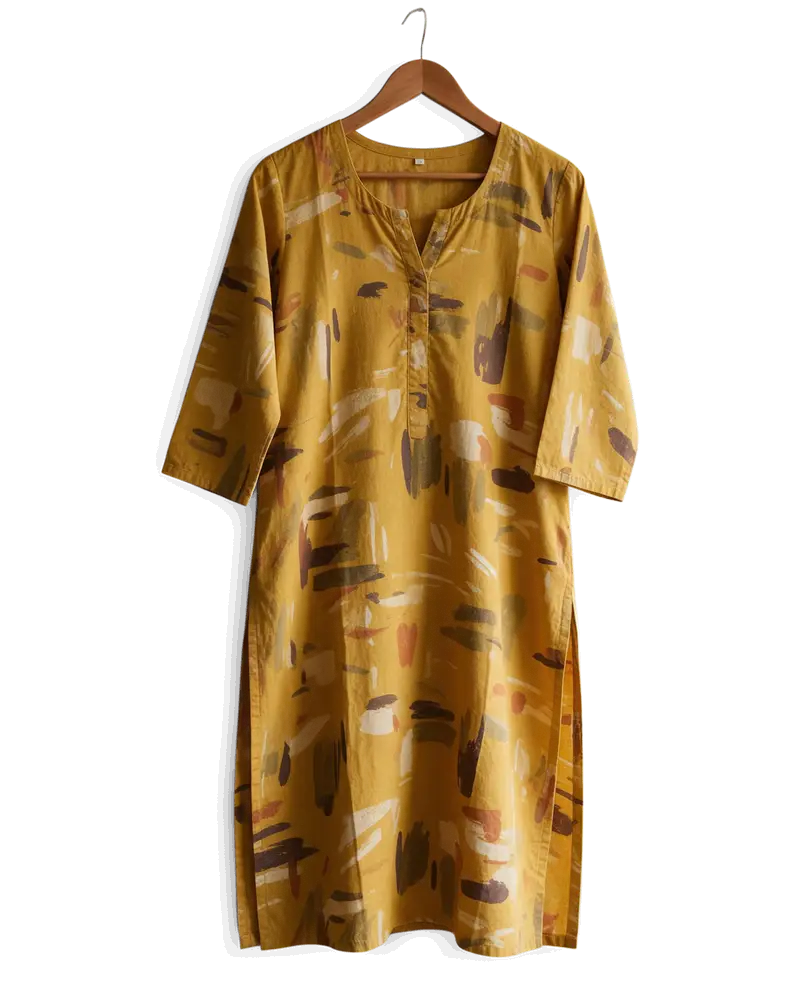
Mustard printed cotton kurti on a hanger on a bedroom door — background removed
BEFOREAFTER

Kenerate Cutout HD · Kurti on a hanger

Try this photo
  • Kenerate Cutout
  • Cutout HD · hair & glass
  • Object Pick · keep what you name
  • Magic Eraser
  • AI Edit · Qwen Image 2.0
  • Edit Text in Image · GPT Image 2
  • White, black & colour backdrops
Kurti on a hanger — background removed
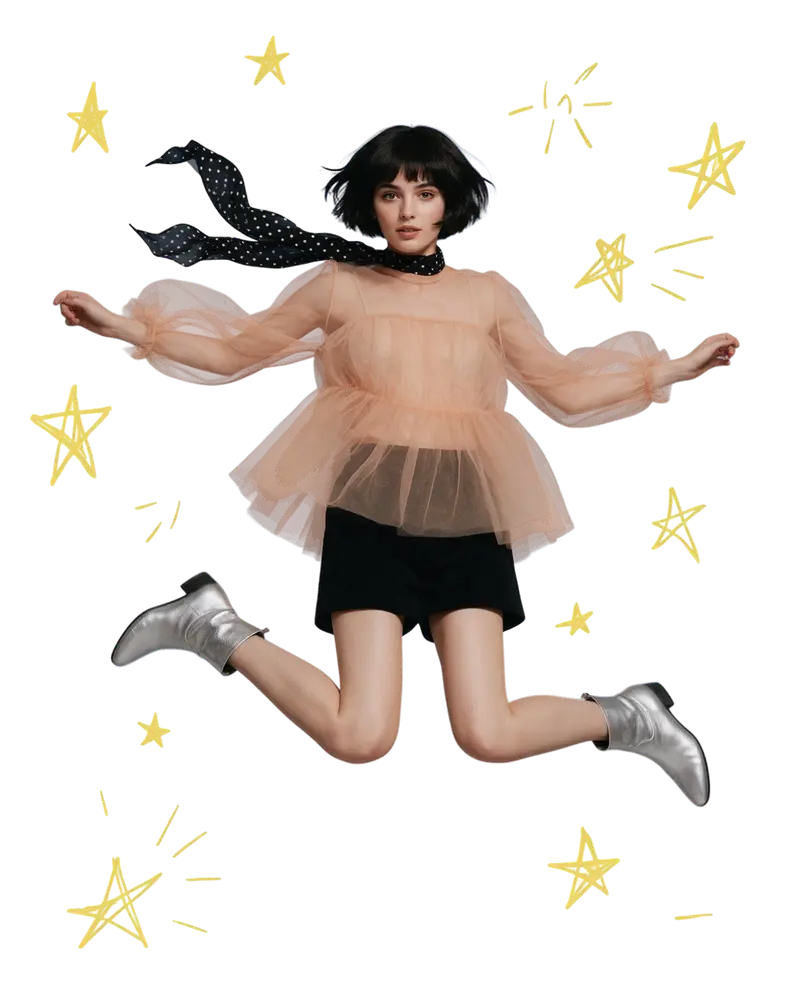
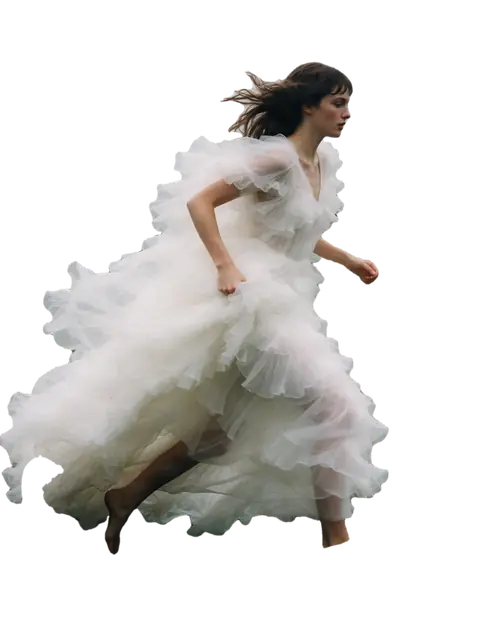
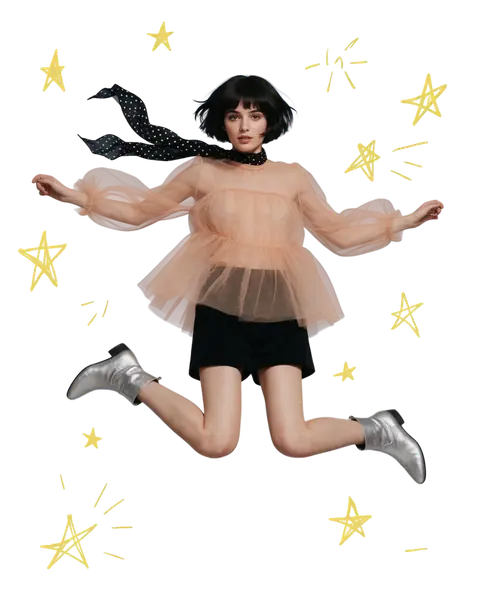
Mid-air jump — background removed
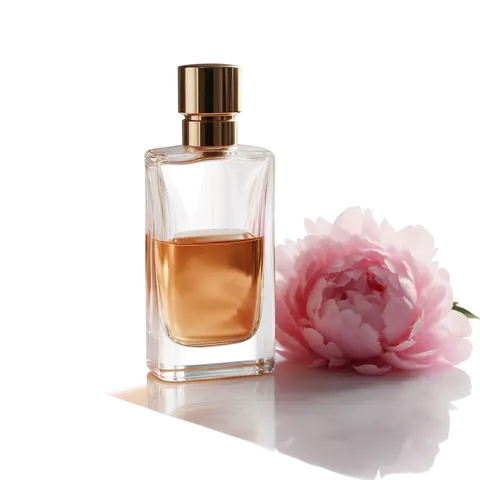
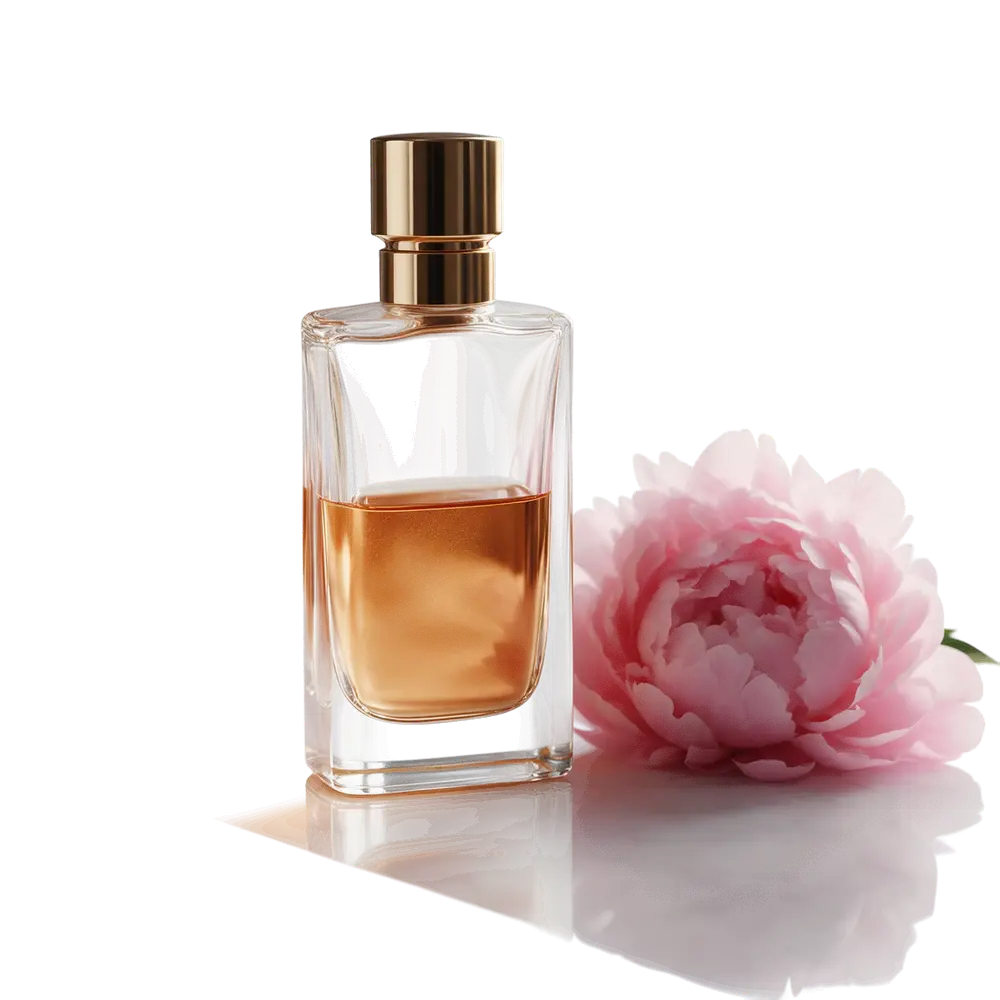
Glass bottle — background removed
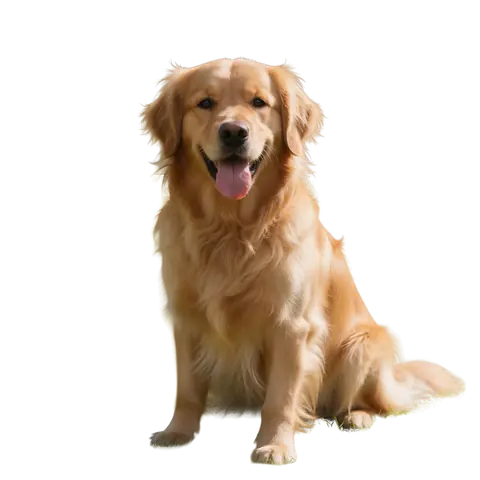
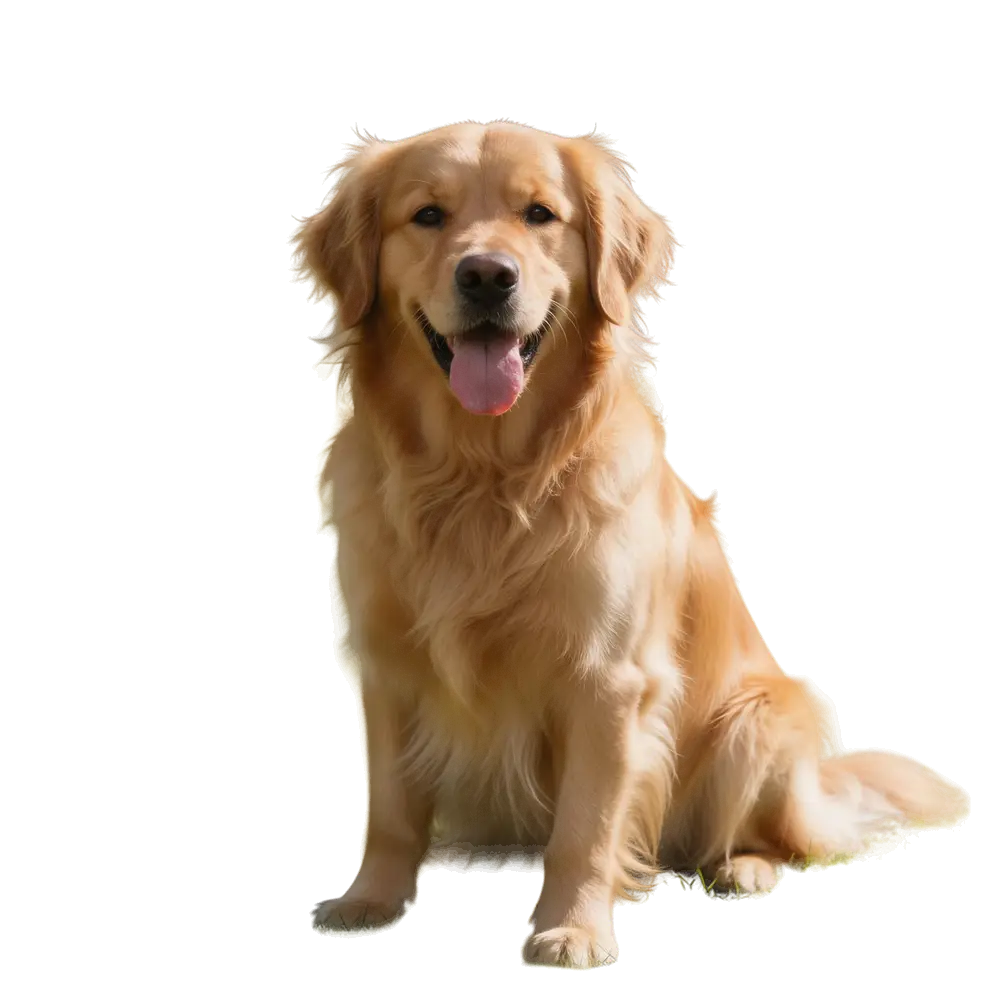
Dog fur — background removed
Sticker art — background removed
Logo JPG — background removed
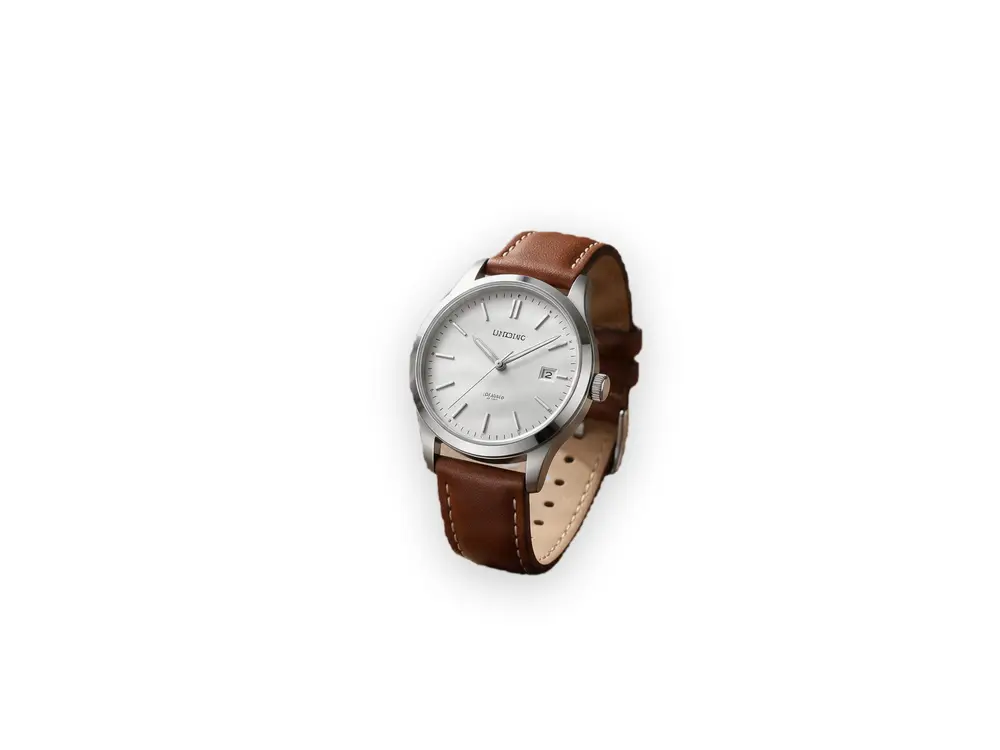
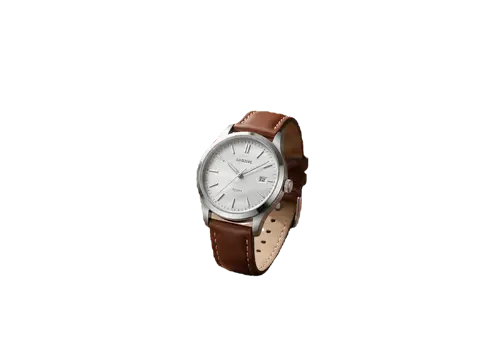
Wristwatch — background removed
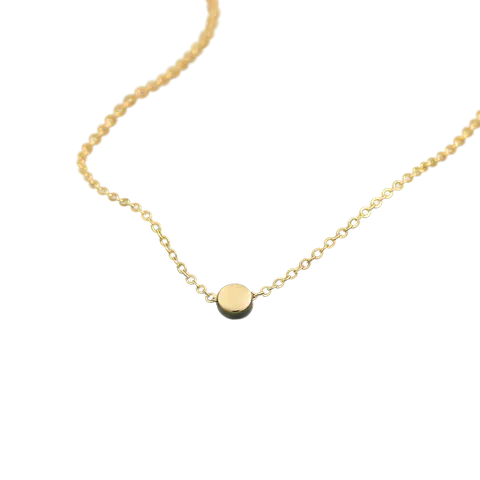
Gold chain — background removed
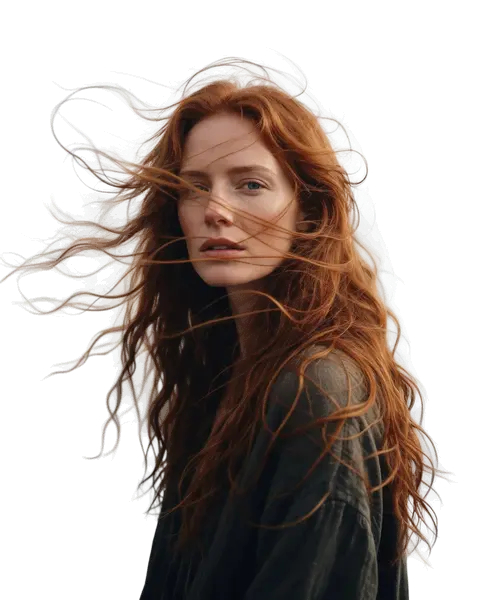
Curly hair — background removed
Kurti on a hanger — background removed
Mid-air jump — background removed
Glass bottle — background removed
Dog fur — background removed
Sticker art — background removed
Logo JPG — background removed
Wristwatch — background removed
Gold chain — background removed
Curly hair — background removed

Quick answer

Updated

Kenerate's transparent background maker removes the background from a JPG, PNG or WEBP and gives you a PNG with a transparent background in a few seconds — Cutout for everyday photos, Cutout HD for hair, fur and glass. New accounts get 25 free credits and downloads have no watermark.

Modes
Cutout · Cutout HD for hair, fur and glass
Free to start
25 credits, no watermark
Output
PNG with full alpha transparency
Works on
People, products, pets, logos, art

Real results

See it on real photos

Every slider is a real Kenerate result. Drag to compare, then run the same photo yourself.

  1. Mustard printed cotton kurti on a hanger on a bedroom door — before
    Mustard printed cotton kurti on a hanger on a bedroom door — after
    BeforeAfter

    01Fashion

    Off the hanger, onto white

    A kurti cut out from a bedroom door for a clean catalogue shot.

    Kenerate Cutout HD

    Cut this photo out
  2. Woman jumping against a blue sky with doodle stars — before
    Woman jumping against a blue sky with doodle stars — after
    BeforeAfter

    02Motion

    Mid-air, clean edges

    A jumping dancer and her flying scarf cut out against a busy sky.

    Kenerate Cutout HD

    Cut this photo out
  3. Glass perfume bottle with peonies on a marble table — before
    Glass perfume bottle with peonies on a marble table — after
    BeforeAfter

    03Glass

    See-through glass, kept see-through

    A glass bottle and the flowers beside it, with the transparency intact.

    Kenerate Cutout HD

    Cut this photo out
  4. Golden retriever sitting on grass in a park — before
    Golden retriever sitting on grass in a park — after
    BeforeAfter

    04Fur

    Pet fur without a green fringe

    Long feathery fur cut out from grass without the halo.

    Kenerate Cutout HD

    Cut this photo out

How it works

How do I make a transparent background?

Three steps. No lasso, no masks.

  1. Upload a photo

    Add a JPG, PNG or WEBP — a person, product, pet, logo or drawing.

  2. Choose Cutout or Cutout HD

    Cutout for most photos; Cutout HD for hair, fur, lace and glass.

  3. Download the transparent PNG

    Save the PNG, or put the subject on white, black or any colour first.

Real results

What can it make transparent?

Every card is a real Kenerate result. Tap one to try the same photo.

The basics

What is a transparent background?

A transparent background means the pixels behind the subject have zero opacity, so whatever sits underneath — a coloured slide, a website section, another photo — shows through. It is stored in the image's alpha channel, which PNG, WebP and SVG support and JPG does not.

Good transparency is not just “background deleted”. The edge pixels are partly transparent, which is what keeps hair soft and glass see-through instead of a hard, jagged outline.

Ways to do it

Transparent background maker vs editing by hand

All three give a transparent PNG. They differ in time and effort.

  • KenerateAI, browser

    Typical time
    About 5 s
    Hair & glass
    Cutout HD
    Keep only one object
    Object Pick
    Install needed
    No
  • PhotoshopRemove Background + masks

    Typical time
    1–10 min
    Hair & glass
    Select and Mask
    Keep only one object
    Select it by hand
    Install needed
    Yes
  • GIMPForeground Select

    Typical time
    5–15 min
    Hair & glass
    By hand
    Keep only one object
    Select it by hand
    Install needed
    Yes

Look closer

Zoom into the transparency

The checkerboard is the transparent area. Look at the fabric edge — soft, clean, no white fringe.

  • Printed fabric kept, door and wall removed
  • Hanger hook kept as part of the object
  • Clean edge on any background colour

Move your pointer over the image to zoom into the edge.

Mustard printed cotton kurti on a hanger on a bedroom door — cut out with Kenerate Cutout HD. The checkerboard is transparent.

Make your first transparent background free — 25 credits on sign-up.

Four ways to cut out

Which mode should I use?

Most photos need the standard Cutout. Step up only when edges need it.

  • Cut out

    Kenerate Cutout

    Fast, clean transparent PNG for products, people and pets.

    Transparent PNG

  • Cut out

    Kenerate Cutout HD

    Extra-careful edges for hair, fur, glass and smoke. JPG / PNG / WEBP up to 10 MB.

    Transparent PNG

  • Cut out

    Kenerate Object Pick

    Say what to keep — “the red car”, “the dog on the left” — and only that is cut out.

    Transparent PNG

  • Erase

    Kenerate Magic Eraser

    Paint over a person, logo, wire or blemish — it's removed and the background is rebuilt.

    Clean, full photo

New accounts get 25 free credits to try every mode.

On any colour

Transparent PNG, then any backdrop

Put the cut-out on white, black or a colour before you download.

Try it free
  • Mustard printed cotton kurti on a hanger on a bedroom door — background removed with Kenerate Cutout HDCutout HD

    Kurti on a hanger

  • Silver wristwatch on a wooden table beside a coffee cup and notebook — background removed with Kenerate Object PickObject Pick

    Wristwatch

  • Bearded man in a knit sweater in a busy cafe — background removed with Kenerate Cutout HDCutout HD

    Portrait

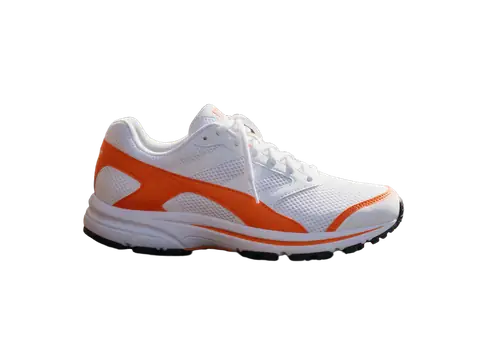
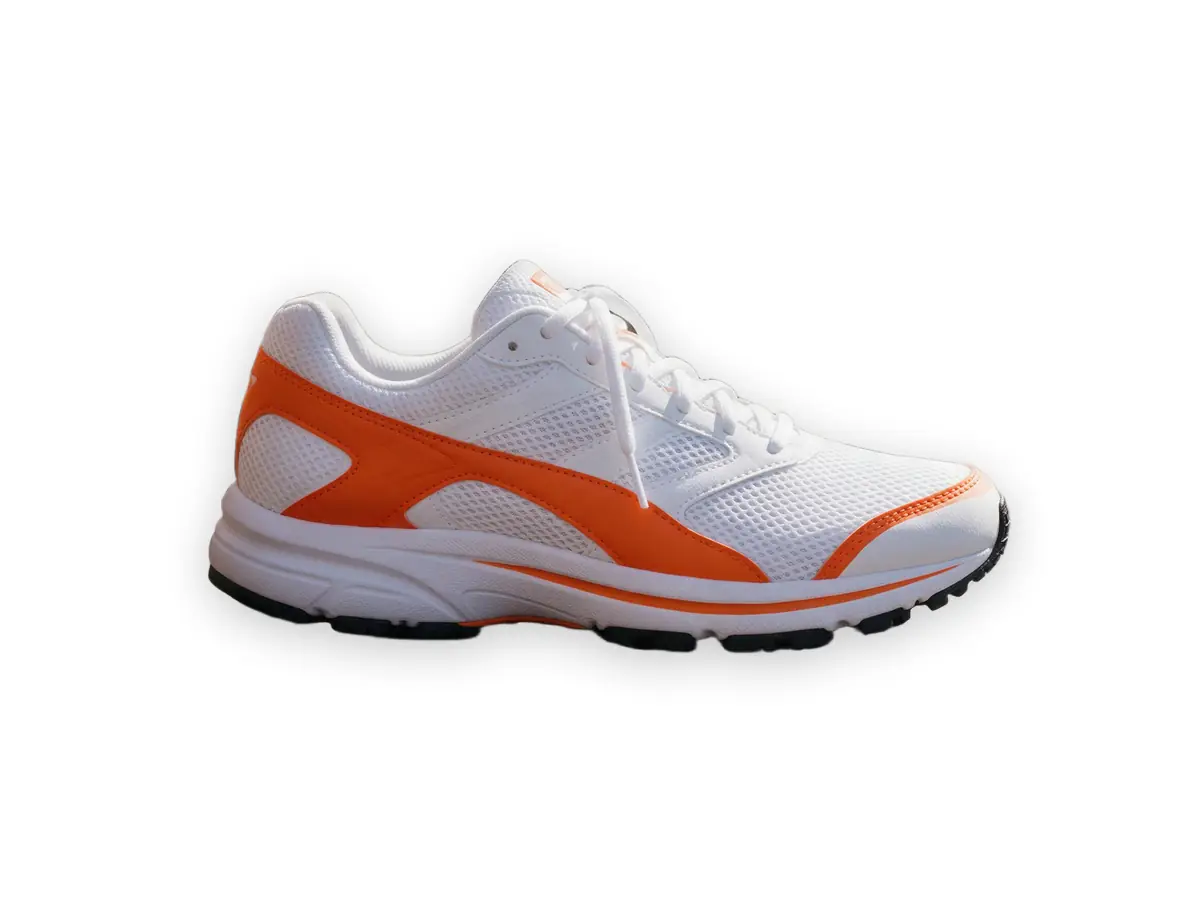
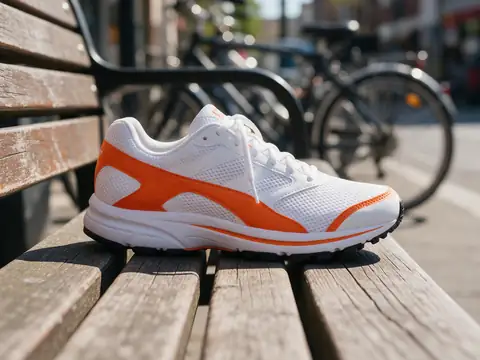
  • White and orange running sneaker on a wooden bench — background removed with Kenerate CutoutCutout

    Sneaker

Use cases

Who makes transparent backgrounds

Common jobs, with the real before and after.

  • Clothing seller

    Ethnic wear

    Photographs kurtis on a hanger at home and turns them into clean product images for a catalogue and Instagram.

    Transparent PNG · Cutout HD

  • Sticker designer

    Etsy shop

    Draws on paper or exports art with a white page, then makes the page transparent so the sticker files print cleanly.

    Transparent PNG · Cutout HD

  • Watch reseller

    Marketplace listings

    Shoots watches on a desk. Object Pick keeps only the watch, even with a coffee cup in the shot.

    Object Pick · transparent PNG

Example workflows built on real Kenerate outputs — not customer reviews.

In depth

What “transparent” means inside an image file

Alpha channels, which formats support them, and why edges sometimes show a halo — with sources.

Transparency is a fourth channel

Porter and Duff's 1984 compositing paper introduced the alpha channel — the A in RGBA — so each pixel carries its own opacity alongside red, green and blue [1]. A transparent background is simply a layer of pixels whose alpha is 0.

Formats that can store it

Only some formats can hold transparency:

  • PNG — optional full alpha channel; the W3C published the Third Edition in 2025 [2].
  • WebP — lossy or lossless with alpha, standardised as RFC 9649 in 2024 [3].
  • AVIF — stores alpha as a separate image item at the same bit depth [4].
  • GIF — only one fully transparent palette colour, no soft edges [5].
  • JPEG — no alpha at all; JFIF allows only greyscale or colour channels [6].

Why some cut-outs get a halo

Graphics software stores alpha two ways: straight (colour and opacity separate) or premultiplied (colour already multiplied by opacity). Microsoft notes premultiplied alpha gives better results when images are filtered or layered [7]; when the two are mixed up, edge pixels come out too dark or tinted — the thin fringe you sometimes see around a cut-out on a new background. Downloading a clean PNG and placing it on the final backdrop in one step avoids most of it.
Start free

Start free, top up only when you need to

25 free credits on sign-up. The same credits work in every Kenerate tool.

  • 25 free credits on sign-up

    Test on your own images before you buy anything.

  • Credits never expire

    One-time packs — use them this week or next year.

  • No subscription, no watermark

    Nothing to cancel. Free results download clean.

  • One balance, every tool

    The same credits work across images, video, voice and 3D.

Tried it? Tell us how it went

We only publish real, verified reviews — never invented quotes. Send a line about your result (and whether we may quote you), and it will appear here.

Send a review

FAQ

Transparent background questions

8 questions

Still stuck?

A real person answers — usually within a day.

01

What is a transparent background maker?

A tool that removes everything behind the subject of a photo and saves the result as a PNG whose background pixels are fully transparent, so it can sit on any colour, slide or design.

02

Is it free?

Free to start: new accounts get 25 credits to test. After that, one-time credit packs that never expire — no subscription.

03

How do I make a picture's background transparent?

Upload it, let Kenerate cut out the subject, and download the PNG. The background is transparent — you'll see a checkerboard in most editors.

04

Which format keeps a transparent background?

PNG (used here), WebP and SVG keep transparency. JPG can't — a transparent area saved as JPG turns white.

05

Can I make a transparent background for a logo?

Yes. Cutout HD keeps thin lines and small text. If you have the original vector logo, export an SVG instead.

06

Does it work on hair and glass?

Yes — use Cutout HD. It keeps flyaway hair, fur and see-through glass as soft, partly transparent edges.

07

Can I keep only one object?

Yes. Object Pick lets you type what to keep, like “the watch”, and removes everything else.

08

Can I use the transparent images commercially?

Yes. You own your results and can use them in products, ads and client work.

Clean edges. Every time.

Hair, fur, glass and white-on-white — cut out in seconds, with no watermark.

Cut-out modes
4
Cut-out modes
Backdrops: clear, white, black
3
Backdrops: clear, white, black
Free credits to start
25
Free credits to start
Watermarks, ever
0
Watermarks, ever

Explore the toolkit

More background and photo-fix tools

Every Kenerate tool, guide and comparison for removing and replacing backgrounds.

Written by the Kenerate AI team

We build Kenerate's background remover; every example on this page is a real output. Last updated 26 September 2026. Corrections: hello@kenerateai.com.

Sources

Ready when you are

Make a transparent background free

25 free credits on sign-up. Transparent PNG, no watermark.

  • 25 free credits
  • No watermark
  • Credits never expire