Pause test · free fixes first · AI up to 4K
How to unblur a video — match the fix to the kind of blur
A blurry video can mean four different problems, and only some of them can be fixed after recording. This guide walks you through checking playback, finding the best copy, naming the blur with a quick pause test, and then making the video clearer with the right fix — including AI upscaling at 1080p, 2K or 4K.
- Diagnose the blur first
- Free fixes before AI
- 720p to 4K output
- No watermark
Updated by the Kenerate AI team
Made with Kenerate


On this page
Quick answer
Updated
How do you unblur a video?
To unblur a video, first work out which of 4 kinds of blur you have: low resolution, compression, soft focus or motion blur. An AI video upscaler fixes the first two best and improves mild soft focus — Kenerate's rebuilds detail at 720p to 4K. Heavy motion blur can't be fully undone.
Key facts
- Fixable with AI
- Low resolution, compression, mild focus blur
- Not fixable
- Heavy motion blur, a badly missed focus
- Output
- 720p · 1080p · 2K · 4K
- Clip limit
- 5 min · 100 MB
- Watermark
- None
Real demo
A soft 480p clip, made clearer at 1080p
Drag the line. Left: a real 480p Wan 3 clip — the low-resolution kind of blur. Right: the same clip after Kenerate's AI Video Upscaler at 1080p.
- Original 480p. 480p original — soft signs, steam and faces.
- Clearer 1080p. 1080p upscale — clearer signs, steam and faces.
Both clips are unedited outputs, shown at the same size.
Make your video clearerReal results
Footage that tends to come out blurry
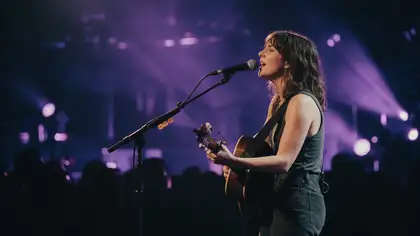
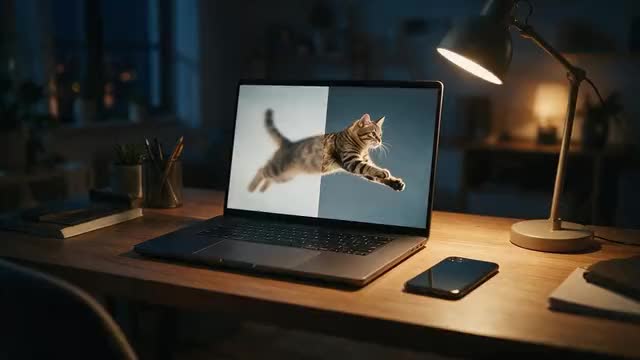
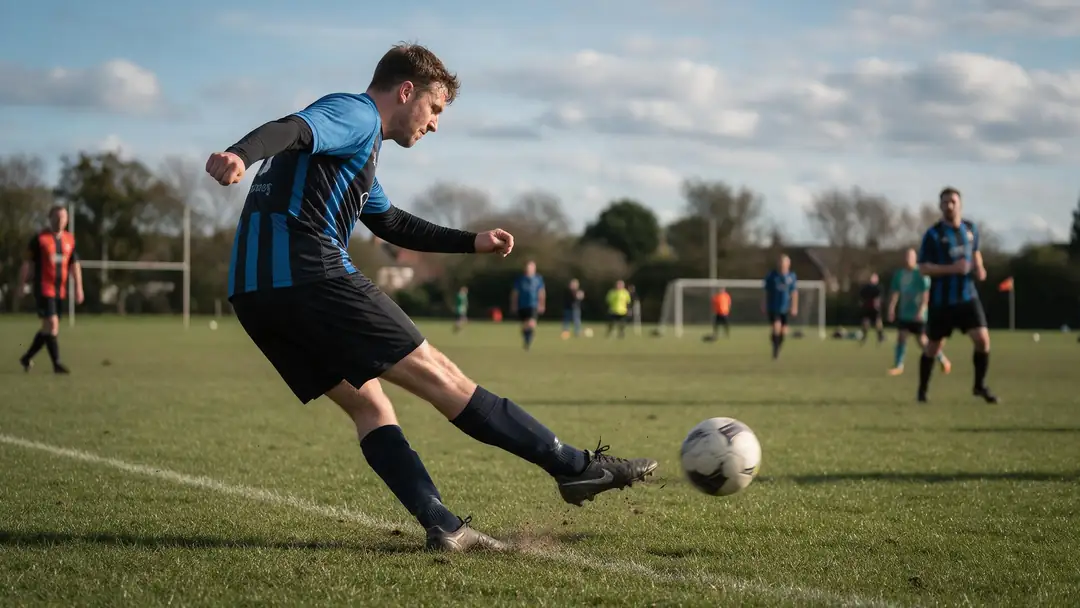
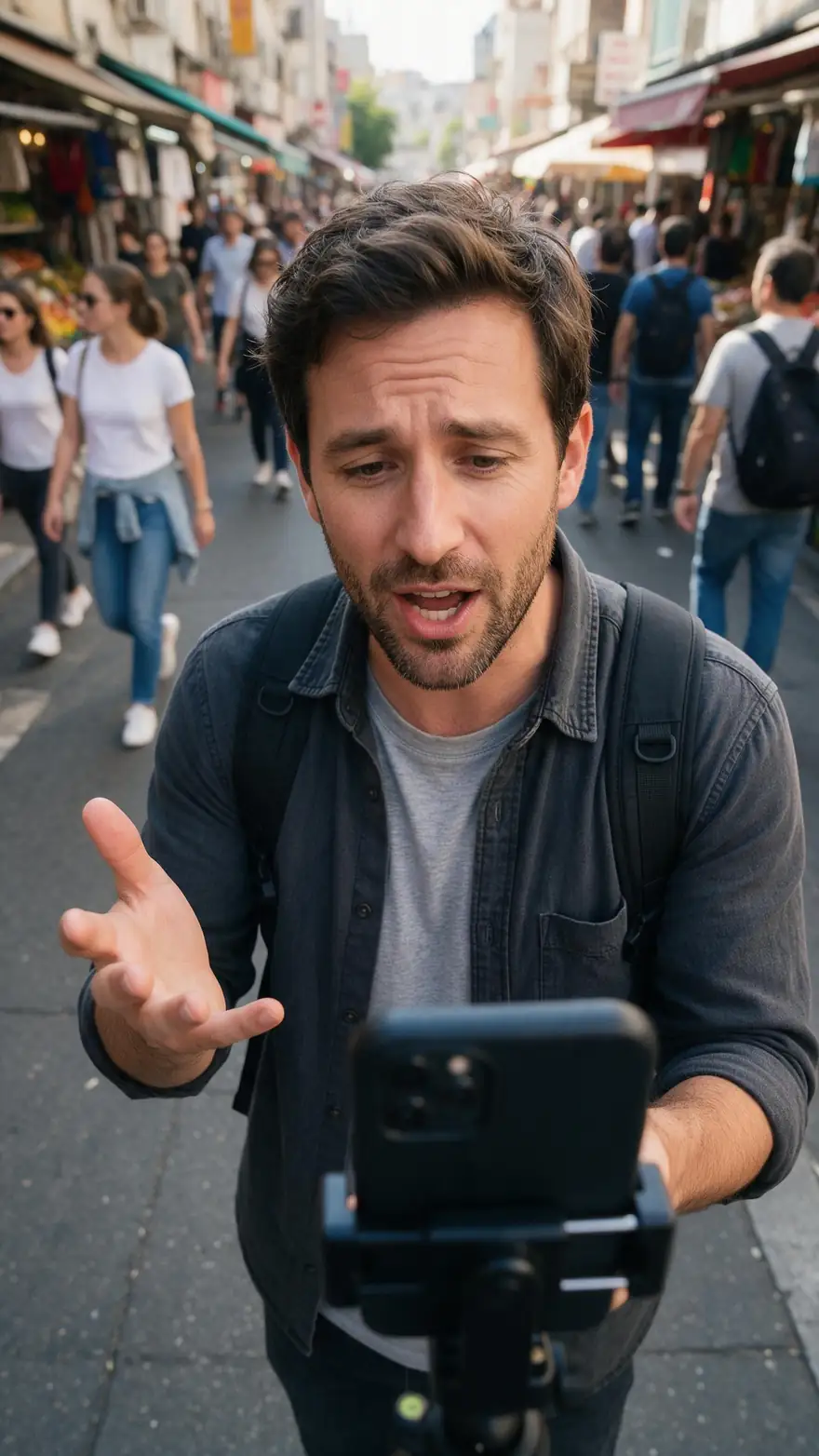
Quick pets and sport risk motion blur; dim stages, handheld vlogs and haze go soft. Real 5-second Wan 3 clips at 720p.
Example clips are AI-generated with Wan 3; the slider above shows the upscaler's own output.
How to
How to unblur a video, step by step
- Time needed
- Steps
- 4 steps
Step 1
Rule out playback
Set the player to its highest quality and watch on Wi-Fi. If the video is only blurry while streaming, the file itself may be fine.
Step 2
Find the best copy
Use the original camera file or export — not a screen recording, a re-download or a copy sent through a messaging app.
Step 3
Do the pause test
Pause on a frame where nothing moves. Sharp when still but smeared in motion means motion blur; soft even when still means focus, resolution or compression.
Step 4
Run the AI Video Upscaler
Upload the clip to Kenerate's AI Video Upscaler (MP4, MOV or WebM, up to 5 minutes and 100 MB) and choose 1080p, or 2K or 4K for big screens.

Open Video Upscaler and upload a clip, or pick one from your library or a link.


Watch the tour · 1:30
720p to 4K, 400 % zoom, every frame kept, before/after, vertical clips, hand-offs & chat
Chapters
Checked 6 October 2026
Ways to unblur a video, compared
Which fix is best for which kind of blur — start at the top, it costs nothing.
| Fix | Best for | Doesn't help with |
|---|---|---|
| Player quality setting | Blur only while streaming on a slow connection | A file that is blurry itself |
| Use the original file | Copies softened by re-uploads and chat apps | Blur recorded by the camera |
| Sharpen filter in an editor | A touch of softness, small tweaks | Low resolution or compression — it adds halos |
| Stabilise in an editor | Shaky handheld footage | Blur inside each frame |
| AI Video Upscaler | Low resolution, compression, mild focus blur | Heavy motion blur, a badly missed focus |
| Reshoot | Heavy motion blur, missed focus | Moments you can't repeat |
Kenerate's AI Video Upscaler upscales and cleans compression; it doesn't stabilise, change the frame rate or remove motion streaks.
Sources: Kenerate AI Video Upscaler (tool) · Motion blur — Wikipedia · Depth of field — Wikipedia · Video super-resolution — Wikipedia
Engines
Which output size makes a blurry video clear?
Pick by where the video will play. Every size keeps your aspect ratio, length and frame rate.
AI Video Upscaler
720p · Fast
- Input
- Video up to 5 min / 100 MB
- Output
- Pixels of 1280 × 720, shape kept
Checking quickly whether your blur is the fixable kind
Open 720p · Fast- Default
AI Video Upscaler
1080p · Popular
- Input
- Video up to 5 min / 100 MB
- Output
- Pixels of 1920 × 1080, shape kept
Phone, web and social video
Open 1080p · Popular 
AI Video Upscaler
2K · Sharp
- Input
- Video up to 5 min / 100 MB
- Output
- Pixels of 2560 × 1440, shape kept
Small text, faces in wide shots, monitors
Open 2K · Sharp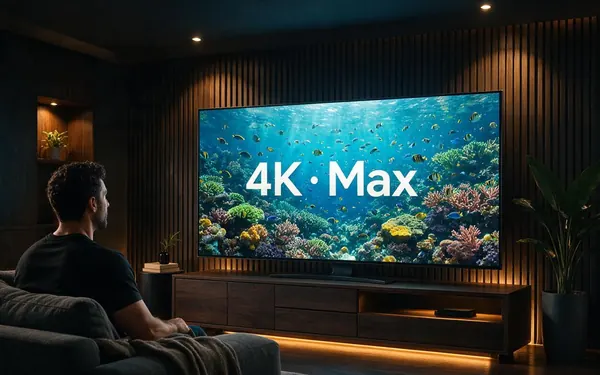
AI Video Upscaler
4K · Max
- Input
- Video up to 5 min / 100 MB
- Output
- Pixels of 3840 × 2160, shape kept
TVs and large screens
Open 4K · Max
One engine — the LTX-2 video upscaler — behind all four sizes. Sizes are a pixel budget, so vertical clips stay vertical.
Tips
Make the next video clearer from the start
Blur that never gets recorded never needs fixing.
Wipe the phone lens — a smudge softens every frame.
Tap to focus on the subject, and lock focus if your camera allows it.
Add light: dim scenes force slow shutters, and slow shutters blur motion.
Shoot at 60 fps for fast action such as sport or pets.
Avoid digital zoom; walk closer instead.
Share the original file, not a copy saved back from a chat app.
Example uses
How creators use How to Unblur a video
Illustrative examples of typical workflows, not customer reviews.
Pet owner
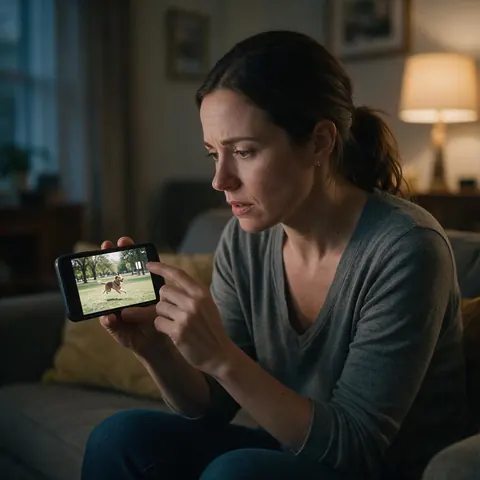
A pet owner could pause a soft park clip of their dog, see that it stays blurry even when still, and upscale it to 1080p instead of reaching for a sharpen filter.
Club volunteer
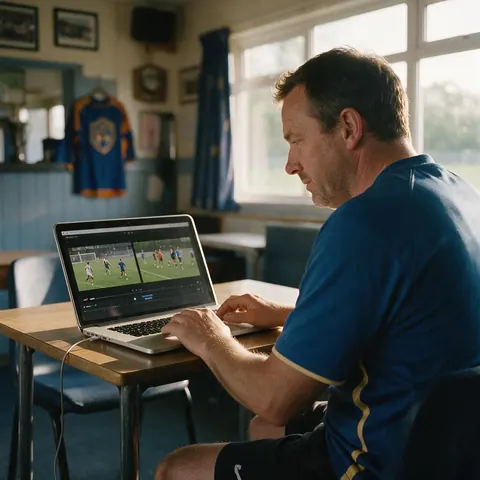
A sports club volunteer could make a re-shared match video clearer by finding the original file first, then upscaling it to 2K so shirt numbers are easier to read.
Event videographer
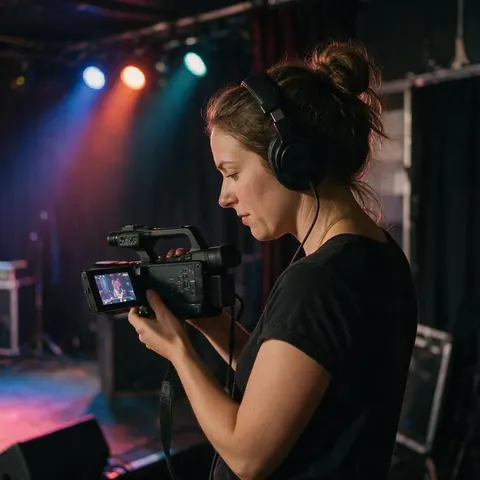
An event videographer could use the pause test to sort soft low-light shots, which upscale well, from motion-streaked ones that need a different take.
FAQ
How to unblur a video — questions
8 questions
Can you really unblur a video?
Partly. Blur from low resolution, compression or a slight focus miss can be made clearly sharper, because AI rebuilds detail using neighbouring frames. Heavy motion blur and a badly missed focus can't be undone: the detail was never recorded, so any "restored" face or number plate would be a guess.
Link to this answerHow do I make a blurry video clear?
Check the player's quality setting and use the original file first. If the file itself is soft, run it through an AI video upscaler: on Kenerate, upload the clip, choose 1080p, 2K or 4K, compare the before and after, and download the clearer MP4 without a watermark.
Link to this answerHow can I tell motion blur from focus blur?
Pause the video. If still parts of the frame look sharp but anything moving is smeared in one direction, it's motion blur. If the whole frame is soft even when nothing moves, it's focus, low resolution or compression — the kinds AI handles best.
Link to this answerIs there a free way to fix a blurry video online?
The free fixes come first: a higher quality setting, the original file instead of a re-shared copy, or a light sharpen in an editor you already have. For AI unblurring on Kenerate, new accounts get starter credits to try it, with no subscription and no watermark.
Link to this answerCan I unblur a video on my iPhone or Android phone?
Yes. Open Kenerate in your phone's browser, sign in and upload the clip from your camera roll. Choose 1080p for phone viewing, wait a few minutes for a short clip, then download the MP4. There is no app to install.
Link to this answerWhy is my video blurry after I upload or send it?
Apps and social platforms re-compress videos to save space, and every re-encode throws away detail. Send the original file where you can, and upload at the highest quality setting the app offers. If you only have the softened copy, AI upscaling can rebuild much of the lost detail.
Link to this answerWill unblurring change my video's length or frame rate?
No. Kenerate's upscaler returns the same length, frame rate and shape as your upload. It doesn't add frames, stabilise shake or crop the shot, so a vertical phone clip comes back vertical and a 30-second clip stays 30 seconds.
Link to this answerCan I unblur a face someone blurred on purpose?
No, and you shouldn't try. A face that was pixelated or blurred for privacy holds no recoverable detail, so AI could only invent a face that isn't theirs. Only edit videos you have the right to use.
Link to this answerIn depth
Why videos go blurry — and what each kind needs
On this page
Motion blur is baked into each frame
Each video frame is exposed for a fraction of a second. If the subject or camera moves during that time, its image is smeared along the direction of travel [1]. Dim light makes cameras use slower shutters, so indoor and evening footage of pets, children and sport blurs most. The streak is the recording itself, which is why no tool can restore what was behind it.
Focus blur depends on how far off it was
Only a band of distances in front of the lens is sharp — the depth of field [2]. A subject just outside that band looks slightly soft and sharpens well; a subject far outside it is a blur with no edges left to rebuild. Phones that hunt for focus during a clip produce both kinds in the same video.
Low resolution and compression are the fixable kinds
A small clip stretched to a big screen and a clip squeezed by an app both lose fine detail but keep the shapes. Video super-resolution uses neighbouring frames to rebuild that detail consistently over time [3] — which is what Kenerate's AI Video Upscaler does, at 720p, 1080p, 2K or 4K.
Why a sharpen filter isn't enough
A sharpen filter raises contrast along edges that already exist. On a small or compressed clip it also sharpens the blocks and noise, adding bright halos. AI upscaling predicts new detail instead, so use a sharpen filter only for a light final touch.
How to make a video clearer
Rule out playback, start from the original file, then upscale it to the size of the screen it will play on. Clearer usually means more real resolution, not more sharpening.
Remove blur from video
AI removes softness from low resolution and compression well. It can't remove the streaks of heavy motion blur — reduce those next time with more light and a faster frame rate.
Video unblur online
Kenerate runs in the browser on a computer or phone: upload an MP4, MOV or WebM of up to 5 minutes and 100 MB, and download an MP4 without a watermark.
Fix a blurry video online free
Try the free fixes first. For AI repair, new Kenerate accounts get starter credits, with no subscription required.
Explore
Every Kenerate video tool
Generators, tools, models and guides — all in one studio.