

107 presets · sports · anime · products · UGC hooks · wallpapers
Viral Video Effects — one photo, one tap, a trending clip
Pick a trending AI video effect, add a photo of yourself, your product or your pet, and Viral Presets turns it into a cinematic 4–30 second video with sound, sized for Reels, TikTok and YouTube.
- 107 ready-made effects
- One photo is enough
- Video with sound
- 9:16, 16:9, 1:1 and more
Updated by the Kenerate AI team
Made with Kenerate

On this page
Quick answer
Updated
What are AI viral video effects?
Viral video effects are ready-made AI video templates: you pick the effect, add a photo, and the AI makes the clip. Kenerate Viral Presets has 107 presets in 7 categories — Sports, Anime, Products, UGC Hooks, Wallpapers, Cinematic and Action — and turns 1 to 6 photos into a 4–30 second video with sound in 9:16, 16:9, 1:1 and three more sizes. No prompt is needed; you can add one line of direction if you want.
Key facts
- Presets
- 107: UGC Hooks 25 · Anime 20 · Products 20 · Sports 15 · Wallpapers 15 · Cinematic 6 · Action 6
- Input
- 1–6 photos (face, product or pet) · JPG, PNG or WebP · optional direction
- Engines
- Turbo (Seedance 2.0 Mini, 4–15 s, default) · Pro (Seedance 2.5, 5–30 s)
- Sizes
- 9:16 (default) · 16:9 · 1:1 · 4:3 · 3:4 · 21:9
- Quality
- 480p · 720p (default) · 1080p · 4K
- Sound
- Generated with the video, on by default
- Shortcuts
- Reel / TikTok · Story · YouTube · Feed post · Wallpaper
- Access
- Free account with credits; sign in and verify your email to generate
Presets
Trending AI video effects to try
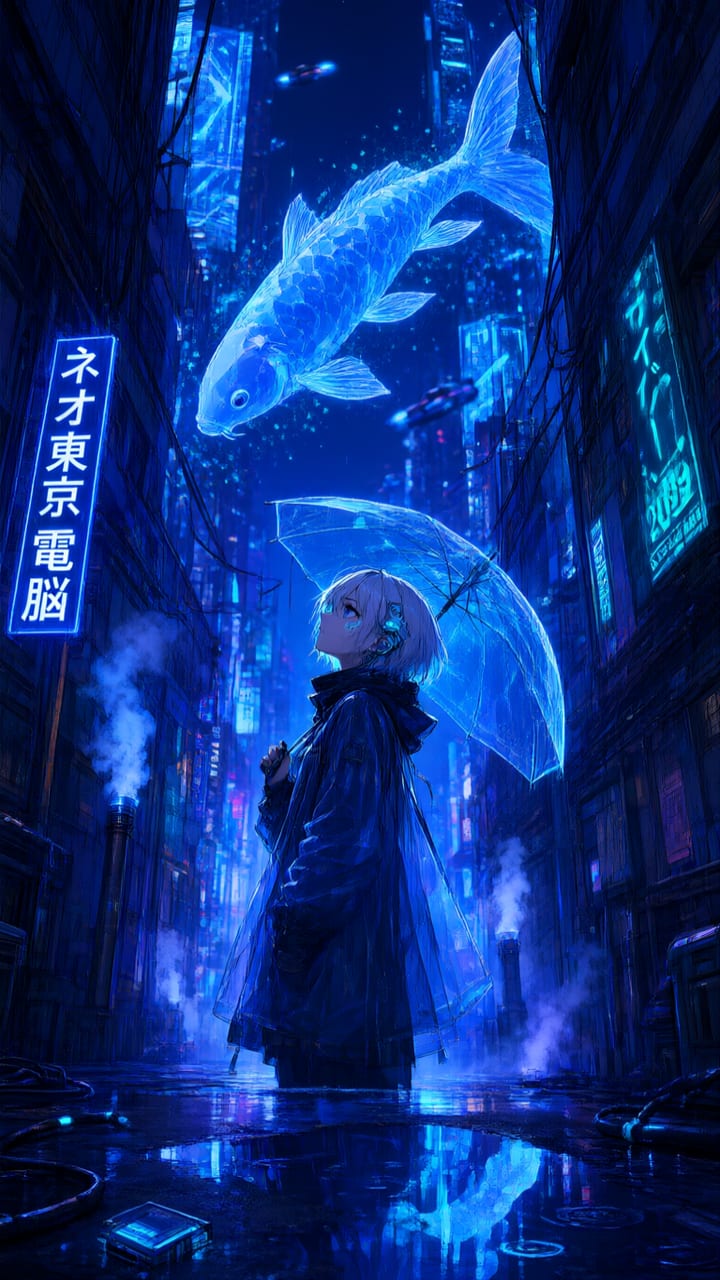
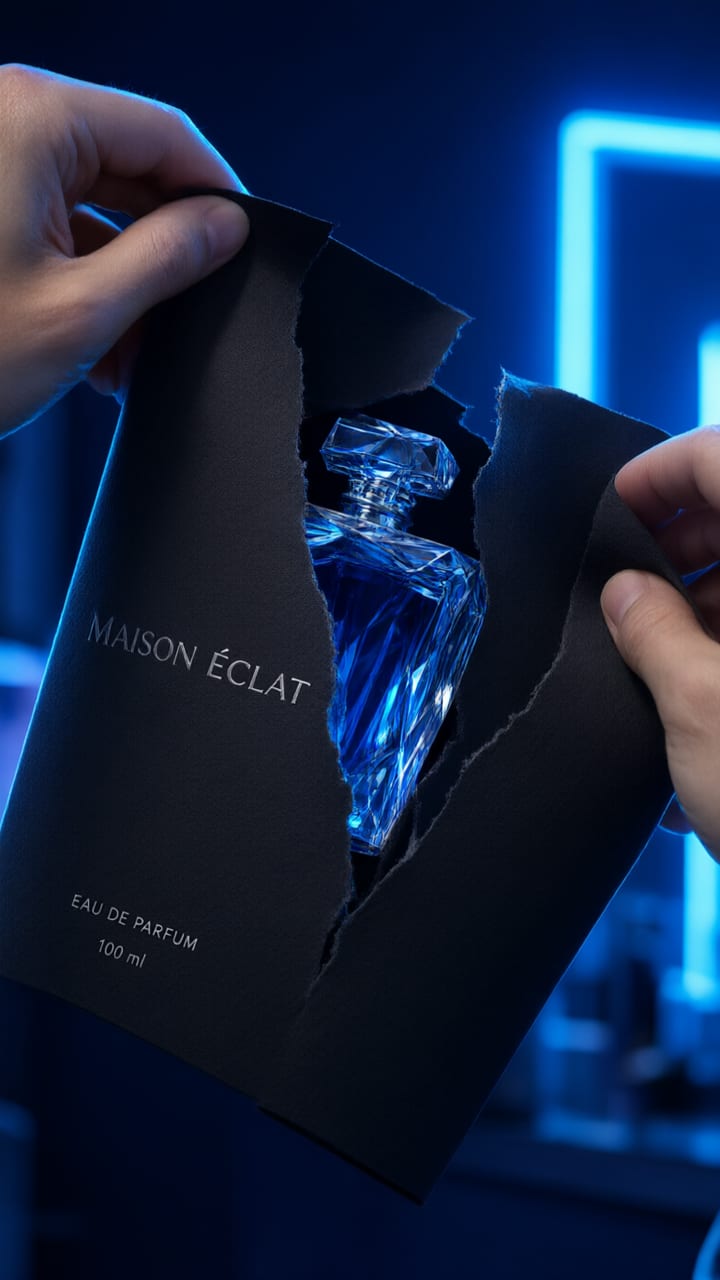
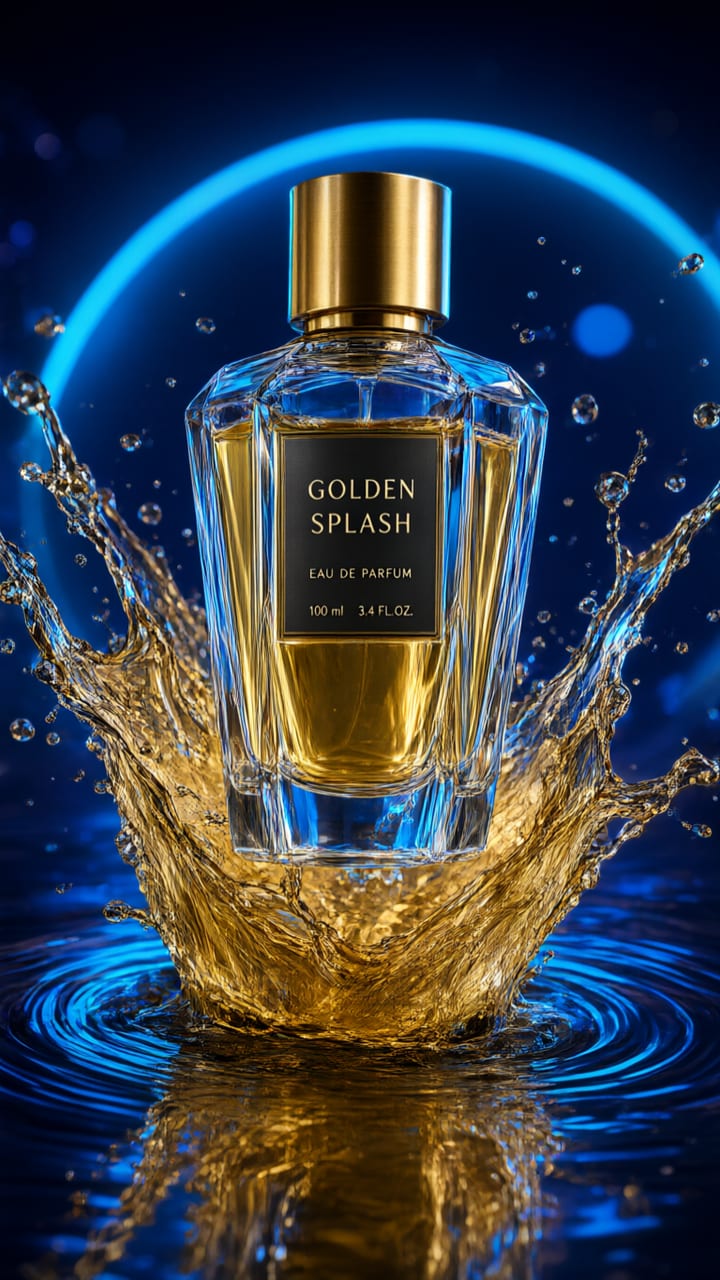
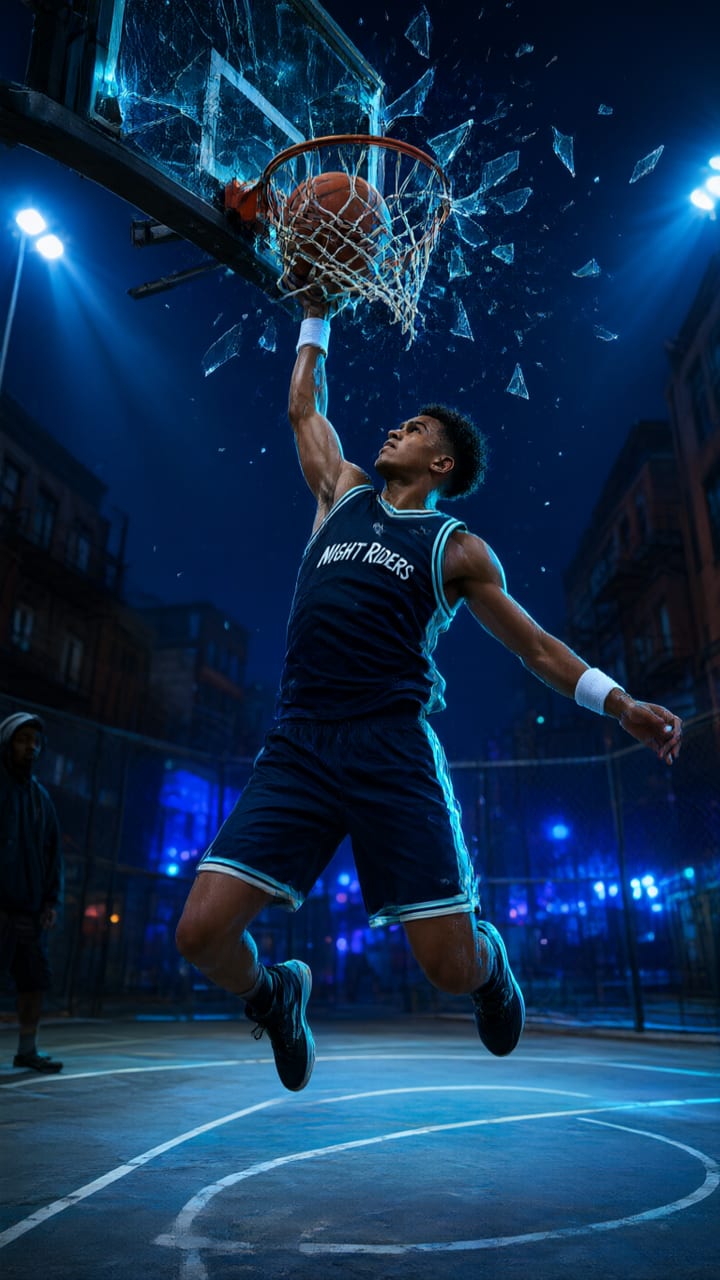
Preset cards from Viral Presets, including the app's own trending strip. Each one is a template: add your photo and it becomes your clip.
How to
How to use the viral video effects
- Time needed
- Steps
- 4 steps
Step 1
Pick a preset
Open Viral Presets and browse by category or the trending strip: Sports, Anime, Products, UGC Hooks, Wallpapers, Cinematic or Action.
Step 2
Add your photo
Upload 1 to 6 photos of your face, product or pet, or take a selfie on your phone. Sign in to upload.
Step 3
Choose the output
Pick a format shortcut or set the engine, length, quality, size and sound yourself. Add a line of direction if you like.
Step 4
Generate and download
The clip appears in your Creations. Download the MP4, share it, or remake it with new settings.
See it in the app

Open Video Studio in Text to Video mode and write the shot — subject, action, camera move and light.


Tips
How to make a video effect that stops the scroll
What the presets are built around, and how to feed them well.
Use a sharp photo with the face or product clearly visible and not covered.
Check the preset's "photos ideal" hint: some work best with 2–4 photos of the same subject.
Start on Turbo at 720p to test an effect, then remake the winner on Pro, 1080p or 4K.
Pick the size for the platform first: Reel / TikTok for 9:16, YouTube for 16:9.
Add one line of direction only if you need it, such as the colour of the outfit or the setting.
Keep the sound on for TikTok and Reels; turn it off if you will add your own track.
Models
Engines behind Viral Presets
Viral Presets runs on two engines. Pick one per video.
ByteDance
Turbo — Seedance 2.0 Mini
- Reference images
- Up to 6
- Output
- 4–15 s
Default: fast, good for testing an effect
Open Turbo — Seedance 2.0 MiniByteDance
Pro — Seedance 2.5
FAQ
Viral Video Effects questions
8 questions
How do I make a TikTok AI effect video from a photo?
Open Viral Presets, pick a preset, add a photo and choose the Reel / TikTok shortcut (9:16, 5 seconds, 720p). Generate, then download the MP4 and post it. Sound is generated with the video and is on by default.
Link to this answerHow many AI video templates are there?
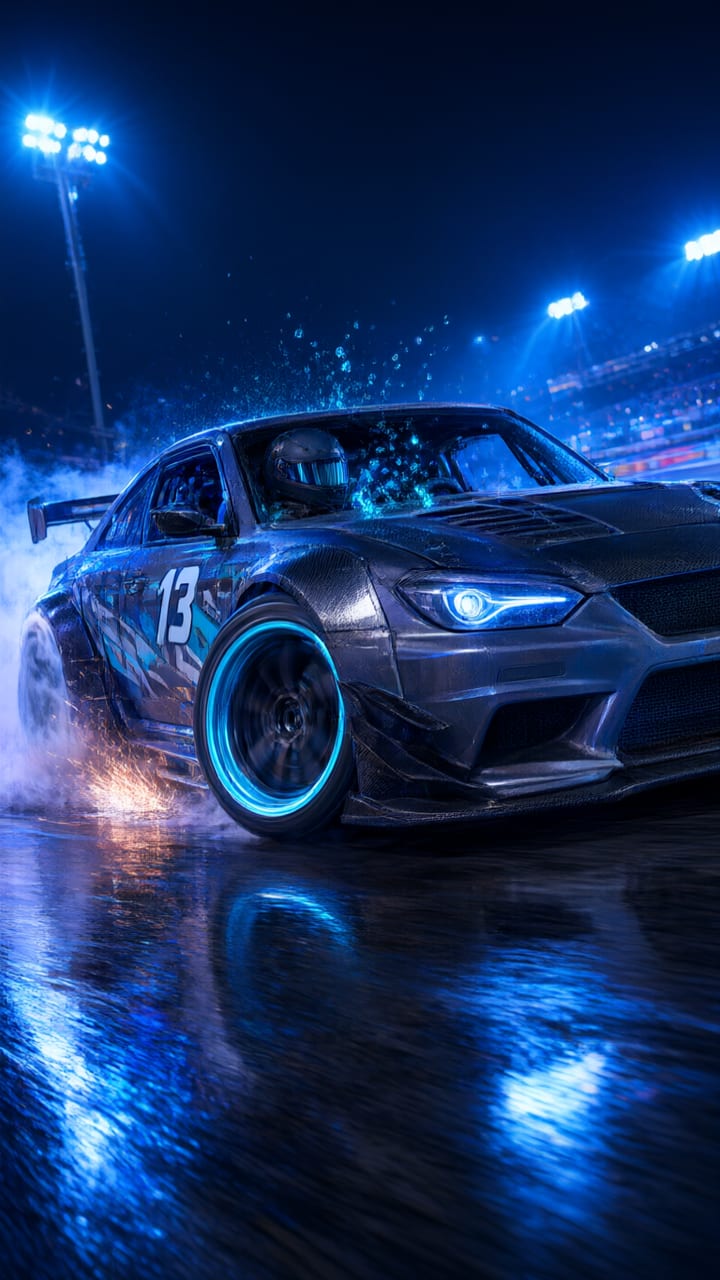
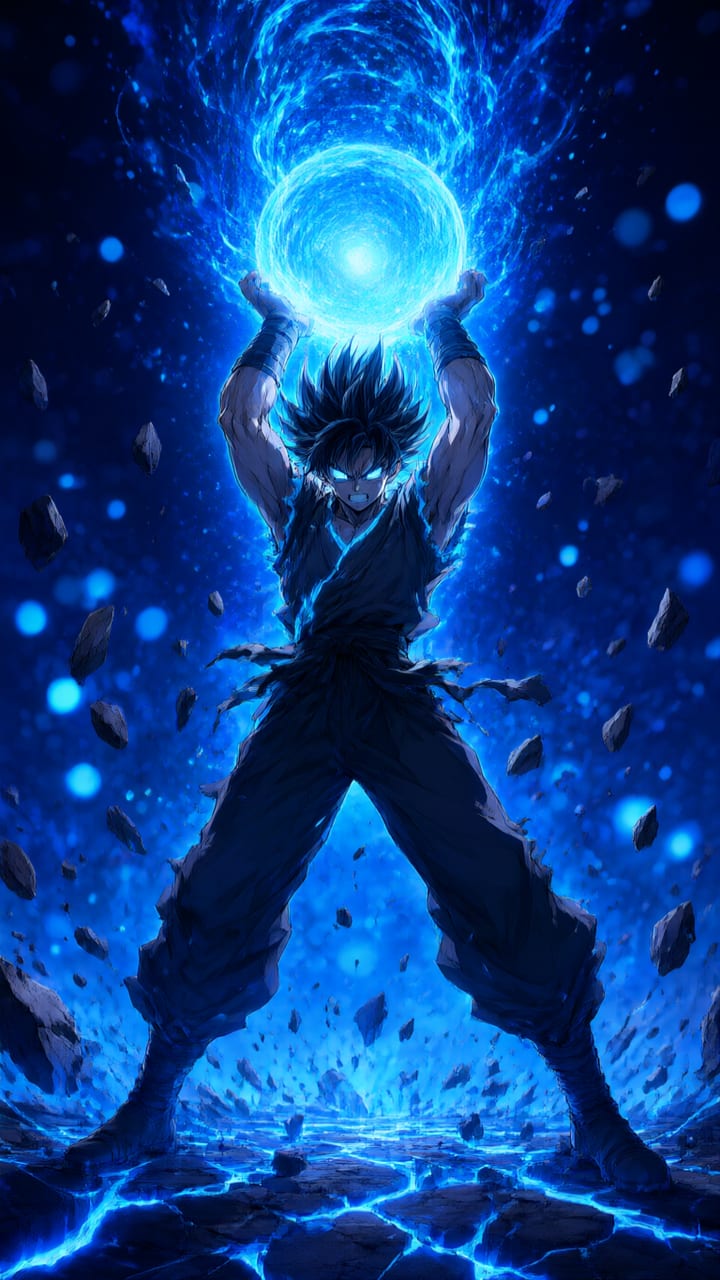
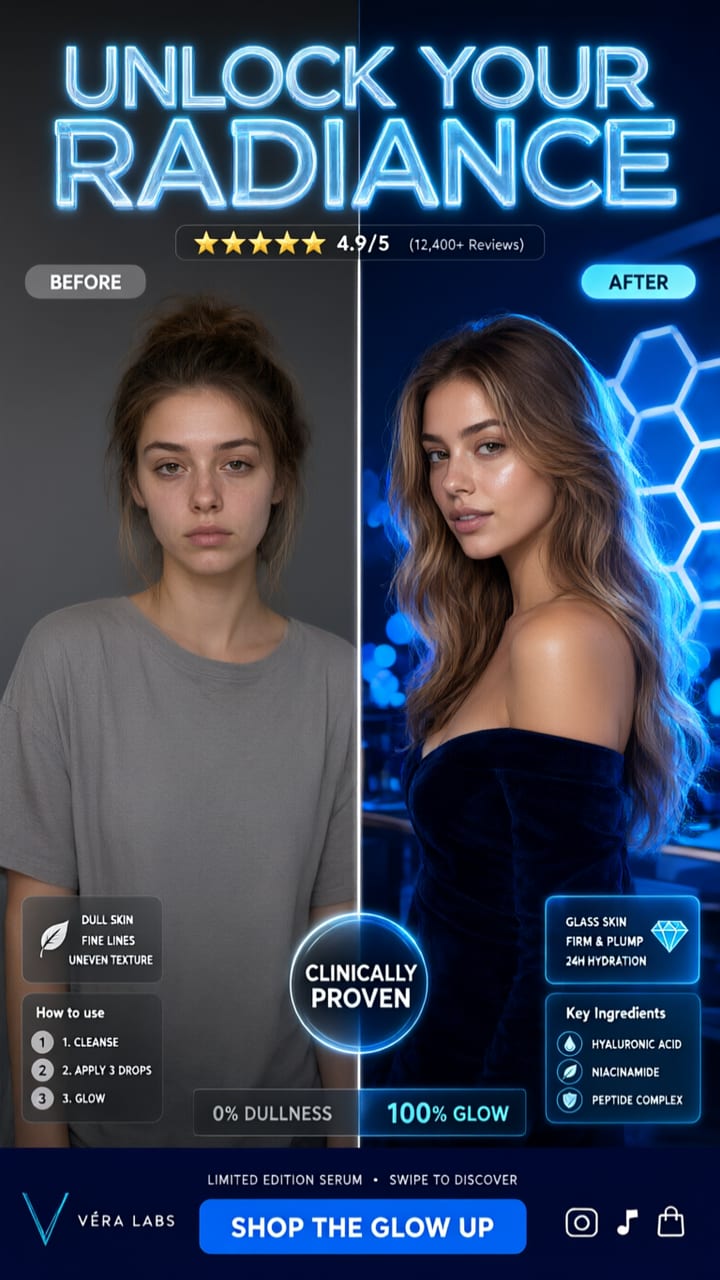
107 presets in 7 categories: UGC Hooks (25), Anime (20), Products (20), Sports (15), Wallpapers (15), Cinematic (6) and Action (6). The app also shows a trending strip with crowd favourites such as Drift Racing, Shonen Power Charge and Scroll Stopper Split.
Link to this answerDo I need to write a prompt?
No. Each preset already holds the scene, camera move and style. The AI looks at your photos and combines them with the preset. You can add an optional line of direction if you want to change a detail.
Link to this answerHow long are the videos?
Turbo makes 4, 5, 10 or 15-second clips and Pro makes 5 to 30 seconds. Quality goes from 480p to 4K, and the size can be 9:16, 16:9, 1:1, 4:3, 3:4 or 21:9.
Link to this answerCan I use it for product videos?
Yes. The Products category has hero spins and splashes such as Perfume Golden Splash and Cosmic Bottle Rotate, and UGC Hooks has scroll-stoppers like Product Wrapper Rip. Upload a clean product photo, or a few angles of it.
Link to this answerCan I use photos of other people?
Use photos of yourself, of people who have agreed, and of products and pets you have the right to use. The optional direction text is checked for adult content, and don't present an AI clip as real footage of a real event.
Link to this answerIn depth
Viral Video Effects, explained
What works, what to avoid, and how to pick a model.
On this page
Which category for which post
The seven categories match what people actually post:
- UGC Hooks: scroll-stoppers for Reels and TikTok — split-screen before/after, unboxing reveals, emoji hype.
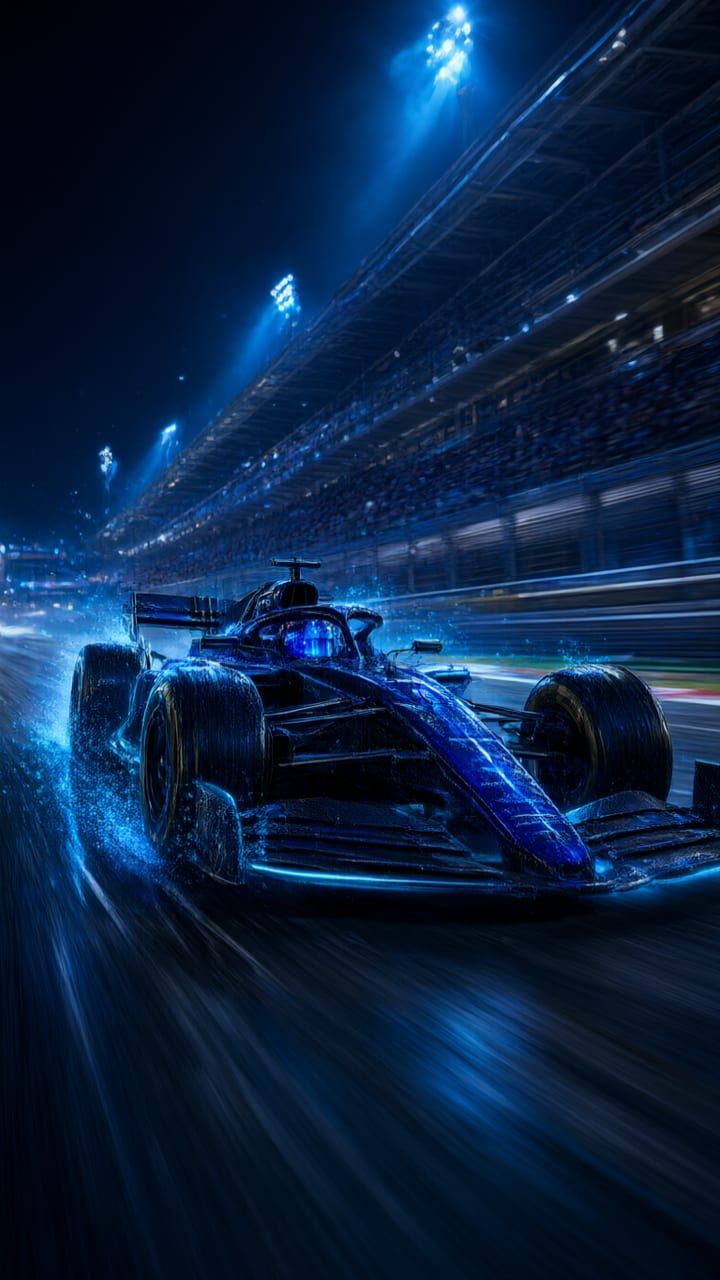
- Sports: stadium hype, slow motion and broadcast-style reveals — baseball, F1, streetball, drift.
- Anime: cel-shaded transformations and worlds — power-ups, neon city alleys, samurai duels.
- Products: hero product spins and splashes for ads and listings.
- Wallpapers: loopable ambient scenes, such as a rotating nebula or an aurora night.
- Cinematic and Action: film-style reveals, CGI breakdowns, chases and impact shots.
How a preset becomes your video
When you generate, the AI first describes your photos, then merges that description with the preset's template, your optional direction and the length you picked into one detailed prompt. Your photos go to the video model as references, so the clip is of your subject rather than a stock character.
Turbo or Pro
Turbo runs on Seedance 2.0 Mini and is the default: fast, with clips up to 15 seconds — good for trying several effects. Pro runs on Seedance 2.5 for cinema-quality detail and clips up to 30 seconds. Both support every size and quality setting.
After it renders
Every clip is saved in Creations with its settings. You can download it as an MP4, share it, save it to a folder, or press Remake to run the same preset again with different settings.
Try the viral video effects
Free account, pay only for what you make. Browse every preset before you sign in.
Tried it? Tell us how it went