Director · Lyrics Video · 9:16 · 1080 × 1920
TikTok lyric video generator — vertical 9:16 lyric clips of your hook
Turn the best part of your song into a vertical lyric clip. Upload the hook, paste the words, pick 9:16, and the Director plans scenes on the music and puts the lines on screen, ready to post on TikTok, Reels or Shorts.
- 9:16 at up to 1080 × 1920
- Clips from 15 seconds
- Hook lines on title cards
- Your track or a Ken Music song
Updated by the Kenerate AI team
Made with Kenerate
On this page
Quick answer
Updated
How do you make a TikTok lyric video with AI?
A TikTok lyric video generator makes a vertical 9:16 video with the song's words on screen, and Kenerate's Director sets that format in its Music Video form. Choose Lyrics Video, attach the track, paste the lyrics, pick 9:16 and a length from 15 seconds up; the Director plans the scenes on the song's sections and renders them.
Key facts
- Format
- 9:16 (also 16:9, 1:1)
- Frame at 1080p
- 1080 × 1920
- Length
- 15 s to 4 min, 5 s steps
- Song
- MP3, WAV or M4A up to 50 MB, or Ken Music
- Lyrics
- Up to 3,000 characters
- Plan
- Paid plans
Real results
Vertical shots for a lyric clip
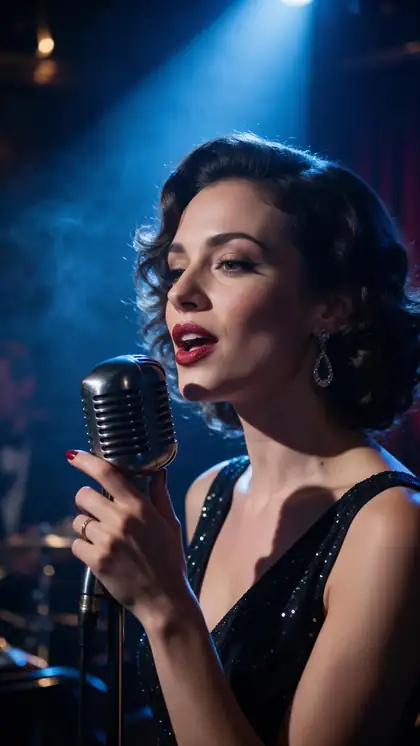
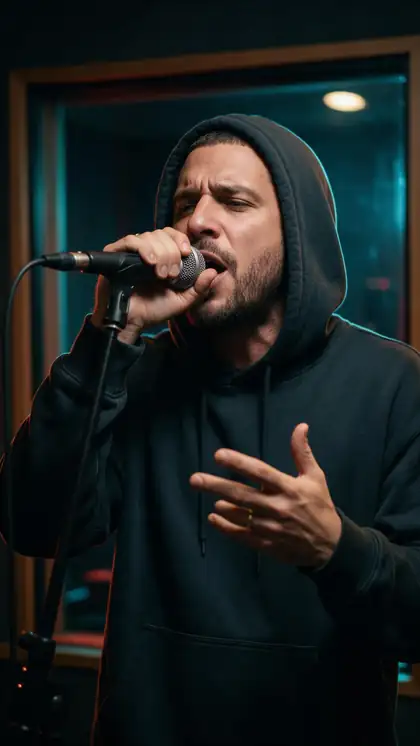
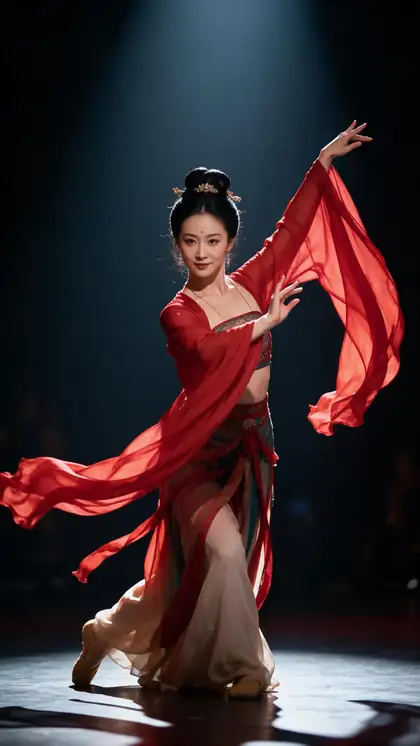
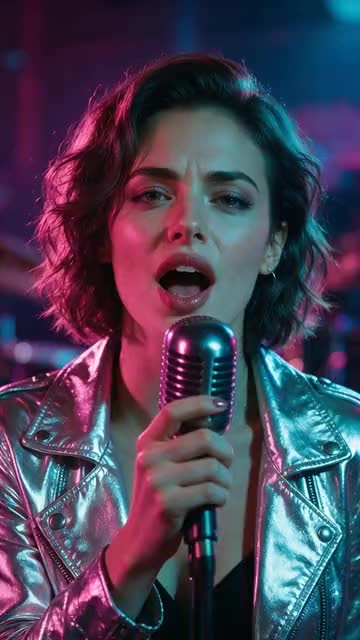
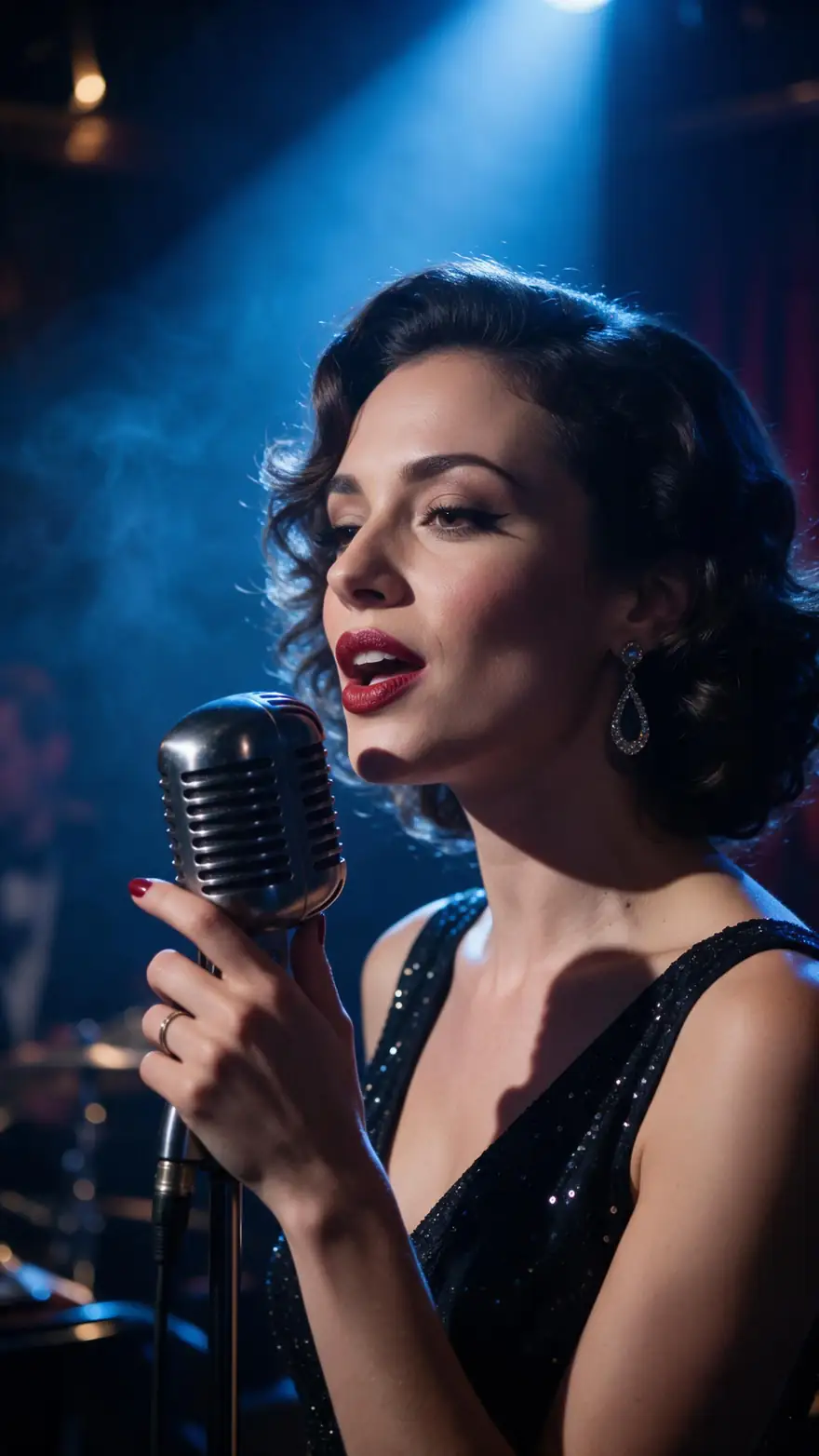
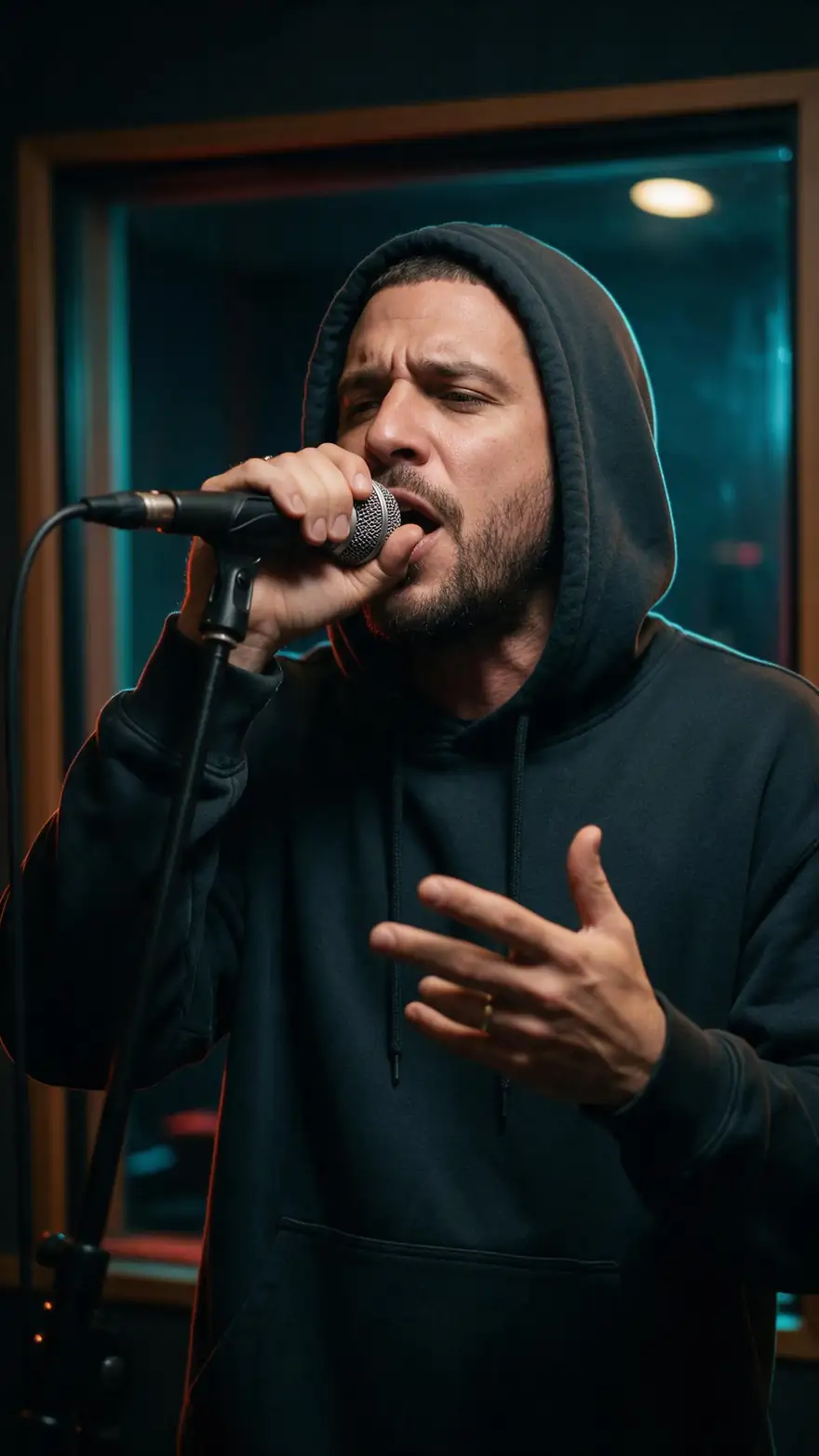
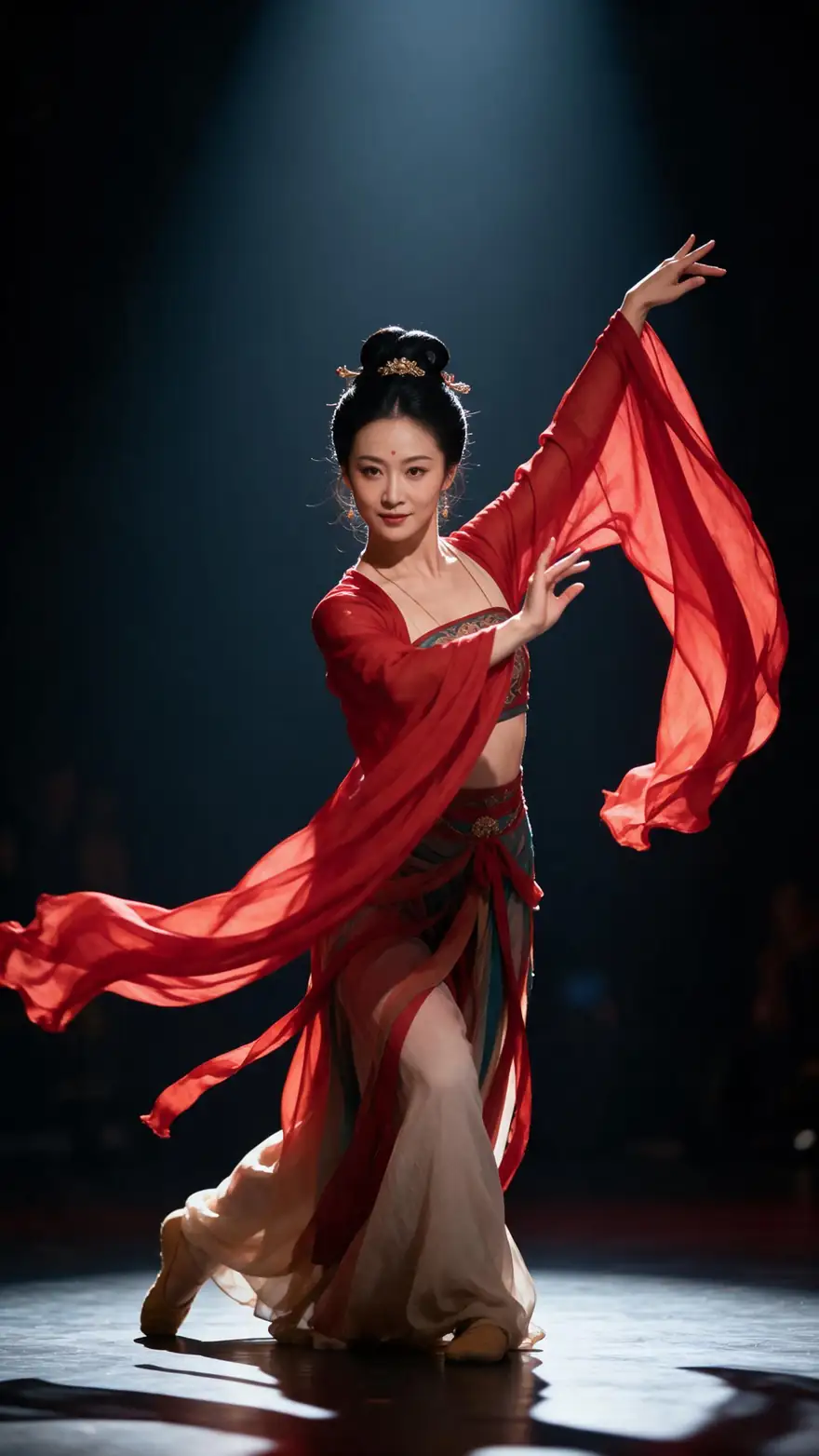
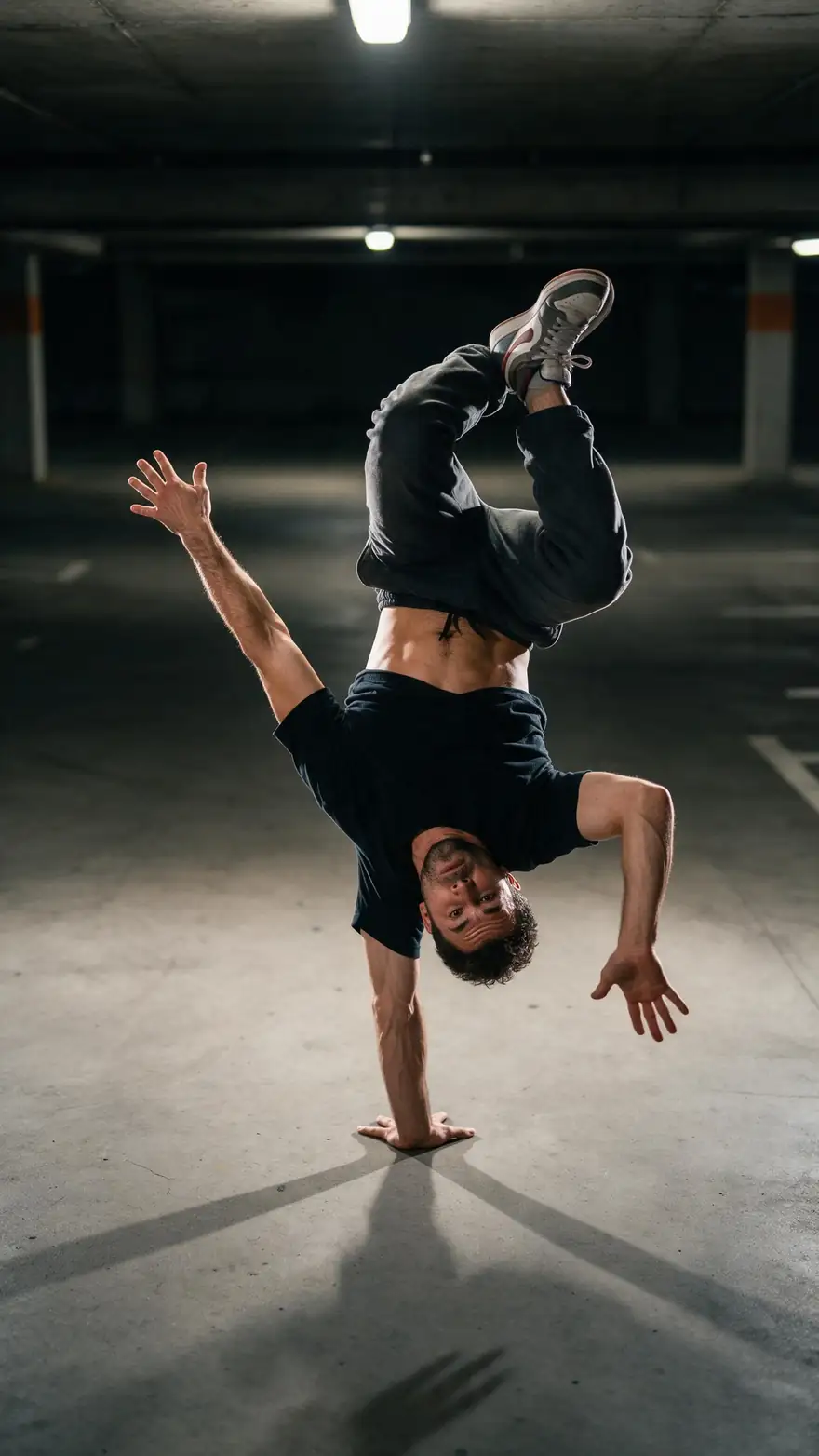
Five 9:16 performance and dance clips made in Kenerate's video studio, the kind of footage a vertical lyric video cuts between. In Director, the lyrics come from title cards and designed frames.
Video studio clips, not Director exports, with no lyrics on screen. AI-generated performers.
How to
How to make a TikTok lyric video
- Time needed
- Steps
- 4 steps
Step 1
Cut the hook
Trim your track to the part you want to post, usually the chorus, and export it as MP3, WAV or M4A.
Step 2
Open Lyrics Video
In Director, choose the Music Video quick start, pick Lyrics Video, upload the hook and paste just those lines.
Step 3
Pick 9:16 and the length
Choose 9:16 under Format and set the length to match the hook, from 15 seconds up.
Step 4
Render, export, post
Describe the look, let the Director render the shots, export an MP4 at 1080p and upload it to TikTok yourself.
See it in the app

Open Director and describe the film — the story, the look, the length and the sound.


Watch the tour · 3:32
Brief, questions, script & plan, cast, rendering & review, timeline, music & voice, preview, export & share
Chapters
Checked 6 October 2026
Best format for each place you post
The Music Video form offers three formats. Pick by where the video will live.
| Format | Best for | Frame at 1080p |
|---|---|---|
| 9:16 | TikTok, Instagram Reels, YouTube Shorts | 1080 × 1920 |
| 1:1 | Feed posts that show in a square | 1080 × 1080 |
| 16:9 | A full lyric video on YouTube | 1920 × 1080 |
Frame sizes follow the Director's export settings. Check each app's own upload rules before you post.
Sources: Kenerate Director · Kenerate Ken Music · Kenerate Auto Subtitles
Engines
What renders a vertical lyric video
The parts of a Director music video, from its model catalogue and export settings.
- Default

ByteDance
Seedance 2.0
- Input
- Shot prompt + reference images
- Output
- Video shots in the project's 9:16 frame
The default shot model
Open Seedance 2.0 Alibaba
Wan 3.0
- Input
- Shot prompt + reference images
- Output
- Shots up to 30 s
Consistent shots at the best value
Open Wan 3.0- Title cards

OpenAI
GPT Image 2.5 Sunburst
- Input
- A lyric line + the look
- Output
- Title cards
Clean lettering for the hook lines
Open GPT Image 2.5 Sunburst 
Kenerate
Ken Music 1.5
- Input
- A song description
- Output
- Songs up to about 3 min
No track yet
Open Ken Music 1.5Director
Export
- Input
- The finished timeline
- Output
- MP4 · 30 fps · 480p, 720p or 1080p
1080p gives a 1080 × 1920 vertical file
Open Export
Music video clips render silent; your track is the soundtrack of the export.
Tips
Vertical lyric clips that stop the scroll
Phone screens are small and viewers swipe fast.
Open on the hook line, not an intro.
Fewer words per card: one line at a time reads best on a phone.
Keep lyrics in the middle of the frame, clear of the app's buttons.
Ask for close-ups and bold colour; wide shots shrink on a phone.
Export at 1080p so the words stay sharp after the upload.
Post only songs and lyrics you own or are licensed to use.
Example uses
How creators use TikTok Lyric video generator
Illustrative examples of typical workflows, not customer reviews.
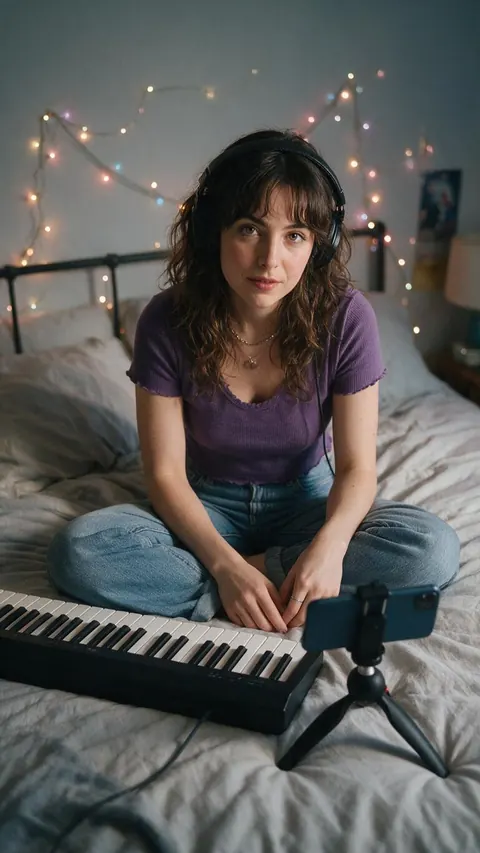
Bedroom-pop artist
A bedroom-pop artist could turn the chorus of a new song into a 9:16 lyric clip to post before the full release.

Venue social media manager
A venue's social media manager could make vertical lyric clips of a headliner's hook, with the band's permission, to promote a show.
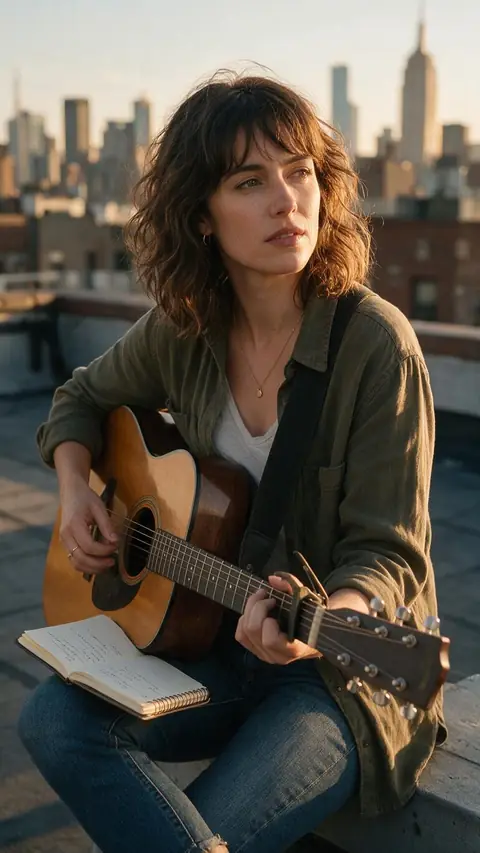
Songwriter
A songwriter could test two hooks as short lyric clips and see which one listeners replay before finishing the song.
FAQ
TikTok lyric video generator — questions
7 questions
How do I make a lyric video for TikTok?
Cut your track to the hook, open Director's Music Video quick start and pick Lyrics Video. Upload the hook, paste its lines, choose 9:16 and a length that matches, describe the look and start. Export the MP4 at 1080p and upload it to TikTok.
Link to this answerDoes it make vertical 9:16 videos?
Yes. 9:16 is one of the three formats in the Music Video form, next to 16:9 and 1:1. Every shot is fitted to the vertical frame, and a 1080p export is 1080 × 1920.
Link to this answerHow short can the lyric video be?
The Music Video form starts at 15 seconds and goes up in 5-second steps to 4 minutes. For TikTok, upload only the part of the song you want in the clip and set the length to match.
Link to this answerCan I post it straight to TikTok from Kenerate?
No. Export gives you an MP4 to download, a link to copy or a share page; you upload the file to TikTok, Reels or Shorts yourself.
Link to this answerCan I use a song that's trending on TikTok?
Only if you have the rights to it. Upload your own music, a track you're licensed to use, or make a new song with Ken Music from a description.
Link to this answerWhere should the lyrics sit in a vertical video?
Toward the middle, away from the edges where apps place buttons and captions. Say so in the visual direction; if you add subtitles afterwards in Auto Subtitles, its Middle position is labelled Reels style for this reason.
Link to this answerIs the TikTok lyric video generator free?
No. Director is on Kenerate's paid plans; free accounts can open it and watch the examples. Ken Music works on the free plan if you want to make the song first.
Link to this answerIn depth
Vertical lyric videos, explained
On this page
Why the hook, not the whole song
Short-video feeds reward clips that get to the point. A lyric clip built on the chorus or the most quotable line gives viewers the words to sing along to and a reason to use the sound. Upload just that section: the Director plans to the track you give it, so a 20-second hook becomes a 20-second plan.
Designing for a phone screen
In Lyrics Video mode the Director puts key lines on title cards and designs words into the scenes. On a vertical phone screen, fewer words per frame and bigger shapes read best.
- One lyric line per title card.
- Close-ups and medium shots over wide landscapes.
- High contrast between the words and what's behind them.
- A strong first frame: it's also the cover viewers see.
One song, several formats
A release often needs a vertical clip for TikTok and a landscape video for YouTube. Make the 9:16 hook first; if it works, start a 16:9 Lyrics Video project for the full song with the same visual direction and references.
Lyric video for TikTok
The same thing: a vertical video of the song with its words on screen. On Kenerate it's the Lyrics Video edit with the 9:16 format.
Lyric video for Reels and Shorts
Same file, different app. A 9:16 export works for TikTok, Instagram Reels and YouTube Shorts; check each app's length rules before posting.
Explore
Every Kenerate video tool
Generators, tools, models and guides — all in one studio.