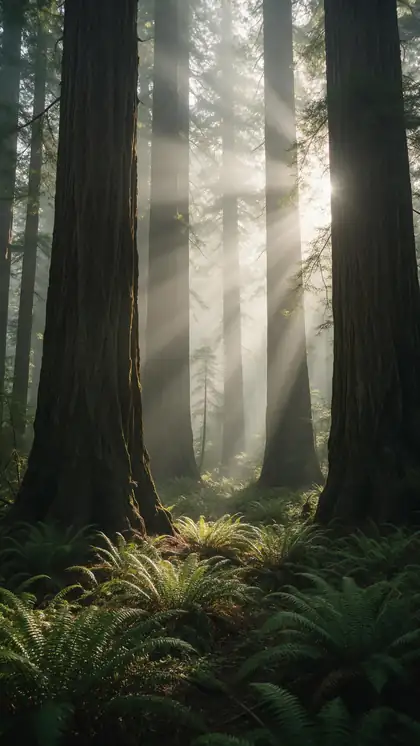
Living photos · cinemagraph-style · 9 camera moves
Make an image move — subtle motion, living photos and camera moves
Not every picture needs a story. Often the best moving picture changes just one thing — steam curling off a coffee, clouds drifting over hills, a slow push toward a lighthouse. Here is how to add that kind of motion to any image, and which prompt words produce which movement.
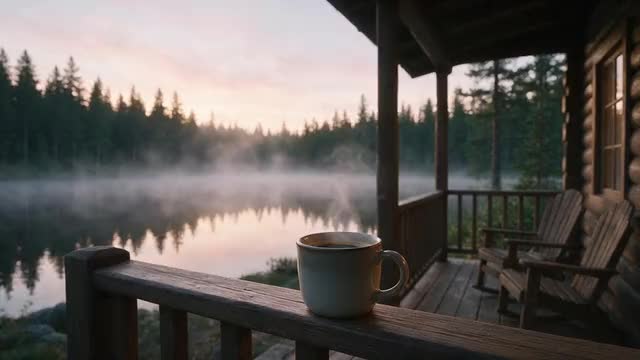
- Photos, paintings, AI art
- One element or the camera
- 9 camera presets
- No watermark
Updated by the Kenerate AI team
Made with Kenerate

On this page
Quick answer
Updated
How do you make an image move?
To make an image move, upload it to an image-to-video model and name 1 thing that moves plus 1 camera move — for example "steam rises, slow push in". Kenerate's video studio animates pictures with Wan 3, Kling 3.0 or Veo 3.1 and has 9 camera presets. Small, named motion keeps the picture looking like itself.
Key facts
- Works on
- Photos, paintings, illustrations, AI images
- Camera presets
- Pan, zoom, tilt, orbit 360°, drone, handheld
- Clip length
- 2–30 s on Wan 3
- Sound
- Optional — describe it
- Watermark
- None
Real results
Pictures that move a little — or a lot
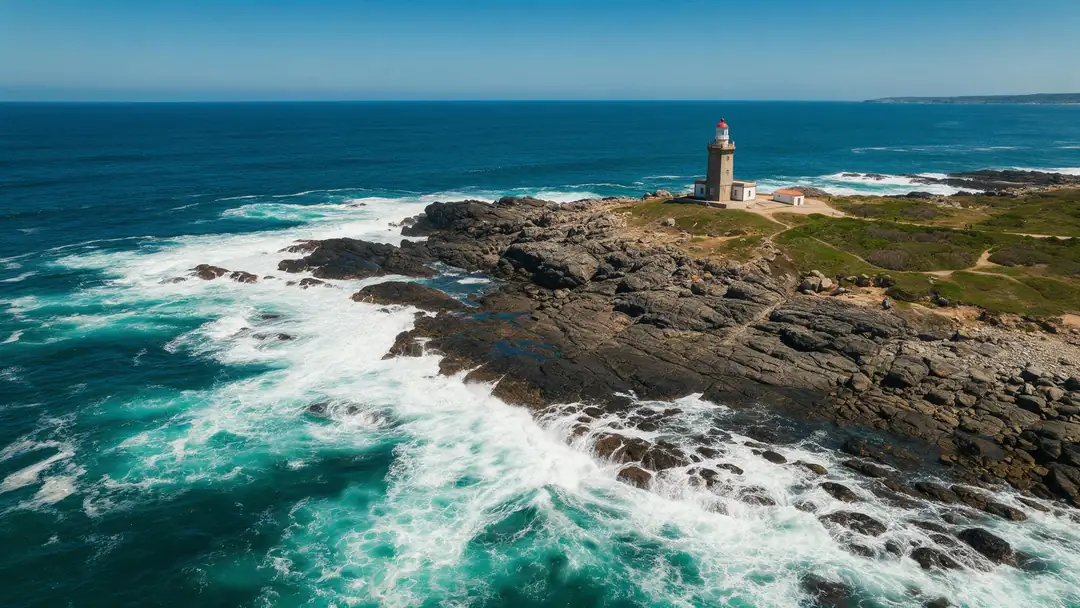
Filter by kind of motion: gentle scene motion, a moving camera, or a painting coming alive. Real 5-second Wan 3 clips at 720p, each from one still image.
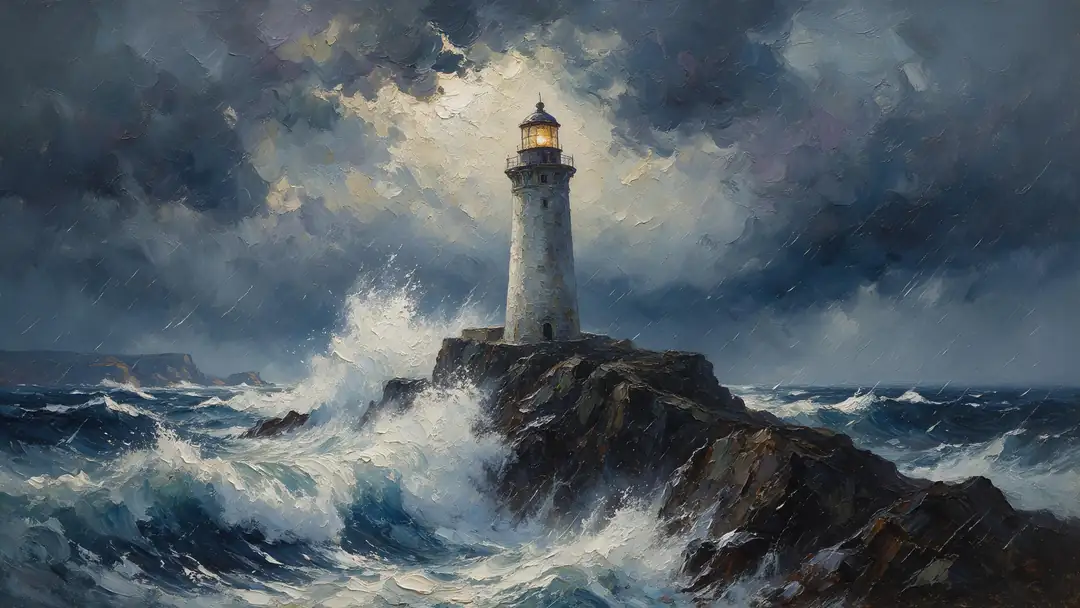
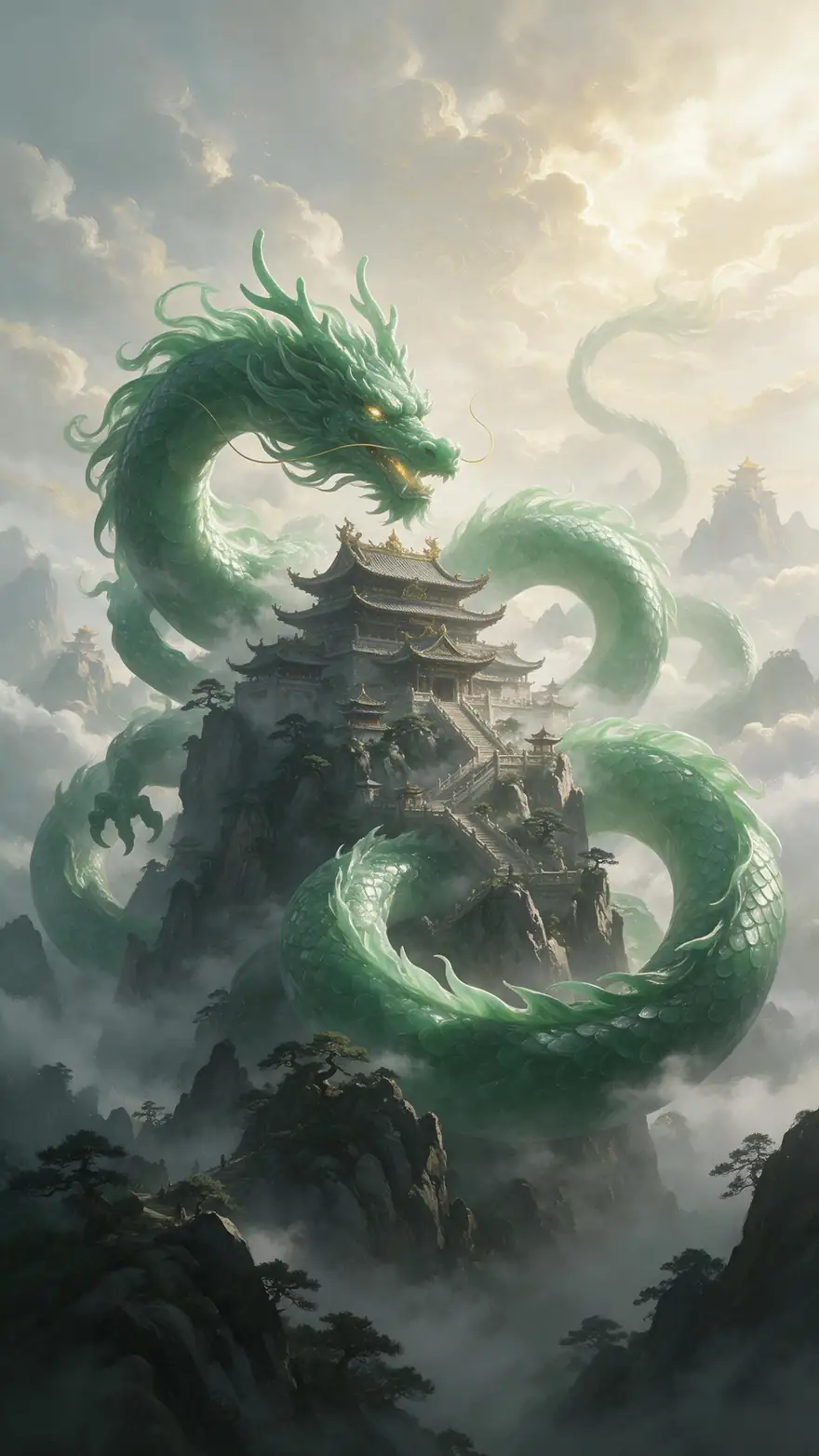
Every clip is an unedited Wan 3 output from a Seedream 5.0 Pro still; open one to see its prompt.
How to
How to make an image move
- Time needed
- Steps
- 4 steps
Step 1
Upload the image
Open the video studio in image-to-video mode and add your picture as the start frame — a photo, painting, illustration or AI image.
Step 2
Choose what moves
Pick one or two elements: steam, water, clouds, hair, leaves, a flame. Say what stays still too — "the person stays still".
Step 3
Add a camera move, or none
Use the Camera button for pan, zoom, tilt, orbit, drone or handheld. Leave it out for a locked-off, cinemagraph-style shot.
Step 4
Generate a short test
Five seconds on Wan 3 is enough to judge the motion. Match the ratio to the image so nothing is cropped.
See it in the app

Open Video Studio in Text to Video mode and write the shot — subject, action, camera move and light.


Watch the tour · 1:19
Text, image & reference to video, models, edit, extend & chat
Chapters
Checked 6 October 2026
Which motion prompt does what
Words that work, what they move, and the pictures they're best for.
| Prompt words | What moves | Best for |
|---|---|---|
| "steam rises", "smoke curls", "static camera" | One element; everything else holds still | Food, drinks, candles — cinemagraph-style |
| "clouds drift", "grass waves in the breeze" | Sky and foliage | Landscapes, anime and illustrated scenes |
| "waves roll in", "water ripples" | Water surfaces | Beaches, lakes, paintings of the sea |
| "hair moves in the wind", "she blinks and smiles" | Small movements of a person | Living portraits |
| Zoom in / Pan / Tilt (Camera presets) | The camera; the scene stays put | Wide photos, architecture, artwork |
| Drone / Orbit 360° | A sweeping camera path | Aerial shots, products, statues |
Camera presets are the studio's own; each adds a short phrase such as "cinematic slow zoom in" to your prompt.
Sources: Kenerate video studio · Cinemagraph — Wikipedia
Engines
Which model for which kind of motion
All of these take your image as the first frame; pick by how much should move.
- Used here

Alibaba
Wan 3
- Input
- Image (+ optional end frame)
- Output
- 2–30 s · 480p–1080p · sound
Living photos and gentle scene motion
Open Wan 3 
Google
Veo 3.1
- Input
- Image
- Output
- 4, 6 or 8 s · up to 4K · sound
Cinematic camera moves over landscapes
Open Veo 3.1
Kuaishou
Kling 3.0 Pro
- Input
- Image (+ optional end frame)
- Output
- 3–15 s · sound
Bigger subject motion — people and animals
Open Kling 3.0 Pro
Alibaba
Happy Horse 1.1
- Input
- Image
- Output
- 3–15 s · 720p or 1080p
Quick tests of a motion idea
Open Happy Horse 1.1
The examples above were made with Wan 3. Lengths and resolutions are from the video studio's own model list.
Tips
Subtle motion that looks real
What makes a moving picture feel alive rather than strange.
Move things that move in real life: water, smoke, fabric, foliage, light.
One camera move per clip — a push and an orbit together look like a drone accident.
Write "static camera" when only one element should move.
Wide landscapes take camera moves well; close-up faces prefer stillness.
Ask for "seamless loop" if you want a loop, then trim in an editor — it isn't guaranteed.
Add sound for atmosphere: rain, wind, birds, a crackling fire.
Example uses
How creators use Make an image Move
Illustrative examples of typical workflows, not customer reviews.

Cafe owner
A cafe owner could turn a latte photo into a living picture where only the steam rises, with a static camera, for the menu screen by the till.
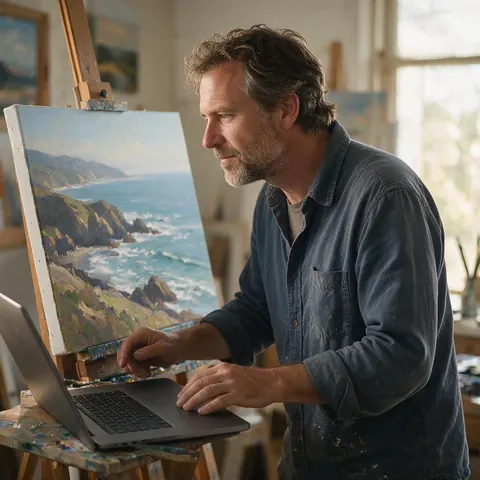
Landscape painter
A landscape painter could make a photo of a finished canvas move with drifting clouds and a slow zoom in, keeping the brushwork intact, to share a new piece.
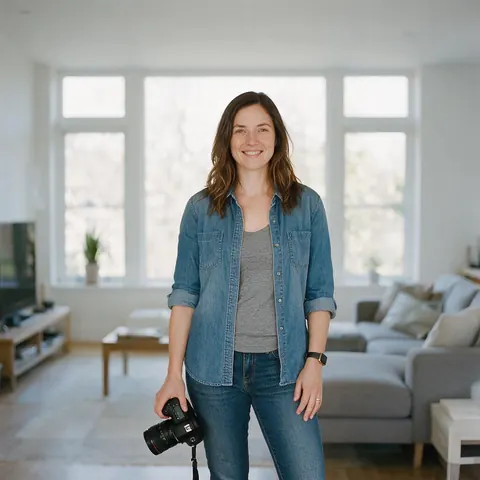
Real-estate photographer
A real-estate photographer could add a slow pan to still room photos so a listing gets a short walkthrough feel without filming video.
FAQ
Making images move — questions
7 questions
How do I make a picture move?
Upload the picture to an image-to-video model, describe what should move and whether the camera moves, and generate a short clip. In Kenerate's video studio, choose image-to-video, add the picture, type something like "clouds drift slowly, static camera" and generate with Wan 3.
Link to this answerCan I make only part of a picture move?
Yes, as a cinemagraph-style clip. Name the one element that moves, say that everything else stays still, and add "static camera". AI models don't use a mask, so a little extra movement can creep in; shorter clips and calm wording keep it to a minimum.
Link to this answerWhat is a picture that moves called?
A picture where only one part moves is usually called a cinemagraph; photos with small natural motion are often called living or moving photos. Image to video AI can make both from one still image.
Link to this answerCan I add motion to photos without changing the person?
Mostly. Keep the person still or ask for tiny movements such as a blink, and move the background, light or camera instead. Big head turns make the model invent parts of the face the photo doesn't show.
Link to this answerWhich camera moves can I add?
The studio's Camera button offers 9 presets: pan left, pan right, zoom in, zoom out, tilt up, tilt down, orbit 360°, drone and handheld. Each one adds a short camera phrase to your prompt, which you can edit.
Link to this answerCan I make a moving picture loop?
You can ask for it — the prompt Tags include a "Seamless Infinite Loop" phrase — but a perfect loop isn't guaranteed. Calm, repeating motion like water or steam loops best; trim the start and end in an editor if needed.
Link to this answerDoes it work on paintings and AI art?
Yes. Paintings, illustrations, anime frames and AI-generated images all work as the start frame. Brushwork and line style usually carry through the motion, as in the painted storm example above.
Link to this answerIn depth
Subtle motion, explained
On this page
Cinemagraphs vs AI moving pictures
A classic cinemagraph is made from real video: everything is frozen except one masked area that loops [1]. AI image to video starts from a single still and generates the motion, so you don't need footage — but because there is no mask, you steer stillness with words such as "static camera" and "everything else stays still".
Camera moves vs subject moves
A camera move changes your view of the picture: a zoom, a pan, a drone path. A subject move changes the picture itself: water flows, hair lifts. Camera moves are the gentler choice for faces and artwork because the content barely changes; subject moves give more life but more chance of drift.
- Safest: zoom in, slow pan, tilt
- Lively: orbit, drone, handheld
- Most natural subject motion: water, smoke, clouds, foliage, fabric
Keeping the image recognisable
The more the prompt asks for, the more the model has to invent. One named element plus one camera move is the sweet spot. If the result drifts, shorten the clip, slow the words down, or remove the camera move.
Make pictures move
The same idea for several pictures: each clip moves one picture, so animate them one at a time and join the clips in an editor.
AI moving pictures
Image-to-video models generate new frames from your still, so the motion is real rather than a pan across a flat image.
Add motion to photos
Start with the camera — a slow zoom in is the safest move for any photo — then add one natural element such as wind or water.
How to make images move
Upload, name what moves, add a camera preset or "static camera", generate five seconds, then refine the wording.
Explore
Every Kenerate video tool
Generators, tools, models and guides — all in one studio.