

Free · smoothing built in · no upload
JPG to STL converter JPEG photos made printable
Phone photos are JPEGs. Turn one into a relief or a lithophane — with smoothing that hides JPEG compression noise — and download a printable STL sized in millimetres.
- JPG and JPEG, any phone or camera
- Smoothing removes block noise
- Relief, lithophane or shape
- Free and private
Updated by the Kenerate AI team
On this page
Quick answer
Updated
How do you convert a JPG to STL?
To convert a JPG to STL, turn the photo's brightness into height or thickness and close it into a solid 3D mesh. Kenerate's free converter does it in your browser: choose a relief or a lithophane, set the width in millimetres, smooth out JPEG compression blocks, and download a watertight STL or 3MF.
Key facts
- Price
- Free, no account
- Input
- JPG / JPEG (plus PNG, WebP), up to 40 MB
- Modes
- Relief · Lithophane · Extrude shape
- Processing
- Smoothing 0–4 evens out 8×8 JPEG blocks · resampled to up to 640 points per side
- Output
- STL, 3MF, OBJ, GLB in millimetres
- Privacy
- Processed in your browser — no upload
Why this tool
Made for real photos
JPEGs are everywhere, but their compression adds noise that turns into bumps. The tool accounts for it.
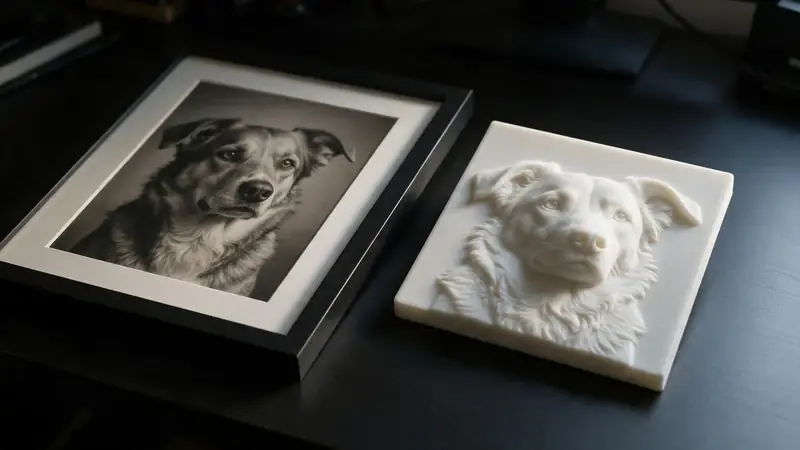
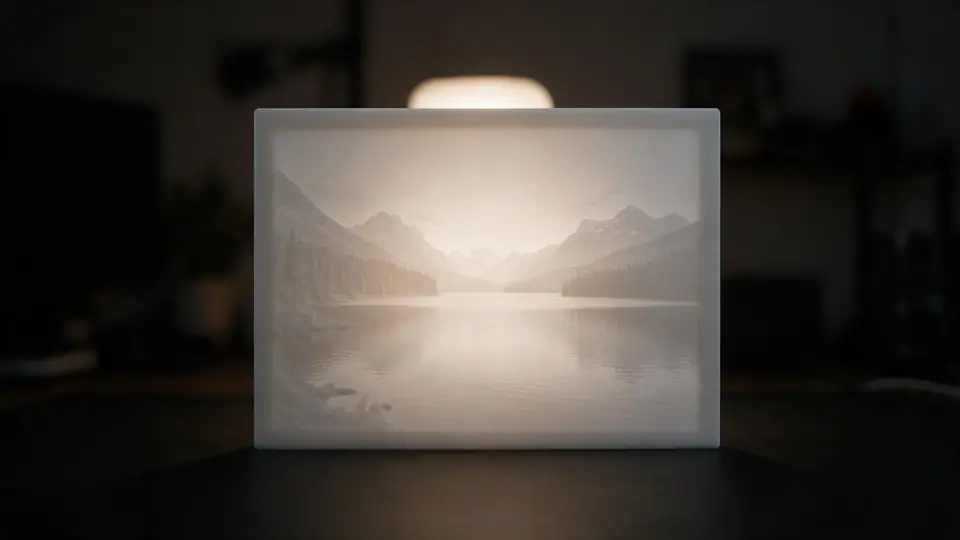
Also
What else it does
Big photos, sensible files
A 12-megapixel photo has far more pixels than a printer can draw. It's resampled to your detail setting, keeping the STL a manageable size.
Cut-outs without transparency
JPEGs can't be transparent, so logo shapes are separated by a brightness threshold.
How it works
How the JPG becomes an STL
Four steps in your browser.
Decode
The JPEG is decoded and resampled to the print grid.
Smooth
An optional blur evens out compression blocks and sensor noise.
Map
Brightness becomes height (relief) or thickness (lithophane).
Close and export
A base and walls make it watertight; download STL or 3MF.
How to
How to use the JPG to STL Converter
- Time needed
- Steps
- 4 steps
Step 1
Add a photo
Drop a .jpg or .jpeg onto the box above, or try a sample.
Step 2
Pick relief or lithophane
Relief for raised pictures; lithophane for photos viewed against light.
Step 3
Size and smooth
Set the width in mm and raise smoothing if the surface looks noisy.
Step 4
Download
Download STL or 3MF and print.
Watch the tour · 1:48
Text, photo or multi-view to a textured GLB, nine engines, the viewer & lighting, compare engines, gallery, download & chat
Chapters
Who uses it
Popular JPG to STL projects
Photo gifts
Lithophanes and relief tiles from phone pictures.
Memorials
A keepsake panel from a favourite photo.
Terrain from heightmaps
Grayscale height maps saved as JPEG.
Signs from scans
Scanned drawings and stamps as solids.
File formats
The formats this tool reads and writes
What each file can hold, what it can't, and where it opens. Facts link to the format's own spec or reference page.
| .stl · STL | .3mf · 3MF | |
|---|---|---|
| Full name | Stereolithography | 3D Manufacturing Format |
| Made by | 3D Systems, 1987 | 3MF Consortium, 2015 |
| Kind | Triangle mesh (binary or ASCII) | ZIP package with XML |
| Holds | Triangle surfaces, Facet normals | Meshes with units (millimetres), Colours and materials, Several objects and build plates |
| No | Colour and textures, Units, Materials | Animation |
| Best for | 3D printing — every slicer opens it | Modern 3D printing and multi-colour prints |
| Opens in | Cura, PrusaSlicer, Bambu Studio, OrcaSlicer, Blender | Bambu Studio, PrusaSlicer, OrcaSlicer, Cura, Windows 3D Builder |
No file yet?
Make the model first — from one photo
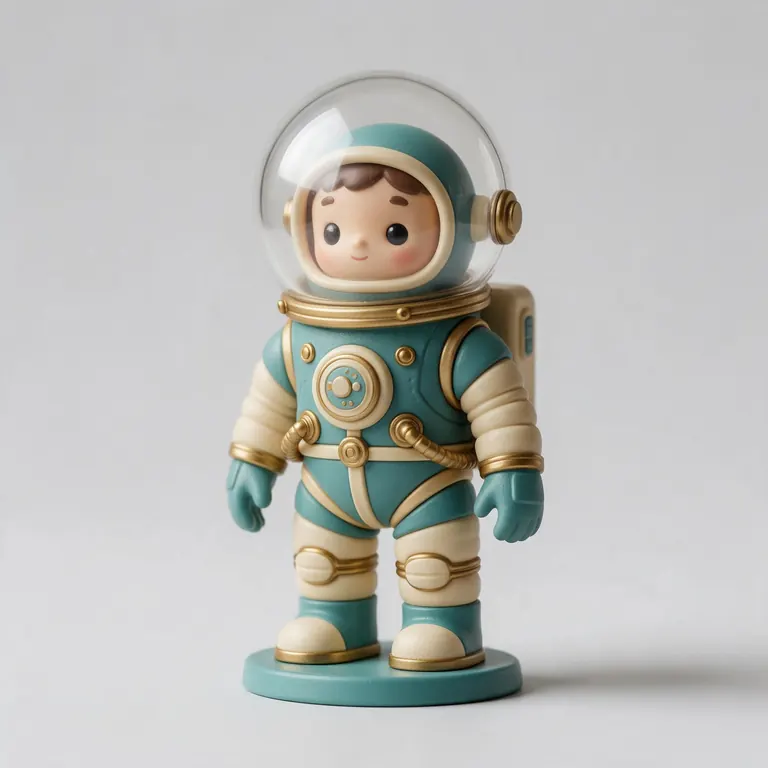
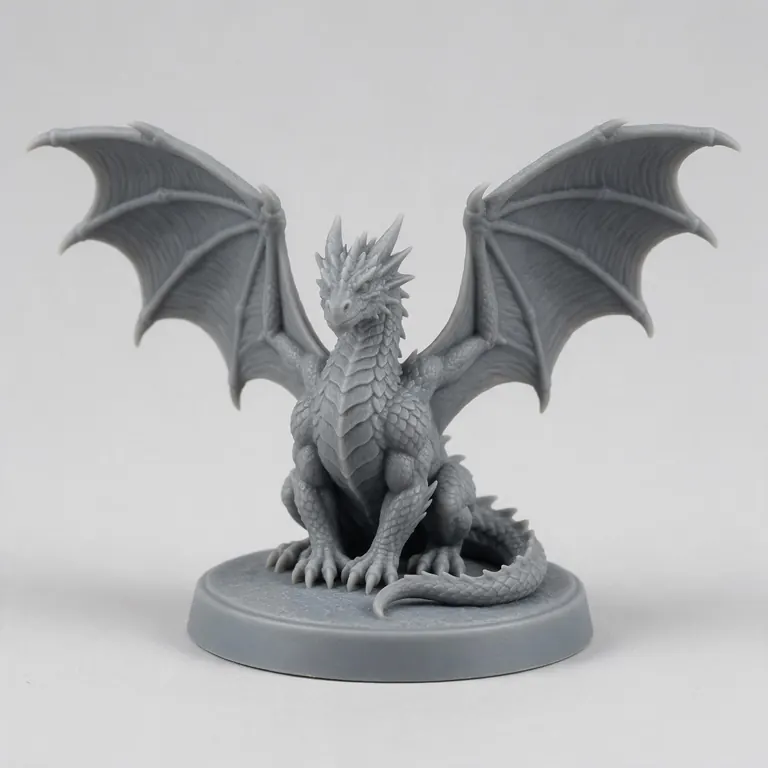
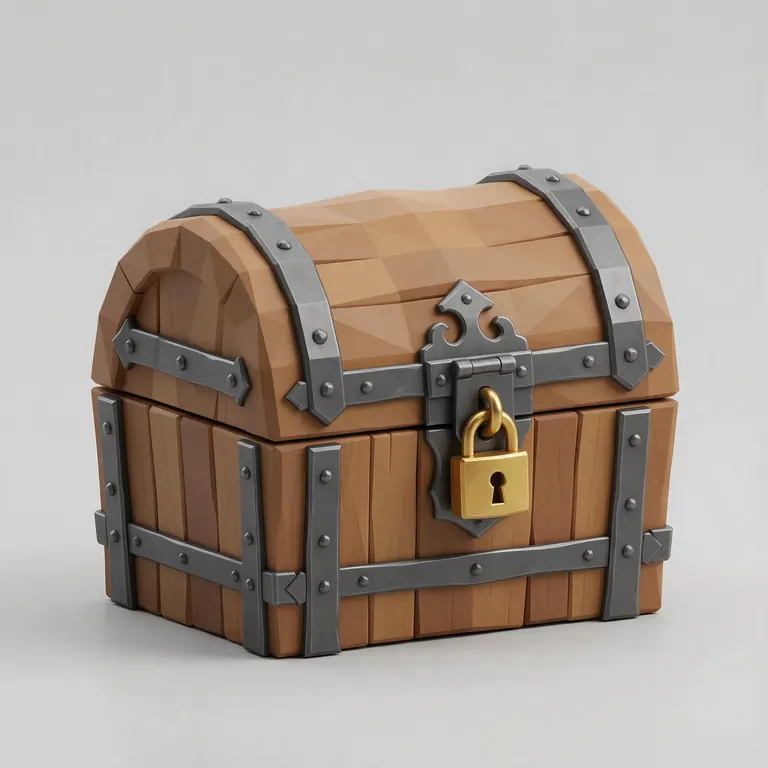
Every sample in the tool above began as a single picture and was turned into a 3D model in the Kenerate 3D Studio. The engine is named on each one.
Example uses
How creators use the JPG to STL converter
Illustrative examples of typical workflows, not customer reviews.
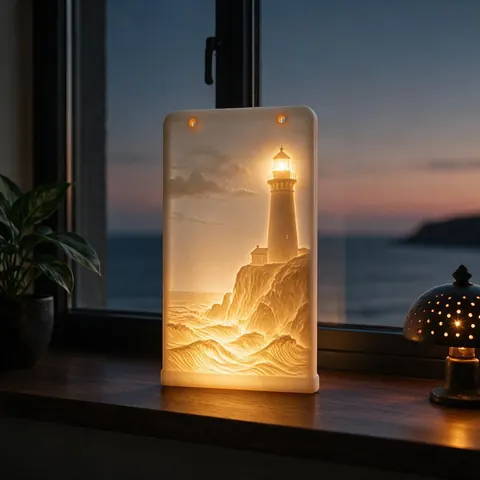
Photo gift maker
Someone can turn a phone photo of a holiday into a lithophane for a window or lamp.
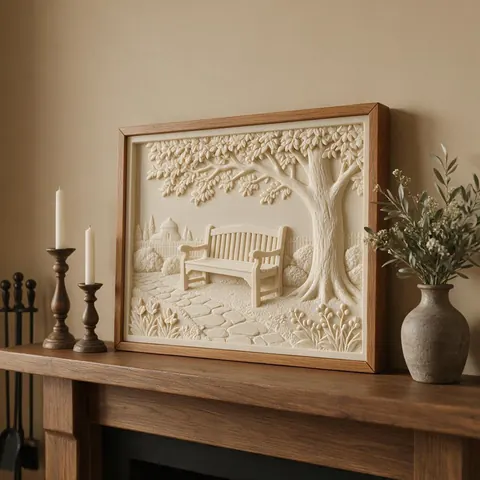
Memorial keepsake
A family can make a keepsake panel from a favourite photo of a garden or a place they love.
Hobby artist
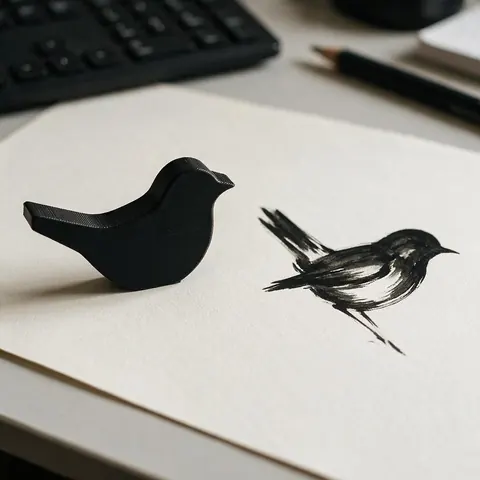
An artist can scan a stamp or drawing saved as JPEG and turn it into a solid shape.
FAQ
JPG to STL Converter questions
7 questions
Is JPG to STL the same as JPEG to STL?
Yes — .jpg and .jpeg are the same format. Both work here.
Link to this answerHow do I convert a JPG or PNG image to STL?
Drop the image onto the converter above, choose Relief (brightness becomes height), Lithophane (the photo shows when backlit) or Extrude (a solid shape), set the width in millimetres, then download STL or 3MF. For JPEGs, raise Smoothing to hide compression noise; transparent PNGs work best on the PNG to STL page.
Link to this answerWhy is my relief bumpy?
JPEG compression and camera noise create small brightness steps that become bumps. Raise Smoothing to 1–3.
Link to this answerWhat size photo should I use?
Crop to the subject first. The tool resamples to at most 640 points per side, so a cropped 1–2 megapixel photo is plenty.
Link to this answerWill the STL be in colour?
No — STL has no colour. The picture is carried by height (relief) or by light through the plastic (lithophane).
Link to this answerCan I remove the background?
JPEGs can't be transparent. For a cut-out, use Extrude with a threshold, or remove the background first and save a transparent PNG.
Link to this answerIs my photo uploaded?
No. It's processed in your browser.
Link to this answerIn depth
JPG to STL Converter, explained
What JPEG compression does to a heightmap, and how to get a clean print from a phone photo.
On this page
JPEG blocks become terrain
JPEG stores images as compressed 8×8 pixel blocks. Invisible on screen, those small steps in brightness become visible steps in height once a relief is printed. A light blur before mapping fixes most of it.
Photos make better lithophanes than reliefs
A relief reads brightness as shape, so a photo's lighting and shadows turn into strange bumps. A lithophane uses the same brightness as light and shadow, which is what a photo actually is — so portraits and landscapes almost always look better as lithophanes.
Keep it printable
Fine detail below about 0.45 mm can't print with a 0.4 mm nozzle [11]. At 100 mm wide, a 0.2–0.3 mm grid already exceeds what most FDM printers resolve.
Keep going
Other 3D viewers and converters
- Image to STLPhoto to relief, lithophane or shape
- Lithophane MakerFlat or curved, with a frame
- PNG to STLLogos and transparent images
- SVG to STLExtrude vector art
- 3D Logo MakerSVG or PNG logo to 3D
- 3D Text Generator18 fonts, plates and bevels
- 3D LettersPrintable letters and names
- 3D Font GeneratorAny TTF or OTF font in 3D
Try the JPG to STL Converter
Free and private — your files never leave your device. Want to make models with AI? That's the 3D Studio, on any paid plan or credit pack.
Tried it? Tell us how it went