

Burned in · 10 styles · Auto-detect + 10 languages · up to 4 min
AI subtitle generator — subtitles in the picture, not in a file
There are two kinds of subtitle generator: ones that give you a text file to manage, and ones that put the subtitles straight into the video. Kenerate's is the second kind. Here's how it works, when it's the right choice, and the settings to use for each platform.
- Speech to subtitles, no typing
- Burned into one MP4
- Word-level timing
- Shows in every app
Updated by the Kenerate AI team
Made with Kenerate

On this page
Quick answer
Updated
What is an AI subtitle generator?
An AI subtitle generator turns the speech in a video into timed subtitles in about 1–3 minutes, with no typing. Kenerate's version burns them into the picture as one MP4 at 720p or 1080p, in 10 styles, with Auto-detect or 10 spoken languages, for clips up to 4 minutes. It doesn't export SRT or VTT files.
Key facts
- Output
- One MP4, subtitles burned in
- Styles
- 10
- Spoken languages
- Auto-detect + 10
- Clip limit
- 4 min · 100 MB
- Resolution
- 720p or 1080p HD
- Subtitle files
- No SRT or VTT export
Real demo
From a talking clip to a subtitled MP4
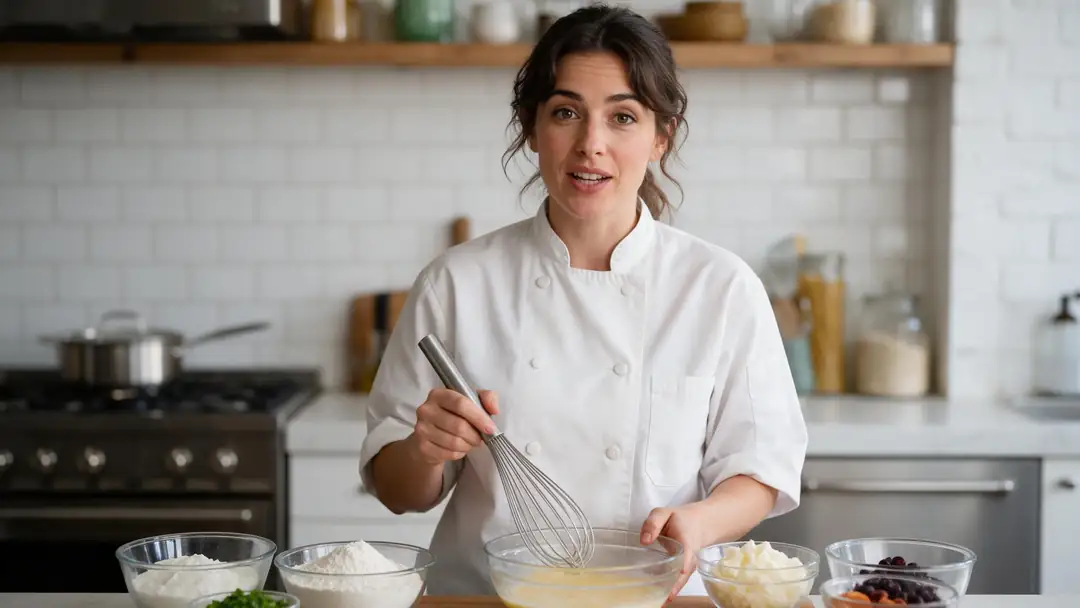
Drag the line. Left: a kitchen clip with speech and no text. Right: what the AI subtitle generator returned, the words transcribed, timed and drawn into the frame.
- Original. 16:9 clip with speech, no subtitles.
- Subtitled. Glass style, burned into the picture.
Both are real, unedited files, shown at the same size.
Generate subtitlesReal results
Subtitles generated from speech
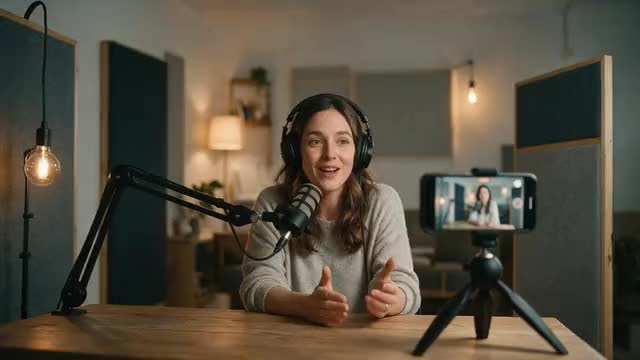
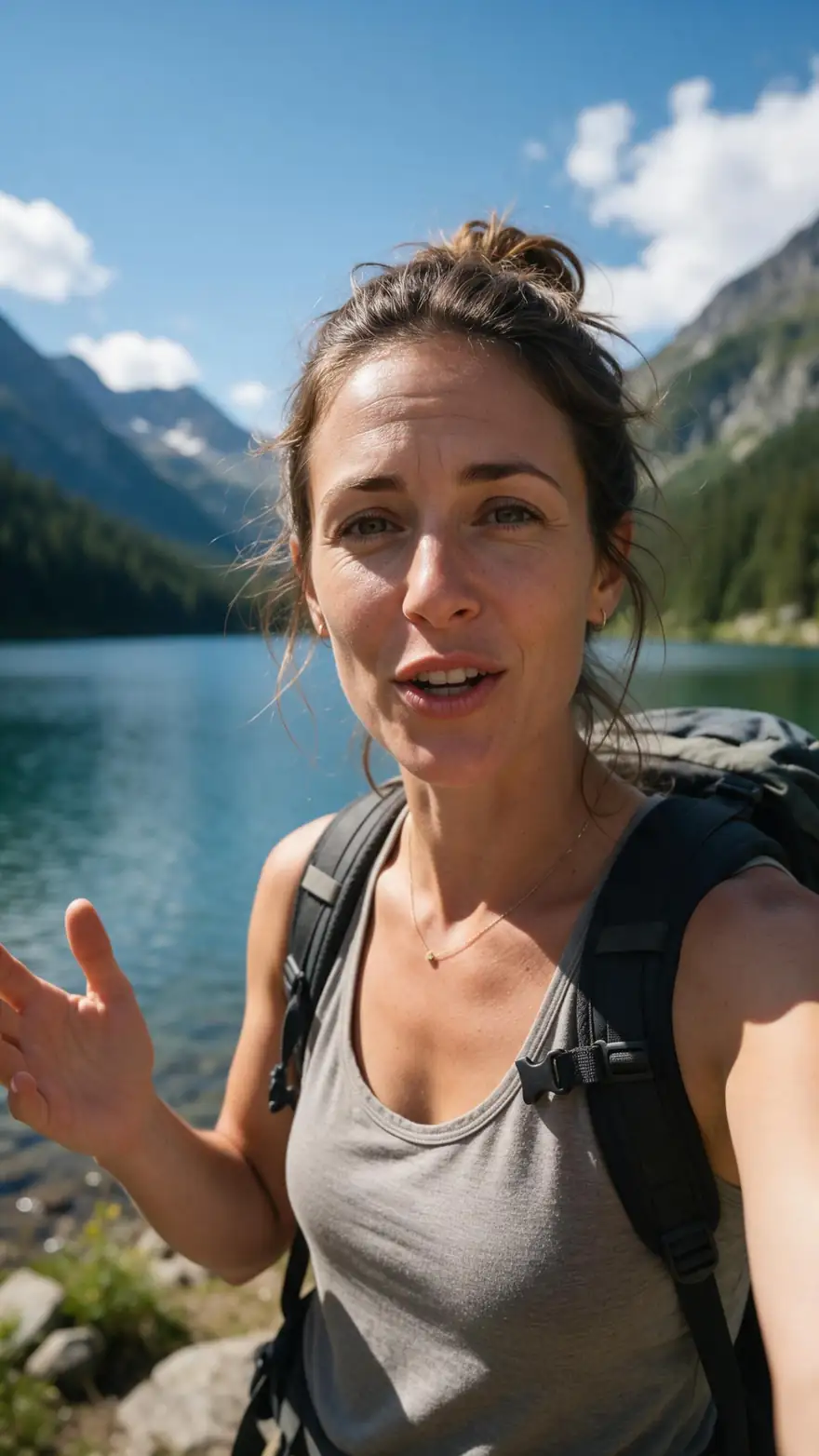
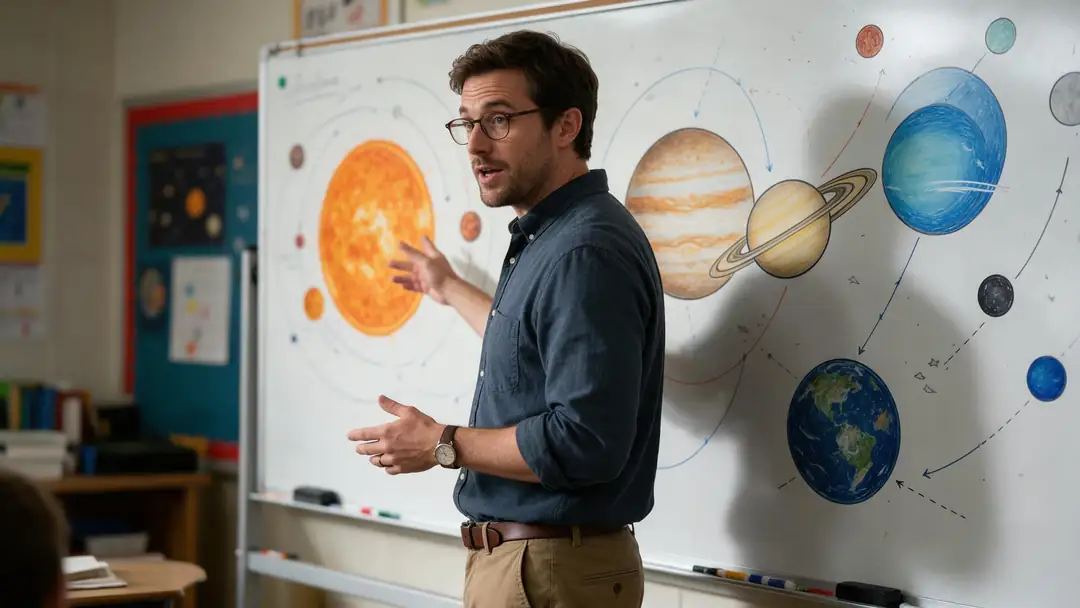
Five real 5-second Wan 3 talking clips, each run through the AI subtitle generator once. Vertical and landscape, five different styles, nothing typed by hand.
Clips: Wan 3 image to video with speech (AI-generated people). Subtitles: Kenerate Auto Subtitles, unedited.
How to
How to generate subtitles with AI
- Time needed
- Steps
- 4 steps
Step 1
Upload the video
MP4, MOV or WebM up to 4 minutes and 100 MB; sign in with a verified email first.
Step 2
Set the spoken language
Keep Auto-detect, or pin one of 10 languages for accents and mixed speech.
Step 3
Choose the style and position
Simple at the bottom is the default; see the platform table for other picks.
Step 4
Pick 720p or 1080p HD
1080p keeps small styles sharp after a platform recompresses the upload.
See it in the app

Open Auto Subtitles and upload a clip, or pick one from your history, library or a link.


Watch the tour · 1:47
Caption styles, position for wide or vertical, spoken language, resolution & shadow, before/after & chat
Chapters
Checked 6 October 2026
Burned-in subtitles or a subtitle file?
Three ways subtitles reach viewers. Kenerate makes the first kind; the other columns describe common alternatives.
| Burned in (Kenerate) | Subtitle file (SRT or VTT) | Platform auto-captions | |
|---|---|---|---|
| What you get | One MP4 with the text in the picture | A text file uploaded next to the video | Captions the platform makes after upload |
| Viewers can turn them off | No | Yes, where the player supports it | Yes |
| Shows everywhere the video goes | Yes, in every app and player | Only where the file is uploaded too | Only on that platform |
| Styled look | 10 styles, 3 positions | Set by the player | Set by the platform |
| Best for | Short social clips watched on mute | Long videos, courses and multi-language releases | Quick captions on one platform |
Kenerate's subtitle generator does not export SRT or VTT files.
Sources: Kenerate Auto Subtitles (tool) · Speech recognition — Wikipedia · SubRip (SRT) — Wikipedia · WebVTT — Wikipedia · Subtitles — Wikipedia
Engines
Subtitle settings by platform
Suggested starting points for common places a video ends up. All of them use options in Kenerate's subtitle generator; change any of them to suit your clip.
- Vertical
Position: Middle
TikTok, Reels and Shorts (9:16)
- Input
- Style: Rizz or Glide Pop
- Output
- 1080p HD · shadow Mid
Bold, word-highlight subtitles clear of the app's buttons
Open TikTok, Reels and Shorts (9:16) Position: Bottom
YouTube and websites (16:9)
- Input
- Style: Simple or Plain
- Output
- 1080p HD · shadow Mid
Classic subtitles where viewers expect them
Open YouTube and websites (16:9)Position: Bottom or Middle
Ads watched on mute
- Input
- Style: Glass
- Output
- 1080p HD · shadow Max on bright scenes
Readable over busy product shots
Open Ads watched on mutePosition: Top
Tutorials and screen recordings
- Input
- Style: Simple or Terminal
- Output
- 1080p HD · shadow Soft
Keeps controls and toolbars at the bottom visible
Open Tutorials and screen recordingsPosition: Top
Interviews with name titles
- Input
- Style: Plain or Lowkey
- Output
- 720p or 1080p · shadow Mid
Stays clear of lower-third name graphics
Open Interviews with name titles
Suggestions, not rules. Every setting applies to the whole clip.
Tips
Cleaner AI subtitles
Better audio in means fewer wrong words out.
Keep music lower than the voice; the AI writes what it hears.
Pin the spoken language when the speaker has a strong accent.
Trim silent intros: subtitles start with the first words.
Use Middle on vertical clips so app buttons don't cover the text.
Raise the text shadow to Max on bright or white backgrounds.
Want 2K or 4K? Subtitle first, then send the result to Upscale video.
Example uses
How creators use AI subtitle generator
Illustrative examples of typical workflows, not customer reviews.

Teacher
A teacher could add burned-in subtitles to a short lesson clip so students can follow it on mute in a noisy room.
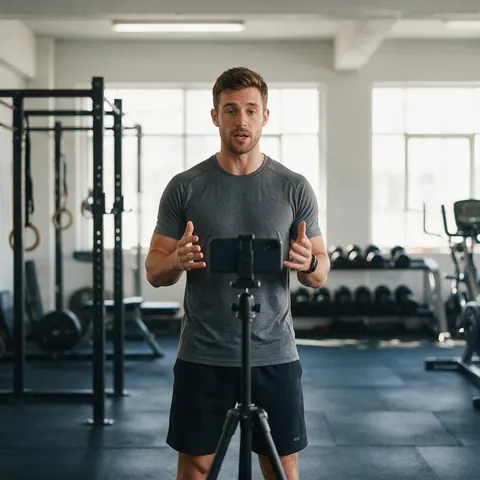
Fitness coach
A fitness coach could subtitle a vertical workout tip in a bold style so the instructions read clearly in a fast-scrolling feed.
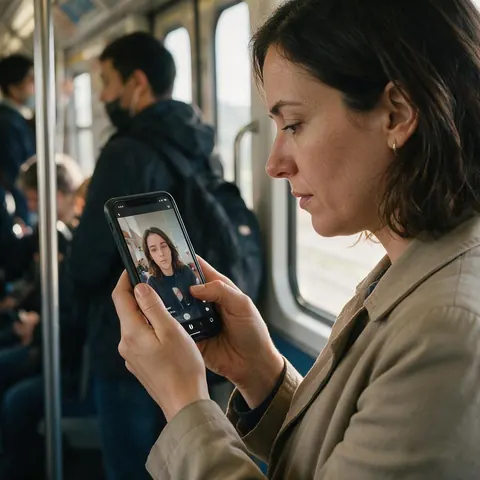
Marketer
A marketer could generate subtitles for a product ad so people watching with the sound off still get the message.
FAQ
AI subtitle generator questions
7 questions
How does an AI subtitle generator work?
It runs speech recognition on the audio, splits the transcript into short lines, times each line to the words and draws the lines onto the video. Kenerate's generator does all four steps in one run of about 1–3 minutes and returns a single MP4 with the subtitles burned in, at 720p or 1080p.
Link to this answerCan I download an SRT or VTT subtitle file?
No. Kenerate's subtitle generator only burns subtitles into the video; it does not export SRT, VTT or any other subtitle file. If you need a file that viewers can switch on and off, or one you can edit and translate, use a tool that exports subtitle files.
Link to this answerCan I edit the subtitles after they're generated?
Not inside the tool: there is no text or timing editor, because the words are drawn into the picture. To improve a run, lower background music, pin the spoken language and generate again. For hand-corrected subtitles, a subtitle-file workflow is the better fit.
Link to this answerWhich languages does the AI subtitle generator support?
Auto-detect plus 10 spoken languages: English (US), English (India), Spanish, French, German, Japanese, Chinese, Italian, Portuguese and Russian. Hindi is listed by the provider but is not offered yet, because test runs failed. Subtitles are written in the language that is spoken.
Link to this answerCan it make subtitles in another language?
Not directly, because it doesn't translate. You can dub the video into another language with Kenerate's AI dubbing first, then run the dubbed video through the subtitle generator with that language pinned, as long as it's one of the 10 the subtitle tool lists.
Link to this answerHow long can the video be?
Up to 4 minutes and 100 MB per clip. For a longer video, split it into parts in an editor, subtitle each part, then join them again. Export every part at the same size so the joins stay clean.
Link to this answerIs the AI subtitle generator free?
There is no subscription. It runs on credits, priced by the length of the clip, and new accounts get starter credits to try it on their own video. You need to sign in with a verified email before the first run.
Link to this answerIn depth
How AI subtitle generators work
The two kinds, the four steps, and what decides accuracy.
On this page
Two kinds of subtitle generator
File generators write the transcript into a subtitle file such as SRT or WebVTT, which a player shows on top of the video and the viewer can switch off [2][3]. Burned-in generators draw the text into every frame, so it's part of the picture: it can't be turned off, but it appears in every app, feed and player exactly as styled. Kenerate's generator is the burned-in kind.
The four steps
In Kenerate all four run in one job; you set the look and the spoken language, then download the result.
- Recognise: speech recognition turns the audio into words [1].
- Split: the transcript is broken into short lines that fit on screen.
- Time: each line is matched to when its words are spoken.
- Draw: the lines are rendered in the chosen style, position and shadow.
What decides accuracy
Clear speech, little background music and one language at a time give the best transcripts. Strong accents and mixed-language speech are where pinning the spoken language helps most. Names, brands and jargon are the most common errors, so check them before you post.
Subtitle generator
Any tool that writes subtitles from speech. Decide first whether you need a file or subtitles in the picture; Kenerate makes the second.
AI subtitles for vertical video
Use the Middle position so the text sits above the app's buttons and post text, and a bold style such as Rizz or Glide Pop at 1080p HD.
Subtitle generator from video
Upload the video itself; there's no need to extract the audio first. The generator reads the speech from the clip and returns the same video with subtitles added.
Explore
Every Kenerate video tool
Generators, tools, models and guides — all in one studio.


Generate subtitles for your next clip
Speech to burned-in subtitles in about 1–3 minutes. 10 styles, no subscription.
Tried it? Tell us how it went