




Skip to content
White background maker · Amazon-ready

White background for product photos — pure #FFFFFF in seconds

Shoot products anywhere — a desk, a bed, a street — and put them on a pure white background that passes marketplace rules. One photo or 20 at a time.

  • Pure RGB 255, 255, 255
  • Soft natural shadow
  • Keep one item with Object Pick
  • Batch up to 20
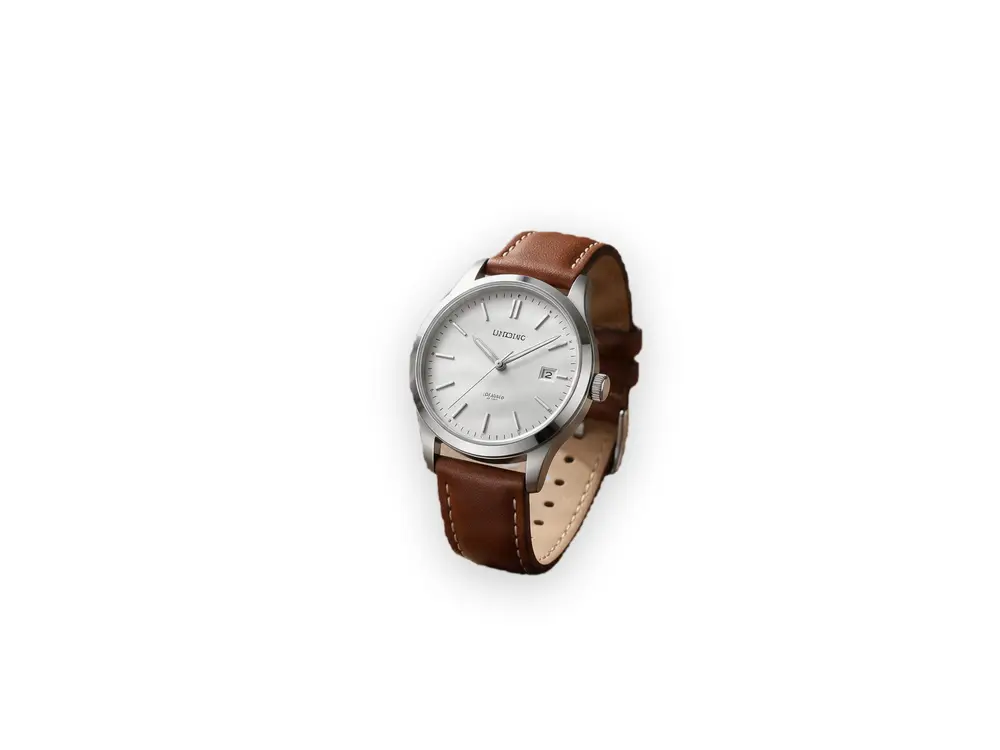
Silver wristwatch on a wooden table beside a coffee cup and notebook — original photo
Silver wristwatch on a wooden table beside a coffee cup and notebook — background removed
BEFOREAFTER

Kenerate Object Pick · Wristwatch

Try this photo
  • Kenerate Cutout
  • Cutout HD · hair & glass
  • Object Pick · keep what you name
  • Magic Eraser
  • AI Edit · Qwen Image 2.0
  • Edit Text in Image · GPT Image 2
  • White, black & colour backdrops
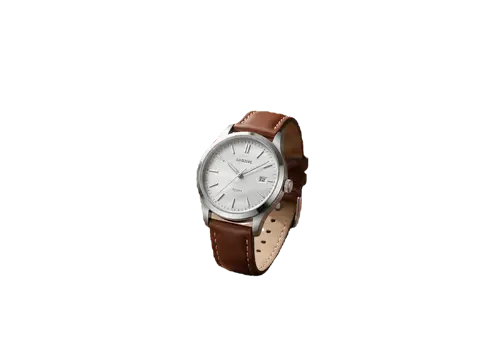
Wristwatch — background removed
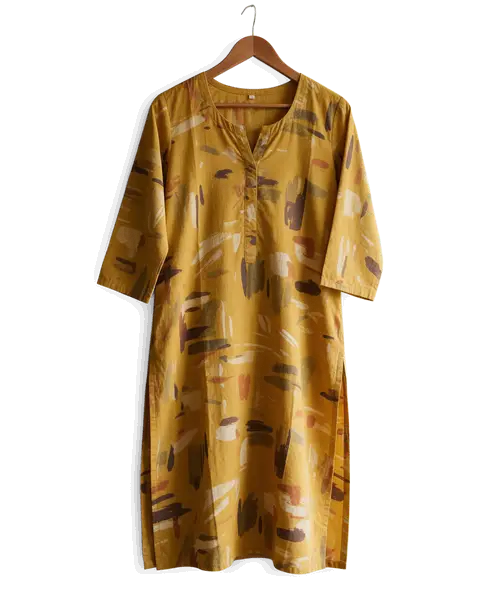
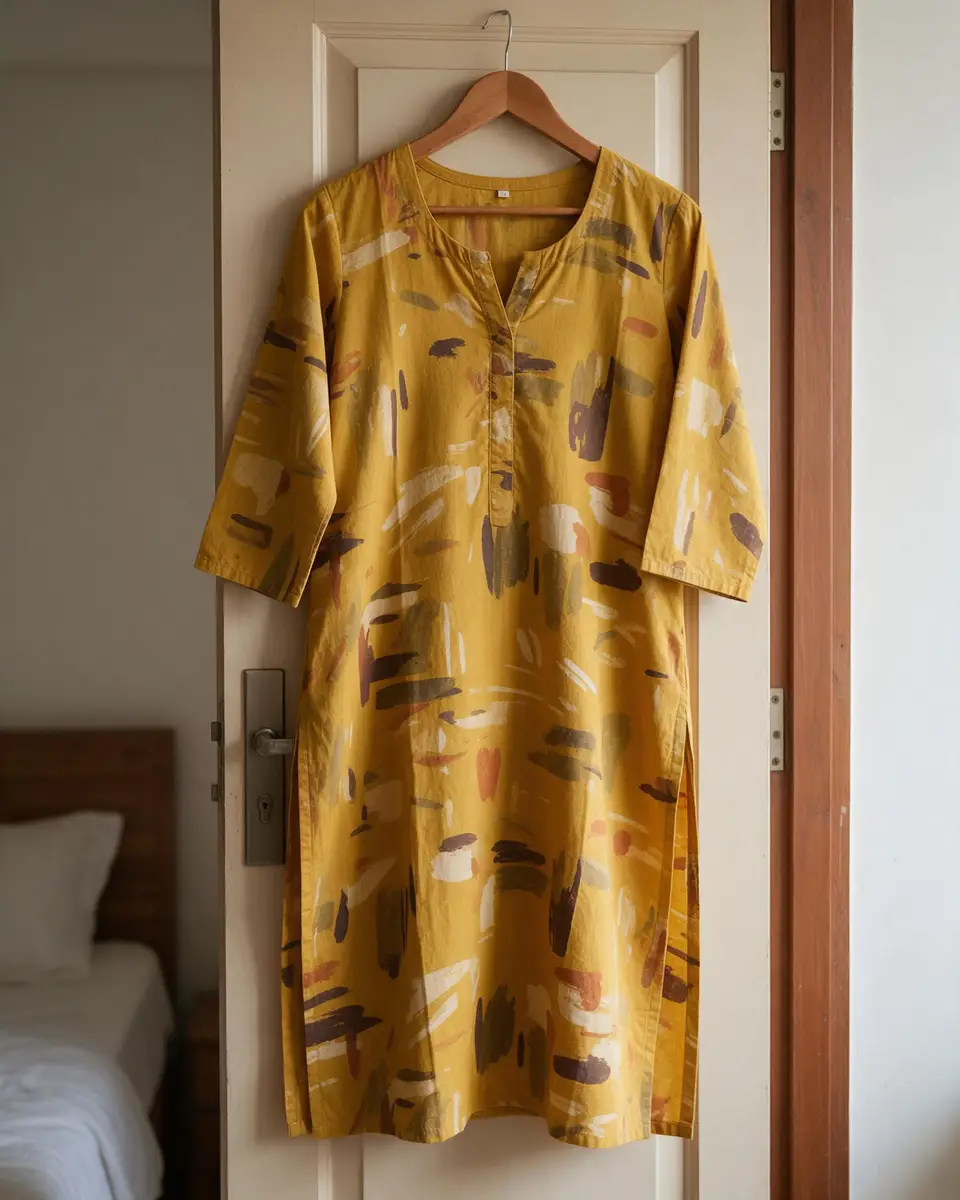
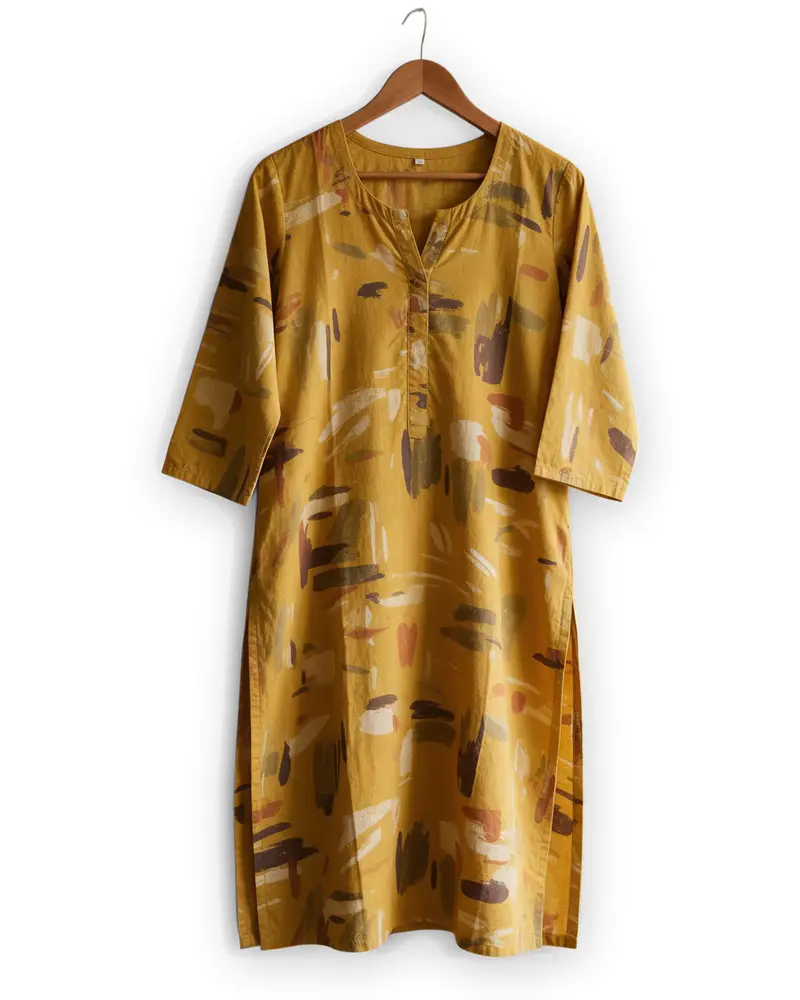
Kurti on a hanger — background removed
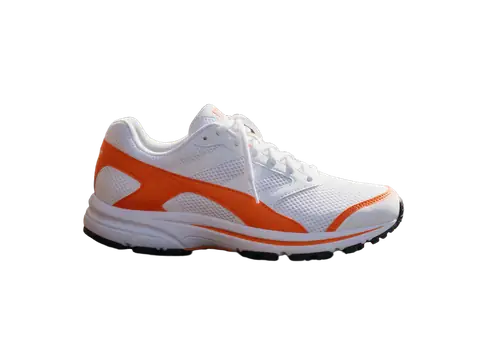
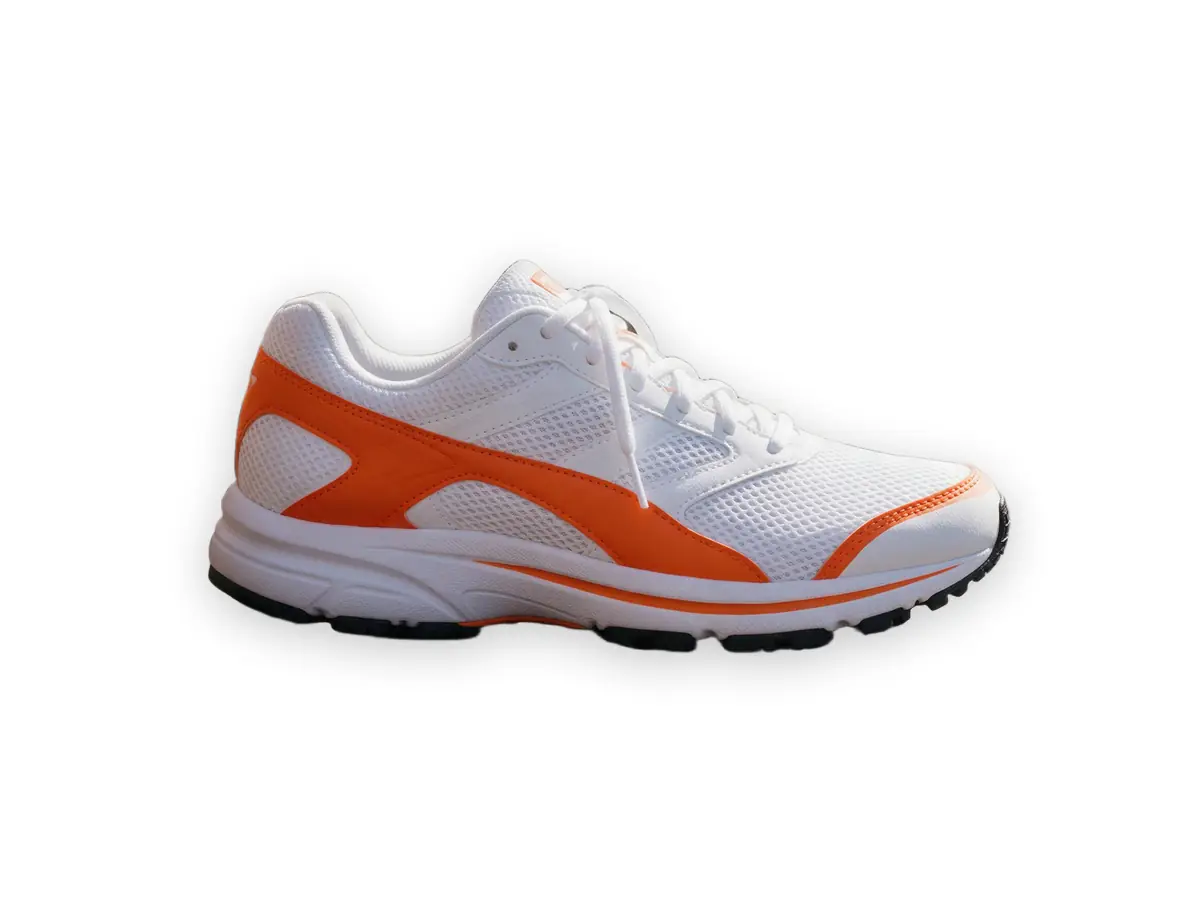
Sneaker — background removed
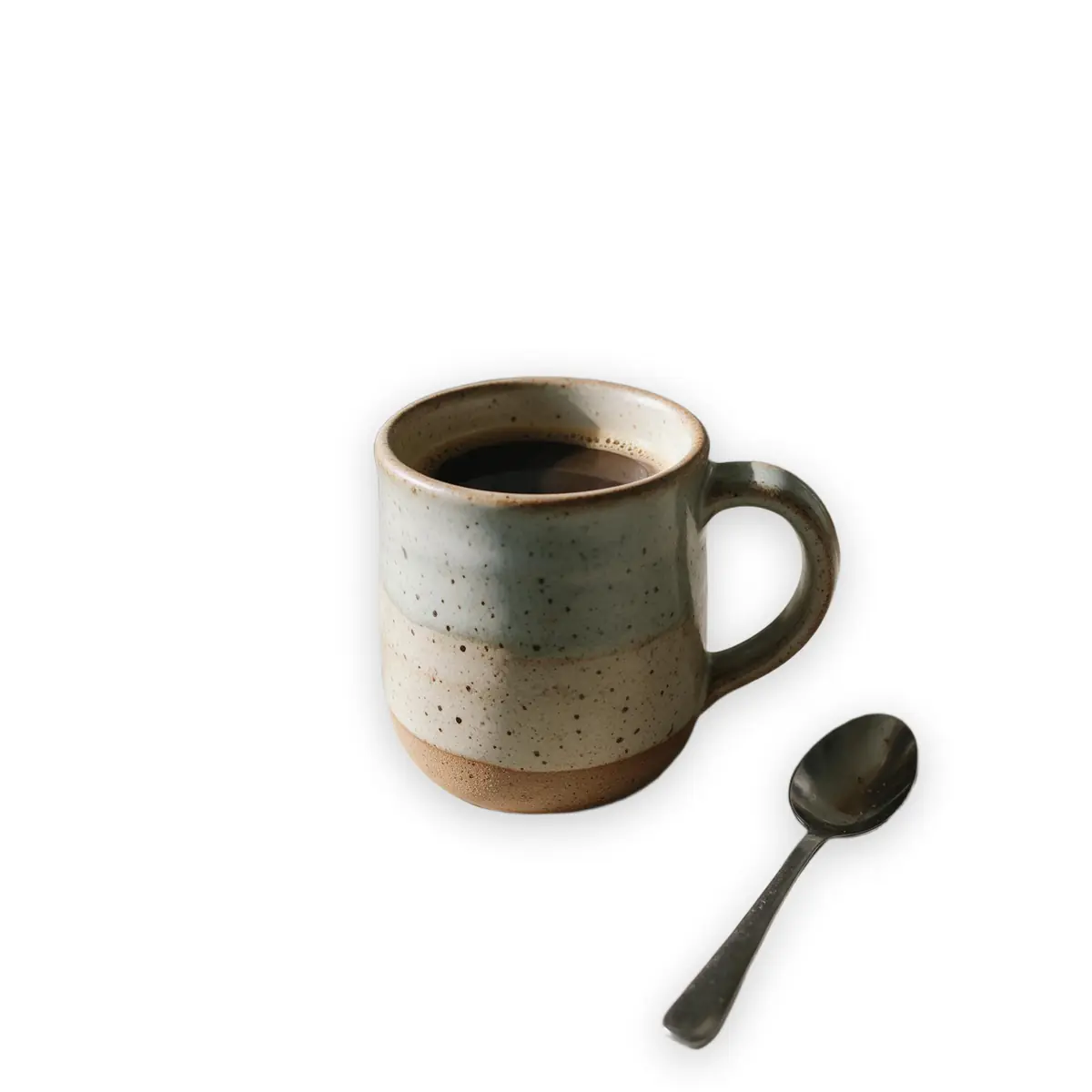
Ceramic mug — background removed
Glass bottle — background removed
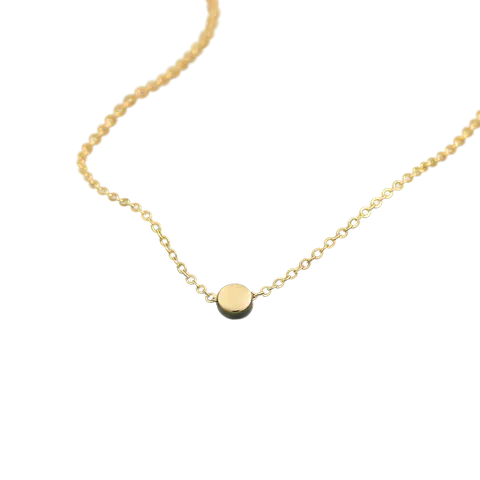
Gold chain — background removed
Wristwatch — background removed
Kurti on a hanger — background removed
Sneaker — background removed
Ceramic mug — background removed
Glass bottle — background removed
Gold chain — background removed

Quick answer

Updated

To put a product on a white background, upload the photo to Kenerate, cut it out with Cutout — or Object Pick to keep one item — choose the white backdrop and download. For Amazon main images, the background must be pure white (RGB 255, 255, 255) and the product should fill about 85% of the frame.

Amazon background
Pure white, RGB 255, 255, 255
Amazon framing
Product fills ~85% of the image
Output
Pure #FFFFFF, no watermark
Batch
Up to 20 photos in Edit Studio

Real results

See it on real photos

Every slider is a real Kenerate result. Drag to compare, then run the same photo yourself.

  1. Silver wristwatch on a wooden table beside a coffee cup and notebook — before
    Silver wristwatch on a wooden table beside a coffee cup and notebook — after
    BeforeAfter

    01Object Pick

    Just the watch, please

    “The wristwatch” — kept; the coffee cup and notebook removed.

    Kenerate Object Pick

    Cut this photo out
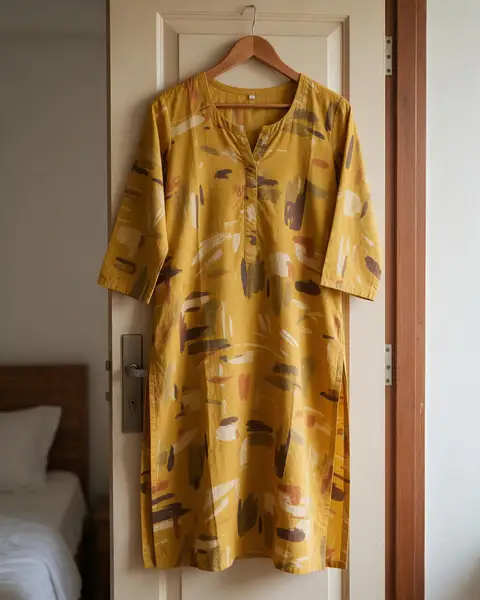
  2. Mustard printed cotton kurti on a hanger on a bedroom door — before
    Mustard printed cotton kurti on a hanger on a bedroom door — after
    BeforeAfter

    02Fashion

    Off the hanger, onto white

    A kurti cut out from a bedroom door for a clean catalogue shot.

    Kenerate Cutout HD

    Cut this photo out
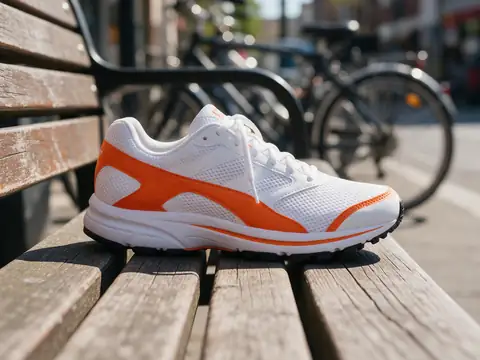
  3. White and orange running sneaker on a wooden bench — before
    White and orange running sneaker on a wooden bench — after
    BeforeAfter

    03Products

    A listing photo in one click

    A sneaker lifted off a wooden bench, ready for a white or coloured backdrop.

    Kenerate Cutout

    Cut this photo out
  4. Handmade ceramic mug on a messy kitchen counter — before
    Handmade ceramic mug on a messy kitchen counter — after
    BeforeAfter

    04Handmade goods

    Messy counter, clean product

    Crumbs and clutter gone — a handmade mug ready for Etsy.

    Kenerate Cutout

    Cut this photo out

Real results

Which product photos can go on white?

Kitchen counters, bedroom doors, park benches — each put on pure white by Kenerate. Tap “Original” to see the shot.

Try it free
  • Silver wristwatch on a wooden table beside a coffee cup and notebook — background removed with Kenerate Object PickObject Pick

    Wristwatch

  • Mustard printed cotton kurti on a hanger on a bedroom door — background removed with Kenerate Cutout HDCutout HD

    Kurti on a hanger

  • White and orange running sneaker on a wooden bench — background removed with Kenerate CutoutCutout

    Sneaker

  • Handmade ceramic mug on a messy kitchen counter — background removed with Kenerate CutoutCutout

    Ceramic mug

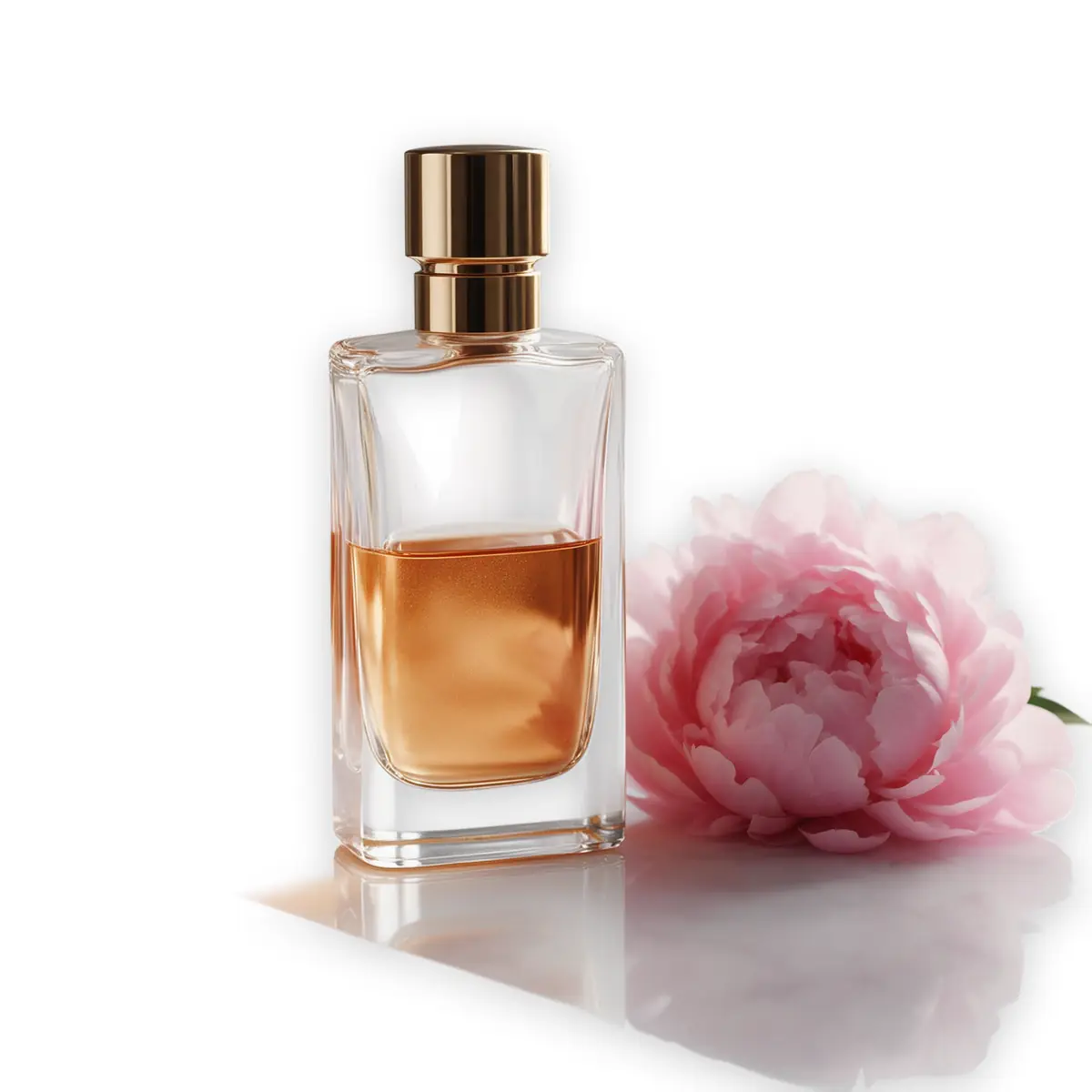
  • Glass perfume bottle with peonies on a marble table — background removed with Kenerate Cutout HDCutout HD

    Glass bottle

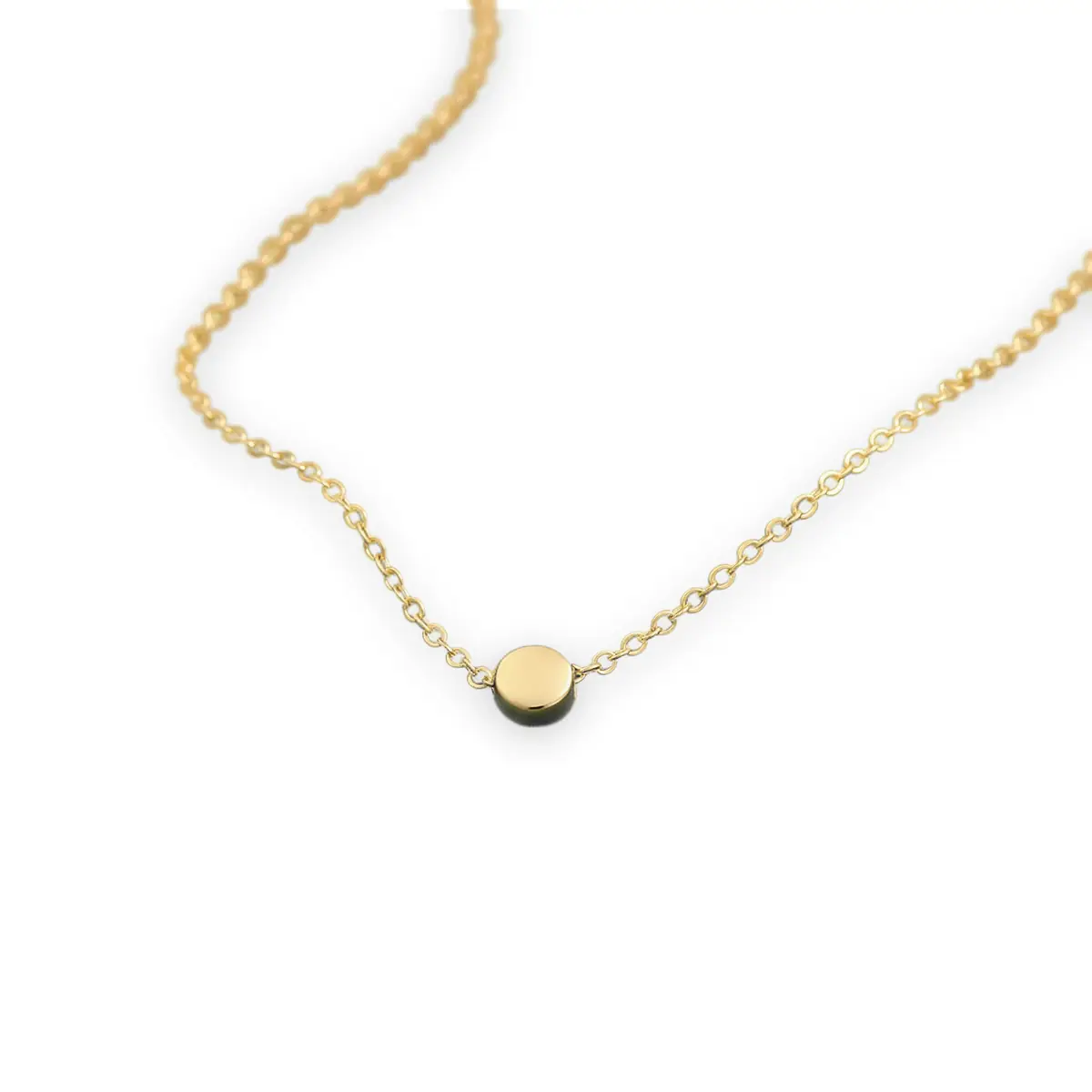
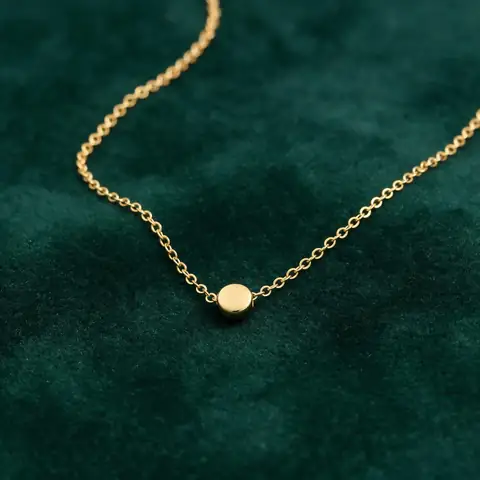
  • Thin gold chain necklace on green velvet — background removed with Kenerate Cutout HDCutout HD

    Gold chain

Step by step

How do I make a product photo's background white?

  1. Step 1: Upload the product photo

    Any background works — a table, a bed, a street.
  2. Step 2: Cut out the product

    Cutout for simple products; Object Pick to keep just one item when others are in the shot.

    Tip: Other things in the shot? Object Pick keeps only what you name — “the watch”.

  3. Step 3: Pick the white backdrop

    Choose white before downloading. The product sits on pure #FFFFFF.
  4. Step 4: Crop to fill the frame

    For Amazon, crop so the product fills about 85% of the image.
Silver wristwatch on a wooden table beside a coffee cup and notebook — original photo
Silver wristwatch on a wooden table beside a coffee cup and notebook — background removed
BEFOREAFTER

Object Pick kept only the watch — the cup and notebook went with the table.

Marketplace rules

What are Amazon's white background rules?

From Amazon's product image guide for main images. Other marketplaces use similar rules — check each one.

  • Do: Pure white background — RGB 255, 255, 255
  • Do: Product fills about 85% of the frame
  • Do: The whole product in view, in focus
  • Don't: Off-white or grey from a lightbox (e.g. 245, 245, 245)
  • Don't: Text, logos, borders or watermarks on the main image
  • Don't: Props or extra items that aren't included

Have product photos that keep getting rejected? Put them on pure white — 25 free credits.

Ways to get white

AI vs lightbox vs editing by hand

A lightbox helps, but it rarely gives true 255 white on its own.

  • KenerateAI cut-out

    True RGB 255 white
    Yes
    Works on photos you already have
    Yes
    Time per photo
    About 5 s
    Batch
    Up to 20 at once
  • Lightbox shootin camera

    True RGB 255 white
    Rarely without editing
    Works on photos you already have
    No
    Time per photo
    Setup + shoot
    Batch
    One set-up per shoot
  • Photoshopmask + fill

    True RGB 255 white
    Yes
    Works on photos you already have
    Yes
    Time per photo
    3–10 min
    Batch
    Actions, by hand

Look closer

Check the edge on white

White backgrounds show grey fringes and halos. Zoom in: the kurti's edge meets the white cleanly.

  • No grey or coloured fringe
  • Soft, natural shadow under the product
  • Background is pure #FFFFFF

Move your pointer over the image to zoom into the edge.

Mustard printed cotton kurti on a hanger on a bedroom door — cut out with Kenerate Cutout HD. The checkerboard is transparent.

Better product shots

How do I shoot products for a white background?

  • Even, soft light. A big window or two soft lights avoids hard shadows you'd have to remove.
  • Contrast helps. A white product cuts out cleaner if it wasn't shot on white.
  • Straight-on and sharp. Use the timer or a phone stand; blur can't be fixed later.
  • Leave room. Keep a margin around the product so you can crop to ~85% fill.

Use cases

Who needs white backgrounds

Common jobs, with the real before and after.

  • Amazon seller

    Accessories

    Main images were rejected for an off-white lightbox background. Re-cutting them onto pure white fixed the listings.

    Object Pick · pure white

  • Meesho & Flipkart seller

    Ethnic wear

    Shoots kurtis on a hanger at home and puts them on white for catalogue thumbnails.

    Cutout HD · pure white

  • Shopify store

    Homeware

    Mixes product photos from different shoots; one white background keeps the store grid consistent.

    Cutout · pure white

Example workflows built on real Kenerate outputs — not customer reviews.

In depth

White-background rules, platform by platform

What marketplaces actually require for main images — from their own help pages — and where a white background is not allowed.

What the marketplaces say

Pure white is required on some platforms and recommended on the rest:

  • Amazon — product shots should in most cases be against white (RGB 255, 255, 255), with the product filling at least 85% of the frame [1].
  • Walmart Marketplace — seamless white (255/255/255), square 1:1, 2200 × 2200 px recommended, no watermarks, logos or promo claims on the main image [2].
  • Google Merchant Center — a solid white or transparent background, product filling 75–90% of the image, no watermarks, logos, borders or promotional text [3].
  • eBay — recommends a white or neutral background; no added borders, text or watermarks [4][5].
  • Shopify — recommends a pure white background, a paper sweep, and retouching the background to pure white in editing [6].

“Almost white” isn't white

A photo shot on white paper usually comes out light grey, with a shadow at the bottom. Marketplaces that ask for RGB 255, 255, 255 mean exactly that — which is why sellers either retouch the background or, as here, cut the product out and place it on pure white. Google Merchant Center also warns that light-coloured products on a transparent background may be shown on black, so white is safer than transparent for pale items [3].

Shooting for a cleaner cut-out

Adobe recommends a solid white or black backdrop, softboxes for soft diffused light and a light tent for small objects [7]; Amazon suggests a paper sweep, white foam-board bounce cards and no flash [1]. Better light means cleaner edges before any AI touches the photo.

Where you can't use an edited white background

Official ID photos are different. The UK asks for a plain, light-coloured background and a photo unaltered by computer software [8], and the US and India have similar no-editing rules. For passports and visas, take a new photo against a plain wall rather than editing the background.


Start free

Start free, top up only when you need to

25 free credits on sign-up. The same credits work in every Kenerate tool.

  • 25 free credits on sign-up

    Test on your own images before you buy anything.

  • Credits never expire

    One-time packs — use them this week or next year.

  • No subscription, no watermark

    Nothing to cancel. Free results download clean.

  • One balance, every tool

    The same credits work across images, video, voice and 3D.

Tried it? Tell us how it went

We only publish real, verified reviews — never invented quotes. Send a line about your result (and whether we may quote you), and it will appear here.

Send a review

FAQ

White background questions

8 questions

Still stuck?

A real person answers — usually within a day.

01

How do I make a photo's background white?

Upload it to Kenerate, cut out the subject, choose the white backdrop and download. It takes a few seconds; use Cutout HD for hair and fine edges.

02

What white does Amazon require?

Amazon's product image guide asks for a pure white background — RGB 255, 255, 255 — on main images, with the product filling about 85% of the frame.

03

Why was my Amazon image rejected for the background?

Usually because the background is off-white or grey (for example 250, 250, 250 from a lightbox), or a shadow or prop touches the edge. Cutting out and placing on pure white fixes it.

04

Can I keep a soft shadow under the product?

A light, natural shadow under the product is common. Keep it subtle and don't let it reach the edges of the image.

05

Can I do many product photos at once?

Yes. Edit Studio's batch mode runs up to 20 photos at once, including background removal.

06

Is a white background good for Etsy, eBay and Shopify?

It's the safest choice for main or thumbnail images on most marketplaces, and it keeps a store's grid consistent. Check each platform's current image rules.

07

Can I put a portrait on a white background?

Yes — headshots, team pages and profile photos work the same way; use Cutout HD for hair. Not for passports or visas: the US, UK and India require an original photo that hasn't been altered by software, so take a new photo against a plain background instead.

08

Is it free?

Free to start with 25 credits on sign-up. Bigger jobs use one-time credit packs that never expire — no subscription.

Clean edges. Every time.

Hair, fur, glass and white-on-white — cut out in seconds, with no watermark.

Cut-out modes
4
Cut-out modes
Backdrops: clear, white, black
3
Backdrops: clear, white, black
Free credits to start
25
Free credits to start
Watermarks, ever
0
Watermarks, ever

Explore the toolkit

More background and photo-fix tools

Every Kenerate tool, guide and comparison for removing and replacing backgrounds.

Written by the Kenerate AI team

Written by the Kenerate team; Amazon rules taken from Amazon's product image guide. Last updated 26 September 2026. Corrections: hello@kenerateai.com.

Sources

Ready when you are

Put your products on pure white

25 free credits on sign-up. Pure #FFFFFF, no watermark.

  • 25 free credits
  • No watermark
  • Credits never expire