
PopSong118 BPM
Coastline
Made with Ken Music 1.5 · Lyrics written by the engine
—
PromptUpbeat modern pop anthem about a summer road trip with best friends, bright synths, punchy drums, female lead vocals, huge sing-along chorus, 118 bpm
Free music software is better than ever — but 'free' means different things: fully free, a free tier, or a trial. Here's what each tool is for, where it runs and its one big limit, checked on the official sites.
Quick answer
Updated
The best free music software in 2026 depends on your computer and what you make. On a Mac or iPhone, GarageBand is fully free. For a full DAW on Windows, Mac or Linux, Tracktion Waveform Free (unlimited tracks) and LMMS (open source, great for beats) are fully free, and Cakewalk Next is free on Windows and Mac. BandLab runs free in a browser or on mobile (16-track studio on the free tier). Audacity is the free choice for recording and editing audio, and MuseScore Studio for sheet music. Note: REAPER is a 60-day trial and Ardour's ready-made builds are pay-what-you-want from $1. To make a finished song without learning a DAW, an AI music generator like Kenerate's Music Studio works from a sentence.
The list
Grouped from 'fully free' to 'free tier'. Facts from each tool's official site (links in Sources).
Apple · Mac, iPhone, iPad · Best for beginners on Apple devices
Apple's free DAW with loops, Drummer and lessons.
Tracktion · Windows, Mac, Linux · Best for a full DAW with no limits
A complete DAW with unlimited tracks, plugins, MIDI and a step sequencer.
Open source · Windows, Mac, Linux · Best for beats and electronic music
Pattern and piano-roll sequencing with built-in synths.
Cakewalk (BandLab) · Windows, Mac · Best for a modern free DAW for songwriters
A streamlined DAW for songwriters and beatmakers.
BandLab · Web, iOS, Android · Best for making music in a browser or on a phone
A browser and mobile studio built for collaboration and loops.
Open source · Windows, Mac, Linux · Best for recording and editing audio
An audio editor and recorder for vocals, podcasts and clean-up — not a full DAW.
Open source · Windows, Mac, Linux · Best for writing sheet music
Music notation software for composing and printing scores.
Cakewalk (BandLab) · Windows · Best for a traditional Windows DAW
The full-featured successor to Cakewalk by BandLab.
Side by side
Different jobs — many people use both.
| Feature | AI generator (Kenerate) | Free DAW (e.g. Waveform Free, LMMS) |
|---|---|---|
| You make | A finished song from a sentence | Every part yourself — drums, bass, chords, vocals |
| Learning curve | Minutes | Weeks to months |
| Vocals | Generated, or your lyrics sung | Recorded by you |
| Control | Prompt-level: genre, mood, tempo, lyrics | Note-level: every sound and edit |
| Cost | 25 free credits, then one-time packs | Free (as listed above) |
A common workflow: sketch ideas with AI, then build or finish them in a DAW.
Listen first
Real AI generations — made from one sentence each, no software to install.
Made with Ken Music 1.5 · Lyrics written by the engine
PromptUpbeat modern pop anthem about a summer road trip with best friends, bright synths, punchy drums, female lead vocals, huge sing-along chorus, 118 bpm
Made with MiniMax Music 3.0 · Instrumental
PromptClassic boom-bap hip-hop beat, dusty kick and snare, chopped soul sample, deep bass, head-nod groove, 90 bpm
Made with MiniMax Music 3.0 · Build → drop
PromptBig-room EDM festival track, huge build-up, massive drop with punchy kick and lead synth, crowd energy, 128 bpm
Made with Ken Music 1.5 · Instrumental
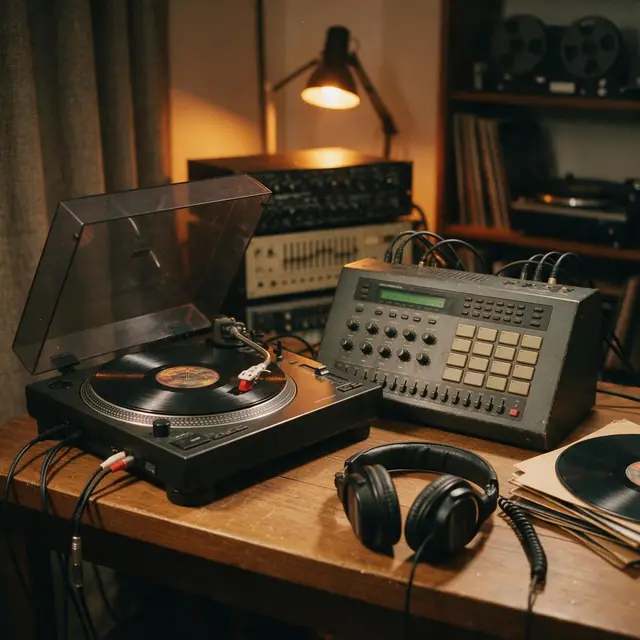
PromptLo-fi hip-hop beat for studying, dusty drums, jazzy Rhodes chords, vinyl crackle, soft bass, 80 bpm
Prompt recipe
Answer these and the choice is easy.
Each opens Kenerate's Music Studio in your browser.
Pop
Upbeat pop song about dancing in the kitchen at midnight, female vocals, 120 bpm
Use this promptBeat
Boom-bap beat, dusty drums, chopped soul sample, 90 bpm
Use this promptLo-fi
Chill lo-fi beat, jazzy Rhodes, vinyl crackle, 80 bpm
Use this promptYour lyrics
Acoustic pop, warm vocals, gentle guitar, 96 bpm
Use this promptHow to
Tips
What saves beginners the most time.
Engines
Facts from the app's engine list.
| Engine | Length | Modes | Good for |
|---|---|---|---|
| Ken Music 1.5Kenerate | Up to ~3 min | Song · Lyrics · Instrumental | Default engine: full songs with vocals in any language; can take an image as inspiration |
| ElevenLabs Music v2.5ElevenLabs | Exact length, 10 s–10 min | Song · Lyrics · Instrumental | Set the exact duration; clean studio mix |
| Mureka V9.5Mureka | Up to 4 min | Song · Lyrics · Instrumental | Writes its own lyrics from a prompt; style chips; MP3/WAV/FLAC |
| MiniMax Music 3.0MiniMax | Up to 4 min | Song · Lyrics · Instrumental | Follows [Verse]/[Chorus] section tags closely |
Pick the engine in the Music Studio's composer. Every engine runs on the same credit balance.
Make your first track — 25 free credits on sign-up.
Start free
The same credits work for music, voice, images and video.
Test on your own images before you buy anything.
One-time packs — use them this week or next year.
Nothing to cancel. Free results download clean.
The same credits work across images, video, voice and 3D.
In depth
What works, what to avoid, and how the pieces fit.
The three kinds of 'free':
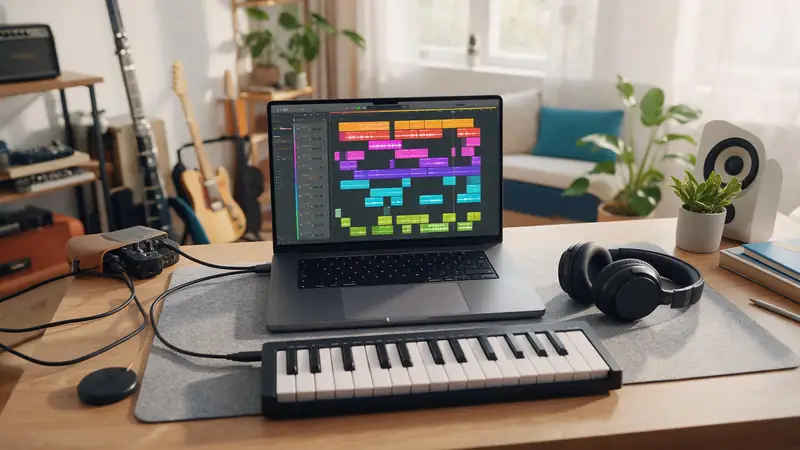
A DAW gives you control over every note; an AI generator gives you a finished idea in a minute. Many producers now sketch with AI, pick the direction they like, and build the final version in a DAW.
FAQ
6 questions
It depends on your device: GarageBand on Mac/iPhone; Waveform Free, LMMS or Cakewalk Next on Windows (Waveform and LMMS also on Linux); BandLab in a browser; Audacity for recording and editing; MuseScore Studio for sheet music.
Yes — GarageBand, Tracktion Waveform Free and LMMS are fully free; Cakewalk Next is free with a BandLab account.
No — REAPER offers a 60-day evaluation with full functionality, then requires a licence.
The old Cakewalk by BandLab ended on 31 December 2025. Its successors are Cakewalk Next (free) and Cakewalk Sonar (free tier, Windows only).
Install a free DAW like Waveform Free, LMMS or Cakewalk Next, build a drum loop, add bass and chords, then arrange — or describe a song to an AI music generator in your browser.
Yes — BandLab runs in a browser, and Kenerate's Music Studio makes full songs from a text prompt online.
Explore
Songs, lyrics, genres, instrumentals and cover art — one studio, one credit balance.
Written by the Kenerate AI team
We build and run the Kenerate Music Studio. Every demo on this page is a real output of the engine named on it, made from the prompt shown; engine facts were checked against the app's code. Last updated 28 September 2026. Corrections: support@kenerateai.com.
Ready when you are
25 free credits on sign-up. No watermark. Credits never expire.