

Heroes · monsters · bases
3D printed miniatures for your table, made with AI
Make the exact hero, villain or monster your campaign needs: describe it, generate a detailed model on a round base, scale it to your table and print it.
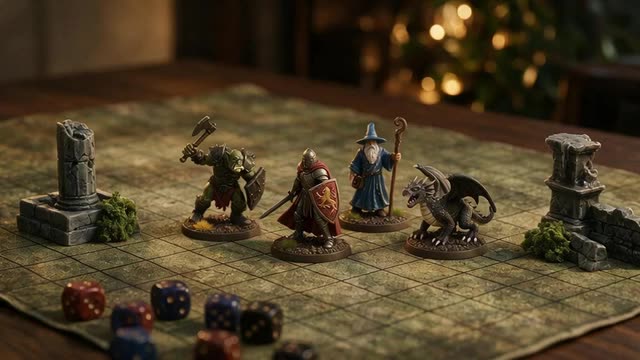
- Your own characters
- Base included
- Scale to 28–32 mm
- paid plans & credit packs
Updated by the Kenerate AI team
Made with Kenerate
On this page
Quick answer
Updated
How do you make 3D printed miniatures with AI?
To make 3D printed tabletop miniatures with AI, describe the character or monster standing on a round base, generate it in Kenerate AI's 3D Studio, get an STL (Rodin exports it directly), scale it to your game, commonly 28–32 mm, with the free STL editor, and print it, ideally on a resin printer for fine detail.
Key facts
- Input
- A prompt or a character drawing
- Best engine
- Rodin 2.5 at 150K triangles, STL
- Base
- Ask for “on a round base” in the prompt
- Scale
- Set the height in mm (e.g. ~32 mm for a human-sized hero at 28–32 mm scale)
- Printer
- Resin for fine detail; FDM for larger monsters and terrain
- Access
- Generation on paid plans and credit packs; print tools free
Start from a picture
Miniature ideas
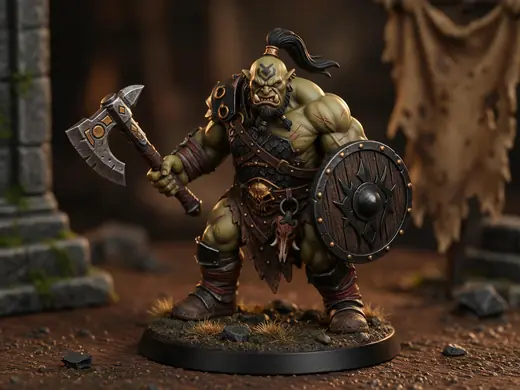
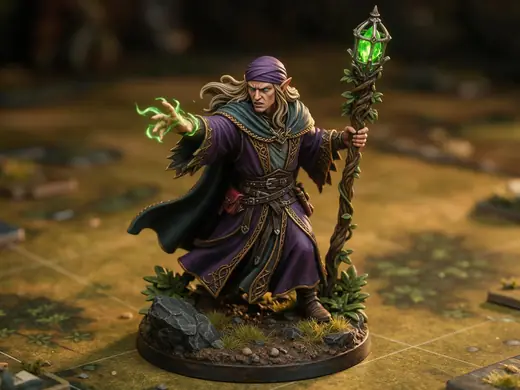
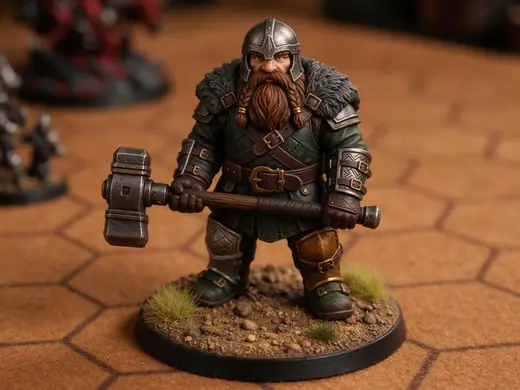
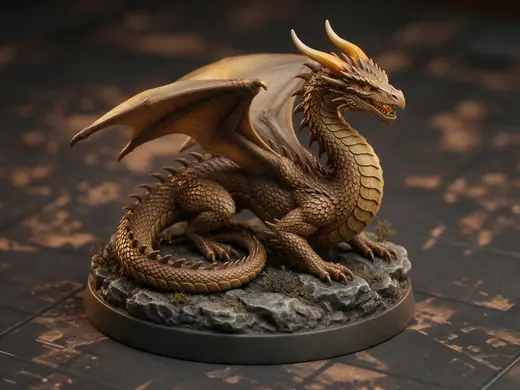
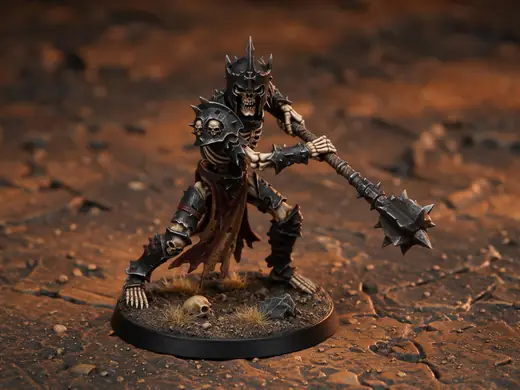
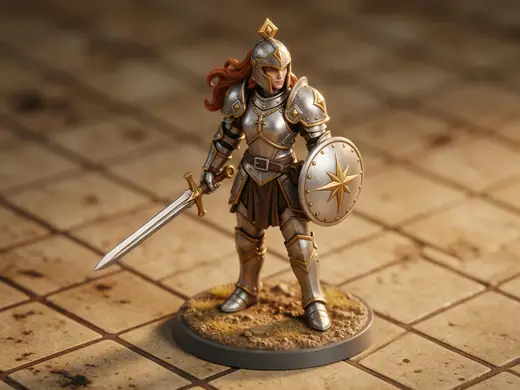
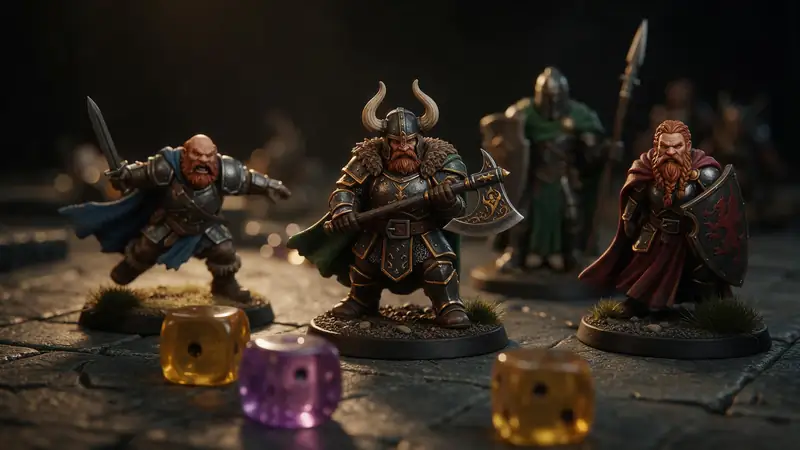
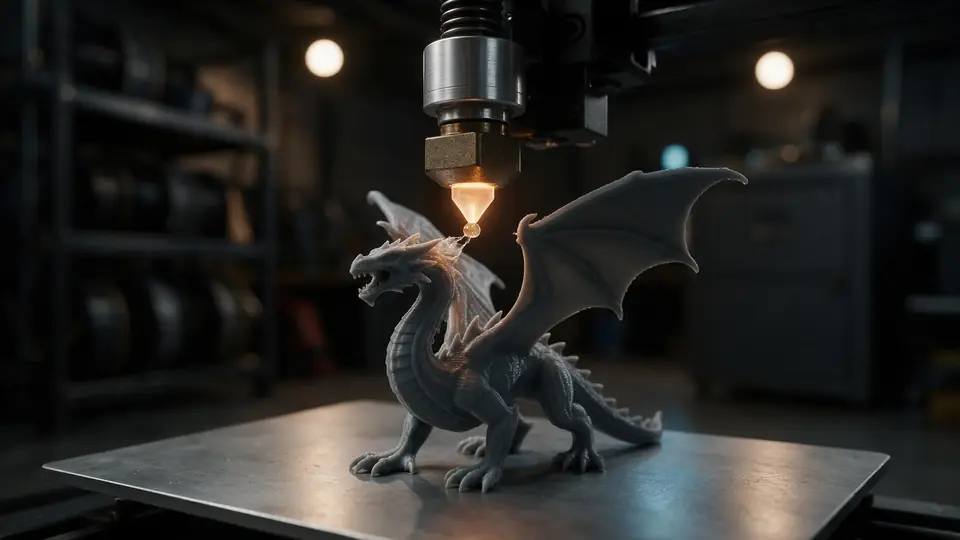
Heroes and monsters on round bases — describe yours or start from a picture.
Reference images made with Seedream 5.0 Pro. “To 3D” opens Image to 3D in the 3D Studio with that picture.
Also
What else it does
Base included
Ask for a round base and it's part of the model — no gluing.
Scale it exactly
Set the height in millimetres to match your game's scale.
Engines
Nine engines in one 3D Studio
Pick per job — draft fast, then rebuild your favourite on a stronger engine.
- This page
Hyper3D
Rodin 2.5
- Inputs
- Text · Photo · Multi-view (up to 5 views)
- Files
- GLB, FBX, OBJ, USDZ, STL
- Typical time
- about 2–3 min
Studio-grade meshes from 2K to 500K faces, quad or triangle, with a HighPack for 4K textures.
Open Rodin 2.5 - This page
Hyper3D
Rodin 2
- Inputs
- Text · Photo · Multi-view (up to 5 views)
- Files
- GLB, FBX, OBJ, USDZ, STL
- Typical time
- about 2–3 min
Clean, detailed meshes — the first photo drives the materials.
Open Rodin 2 
Meshy
Meshy 7.1
- Inputs
- Text · Photo · Multi-view (up to 4 views)
- Files
- GLB, FBX, OBJ, USDZ
- Typical time
- about 3–4 min
Production assets with the finest Meshy geometry (2K / 4K), smart topology, rigging and animation.
Open Meshy 7.1
Meshy
Meshy 7
- Inputs
- Text · Photo · Multi-view (up to 4 views)
- Files
- GLB, FBX, OBJ, USDZ
- Typical time
- about 3–4 min
Detailed game and product assets, with an Ultra detail switch, low-poly mode and auto-rigging.
Open Meshy 7
Meshy
Meshy 6
- Inputs
- Text · Photo
- Files
- GLB, FBX, OBJ, USDZ
- Typical time
- about 3–4 min
Reliable textured meshes with a polygon budget you control — the engine 3D Studio started on.
Open Meshy 6
Tripo
Tripo P2
- Inputs
- Text · Photo
- Files
- GLB, FBX
- Typical time
- about 3–4 min
Crisp, game-ready meshes with pro texture tiers up to Extreme and clean quad remeshing.
Open Tripo P2
All models (9)
Tripo
Tripo H3.1
- Inputs
- Text · Photo · Multi-view (up to 4 views)
- Files
- GLB
- Typical time
- about 4–5 min
High-quality meshes, with detailed geometry and a four-view mode for exact shapes.
Open Tripo H3.1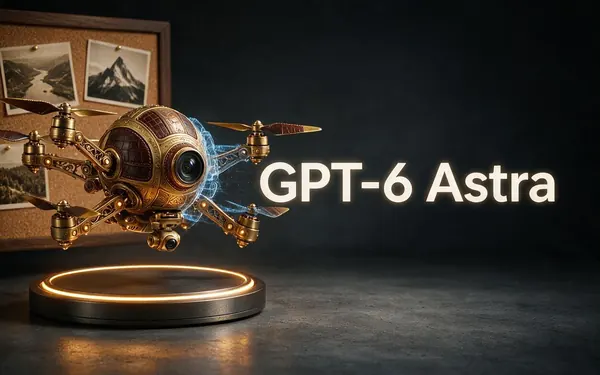
OpenAI
GPT-6 Astra
- Inputs
- Text · Photo · Multi-view (up to 10 views)
- Files
- GLB
- Typical time
- about 5–6 min
OpenAI's general GPT-6 Astra model run as a 3D job — follows long, detailed briefs and up to 10 reference photos, returns a GLB with PBR textures at real-world size. The slowest engine.
Open GPT-6 Astra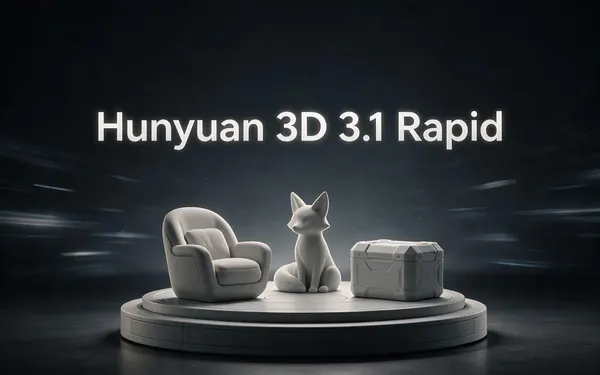
Tencent
Hunyuan 3D 3.1 Rapid
- Inputs
- Text · Photo
- Files
- GLB (untextured)
- Typical time
- about 1 min
The fastest geometry — an untextured (clay) GLB for quick blockouts, drafts and ideas.
Open Hunyuan 3D 3.1 Rapid
Typical times are the studio’s own estimates; real runs vary with load and settings. Formats are what each engine returns — GLB previews in the browser, other formats download.
How it works
From character sheet to tabletop
Four steps.
Describe
Race, class, gear, pose — and “on a round base”.
Generate
Rodin 2.5 at 150K triangles; STL format.
Scale
Set the height for your scale in the STL editor.
Print and paint
Resin with supports, then prime and paint.
How to
How to use the AI Tabletop Miniature Maker
- Time needed
- Steps
- 4 steps
Step 1
Describe the miniature
Keep weapons and limbs close to the body.
Step 2
Generate on Rodin
150K triangles, STL.
Step 3
Scale to your table
e.g. a ~32 mm tall human hero.
Step 4
Print
Resin for detail; add supports; cure and paint.
Watch the tour · 1:48
Text, photo or multi-view to a textured GLB, nine engines, the viewer & lighting, compare engines, gallery, download & chat
Chapters
Use cases
Popular minis
Player characters
Exactly matching each hero's sheet.
Bosses and monsters
Big centrepieces for key fights.
NPCs and crowds
Shopkeepers, guards, villagers.
Wargame units
Consistent troops from one prompt style.
Tips
Minis that print cleanly
Keep spears, staffs and swords close to the body or thicken them.
Dynamic poses look great but need more supports — start simple.
Print a test at your target scale before batching.
Resin needs washing and curing; wear gloves.
Print only designs you're allowed to — your own characters are safest.
Prompt guide
Prompts that make good 3D models
A tabletop miniature of an…
A tabletop miniature of an orc warrior with an axe and a round shield on a round base
A 32 mm scale elf wizard mi…
A 32 mm scale elf wizard miniature with a staff, flowing robes kept close to the body, round base
A large dragon miniature co…
A large dragon miniature coiled on a rocky base for tabletop games
Example uses
How creators use the AI tabletop miniature maker
Illustrative examples of typical workflows, not customer reviews.
Game master
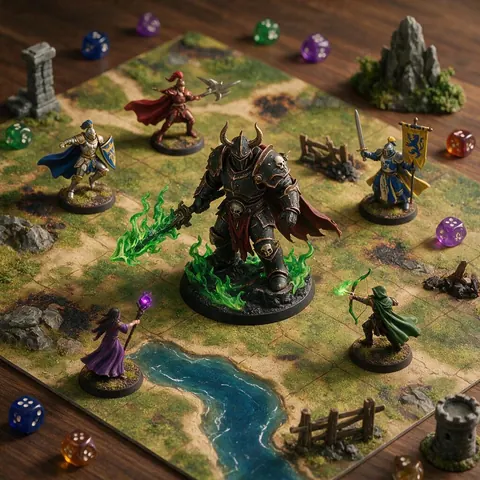
A game master can create the exact boss a campaign needs and print it as a centrepiece for the big fight.
Player
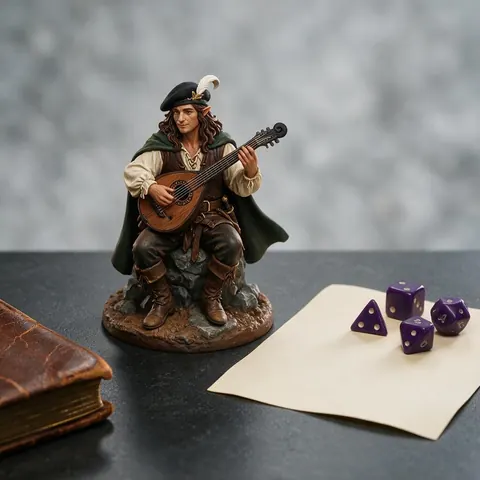
A player can describe their character's race, class and gear and get a mini that matches the sheet.
Resin printing hobbyist
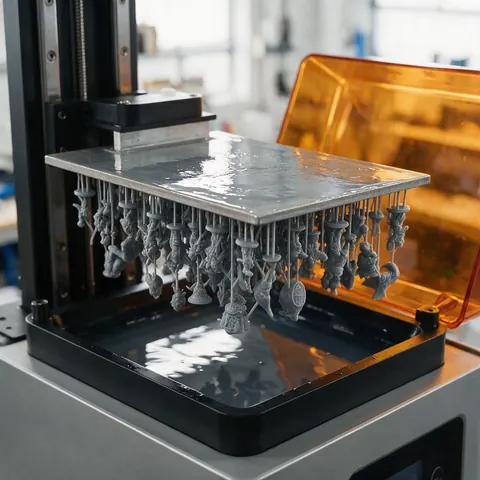
A resin printer owner can scale a batch of minis to 28–32 mm and print a whole squad at once.
FAQ
AI Tabletop Miniature Maker questions
7 questions
Can AI make tabletop miniatures?
Yes. Describe the character or monster on a round base, generate it in the 3D Studio and download an STL.
Link to this answerWhat scale are tabletop minis?
Many games use roughly 28–32 mm scale. STL has no units, so set the height you want in millimetres with the free STL editor.
Link to this answerResin or FDM for 3D printed miniatures?
Resin 3D printed miniatures capture small faces and details much better; FDM suits larger monsters and terrain.
Link to this answerAre the miniatures pre-supported?
No. Add supports in your slicer before printing.
Link to this answerCan you sell 3D printed miniatures made with AI?
Original designs you generate can be printed and sold; check each engine maker's terms, and don't copy protected characters.
Link to this answerHow do you paint 3D printed miniatures?
Clean the print first: remove supports, and wash and cure resin minis. Then prime it, paint thin layers of acrylic from the base colours to the details, and seal it with varnish. The round base doubles as a handle while you paint.
Link to this answerIs it free?
Generation is on any paid plan or credit pack; resizing and converting files is free.
Link to this answerIn depth
AI Tabletop Miniature Maker, explained
Getting tabletop-quality minis from AI.
Scale and size
Thin parts at small scale
At miniature size, weapons and limbs can drop below printable thickness — about 0.9 mm is a safe FDM minimum on a 0.4 mm nozzle [11]. Resin goes finer, but thin parts still break; ask for weapons held close.
Try the AI Tabletop Miniature Maker
3D generation is part of every paid plan and credit pack. The free 3D tools — viewers, converters, image to STL — need no account.
Tried it? Tell us how it went