Photo choice · motion prompts · fixes for drift
How to animate a photo — 5 steps, from the right photo to the right prompt
Animating a photo with AI takes a minute; getting it to look natural takes a little know-how. This guide covers which photos animate well, how to word the motion, which model to pick, and what to change when a face drifts or a hand warps — with real clips made from single photos.
- One photo per clip
- Up to 30 s with sound
- Camera move presets
- No watermark
Updated by the Kenerate AI team
Made with Kenerate
On this page
Quick answer
Updated
How do you animate a photo with AI?
To animate a photo, upload it to an AI image-to-video model, describe 1 or 2 movements plus one camera move, and generate a short clip. In Kenerate's video studio, Wan 3 animates a photo into a clip of up to 30 seconds with sound; Kling 3.0 suits expressive faces and Veo 3.1 cinematic shots.
Key facts
- Photos in
- 1 per clip (plus an optional end frame)
- Clip length
- 2–30 s on Wan 3
- Sound
- Yes — describe it in the prompt
- Camera presets
- 9 — pan, zoom, tilt, orbit, drone, handheld
- Talking photos
- Avatar Talk, on the free plan
Real results
Photos animated with one line each
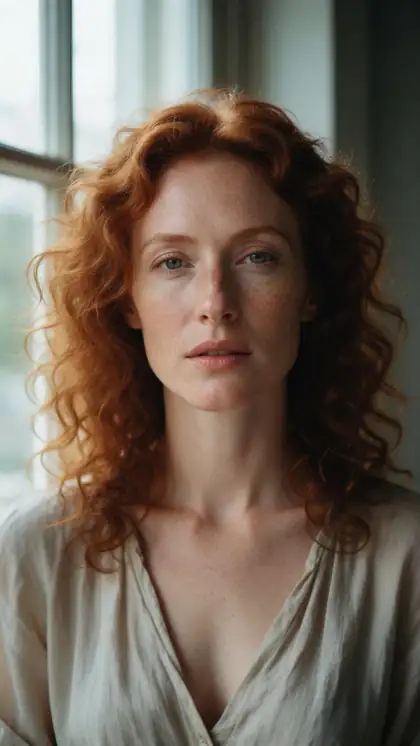
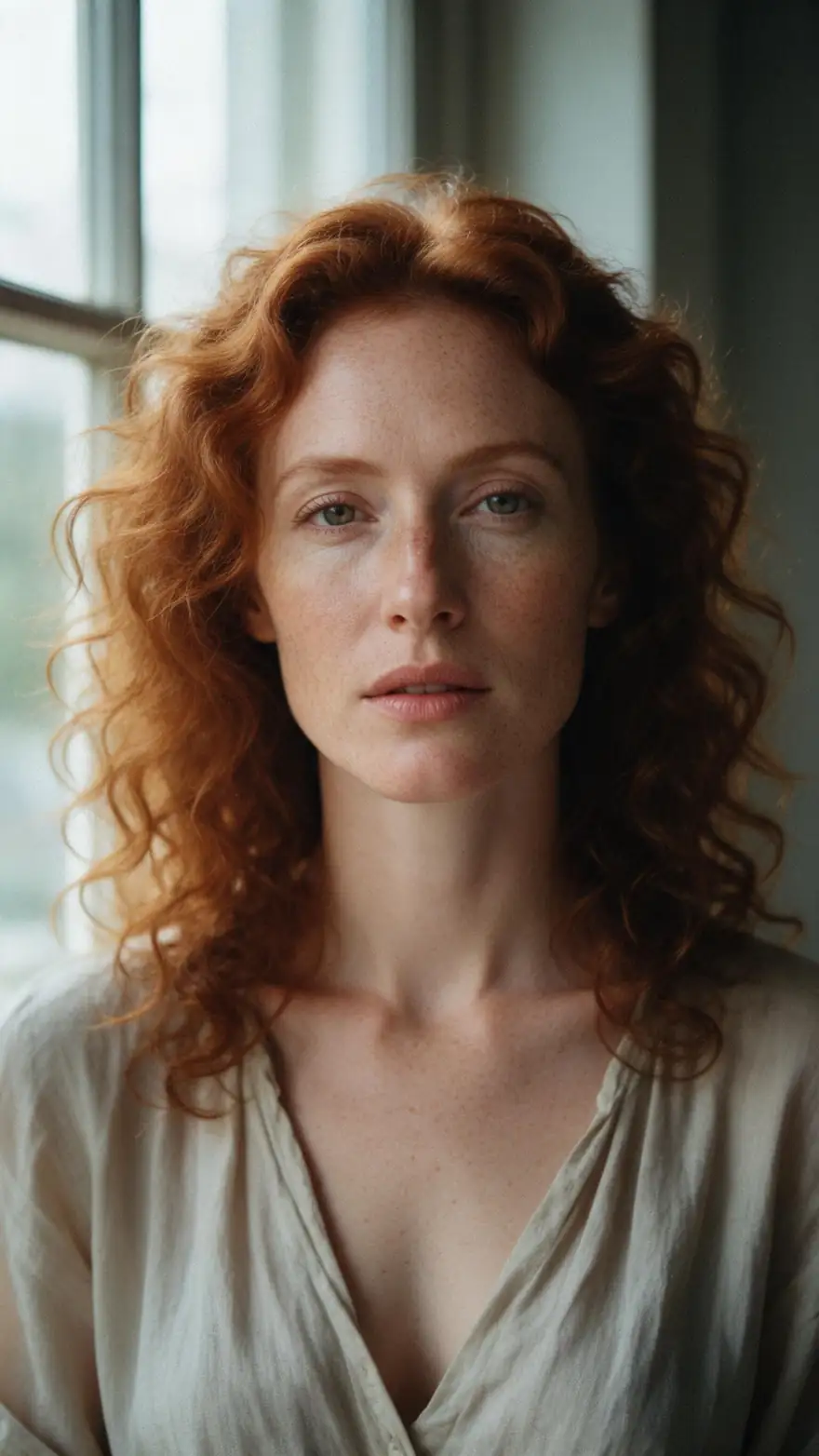
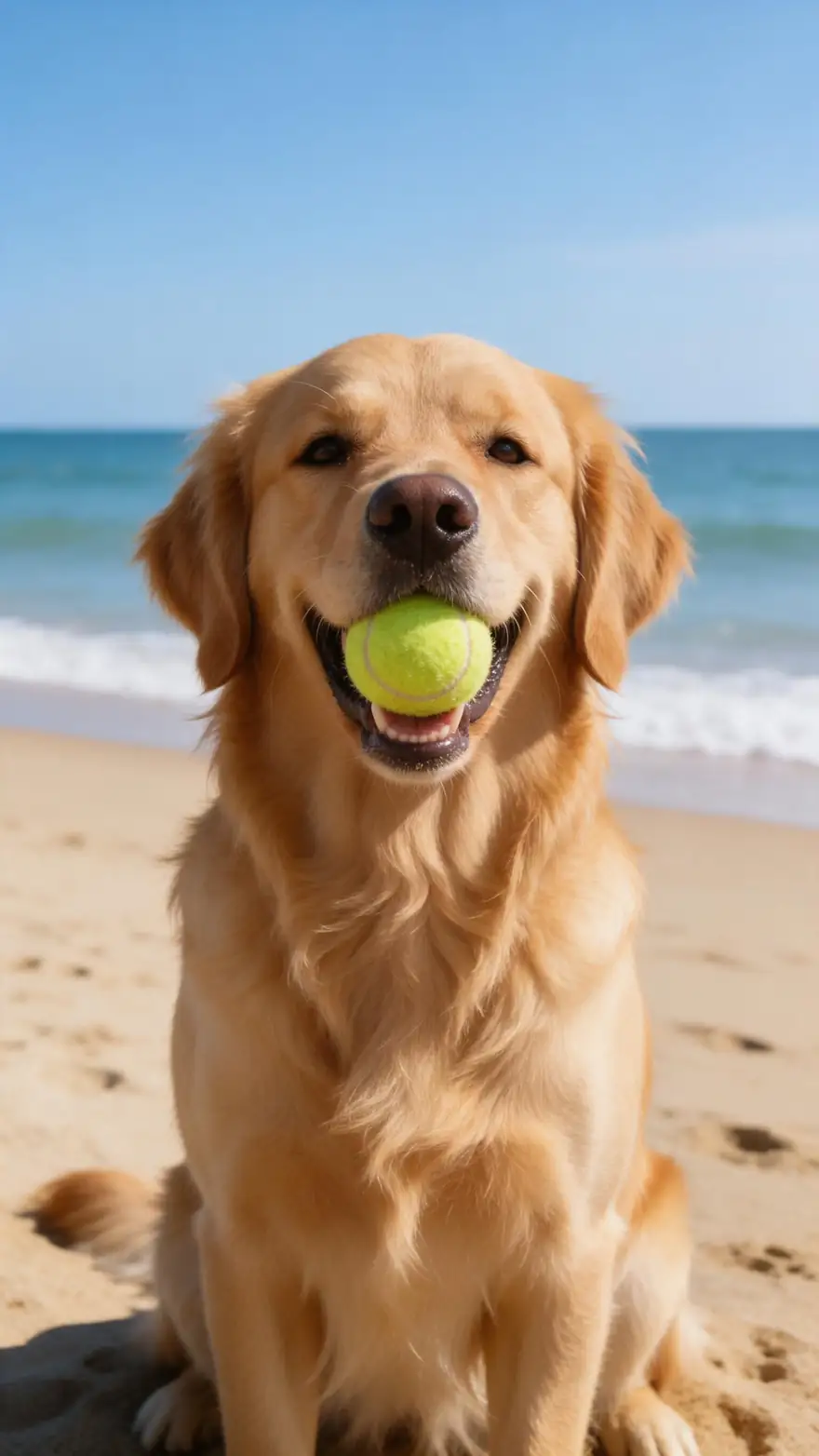
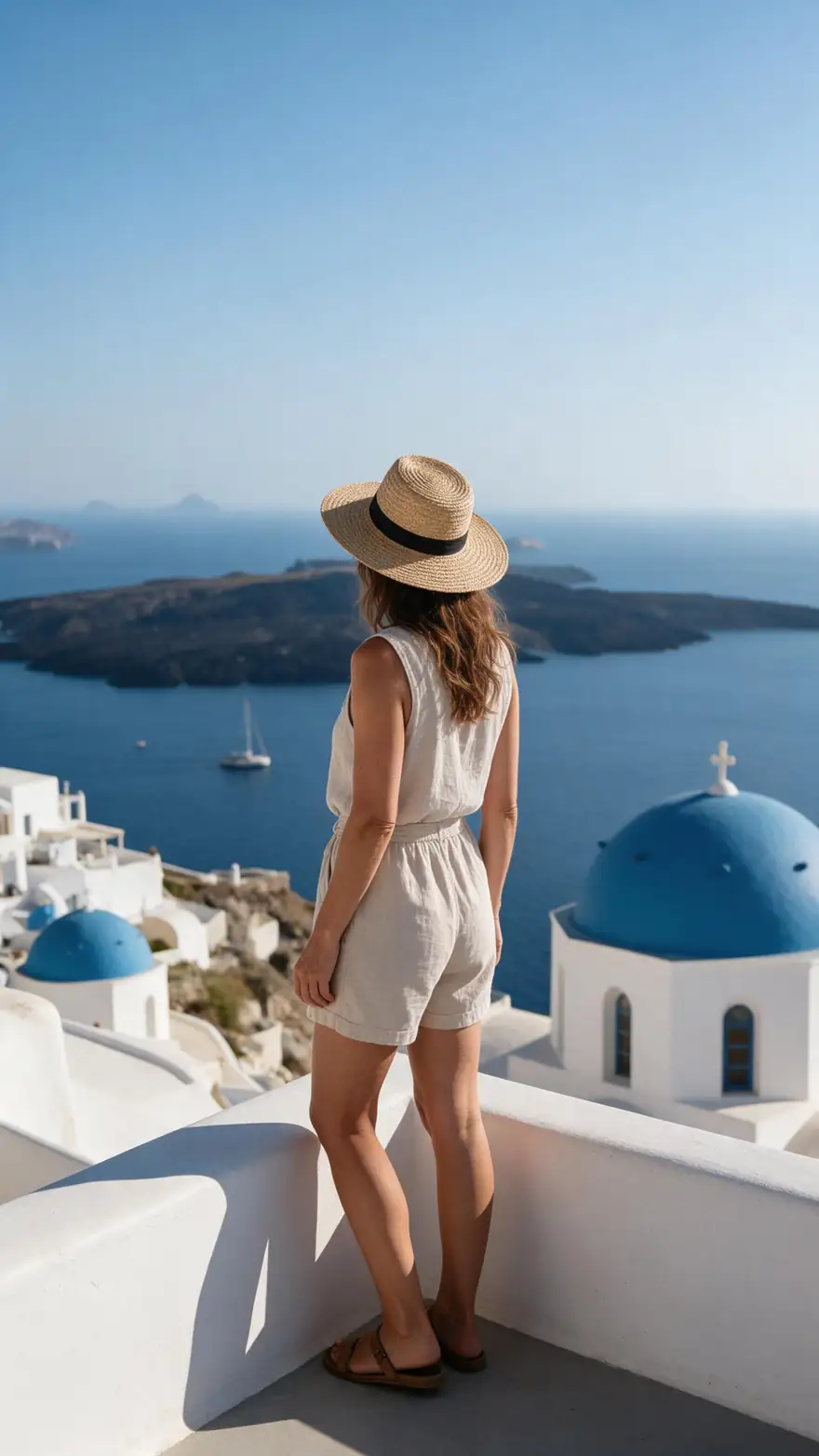
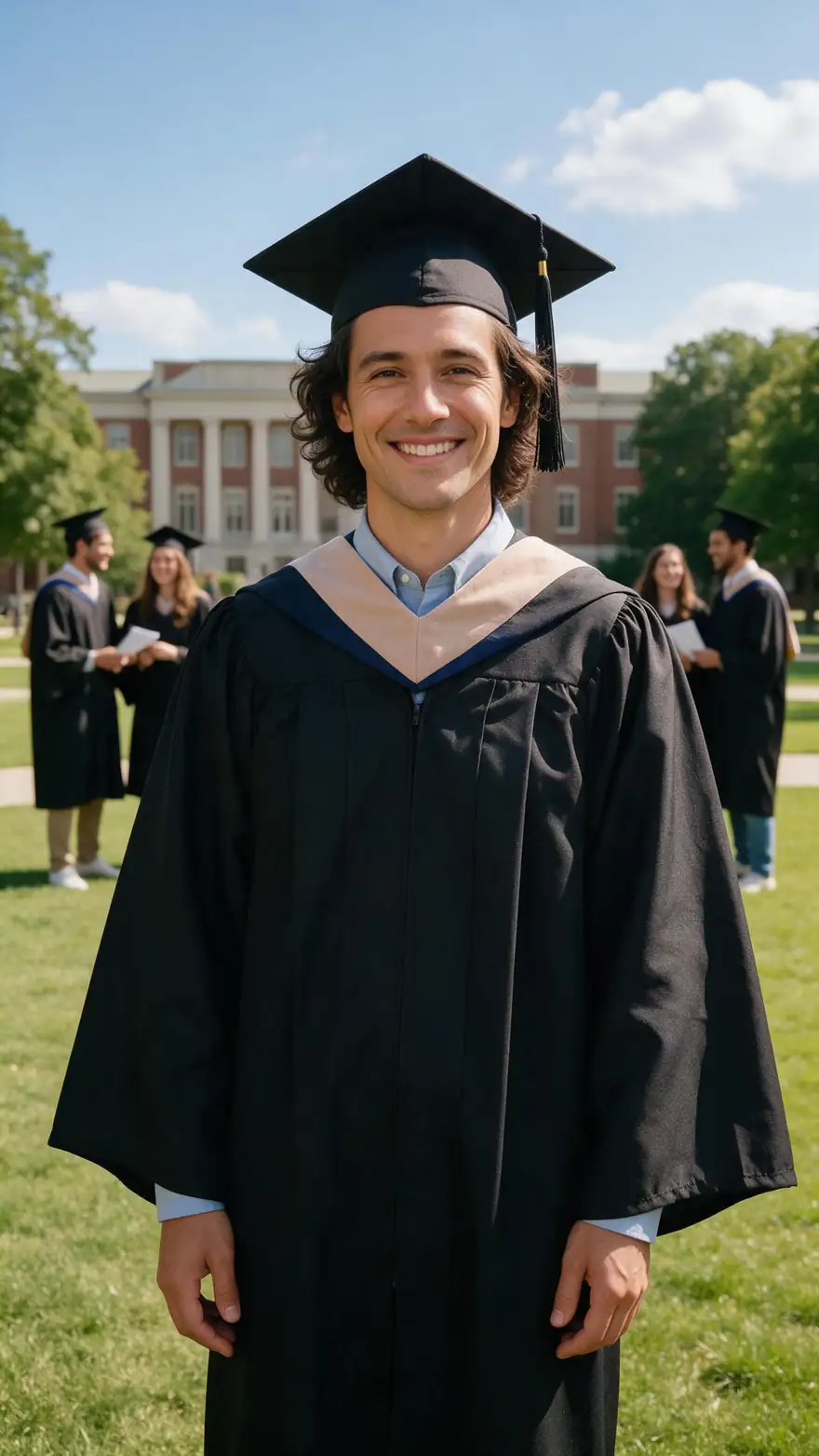
Real 5-second Wan 3 clips at 720p with sound, each from a single photo (made with Seedream 5.0 Pro for this page). Open one to see its exact prompt.
Every clip is an unedited Wan 3 output; the prompt under each is the one we used.
How to
How to animate a photo in 5 steps
- Time needed
- Steps
- 4 steps
Step 1
Pick a photo that will animate well
Sharp, well lit, with the subject large in the frame and hands and face clearly visible. Restore scratched old prints first.
Step 2
Open the video studio in image-to-video mode
Upload the photo as the start frame. Choose the aspect ratio closest to the photo's shape so nothing gets cropped.
Step 3
Describe the motion
One or two movements, one camera move and the sound — for example "she turns and smiles, slow push in, sea breeze". Use the Camera button for ready-made moves.
Step 4
Pick a model and length
Wan 3 for up to 30 s with sound, Kling 3.0 for expressive faces, Veo 3.1 for cinematic shots. Start with 5 seconds to test the motion.
See it in the app

Open Video Studio in Text to Video mode and write the shot — subject, action, camera move and light.


Watch the tour · 1:19
Text, image & reference to video, models, edit, extend & chat
Chapters
Checked 6 October 2026
Three ways to animate a photo — which is best for what
Pick by what you want to move: the whole scene, the mouth, or the body to a set routine.
| Image to video | Talking photo | Motion control | |
|---|---|---|---|
| What moves | People, pets, water, hair and the camera | Lips, face and head, synced to a voice | The body, copying moves from a video |
| You provide | One photo and a motion prompt | One photo and a voice track | One photo and a reference video |
| Best for | Bringing a moment back to life | Messages, greetings and singing photos | Dances and exact gestures |
| On Kenerate | Video studio (Wan 3, Kling 3.0, Veo 3.1…) | Avatar Talk — free plan | Motion Control tool |
All three start from a single photo; only image to video invents the motion from your words.
Sources: Kenerate video studio · Google — Veo image to video
Engines
Which model to animate a photo with
From the video studio's own model list — each takes your photo as the first frame.
- Used here

Alibaba
Wan 3
- Input
- Photo (+ optional end frame)
- Output
- 2–30 s · 480p–1080p · sound
Everyday photos, longer clips with sound
Open Wan 3 
Kuaishou
Kling 3.0 Pro
- Input
- Photo (+ optional end frame)
- Output
- 3–15 s · sound
Expressive faces and body motion
Open Kling 3.0 Pro
Google
Veo 3.1
- Input
- Photo
- Output
- 4, 6 or 8 s · up to 4K · sound
Cinematic shots with natural sound
Open Veo 3.1
ByteDance
Seedance 2.5
- Input
- Photo or reference images
- Output
- 4–30 s · sound
Long clips and multi-shot scenes
Open Seedance 2.5
Alibaba
Happy Horse 1.1
- Input
- Photo
- Output
- 3–15 s · 720p or 1080p
Quick everyday clips
Open Happy Horse 1.1- Free plan
Kenerate
Avatar Talk
- Input
- Photo + your audio
- Output
- Lip-synced talking video
Making a photo talk or sing
Open Avatar Talk
The examples above were made with Wan 3. Talking photos use Avatar Talk, which works on the free plan.
Tips
Fixes for the usual problems
What to change when the clip doesn't look right.
Face drifts away from the photo: ask for less motion and a static or slow camera.
Hands warp: choose a photo where hands are still and fully visible, or keep them out of the motion.
Edges get cropped: match the clip's ratio to the photo.
Motion looks frantic: use slower words — gently, slowly, softly.
No sound or the wrong sound: name it — waves, laughter, a dog barking.
The person should speak: use Avatar Talk with a voice track instead.
Example uses
How creators use How to Animate a photo
Illustrative examples of typical workflows, not customer reviews.
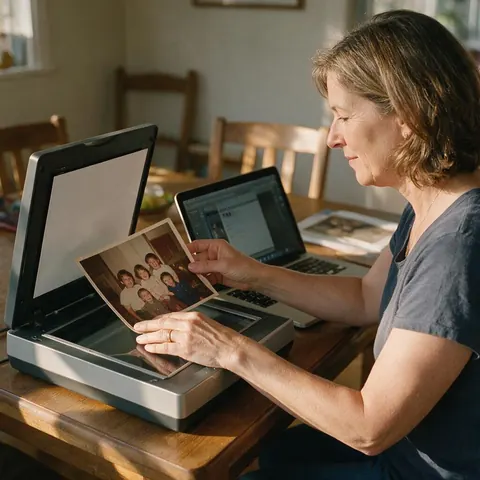
Family historian
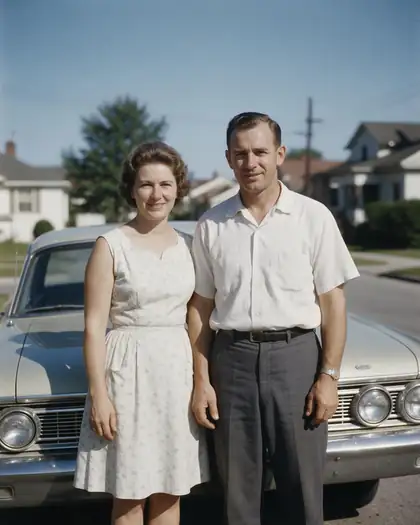
A family historian could scan an old wedding print of their grandparents, restore it, and animate it with just a smile and a glance so the faces stay true to the photo.

Travel blogger
A travel blogger could animate a still from a trip with waves, wind and a slow push in, using 9:16 so it fits a vertical post without cropping.
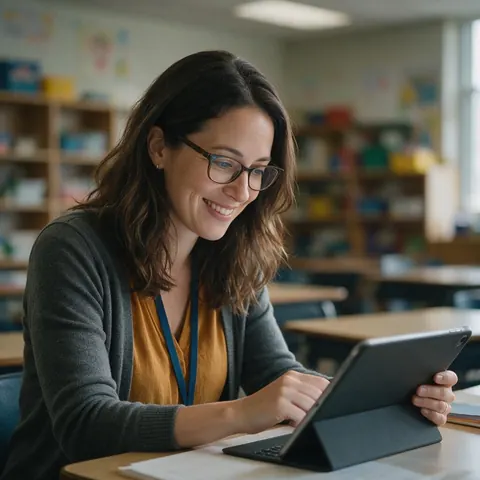
Teacher
A teacher could animate a photo of a historical-style painting for a lesson opener, keeping the motion small so the artwork stays recognisable.
FAQ
Animating photos — questions
8 questions
How do I animate a photo with AI?
Upload the photo to an image-to-video model, describe what should move and how the camera moves, choose a length, and generate. In Kenerate's video studio that is the image-to-video mode: Wan 3 is the default model and returns a clip with sound.
Link to this answerWhat kind of photo animates best?
A sharp, well-lit photo where the subject is large in the frame and the face and hands are clearly visible. Busy group shots, tiny faces and hands half out of frame give the model more to guess, which is where warping and drift come from.
Link to this answerWhat should I write in the motion prompt?
Spend your words on what changes, not on what the photo already shows. Name the subject's movement, one camera move and the sound — for example "the dog wags its tail and barks, static shot, waves in the background". The Camera button adds pan, zoom, tilt, orbit, drone or handheld moves for you.
Link to this answerHow long can an animated photo be?
Wan 3 makes clips of 2–30 seconds at 480p, 720p or 1080p. Seedance 2.5 goes up to 30 seconds, Kling 3.0 Pro up to 15, and Veo 3.1 makes 4, 6 or 8 seconds. Short clips of about 5 seconds keep a photo closest to the original.
Link to this answerCan I animate an old photo of my grandparents?
Yes. Scan the print as sharp as you can and restore scratches first, then ask for gentle motion such as a smile or a wave. The older and softer the photo, the smaller the movement should be. Only animate photos of people who would be happy to see it.
Link to this answerWhy does the face change when I animate my photo?
Large movements, head turns and fast camera moves make the model invent views of the face that the photo doesn't show. Ask for subtle motion, keep the camera static or slow, and try Kling 3.0 if expressions matter most.
Link to this answerCan I make my photo talk instead?
Yes — that is a different tool. Avatar Talk takes the photo and a voice track and syncs the lips, and it works on the free plan. Image to video moves the whole scene but doesn't lip-sync to your own audio.
Link to this answerIs animating a photo free?
Talking photos with Avatar Talk work on the free plan. Image to video in the video studio uses one-time credit packs that never expire, with no subscription, and clips download without a watermark.
Link to this answerIn depth
Animating a photo — what's happening and how to steer it
On this page
What the model does with your photo
An image-to-video model treats your photo as the first frame and predicts the frames that follow, guided by your prompt. Everything the photo doesn't show — the back of a head, a hidden hand — has to be invented, which is why small motions stay truest to the original.
A prompt formula that works
Keep the description of the photo short; the model can see it. Use the words on change:
- Subject: "she turns toward the window and smiles"
- Secondary motion: "a curl falls across her face"
- Camera: "slow push in" or "static shot"
- Sound: "quiet room tone", "waves and wind"
Choosing a length and ratio
Start at about 5 seconds to check the motion, then go longer once it looks right. Match the ratio to the photo — 9:16 for a phone portrait, 16:9 for a landscape — so the model doesn't crop or pad the edges.
Photos of real people
Animate photos of yourself, of people who have agreed, or of family who would welcome it. Don't make someone appear to do or say something they didn't, and don't present an animated photo as real footage.
Animate my photo
Upload your own photo in the video studio's image-to-video mode and describe one movement. Selfies and portraits work best with small motions — a smile, a blink, hair in the wind.
Animate photo AI
Image-to-video models generate new frames that start from your photo. That is real motion, not a pan-and-zoom slideshow effect.
Photo animator
A photo animator app usually offers presets. Kenerate's video studio gives you camera presets plus a free-text prompt, so you choose exactly what moves.
Animate photos in bulk
Each clip animates one photo. For a set of photos, animate them one by one and join the clips in an editor.
Explore
Every Kenerate video tool
Generators, tools, models and guides — all in one studio.