

11 shapes · real dimensions · free
STL shape generator exact sizes in mm
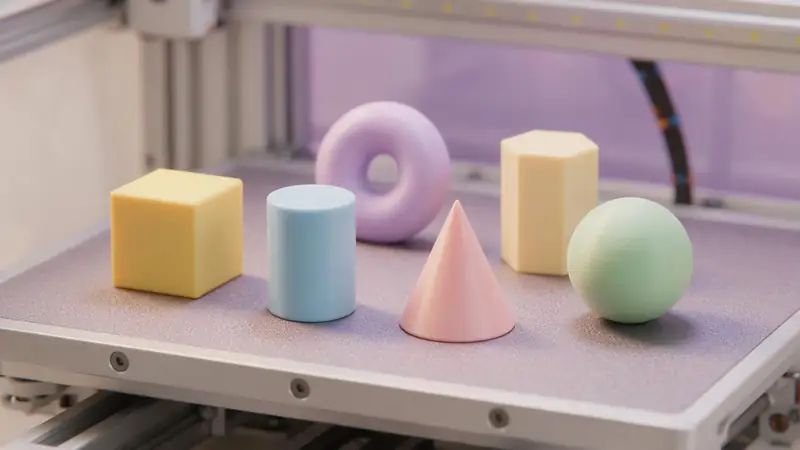
Need a 20 mm cube, a spacer, a ring or a dome? Pick a shape, type its dimensions in millimetres and download a print-ready STL — no CAD needed.
- Box, cylinder, tube, cone, sphere…
- Every dimension in mm
- Smoothness you control
- Sits flat on the bed
Updated by the Kenerate AI team
On this page
Quick answer
Updated
What is an STL shape generator?
An STL shape generator is a tool that makes basic 3D shapes, or primitives, as printable files with exact dimensions. Kenerate's free generator builds 11 shapes in your browser, from boxes and cylinders to spheres, tori and stars. Set the size in millimetres, check it in 3D and download STL, 3MF, OBJ or GLB, flat on the bed.
Key facts
- Price
- Free, no account
- Shapes
- Box, rounded box, cylinder, tube / ring, cone, pyramid, sphere, dome, torus, hex prism, star
- Dimensions
- 1–250 mm per parameter
- Smoothness
- 8–128 segments for round shapes
- Placement
- Centred, flat on Z = 0
- Output
- STL, 3MF, OBJ, GLB
Why this tool
Simple shapes, exact sizes
Many “shape generators” make pretty renders without dimensions. Here every number is a millimetre.
Also
What else it does
Smoothness control
More segments make rounder curves and bigger files; 64 is plenty for most prints.
Combine in your slicer
Load several shapes and arrange them — or use them as modifiers and negative volumes.
How it works
How the shapes are built
Parametric geometry in your browser.
Pick
Each shape has its own parameters — size, height, inner diameter, points.
Generate
The mesh is generated from those numbers with your chosen smoothness.
Orient
It's turned Z-up, centred and placed on the bed.
Export
STL, 3MF, OBJ or GLB downloads instantly.
How to
How to use the STL Shape Generator
- Time needed
- Steps
- 4 steps
Step 1
Choose a shape
Box, cylinder, tube, cone, sphere, torus, star…
Step 2
Type dimensions
Set each size in mm with the sliders.
Step 3
Set smoothness
Raise segments for round shapes if you'll print them large.
Step 4
Download
Save STL or 3MF and print.
Watch the tour · 1:48
Text, photo or multi-view to a textured GLB, nine engines, the viewer & lighting, compare engines, gallery, download & chat
Chapters
Who uses it
What people make
Calibration prints
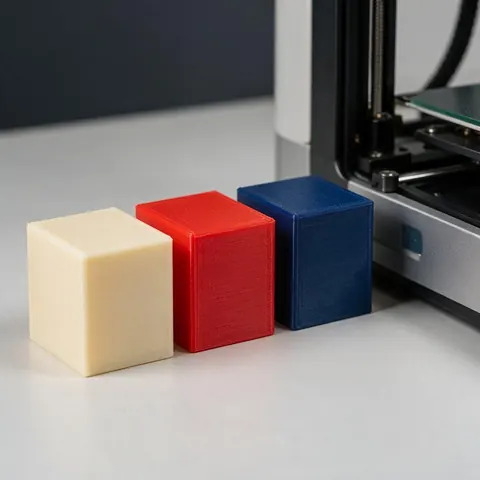
A 20 mm cube to check dimensions.
Spacers and washers
Tubes and rings at exact sizes.
Teaching geometry
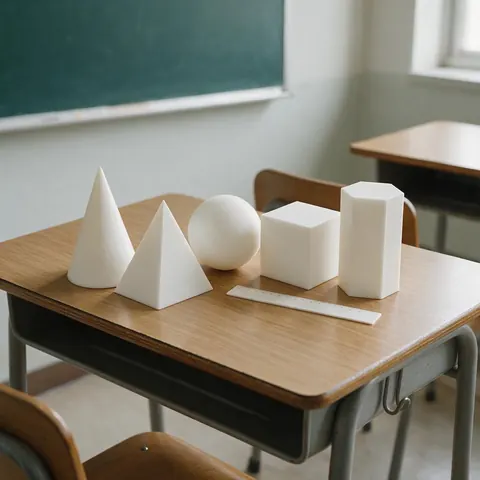
Solids for maths lessons.
Building blocks
Primitives to combine in CAD or a slicer.
File formats
The formats this tool reads and writes
What each file can hold, what it can't, and where it opens. Facts link to the format's own spec or reference page.
| .stl · STL | .3mf · 3MF | |
|---|---|---|
| Full name | Stereolithography | 3D Manufacturing Format |
| Made by | 3D Systems, 1987 | 3MF Consortium, 2015 |
| Kind | Triangle mesh (binary or ASCII) | ZIP package with XML |
| Holds | Triangle surfaces, Facet normals | Meshes with units (millimetres), Colours and materials, Several objects and build plates |
| No | Colour and textures, Units, Materials | Animation |
| Best for | 3D printing — every slicer opens it | Modern 3D printing and multi-colour prints |
| Opens in | Cura, PrusaSlicer, Bambu Studio, OrcaSlicer, Blender | Bambu Studio, PrusaSlicer, OrcaSlicer, Cura, Windows 3D Builder |
No file yet?
Make the model first — from one photo
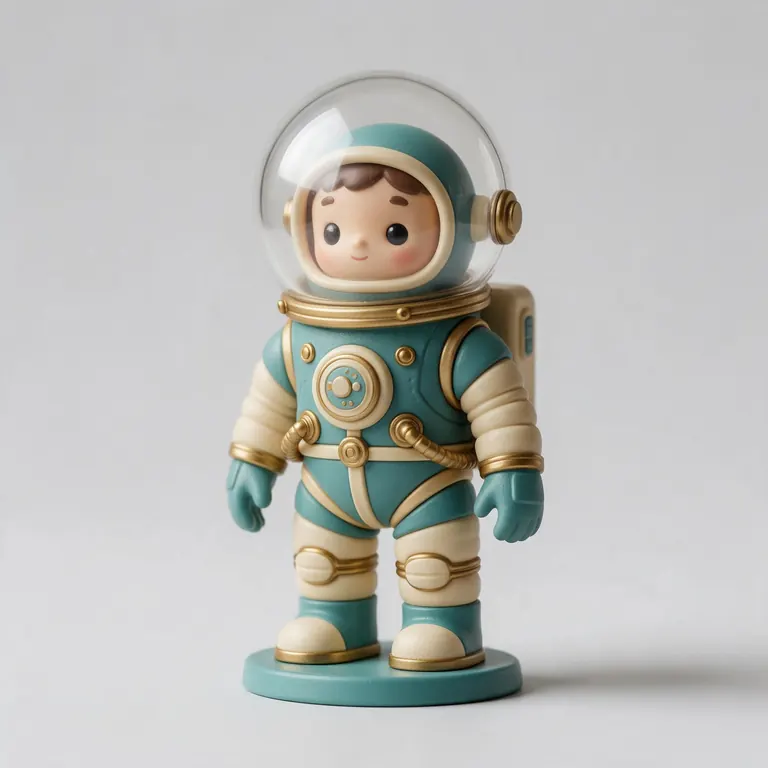
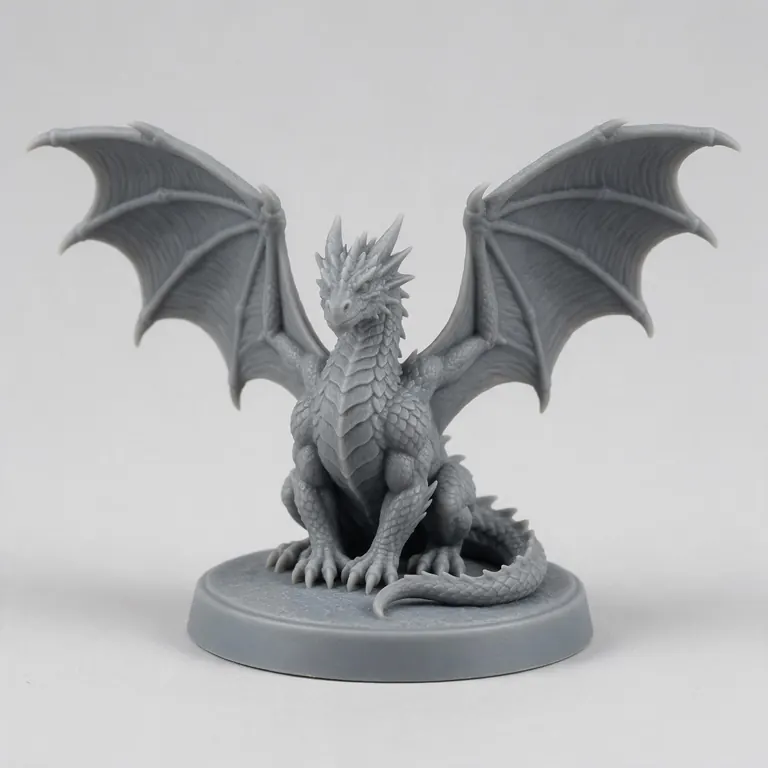
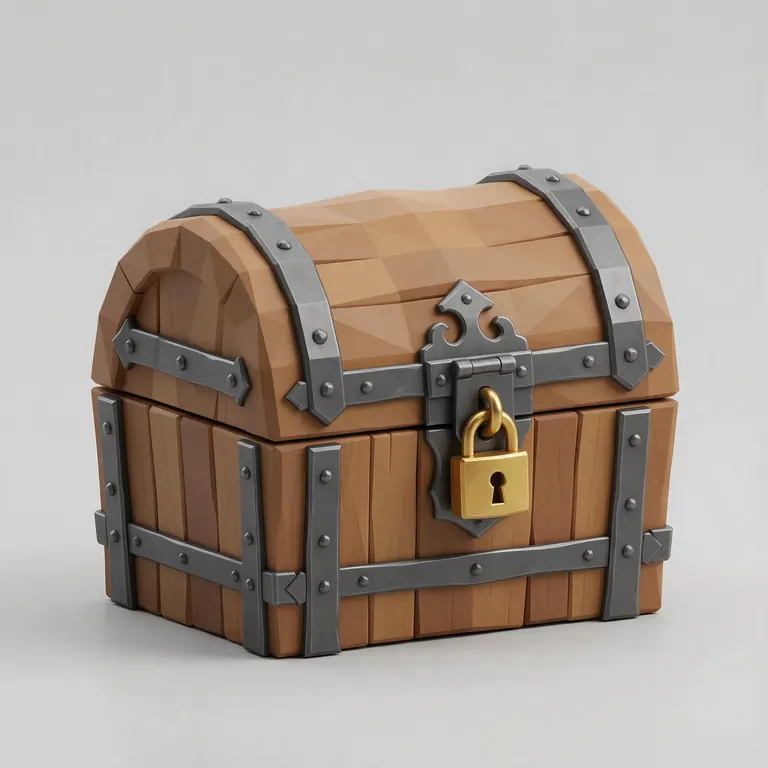
Every sample in the tool above began as a single picture and was turned into a 3D model in the Kenerate 3D Studio. The engine is named on each one.
Example uses
How creators use the STL shape generator
Illustrative examples of typical workflows, not customer reviews.
Printer owner
A printer owner can print a 20 mm cube and measure it to check the printer's accuracy.
Maths teacher
A teacher can print a set of solids such as a cone, pyramid, sphere and hexagonal prism for geometry lessons.
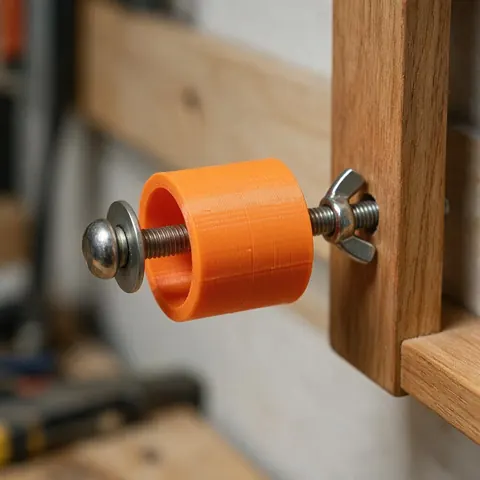
Home repairer
Someone fixing things at home can print a ring or tube at an exact diameter as a spacer.
FAQ
STL Shape Generator questions
7 questions
How do I make a 20 mm calibration cube?
Choose Box and set width, depth and height to 20 mm, then download. Measure the print with calipers to check your printer's accuracy.
Link to this answerWhat does smoothness (segments) do?
Round shapes are made of flat facets. More segments give smoother curves and larger files; 64 is smooth at most sizes, 128 for large parts.
Link to this answerCan I make a hollow cylinder?
Yes — use Tube / ring and set the inner diameter smaller than the outer one.
Link to this answerCan I combine shapes?
Load several into your slicer and arrange them, or combine them in CAD. This tool makes one shape at a time.
Link to this answerDo spheres need supports?
Usually, below the equator. Print a Dome (flat-bottomed half sphere) instead if you can.
Link to this answerHow do I make an STL file?
For simple solids, pick a shape here, type its sizes in millimetres and download. For anything else, export STL from CAD or Blender, convert another 3D file with the free converters, or generate a model with AI in the Kenerate 3D Studio (any paid plan or credit pack) and convert it.
Link to this answerIs it free?
Yes, with no account.
Link to this answerIn depth
STL Shape Generator, explained
Facets, file size and printing simple solids well.
On this page
Facets and file size
STL stores flat triangles, so curves are approximated [1]. Doubling the segment count roughly doubles the triangles of a cylinder and quadruples those of a sphere. Beyond what your nozzle can resolve, extra segments only grow the file.
Printing primitives
Overhangs up to about 45° print without supports [11]: cones and pyramids print fine point-up, spheres need help underneath. Rings and tubes print best standing on their flat face.
Fits and tolerances
When a generated part must fit another, leave clearance — about 0.3 mm for moving parts is a common guide [11].
Keep going
Other 3D viewers and converters
- Image to STLPhoto to relief, lithophane or shape
- Lithophane MakerFlat or curved, with a frame
- PNG to STLLogos and transparent images
- JPG to STLPhotos to printable reliefs
- SVG to STLExtrude vector art
- 3D Logo MakerSVG or PNG logo to 3D
- 3D Text Generator18 fonts, plates and bevels
- 3D LettersPrintable letters and names
Try the STL Shape Generator
Free and private — your files never leave your device. Want to make models with AI? That's the 3D Studio, on any paid plan or credit pack.
Tried it? Tell us how it went