

Wavefront OBJ · no install · no upload
Free online OBJ viewer
Open a .obj from Blender, ZBrush, a scanner or an AI generator and inspect the geometry in seconds — on any computer, without installing anything.
- Opens OBJ files up to 200 MB
- Every group shown as its own mesh
- Clay and wireframe to read topology
- File stays on your device
Updated by the Kenerate AI team
On this page
Quick answer
Updated
What is an OBJ viewer?
An OBJ viewer is a tool that opens Wavefront .obj files, plain-text meshes of vertices, faces, UVs and normals. Kenerate's free OBJ viewer runs in your browser: orbit the model, switch to clay or wireframe, and read its triangle and vertex counts. It's shown in a neutral material, as the .mtl and textures are separate. Nothing is uploaded.
Key facts
- Price
- Free, no account
- Opens
- OBJ (plus STL, FBX, GLB, 3MF, PLY)
- Materials
- Shown in neutral grey — the .mtl and textures are separate files
- Views
- Textured · Clay · Wire · Normals, with triangle, vertex and mesh counts and size
- Save as
- STL, 3MF, OBJ, GLB, PLY, USDZ
- Privacy
- Parsed locally — no upload
Why this tool
Read the geometry of any OBJ
OBJ is the plain-text workhorse of 3D. This viewer focuses on what the file itself holds: the shape and its topology.
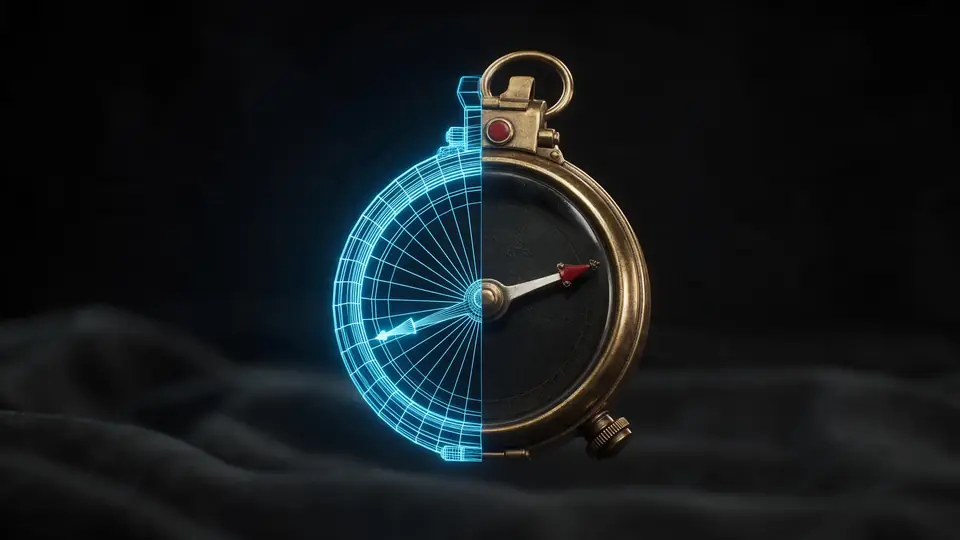
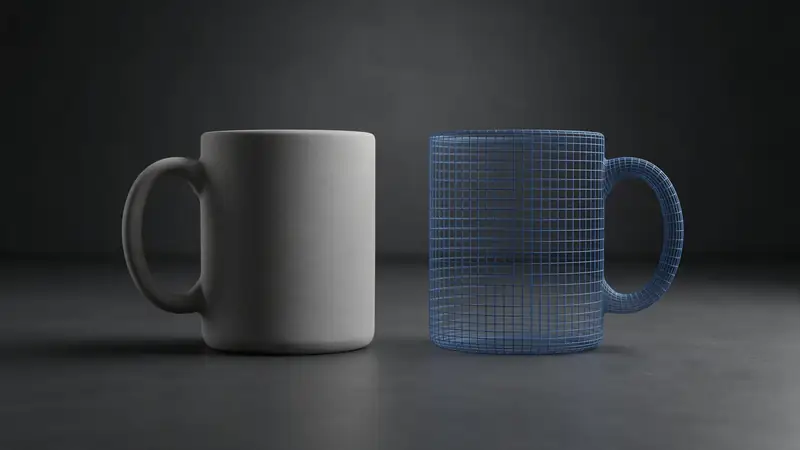
Also
What else it does
Big text files
OBJ is verbose; files of tens of megabytes still open quickly because parsing happens on your own CPU, not a remote queue.
Clay for sculpts
Even lighting shows surface detail from sculpting or photogrammetry without texture distraction.
No install
Works on locked-down work and school machines where you can't install Blender.
Convert in place
Save a print-ready STL or 3MF, or a compact GLB for the web.
How it works
What happens when you drop an OBJ
Parsed line by line on your device — no server involved.
Read
The text file is loaded into memory.
Parse
Lines starting with v, vt, vn and f become vertices, UVs, normals and faces; o and g lines start new meshes.
Frame
The model is centred and scaled to fit the view without changing your file.
Inspect
Orbit, switch shading, read the stats, or save in another format.
How to
How to use the OBJ Viewer
- Time needed
- Steps
- 4 steps
Step 1
Open the file
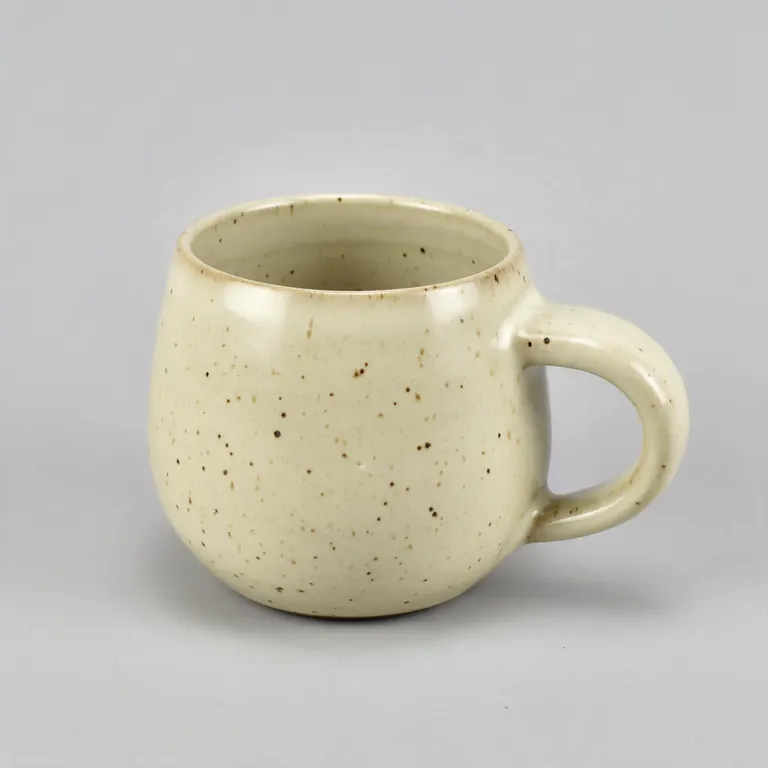
Drop your .obj onto the box above or click to choose it. Or try the sample mug made with Rodin.
Step 2
Look around
Drag to orbit, scroll or pinch to zoom, right-drag to pan.
Step 3
Check topology
Switch to Wire or Clay and read the triangle and vertex counts.
Step 4
Save or convert
Take a PNG, or pick STL, 3MF or GLB and download.
Watch the tour · 1:48
Text, photo or multi-view to a textured GLB, nine engines, the viewer & lighting, compare engines, gallery, download & chat
Chapters
Who uses it
Who opens OBJ files
3D artists
Check an export from Blender, Maya or ZBrush before sending it on.
Scanning and photogrammetry
Inspect a scan mesh before cleanup.
3D printing
Many marketplace models ship as OBJ — view it, then save STL or 3MF.
Developers
Verify a model's scale and orientation before loading it in code.
File formats
The formats this tool reads and writes
What each file can hold, what it can't, and where it opens. Facts link to the format's own spec or reference page.
| .obj · OBJ | .stl · STL | .glb · GLB | |
|---|---|---|---|
| Full name | Wavefront OBJ | Stereolithography | glTF 2.0 Binary |
| Made by | Wavefront Technologies, 1980s | 3D Systems, 1987 | Khronos Group, 2017 (glTF 2.0) |
| Kind | Plain-text mesh | Triangle mesh (binary or ASCII) | Single-file scene with PBR materials |
| Holds | Vertices, faces, UVs and normals, Materials via a separate .mtl file | Triangle surfaces, Facet normals | Meshes and PBR materials, Textures in the same file, Animation and skins |
| No | Animation and rigs, Embedded textures | Colour and textures, Units, Materials | Units beyond metres, CAD precision |
| Best for | Moving static meshes between 3D apps | 3D printing — every slicer opens it | Web, AR and real-time apps — the “JPEG of 3D” |
| Opens in | Blender, Maya, 3ds Max, ZBrush, most slicers | Cura, PrusaSlicer, Bambu Studio, OrcaSlicer, Blender | Browsers (three.js, model-viewer), Blender, Unity, Unreal, Godot |
No file yet?
Make the model first — from one photo
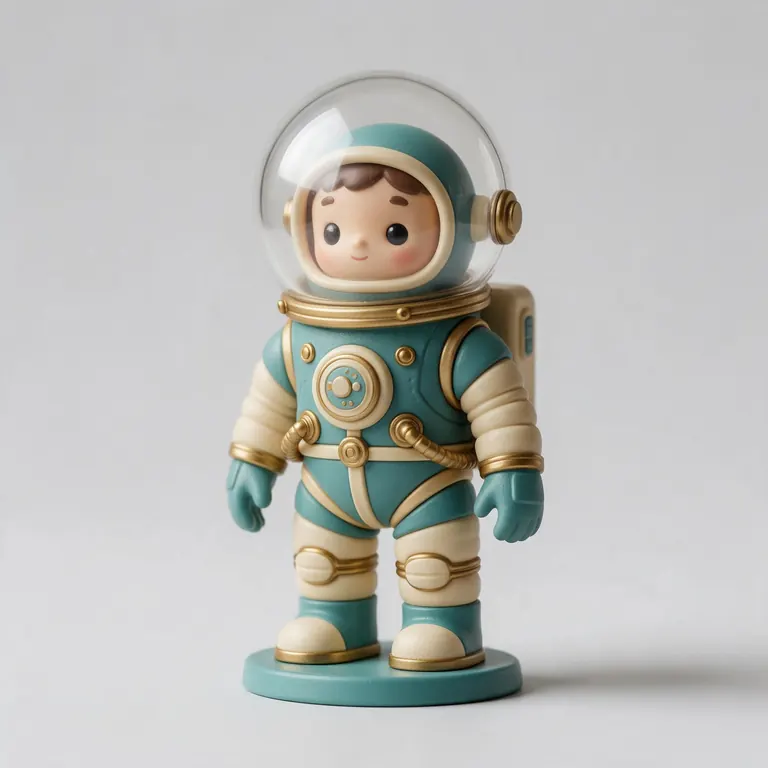
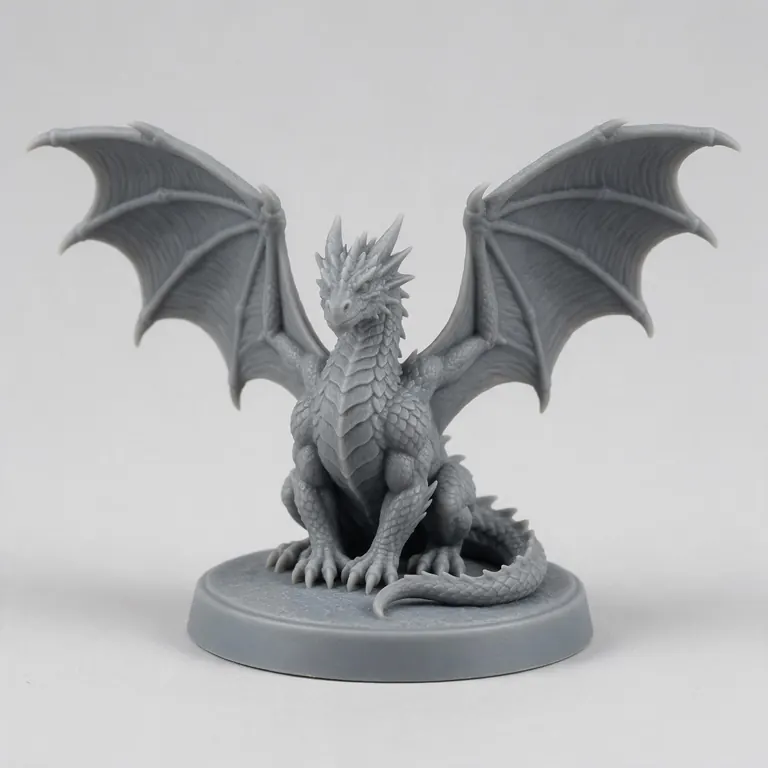
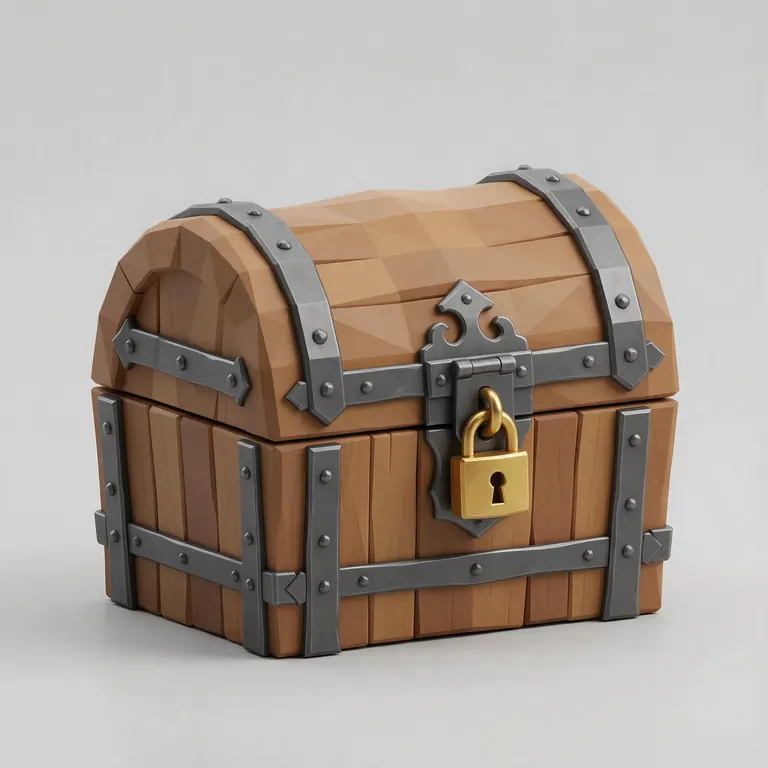
Every sample in the tool above began as a single picture and was turned into a 3D model in the Kenerate 3D Studio. The engine is named on each one.
Example uses
How creators use the OBJ viewer
Illustrative examples of typical workflows, not customer reviews.
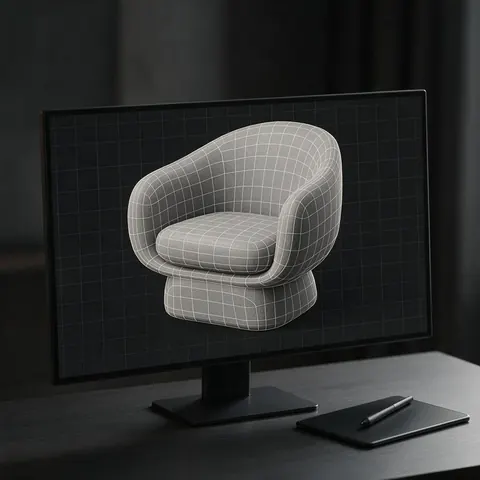
3D artist
A 3D artist can open an OBJ export in the browser to check its topology in wireframe before sending it on.
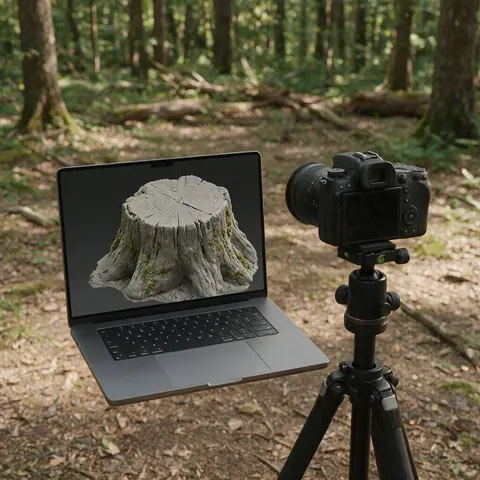
Photogrammetry scanner
Someone scanning objects can inspect a scan mesh in clay view before cleanup.
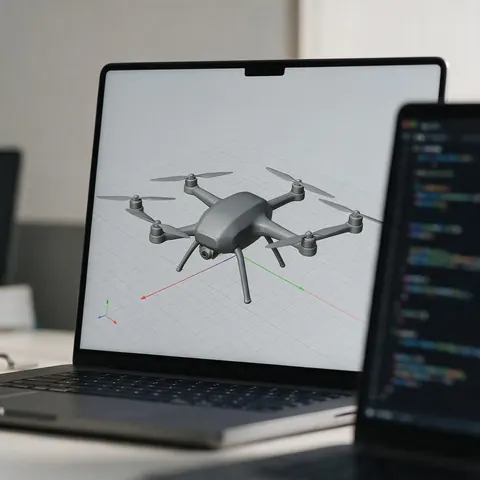
Developer
A developer can check a model's scale and orientation on any computer before loading it in code.
FAQ
OBJ Viewer questions
7 questions
Is this OBJ viewer free?
Yes — free, no account, no watermark. It runs in your browser.
Link to this answerWhy are my OBJ textures missing?
OBJ keeps materials in a separate .mtl file, and textures as separate images. A single-file viewer can only read the .obj, so it shows a neutral material. For textured models in one file, use GLB.
Link to this answerIs my file uploaded?
No. It's read on your device. Only the sample is downloaded from our server.
Link to this answerWhy does my OBJ appear sideways?
OBJ has no fixed “up” axis. Most apps export Y-up, some CAD tools Z-up. Rotate it in your 3D app, or use the Z-up option when saving for a slicer.
Link to this answerDoes it show quads?
Faces with four or more corners are split into triangles for display, so the triangle count is what a game engine or slicer will see.
Link to this answerCan I convert OBJ to STL here?
Yes. Choose STL or 3MF, set an optional size in millimetres, and download.
Link to this answerDoes it open huge OBJ files?
Up to 200 MB. Very dense scans may be slow on phones.
Link to this answerIn depth
OBJ Viewer, explained
What the formats really store, what changes when you convert, and how to avoid the usual print and import problems.
On this page
OBJ in one paragraph
Why OBJ is still everywhere
Almost every 3D program reads and writes OBJ, and you can open it in a text editor to see what's inside. It's a safe way to move a static mesh between tools — but it holds no animation, rigs or embedded textures [2].
OBJ for printing
Slicers like PrusaSlicer and Cura open OBJ directly, but like STL it has no units. If size matters, save as 3MF with a size in millimetres [5].
Keep going
Other 3D viewers and converters
- 3D Model ViewerOpen STL, OBJ, FBX, GLB, 3MF, PLY
- STL ViewerView STL files online
- GLB ViewerglTF / GLB with PBR materials
- FBX ViewerAutodesk FBX, no install
- 3D Model ConverterAny format to STL, OBJ, GLB, 3MF, USDZ
- 3MF to STLSlicer projects to plain STL
- GLB to STLAI models ready to print
- OBJ to STLMeshes for any slicer
Try the OBJ Viewer
Free and private — your files never leave your device. Want to make models with AI? That's the 3D Studio, on any paid plan or credit pack.
Tried it? Tell us how it went