ElevenLabs dubbing · 33 languages · original voices kept
AI Dubbing — re-voice any video in 33 languages
Upload a video or audio file and get it back spoken in another language by the same people, in voices cloned from the original. Dubbing replaces the soundtrack; when a face is on camera, a separate lip sync step matches the mouth to the new words.
- 33 target languages
- Each speaker's own voice
- Up to 32 speakers
- Video or audio, up to 15 min
Updated by the Kenerate AI team
Made with Kenerate



On this page
Quick answer
Updated
What is AI dubbing?
AI dubbing swaps the speech in a video for a translation in any of 33 languages, spoken in a clone of each original voice. Kenerate AI's dubbing runs on ElevenLabs: upload a video or audio file up to 15 minutes with up to 32 speakers, and download the dubbed MP4 or MP3. Lip sync is a separate step.
Key facts
- Target languages
- 33
- Spoken languages
- 57 + auto-detect
- Longest file
- 15 min
- Speakers
- Up to 32
- Voices
- Cloned from each speaker
- Lips
- Separate lip sync step
Real demo
One speaker, three languages
Turn the sound on and switch tabs: the same professor, the same voice character, now speaking Spanish and Chinese.
- English (original). A Wan 3 clip with an English line.
- Spanish dub. Auto-detected English, dubbed to Spanish.
- Chinese dub. The same clip, dubbed to Chinese.
Unedited outputs of Kenerate's dubbing tool. The lips were not re-synced.
Dub your videoReal demo
A creator intro, dubbed into Spanish
A YouTube-style intro in English, then the Spanish dub in the same voice.
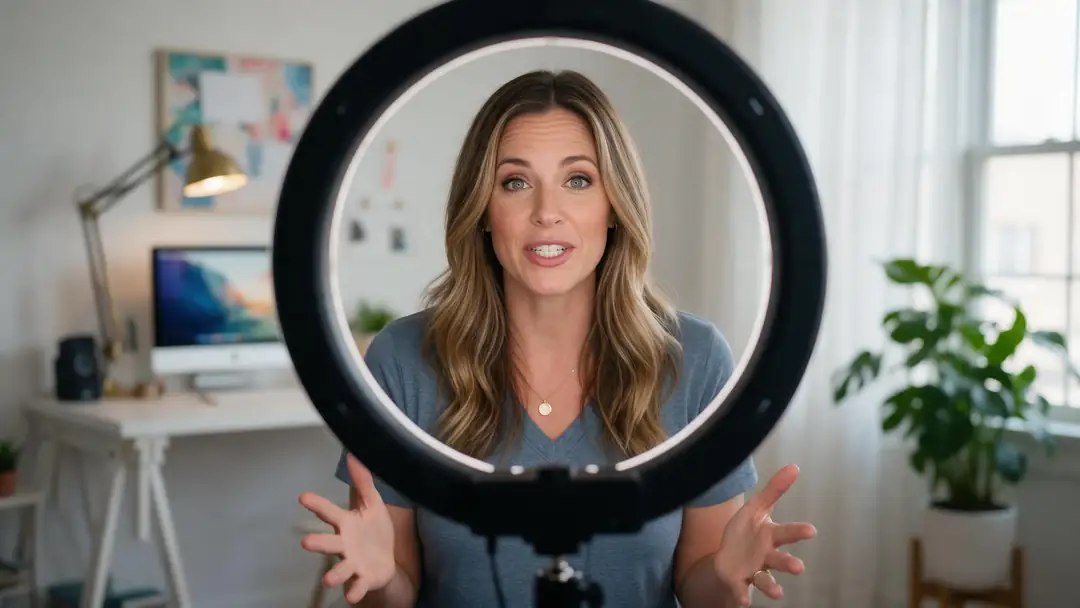
- English (original). A Wan 3 clip of a creator speaking English.
- Spanish dub. Kenerate's AI dubbing (ElevenLabs), source language auto-detected, same voice.
Both clips are unedited. For matched lips, run lip sync on the dubbed video.
Dub a clipReal results
Talking clips ready to dub
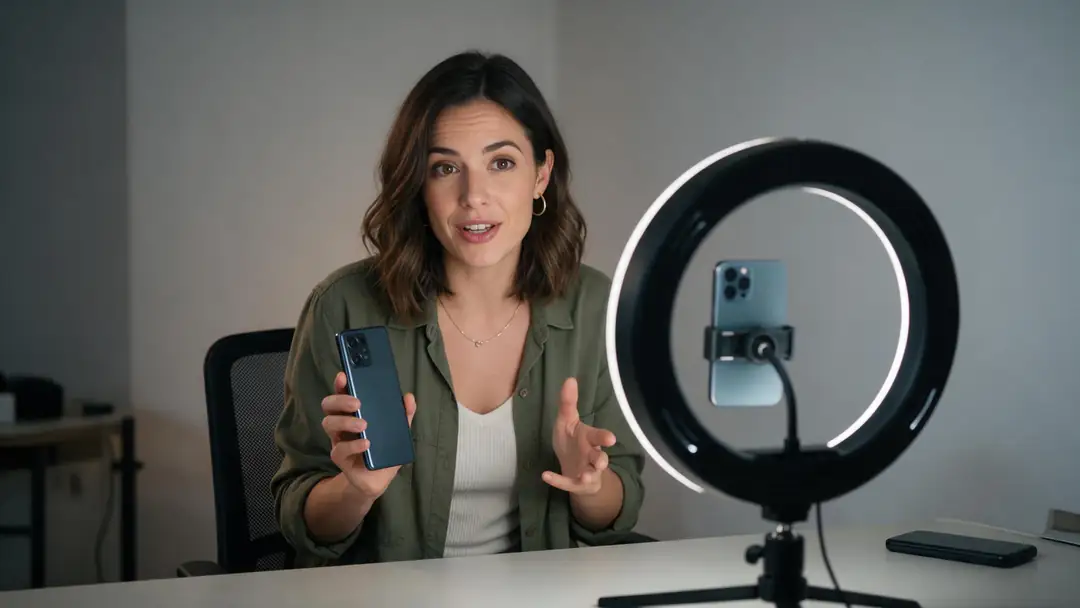
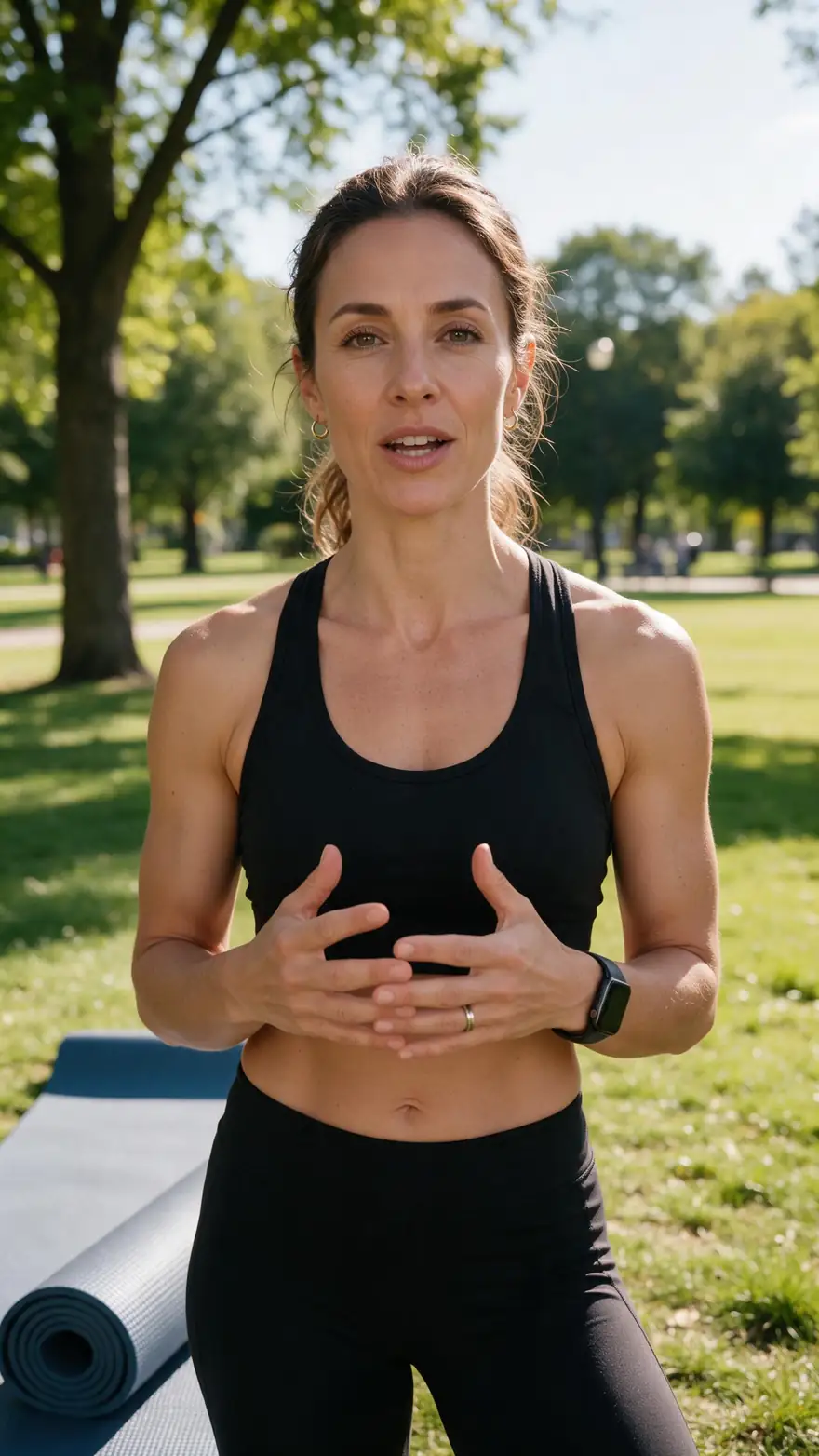
Real 5-second Wan 3 clips with speech: a creator, a lecture, a review, two workouts and a lesson. Each is the kind of footage AI dubbing handles best.
Clips: Wan 3 image to video with sound (AI-generated people). Dubs in the demos: Kenerate AI Dubbing, unedited.
How to
How to dub a video with AI
- Time needed
- Steps
- 4 steps
Step 1
Open AI Dubbing
Sign in with a verified email; new accounts get starter credits to try it.
Step 2
Add a video or audio file
MP4 or MOV up to 500 MB, or audio up to 50 MB, up to 15 minutes. In audio mode you can record from the mic.
Step 3
Pick the language to dub into
One of 33 target languages. Leave the spoken language on Auto-detect unless detection misses.
Step 4
Set speakers and background
Speakers on Auto or 1–32; switch on Drop background audio for voices only.
See it in the app

Open AI Dubbing and upload a video or an audio file, or pick a clip from your history.


Watch the tour · 2:03
Video or audio, 33 languages, speakers & background, side-by-side compare, two voices, your dubs & chat
Chapters
Checked 6 October 2026
AI dubbing tools compared: which is best for what
The tools Google's AI answers cite most for AI dubbing, from each one's own page, checked 6 October 2026. Kenerate is our product; where the others do more, the table says so.
| Kenerate AI Dubbing | HeyGen | ElevenLabs Dubbing | Rask AI | |
|---|---|---|---|---|
| Best for | Quick dubs of files up to 15 min, next to lip sync, subtitles and video tools in one studio | Presenter and avatar videos that need translation with built-in lip sync | Voice-first dubbing with a wide language list | Long videos and localisation work with a transcript editor |
| Languages (as each page states) | 33 target, 57 spoken + auto-detect | 175+ languages and dialects | 90+ languages and accents | 135+ languages |
| Keeps the speaker's voice | Yes, cloned per speaker | Yes, voice cloning | Yes, a voice clone of each speaker | Voice cloning in 32 languages |
| Lip sync | Separate step, 7 video lip sync engines | Yes, part of translation | Timing aligned; lip sync not listed on the page checked | Yes, an AI lip-sync feature |
| Edit the script before the dub | No, fully automatic | Yes, edit and review | Not stated on the page checked | Yes, transcript editing |
| Longest video | 15 min | Depends on plan | Not stated on the page checked | Up to 5 hours |
Competitor details come from their public pages and can change; check them before you choose.
Sources: Kenerate AI Dubbing (tool) · ElevenLabs — Dubbing docs · HeyGen — AI video translator, checked 6 October 2026 · ElevenLabs — Dubbing, checked 6 October 2026 · Rask AI — home page, checked 6 October 2026 · Dubbing — Wikipedia
Engines
The dubbing workflow, tool by tool
Dub first, then match the lips or add captions. Each tool is in the same studio.
- Start here
ElevenLabs
AI Dubbing
- Input
- Video or audio, up to 15 min
- Output
- 33 languages, each speaker's voice cloned
Re-voicing speech in another language
Open AI Dubbing 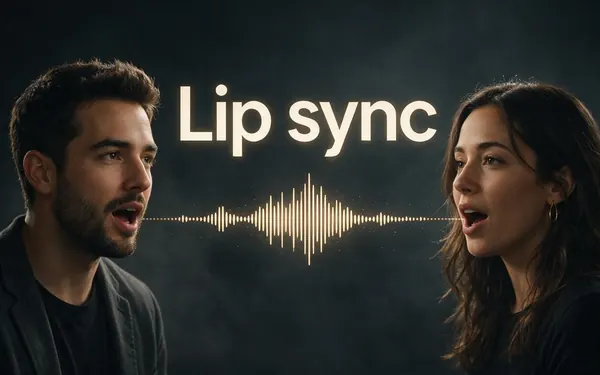
VEED, Sync Labs, ByteDance, WaveSpeed
Lip sync
- Input
- The dubbed video
- Output
- Mouth matched to the new language
On-camera faces after dubbing
Open Lip syncVEED
Auto Subtitles
- Input
- Video up to 4 min
- Output
- Captions burned in, in the spoken language
Viewers with the sound off
Open Auto Subtitles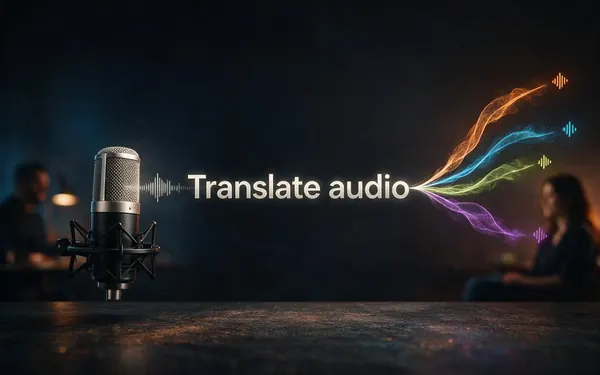
ElevenLabs
Translate audio
- Input
- MP3, WAV, M4A or a mic recording
- Output
- Audio in the original voices, 33 languages
Podcasts, voice notes, interviews
Open Translate audio
The demos above ran on the AI Dubbing tool; the example clips were made with Wan 3 image to video.
Tips
Dubs that sound like the original speaker
The voice clone is only as good as the voice it hears.
Give it clean speech: one mic, little music underneath.
Set the speaker count for interviews and panels where voices overlap.
Use Drop background audio when music fights the new voice.
Keep each file under 15 minutes; split longer videos into parts.
Check names, brands and numbers in the dub before you publish.
For a talking head, run lip sync on the dubbed video afterwards.
Example uses
How creators use AI dubbing
Illustrative examples of typical workflows, not customer reviews.
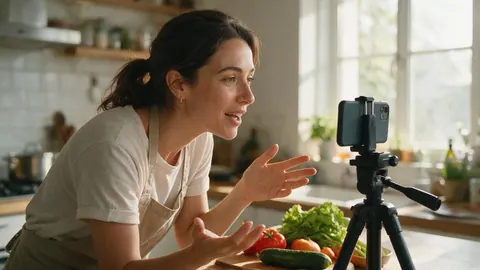
Cooking creator
A cooking creator could dub each recipe video into Spanish and Hindi in her own voice, then add lip sync to the close-ups before posting.

Training lead
A training lead could dub a 10-minute safety video for teams in three countries, keeping the instructor's voice, without booking voice actors.
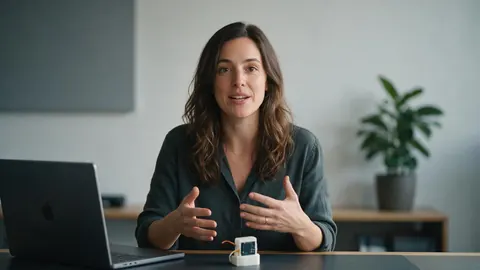
Startup founder
A founder could dub a product demo into German and Japanese for launch pages, then caption the dubs for viewers who scroll with the sound off.
FAQ
AI dubbing questions
7 questions
What is the best AI dubbing tool?
It depends on the job. HeyGen suits presenter videos that need lip-synced translation, ElevenLabs is voice-first with a long language list, and Rask AI handles long videos with a transcript editor. Kenerate's AI Dubbing suits quick dubs of files up to 15 minutes in 33 languages, with lip sync and subtitles in the same studio.
Link to this answerIs AI dubbing free?
You can try it without paying: new accounts get starter credits that work on AI Dubbing, and a verified email is needed. After that it is priced by the length of the source file, billed by the second up to 15 minutes. If a dub fails at the provider, the charge is refunded automatically.
Link to this answerDoes AI dubbing keep my voice?
Yes. ElevenLabs re-voices each speaker with a clone of their own voice, so a two-person interview comes back as two distinct voices in the new language. There is no stock-voice picker in the dubbing tool; for a script read by a chosen voice, use the Voice Studio instead.
Link to this answerDoes AI dubbing match the lips?
No. Dubbing changes the audio and leaves the picture as it is. For an on-camera speaker, run the dubbed video through lip sync, which offers seven video engines including VEED Lipsync 2 and Sync Lipsync 3, so the mouth follows the new words.
Link to this answerHow many speakers can it dub?
Up to 32 in one file. Leave Speakers on Auto and the number is detected, or set it yourself when people talk over each other, which helps the tool keep each voice separate.
Link to this answerWhat files can I dub, and how long?
Video as MP4 or MOV up to 500 MB, or audio as MP3, WAV or M4A up to 50 MB, both up to 15 minutes. Video comes back as an MP4 with the new speech; audio comes back as an MP3. Longer files must be trimmed first.
Link to this answerWhat is the difference between dubbing, voice-over and subtitles?
Dubbing replaces each speaker's lines with translated speech in their voice. A voice-over lays one narrator over the original. Subtitles leave the audio alone and show translated text. AI dubbing lets people watch without reading.
Link to this answerIn depth
How AI dubbing works, and where it stops
The pipeline behind one click, and the limits worth knowing before you upload.
On this page
From one voice to another language
Dubbing vs lip sync
Dubbing works on sound; lip sync works on the picture. Traditional film dubbing matches the translated lines to mouth movements by hand [2]. With AI, it takes two steps: dub the audio, then let a lip sync engine redraw the mouth on the dubbed video.
What Kenerate's AI Dubbing doesn't do
Knowing the limits saves a wasted run.
- No lip sync inside dubbing: it is a separate tool.
- No script editor: translation and voices are automatic.
- No link import: upload the file itself.
- One target language per run; run again for another.
- No subtitle file: captions are a separate, burned-in tool.
- Files over 15 minutes must be trimmed first.
Dubbing AI
Software that does what a dubbing studio does: translates the dialogue and records it again in another language. With voice cloning, the new lines keep each speaker's voice instead of a voice actor's.
AI dub
The result of one run: the same video or audio, now spoken in the target language. On Kenerate it comes back as an MP4 for video or an MP3 for audio.
Video dubbing and AI video dubbing
The same idea, with the stress on video: the picture stays and the speech changes. Add lip sync afterwards if viewers will watch the speaker's mouth.
AI dubbing free
Kenerate isn't free to use, but new accounts get starter credits that work on AI Dubbing, enough to test a short clip before paying.
Explore
Every Kenerate video tool
Generators, tools, models and guides — all in one studio.