

Keychain ready · free · no upload
Text to STL keychains and name plates
Type a name, choose a font and get a printable keychain or name plate — raised letters on a rounded base with a ring hole sized in millimetres.
- Ring hole 3–10 mm
- Raised letters on a plate
- Two colours with one filament change
- Free and private
Updated by the Kenerate AI team
On this page
Quick answer
Updated
What is a text to STL generator?
A text to STL generator is a tool that extrudes typed letters from a font's outlines into a 3D-printable mesh. Kenerate's free generator builds keychains and name plates in your browser: pick a font, set the sizes, add a plate or ring-hole keychain and download STL or 3MF. For two colours, swap filament at the plate height.
Key facts
- Price
- Free, no account
- Bases
- Keychain (tab with ring hole) or plate
- Defaults
- 14 mm letters · 2 mm plate · 2 mm raised letters · 5 mm hole · 4 mm margin
- Fonts
- 18 open-licence fonts + your TTF/OTF
- Output
- STL, 3MF, OBJ, GLB
- Privacy
- Built in your browser — no upload
Why this tool
Keychains that actually print well
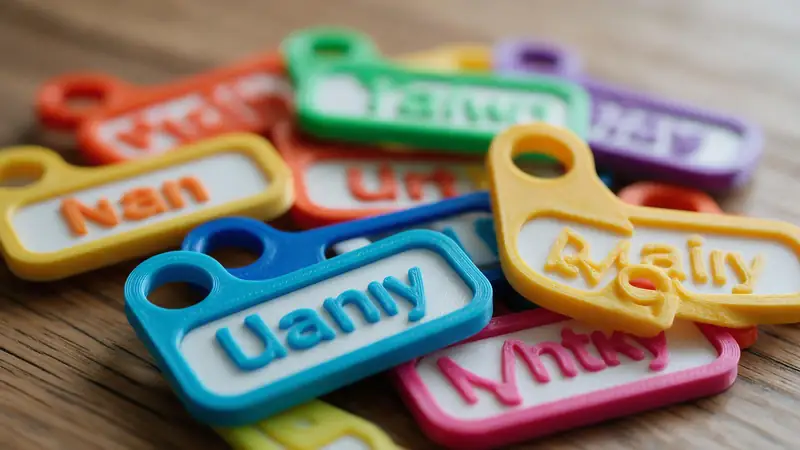
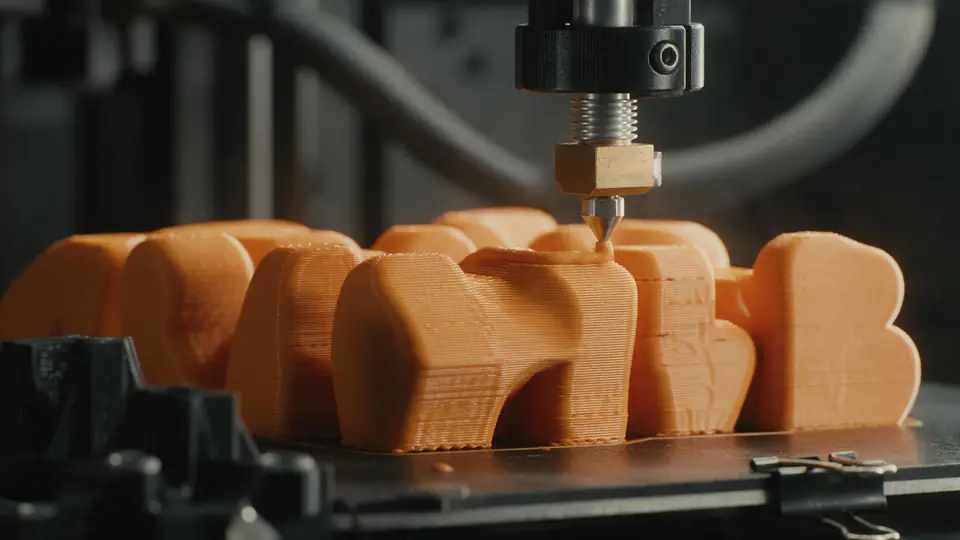
Small text is the hardest thing to print. The defaults are set for it.
Also
What else it does
Ring hole to fit
Choose a 3–10 mm hole; 5 mm suits most split rings and lanyard clips.
Name plates
Switch to Plate for desk, door and locker signs with rounded corners.
How it works
How the keychain is built
In your browser.
Letters
Your text is outlined in the chosen font at the letter size you set.
Plate
A rounded plate is sized around the text plus your margin.
Tab and hole
For keychains, a tab with a round hole is added on the left.
Stack
Letters are extruded on top of the plate and the model is exported.
How to
How to use the Text to STL
- Time needed
- Steps
- 4 steps
Step 1
Type a name
Short names work best on keychains.
Step 2
Choose font and size
Bold or connected script fonts; letters of 12 mm or more.
Step 3
Adjust the base
Plate thickness, margin, corner radius and ring hole.
Step 4
Download and print
Print flat; change filament at the plate height for two colours.
Watch the tour · 1:48
Text, photo or multi-view to a textured GLB, nine engines, the viewer & lighting, compare engines, gallery, download & chat
Chapters
Who uses it
Popular text prints
Name keychains
Gifts, party favours, school bags.
Luggage and pet tags
Names on durable plates.
Desk and door plates
Names and room numbers.
Small sellers
Personalised orders, quickly.
File formats
The formats this tool reads and writes
What each file can hold, what it can't, and where it opens. Facts link to the format's own spec or reference page.
| .stl · STL | .3mf · 3MF | |
|---|---|---|
| Full name | Stereolithography | 3D Manufacturing Format |
| Made by | 3D Systems, 1987 | 3MF Consortium, 2015 |
| Kind | Triangle mesh (binary or ASCII) | ZIP package with XML |
| Holds | Triangle surfaces, Facet normals | Meshes with units (millimetres), Colours and materials, Several objects and build plates |
| No | Colour and textures, Units, Materials | Animation |
| Best for | 3D printing — every slicer opens it | Modern 3D printing and multi-colour prints |
| Opens in | Cura, PrusaSlicer, Bambu Studio, OrcaSlicer, Blender | Bambu Studio, PrusaSlicer, OrcaSlicer, Cura, Windows 3D Builder |
No file yet?
Make the model first — from one photo
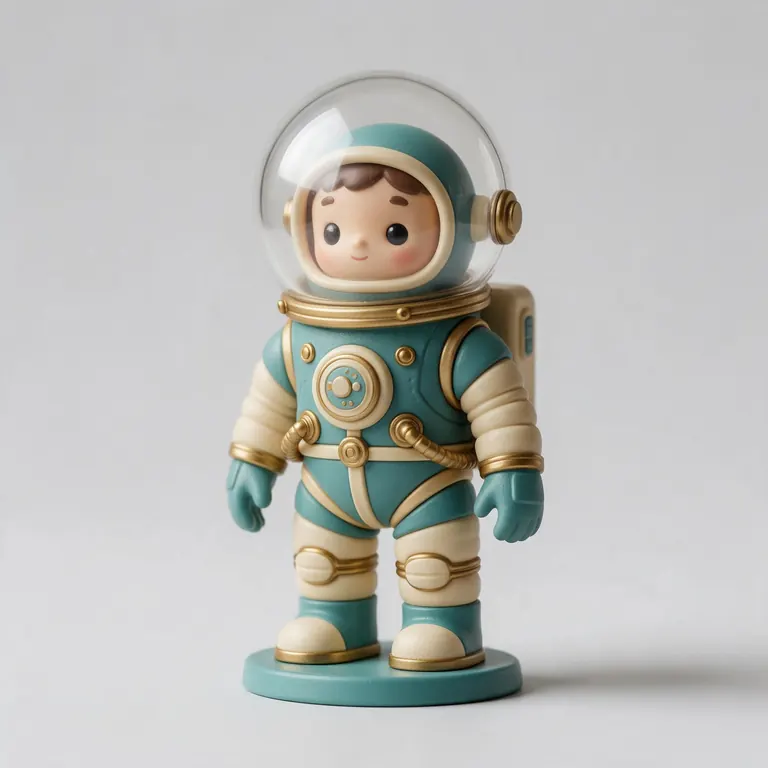
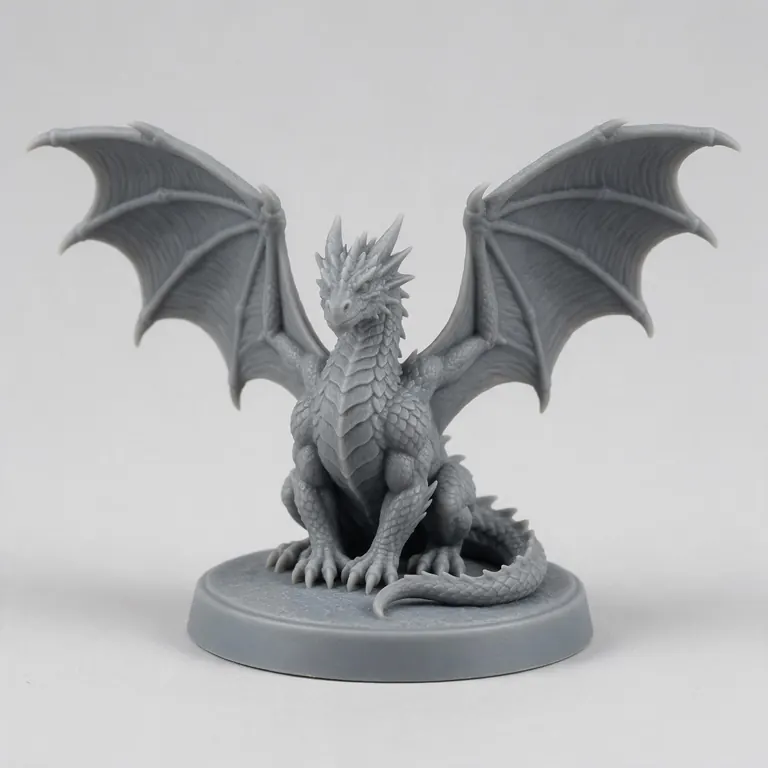
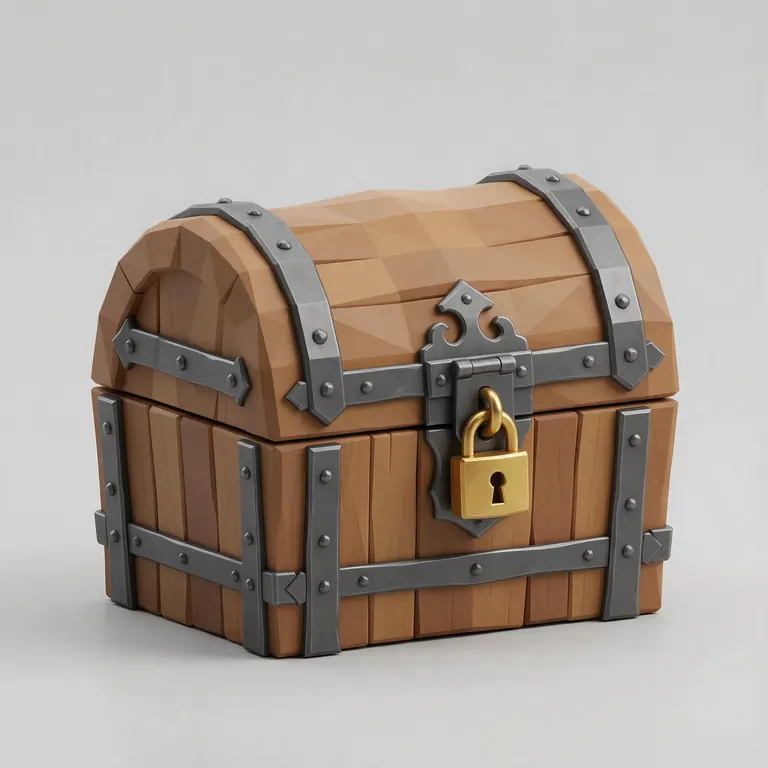
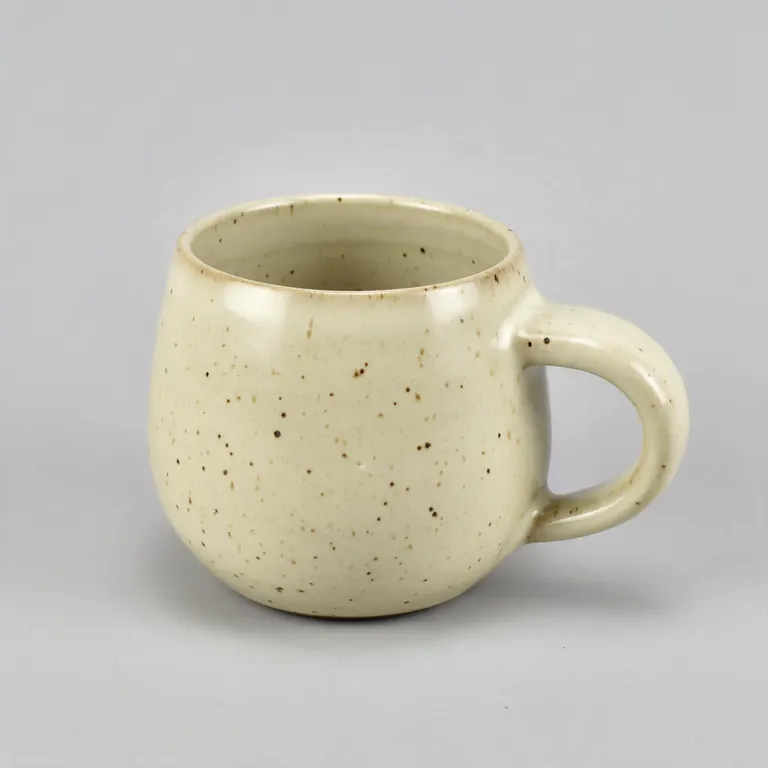
Every sample in the tool above began as a single picture and was turned into a 3D model in the Kenerate 3D Studio. The engine is named on each one.
Example uses
How creators use the text to STL
Illustrative examples of typical workflows, not customer reviews.
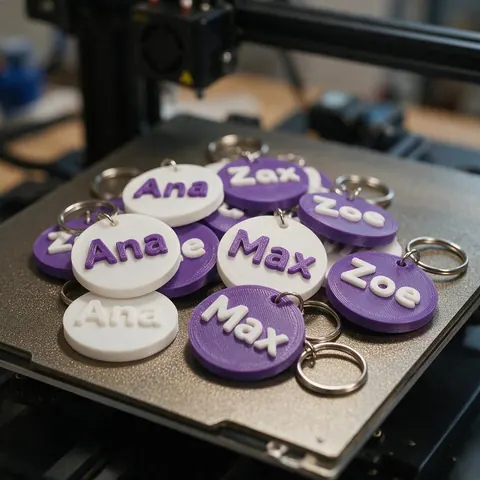
Small seller
A small seller can make personalised name keychains to order, changing filament at the plate height for two colours.
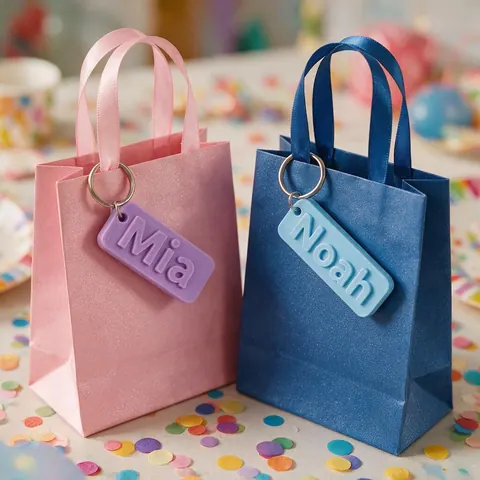
Party host
A party host can print name keychains as favours, one per guest.

Office manager
An office manager can print matching door and desk name plates with rounded corners.
FAQ
Text to STL questions
7 questions
What size should a name keychain be?
Letters about 12–16 mm tall, a 2 mm plate and 1.5–2 mm raised letters make a sturdy keychain about 50–80 mm long for most names.
Link to this answerWhat hole size for a keyring?
5 mm suits most split rings and lanyard clips; use 3–4 mm for thin chains and 6–8 mm for thick rings.
Link to this answerHow do I print it in two colours?
Add a filament change (or colour change) at the layer where the letters begin — the top of the plate. Your slicer shows this height.
Link to this answerWhich fonts work best?
Bold sans (Archivo Black, Russo One) or connected scripts (Pacifico, Lobster). Avoid thin scripts at small sizes.
Link to this answerWhy are my letters too thin to print?
Strokes below about 0.9 mm are unreliable on a 0.4 mm nozzle. Make the letters bigger or choose a bolder font.
Link to this answerCan I make engraved text?
This tool makes raised text. Engraving needs subtracting the text from a plate in your slicer or CAD.
Link to this answerIs anything uploaded?
No. It's all built in your browser.
Link to this answerIn depth
Text to STL, explained
Sizing small text so it survives printing, and making two-colour tags without a multi-colour printer.
On this page
Small text, big rules
A 0.4 mm nozzle can't print walls under about 0.45 mm; two perimeters, about 0.9 mm, is a safer minimum [11]. At keychain sizes that rules out hairline fonts — choose bold or rounded faces.
Two colours on a single-nozzle printer
Because the letters start exactly where the plate ends, one filament change at that layer prints the plate in one colour and the letters in another. 3MF keeps the parts as separate meshes if your slicer assigns colours per object.
Strength
The ring tab carries all the load. Keep at least 2 mm of plate around the hole and print with 3 or more walls.
Keep going
Other 3D viewers and converters
- Image to STLPhoto to relief, lithophane or shape
- Lithophane MakerFlat or curved, with a frame
- PNG to STLLogos and transparent images
- JPG to STLPhotos to printable reliefs
- SVG to STLExtrude vector art
- 3D Logo MakerSVG or PNG logo to 3D
- 3D Text Generator18 fonts, plates and bevels
- 3D LettersPrintable letters and names
Try the Text to STL
Free and private — your files never leave your device. Want to make models with AI? That's the 3D Studio, on any paid plan or credit pack.
Tried it? Tell us how it went