

Free · no upload · binary STL
Convert 3MF to STL free, in your browser
Got a 3MF from Bambu Studio, PrusaSlicer or a model site, but your slicer, printer or CAD tool wants STL? Drop it in, check the preview, download the STL.
- Preview the model before you convert
- All objects merged into one STL
- Keep size or fit to millimetres
- File never leaves your device
Updated by the Kenerate AI team
On this page
Quick answer
Updated
How do you convert 3MF to STL?
To convert 3MF to STL, open the .3mf in a converter that reads 3MF packages and export its mesh as an STL file. Kenerate's free converter does it in your browser without uploading the file: drop it, preview it, optionally set the longest side in millimetres and download a binary STL. Colours and print settings are dropped.
Key facts
- Price
- Free, no account
- Converts
- 3MF (3D Manufacturing Format) package → binary STL
- Kept
- Geometry of every object on the build plate
- Dropped
- Colours, materials, print settings, plate layout
- Scale
- Keep the file's units or fit longest side to 25–200 mm
- Privacy
- Converted locally — no upload
Why this tool
Why convert 3MF to STL — and what changes
3MF is the better format, but STL is still the one everything accepts. Converting is safe when you know what's dropped.
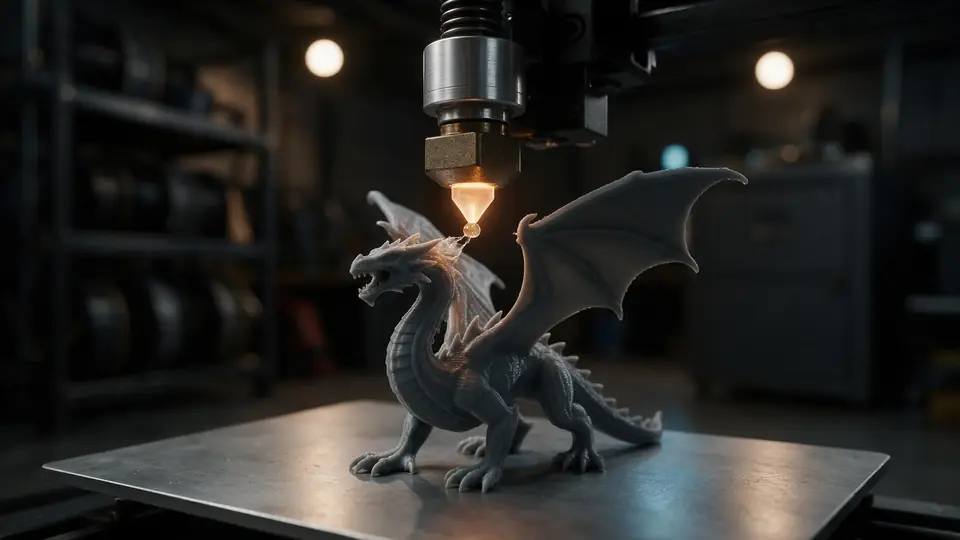
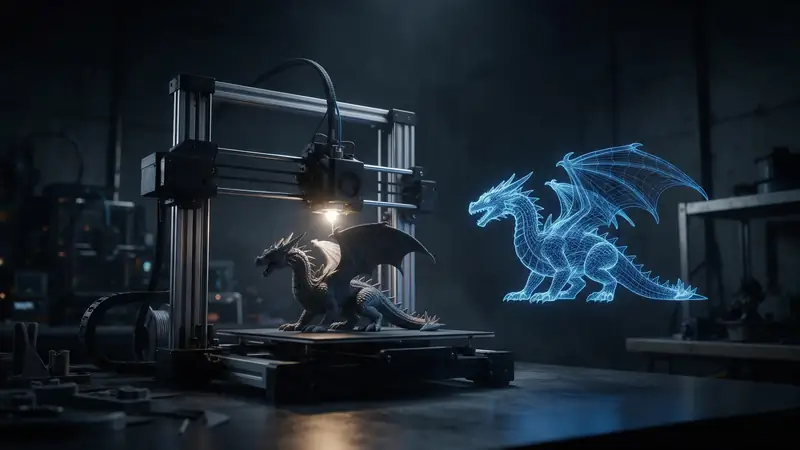
Also
What else it does
Millimetres preserved
3MF stores real units; the converter keeps that size in the STL coordinates, or rescales to the size you choose.
Ready for slicers
Z-up is on by default, matching how slicers and CAD tools orient a print.
How it works
How the 3MF to STL conversion works
A 3MF is a ZIP of XML files. Everything below happens in your tab.
Unzip
The 3MF package is opened and its 3D/3dmodel.model XML is read.
Build
Every object and its transform on the build plate become meshes in millimetres.
Orient
The model is turned Z-up for slicers and optionally resized to your chosen length.
Write
All triangles are written to one binary STL and downloaded.
How to
How to use the 3MF to STL Converter
- Time needed
- Steps
- 4 steps
Step 1
Open the 3MF
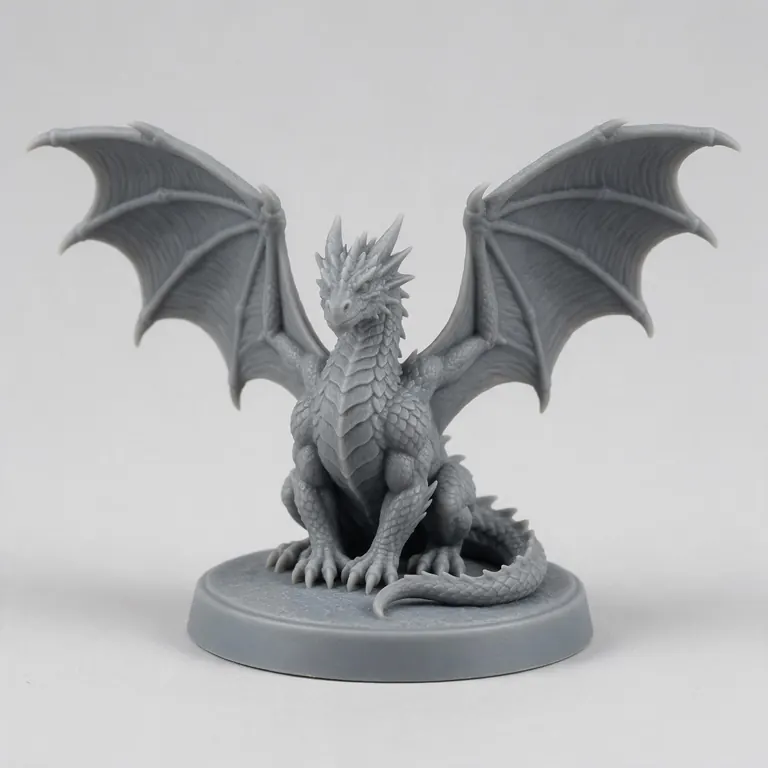
Drop your .3mf onto the box above, or try the sample dragon.
Step 2
Check the preview
Orbit the model and check its triangle count and size.
Step 3
Pick STL
STL is selected. Keep units, or fit the longest side to a size in millimetres.
Step 4
Download
Click Download STL. The file is saved straight to your device.
Watch the tour · 1:48
Text, photo or multi-view to a textured GLB, nine engines, the viewer & lighting, compare engines, gallery, download & chat
Chapters
Who uses it
Who converts 3MF to STL
Printer owners
Use a Printables or MakerWorld 3MF in a slicer that only takes STL.
Print services
Normalise customer uploads to one format.
CAD users
Import a mesh into tools that read STL but not 3MF.
Educators
Hand students a single format that works in every lab.
Compare
3MF vs STL: what's kept and what's lost
3MF was created to fix STL's limits; converting back gives up those extras.
| 3MF | STL | |
|---|---|---|
| Units | Stored in the file (millimetres by default) | None — slicers assume millimetres |
| Colour and materials | Yes, per object or per triangle | No |
| Several objects / plates | Yes, with positions | One triangle list |
| Print settings | Slicers can embed them | No |
| File size | Compressed ZIP — usually smaller | Uncompressed — usually larger |
| Support | Modern slicers | Practically every 3D tool |
File formats
The formats this tool reads and writes
What each file can hold, what it can't, and where it opens. Facts link to the format's own spec or reference page.
| .3mf · 3MF | .stl · STL | |
|---|---|---|
| Full name | 3D Manufacturing Format | Stereolithography |
| Made by | 3MF Consortium, 2015 | 3D Systems, 1987 |
| Kind | ZIP package with XML | Triangle mesh (binary or ASCII) |
| Holds | Meshes with units (millimetres), Colours and materials, Several objects and build plates | Triangle surfaces, Facet normals |
| No | Animation | Colour and textures, Units, Materials |
| Best for | Modern 3D printing and multi-colour prints | 3D printing — every slicer opens it |
| Opens in | Bambu Studio, PrusaSlicer, OrcaSlicer, Cura, Windows 3D Builder | Cura, PrusaSlicer, Bambu Studio, OrcaSlicer, Blender |
No file yet?
Make the model first — from one photo
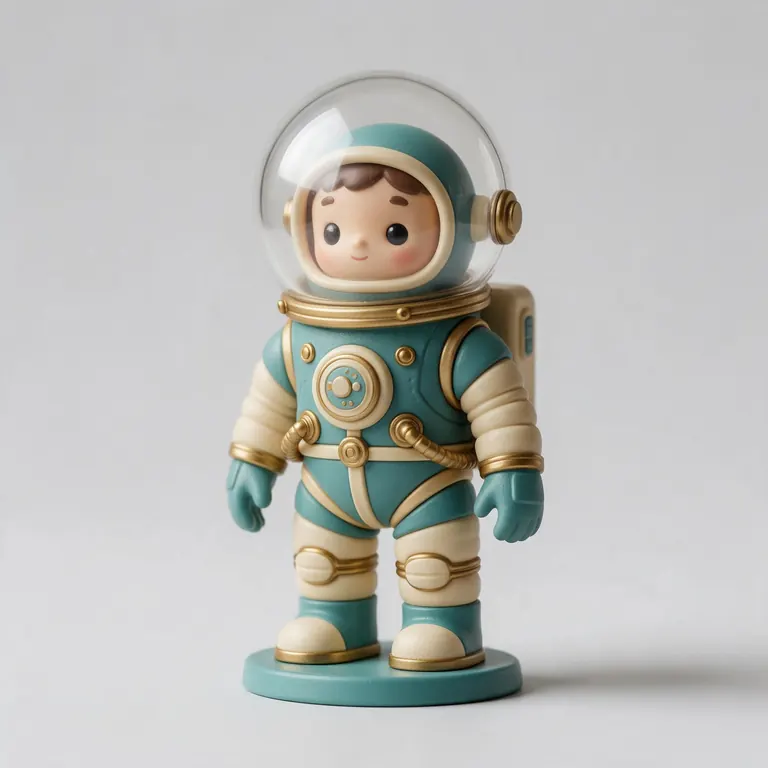
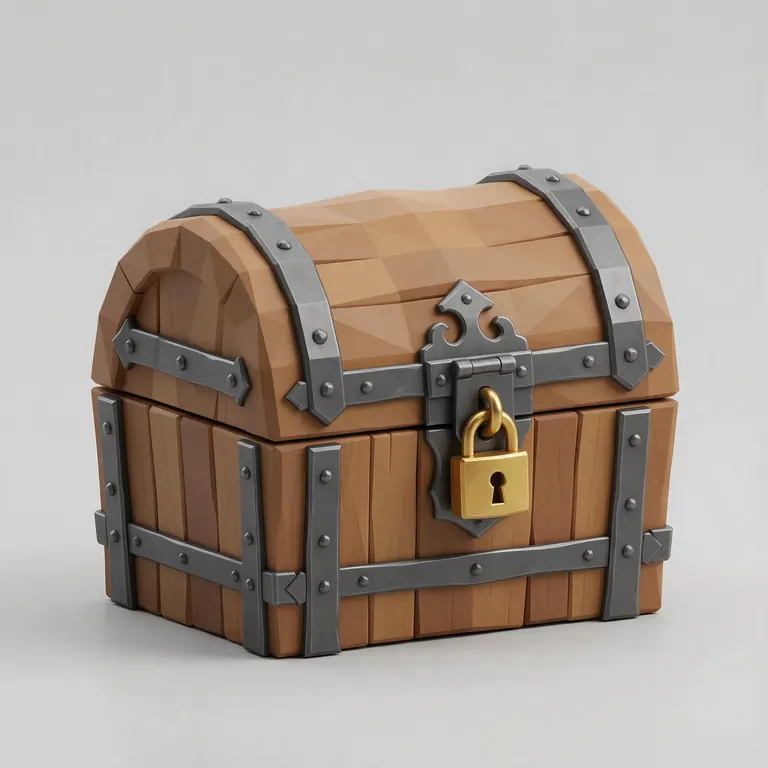
Every sample in the tool above began as a single picture and was turned into a 3D model in the Kenerate 3D Studio. The engine is named on each one.
Example uses
How creators use the 3MF to STL converter
Illustrative examples of typical workflows, not customer reviews.
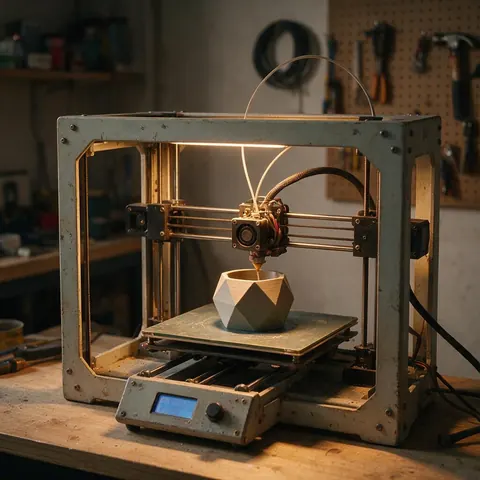
Printer owner
A printer owner can download a 3MF from a model site and convert it to STL for an older slicer that only reads STL.
Print service
A print service can turn customer uploads into one format before quoting and slicing.
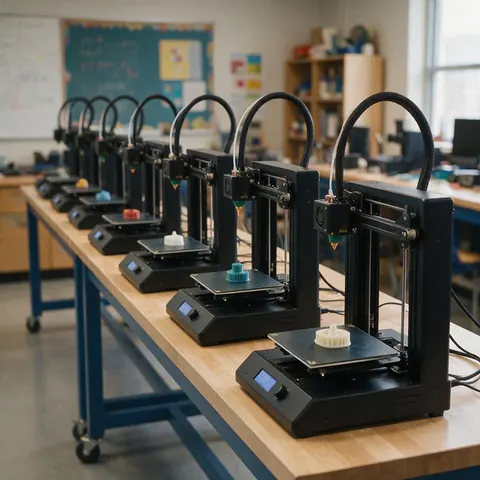
Educator
A teacher can give a lab a single file format that works on every machine.
FAQ
3MF to STL Converter questions
8 questions
Is the 3MF to STL converter free?
Yes. Free, no account and no watermark — the conversion runs in your browser.
Link to this answerIs my 3MF uploaded?
No. It's unzipped and converted on your device.
Link to this answerWill I lose colours?
Yes. STL has no colour, so multi-colour or multi-material information is dropped. Keep the 3MF for colour printing.
Link to this answerWhat about several objects on the plate?
They're merged into one STL in their plate positions. To print them separately, split them in your slicer.
Link to this answerWill the size change?
No, unless you choose a size. 3MF is in millimetres and the STL coordinates keep those values.
Link to this answerDo my print settings carry over?
No. Settings and profiles embedded by Bambu Studio or PrusaSlicer stay in the 3MF; STL can't hold them.
Link to this answerCan I extract an STL from a Bambu Studio or PrusaSlicer 3MF project?
Yes. Drop the project .3mf here: every object on the plate is written into one STL in its plate position, while colours, painted supports and print settings stay in the 3MF. If you only need one part, delete or split the others in your slicer first.
Link to this answerCan I go the other way?
Yes — use the STL to 3MF converter to add units and a modern format.
Link to this answerIn depth
3MF to STL Converter, explained
What the formats really store, what changes when you convert, and how to avoid the usual print and import problems.
On this page
What is inside a 3MF
When to keep 3MF instead
For multi-colour prints, several parts with set positions, or sharing a project with its settings, keep 3MF — modern slicers like Bambu Studio, PrusaSlicer, OrcaSlicer and Cura read it [5]. Convert to STL only when a tool can't.
If the STL looks wrong
If parts are missing, the 3MF may use components or a newer extension the reader doesn't support. Export a plain 3MF or STL directly from the slicer that made it.
Keep going
Other 3D viewers and converters
- 3D Model ConverterAny format to STL, OBJ, GLB, 3MF, USDZ
- GLB to STLAI models ready to print
- OBJ to STLMeshes for any slicer
- STL to OBJPrint files into 3D apps
- STL to 3MFUnits and a modern print format
- GLB to OBJglTF into classic 3D apps
- FBX to OBJStatic meshes from FBX
- FBX to STLGame assets to printable files
Try the 3MF to STL Converter
Free and private — your files never leave your device. Want to make models with AI? That's the 3D Studio, on any paid plan or credit pack.
Tried it? Tell us how it went