

Alibaba's Qwen team (third-generation Qwen-Image, launched 21 July 2026)
Qwen-Image-3.0
Alibaba Qwen's third-generation image model in your browser: posters, infographics and pictures with real text, from long English or Chinese prompts — plus Qwen-Image-3.0 Pro for sharper detail at 2K. Edits with up to 3 reference images, and the standard model is on the free plan.
- Strengths
- Dense layouts, small text, posters, infographics, newspaper-style pages and multi-panel grids, per Qwen's launch examples
- Prompts
- Up to 4.5K tokens per Qwen (about 1K for Qwen-Image-2.0); Kenerate's prompt box sends the first 800 characters
- Languages
- Text rendered in 12 languages per Qwen; English and Chinese prompts on Kenerate
- Weights
- No open weights, licence, parameter count or technical report published — unlike the Apache 2.0 Qwen-Image 1.0
- On Kenerate
- kenerate/qwen-image-3.0 and kenerate/qwen-image-3.0-pro — text to image and edits with up to 3 references, 15 aspect ratios, 1K or 2K, seed
- Real outputs
- Official sources
- Free to start
- No watermark
Updated by the Kenerate AI team
Made with Kenerate

On this page
What is Qwen-Image-3.0?
What is Qwen-Image-3.0?
Qwen-Image-3.0 is the third generation of Alibaba Qwen's image model, announced on 21 July 2026 for dense layouts, posters, infographics and small, legible text, with prompts of up to 4.5K tokens and text in 12 languages, per Qwen's launch post. It is hosted only: no open weights or licence have been published. On Kenerate AI it runs in the browser for 9 credits per image at 1K or 2K and is on the free plan; Qwen-Image-3.0 Pro costs 12 credits at 1K and 22.5 at 2K.
Key facts
- Official name
- Qwen-Image-3.0 · Qwen-Image-3.0 Pro
- Maker
- Alibaba (Qwen team)
- Announced
- 21 July 2026
- Prompt length
- Up to 4.5K tokens (vendor)
- Text languages
- 12 (vendor)
- Weights
- Not released · hosted only
- Free plan
- Qwen-Image-3.0 yes · Pro no
- References
- Up to 3
- Output
- 1K or 2K · 15 aspect ratios
Gallery
Qwen-Image-3.0 examples
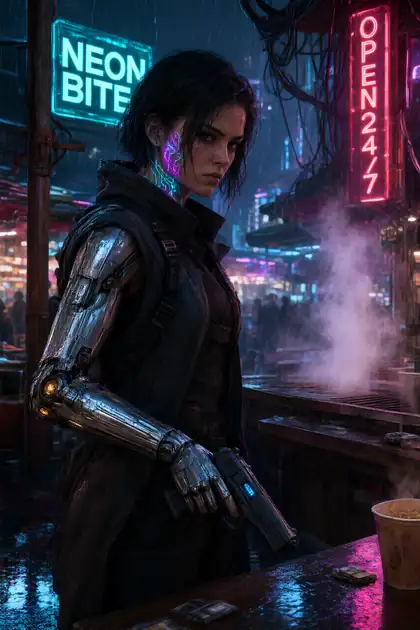
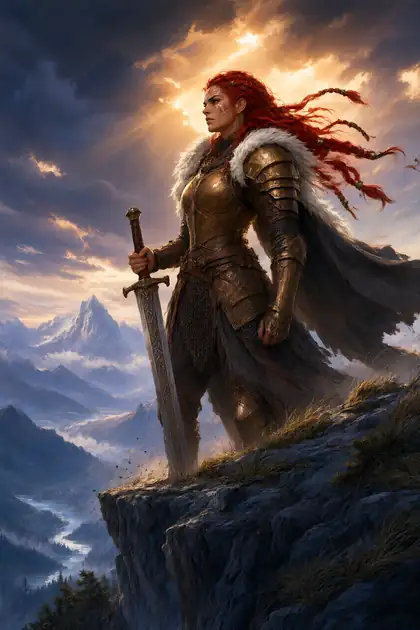
Real outputs made on Kenerate. Open any image to copy its prompt and run it yourself.
Models
Qwen-Image-3.0 on Kenerate
Every version in the generator, and what each is good at.
- Free plan

Alibaba
Qwen Image 3.0
- Reference images
- Up to 3
- Output
- 1K or 2K
Open Qwen Image 3.0Best for
This model — free plan, 1K or 2K at one price
Alibaba
Qwen Image 3.0 Pro
- Reference images
- Up to 3
- Output
- 1K or 2K
Open Qwen Image 3.0 ProBest for
Sharper detail and text

OpenAI
GPT Image 2.5 Sunburst
- Reference images
- Up to 16
- Output
- 1K to 4K
Open GPT Image 2.5 SunburstBest for
Text and precise edits, more references
Baidu
ERNIE Image
From our tests
Strengths and limits
Good at
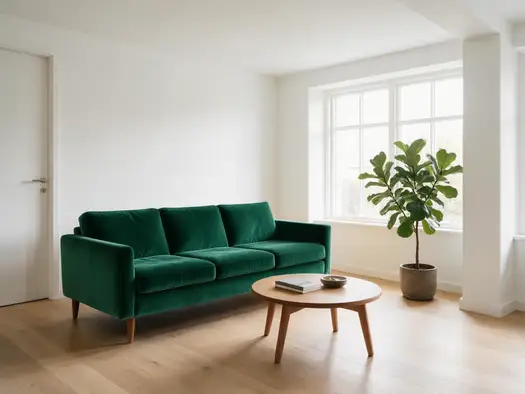
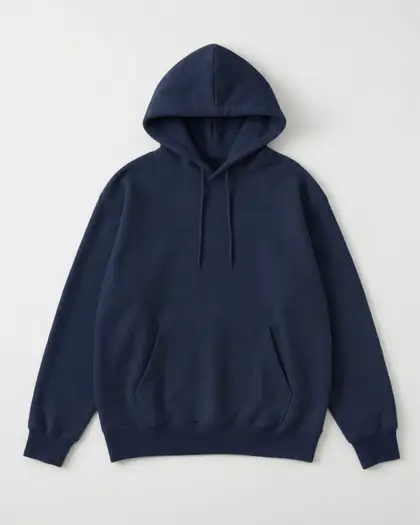
- Edits that keep everything else: in our six recolour tests Qwen Image 3.0 changed only the colour and kept every shape, fold and texture.
- Right hue on HEX colours — asked #1E3A8A, got #253B78; close enough for a look, not a brand-guide match.
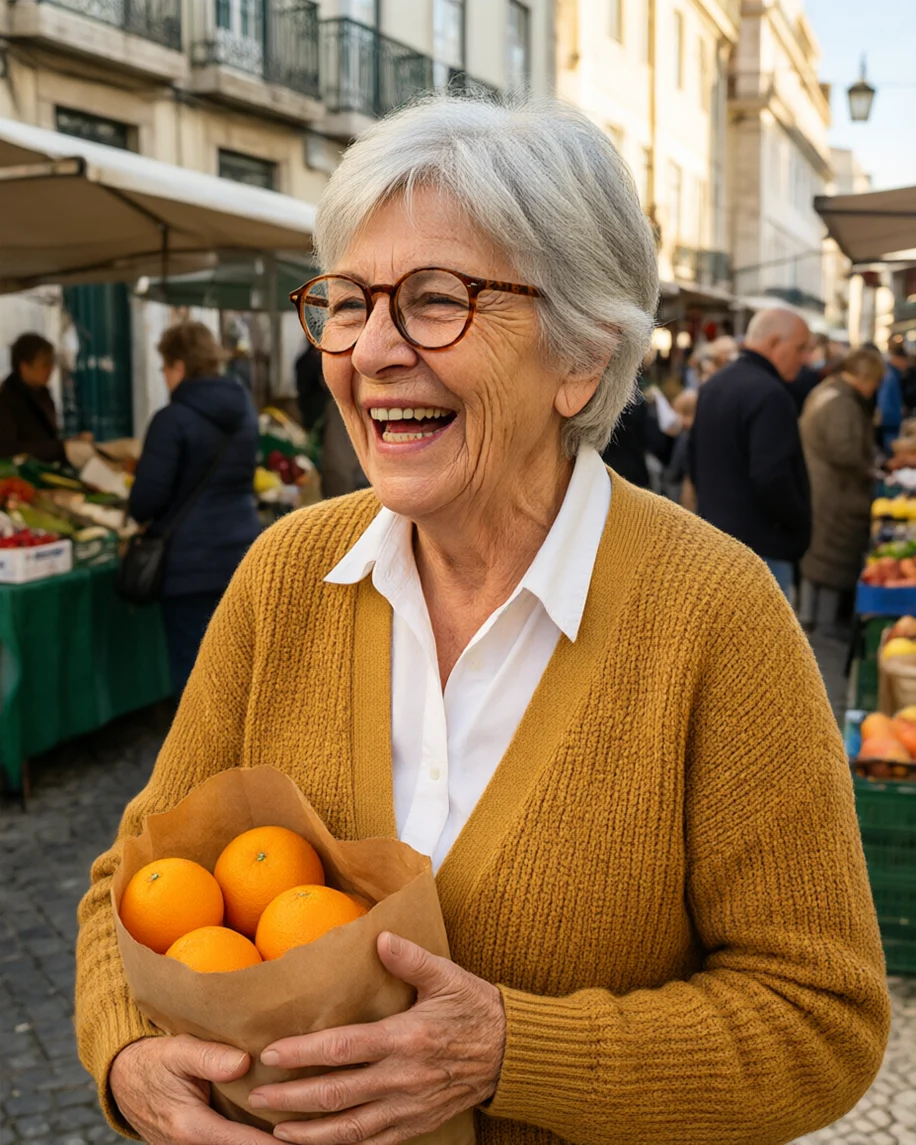
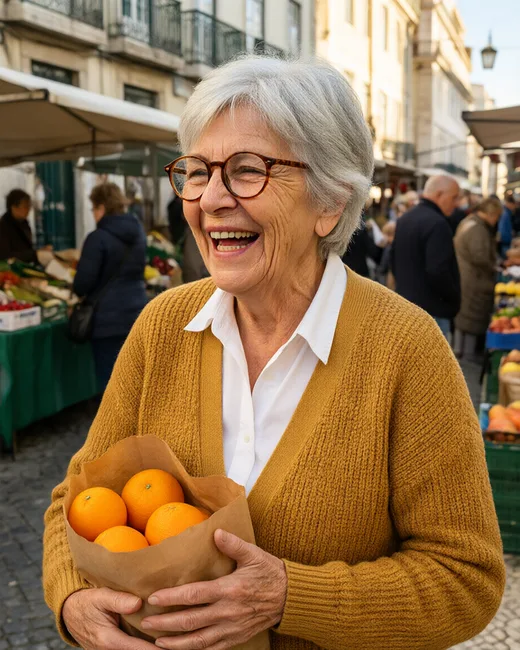
- Photographic people from a long prompt: the market shopper kept the silver hair, glasses, cardigan and oranges on the first try.
- One price for 1K and 2K (9 credits), and it is on the free plan.
Limits
- It can drop scene details: the market prompt asked for Lisbon, and Qwen Image 3.0 gave a generic street.
- Kenerate sends the first 800 characters of a prompt, not the 4.5K tokens Qwen advertises.
- No open weights — you cannot download or fine-tune Qwen-Image-3.0; for local use pick Qwen Image 2512.
- No real Qwen-Image-3.0 Pro outputs on this page yet; the gallery shows the standard model only.
How to
How to use Qwen-Image-3.0 on Kenerate
Step 1
Open the model
Go to /app/image and pick Qwen Image 3.0 or Qwen Image 3.0 Pro (the button on this page selects Qwen Image 3.0). Sign in free to get started.
Step 2
Write the prompt
Name the format first (poster, infographic, menu, photo), then the layout, style and light. Put every word that must appear in quotes. Keep it under 800 characters.
Step 3
Pick a ratio and resolution
Choose one of 15 aspect ratios, from 1:3 to 3:1, and 1K or 2K. On the standard model both cost 9 credits; fix the seed to compare prompt changes.
Step 4
Edit with references
Upload up to 3 images and say what changes and what stays, e.g. “recolor only the sofa, keep everything else the same”. Each reference adds 0.9 credits.
See it in the app

Open Image Studio and type what you want to see — subject, style, lighting and mood.


Watch the tour · 1:23
Prompts, styles, references, edit, Arena & chat
Chapters
FAQ
Qwen-Image-3.0 questions
10 questions
What is Qwen-Image-3.0?
Qwen-Image-3.0 is the third generation of the Qwen-Image model from Alibaba's Qwen team, announced on 21 July 2026. Qwen built it for practical images with dense layouts and small text — posters, infographics, newspaper-style pages — and says it accepts prompts of up to 4.5K tokens and renders text in 12 languages. Those claims come from Qwen's own launch examples.
Link to this answerQwen-Image-3.0 vs Qwen-Image-3.0 Pro — what's the difference?
Both take the same inputs on Kenerate: 15 aspect ratios, 1K or 2K, seed and up to 3 reference images. Pro is the higher-detail version for sharper text and fine detail and costs 12 credits at 1K and 22.5 at 2K. The standard Qwen-Image-3.0 costs 9 credits at either resolution and is on the free plan.
Link to this answerIs Qwen-Image-3.0 free?
On Kenerate, Qwen-Image-3.0 is a free-plan model: a new account gets 25 credits on sign-up, and an image costs 9 credits. Qwen-Image-3.0 Pro is paid, from one-time credit packs with no subscription. Alibaba also offers the model in Qwen Chat.
Link to this answerIs Qwen-Image-3.0 open source? Is it on Hugging Face?
No. Unlike Qwen-Image 1.0, which was released under Apache 2.0, Qwen-Image-3.0 launched with no downloadable weights, licence, parameter count or technical report, and there is no Qwen-Image-3.0 model card on Hugging Face. The open Qwen model you can run locally is Qwen-Image-2512.
Link to this answerCan I use Qwen-Image-3.0 online?
Yes. Kenerate AI runs Qwen Image 3.0 and Qwen Image 3.0 Pro in the browser with no API key: pick one in /app/image, write the prompt and choose a ratio and resolution. Alibaba's own API for the model was invitation-only at first, per reporting in August 2026.
Link to this answerCan Qwen-Image-3.0 edit images?
Yes. On Kenerate you upload up to 3 reference images and describe the change. Our recolour tests on this page — a sofa, a hoodie and a flat poster — kept every shape and texture and changed only the colour. An edit with one reference costs 9.9 credits.
Link to this answerHow long can a Qwen-Image-3.0 prompt be?
Qwen says up to 4.5K tokens, up from about 1K for Qwen-Image-2.0. On Kenerate the prompt is trimmed to the first 800 characters before it is sent, so put the format, the key words in quotes and the layout first.
Link to this answerHow good is Qwen-Image-3.0 at text in images?
Text is what Qwen built it for: the launch examples show small text in 12 languages and multi-panel layouts. We have not yet run a dedicated text test of 3.0 on this page; for posters with long text, also compare GPT Image 2.5 Sunburst and ERNIE-Image on the same prompt.
Link to this answerWhat resolution does Qwen-Image-3.0 make?
On Kenerate you choose 1K or 2K and one of 15 aspect ratios: 1:1, 1:2, 2:1, 1:3, 3:1, 2:3, 3:2, 3:4, 4:3, 4:5, 5:4, 9:16, 16:9, 9:21 and 21:9. For 4K, run the result through the image upscaler.
Link to this answerQwen-Image-3.0 vs GPT Image 2.5 — which should I use?
Qwen-Image-3.0 is the cheaper all-rounder and the free-plan option (9 credits, up to 3 references). GPT Image 2.5 takes up to 16 references, goes up to 4K and has five quality tiers, from 3 to 300 credits per image. Use Qwen for drafts and free work, GPT Image 2.5 for multi-reference edits and 4K finals.
Link to this answerIn depth
Qwen-Image-3.0, in depth
Background, how to prompt it, and when to pick something else.
On this page
What changed from Qwen-Image-2.0 to 3.0?
Qwen-Image-3.0 or Qwen-Image-3.0 Pro?
On Kenerate both take the same inputs. Draft on the standard model — 9 credits at 1K or 2K, and on the free plan — then render the keeper on Pro when you need sharper detail: 12 credits at 1K or 22.5 at 2K.
Prompting Qwen-Image-3.0 for text and layouts
Lead with the format and grid ("A3 event poster, title at the top, three lines of details at the bottom"), put every word that must appear in quotes, and name the font style. Kenerate sends the first 800 characters, so keep the essentials early. Proof-read the result — even strong text models can swap a letter.