Talking photo · lip sync · voice cloning · web
DreamFace alternative — talking photos with 19 engines
DreamFace turns a photo into a talking or singing video on your phone. Kenerate AI does the same job in the browser with 19 talking-photo engines, up to 10 minutes of speech per clip, two people in one photo and lip sync for videos you already filmed, paid with one-time credits instead of a weekly subscription.
- 19 talking-photo engines
- Up to 10 min per clip
- Two people in one photo
- Free credits to start
Updated by the Kenerate AI team
Made with Kenerate


On this page
Quick answer
What is the best DreamFace alternative?
A strong DreamFace alternative for talking photos is Kenerate AI: its Avatar Talk tool turns any photo into up to 10 minutes of speech with 19 engines, handles two speakers in one photo, re-syncs lips on existing videos with 7 engines, and runs in the browser on one-time credits. DreamFace is still handy as an all-in-one phone app with filters and a song library.
Key facts
- Talking-photo engines
- 19
- Longest talking clip
- 10 min
- Top resolution
- 1080p (4K with stock presenters)
- Two speakers
- Yes, 3 photo engines
- Video lip-sync engines
- 7
- Voice cloning
- From a 3–15 s sample
- Free start
- Sign-up credits
Real results
Photos that talk
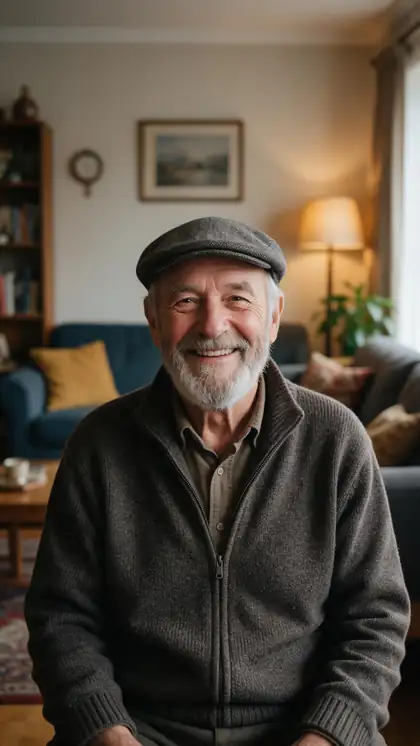
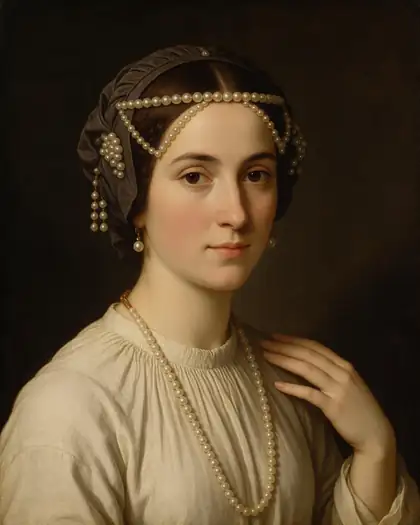
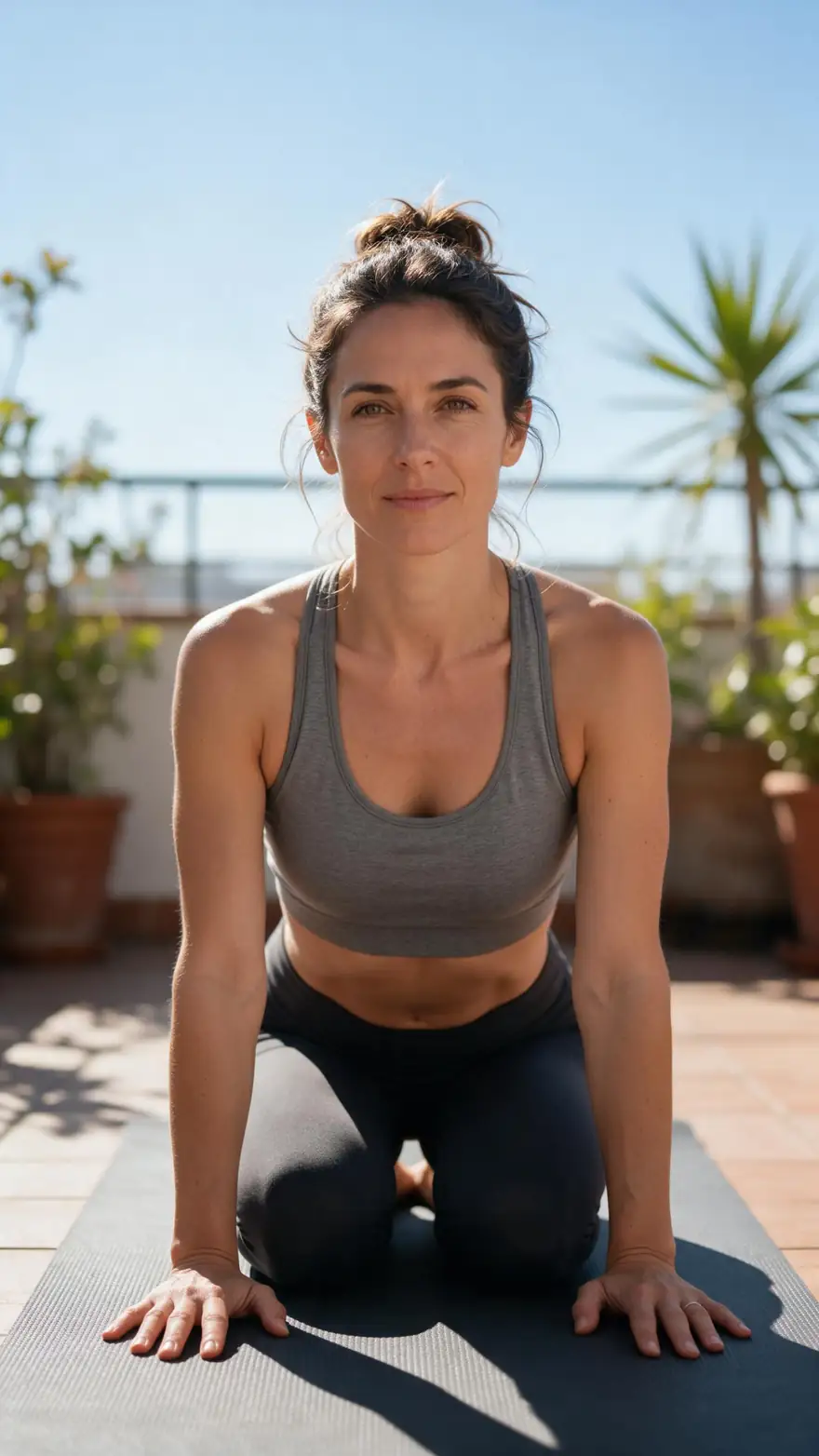
A family photo, a cartoon wizard, an old painting, a presenter and a yoga teacher: the kind of pictures people animate in DreamFace. Real Wan 3 clips with generated voices; in Avatar Talk the words are your own audio.
AI-generated people and characters. Open a clip to copy both prompts.
How to
How to switch from DreamFace to Kenerate
- Time needed
- Steps
- 4 steps
Step 1
Upload the photo
A sharp, front-facing portrait up to 20 MB: a person, a painting, a cartoon or a 3D character. No photo? Pick one of 500 stock presenters.
Step 2
Add the voice
Upload a voice or song file, record it with the mic, or type the text in Voice Studio — 555 voices, or clone your own from a 3–15 second sample.
Step 3
Pick an engine
Kenerate Avatar for up to 10 minutes at 1080p, Sync Lipsync 3 for the most precise lips, a Duo engine for two people in one photo.
Step 4
Generate and download
Most engines finish in a few minutes; download the video or reuse the same photo with new audio.
See it in the app

Open Image Studio and type what you want to see — subject, style, lighting and mood.


Watch the tour · 1:19
Text, image & reference to video, models, edit, extend & chat
Chapters
Checked 23 October 2026
DreamFace vs Kenerate: which is best for what
DreamFace facts from its own site (dreamfaceapp.com) and App Store listing, checked 23 October 2026. Kenerate is our product.
| Compare | Kenerate AI | DreamFace |
|---|---|---|
| Best for | Talking photos, characters and long talking-head clips; lip sync on existing videos | Quick avatar videos, filters and photo effects on your phone |
| Where it runs | Web browser on desktop and mobile | iOS and Android apps, web and a Chrome extension |
| Talking video from a photo | Yes, 19 engines to choose from | Yes, avatar video from text or audio |
| Longest talking clip | 10 min of speech per clip | Depends on the plan |
| Two people in one photo | Yes, 3 Duo engines | Not listed on its site |
| Lip sync an existing video | Yes, 7 engines | Avatars from photos or videos |
| Voice | 555 voices, voice cloning from a 3–15 s sample, or your own recording | Text to speech and voice clone |
| How you pay | One-time credit packs; sign-up credits to start | Free app with in-app purchases |
No DreamFace prices: its plans are sold in-app and change often, so check the App Store or Google Play.
Sources: Kenerate Avatar Talk · Kenerate Voice Studio · DreamFace — official site
Engines
Engines for talking photos
Six of Avatar Talk's 19 talking-photo engines, chosen for the jobs people use DreamFace for.
- Default
Kenerate
Kenerate Avatar
- Input
- Photo + up to 10 min · prompt
- Output
- 720p or 1080p
Open Kenerate AvatarBest for
Long talking photos with natural body movement
- Precise
Sync Labs
Sync Lipsync 3
- Input
- Photo + up to 5 min
- Output
- Engine decides
Open Sync Lipsync 3Best for
The most precise lip sync on a face photo
ByteDance
OmniHuman 1.5
- Input
- Photo + up to 60 s
- Output
- Engine decides
Open OmniHuman 1.5Best for
Lifelike full-body performance
- Cheapest
SoulX
SoulX FlashHead
- Input
- Photo + up to 10 min
- Output
- 480p or 720p
Open SoulX FlashHeadBest for
Cheap, fast talking heads for long voice-overs
- 2 speakers
WaveSpeed
InfiniteTalk Duo
- Input
- Photo of two + one track each
- Output
- 480p or 720p
Open InfiniteTalk DuoBest for
Two people talking or singing in one photo
- No photo
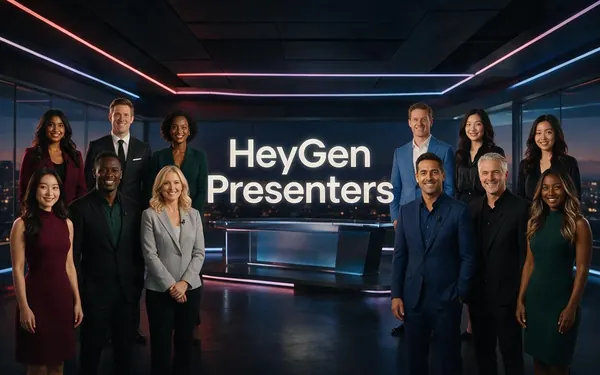
HeyGen
HeyGen Presenters
- Input
- Audio + one of 500 stock presenters
- Output
- 720p, 1080p or 4K · 16:9 or 9:16
Open HeyGen PresentersBest for
A talking presenter without any photo
From Avatar Talk's engine list. The gallery clips were made with Wan 3 image to video.
Tips
Talking photos that look natural
What worked in our tests.
Use a sharp, front-facing photo with the face well lit.
Old or blurry photos: restore or upscale them first.
Record clean speech; for songs, use a vocal track without loud drums.
Cartoons and 3D characters work when the face is clear.
For two people in one photo, use a Duo engine.
Only animate people who agreed to it.
FAQ
DreamFace alternative — questions
8 questions
What is the best DreamFace alternative?
For talking photos and talking-head clips, Kenerate AI: 19 talking-photo engines, up to 10 minutes per clip, two-speaker scenes and 7 engines for lip syncing existing videos, all in the browser. If you mainly want a phone app with filters, photo effects and a song library in one place, DreamFace itself is built for that.
Link to this answerIs there a free DreamFace alternative?
Kenerate gives new accounts sign-up credits, so you can make a photo talk in Avatar Talk without buying anything. Longer or higher-resolution clips use more credits; Kenerate Avatar costs 7.5 credits per second at 720p, and one-time credit packs top it up with no weekly subscription.
Link to this answerCan Kenerate make a photo sing like DreamFace?
Yes. Upload the photo and a song file in Avatar Talk and the engine moves the lips to the vocals. A clean vocal track works best; with loud drums or backing vocals the mouth can move on the wrong sounds.
Link to this answerDoes it work in a browser instead of an app?
Yes. Kenerate runs in any modern browser on a computer, tablet or phone, so there is nothing to install. Your clips stay in your account history and can be downloaded as video files.
Link to this answerCan two people talk in one photo?
Yes. Put both people in one image and use InfiniteTalk Duo, InfiniteTalk Fast Duo or LongCat 1.5 Duo; each takes one audio track per person, together or in turn.
Link to this answerHow long can a talking photo be?
Up to 10 minutes of speech per clip on Kenerate Avatar, InfiniteTalk, SoulX FlashHead and Kling Avatar 1 Pro. Short, punchy clips can use OmniHuman 1.5 (up to 60 seconds) for lifelike full-body motion.
Link to this answerCan I use my own voice?
Yes. Record yourself with the mic, upload an audio file, or clone your voice in Voice Studio from a 3–15 second sample and then type any script. Only clone voices you have the right to use.
Link to this answerWhy are there several DreamFace apps in the App Store?
Several look-alike apps use similar names. Before paying, check the developer name and listing details on the store page. Kenerate is only at kenerateai.com.
Link to this answerIn depth
DreamFace and Kenerate, explained
On this page
What DreamFace does
DreamFace's own site (checked 23 October 2026) lists Avatar Video, where you type text or add audio and an avatar speaks it, plus AI Video, AI Image, real-time video, filters, photo enhance, a background remover and a developer API called DreamAPI. It runs on iOS, Android, the web and as a Chrome extension, and its App Store listing is free with in-app purchases.
Why people look for an alternative
Reviews and comparison articles we read point to a few recurring reasons:
- They would rather pay once than keep a weekly or yearly in-app subscription.
- They want to choose between several engines for a better result.
- They need longer clips or two people talking in one photo.
- Their photo is a cartoon, painting or side-lit portrait the app struggles with.
- They want to work on a computer, not only on a phone.
When to stay with DreamFace
If you want one phone app for quick fun clips, filters, photo enhancement and a built-in song library, DreamFace covers all of that in one place. Kenerate's Avatar Talk is focused on making a photo talk or re-syncing a video, with image, video and voice tools next to it in the same account.
Explore
Every Kenerate video tool
Generators, tools, models and guides — all in one studio.