

Text designs · illustrations · transparent PNG
AI T-Shirt Design Generator — print-ready designs from a prompt
Describe your shirt design — the words, the picture, the colours — and get a clean print graphic. Cut it out as a transparent PNG and preview it on a real-looking shirt before you print.
- Text spelled right
- Transparent PNG
- Preview on a shirt
- No watermark
Updated by the Kenerate AI team
Made with Kenerate
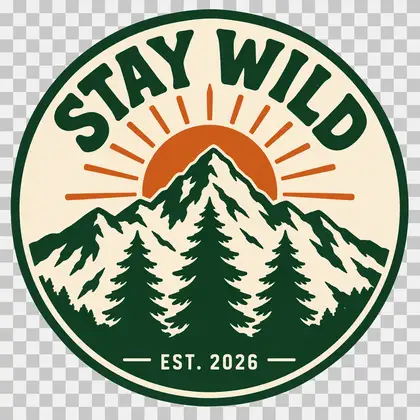
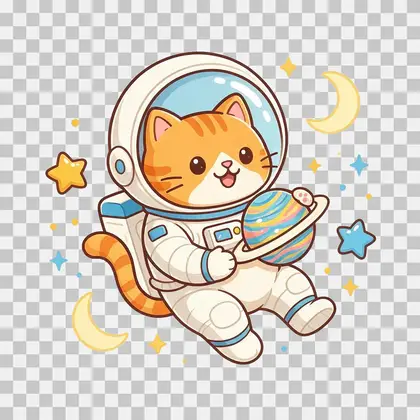
On this page
Quick answer
What is an AI t-shirt design generator?
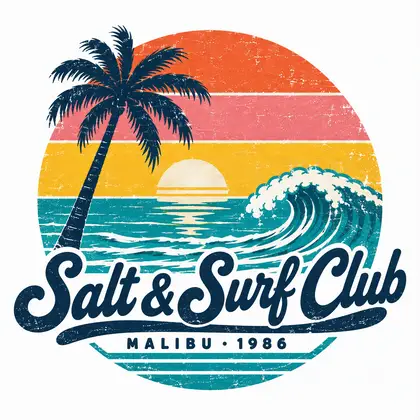
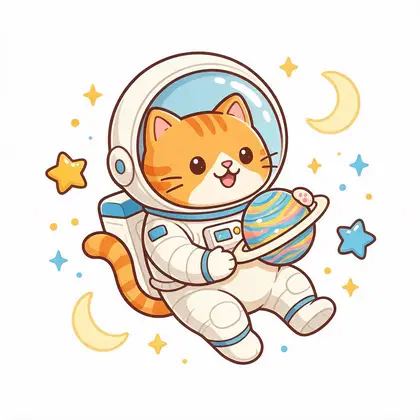
An AI t-shirt design generator turns a description into a print graphic for a shirt: a slogan badge, a retro logo or an illustration on a plain background. On Kenerate AI, GPT Image 2.5 Sunburst made our “STAY WILD” and “Salt & Surf Club” designs with every word spelled right, Seedream 5.0 Pro drew an astronaut cat, Kenerate Cutout turned them into transparent PNGs, and the same design was previewed on a black tee.
Key facts
- Designs made
- 3 (badge · retro · illustration)
- Text designs
- Every word spelled right
- Shirt preview
- Seedream 5.0 Pro edit
- Output size
- 1024 × 1024 — upscale to print large
- Free start
- Starter credits
- Watermark
- None
Gallery
Three designs, cut out and worn
Made on Kenerate for this page: two text designs, one illustration, their transparent PNGs and a shirt preview. Open any one to copy the prompt.
Same prompt
Design → PNG → shirt
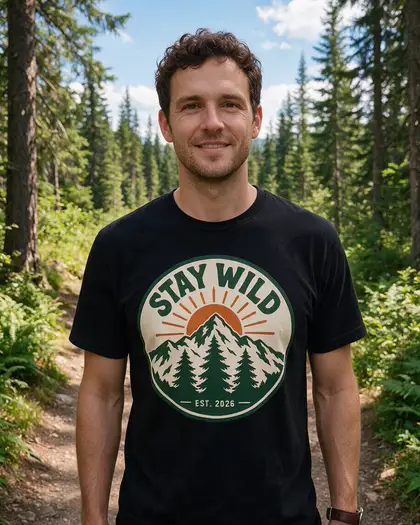
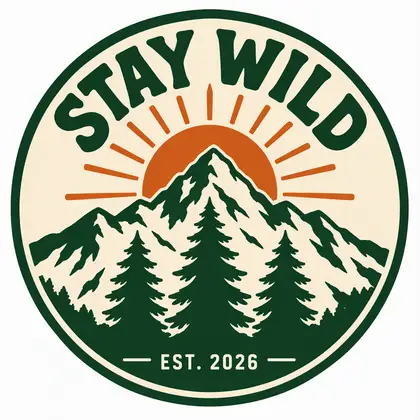
One design through the whole flow: the artwork on white, the transparent cut-out, and a preview on a black tee with the lettering still right.
PromptPut this design printed large on the chest of a plain black cotton crew-neck t-shirt worn by an adult man at a forest trailhead. Photorealistic, real fabric folds, the text "STAY WILD" and "EST. 2026" printed exactly as in the image.
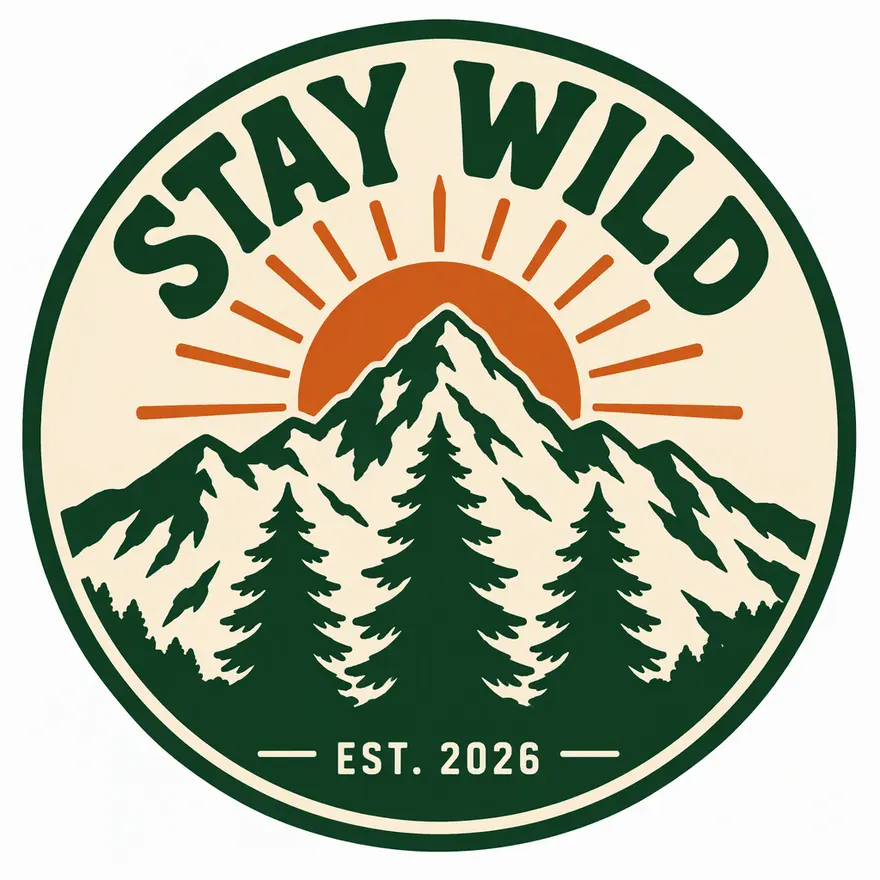 DesignGPT Image 2.5 Sunburst
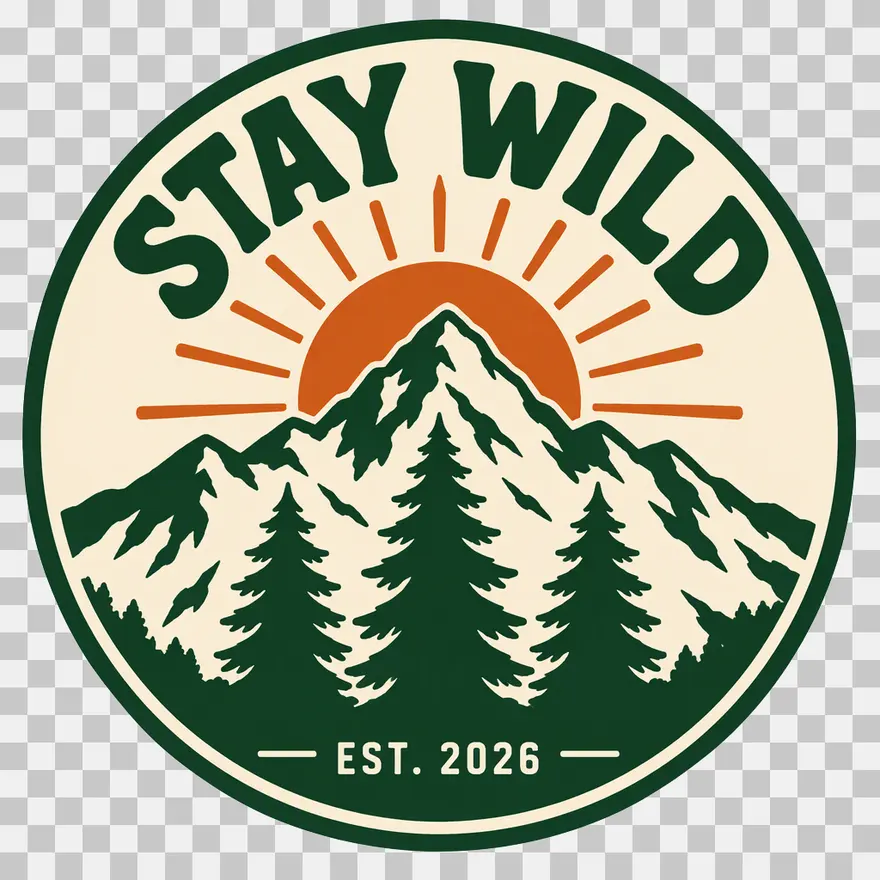 Transparent PNGKenerate Cutout
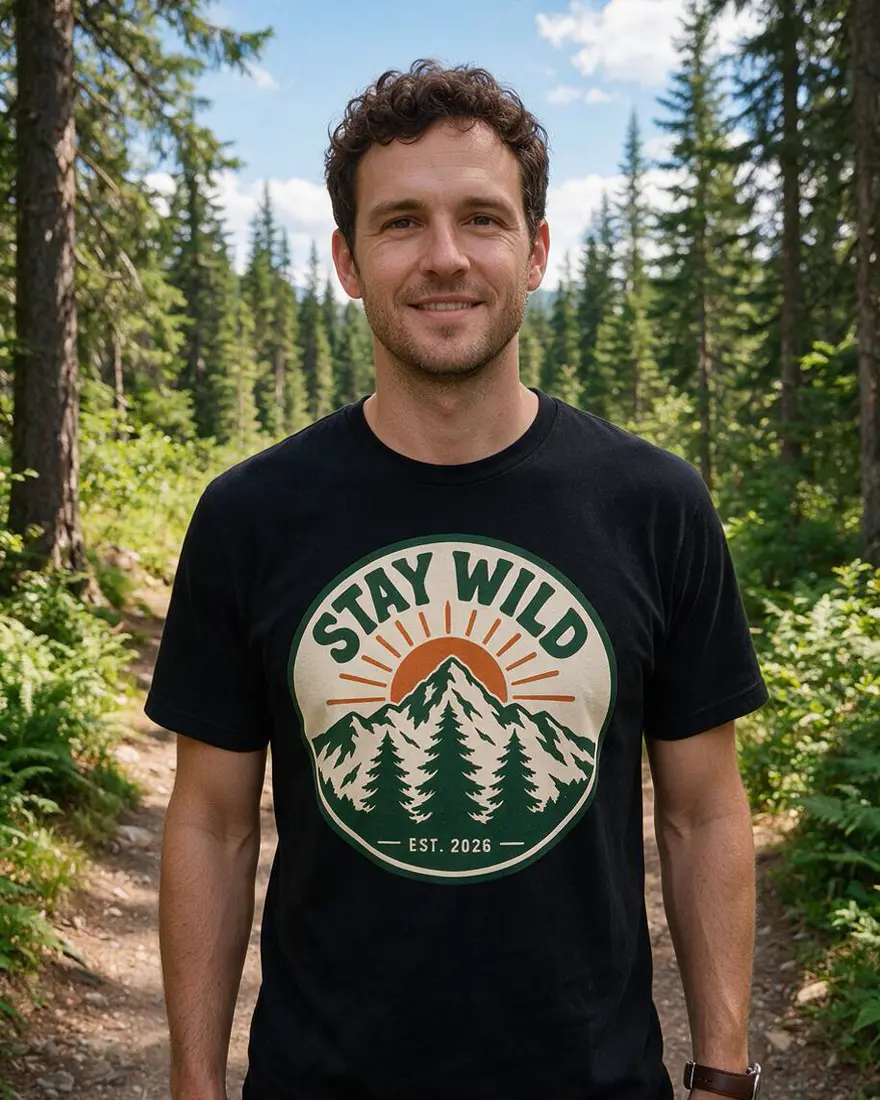 On a shirtSeedream 5.0 Pro edit
How to
How to use the AI t-shirt design generator
- Time needed
- Steps
- 4 steps
Step 1
Describe the design
In /app/image: the words in quotes, the picture, the colours and “plain white background”. Sign in free for starter credits.
Step 2
Generate
GPT Image 2.5 Sunburst for text designs, Seedream 5.0 Pro for illustrations. Keep the one you like.
Step 3
Make it a transparent PNG
Run it through the background remover (Kenerate Cutout), then upscale for print.
Step 4
Preview on a shirt
Add the design as a reference and ask for it printed on a t-shirt. Download without a watermark.
See it in the app

Open Image Studio and type what you want to see — subject, style, lighting and mood.


Watch the tour · 1:23
Prompts, styles, references, edit, Arena & chat
Chapters
Tips
Prompts for printable shirt designs
What worked in our tests.
Start with “t-shirt print design, isolated on a plain white background” so you get artwork, not a photo of a shirt.
Put every word in quotes: text "STAY WILD" — and add “no other text”.
Limit the colours (“only three colours”) and ask for “flat vector, thick clean outlines” — cheaper to screen-print.
Use GPT Image 2.5 Sunburst when the design has words; Seedream 5.0 Pro for pure illustrations.
Cut the background out before you upload to a print shop, then check the edges on a dark background.
Our designs came out at 1024 × 1024. Upscale to 4K before printing a full chest print.
Models
Models for t-shirt designs
What each model is good at. Open any one straight in the generator.

OpenAI
GPT Image 2.5 Sunburst
- Reference images
- Up to 16
- Output
- 1K–4K
Open GPT Image 2.5 SunburstBest for
Made both text designs

ByteDance
Seedream 5.0 Pro
- Reference images
- Up to 10
- Output
- Up to 2K
Open Seedream 5.0 ProBest for
Cat illustration and shirt preview
- Free plan

FAQ
AI T-Shirt Design Generator questions
7 questions
How do I design a t-shirt with AI?
In Kenerate's Image Studio, write “t-shirt print design, isolated on a plain white background”, then the picture, the words in quotes and the colours. GPT Image 2.5 Sunburst made our “STAY WILD” badge in one try with three colours and every letter right. Then cut out the background and preview it on a shirt.
Link to this answerCan the AI put my slogan on the design correctly?
Yes, with GPT Image 2.5 Sunburst. “STAY WILD”, “EST. 2026”, “Salt & Surf Club” and “MALIBU · 1986” all came out spelled right in our tests. Put each phrase in quotes, add “no other text”, and read the result before you print.
Link to this answerCan I get a transparent PNG for printing?
Yes. Run the design through Kenerate's background remover — the Kenerate Cutout mode turned both our badge and the astronaut cat into transparent PNGs, keeping the small stars and moons around the cat. Check the edges on a dark background before sending it to a print shop.
Link to this answerIs the resolution high enough for printing?
Not straight away for a big print. Our designs came out at 1024 × 1024 pixels — fine for a small chest logo or a sticker, too small for a full-front print. Upscale to 4K with Kenerate's image upscaler first, or ask your print shop what size they need.
Link to this answerIs the AI t-shirt design generator free?
Free to start. A new Kenerate account gets starter credits on sign-up, which also work on Qwen Image 3.0, a free-plan model. GPT Image 2.5 Sunburst and Seedream 5.0 Pro, used on this page, use credits from one-time packs that never expire — no subscription. Downloads carry no watermark.
Link to this answerCan I sell shirts with AI designs?
You can use your Kenerate generations commercially, including on print-on-demand shirts. Keep designs original: logos, characters and slogans owned by brands are not yours to print, and some marketplaces ask you to say a design was made with AI.
Link to this answerHow do I see the design on a shirt?
Add the finished design as a reference image and ask for it “printed large on the chest of a plain black t-shirt”, with the text in quotes. Seedream 5.0 Pro put our STAY WILD badge on a black tee with the lettering intact. For more products — mugs, caps, totes — use the AI mockup generator.
Link to this answerIn depth
AI T-Shirt Design Generator, explained
What works, what to avoid, and how to pick a model.
What makes a design printable
A shirt print is artwork, not a photo: clean shapes, a plain or transparent background, and a small number of flat colours. Screen printing charges per colour, so a three-colour design like our STAY WILD badge costs less to print than a full-colour illustration. Print-on-demand (DTG) prints any number of colours, but still needs a transparent background.
Ask for “flat vector, thick clean outlines, no gradients” and the model avoids soft shading that prints muddy. Distressed or vintage texture is fine — it's part of the design.
What we got
Three designs, one try each, then the cut-outs and one shirt preview:
- STAY WILD badge (GPT Image 2.5 Sunburst): exactly three colours, as asked; both lines of text right.
- Salt & Surf Club (GPT Image 2.5 Sunburst): script and small text right; the distressed texture adds off-white specks, so it isn't strictly five colours.
- Astronaut cat (Seedream 5.0 Pro): clean outlines, no text, but many colours — better for DTG than screen printing.
- Transparent PNGs (Kenerate Cutout): both clean; the cat kept its stars and moons.
- Shirt preview (Seedream 5.0 Pro edit): lettering intact; the mountain detail is slightly simplified at that size.