

Any species · any style · ref sheets
AI Fursona Generator — design your fursona and its ref sheet
Describe your fursona — species, colours, eyes, outfit, style — and get a finished character. Then turn it into a front/side/back ref sheet and put the same character in new scenes.
- Any species or style
- Ref sheets too
- Same character, new scenes
- No watermark
Updated by the Kenerate AI team
Made with Kenerate
On this page
Quick answer
What is an AI fursona generator?
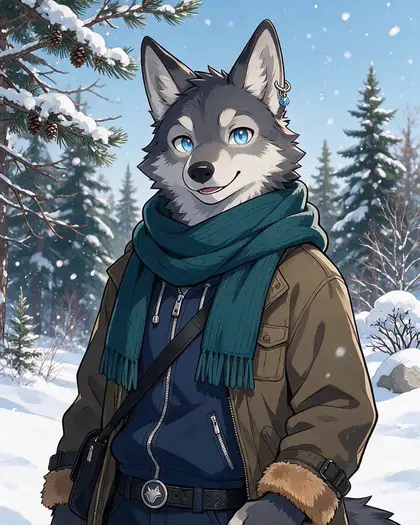
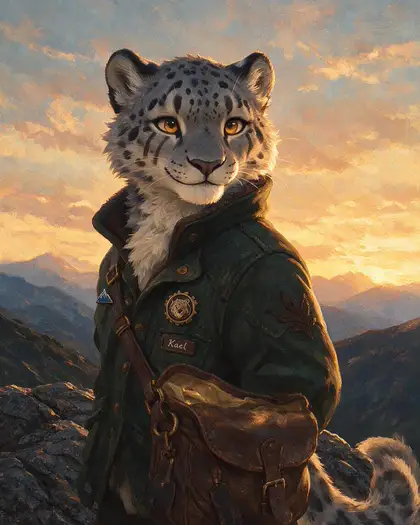
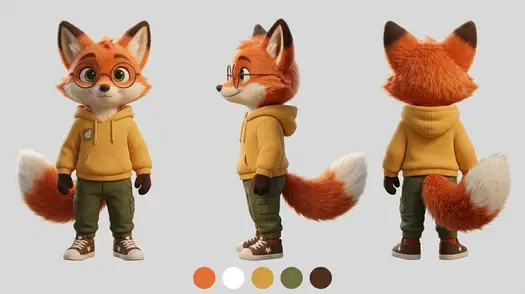
An AI fursona generator turns a description of your animal character — species, fur colours, eyes, outfit, art style — into finished art. On Kenerate AI, Seedream 5.0 Pro made our three fursonas in anime, 3D and painterly styles, and Nano Banana 2.1 turned the fox into a matching front/side/back ref sheet and a new scene with the same face and outfit.
Key facts
- Fursonas made
- 3 (wolf · fox · snow leopard)
- Styles
- Anime · 3D · painterly
- Ref sheet
- Front, side, back + colour swatches
- Same character, new scene
- Nano Banana 2.1
- Free start
- Starter credits
- Watermark
- None
Gallery
Three fursonas, one ref sheet
Original characters made on Kenerate — a 3D fox, an anime wolf and a painterly snow leopard — plus the fox's ref sheet and a new scene. Open any one to copy the prompt.
Same prompt
One fox, three uses
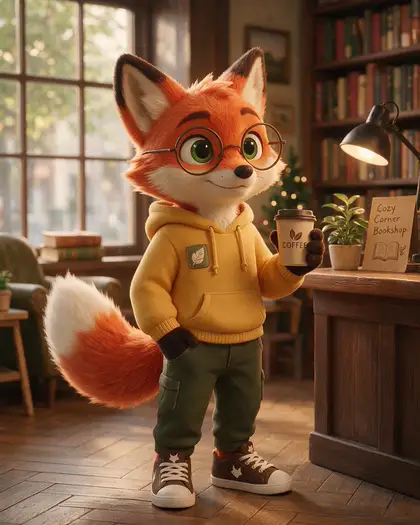
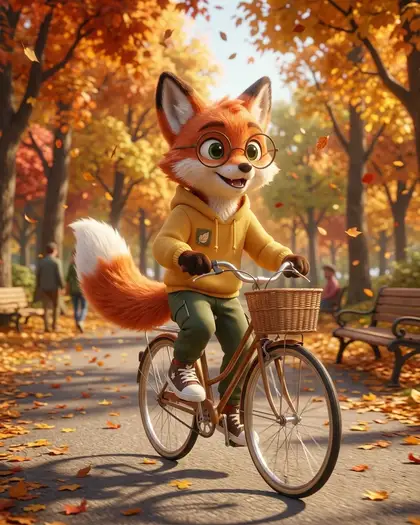
The first render, the ref sheet built from it, and the same fox in a new scene. Glasses, hoodie patch, tail and colours carried over every time.
PromptThe same fox fursona character — identical face, green eyes, round glasses, mustard-yellow hoodie with the leaf patch, green cargo trousers and fluffy white-tipped tail — now riding a bicycle through an autumn park, same 3D animation style.
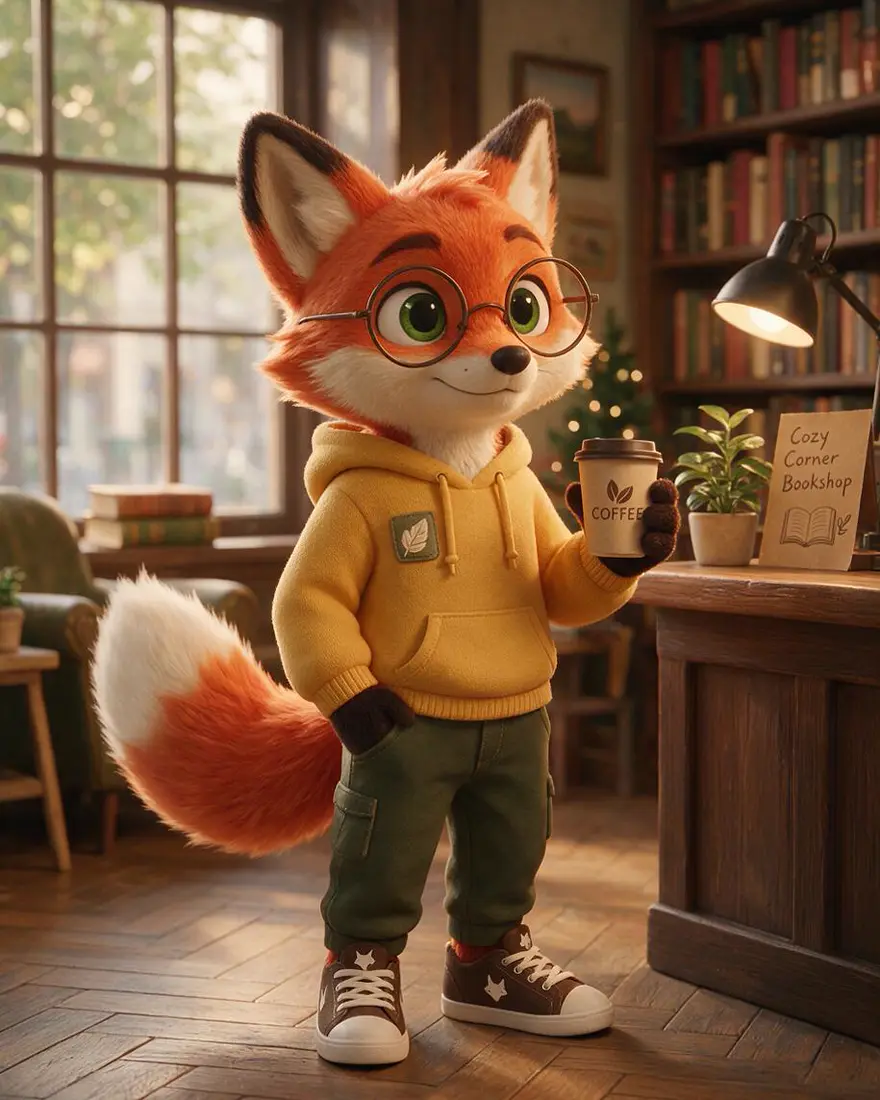 First renderSeedream 5.0 Pro
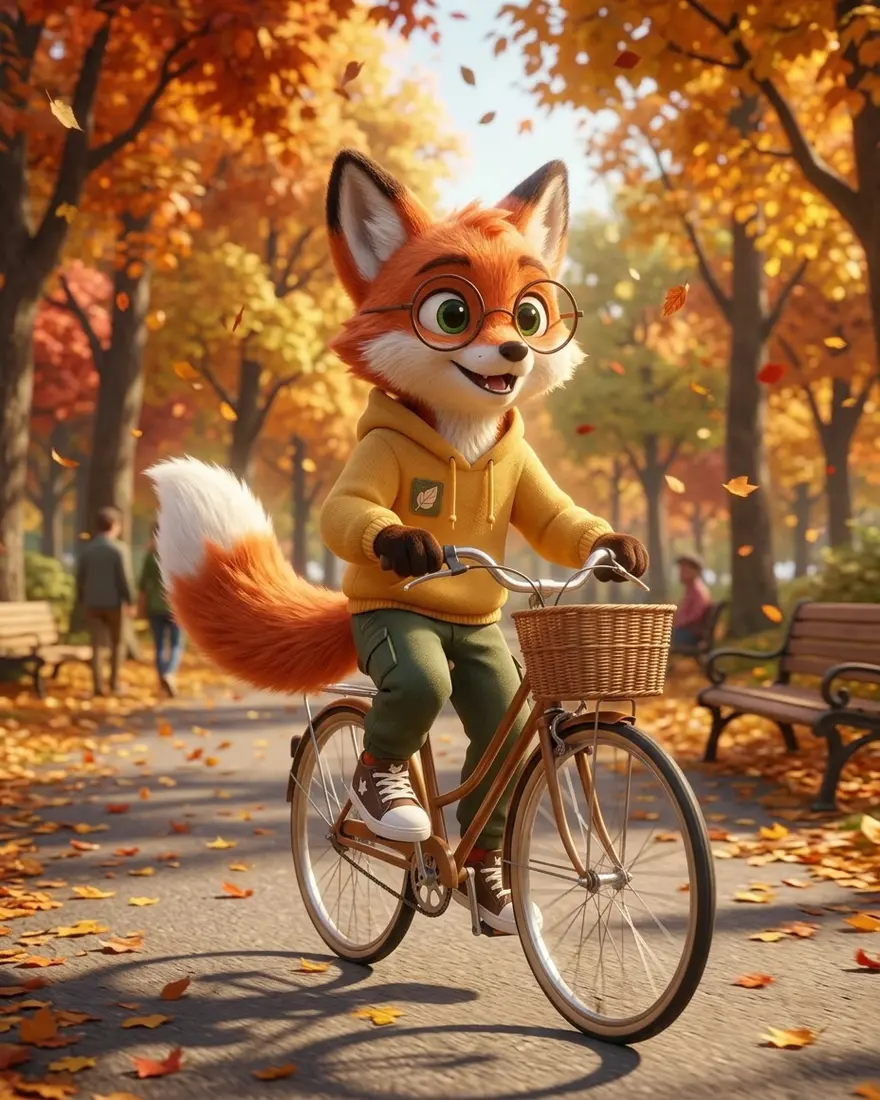 New sceneNano Banana 2.1
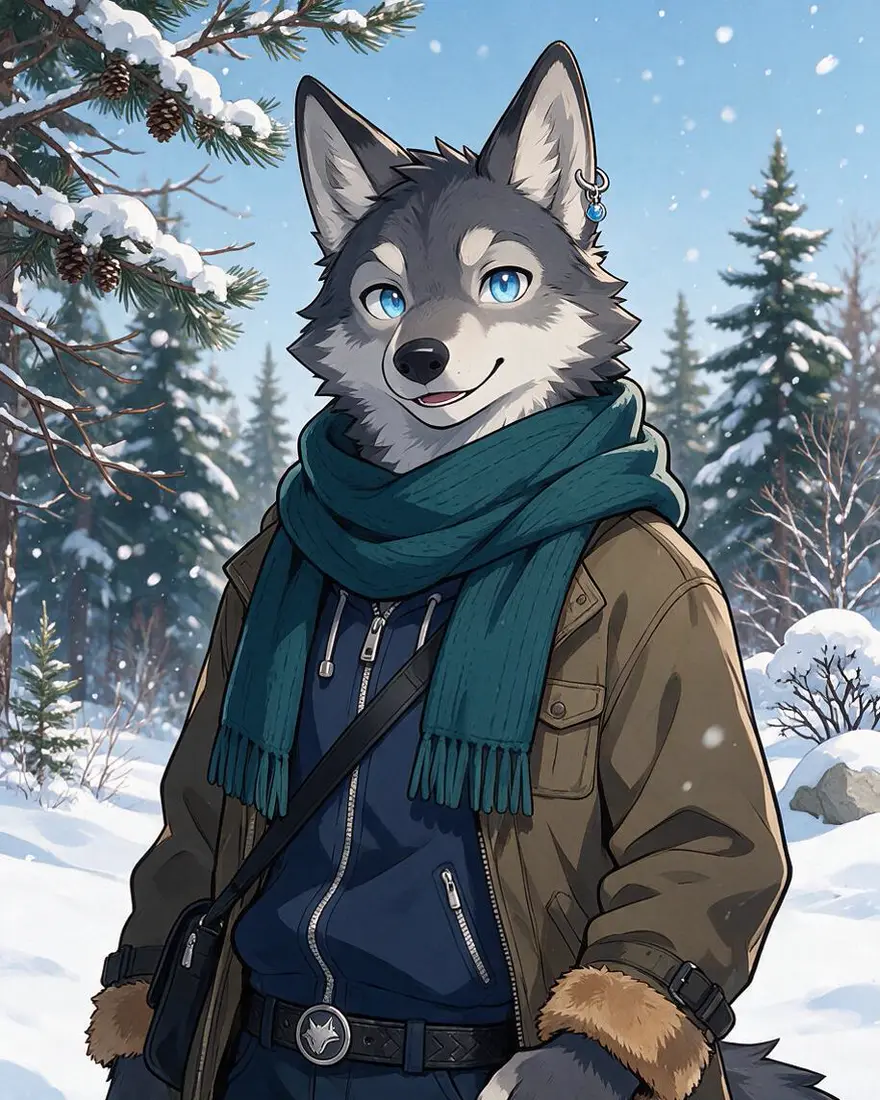 Anime wolfSeedream 5.0 Pro
How to
How to use the fursona generator
- Time needed
- Steps
- 4 steps
Step 1
Describe your fursona
In /app/image: species, colours, eyes, outfit and style. Sign in free for starter credits.
Step 2
Generate with Seedream 5.0 Pro
Make a few, keep the one that feels like you.
Step 3
Make the ref sheet
Add your favourite as a reference, switch to Nano Banana 2.1 and ask for front, side and back views with colour swatches.
Step 4
Use it anywhere
Same reference, new prompt: a new pose or scene. Download without a watermark.
See it in the app

Open Image Studio and type what you want to see — subject, style, lighting and mood.


Watch the tour · 1:23
Prompts, styles, references, edit, Arena & chat
Chapters
Tips
Design a fursona that stays yours
What worked in our tests.
Start with species, fur colours and markings, then eyes, then one or two signature items (glasses, a scarf, a patch).
Name the art style: anime, 3D render, painterly, flat sticker.
Add “original character, wholesome, fully clothed” for a SFW avatar.
Happy with one? Use it as the reference for a ref sheet: “front, side and back views, plain background, colour swatches”.
For new scenes, list the signature items again so they don't drift.
Keep the ref sheet — it's what artists and commissions ask for.
Models
Models for fursonas
What each model is good at. Open any one straight in the generator.

ByteDance
Seedream 5.0 Pro
- Reference images
- Up to 10
- Output
- Up to 2K
Open Seedream 5.0 ProBest for
Made the three fursonas
Google
Nano Banana 2.1
- Free plan

FAQ
Fursona Generator questions
7 questions
How do I make a fursona with AI?
Describe it in Kenerate's Image Studio — species, fur colours and markings, eye colour, outfit and art style — and generate with Seedream 5.0 Pro. Our anime wolf, 3D fox and painterly snow leopard each came from one paragraph like that. Add “original character, wholesome, fully clothed” for an avatar you can use anywhere.
Link to this answerCan AI make a fursona ref sheet?
Yes. We gave our fox to Nano Banana 2.1 as a reference and asked for front, side and back views on a plain background with five colour swatches. The glasses, hoodie patch, tail and colours matched across all three views, and the swatches matched the real colours.
Link to this answerCan I keep the same fursona in different pictures?
Yes — use your favourite render as a reference image and describe the new scene, repeating the signature details. Our fox kept its face, glasses, hoodie and tail when we put it on a bicycle in an autumn park with Nano Banana 2.1.
Link to this answerIs the fursona generator free?
Free to start. A new Kenerate account gets starter credits on sign-up, which also work on Qwen Image 3.0, a free-plan model. Seedream 5.0 Pro and Nano Banana 2.1, used on this page, use credits from one-time packs that never expire — no subscription. Downloads carry no watermark.
Link to this answerCan I use my AI fursona as a profile picture or commission reference?
Yes. Kenerate downloads have no watermark and you can use your generations commercially. Many artists also accept an AI ref sheet as a starting point for a commission — ask the artist first, and say it was made with AI.
Link to this answerWhat species can I make?
Any — wolves, foxes, big cats, dragons, birds, hybrids or made-up species. Name the animal and its markings clearly; for a hybrid, say which parts come from which animal (“fox ears and tail, snow leopard spots”).
Link to this answerIs this page safe for work?
Yes. The examples here are wholesome, fully clothed, original characters, and prompts involving minors are blocked on Kenerate.
Link to this answerIn depth
Fursona Generator, explained
What works, what to avoid, and how to pick a model.
From description to ref sheet
A fursona prompt works best in layers: species and markings, then colours and eyes, then clothing and one signature item, then the art style. The model fills in pose and background unless you name them.
A ref sheet is just the same character drawn from the front, side and back on a plain background, usually with colour swatches. Give the model your favourite render as a reference so it copies the design instead of inventing a new one.
Fursona name ideas
Can't settle on a name? A few to start from, by species:
- Wolves: Frost, Ashen, Rook, Kiba, Vale
- Foxes: Ember, Rusk, Juniper, Kit, Saffron
- Big cats: Kael, Onyx, Sable, Zuri, Talon
- Dragons: Cinder, Vesper, Aurum, Drax, Nyra
- Birds: Wren, Corvin, Skye, Pip, Halcyon