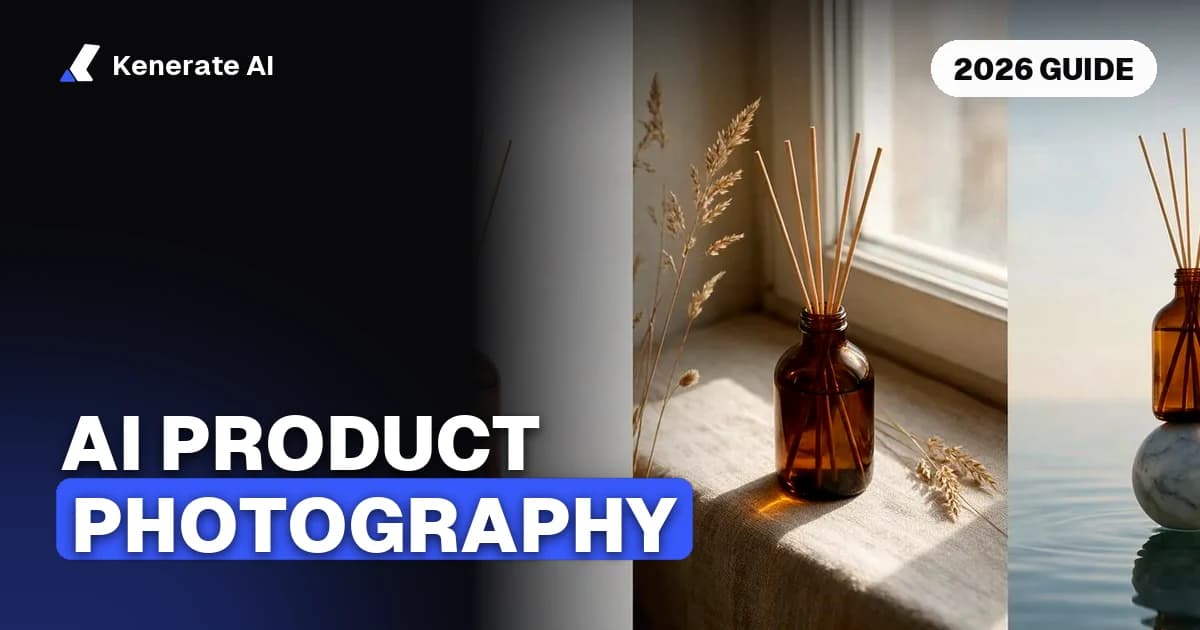
AI product photography turns a plain photo of your product into finished shots for a store, ad or listing, with the product kept the same. You start from one clean packshot, describe the scene you want, and a model such as Seedream 5.0 Pro places the product in it. As of 30 October 2026, a single AI image usually costs a few cents, which is far less than a studio shoot, but the result is only as good as the reference photo and how consistent you keep the set.
This guide covers what AI product photography is, how to prepare your photo, the steps that keep one product looking like the same product across shots, what Amazon-style listings require, and what it costs with Kenerate AI.
What is AI product photography?
AI product photography is the use of an image model to create product photos from a reference picture of the item. There are two common approaches:
- Scene generation: the model places your product into a new setting, such as a stone surface, a city street or a studio backdrop.
- Marketplace cleanup: the model produces a clean, consistent listing image, such as a product on a light grey studio background.
Both depend on the reference photo. The model needs to see the real product clearly to keep its shape, colour and label intact.
How do you prepare a product photo for AI?
Good input saves time and credits. Most failed outputs come from a poor reference, not from the prompt. A useful checklist:
- Use flat, even light. Soft daylight from a window works better than a direct flash, which creates harsh shadows and hot spots. A white card can bounce light into dark areas.
- Use a simple background. A plain surface that contrasts with the product, such as grey or wood for a white item, makes the edges easier to read.
- Keep the whole product in frame, with some margin around it. Cropping the edges can make the model invent missing parts.
- Avoid digital zoom. Move closer or use optical zoom. Digital zoom blurs edges, and the model then has to guess the detail.
- Upload the original file. Filters and heavy app edits can compress the image and cause colour banding.
Photta's guide to preparing raw product photos recommends the same basics: even light, a contrasting background, and no digital zoom. Source: Photta, how to prepare raw product photos for AI
How do you make AI product photos look like one shoot?
The hardest part is consistency. A catalogue where each photo has a different backdrop, lighting and product shape looks cheap, even when each image looks good alone. Krea's 2026 pipeline guide describes a three-step approach: generate scenes from a clean product reference, fix small flaws in a targeted edit, and then upscale the final image for product pages. Source: Krea, AI product photography in 2026
Those steps translate into a practical routine:
| Step | What to do | Why it matters |
|---|---|---|
| Shoot once | One clean photo of the real product | The model copies the product from this photo |
| Lock the prompt | Keep the same lens, light and mood words | Only the backdrop should change between shots |
| Change one thing | Swap the surface or the prop, not the product | The set looks like one shoot |
| Fix flaws | Edit a label, shadow or prop instead of regenerating | Keeps the parts that already work |
| Upscale | Enlarge the final image for the product page | Customers can zoom without blur |
What are the steps to make an AI product photo?
- Pick the product photo. Use the cleanest packshot you have. One to nine photos work, depending on the tool.
- Choose a style. Start with a product-shot style, such as studio white, closeup or editorial, before trying a bold one.
- Write a short prompt. Describe the surface, light and mood, and say the product must stay the same. Example: "Place this serum bottle on wet grey river stones, soft natural light, premium skincare ad. Keep the bottle exactly the same."
- Generate a set. Run the same prompt on two or three backdrops so the images match.
- Check the product. Compare the label, shape and colour with the real item. Reject any image where the product has changed.
- Edit small errors. Fix a stray shadow or a label that has warped, rather than starting again.
- Export at the size you need. Use 1:1 for listings and 4:5 for social feeds.
What do marketplace product photos need?
Marketplace listings follow stricter rules than ads. Amazon's main image guidance, as summarised by image tool Dresma, asks for a pure white background (RGB 255, 255, 255), a product that fills at least 85% of the frame, and a minimum of 1,000 pixels on the longest side. It also recommends at least 1,600 pixels to enable zoom. The main image should show no text, logos, watermarks or badges, no props, and no accessories that are not part of the sale. Source: Dresma, Amazon product image requirements
Check the marketplace's current rules before you publish, because each platform sets its own sizes and some change often. Also avoid any AI edit that changes the product's colour, scale or shape. A listing photo that misrepresents the item can lead to returns and complaints.
| Use case | Background | Product fill | Notes |
|---|---|---|---|
| Amazon main image | Pure white | At least 85% | No text, props or extra items |
| Shopify or own store hero | White, grey or scene | Free | Lifestyle shots work well here |
| Social ad | Scene, colour or motion | Free | Add a short headline outside the product |
| Gallery or secondary image | Any consistent set | Free | Show use, size and detail |
Which Kenerate AI tools make product photos?
Kenerate AI has a Marketing Studio for product images. It offers nine Product shot styles (studio white, closeup, editorial, natural, usage, colour pop, full body, faceless and UGC) and five Marketplace styles (clean studio, dark, pastel, colour pop and 3D surreal). You can upload one to nine product photos or paste a product link. The default model is Seedream 5.0 Pro, and the output has no watermark.
The Marketing Studio needs a paid plan or a one-time credit pack. If you want to test a scene first, the Image Studio has free models to start with. For a quick start, the AI product photo generator page shows example outputs and the workflow. For a set of camera angles from one product, see product photo angles with AI.
How much does an AI product photo cost on Kenerate?
Seedream 5.0 Pro costs 13.5 credits per image at 1K or 1.5K and 27 credits at 2K, according to the pricing rules in our image credit calculator. At the rate of 300 credits per US dollar, that is about $0.045 and $0.09 per image before any plan discounts. Check the current pricing page before budgeting, because plan terms change.
| Output | Credits (Seedream 5.0 Pro) | Approximate USD |
|---|---|---|
| 1K or 1.5K image | 13.5 | $0.045 |
| 2K image | 27 | $0.09 |
The trade-off is your time spent on prompts and checks, and the fact that some products, such as ones with fine textures or complex mechanics, still need a real photo for the final listing. We did not price a studio shoot for this comparison, so compare quotes from your own photographer.
How does AI product photography compare to a studio shoot?
AI works best for variety: many backdrops, many moods and fast tests. A studio shoot still wins when you need exact colour accuracy, a physical sample, or a product that customers examine closely. Many sellers use both. They shoot one clean packshot in a studio, then use AI to produce the lifestyle and ad variations.
Once you have the stills, the same product can feed ads and short clips. The product ads page covers ad formats, and the AI product video generator page covers turning a product image into motion. If you already have a video with the wrong product in it, replace the product in a video shows how that edit works.
Frequently asked questions
Is AI product photography allowed on Amazon?
The rules that matter are the listing image rules: the main image must show the real product on a pure white background with no added elements. We did not verify Amazon's own position on AI-generated images, so check Amazon's current seller guidance before you list.
Can AI keep my product exactly the same?
It can get close, but not always perfect. Use a sharp reference photo, describe the scene rather than the product, and check each output against the real item. Reject any image where the label, shape or colour has changed.
What kind of product photo works best as a reference?
A clear, evenly lit photo of the whole product on a plain background. Avoid heavy filters, blur and digital zoom.
Do I need a studio for AI product photos?
No, but one clean packshot is a good starting point. Many sellers take it on a phone near a window.
How many images do I need for a product listing?
It depends on the marketplace. Most listings use one main image and several secondary images that show use, size and detail. Start with a main image that meets the platform rules, then add lifestyle shots.
Can I use AI product photos in ads?
Yes, as long as they show the product accurately and make no claims that the product cannot back up. Avoid invented reviews, ratings or results in the image.
Which style should I choose first?
Studio white for a listing or closeup for detail. Try a lifestyle style after you have a clean main image.
Key takeaways
- AI product photography needs one clean reference photo, even light and a simple background.
- Keep the prompt and lighting constant, change only the backdrop, and check each output against the real product.
- Amazon-style main images need a pure white background and at least 85% product fill.
- On Kenerate AI, Seedream 5.0 Pro costs 13.5 credits per 1K or 1.5K image and 27 credits at 2K.
- Use AI for variety and testing, and keep a real photo for colour-critical listings.
Sources
- Krea: AI product photography in 2026, tools, prompts and pipeline
- Photta: How to prepare raw product photos for AI tools
- Dresma: Amazon product image requirements
Updated 30 October 2026. Prices and plan terms can change, so check the pricing page before you buy.