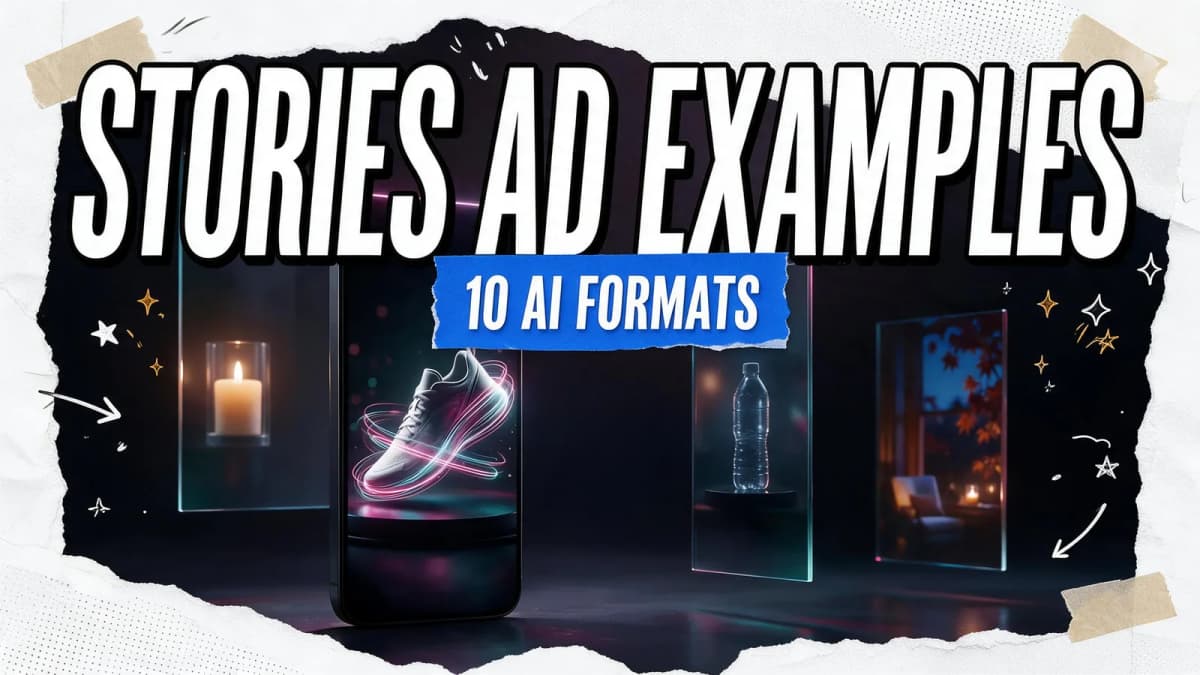
The Instagram Stories ads that work best follow a few repeatable patterns: a product demo in three beats, a before-and-after reveal, a limited-time offer, a creator-style walkthrough, an unboxing, a how-to tip, a multi-card sequence, a seasonal mood piece, an app or feature demo and a "choose your favorite" lineup. You can produce every one of these with AI as long as you design for Meta's specs: a 9:16 frame at 1440 × 2560 pixels, with roughly the top 14%, the bottom 35% and 6% on each side kept clear of text and logos.
Below are ten Instagram Stories ads examples you can recreate with AI. Each one includes the hook, the structure, an AI workflow and a copyable prompt. They all build on the official spec sheet and the AI-labeling rules covered first.
Instagram Stories ad specs (from Meta's official ads guide)
| Spec | Image Stories ad | Video Stories ad |
|---|---|---|
| Aspect ratio | 9:16 | 9:16 |
| Recommended resolution | 1440 × 2560 px | 1440 × 2560 px |
| File types | JPG, PNG | MP4, MOV, GIF |
| Max file size | 30 MB | 4 GB |
| Length | Shown for 5–16 seconds or until the viewer swipes | 1 second to 60 minutes; under 16 s plays on one card, 16 s or longer may split into 2–3 cards |
| Primary text | 125 characters | 125 characters |
| Safe zone | Keep ~14% top, ~35% bottom, 6% each side free of key elements | Same |
| Sound and captions | — | Optional but recommended |
Sources: Meta's Instagram Stories video ad specs and image ad specs.
The practical takeaway: Keep each Stories ad under 16 seconds so it plays on a single card. Put your headline and product in the middle band of the frame, because the bottom third is where the call-to-action and UI sit.
How Meta labels AI-generated ads
If you create ads with AI, expect labeling. Meta's help page on AI in ads says ads created or materially edited with its generative AI features get "AI info," usually in the three-dot menu. When an ad includes an AI-generated photorealistic human, the label appears next to "Sponsored." Meta's ads transparency update adds that it's beginning to detect ads made with third-party AI tools through industry-standard signals and to label them too.
This doesn't stop AI ads from performing, but it should shape your creative. Use AI for products, scenes, motion and backgrounds. Be careful with realistic AI people presented as customers. Never fabricate testimonials or reviews. If you show a customer quote, it should be a real one, used with permission.
10 Instagram Stories ads examples you can make with AI
1. The three-beat product demo
Hook (0–1 s): The product in motion, filling the middle of the frame. Structure: Problem → product in use → result, about 4–5 seconds each. AI workflow: Generate a clean hero product shot with an AI product photo generator, animate it in the Video Studio with an orbit or push-in, then add a short voice line and captions.
AI Prompt RecipeFlux.1 Pro16:9“Vertical 9:16 commercial shot: an unbranded matte-black insulated water bottle on a wet granite rock beside a mountain stream, the camera slowly pushes in as water droplets roll down the bottle, crisp morning light, premium outdoor-brand look, product centered in the middle of the frame, empty space at top and bottom”
2. The before-and-after reveal
Hook: A split screen or a wipe that shows the change in the first second. Structure: Before (2 s) → transformation (3 s) → after with offer (4 s). AI workflow: Use first-and-last-frame video generation. Give the model the "before" still and the "after" still and describe the transition. This works for room makeovers, organizers, cleaning products and skincare routines (show products, not exaggerated results).
AI Prompt RecipeFlux.1 Pro16:9“Vertical 9:16 shot: a cluttered home desk transforms into a clean, organized workspace as the camera slowly pushes in, items glide neatly into a wooden organizer tray, warm afternoon light, smooth satisfying motion, no people”
3. The limited-time offer
Hook: Bold motion plus the offer in the center safe band. Structure: Product hero → offer (added in your editor, not baked into the AI image) → swipe-up CTA. AI workflow: Generate a high-energy background loop, such as confetti, light streaks or a product spin, then add the offer text and dates in your video editor so the type stays crisp and editable.
Tip: Keep text out of the generation prompt. AI models can distort lettering, and editable text lets you reuse the same visual for the next sale.
4. The creator-style walkthrough
Hook: A handheld-feeling first frame, like a friend's Story. Structure: "Here's what I use for…" → three quick feature shots → CTA. AI workflow: Build it as a UGC-style video with a clearly presented brand host, or an animated mascot using Avatar Talk lip-sync. Voice it with an ElevenLabs voice and add captions.
Ethics check: Present the host as your brand's presenter, not as an independent customer. That's honest, and it fits how Meta labels photorealistic AI people.
5. The unboxing
Hook: Hands, a box and anticipation in the first second. Structure: Box closed → lid lifts → product reveal → close-up details.
AI Prompt RecipeFlux.1 Pro16:9“Vertical 9:16 close-up: hands in soft knit sleeves lift the lid of a minimalist kraft-paper gift box, revealing an unbranded ceramic candle nestled in tissue paper, gentle steam-like light haze, cozy warm lighting, slow satisfying motion, product centered in frame”
6. The how-to tip
Hook: "Do this, not that" or one surprising use case. Structure: One tip, shown in two or three shots, with the product as the tool that makes it easy. AI workflow: Generate each step as a separate short shot, keep the same lighting and background across them, then sequence and caption.

7. The multi-card story sequence
Hook: The first card sets up a question that the next cards answer. Structure: Meta splits videos of 16 seconds or longer into 2–3 Story cards, so plan the story in chapters: card 1 hook, card 2 proof, card 3 offer. AI workflow: Use the Director to break a short script into shots, generate them with consistent characters or products, and end each card on a cliffhanger frame.
8. The seasonal mood piece
Hook: Atmosphere first, such as falling snow, golden autumn light or a summer pool. Structure: Mood shot → product in the scene → collection CTA. AI workflow: Generate one scene per season with the same product, and score it with an original track from the Music Studio using Ken Music. Original music avoids licensing headaches.
AI Prompt RecipeFlux.1 Pro16:9“Vertical 9:16 cozy autumn scene: an unbranded wool throw blanket draped over a reading chair by a rain-streaked window, golden lamp light, falling maple leaves outside, slow drifting camera, warm amber and deep green palette, calm premium lifestyle mood”
9. The app or feature demo
Hook: The outcome, not the interface. Show what the user gets. Structure: Result → how fast it happened → download CTA. AI workflow: Use your real screen recordings for the product UI, and add AI-generated lifestyle b-roll and transitions around them. Don't simulate app screens with AI, because viewers expect what they see to be the real product.
10. The "choose your favorite" lineup
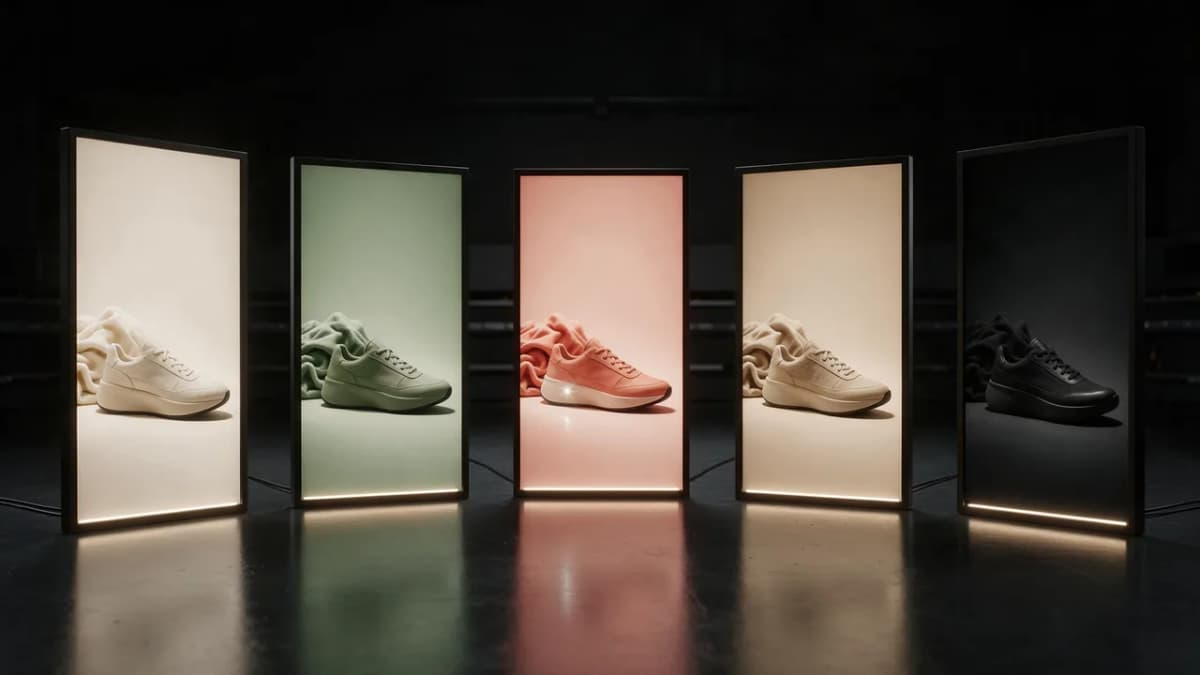
Hook: Three or four product variants side by side. Structure: Lineup → each variant spotlighted for about 2 seconds → "Which one's yours?" CTA. AI workflow: Generate a consistent studio set, place each colorway in it with image editing, then animate a slow pan across the lineup.
Build your Stories ad in the Ads Studio
A fast AI workflow for Instagram Stories ads
- Brief: One audience, one offer, one action. Write the CTA before anything else.
- Key visual: Generate or edit your product hero in the Image Studio, framed in 9:16 with the product in the middle band.
- Motion: Animate the hero in the Video Studio, keeping clips under 16 seconds.
- Sound: Add a voice line or an original Ken Music track. Meta recommends sound, so design for sound-on, but caption everything.
- Text and CTA: Add text in the editor inside the safe zone, with primary text under 125 characters.
- Variants: Make 3–5 versions that change one thing (hook, offer or background) so you can test them.
- Export: 1440 × 2560 MP4, then check it on a real phone with the Stories UI over it.
For larger campaigns, the Ads Studio and the AI ads generator speed up variant production. Our roundup of the best ad creative AI tools compares other options.
Common Stories ad mistakes (and fixes)
| Mistake | Why it hurts | Fix |
|---|---|---|
| Recycled square feed ad | Awkward crops, empty bars | Design natively in 9:16 |
| Headline in the bottom third | Covered by CTA and UI | Keep text in the middle band |
| Text baked into AI images | Garbled letters, not editable | Add type in the editor |
| Slow intro | Viewers tap away | Show the product or result in the first second |
| No captions | Many viewers watch muted | Caption every spoken line |
| Fake customer testimonial | Misleading to viewers | Use real quotes or a clearly branded presenter |
Bottom line
Strong Instagram Stories ads are simple: a vertical-first visual, the product in the first second, text inside Meta's safe zone, and one clear action. AI makes the visuals, motion, voice and music quick to iterate on. Keep the claims honest and the presenters clearly branded, and test several variants. You can start with the 25 free credits Kenerate gives on sign-up, and Pro and Elite plans are on the pricing page.