Skip to content

AI diss tracks · clean roasts · rapped vocals

Diss track generator roast your rival over a real beat

Name the target, the beef and the beat. Kenerate writes the bars and raps them over a finished trap, drill or boom-bap beat in about a minute — or performs your own diss lyrics. Built for friendly roasts, rap battles and group-chat wars.

Try
Diss Track Generator — cover art made for this page
  • Full track: beat + rapped bars
  • AI writes the disses — or bring your own
  • Trap, drill, boom-bap or pop-punk
  • Free credits to start

Updated by the

Quick answer

Updated

What is a diss track generator?

A diss track generator turns a target and a beef into a finished rap song that roasts them. In Kenerate AI's Music Studio you describe who you're dissing, the running joke and the beat (trap, drill or boom-bap); the AI writes the bars and raps them in about a minute, or performs lyrics you paste in Lyrics mode. Keep it playful: friends who are in on the joke, fictional rivals, teams.

Key facts

Output
Full song: beat + rapped vocals
Your own bars
Yes — Lyrics mode, [Verse]/[Hook] tags
Length
~30 s clips up to ~3–4 min songs
Free start
Starter credits on a new account

Listen first

Three real roast tracks

Unedited generations from the Music Studio — the prompt under each card is exactly what was typed. Tap a cover to listen.

Trap diss trackSong140 BPM

Tiny Tony (Fry Thief)

Made with Ken Music 1.5 · Clean, comedic, fictional target

—

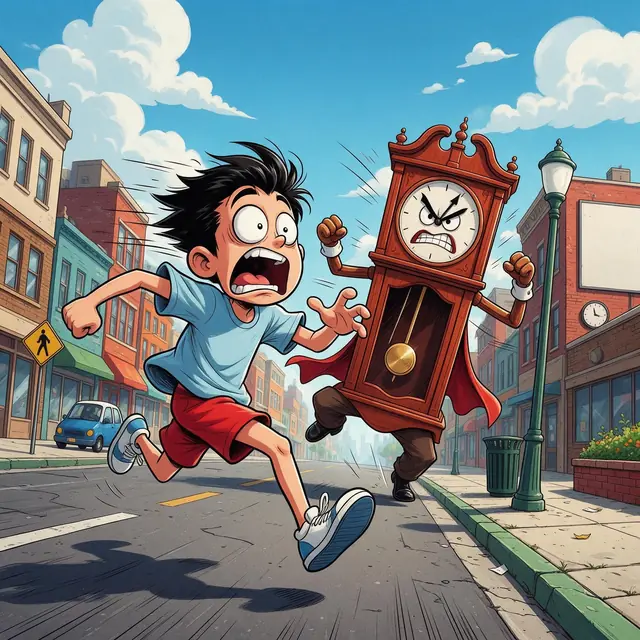
PromptPlayful clean diss track, no profanity, comedic male rap roasting a fictional rival called Tiny Tony who always steals everyone's fries at lunch, bouncy trap beat, crowd ad-libs, 140 bpm half-time, funny and witty

Pop-punk roastSong170 BPM

Where Are You

Made with MiniMax Music 3.0 · Good-natured roast of a late friend

—

PromptFunny pop-punk song roasting a friend who is always late, gang vocals, fast drums, playful and good-natured, 170 bpm

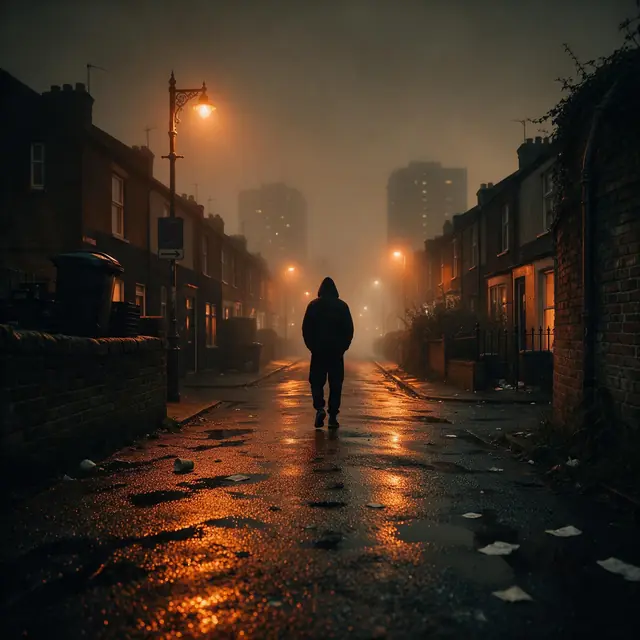
UK drill beatInstrumental142 BPM

Fog Road

Made with Ken Music 1.5 · A beat to spit your own diss over

—

PromptUK drill beat, sliding 808 bass, skippy hi-hats, dark piano melody, eerie strings, 142 bpm

How to

How to use the Diss track generator

Time needed
Steps
4 steps
  1. Step 1

    Pick the target and the beef

    A friend who's in on it, a rival team or a fictional character — plus one running joke.

  2. Step 2

    Choose the beat

    Trap for bounce, drill for menace, boom-bap for battle-rap.

  3. Step 3

    Let the AI write — or paste your bars

    Song mode writes the disses; Lyrics mode raps your own [Verse]/[Hook].

  4. Step 4

    Generate

    A full track in about a minute.

Kenerate AI Image Studio with a text prompt typed into the prompt box

Open Image Studio and type what you want to see — subject, style, lighting and mood.

1 / 5 · Describe your image

Watch the tour · 1:24

Prompt & lyrics to song, instrumentals, models, your tracks & chat

Chapters

Engines

Engines for diss tracks

Facts from the app's engine list.

  • Ken Music 1.5 title card — a dreamy album-cover-like scene where a photograph dissolves into flowing musical waveforms and notes around a vocalist's microphone

    Kenerate

    Ken Music 1.5

    Length
    Up to ~3 min
    Modes
    Song · Lyrics · Instrumental

    Best for

    Default engine: full songs with vocals in any language; can take an image as inspiration

    Open Ken Music 1.5
  • MiniMax Music 3.0 title card — a song structure shown as glowing coloured blocks of verses and choruses arranged like a city skyline

    MiniMax

    MiniMax Music 3.0

    Length
    Up to 4 min
    Modes
    Song · Lyrics · Instrumental

    Best for

    Follows [Verse]/[Chorus] section tags closely

    Open MiniMax Music 3.0
  • Mureka V9.5 title card — an open notebook with completely blank pages

    Mureka

    Mureka V9.5

    Length
    Up to 4 min
    Modes
    Song · Lyrics · Instrumental

    Best for

    Writes its own lyrics from a prompt; style chips; MP3/WAV/FLAC

    Open Mureka V9.5
  • Ken Music 1 title card — a stylised neon burst of a short catchy musical hook

    Kenerate

    Ken Music 1

    Length
    ~30 s
    Modes
    Song · Instrumental

    Best for

    Quick clips — hooks, jingles, intros

    Open Ken Music 1

Prompt recipe

Diss track ideas

Each opens the Music Studio with the prompt filled in — swap in your own names and beef.

A named target
A friend, a sibling, a rival team or a fictional villain.
One running beef
Always late, loses at FIFA, steals fries, never replies.
A beat with attitude
Bouncy trap, dark drill, dusty boom-bap.
Clean and comedic
Ask for 'clean', 'no profanity', 'witty punchlines'.
Delivery cues
'Crowd ad-libs', 'battle-rap energy', 'half-time hook'.
  • Gamer roast

    Clean comedic diss track roasting my friend who always loses at FIFA and blames the controller, bouncy trap beat, witty punchlines, 140 bpm

  • Sibling beef

    Playful diss track roasting my little brother who never does the dishes, hard trap beat, crowd ad-libs, clean lyrics, 140 bpm

  • Fantasy league

    Battle-rap diss about my rival fantasy football team finishing last, boom-bap beat, crowd reactions, clean, 92 bpm

  • Group chat

    Funny diss track for the group chat member who leaves everyone on read, lo-fi trap beat, sarcastic flow, 130 bpm

More prompts (2)
  • Drill roast

    Playful UK drill roast of a friend who is always late, sliding 808s, skippy hi-hats, clean lyrics with no violence, 142 bpm

  • Just the beat

    Hard battle-rap beat for a diss track, heavy 808s, aggressive piano stabs, 145 bpm

Song structure

How a diss track is built

Most diss tracks open with a call-out, stack punchlines in the verses and hammer one insult in the hook. Ask for this layout — or write the tags yourself — and the generator follows it.

  1. Intro · 4 barsCall them out by name
  2. Verse 1 · 16 barsSet up the beef — the running joke
  3. Hook · 8 barsOne repeatable insult
  4. Verse 2 · 16 barsEscalate: receipts and comebacks
  5. Hook · 8 barsSame hook, crowd ad-libs
  6. Outro · 4 barsMic-drop line

A typical diss track runs about 2–3 minutes at 85–145 bpm.

Tips

Harder-hitting (but fair) disses

What worked while making the demos above.

  • Specific beats generic: 'blames the controller' lands harder than 'bad at games'.

  • Put the best insult in the hook so it repeats.

  • Say 'clean, no profanity' — the jokes get wittier, not weaker.

  • Add 'crowd ad-libs' or 'battle-rap energy' for a live-battle feel.

  • Roast people who are in on the joke; never real private people who aren't, or public figures.

  • Try two engines — flow and comic timing vary.

FAQ

Diss Track Generator questions

How do I make a diss track with AI?

Open the Music Studio, describe the target, the beef and the beat — for example a clean comedic diss about a friend who always loses at FIFA over a bouncy trap beat — and the AI writes and raps it in about a minute.

Link to this answer

Is the diss track generator free?

Free to start: new Kenerate accounts get starter credits. After that a track costs from 12 credits (Ken Music 1, ~30 s) to 30 credits (Ken Music 1.5, full song), with one-time credit packs and no subscription required.

Link to this answer

Can I use my own diss lyrics?

Yes. Switch to Lyrics mode, paste your bars with [Verse] and [Hook] tags and describe the beat; the engine raps your words over it.

Link to this answer

Can the AI write diss lyrics only?

Yes — the Music Studio's write-lyrics helper drafts lyrics for 1 credit, which you can edit before generating the song. The AI lyrics generator page has more ways to write bars.

Link to this answer

Can I make a diss track about a real person?

Only about people who are in on the joke, like a friend who asked for it. Don't target real private people who haven't agreed, celebrities or public figures, and never use threats, slurs or private details.

Link to this answer

What beat works best for a diss track?

Trap (around 130–150 bpm, half-time) for bouncy comedic roasts, UK drill (about 140–144 bpm) for a darker feel, and boom-bap (85–95 bpm) for classic battle rap.

Link to this answer

How long is an AI diss track?

Ken Music 1 makes ~30-second clips; Ken Music 1.5 goes up to about 3 minutes, and MiniMax Music 3.0 and Mureka up to 4 minutes.

Link to this answer

Can I download the diss track?

Yes — every finished song can be downloaded from the Music Studio and shared.

Link to this answer

In depth

Diss Track Generator, explained

What works, what to avoid, and how the pieces fit.

What makes a diss track land

Diss tracks are a hip-hop tradition: a rapper answers a rival with a song full of specific call-outs. The ones people remember stack concrete details and repeat one insult in the hook. For a friendly roast the same rules apply — swap the feud for a running joke your friends all know.

An AI diss track generator handles the beat, the rhyme scheme and the delivery; your job is the material. One sharp detail ('blames the controller') gives the engine more to rhyme with than a vague insult.

By Last updated and reviewed

We build and run the Kenerate Music Studio. Every demo on this page is a real output of the engine named on it, made from the prompt shown; engine facts were checked against the app's code.

Sources: Kenerate Music Studio — engine list, modes and credit prices

Try the Diss track generator

Free to start. No watermark. Download every track.

Tried it? Tell us how it went