8K upscaler · no watermark
8K image upscaler 67 MP in your photo's shape
Upscale a photo, screenshot or AI render to 8K for posters, banners and big prints. The AI rebuilds edges and texture as it enlarges and keeps your photo's shape — landscape, portrait or square.




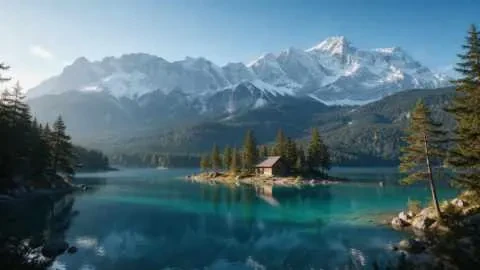
- Bigger than 8K UHD
- Keeps your photo's shape
- PNG, JPG or WEBP
- No watermark
Updated by the Kenerate AI team
On this page
Quick answer
How do you upscale an image to 8K?
To upscale an image to 8K, open Kenerate AI's image upscaler, choose Image Upscaler → 8K and press Upscale. The output keeps your photo's shape at about 67 megapixels: in our tests a 480 px landscape became 10923 × 6144, larger than an 8K UHD screen (7680 × 4320). Downloads have no watermark.
Key facts
- 8K UHD
- 7680 × 4320 (33.2 MP)
- Kenerate 8K output
- ≈67 MP in your photo's shape (measured)
- Engines with 8K
- Image Upscaler, Ultimate
- Formats
- PNG, JPG or WEBP, no watermark
How it works
How to upscale an image to 8K
Three steps. Image Upscaler is already selected when you open the tool from this page — just switch the size to 8K.
- Time needed
- Steps
- 3 steps
Step 1
Upload the image
Open the Kenerate upscaler from this page and add a JPG, PNG or WEBP up to 25 MB.
Step 2
Pick Image Upscaler → 8K
The page opens the tool on Image Upscaler. Switch the size from 4K to 8K — the price is the same.
Step 3
Download your 8K file
Check it at 100% and download PNG, JPG or WEBP with no watermark. Expect a big file: our 16:9 test was 13 MB as a JPG.
See it in the app

Open Image Upscaler and upload a photo, or pick one from your library or a link.


Watch the tour · 1:47
7 engines, 2K · 4K · 8K & exact size, portraits, old-photo restore, before/after & chat
Chapters
Measured
How big is an 8K image?
8K UHD is 7680 × 4320 pixels — about 33.2 megapixels, four times 4K. Photos are rarely exactly 16:9, so Kenerate keeps your photo's shape and gives you about 67 megapixels at the 8K setting. These are the real sizes from our 8K runs:
| Shape | Input | 8K output | Megapixels |
|---|---|---|---|
| 16:9 landscape | 480 × 270 | 10923 × 6144 | 67.1 MP |
| 4:5 portrait | 300 × 375 | 7327 × 9159 | 67.1 MP |
Both are larger than an 8K screen in each direction. At 300 ppi the landscape prints about 36 × 20 inches and the portrait about 24 × 30 inches.
Only need a screen-size result? Upscale to 4K is a quarter of the pixels and a much smaller file. For HD or Full HD, use the HD photo converter.
At 100%
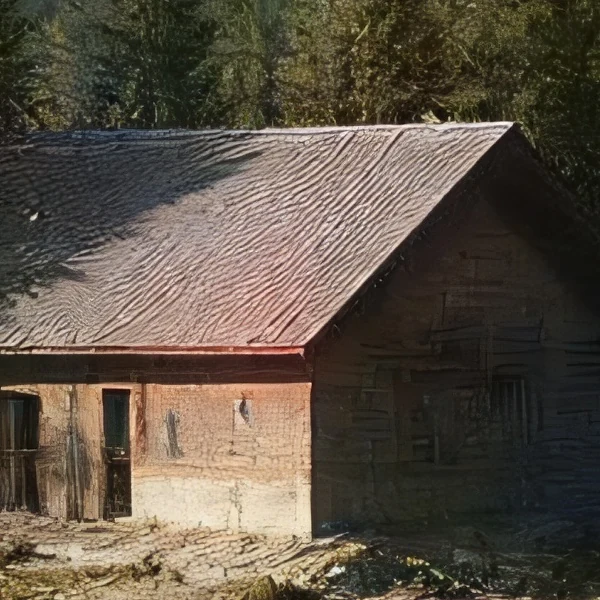
8K upscale vs a normal resize, at 100%
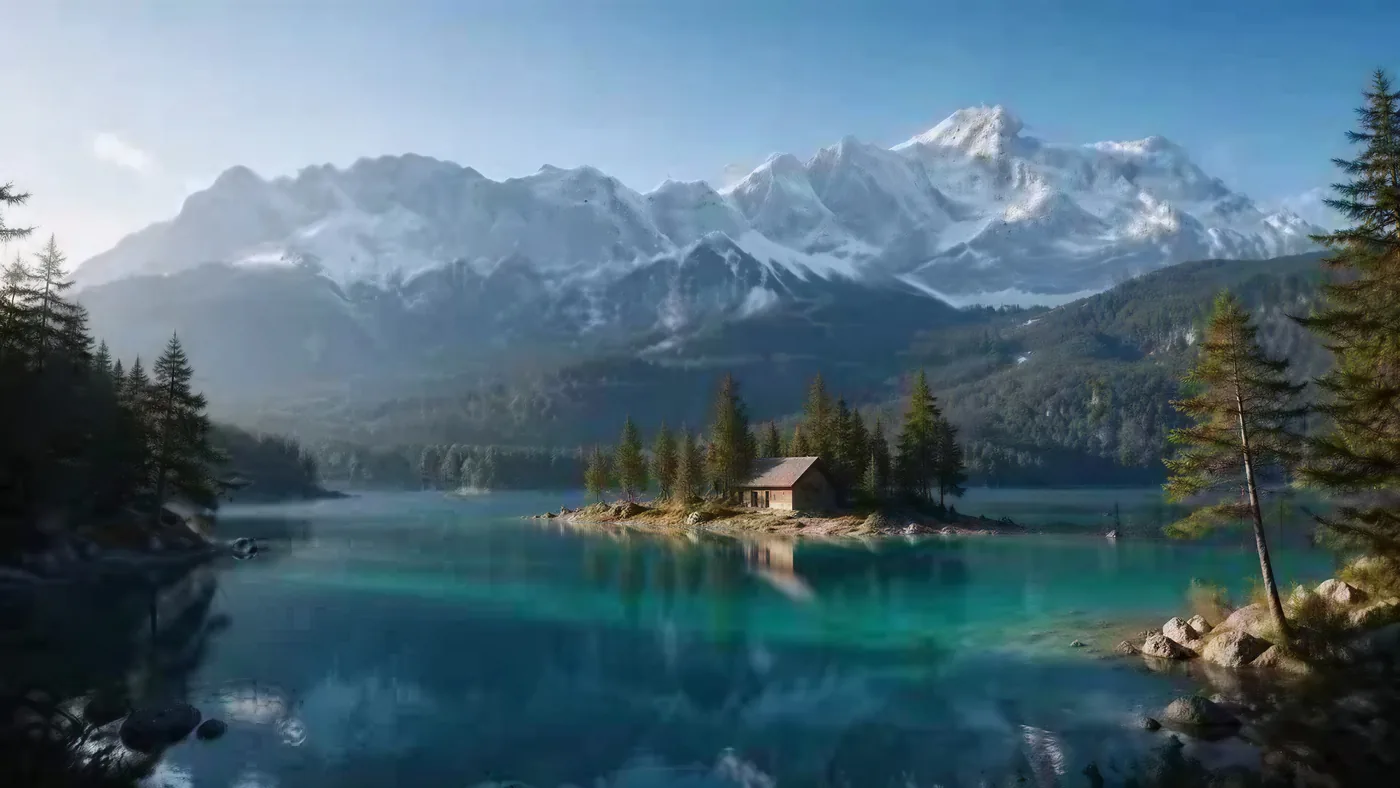
The same 600 px area of the cabin: stretched with bicubic resizing from the 480 px original, and from the 8K upscale. The roof and planks are rebuilt by the AI, not recovered.
Engines
Which engine should you use for 8K?
Image Upscaler and Ultimate both have an 8K setting. Kenerate Upscale picks an exact size in megapixels, up to 128 MP.
WaveSpeed
Image Upscaler
- Style
- Faithful
- Speed
- About 45 s
- Output
- 2K · 4K · 8K
- Size
- 2048+ px, 4096+ px, 8192+ px
Open Image UpscalerBest for
Everyday photos and AI art to a standard 2K, 4K or 8K size.
WaveSpeed
Ultimate Upscaler
- Style
- Faithful
- Speed
- About 19 s
- Output
- 2K · 4K · 8K
- Size
- 2048+ px, 4096+ px, 8192+ px
Open Ultimate UpscalerBest for
Marketing assets and photo restoration where fine detail matters.
Kenerate AI
Kenerate Upscale
- Style
- Faithful
- Speed
- About 14 s
- Output
- Up to 128 MP
Open Kenerate UpscaleBest for
E-commerce and design assets at a precise size, fast.
Examples
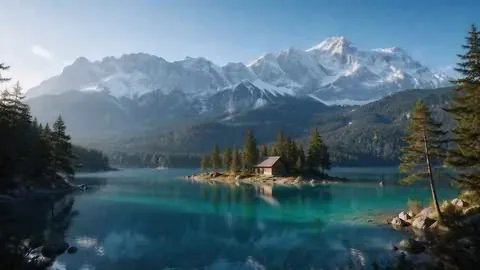
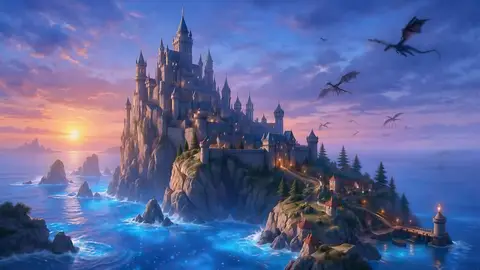
Upscaled to 8K with Kenerate
Hover — or tap “Original” — to see what went in. The 8K files are shown scaled down.
FAQ
8K upscaling questions
8 questions
How do I upscale an image to 8K?
Upload it to Kenerate's upscaler, choose Image Upscaler, set the size to 8K and press Upscale. Download the result as PNG, JPG or WEBP with no watermark. New accounts get free credits to try it.
Link to this answerWhat resolution is 8K?
8K UHD — the TV standard in ITU-R BT.2020 — is 7680 × 4320 pixels, about 33.2 megapixels. That is four times the pixels of 4K UHD (3840 × 2160) and sixteen times Full HD.
Link to this answerHow big is Kenerate's 8K output?
About 67 megapixels in your photo's own shape. In our tests a 480 × 270 landscape came out at 10923 × 6144 and a 300 × 375 portrait at 7327 × 9159 — both bigger than an 8K screen in each direction.
Link to this answerIs there a free 8K image upscaler?
You can start free: new accounts get free credits on sign-up, the 8K setting costs the same as 2K or 4K, and downloads have no watermark. After that, one-time credit packs that never expire — no subscription required.
Link to this answerCan I upscale a 4K image to 8K?
Yes. Upload the 4K image and pick 8K; a 3840 × 2160 frame needs exactly 2× to reach 7680 × 4320. Because Kenerate keeps your photo's shape and targets about 67 MP, the result is larger than 8K UHD.
Link to this answerDoes upscaling to 8K add real detail?
It adds believable detail, not recovered detail. The AI rebuilds edges and texture as it enlarges, so a 100% crop looks far sharper than a normal resize — but on a tiny original, fine texture such as roof tiles or wood grain is invented, not what the camera saw.
Link to this answerWhen is 8K worth it instead of 4K?
For big prints, posters, banners and heavy cropping. At 300 ppi our 16:9 8K output prints about 36 × 20 inches; a 4K result covers wallpapers, slides and most social posts in a fraction of the file size.
Link to this answerWhich engine should I use for 8K?
Image Upscaler is the simple, faithful choice for 8K. Ultimate also offers 8K with more fine detail for pro restoration. If you need an exact size, Kenerate Upscale lets you pick megapixels up to 128 MP.
Link to this answerIn depth
What “8K” actually means
The 8K standard, why photo upscalers go bigger, what it means for print — and the honest limit.
On this page
What the 8K standard says
ITU-R BT.2020, the international UHDTV recommendation, defines two picture sizes: 3840 × 2160 and 7680 × 4320 [1]. The second is what TVs and monitors sell as 8K. It is a 16:9 screen format — photos in 3:2, 4:3 or 4:5 can't be exactly 7680 × 4320 without cropping.
Why Kenerate's 8K is bigger than 8K UHD
Instead of forcing a 16:9 frame, Image Upscaler keeps your photo's shape and targets a pixel budget of about 67 megapixels — twice the width and height of its 4K setting. That is why a 16:9 test came out at 10923 × 6144 and a 4:5 portrait at 7327 × 9159: both fill an 8K screen edge to edge with pixels to spare for cropping.
What 8K means for print
Print size is pixels divided by pixels per inch. At 300 ppi — the usual target for close viewing — 10923 × 6144 prints about 36 × 20 inches, and 7327 × 9159 about 24 × 30 inches. Posters seen from a distance need less: Walgreens lists 5400 × 3600 px as the minimum for a 24 × 36 poster [2]; both of our 8K outputs clear that in each direction, while the 16:9 4K result (5461 × 3072) falls short on height.
The honest limit
Super-resolution models predict plausible high-frequency detail from the low-resolution input [3]. From a 480 px original, the 8K version of our cabin has crisp roof tiles and planks that were never visible in the source — great for a poster, wrong for evidence or anything where the exact detail matters. Start from the largest original you have.
Make your image 8K
About 67 MP in your photo's shape, free credits on sign-up. No watermark, no subscription required.
Tried it? Tell us how it went