
Skip to content
HD photo converter · 3 credits for any size

Convert any photo to HD, 4K or 8K

Low-quality download, old phone picture or a screenshot — convert it to a crisp high-resolution image. The AI rebuilds edges and text as it enlarges, so it does not just look bigger and blurrier.

  • 2K, 4K or 8K
  • Same price for every size
  • Text stays readable
  • No watermark
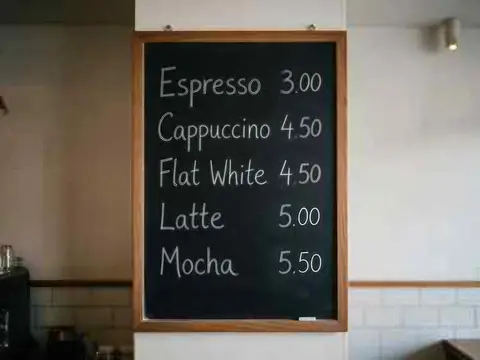
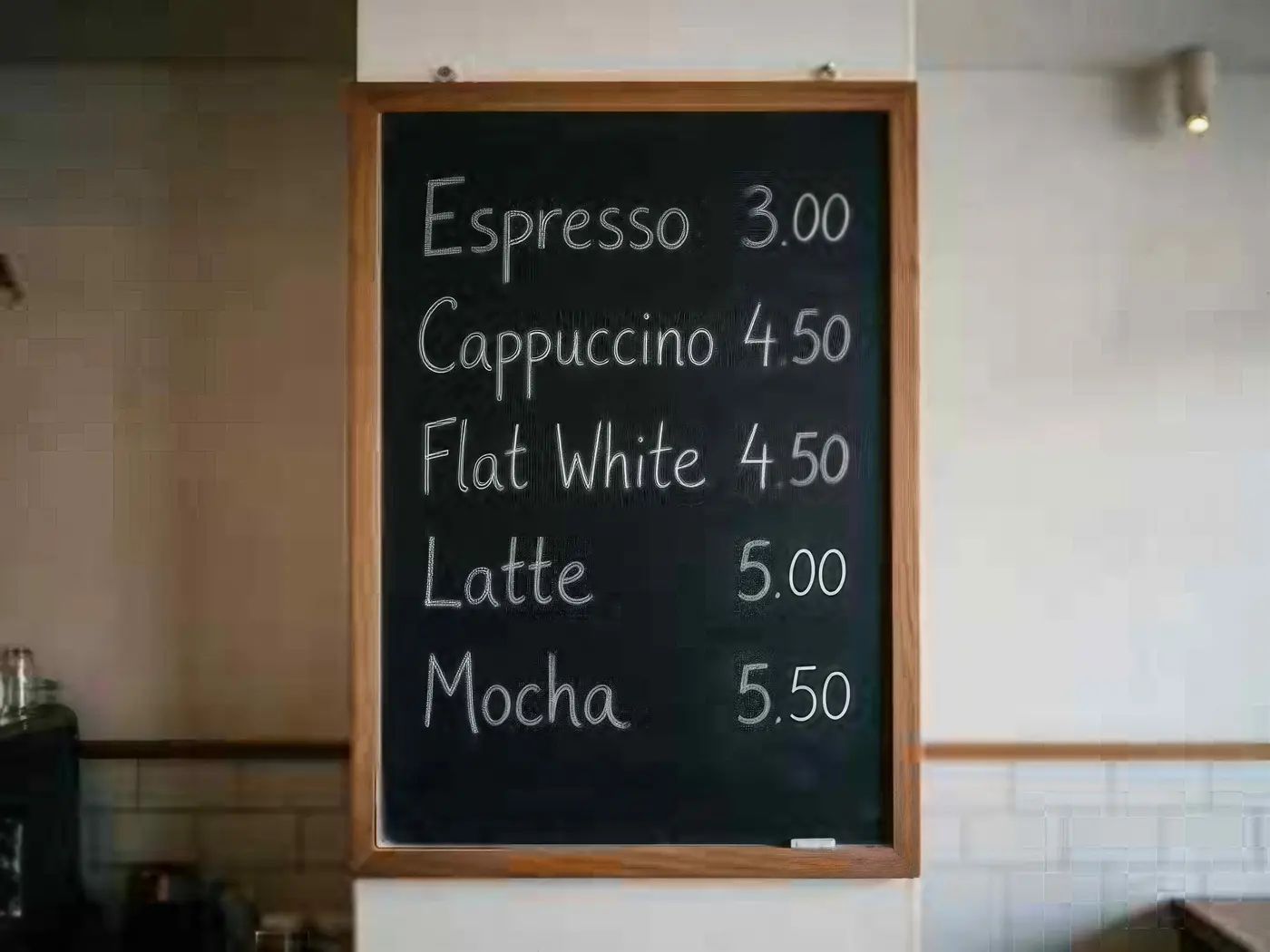
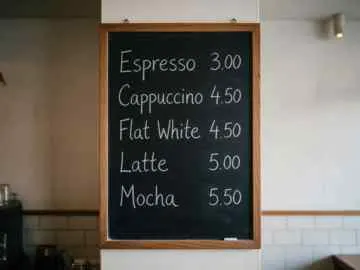
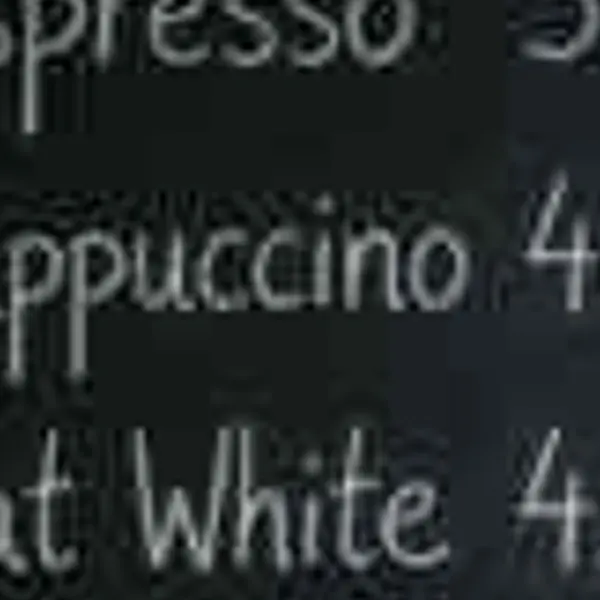
Cafe chalkboard menu listing coffee drinks and prices — original 360 px JPEG
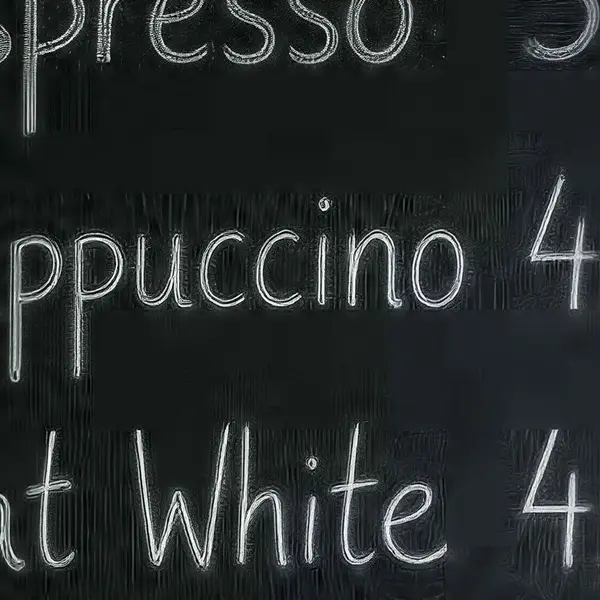
Cafe chalkboard menu listing coffee drinks and prices — after Image Upscaler
BEFORE · 360 px JPEGAFTER · 4K · 4730 × 3547

Image Upscaler360 px JPEG → 4K · 4730 × 3547

Try this photo
  • Real-ESRGAN
  • Image Upscaler 2K · 4K · 8K
  • Kenerate Upscale · 128 MP
  • Ultimate Upscaler
  • Clarity Pro
  • Phota Enhance
  • Recraft Creative

Quick answer

Updated

An HD photo converter turns a small or low-quality picture into a high-resolution one. On Kenerate AI you upload the photo, choose 2K, 4K or 8K, and the Image Upscaler engine rebuilds detail as it enlarges — 3 credits for any size (about 3.5¢). New accounts get 25 free credits and downloads have no watermark.

Sizes
2K, 4K or 8K
Price
3 credits (≈3.5¢), any size
Free to start
25 credits, no watermark
Formats
JPG, PNG, WEBP in and out

Real results

See what it does to real photos

Every slider is a real Kenerate output from the bad input on the left. Drag to compare, then try the same photo.

  1. Cafe chalkboard menu listing coffee drinks and prices — before
    Cafe chalkboard menu listing coffee drinks and prices — after
    BeforeAfter

    01Text in images

    Chalk lettering at 4K

    A 360 px menu photo made poster-sharp — the letters stay the letters.

    Image Upscaler · 360 px JPEG → 4K · 4730 × 3547

    Try it now
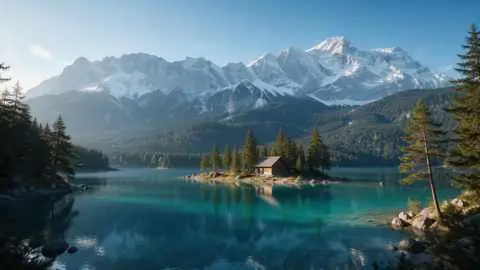
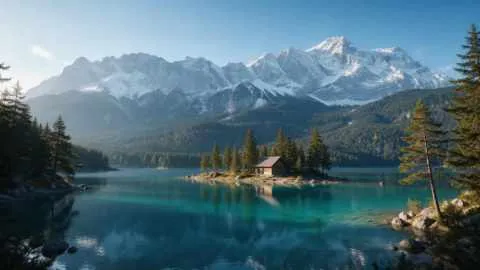
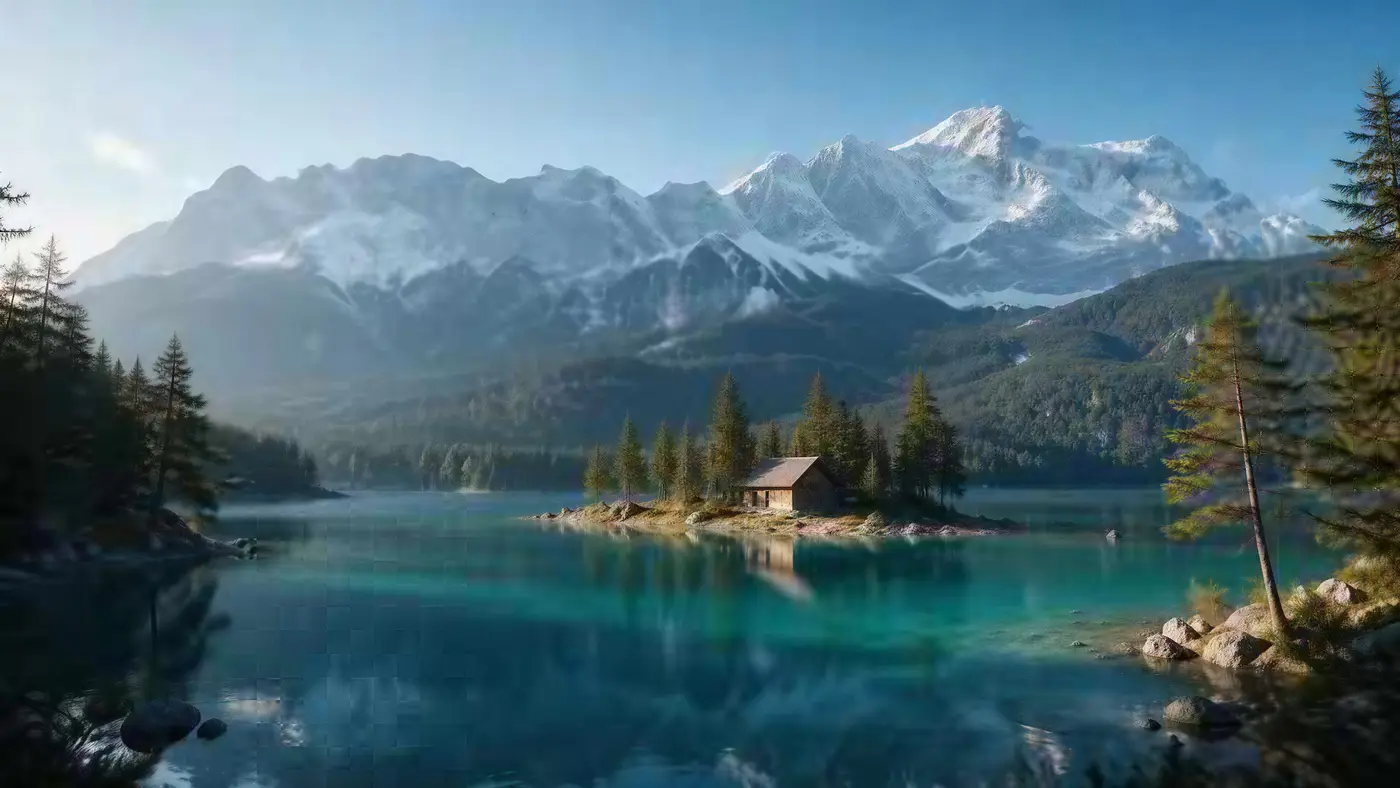
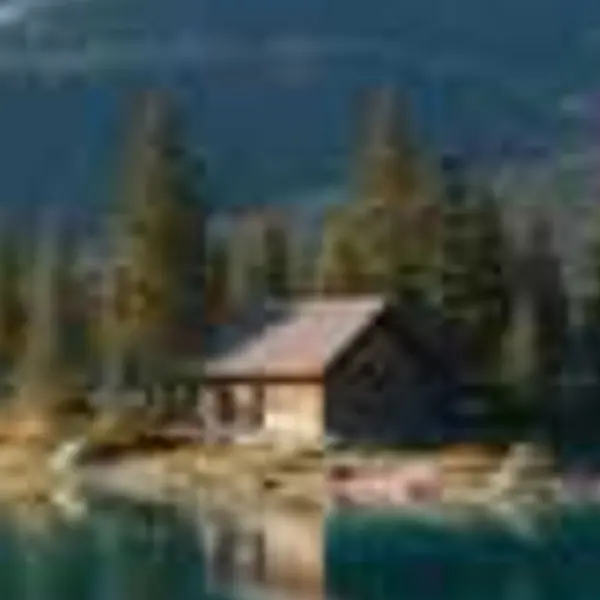
  2. Turquoise alpine lake below snowy mountains with a wooden cabin — before
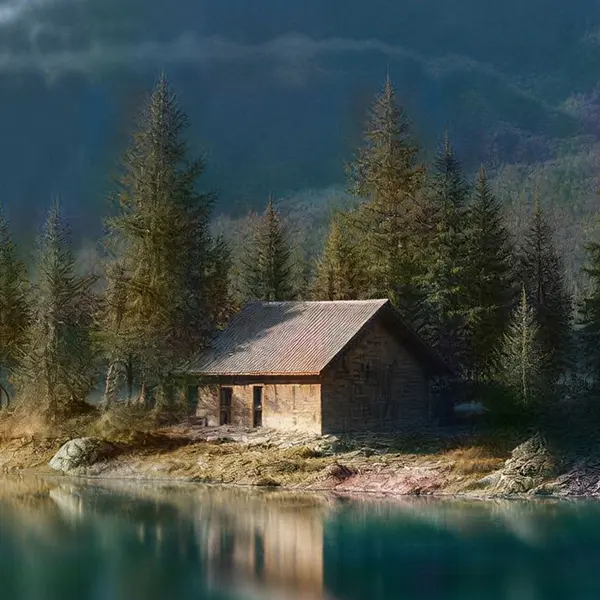
    Turquoise alpine lake below snowy mountains with a wooden cabin — after
    BeforeAfter

    02Upscale to 4K

    A tiny landscape, wallpaper-sized

    480 px in, 5461 × 3072 out. Trees, snow and the cabin sharpen instead of smearing.

    Image Upscaler · 480 px JPEG → 4K · 5461 × 3072

    Try it now
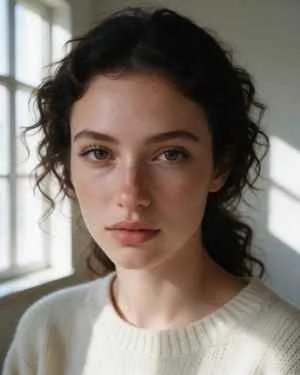
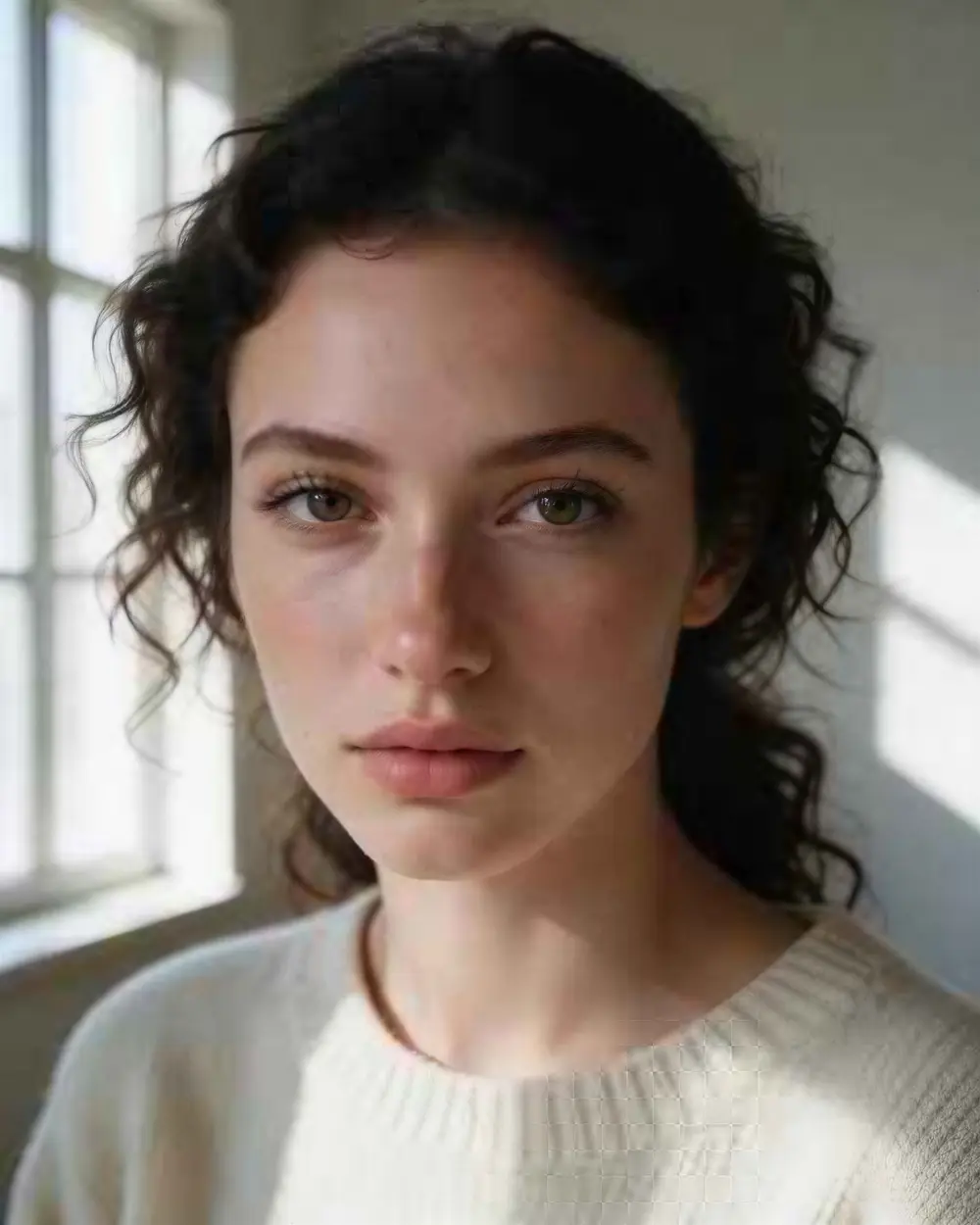
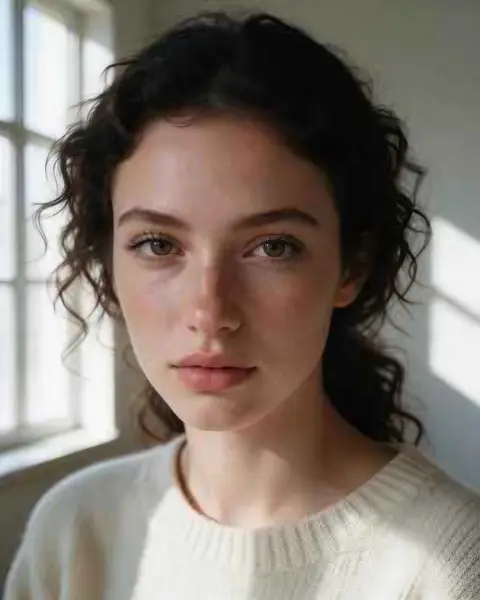
  3. Close-up portrait of a young woman with freckles and dark curly hair — before
    Close-up portrait of a young woman with freckles and dark curly hair — after
    BeforeAfter

    03Low resolution

    A 300-pixel portrait, now 4K

    Skin, lashes and curls come back sharp — and it's still the same person. A faithful upscale, not a new face.

    Image Upscaler · 300 px JPEG → 4K · 3664 × 4579

    Try it now
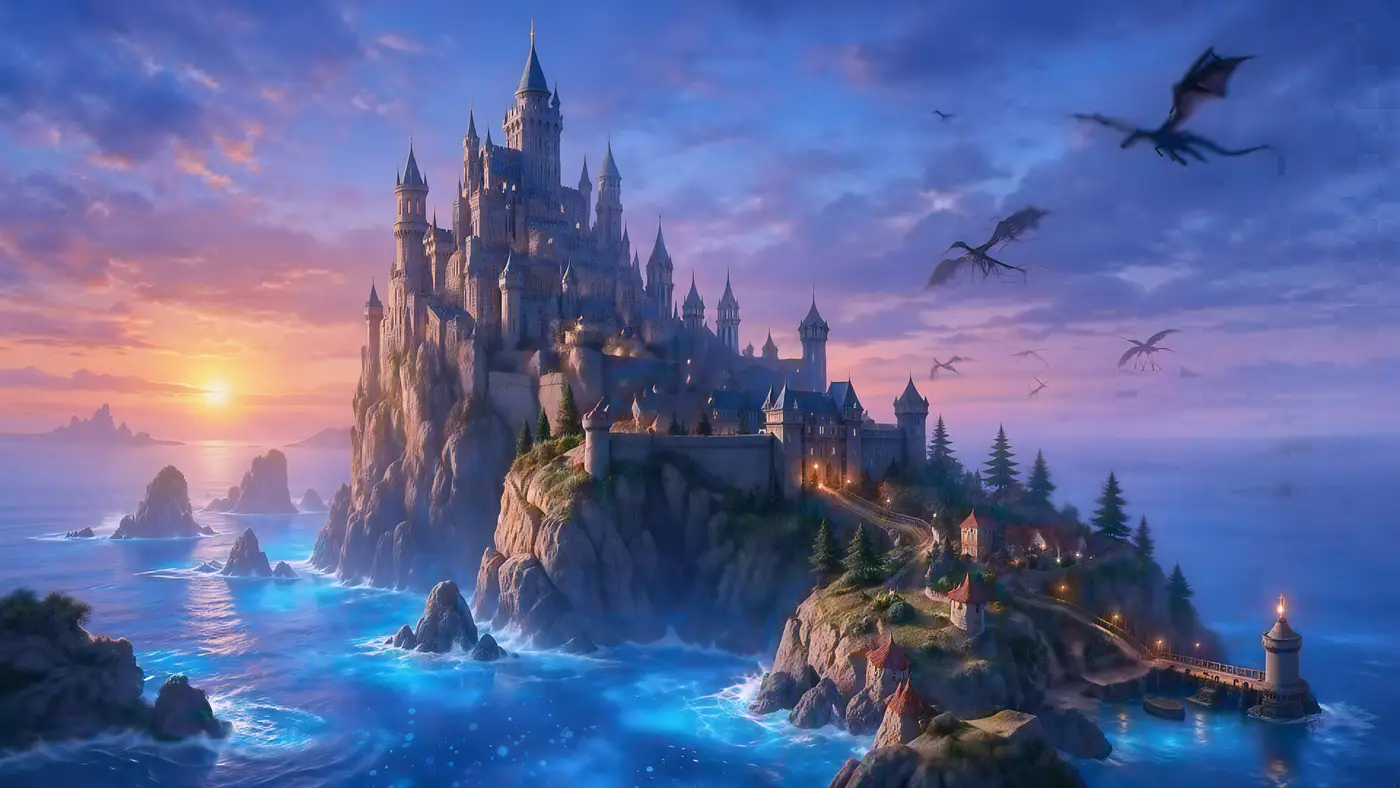
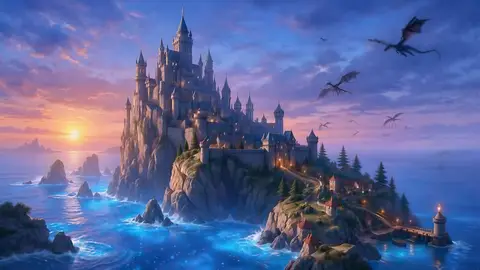
  4. Fantasy castle on a cliff above a glowing sea with dragons — before
    Fantasy castle on a cliff above a glowing sea with dragons — after
    BeforeAfter

    04AI art

    Renders to 5K and beyond

    A 512 px fantasy render to 5461 × 3072 — towers, waves and dragons all sharper.

    Ultimate Upscaler · 512 px render → 4K · 5461 × 3072

    Try it now

How it works

How to convert a photo to HD

Upload, pick a resolution, download.

  1. Upload the photo

    Add a JPG, PNG or WEBP up to 25 MB — a low-quality download, a screenshot or an old phone picture.

  2. Choose HD, 4K or 8K

    The converter uses the Image Upscaler engine: pick 2K, 4K or 8K. Every size costs the same 3 credits.

  3. Download the HD version

    Compare with the original, then download PNG, JPG or WEBP — no watermark.

Reference

What is the difference between HD, 4K and 8K?

HD, 4K and 8K resolutions in pixels
NamePixels (16:9)Megapixels
HD1280 × 7200.9 MP
Full HD1920 × 10802.1 MP
2K (QHD)2560 × 14403.7 MP
4K (UHD)3840 × 21608.3 MP
8K (UHD)7680 × 432033.2 MP

Which should I pick? 2K is plenty for websites and social media. 4K is the safe choice for wallpapers, slides and most prints. 8K is for big posters and banners — the file is four times the size of 4K.

Photos are rarely exactly 16:9. The converter keeps your photo's shape and scales the long side to the resolution you pick — in our example a 480 × 270 landscape came out at 5461 × 3072.

At 100%

Stretched vs converted, zoomed in

Small text is where a normal resize fails first. Here is the same crop both ways.

  • Cafe chalkboard menu listing coffee drinks and prices — the 360 px JPEG original stretched to the same size (bicubic)
    Stretched
    Cafe chalkboard menu listing coffee drinks and prices — the same crop after Image Upscaler
    Image Upscaler

    Text on a menu · 360 px JPEG → 4K · 4730 × 3547

  • Turquoise alpine lake below snowy mountains with a wooden cabin — the 480 px JPEG original stretched to the same size (bicubic)
    Stretched
    Turquoise alpine lake below snowy mountains with a wooden cabin — the same crop after Image Upscaler
    Image Upscaler

    Landscape to 4K · 480 px JPEG → 4K · 5461 × 3072

Left: the original enlarged with ordinary bicubic resizing. Right: the same area of the real Kenerate output. Both crops are shown at the same size.

Seven engines

How much does HD conversion cost?

The converter uses Image Upscaler. For an exact print size or extra detail, the other engines are one tap away.

  • Faithful

    Image Upscaler

    Straight upscale to 2K, 4K or 8K that keeps the original texture.

    Best for: Everyday photos and AI art to a standard size.

    Up to 8K ~45s per image

    Use
  • FaithfulDEFAULT

    Real-ESRGAN

    Classic super-resolution — sharper edges, less noise, bigger image.

    Best for: Quick clean-ups of AI renders, web images and product shots.

    Larger, sharper copy ~25s per image

    Use
  • Faithful

    Kenerate Upscale

    Pick the exact size in megapixels — up to 128 MP, very fast.

    Best for: E-commerce and design assets at a precise size, fast.

    Up to 128 MP ~14s per image

    Use
  • Faithful

    Ultimate Upscaler

    Higher-quality 2K / 4K / 8K upscale for pro restoration.

    Best for: Marketing assets and photo restoration where fine detail matters.

    Up to 8K ~19s per image

    Use
New accounts get 25 free credits to try the engines on their own images.

Turn your first photo into 4K — it is 3 credits and you start with 25.

More examples

Converted to HD with Kenerate

Hover — or tap “Original” — to see what went in.

Try it free
  • Close-up portrait of a young woman with freckles and dark curly hair — after Image UpscalerUpscaler

    Tiny portrait

    300 px JPEG → 4K · 3664 × 4579

  • Fantasy castle on a cliff above a glowing sea with dragons — after Ultimate UpscalerUltimate

    AI concept art

    512 px render → 4K · 5461 × 3072

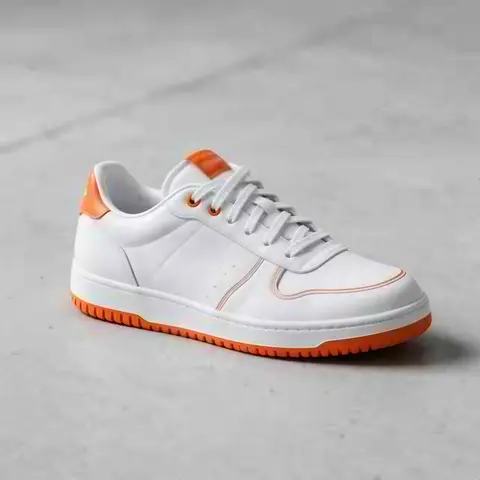
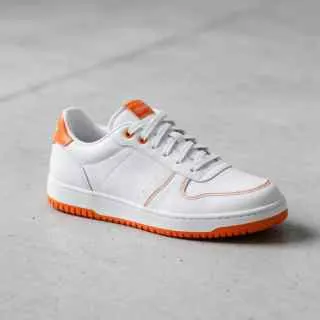
  • White leather sneaker with orange details on a concrete floor — after Real-ESRGANESRGAN

    Product shot

    320 px JPEG → 2048 px

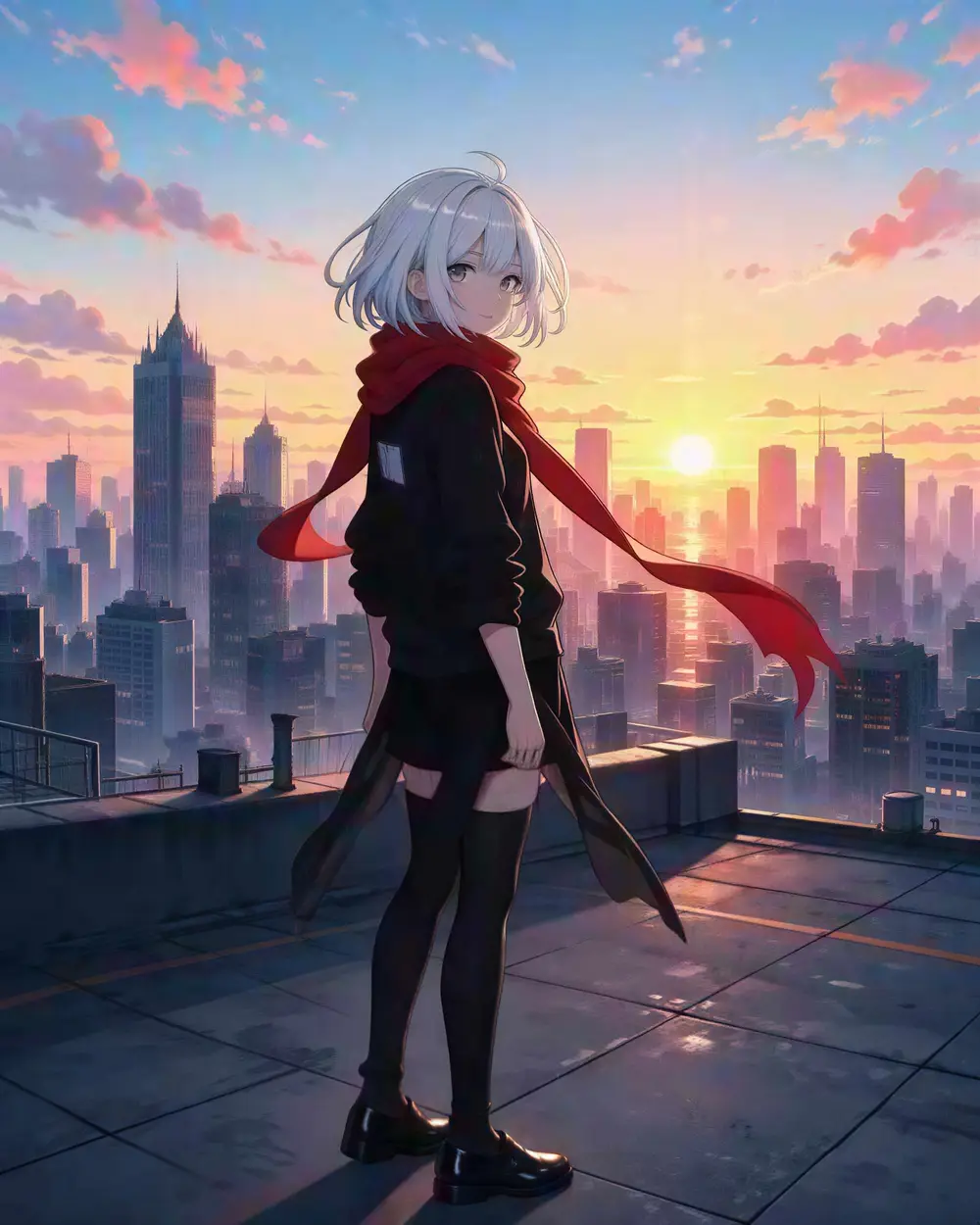
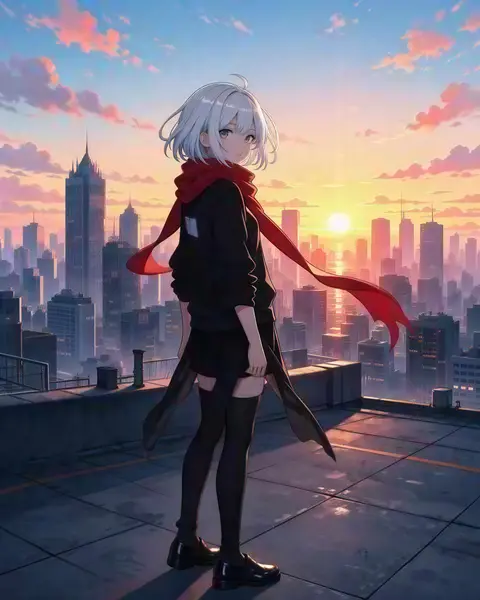
  • Anime girl with silver hair and a red scarf on a rooftop at sunset — after Real-ESRGANESRGAN

    Anime art

    300 px → 1832 × 2290

Related jobs

More ways to improve a picture

In depth

HD, Full HD, 4K — who decides?

The standards behind the names, and what size each use really needs — with sources.

The standards

Full HD's 1920 × 1080 comes from the HDTV standard ITU-R BT.709; Ultra HD's 3840 × 2160 and 7680 × 4320 are defined in ITU-R BT.2020 [1]. In the US, the Consumer Technology Association only lets a display be called “4K Ultra HD” if it has at least 8 million pixels, 3840 × 2160 or more [2].

What HD means for a photo

For images, “HD” simply means enough pixels to look sharp where it will be shown. Some real targets: YouTube thumbnails at 3840 × 2160 [3], LinkedIn profile photos from 400 × 400 up to 7680 × 4320 [4], and Amazon product photos over 1,000 px on the longest side so shoppers can zoom [5].

Converting doesn't undo compression

Adobe notes that detail lost to JPEG compression is permanent — saving as TIFF won't bring it back [6]. An AI converter doesn't recover it either; it draws plausible new detail as it enlarges, which is why a converted photo looks sharper than a resized one but should still be checked on faces and text.
Start free

Start free, top up only when you need to

25 free credits on sign-up. The same credits work in every Kenerate tool.

  • 25 free credits on sign-up

    Test on your own images before you buy anything.

  • Credits never expire

    One-time packs — use them this week or next year.

  • No subscription, no watermark

    Nothing to cancel. Free results download clean.

  • One balance, every tool

    The same credits work across images, video, voice and 3D.

Tried it? Tell us how it went

We only publish real, verified reviews — never invented quotes. Send a line about your result (and whether we may quote you), and it will appear here.

Send a review

FAQ

HD photo converter questions

6 questions

Still stuck?

A real person answers — usually within a day.

01

How do I convert a photo to HD?

Upload it to Kenerate's HD photo converter, pick 2K, 4K or 8K and press Upscale. The AI adds pixels and rebuilds edges, so the HD version is sharper than a normal resize. It costs 3 credits and new accounts get 25 free credits.

02

What resolution is HD?

HD is 1280 × 720 pixels, Full HD is 1920 × 1080, 4K UHD is 3840 × 2160 and 8K UHD is 7680 × 4320. For a photo the long side matters most: 1920 px or more looks HD on most screens.

03

Can I convert a low-quality image to high quality?

Yes, within limits. AI upscaling removes the blocky, soft look of small or compressed images. If the photo is blurry or grainy as well, use Phota Enhance, which repairs as it enlarges.

04

Is the HD photo converter free?

It is free to start: 25 free credits on sign-up, and an HD, 4K or 8K conversion costs 3 credits. There is no watermark.

05

Does converting to 4K make the file much bigger?

Yes — 4K has about 8 million pixels, so expect a few megabytes. Download WEBP or JPG for a smaller file and PNG for the best quality.

06

Can I convert a video to HD too?

Yes, with the separate AI video upscaler, which takes videos up to 4K.

Every pixel, rebuilt. Up to 128 MP.

Seven engines in one browser tool — faithful, creative and restoration — up to 8K or 128 MP.

AI engines
7
AI engines
Largest output
128 MP
Largest output
Free credits to start
25
Free credits to start
Straight upscale to
8K
Straight upscale to

Explore the toolkit

More upscale, enhance and restore tools

Every Kenerate page for making images bigger, sharper, cleaner and older photos new again.

Written by the Kenerate AI team

We build and run the Kenerate image upscaler; every example on this page is a real output of the tool from the input shown. Last updated 26 September 2026. Corrections: hello@kenerateai.com.

Sources

Ready when you are

Convert your first photo to HD free

25 free credits on sign-up. HD, 4K or 8K — 3 credits each. No watermark.

  • 25 free credits
  • No watermark
  • Credits never expire