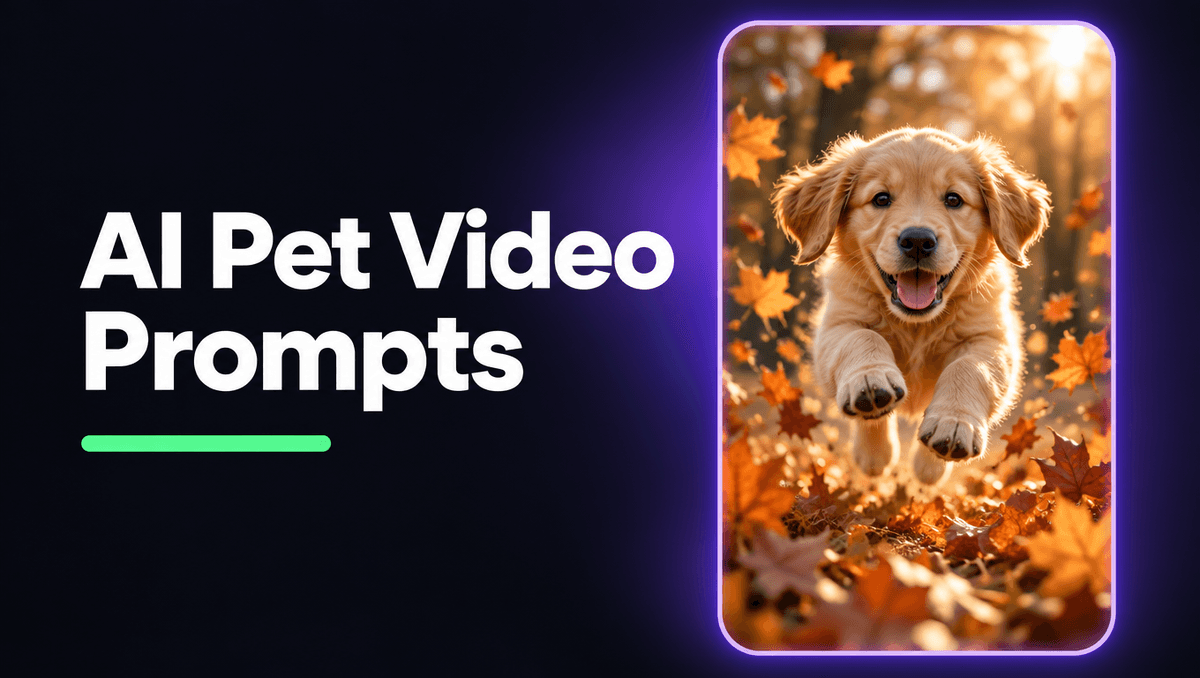
Pet videos are some of the most watched clips on any feed: a puppy bouncing through leaves, a cat chasing a sunbeam, a rabbit twitching its nose in the grass. You do not need a camera, a willing pet or perfect weather to make one anymore. With the right AI pet video prompts you can go from an idea to a moving, sound-on clip in two sentences. This guide shares the exact prompts we used this week, explains what each part does, and gives you a template you can copy for your own dog, cat or any other animal.
Everything below was made on Kenerate AI in one sitting: one start image, then one motion prompt that turned it into a 5 second vertical clip with its own sound.
Why pet clips work so well
Pets give you three things a feed rewards. They read instantly, so nobody has to think about what they are looking at. They move in small, believable ways: ears flop, tails wag, paws land. And they come with sounds people love, like happy panting, a purr or the crunch of leaves under small feet.
That gives you a short checklist for every pet video prompt:
- One animal, close and low. Shoot at the pet's eye level, not from above. It feels personal and fills a vertical frame.
- One clear action. A leap, a head tilt, a shake, a stretch. One is enough for 5 seconds.
- Warm, soft light. Late afternoon backlight makes fur glow and hides small flaws.
- Real sound. Name what you would hear standing next to the animal.
Step 1: make the start image
Start from an image rather than going straight to text to video. The image fixes the breed, the fur colour, the light and the framing. You approve all of that first, and the video step only has to add motion. For pets this matters a lot, because a face that changes shape halfway through a clip is the fastest way to lose a viewer.
Here is the image prompt we used:
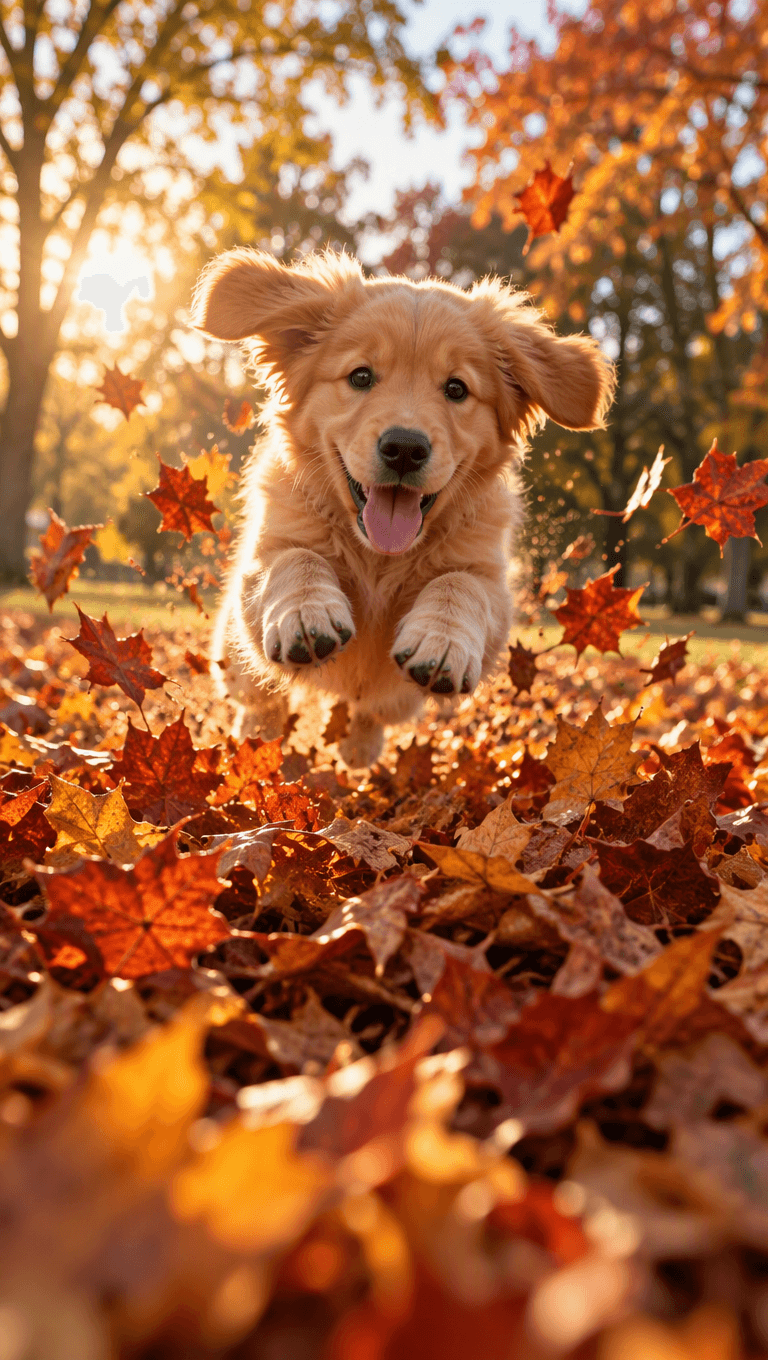
Photoreal cinematic vertical photo: a fluffy golden retriever puppy mid-leap into a big pile of orange and red autumn leaves in a sunny park, ears flying, tongue out, leaves frozen in the air around it, low ground-level angle, warm late-afternoon backlight, shallow depth of field, soft bokeh trees behind, film color grade. Nothing written anywhere.
The words doing the work:
- "Fluffy golden retriever puppy" names the breed and the age. "A dog" gives you a random dog every time.
- "Mid-leap" and "leaves frozen in the air" put the action inside the still, so the video starts with energy.
- "Low ground-level angle" puts the camera at the puppy's height, which is what makes it feel like you are there.
- "Warm late-afternoon backlight" makes the fur glow at the edges, the look people associate with autumn pet photos.
- "Nothing written anywhere" keeps random letters off signs and collars.
Pick the aspect ratio here. For Reels, Shorts and TikTok, make the image 9:16 so nothing gets cropped later.
Step 2: write the motion prompt
The most common mistake is describing the dog again. The image already has the dog. The motion prompt only needs to say what moves, how the camera moves and what you hear.
Our motion prompt:
The puppy lands in the leaf pile and bounces forward toward the camera in slow motion, ears flopping, leaves burst up and swirl around it in the warm backlight, then it shakes its head happily, low tracking shot moving back with it. Sound: crunchy dry leaves, happy little puppy pants, a soft breeze in the trees.
<video src="https://localcdn.t3.tigrisfiles.io/video/6a683840cf8c6907df9e9f00/6ae863919af2d7ead802c800/1793614951829_mdw52q.mp4" controls playsinline></video>
It follows a four part formula:
- One action: "lands in the leaf pile and bounces forward toward the camera".
- One or two tiny details: "ears flopping, leaves burst up and swirl".
- One camera move: "low tracking shot moving back with it".
- The sound: "crunchy dry leaves, happy little puppy pants, a soft breeze".
"In slow motion" is the secret ingredient for pets. It gives the model time to show fur, ears and leaves moving properly, and it is the look people expect from a feel-good pet clip.
AI pet video prompts you can copy
Each one is an image prompt plus a motion prompt. Swap the animal and keep the structure.
Cat in a sunbeam
- Image: A fluffy grey cat lying on a wooden floor in a sharp beam of morning sunlight, eyes half closed, dust in the light, low angle, warm tones, shallow depth of field.
- Motion: The cat slowly stretches its front paws into the light, yawns, then rolls onto its back, very slow push-in. Sound: a soft purr, a quiet room, birds outside.
Corgi on the beach
- Image: A corgi running along wet sand at sunset, ears up, small waves behind, low angle, golden light, spray in the air.
- Motion: The corgi trots toward the camera, ears bouncing, splashing through a thin wave, low tracking shot moving back. Sound: waves, paws on wet sand, a happy bark.
Kitten and a yarn ball
- Image: A tiny orange kitten crouched behind a red ball of yarn on a cream rug, pupils wide, ready to pounce, soft window light.
- Motion: The kitten wiggles, then pounces on the yarn and tumbles over with it, camera stays low and still. Sound: soft thump, a tiny squeak, yarn rolling.
Rabbit in the garden
- Image: A white rabbit sitting in tall green grass with small daisies, morning dew, backlight, close-up at ground level.
- Motion: The rabbit twitches its nose, turns its ears toward the camera, then hops once forward, gentle push-in. Sound: birdsong, a light breeze in the grass.
Dog shaking off water
- Image: A wet black labrador standing on a dock by a lake, water dripping from its coat, late afternoon light, low angle.
- Motion: The dog shakes its whole body in slow motion, water droplets spray out and sparkle in the light, camera holds still. Sound: water spraying, dog tags jingling, lake lapping.
A fill-in template
For the image:
Photoreal cinematic vertical photo: [breed, age, fur] [one action frozen mid-moment] in [place], [low / eye-level angle], [warm light and time of day], shallow depth of field. Nothing written anywhere.
For the motion:
The [animal] [one action] in slow motion, [one or two tiny details: ears, tail, fur, water, leaves], [one camera move]. Sound: [two or three real sounds].
Mistakes that ruin pet clips
- Too many actions. "Runs, jumps, rolls over and barks" in 5 seconds makes limbs blur and faces warp. Pick one.
- Shooting from above. A top-down view of a dog looks like a security camera. Get low.
- No breed. "A cat" changes between generations. Name the breed, colour and age.
- Describing the scene twice. It wastes words and can make the model change the pet you liked.
- Fast cameras. Orbits and whip pans distort fur and faces. Use a tracking shot, a push-in or keep the camera still.
- Silence. A pet clip without its sounds feels empty. Name the sounds and let them play.
The same formula works beyond pets
We used the exact same four parts on a sunlit living room in the same hour: the curtains billow gently, the window shadows slide slowly across the wall, slow push-in. Sound: a quiet breeze, birdsong. No animal, same structure: one action, small details, one camera move, the sound. Once the formula clicks for pets, it works for rooms, products and landscapes too.
Settings we used
- Start image: made in the Kenerate AI image studio, 9:16.
- Video: image to video, 5 seconds, native sound switched on.
- Editing: for social we only added a short title and an end card. No other edits.
Short clips are the fastest way to test an idea. Once your pet scene works, make a longer version or join a few clips into one Reel. More than 201,000 creators have already made over a million images, videos and sounds on Kenerate AI, and a pet clip is one of the easiest places to start.