 7 min
AI Video Prompts Examples: 4 Real Prompts to Copy
AI video prompts examples you can copy word for word: a surfer, a glass kiwi, a festive product ad and a poster, with why each line of the prompt works.
AI VideoBy Karl


Video & models editor · Kenerate AI
7 minAI video prompts examples you can copy word for word: a surfer, a glass kiwi, a festive product ad and a poster, with why each line of the prompt works.
AI VideoBy Karl 9 min
AI wildlife video prompts you can copy: describe one animal like a photographer, then make it blink, turn and look at you with the wind in the shot.
AI VideoBy Karl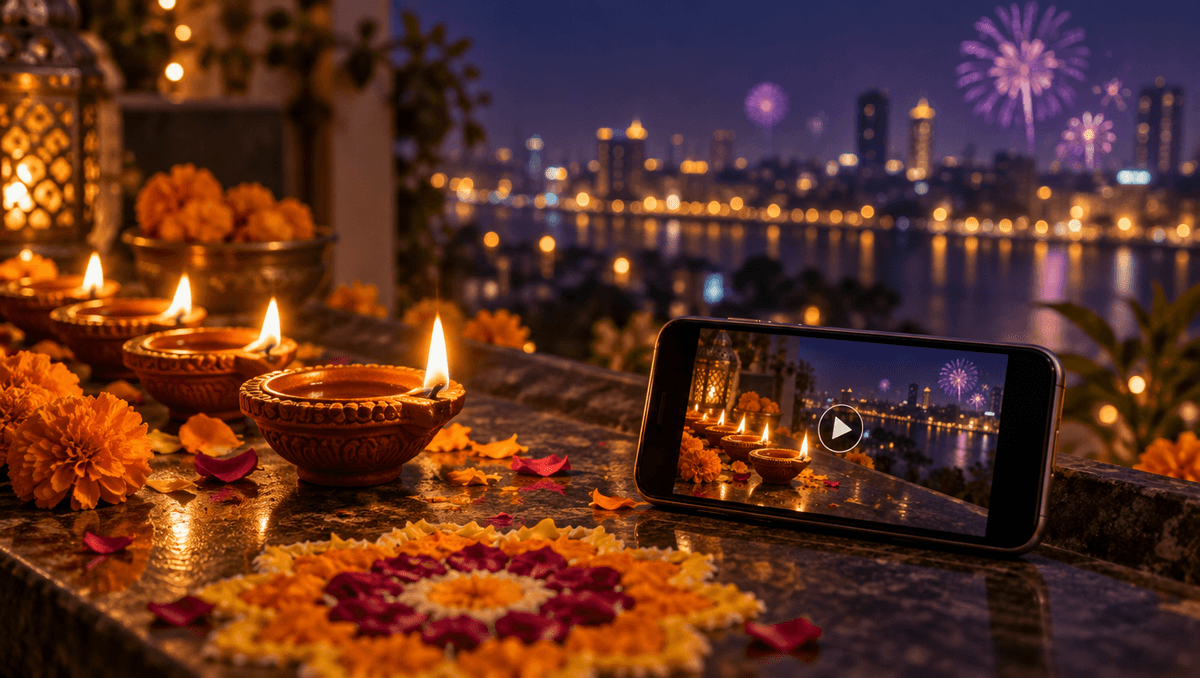 8 min
Diwali AI video prompts you can copy: describe one festive scene, then make the diya flame flicker, the fireworks bloom and the bells ring.
AI VideoBy Karl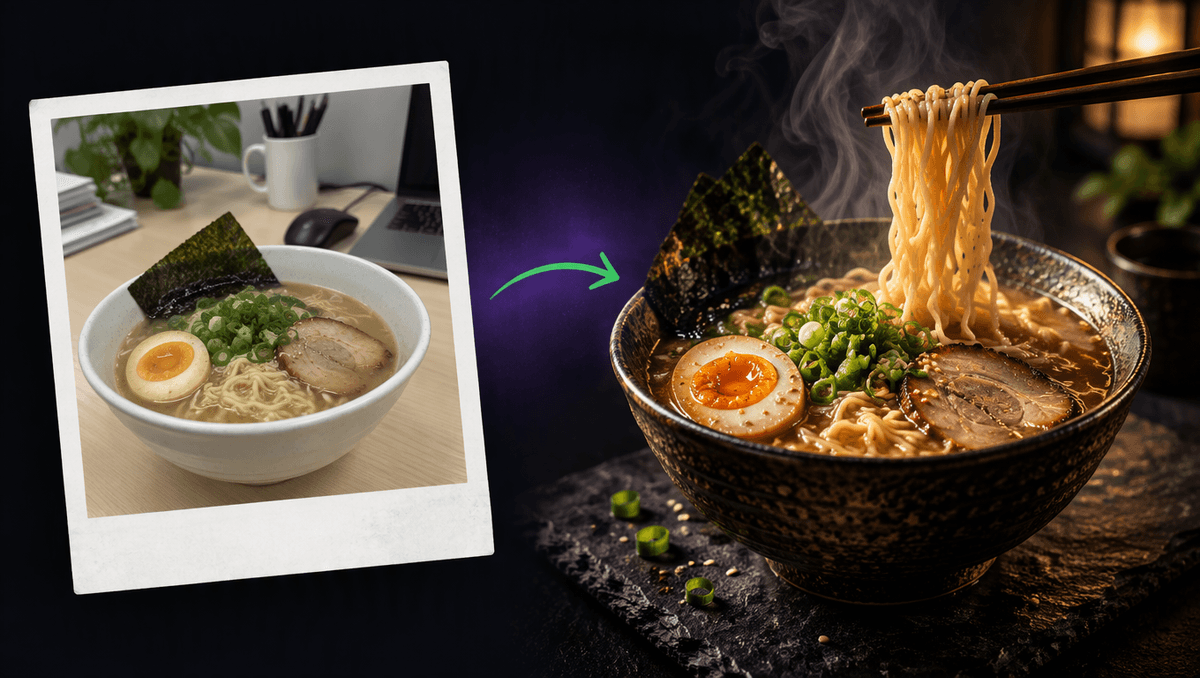 8 min
AI food video prompts you can copy: turn a plain phone photo of your dish into a moody menu ad, then make the noodles lift and the steam rise.
AI VideoBy Karl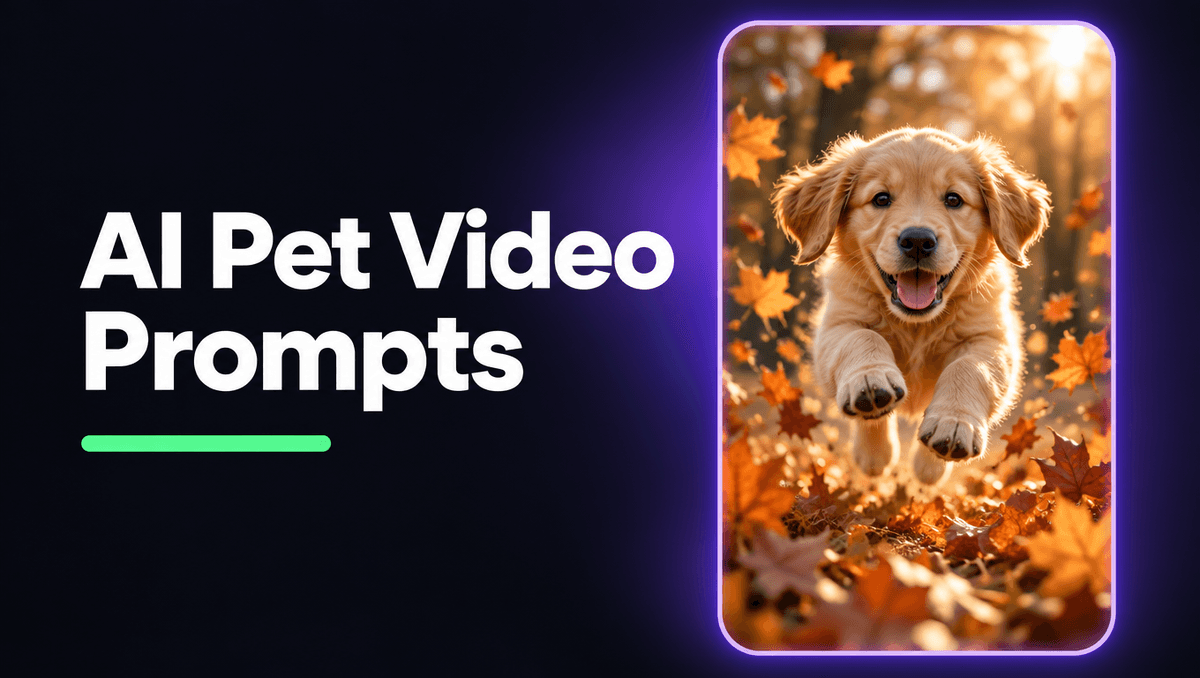 8 min
AI pet video prompts you can copy: a puppy in autumn leaves, a cat in a sunbeam and more, each as an image prompt plus a motion prompt with sound.
AI VideoBy Karl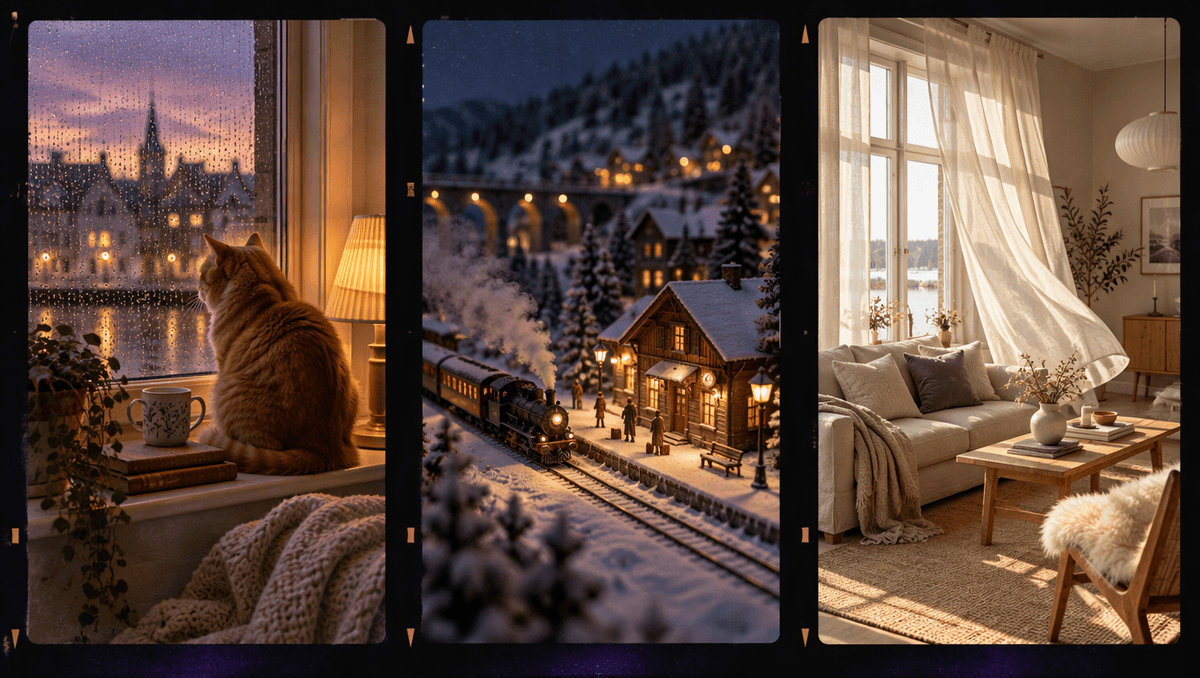 9 min
Cozy AI video prompts you can copy: a rainy window with a cat, a sunlit room and a snowy station, each as an image prompt plus a motion prompt with sound.
AI VideoBy Karl 8 min
AI miniature video prompts that work: the tilt-shift image prompt, the motion prompt, 3 more scenes to copy and a fill-in template for your own tiny worlds.
AI VideoBy Karl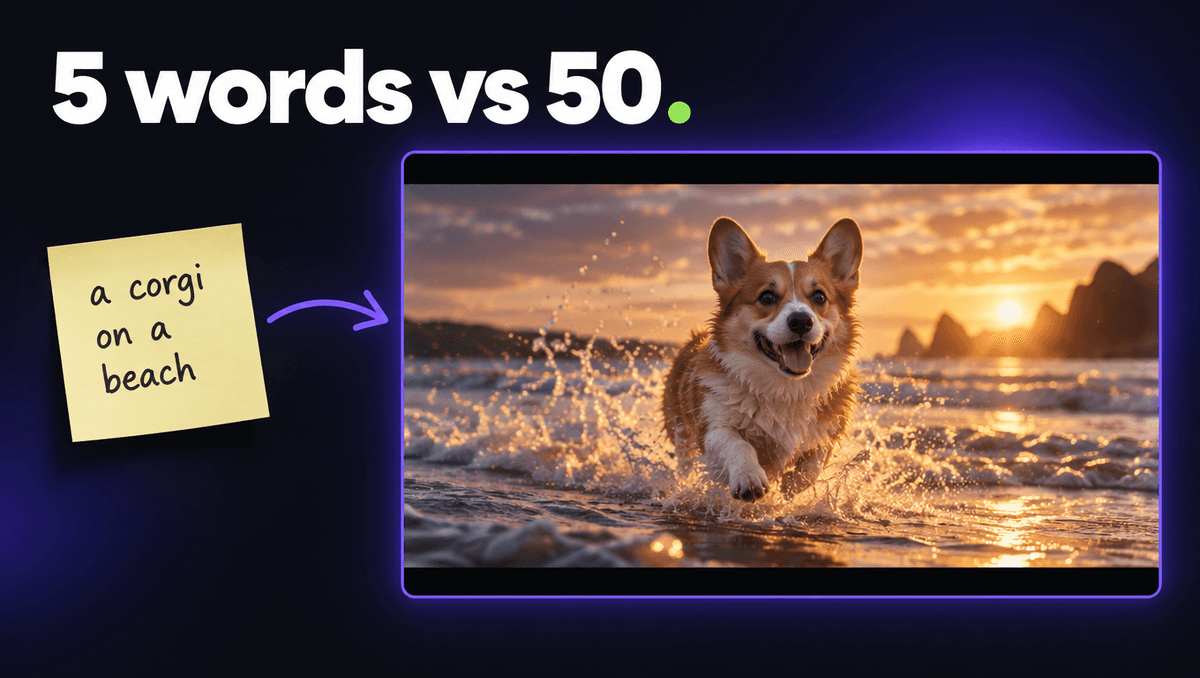 8 min
Text to video prompt examples from a real test: the same idea on Wan 3.0 with 5 words and with 50, what changed, and a template you can copy.
AI VideoBy Karl 7 min
4 image to video prompt examples we ran on Wan 3.0 today: the exact motion prompts, what worked, the mistake we made, and a template you can copy.
AI VideoBy Karl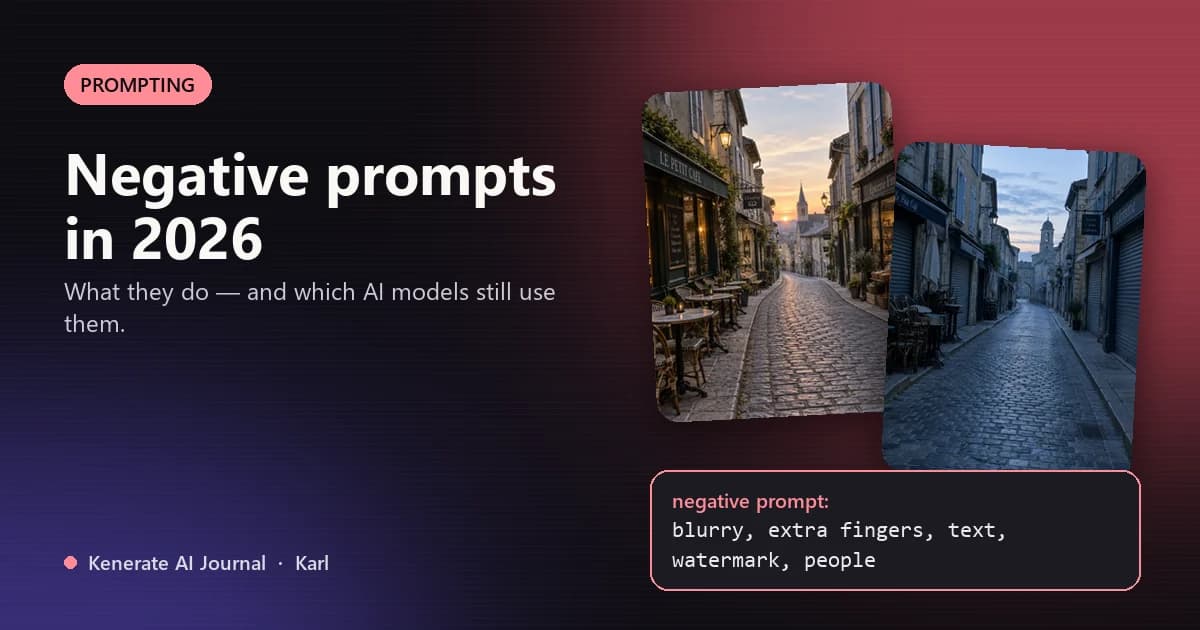 6 min
A negative prompt tells an AI model what to leave out. Most 2026 models — GPT Image, Nano Banana, Flux — have no negative prompt box, so you say "no" in the main prompt. Here's how it works and which models still support it.
Image GuidesBy Karl 8 min
Kling 3.0 for talking people and ads, Veo 3.1 for products and vertical shorts, Seedance 2.5 for anime and long takes, Wan 3.0 for explainers, Runway for editing real footage.
Model ComparisonsBy Karl 7 min
Picturesque AI is a freemium, credit-based studio that bundles image, video, music, voice and motion-control models with an AI agent called Director. Here's what its official site confirms, and what to check before you pay.
Model ComparisonsBy Karl 10 min
Power users should build a stack, not pick one app: Ideogram for text, Veo 3.1 for sound-on video, Eleven v3 for voice, Suno for songs, Meshy for 3D, Topaz for upscaling, and a hub like Kenerate AI to compare models.
Model ComparisonsBy Karl 9 min
Top Higgsfield alternatives: Kenerate AI for an all-in-one studio, Runway and Kling AI for video-first work, Leonardo.Ai and Magnific for big model libraries, Krea for real-time iteration and OpenArt for characters.
Model ComparisonsBy Karl 8 min
Use Gemini Omni Flash in the Gemini app (Create video, Google AI plan, 18+), through the Gemini API with gemini-omni-1.1-flash, or in Kenerate's Video Studio next to other video models.
Video GuidesBy Karl 7 min
Gemini Omni Flash is Google's fast AI video generator. It turns text, images, audio or video into 3–10 second clips with sound and lets you edit them by chatting.
Model UpdatesBy Karl 9 min
Write Gemini Omni Flash prompts like a shot description: action, framing, camera, style, light and audio. Ask for a single continuous shot when you need one, and keep edit prompts short.
Video GuidesBy Karl 10 min
Start with one all-in-one AI generator such as Kenerate AI, Adobe Firefly or Canva, then add a specialist like ElevenLabs, Suno or HeyGen only when one format becomes central to your work.
Model ComparisonsBy Karl 8 min
Match the free tool to your goal, crop a clean photo to the output ratio, and write a prompt that describes only motion and camera. This step-by-step guide includes copyable prompt templates.
Video GuidesBy Karl 10 min
The best faceless AI YouTube channels in 2026 lead with your script and point of view and let AI make the visuals, voice and music. Here are nine ideas, each with a workflow and the YouTube policy risk to watch.
Creator PlaybooksBy Karl 11 min
Google Flow (Veo 3.1), Kenerate AI, Kling, Adobe Firefly and Wan 2.2 offer the most useful free image-to-video in 2026. Here's what each free tier includes and which ones leave no watermark.
Video GuidesBy Karl 7 min
Seedance 2.5 was released on July 31, 2026 in ByteDance's Jimeng AI and Doubao apps, after being announced on June 23. Developer access on BytePlus ModelArk followed in early August 2026.
Model UpdatesBy Karl 8 min
Seedance 2.5 is ByteDance's AI video generator for 30-second single takes with synchronized audio, up to 50 references and timestamp-level editing. It launched July 31, 2026 and outputs up to 1080p via the API.
Video GuidesBy Karl 7 min
Video2X and Real-ESRGAN are the best free Topaz alternatives, DaVinci Resolve Studio upscales inside your editor, HitPaw VikPea and AVCLabs offer guided restoration, and browser tools like Kenerate need no GPU.
Model ComparisonsBy Karl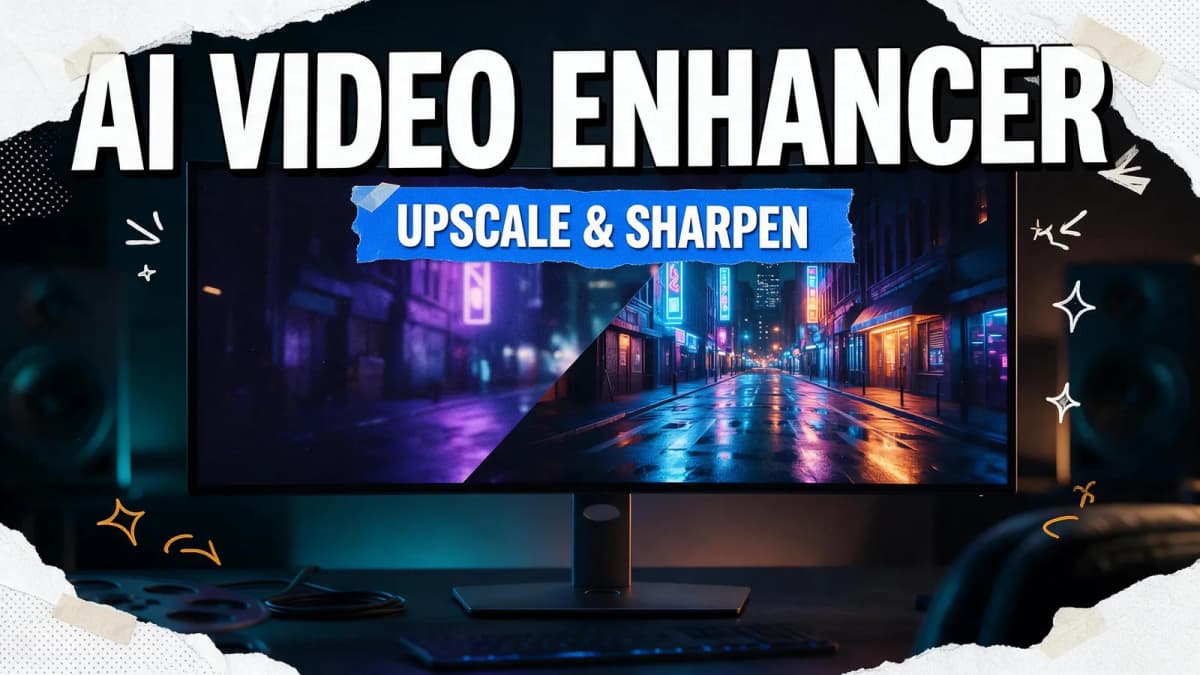 8 min
An AI video enhancer rebuilds each frame to upscale, denoise and sharpen footage. It works best on soft or compressed clips that still hold real detail; start from the original file and upscale one or two steps.
Video GuidesBy Karl 10 min
YouTube Shorts gives free Gemini Omni Flash video, Dreamina offers daily free credits, Kling a free Basic plan, Kenerate's 25 free credits cover images only (video needs a credit pack), and Wan 2.2 and LTX-2 run free on your own GPU.
Video GuidesBy Karl 9 min
Veo 3.1 leads for all-round quality with sound, Kling 3.0 for 4K dialogue scenes, and Seedance 2.5 for 30-second takes. Runway wins on pro editing, and Kenerate puts many top models in one studio.
Video GuidesBy Karl 8 min
Seedance 2.0 Mini is ByteDance's lowest-cost Seedance 2.0 tier: 4–15 second clips at 480p or 720p with native audio and full reference inputs. Use it for drafts, then render finals on a stronger model.
Model UpdatesBy Karl 7 min
Happy Horse 1.1 is Alibaba's AI video model, released June 22, 2026. It makes 3-15 second clips at up to 1080p from text, an image or up to nine references, with better consistency, motion and audio sync than 1.0.
Model UpdatesBy Karl 8 min
The best Leonardo AI alternative depends on your work: Midjourney for style, Adobe Firefly for brand teams, Ideogram for text, Krea for speed, OpenArt for characters, and Kenerate AI for images plus video, music and voice in one studio.
Model ComparisonsBy Karl 9 min
The best GoEnhance AI alternative depends on what you use it for: Higgsfield for effects, Runway for premium video, HeyGen for avatars, and Kenerate AI if you want video, music, voice and 3D in one studio.
Model ComparisonsBy Karl 8 min
The best OpenArt alternative depends on your gap: Kenerate AI for image, video, music, voice and 3D with non-expiring credits, Leonardo.Ai and Magnific for model variety, ImagineArt for mobile, Krea for real-time work, Higgsfield for cinematic video.
Model ComparisonsBy Karl 8 min
The best ImagineArt alternative depends on your gap: Kenerate AI for image, video, music, voice and 3D in one studio, OpenArt for characters, Leonardo.Ai and Magnific for model variety, Firefly for Adobe users, Krea for real-time work.
Model ComparisonsBy Karl 9 min
Higgsfield is built for directed, cinematic video with Cinema Studio and Soul images. Kenerate AI is a wider studio for image, video, music, voice, avatars and 3D. Pick by what your projects need.
Model ComparisonsBy Karl 10 min
No single model wins. Seedance 2.5 and Wan 3.0 make 30-second takes, Kling 3.0 and Veo 3.1 reach 4K, Veo 3.1 always adds sound, and Runway Gen-4.5 leads on pro editing workflow.
Model ComparisonsBy Karl
