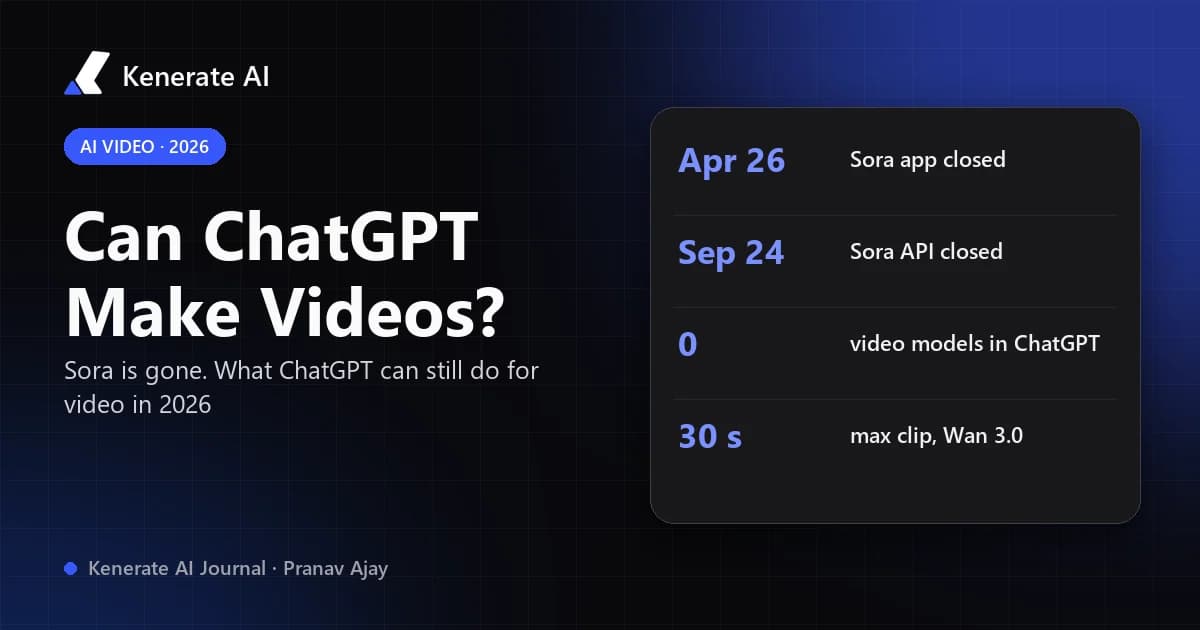
No — as of October 18, 2026, ChatGPT cannot generate videos on its own. OpenAI's video model, Sora, was discontinued: the Sora app and website closed on April 26, 2026 and the Sora API followed on September 24, 2026, and no ChatGPT plan includes a built-in OpenAI video model today. ChatGPT can still write scripts, storyboards and video prompts, make still images, and drive third-party video tools through plugins or MCP apps that render the clip for it.
That short answer surprises a lot of people, because for most of 2025 the internet was full of "Sora is coming to ChatGPT" headlines. Below is what actually happened, what ChatGPT can and can't do for video right now, and the practical routes to a finished clip, including how to keep working inside ChatGPT while another service does the rendering.
Can ChatGPT make videos in 2026?
Not natively. ChatGPT is a text-and-image assistant. It answers questions, writes, codes, analyses files and generates still images, but it does not render moving video or export an MP4 by itself. Pictory's August 2026 guide puts it bluntly: ChatGPT "never rendered video itself."
What changed in 2026 is that the one OpenAI product that did make video went away. So anyone who searched "ChatGPT video generator" in 2025 and found Sora now gets a different answer.
Here is the quick picture, as of October 2026:
| Video task | Can ChatGPT do it alone? | What actually does the work |
|---|---|---|
| Write a script, hook or voice-over text | Yes | ChatGPT |
| Storyboard / shot list / scene breakdown | Yes | ChatGPT |
| Write prompts for an AI video model | Yes | ChatGPT |
| Generate still frames or thumbnails | Yes | ChatGPT's image tool |
| Render a video clip from text | No | A video model (via plugin, MCP app or another site) |
| Animate a still image into a clip | No | An image-to-video model |
| Cut, trim or edit an existing video file | No | A video editor or AI editing tool |
| Add a voice-over or music track | No | A speech / music tool plus an editor |
What happened to Sora?
Sora was OpenAI's text-to-video model. Sora 2 launched on September 30, 2025 alongside a social iOS app, and it was briefly one of the most talked-about AI products of the year. Then, on March 24, 2026, OpenAI said it had "decided to discontinue Sora in the consumer app and API," according to Engadget's report from that day. OpenAI said the Sora research team would refocus on world simulation for robotics.
The shutdown was phased:
- March 24, 2026 — discontinuation announced.
- April 26, 2026 — the Sora web and app experiences closed.
- September 24, 2026 — the Sora API was switched off.
OpenAI's notice didn't give a detailed reason. Press coverage summarised on Wikipedia links it to compute costs, falling usage and a shift toward enterprise products, and Disney's planned $1 billion deal with OpenAI did not go ahead. Treat those reasons as reporting, not official statements.
Didn't OpenAI say Sora would come to ChatGPT?
Yes. OpenAI talked about bringing Sora into ChatGPT as early as February 2025, and in March 2026 several outlets again reported that integration was planned. It didn't ship before the discontinuation. You will still find older pages describing "Sora inside ChatGPT" with plan limits for Plus and Pro. Those describe a product that no longer exists, so check the publication date on anything you read about ChatGPT video.
What can ChatGPT do for video right now?
Quite a lot, as long as you think of it as the writer and producer rather than the camera. The most useful jobs:
- Scripts and hooks. Give it your topic, audience and length; ask for three opening hooks and a 60-second script with timestamps.
- Shot lists and storyboards. Ask for a table of shots: framing, camera move, action, on-screen text, duration.
- Prompts for video models. This is where it shines. Video models respond best to concrete prompts (subject, action, setting, camera, lighting, style, length). ChatGPT can turn a vague idea into a structured prompt per shot.
- Key frames. Generate a still image for each shot, then animate it with an image-to-video model. Starting from an image keeps faces, products and colours consistent between shots. Our guide to whether ChatGPT can create images covers that half of the workflow.
- Captions and metadata. YouTube titles, descriptions, chapters, alt text and social captions.
What it can't do is the rendering, the editing timeline, or audio mixing. For those you need a video model and, usually, an editor.
How do you make a video with ChatGPT's help?
There are three realistic routes. Which one fits depends on whether you want to stay inside the chat window.
Route 1: Use a video plugin inside ChatGPT
ChatGPT supports plugins (OpenAI's name for apps built on the Model Context Protocol). You install one, connect the vendor's account if it asks, then mention it in a chat. The vendor renders the file and bills you with its own credits. Scrimba's September 2026 roundup lists plugins such as Runway for generated clips, HeyGen, VEED and Synthesia for presenter-style avatar videos, and Descript for editing recordings.
Good for: people who live in ChatGPT and want one specific kind of video. Watch out for: each plugin is a separate account and subscription, and each offers its own models only.
Route 2: Connect a multi-model video studio to ChatGPT via MCP
If you want a choice of video models from one account, you can add a Model Context Protocol server as a custom app. Kenerate runs one at https://mcp.kenerateai.com/mcp, and the setup steps on our MCP connection page were tested in ChatGPT on October 7, 2026:
- On chatgpt.com open Settings → Security and login and turn on Developer mode (requires a Plus, Pro, Business, Enterprise or Edu plan; workspace admins may need to allow it).
- Open Plugins in the sidebar, choose + → Add custom MCP server → Create MCP App, name it Kenerate, paste the server URL and set Authentication to OAuth.
- Click Sign in with Kenerate and allow access.
- In a chat, type @Kenerate before your request, e.g. "@Kenerate make a 5-second 720p clip of a paper boat drifting down a rain-soaked street, low angle, slow push-in." Without the mention, ChatGPT may fall back to its own image tool.
ChatGPT then writes the prompt, calls the video model, waits for the job and hands back the link. Kenerate isn't in ChatGPT's public app directory yet, so for now this is a developer-mode app rather than a one-click install.
Good for: staying in ChatGPT while picking the model per shot (cheap drafts, then a premium final). Watch out for: video generation on Kenerate needs a paid plan, and every clip spends credits (prices below).
Route 3: Write in ChatGPT, render in a video studio
The lowest-friction option is still copy and paste: plan and write prompts in ChatGPT, then generate in a web studio. On Kenerate that's the AI video generator, where you can switch between models such as Seedance 2.5, Wan 3.0, Veo 3.1 and Ken 1 without changing tools. For a deeper look at prompting from text alone, see our text-to-video AI guide.
Which video models can you use instead of Sora?
The models below are the ones Kenerate runs today, with credit costs read from the app's own pricing code (video-models.ts) on October 18, 2026. Kenerate credit packs start at $15 for 1,300 credits.
| Model | Max length | Resolutions | Example cost | Good for |
|---|---|---|---|---|
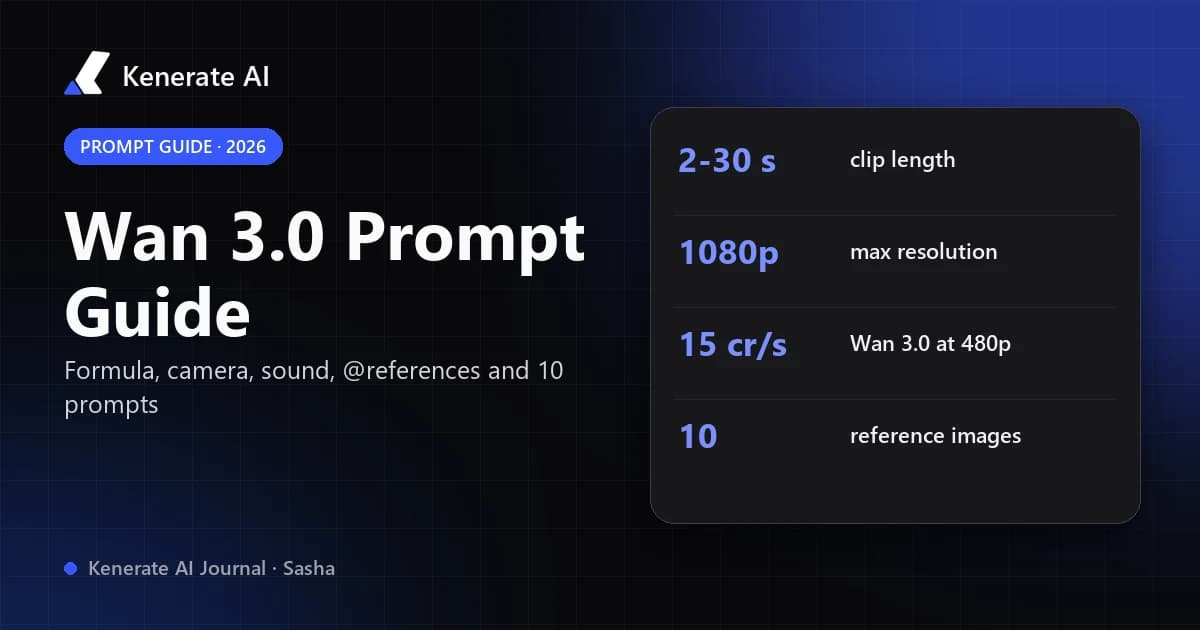
| Wan 3.0 | 30 s | 480p, 720p, 1080p | 75 credits for 5 s at 480p; 150 for 5 s at 720p | Cheap drafts, vertical social clips, long takes |
| Ken 1 | 15 s | 480p to 1080p | 120 credits for 8 s at 480p | Fast, low-cost everyday clips |
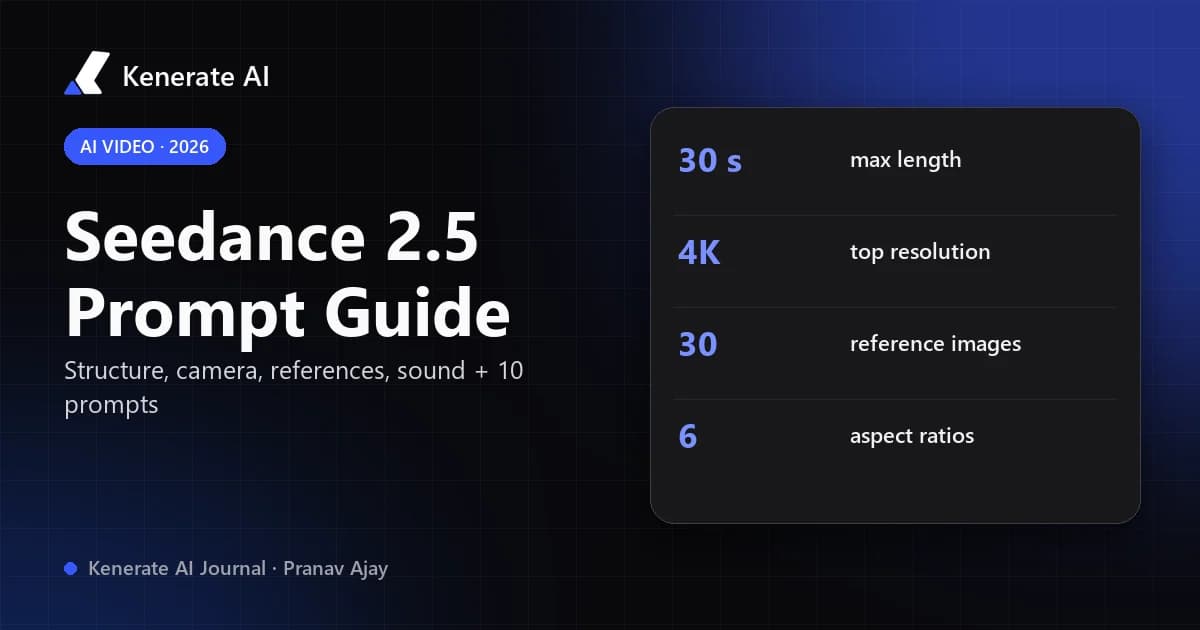
| Seedance 2.5 | 30 s | 480p to 4K | 540 credits for 5 s at 720p | Cinematic, multi-shot, physics-heavy scenes |
| Veo 3.1 Fast | 8 s | 720p, 1080p, 4K | 360 credits for 8 s at 720p with sound | Quick clips with native audio |
| Veo 3.1 | 8 s | 720p, 1080p, 4K | 960 credits for 8 s at 720p with sound | Premium short clips with native audio |
A sensible workflow is to draft at 480p or 720p on a cheap model, keep the take you like, then re-render or upscale only the keeper. Kenerate's catalogue lists 82 video models in total, but these five cover most needs. If you were specifically looking for a Sora replacement, our Sora alternative page compares options side by side, and the Seedance 2.5 page goes deeper on the closest match for long, cinematic shots.
How do you write a ChatGPT prompt that produces good video prompts?
Ask ChatGPT for structure, not prose. A template that works well:
"I'm making a 15-second vertical video about [topic] for [audience]. Break it into 3 shots of 5 seconds. For each shot give: subject, action, setting, camera angle and movement, lighting, style, and any on-screen text. Then write each shot as a single video-model prompt under 60 words."
Then:
- Generate a key frame per shot if consistency matters (same character, same product).
- Animate each frame with an image-to-video model, keeping the prompt focused on motion and camera.
- Assemble the clips in any editor, add captions, then add a voice-over or music if you want one.
Short, concrete prompts beat long, poetic ones. "Slow dolly-in on a ceramic mug steaming on a wooden table, morning window light, shallow depth of field" will out-perform a paragraph of adjectives.
Is there a free way to make videos with ChatGPT?
Partly. Writing scripts, shot lists and prompts works on a free ChatGPT account. Rendering is where costs appear: video models are expensive to run (Sora reportedly cost OpenAI around $1 million a day, according to TechCrunch reporting cited on Wikipedia), so most services that render video charge for it. Some ChatGPT plugins offer a small free allowance before asking you to subscribe. On Kenerate, new accounts get 25 free credits for images, while video needs a paid plan, so the cheapest path is a $15 pack and drafting on Wan 3.0 at 480p (15 credits per second).
What are the limits of using ChatGPT for video?
- No native timeline. Even with plugins, ChatGPT doesn't edit a sequence of clips into one video. Joining clips and mixing audio is an editor's job.
- Consistency across shots depends on the video model and on using key frames, not on ChatGPT.
- Plugins vary. Each third-party app has its own pricing, watermark rules, length limits and content policy.
- Outdated information. ChatGPT's own knowledge may still mention Sora as available. If it suggests a "Sora" feature, it's working from old training data.
- Rights and likeness. Only use images and footage you own or are licensed to use, and don't generate videos of real people without their consent.
The bottom line
ChatGPT can't make videos by itself in October 2026: Sora is gone and no OpenAI video model ships in any ChatGPT plan. It's still an excellent video producer, writing the script, the shot list and the prompts. Pair it with a video model, either through a plugin, an MCP app like Kenerate inside ChatGPT, or a separate studio, and you get the finished clip.
Sources: Engadget (March 24, 2026) on the Sora discontinuation; Wikipedia's Sora article for the shutdown timeline and press reporting; Scrimba (September 2026) on ChatGPT video plugins; Pictory (August 2026) on what ChatGPT can and can't do for video. Kenerate prices and model specs are from the app's pricing code as of October 18, 2026.