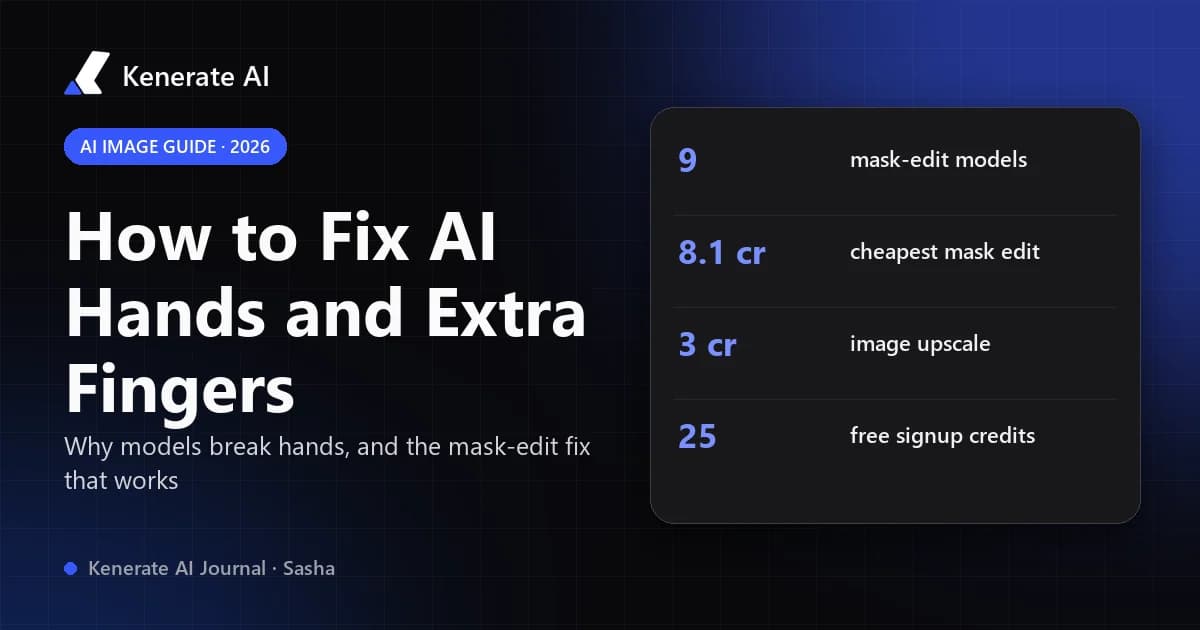
The fastest way to fix bad hands, extra fingers or other deformities in an AI image is to mask only the broken hand and regenerate that area with a short, specific prompt ("relaxed right hand, five fingers, matching skin tone and light"), then upscale the result. To stop it happening in the first place, describe exactly what the hands are doing, give them a simple pose, and use a newer image model that handles anatomy better. As of 18 October 2026, every step below can be done in a browser without installing anything.
This guide covers why AI models break hands, how to prevent it with prompts, a step-by-step fix workflow (mask edit, prompt edit, manual touch-up), which models to choose, and what each step costs on Kenerate AI.
Why does AI mess up hands and fingers?
Hands are one of the hardest things for an image model to draw, and the reasons are fairly well understood:
- No 3D model of a hand. Most image generators learn from huge sets of flat 2D pictures. Computer scientist Prof Peter Bentley of University College London told BBC Science Focus that these generators have no concept of the three-dimensional geometry of a hand, so they know a hand has a palm, fingers and nails without understanding how the parts fit together.
- Hands are small and often hidden in training images. In a typical photo the face fills far more pixels than the hands, and hands are frequently cropped, overlapped or partly out of frame. The model sees fewer clear examples.
- Huge pose variety. A hand can curl, spread, grip, point or overlap the other hand. Each pose changes which fingers are visible, so "how many fingers should be showing" is not a fixed rule the model can learn.
- Interaction makes it worse. A hand holding a cup, phone or another hand has to obey contact and occlusion. This is where fused fingers and fingers passing through objects appear most.
- We notice hand errors instantly. People look at hands all day, so a sixth finger jumps out, while a wrong fold in a sleeve or an odd leaf goes unnoticed.
The upshot: hand errors are a probability problem, not a bug you can switch off. Newer models get hands right far more often, but no model, prompt or setting guarantees perfect hands every time.
What are the most common AI hand deformities?
| Problem | What it looks like | Best fix |
|---|---|---|
| Extra fingers | Six or more fingers on one hand | Mask the hand, regenerate with "five fingers" |
| Missing fingers | Three or four fingers, a stump | Mask edit with a clear pose description |
| Fused fingers | Two fingers merged into one wide shape | Mask edit; describe "separated fingers" |
| Wrong joints | Fingers bending backwards, too many knuckles | Mask edit with a simpler pose (fist, relaxed) |
| Mangled grip | Fingers passing through a cup, phone or rail | Mask hand and object together, describe the grip |
| Extra hands or arms | A third hand on a shoulder or in the background | Magic eraser on the extra limb, then mask edit |
| Mismatched hands | Left and right hand different size or skin tone | Mask edit "matching the other hand" |
| Blurry, waxy hands | Hand shape fine, detail smeared | Upscale, or regenerate at a higher resolution |
How do you prevent bad hands with your prompt?
Prevention is cheaper than repair. These prompt habits reduce hand errors a lot:
Describe exactly what the hands are doing
Vague prompts leave the model guessing. "A woman at a café" may produce hands doing anything. "A woman at a café, both hands wrapped around a white mug on the table" gives the model one clear, common pose. Good, easy poses include:
- hands in pockets or behind the back
- arms crossed
- holding one simple object with the whole hand (a mug, a book, a railing)
- one hand resting flat on a table
- a loose fist
Hard poses to avoid unless you plan to fix them: interlaced fingers, counting on fingers, hands holding small objects with fingertips (pens, chopsticks, cards), and two people holding hands.
Use framing to your advantage
If the hands are not the point of the image, keep them out of it: "head-and-shoulders portrait", "close-up, framed from the chest up", or put the hands behind an object. The fewer pixels a hand occupies, the more likely the model is to get it wrong, so either make the hand large and clear, or crop it out.
Use a negative prompt only where it exists
Older Stable Diffusion workflows relied on negative prompts like extra fingers, missing fingers, fused fingers, deformed hands, bad anatomy. They help on models that support them, but they don't solve the problem. Most current frontier models (GPT Image, Nano Banana, Seedream) do not take a negative prompt field at all, and respond better to positive phrasing: write "five fingers, natural relaxed hand" instead of listing what to avoid. On Kenerate, only a few image models expose a negative prompt field, such as Wan 2.5 and Bria 3.2.
Use a reference image for the pose
If you need a specific gesture, upload a photo of a real hand in that pose as a reference and say "match the hand pose in the reference". Multi-reference models follow this far better than text alone. See our guide to image-to-image AI for how references work.
How do you fix AI hands step by step?
This is the repair workflow that works on almost any image, including photos and illustrations you didn't make with AI.
- Upscale first if the image is small. A hand that is 80 pixels wide gives the editor very little to work with. Run the image through an AI image upscaler to 2K or more before editing, so the regenerated hand has room for detail.
- Open the editor and pick a mask tool. In the Kenerate image editor, choose Change Region ("paint over areas and prompt to change them"). Upload your image.
- Paint over the whole hand, plus a little margin. Include the wrist and a few pixels of background around the fingers. A mask that is too tight forces the model to keep the broken outline. If the hand is holding something, mask the object too.
- Write a short, specific prompt for the masked area only. Describe the hand, not the whole scene. Example:
natural right hand with five fingers, relaxed and slightly curled, resting on the table, same skin tone and lighting as the arm. For a grip:left hand holding the white mug by the handle, four fingers through the handle, thumb on top. - Generate two or three variations. Hands are still probabilistic during an edit. Pick the best one rather than re-prompting after a single attempt.
- Remove leftovers with the eraser. If a stray extra finger or a third hand remains, use Magic Eraser: paint over it and let the model fill in the background.
- Do a final pass if needed. Tiny issues (a nail edge, a seam where the mask ended) are often quicker to fix with a healing brush in any photo editor than with another AI pass.
- Upscale the finished image. Once the hand is right, upscale again for the final export size.
Can you fix hands without painting a mask?
Yes. Instruction-based editors understand plain-language edits on the whole image: "fix the woman's left hand so it has five natural fingers; keep everything else exactly the same." This is fast and works well with strong edit models, but it can drift other details (face, clothing, background) more than a masked edit. If the face matters, use the mask. Kenerate's AI Edit mode works this way, and our AI image editor page explains the options.
What about ControlNet and pose control?
On local Stable Diffusion setups, ControlNet (Zhang, Rao and Agrawala, 2023) lets you condition generation on edges, depth, segmentation or a human pose skeleton. Pose or depth maps of a correct hand give the model a structure to follow, which is why it became a standard hand-fix trick in ComfyUI and Automatic1111. It needs a local install and some setup. In a browser, a reference image plus a masked edit gets you most of the same benefit.
Which AI models are best at hands in 2026?
Model choice matters more than any prompt trick. Older diffusion models from the Stable Diffusion 1.5 era fail on hands often; current frontier models fail much less, especially in common poses. Kenerate's mask editor (Change Region) offers nine models as of 18 October 2026; these five cover most hand fixes, with the app's price for one edit with a single image:
| Model | Good for | Credits per edit (1 image) |
|---|---|---|
| Seedream 5.0 Pro | Default for Change Region; illustrations and photos | 13.5 |
| Seedream 5.0 Flash | Fast, cheap tries | 8.1 |
| GPT Image 2.5 Sunburst | Precise edits, photoreal people | 11.7 |
| GPT Image 2 | Maximum realism | 21 |
| Nano Banana 2.1 | Keeping the same person consistent, multi-reference | 21 |
Credits come from the app's edit pricing config (edit-models.ts); larger outputs and extra reference images cost more. For new images where hands will be visible, generating with GPT Image 2.5 Sunburst (7.2 credits at medium quality, 1K) or Nano Banana 2.1 (21 credits at 1K) from the start often avoids the repair step entirely. The Nano Banana image editor page shows how that model handles edits with reference images.
How much does it cost to fix one image?
A typical repair on Kenerate, using the app's current prices:
| Step | Tool | Credits |
|---|---|---|
| Upscale the original | Image Upscaler | 3 |
| Fix the hand (3 tries) | Change Region, Seedream 5.0 Pro | 40.5 |
| Final upscale | Image Upscaler | 3 |
| Total | ≈ 46.5 |
New accounts get 25 free credits, and the $15 Starter plan includes 1,300 credits, so a three-try hand fix is a small fraction of a plan. You can cut the cost by doing your test tries on Seedream 5.0 Flash and only switching models if it can't get the pose right.
How do you fix hands in AI art and anime?
Illustrated and anime styles are more forgiving because the hand only has to look right in that style, not real. The same workflow applies with two tweaks:
- Name the style in the edit prompt: "anime-style hand, clean line art, five fingers, cel shading matching the character". Without it, the edit may come back too realistic.
- Simplify the pose. In illustration, a closed or half-closed hand reads clearly and avoids finger-count errors entirely.
If the character's hand is cut off by the frame and you want to show it, extend the canvas first with outpainting, then mask-edit the new hand.
What should you avoid when fixing hands?
- Masking only the bad finger. The model has to make it fit a broken hand. Mask the whole hand.
- Rewriting the whole scene in the edit prompt. Describe just the masked area; extra scene words make the model change things you wanted to keep.
- Editing a tiny, low-resolution image. Upscale first.
- Giving up after one try. Two or three variations is normal.
- Using a model that ignores your style. If your edit comes back looking photographic on a painted image, add the style words or switch models.
The short version
- Prevent it: describe one clear, simple hand pose, frame tightly, use a current model.
- Fix it: upscale, mask the whole hand, write a short hand-only prompt, try two or three times.
- Clean up: erase leftovers, touch up seams, upscale the final.
Hands are still the classic weak spot of AI images, but with a masked edit and a modern model, fixing them takes a couple of minutes rather than a full regeneration. Open the Kenerate image editor, choose Change Region and try it on your worst hand.
Sources
- BBC Science Focus: Why AI-generated hands are the stuff of nightmares, explained by a scientist (Feb 2023)
- Hugging Face Diffusers documentation: Inpainting (mask, strength, padding mask crop)
- Zhang, Rao and Agrawala: Adding Conditional Control to Text-to-Image Diffusion Models (ControlNet), arXiv 2302.05543
- ZSky AI: How to fix AI hands