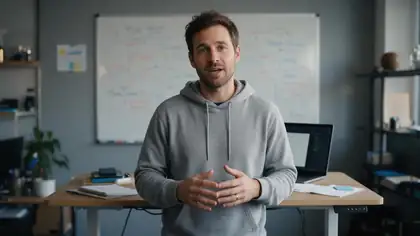
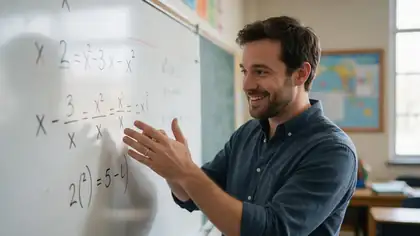
Your photo · your voice clone · up to 10 min
AI twin generator — your face and your voice, presenting for you
An AI twin is a digital copy of you that can present videos you never filmed. On Kenerate you build it from two things you already have: one clear photo of yourself and a 3–15 second recording of your voice. Then you type a script and your twin says it.
- One photo of you
- Voice clone from 3–15 s
- Up to 10 min per video
- Re-voice your old clips
Updated by the Kenerate AI team




Made with Kenerate


On this page
Quick answer

What is an AI twin?
An AI twin is a digital replica of you: your face and your voice, animated by AI so it can speak any script. On Kenerate you make one in two steps: clone your voice in Voice Studio from a 3–15 second sample, then animate one photo of yourself in Avatar Talk with Kenerate Avatar, for videos up to 10 minutes in 720p or 1080p. Only make a twin of yourself, or of someone who agreed.
Key facts
- What you need
- 1 photo + 3–15 s of your voice
- Voice clone languages
- 10
- Script per voice clip
- Up to 5,000 characters
- Longest twin video
- 10 min (Kenerate Avatar)
- Output
- 720p or 1080p
- Free plan
- Yes, with sign-up credits
Real demo
Your twin, in a second language
Switch versions and turn the sound on. Dubbing keeps the voice but changes the language; a lip-sync pass then redraws the mouth to match.
- Original (English). The talking clip as generated.
- Spanish dub. Dubbed with Kenerate's dubbing tool: new language, same voice, same lips.
- Spanish + lip sync. VEED Lipsync 2 in Avatar Talk redraws the mouth to the Spanish audio.
All three are unedited outputs of Kenerate's tools.
Lip sync a dubbed videoReal results
The kind of videos a twin presents
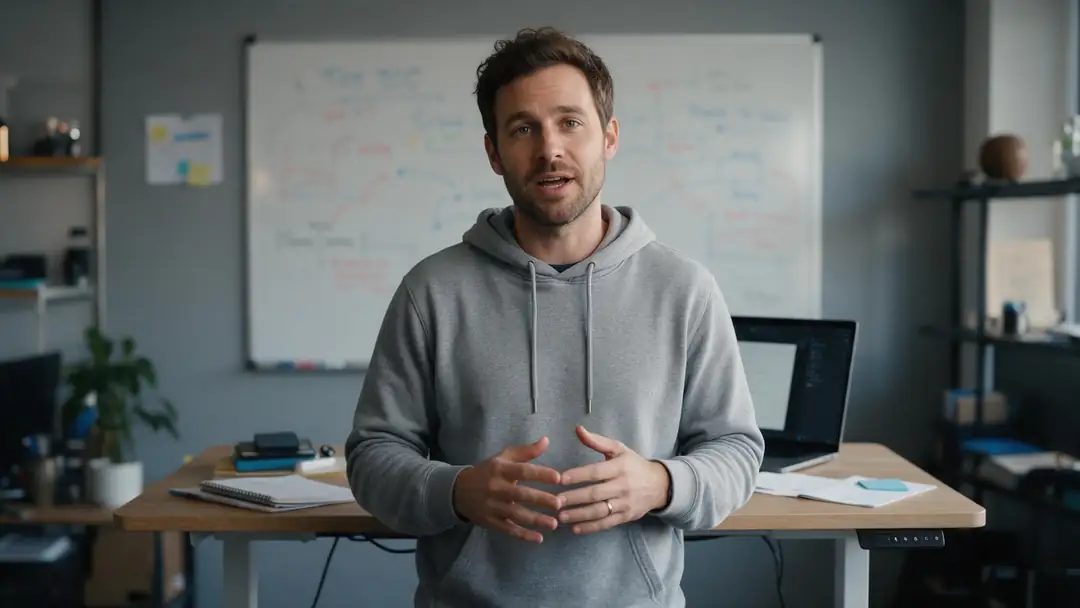
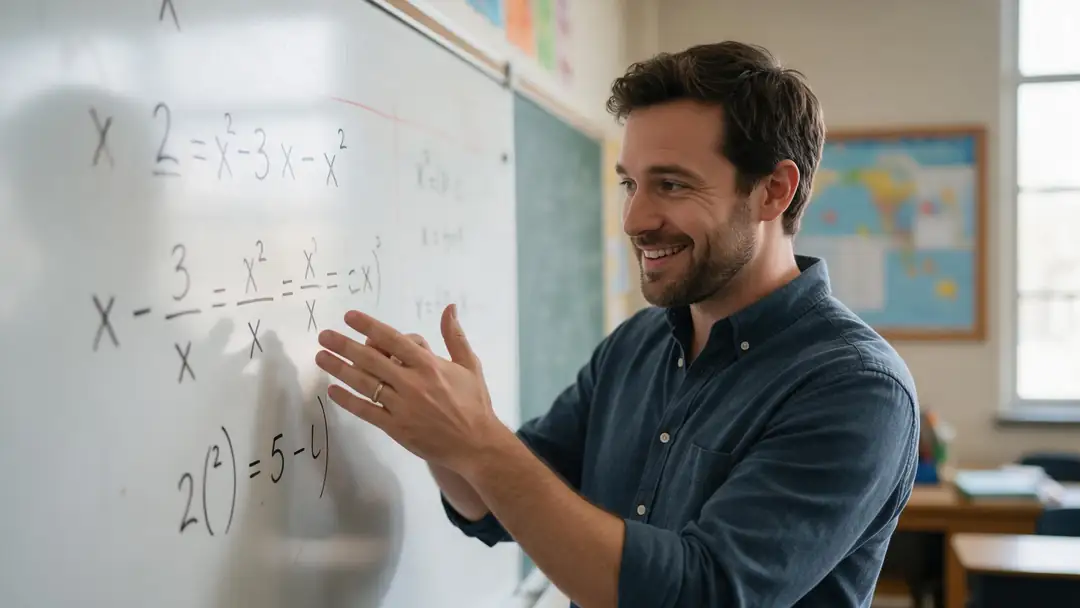
A founder update, a course lesson, a recipe Short, a class intro and a podcast opener: real Wan 3 clips of AI-generated people with generated voices. Your twin uses your photo and your cloned voice instead.
AI-generated people, not anyone's twin. Open a clip to copy both prompts.
How to
How to create an AI twin of yourself
- Time needed
- Steps
- 4 steps
Step 1
Record your voice
In Voice Studio, record or upload 3–15 seconds of you speaking in a quiet room. Save it as a clone if you'll use the voice every week.
Step 2
Write the script
Type what your twin should say (up to 5,000 characters per clip) and generate the audio in your cloned voice.
Step 3
Animate your photo
In Avatar Talk, upload a sharp, front-facing photo of yourself, pick that audio from History and generate with Kenerate Avatar, up to 10 minutes.
Step 4
Direct and reuse
Add a short body-language prompt such as "calm and confident, subtle hand gestures". Keep the same photo and voice for every new video.
See it in the app

Open Avatar Talk, pick Talking photo, script to video or lip sync, and choose the engine.


Watch the tour · 2:23
Talking photos, script to video, engines, any language, presenters, lip sync & chat
Chapters
Checked 24 October 2026
Photo twin, video twin or stock presenter
Three ways to get a presenter on screen. Only the first two are you.
| Option | Best for | Watch out for |
|---|---|---|
| Photo twin (one photo of you) | New videos from a script, any length up to 10 min | Body movement comes from the engine, not from you |
| Video twin (footage of you, re-voiced) | Fixing lines, new intros, translated versions of real recordings | Needs a clip of you facing the camera |
| Twin in another language | Reaching viewers in other markets | Dub first, then run a lip-sync pass |
| HeyGen stock presenter | Not ready to be on camera yet | Not you: other people can pick the same presenter |
Engine details are in the table above; the voice for every option can be your Voice Studio clone.
Sources: Kenerate Avatar Talk · Kenerate Voice Studio · Argil — What is an AI twin?
Engines
Engines that animate your twin
Five photo engines and two re-voice engines from Avatar Talk, chosen for keeping one person's identity steady.
- Default
Kenerate
Kenerate Avatar
- Input
- Your photo + up to 10 min · body-language prompt
- Output
- 720p or 1080p
Open Kenerate AvatarBest for
Long twin videos: courses, explainers, updates
Kuaishou
Kling Avatar 2 Pro
- Input
- Your photo + up to 5 min · prompt
- Output
- Engine decides
Open Kling Avatar 2 ProBest for
Realistic expressions and head motion
VEED
VEED Fabric 1.0
- Input
- Your photo + up to 5 min
- Output
- 480p or 720p
Open VEED Fabric 1.0Best for
UGC-style and ad clips with a stable identity
ByteDance
OmniHuman 1.5
- Input
- Your photo + up to 60 s
- Output
- Engine decides
Open OmniHuman 1.5Best for
Full-body, cinematic hero clips
- From video
VEED
VEED Lipsync 2
- Input
- A video of you + new speech, up to 5 min
- Output
- Same as the source video
Open VEED Lipsync 2Best for
Re-voicing footage you already filmed
WaveSpeed
InfiniteTalk Fast · Video
- Input
- A video of you + new speech, up to 10 min
- Output
- Same as the source video
Open InfiniteTalk Fast · VideoBest for
Long re-voiced videos at a low rate
From Avatar Talk's engine list. The gallery clips were made with Wan 3 image to video.
Tips
A twin that looks and sounds like you
Small choices at the start decide whether people recognise you.
Use a recent photo, shot at eye level, mouth closed, face lit evenly.
Dress the way you do on camera; the twin keeps the clothes in the photo.
Record the voice sample in your normal speaking tone, not a reading voice.
Keep about 10 seconds of clean speech from you alone, no music behind it.
Make a 9:16 crop of your photo for Shorts and a 16:9 one for YouTube.
Tell your audience when a video is presented by your AI twin.
FAQ
AI twin — questions
8 questions

How do I create an AI twin of myself?
Record or upload a 3–15 second sample of your voice in Voice Studio and generate your script in that voice. Then open Avatar Talk, upload a clear front-facing photo of yourself, choose the audio and generate with Kenerate Avatar. Save the photo and the voice clone so every new video is just a new script.
Link to this answerIs there a free AI twin generator?
Voice Studio and Avatar Talk both work on Kenerate's free plan with the sign-up credits, so you can make your first twin video without paying. Longer or 1080p videos use more credits, and one-time packs top them up.
Link to this answerCan my AI twin speak in my own voice?
Yes. The Qwen3 instant clone copies your voice from a 3–15 second sample with no training wait, and a saved MiniMax clone keeps it in your account with emotion, speed and pitch controls. The twin video then lip-syncs to that audio.
Link to this answerCan my AI twin speak other languages?
Yes, two ways. The instant clone speaks 10 languages (English, Chinese, Japanese, Korean, German, French, Spanish, Italian, Portuguese and Russian), so you can write the script in one of them. Or dub a finished video into one of 33 languages and run a lip-sync pass in Avatar Talk.
Link to this answerHow long can an AI twin video be?
Up to 10 minutes per video with Kenerate Avatar or InfiniteTalk Fast · Video, 5 minutes with Kling Avatar 2 Pro, VEED Fabric 1.0 or VEED Lipsync 2, and 60 seconds with OmniHuman 1.5. Longer courses work as several videos with the same photo and voice.
Link to this answerWhat's the difference between an AI twin and an AI avatar?
An AI avatar can be any face: a stock presenter, a cartoon or a character you invented. An AI twin is a specific kind of avatar that copies a real person, normally you, in both looks and voice.
Link to this answerIs an AI twin the same as a deepfake?
The technology overlaps, but a twin is made by the person it copies, with their consent, for their own videos. Never make a twin of someone else without their permission, and never use a twin to impersonate a real person.
Link to this answerCan I make an AI twin from a video instead of a photo?
Yes. Upload a clip of yourself in Avatar Talk's video mode and pick VEED Lipsync 2 or InfiniteTalk Fast · Video: the mouth is redrawn to new speech while the rest of your real footage stays as filmed.
Link to this answerIn depth
AI twins, explained
On this page
What an AI twin is made of
Strip away the marketing and a twin is two models working on two of your assets. A voice model turns text into speech that sounds like your sample. A talking-head model moves the face in your photo, or the mouth in your video, to match that speech. Keep the same two inputs and you get the same person every time.
What people use a twin for
A twin is worth it when you need to be on camera more often than you can film:
- Course creators updating a lesson without re-recording the whole module.
- Founders sending weekly product updates or onboarding videos.
- Creators posting daily Shorts on days they can't film.
- Teams translating one recording into several languages.
Consent and honesty
The industry line is clear: a twin is your own likeness, made by you. Argil's guide, for example, frames it as the person being copied creating the twin and approving its output. On Kenerate, only use your own face and voice, or those of someone who agreed in writing, and label twin videos so viewers aren't misled.
Digital twin AI avatar
Same idea as an AI twin. In engineering, "digital twin" also means a virtual model of a machine or a building, which is a different thing.
AI clone of yourself
Usually means the same face-plus-voice twin. For the voice on its own, see the free AI voice clone page.
Explore
Every Kenerate video tool
Generators, tools, models and guides — all in one studio.
By the Kenerate AI teamLast updated and reviewed
Sources: Kenerate Avatar Talk · Kenerate Voice Studio · Argil — What is an AI twin?