The best cool things to 3D print are the ones you'll actually use or give away: cable clips, headphone stands, drawer organisers and replacement knobs on the useful side; articulated dragons, miniatures, spiral vases, fidget toys and lithophane lamps on the fun side. Below are 30 ideas sorted by what they're for, with the material and difficulty for each, where to find free files — and how to make a custom model when the one you want doesn't exist yet.
Updated 12 November 2026.
What are the most useful things to 3D print?
Functional prints pay for the filament fast. Most are small, print in a few hours on a standard FDM printer and need no supports.
- Cable organiser clips that stick under a desk edge.
- Headphone stand — a weighted base and a curved arm.
- Wall hooks for keys, bags or tools.
- Drawer dividers sized to your exact drawer.
- Phone or tablet stand with a cable slot.
- Replacement knobs, caps and clips — the part that broke on a cupboard, a fan or a lid.
- SD card and battery holders.
- Pegboard and Gridfinity-style bins for a tidy workshop.
- Bag clips for open snack packets.
- Plant labels and seed-starter trays.
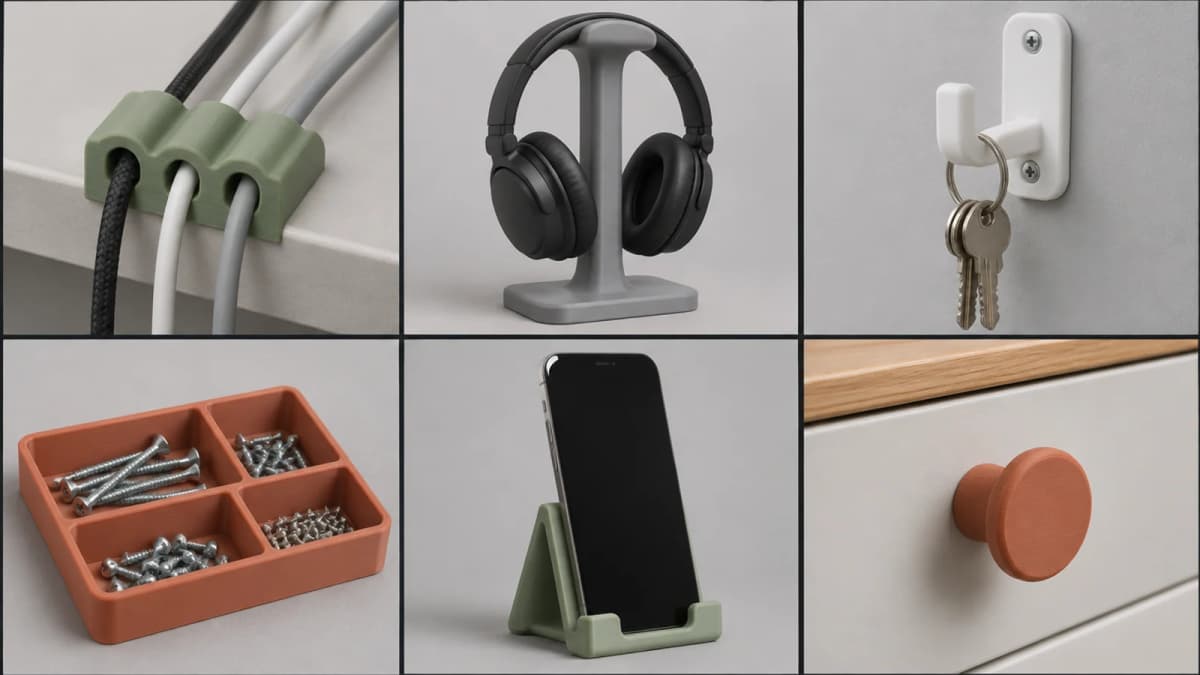
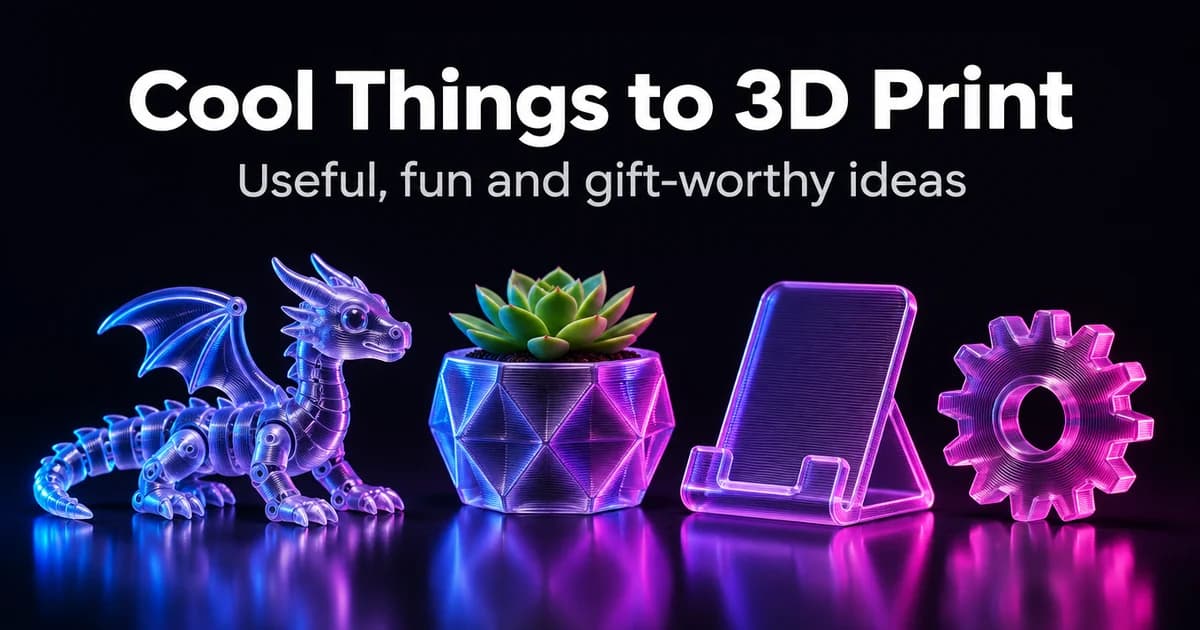
Concept images of everyday prints, made with GPT Image 2.6 on Kenerate.
What are fun things to 3D print?
These are the prints people show off — and the ones that teach you most about your printer.
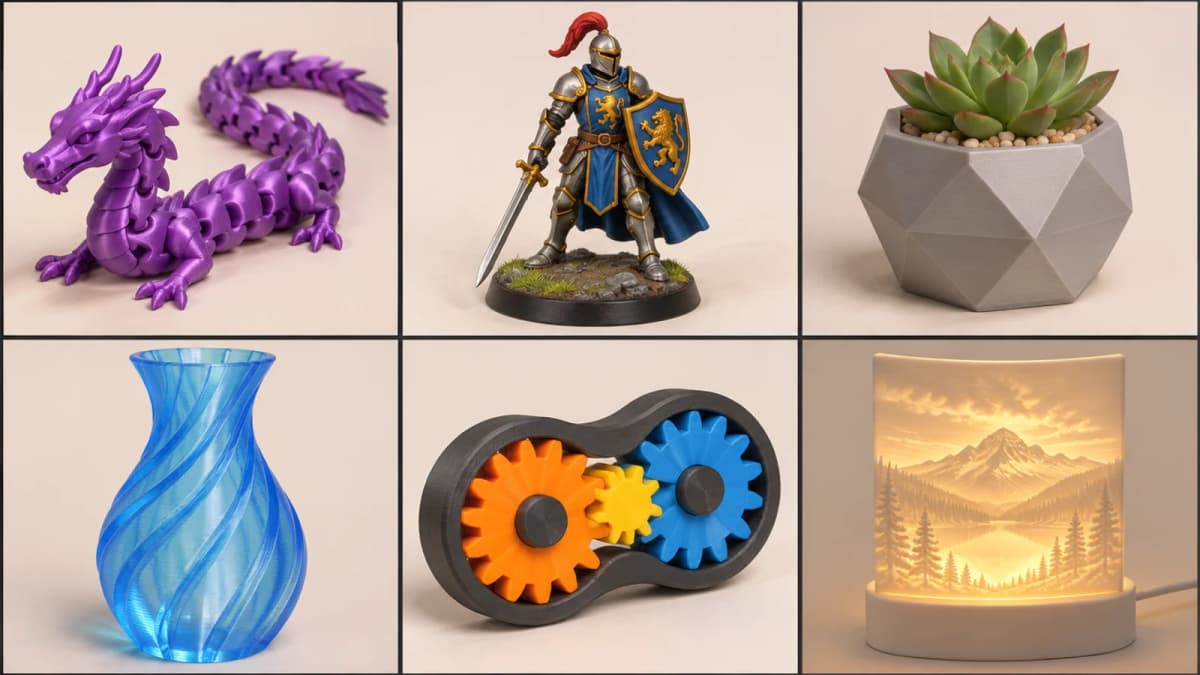
- Articulated (print-in-place) dragons and animals — jointed bodies that come off the bed already moving.
- Fidget toys — gear spinners, infinity cubes, clickers.
- Tabletop miniatures for D&D and wargames (resin gives the finest detail).
- Spiral or "vase-mode" vases — one continuous wall, printed in a single pass.
- Lithophanes — a thin panel that reveals a photo when lit from behind.
- Dice towers and card boxes.
- Puzzle boxes and mazes.
- Cosplay props and armour pieces, printed in sections and glued.
- Desk figures and busts of your own characters.
- Marble runs with modular tracks.
What can you 3D print as a gift?
- Personalised keychains and name tags.
- Custom cookie cutters — see the food-safety note below.
- Planters with a drainage tray.
- A lithophane of a family photo.
- Bookmarks and bookends.
- A mini figure of someone's pet from a photo.
- Ornaments and seasonal decorations.
- Board-game inserts that hold every piece.
- Earrings and pendants in silk or marble filament.
- A custom phone stand with a name on it.
Which ideas suit which printer and material?
| Idea | Printer | Material | Difficulty |
|---|---|---|---|
| Cable clips, hooks, bins | FDM | PLA or PETG | Easy |
| Headphone or phone stand | FDM | PLA or PETG | Easy |
| Spiral vase | FDM (vase mode) | PLA, silk PLA | Easy |
| Articulated dragon | FDM | PLA, silk PLA | Medium (tolerances) |
| Lithophane | FDM | White PLA | Medium (thin walls) |
| Tabletop miniature | Resin (MSLA) | Standard resin | Medium (supports, curing) |
| Outdoor or car part | FDM | PETG or ASA | Medium (heat, UV) |
| Cosplay armour | FDM | PLA+ or PETG | Hard (size, finishing) |
| Flexible phone case | FDM | TPU | Hard (slow, stringy) |
A rule that saves a lot of failed prints: PLA is the easiest to print but softens in a hot car; PETG is tougher and handles more heat; TPU is rubbery; resin gives the sharpest detail but needs ventilation, gloves and post-curing.
Is it safe to 3D print things for food?
Be careful. Prusa's own guidance says PLA and PETG can be food-safe as materials, but a printed object isn't, because the gaps between layers can trap bacteria. It recommends a food-safe coating and a stainless-steel nozzle if you make food-contact items at all — and still doesn't recommend printing dishes or cutlery. For cookie cutters, use them once on dough and wash them by hand, or keep them as decorations.
Where do you find free files to print?
The big free model libraries are Printables (run by Prusa), Thingiverse and MakerWorld (run by Bambu Lab). Search by idea, check the licence — many models are non-commercial — and read the comments and "makes" for print settings that worked. Files usually come as STL or 3MF; our guide to 3MF vs STL explains the difference.
How do you make a custom model when it doesn't exist?
Sometimes you want your dog, your character or a part with your measurements. You have three routes:
- Model it yourself in Tinkercad (beginner), Fusion or Onshape (mechanical parts) or Blender (organic shapes).
- Scan it with a phone photogrammetry app or a 3D scanner.
- Generate it with AI from a text prompt or a photo, then check and slice it.
AI generation is best for decorative and organic shapes — figures, mascots, busts, ornaments — not for parts that must fit to the millimetre. On Kenerate, the AI 3D printing model generator turns a prompt or a single photo into a 3D model with engines such as Tripo, Meshy, Rodin and Hunyuan 3D. Rodin exports STL directly; for a GLB from another engine, convert it with the GLB to STL tool. A prompt that prints well describes one solid object with a flat base:
AI Prompt RecipeFlux.1 Pro16:9“A chunky stylised fox figurine sitting on a round flat base, 8 cm tall, smooth simple shapes, thick tail wrapped around its paws, no thin parts, no floating pieces, single solid object.”
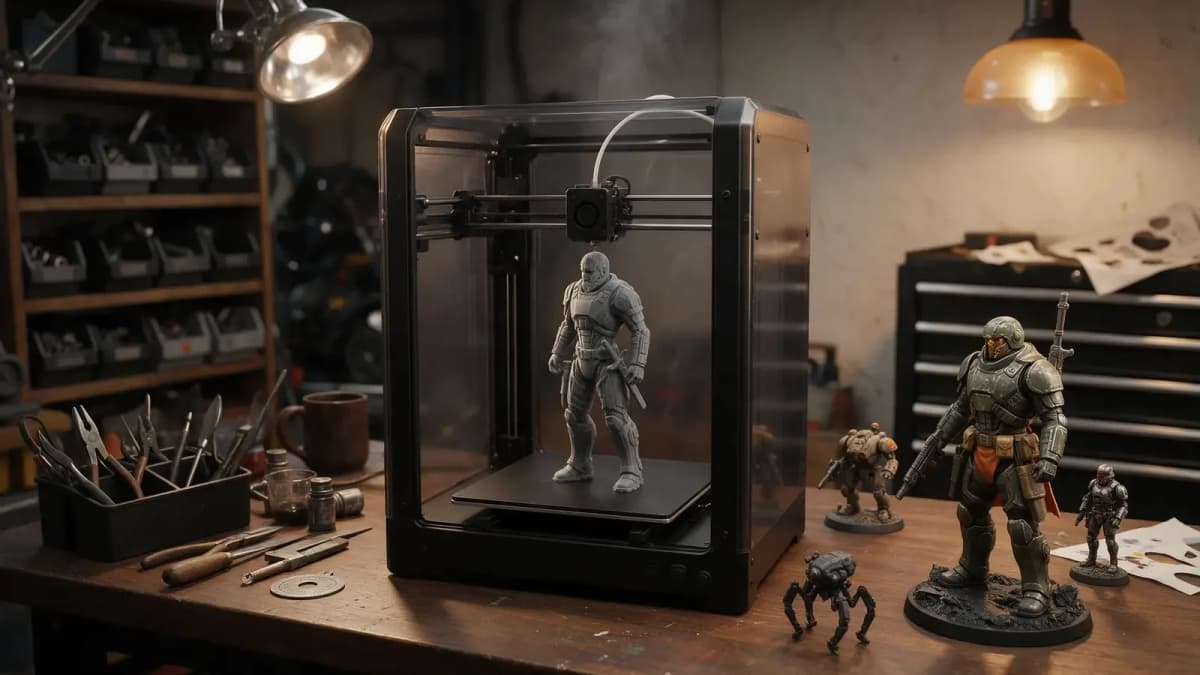
Illustration from our 3D printing pages: a generated figure going to print.
Before you hit print, open the model in your slicer and check that it's watertight, sits flat, has no walls thinner than your nozzle can handle and is scaled to real size. Our step-by-step guide on how to make 3D models for 3D printing covers each check, and there are dedicated pages for 3D-printed miniatures, action figures and lithophanes. 3D generation on Kenerate needs a one-time credit pack (from $15); credits never expire.
The short version
Start with quick, useful prints — clips, hooks, stands, bins — to dial in your printer, then move to articulated toys, vases and lithophanes. Pick PLA for most things, PETG for heat and strength, resin for miniatures, and don't trust any print with food. When the file you want doesn't exist, model it, scan it or generate it — and always check it in the slicer first.