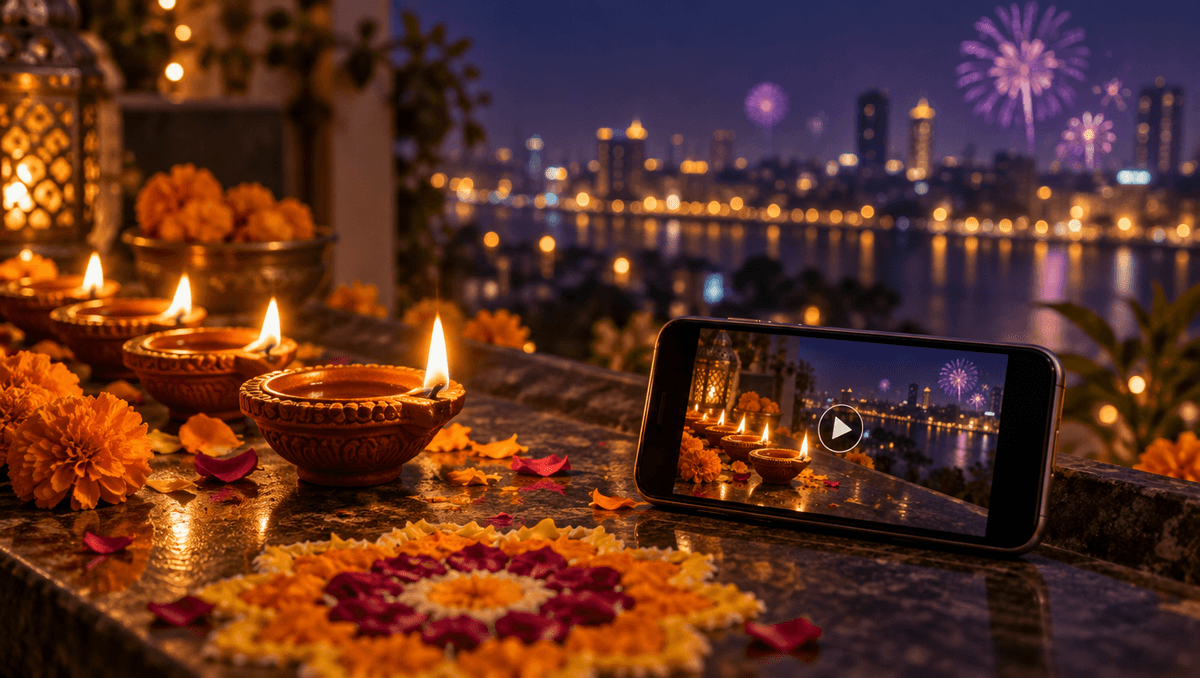
A still Diwali photo is lovely. A Diwali photo where the diya flame flickers, the fireworks bloom over the city and you can hear the temple bells is something people stop scrolling for. With a few good Diwali AI video prompts you can make that kind of clip from one picture and one sentence, no camera crew and no editing software. This guide shares the exact prompts we used this week, explains why each part is there, and gives you a template plus a list of festive scenes you can copy for your family, your shop or your page.
Everything below was made on Kenerate AI in one sitting: one image prompt for the scene, then one motion prompt that turned it into a 5 second clip with its own sound.
Why festive clips work so well
Diwali is made of things that move: flames, sparks, fireworks, falling petals, people laughing as they light the lamps. A still photo freezes all of that. A short clip brings it back, and that is exactly why festive videos get shared in family groups, posted as Stories and used by shops for their festive offers.
A good festive clip only needs three things:
- One warm scene. Dusk or night, a lot of small lights, one person or one object as the hero.
- One small action. A diya being lit, a sparkler turning, petals dropping onto a rangoli. One is plenty for 5 seconds.
- The sound of the night. A flame crackle, distant fireworks, bells. Sound is what makes the clip feel like a memory instead of a slideshow.
Step 1: describe the scene as a picture
Start with the picture, not the video. Describe it the way a photographer would: where it is, when it is, who is in it, what they are doing and what the light looks like. This is the prompt we used:
A rooftop terrace in an old Indian city at blue-hour dusk during Diwali. A young woman in an elegant deep-maroon silk saree with gold border kneels and lights a long row of small clay diyas along the stone parapet, her face softly lit by the flames. Marigold garlands, warm string lights, a brass lamp, rangoli of flower petals on the floor. In the distance, the old city skyline glows with thousands of tiny lights and a few soft fireworks bloom in the violet sky. Shallow depth of field, warm golden and violet palette, 35mm film look, no text.
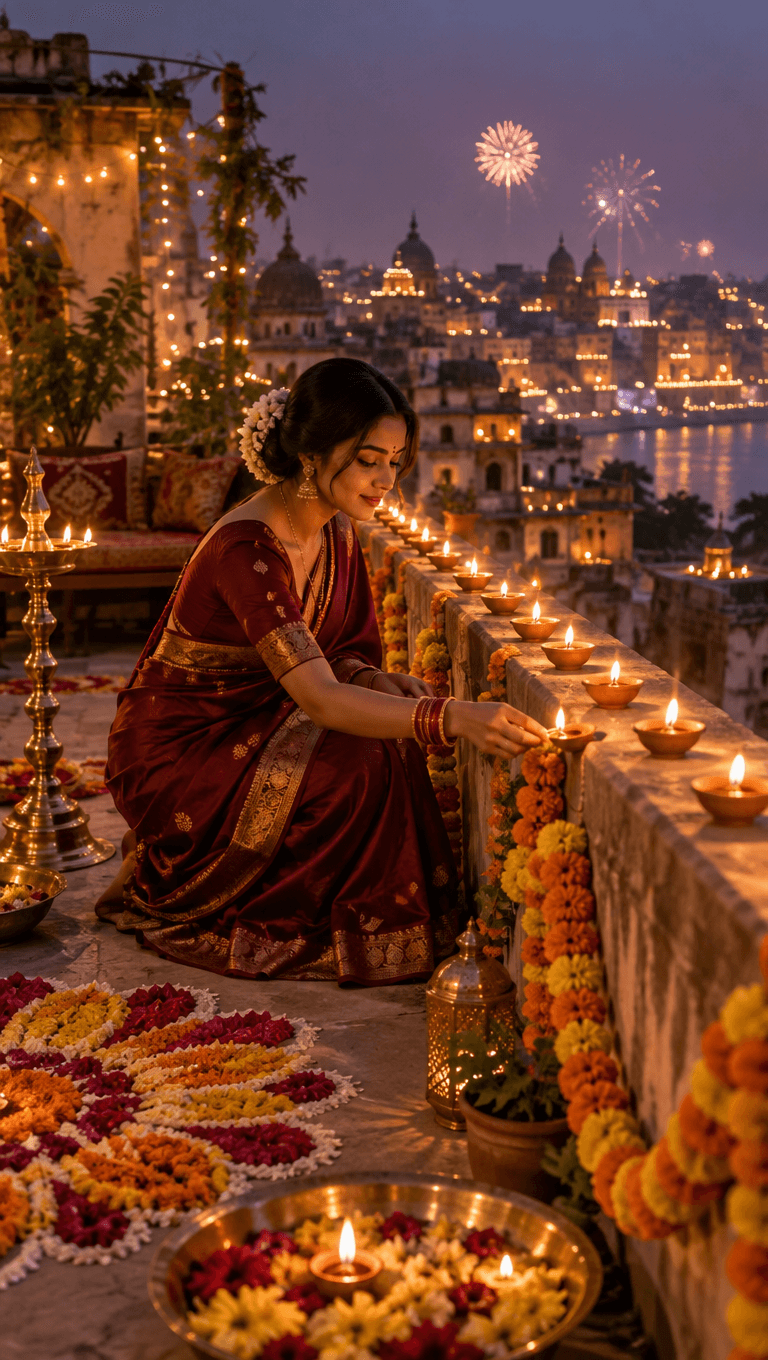
Why it works:
- "Blue-hour dusk" gives you a violet sky that makes every small flame glow. Full night can turn muddy; daylight kills the lamps.
- One clear action ("lights a long row of diyas") tells the image where the story is, so the video step has something natural to continue.
- Many small lights at different distances (diyas, string lights, the skyline) give the picture depth, and depth is what makes a slow camera move look cinematic.
- "No text" keeps random letters out of the frame, which matters if you want to add your own greeting later.
If you already have a real Diwali photo of your family or your shop, you can skip this step and start from that photo instead.
Step 2: write the motion prompt
Now attach the picture and describe only what moves. Do not describe the scene again; the picture already holds it. This is the motion prompt we used:
She gently lights the next clay diya and the small flame catches and flickers, she looks up toward the skyline and smiles softly, fireworks bloom and sparkle in the distant violet sky, string lights twinkle, slow cinematic push-in. Sound: soft crackle of the flame, distant festive fireworks pops, faint temple bells, warm night ambience.
<video src="https://localcdn.t3.tigrisfiles.io/video/6a683840cf8c6907df9e9f00/6ae8e06ae06593706ffafd1a/1793646804436_x5blpg.mp4" controls playsinline></video>
The structure is simple and you can reuse it for any festive clip:
- The main action (she lights the next diya)
- One emotional beat (she looks up and smiles)
- One or two background details (fireworks bloom, lights twinkle)
- One camera move (slow push-in)
- The sound (crackle, fireworks, bells)
Diwali AI video prompts you can copy
Each of these is written as a pair: the scene for the picture, then the motion for the video. Swap the details for your own home, family or shop.
1. Diya close-up Scene: a single clay diya on a dark brass plate, marigold petals around it, soft bokeh of string lights behind. Motion: the flame sways gently in a light breeze, a few petals settle, very slow focus pull from the flame to the lights. Sound: soft flame crackle, faint bells.
2. Rangoli coming together Scene: a top-down view of a half-finished flower rangoli on a stone floor, a hand holding a bowl of petals. Motion: the hand scatters petals that fall into place and finish the pattern, still camera from above. Sound: petals landing, quiet festive music in another room.
3. Sweets box reveal Scene: a box of Indian sweets wrapped in gold paper on a carved wooden table, diyas glowing beside it. Motion: the lid lifts slowly, the gold foil on the sweets glints in the lamp light, slow push-in. Sound: paper rustle, a soft chime.
4. Sky lanterns over a street Scene: a narrow old street at night, families on balconies holding paper sky lanterns, warm lights everywhere. Motion: everyone lets go at once and the lanterns float up into the dark sky, slow tilt up. Sound: cheering, distant fireworks.
5. Family moment Scene: a family of four in festive clothes sitting on a decorated doorstep, diyas lined along the steps. Motion: they turn toward the camera and laugh as a sparkler fizzes in the child's hand, slow sideways slide. Sound: laughter, sparkler fizz.
6. Shop festive offer Scene: a small boutique window dressed with marigold garlands and lamps, a product in the centre on a velvet stand. Motion: string lights blink on one by one, the product catches a warm glint, slow push-in. Sound: soft bell, street ambience.
A fill-in template
Use this when you want to write your own Diwali AI video prompts from scratch.
Scene: [where] at [dusk / night] during Diwali. [Who or what] [doing one clear action]. [2-3 festive details: diyas, marigolds, rangoli, string lights]. [The light: warm flames, violet sky]. [Style: cinematic, film look, shallow depth of field], no text.
Motion: [the main action continues], [one emotional beat], [one background detail moves], [one slow camera move]. Sound: [2-3 real sounds].
Mistakes that ruin festive clips
- Too many actions. Lighting a lamp, dancing, waving and turning around will not fit in 5 seconds. Pick one.
- Describing the scene again in the motion prompt. It can change faces and clothes between the picture and the video. Describe only the motion.
- Fast or spinning cameras. Orbits and quick zooms bend faces and blur flames. Slow push-ins and gentle slides keep everything sharp.
- Bright daylight. The magic of Diwali is small lights in the dark. Shoot your scene at dusk or night.
- Forgetting sound. A silent festive clip feels flat. Name the sounds you want to hear.
Where to use your festive video
- Family groups and Stories: a personal greeting that is not the same forwarded card everyone else sends.
- Shop and brand pages: a festive offer post that moves, which stands out in a feed full of still banners.
- Reels: join three or four clips (the diya, the rangoli, the fireworks) into one 15 to 20 second Reel.
- Your website or WhatsApp catalogue: a short loop at the top of a festive collection.
If you want festive still images too, our Diwali AI photo generator page has ideas for greeting images you can then bring to life with the same motion prompts.
Settings we used
- Scene: one image prompt, vertical frame for Reels and Stories.
- Video: image to video, 5 seconds, native sound on.
- Editing: a short title in the first two seconds and an end card. Nothing else.
More than 202,000 creators have made over a million images, videos and sounds on Kenerate AI. A festive clip from a single picture is one of the easiest ways to start.