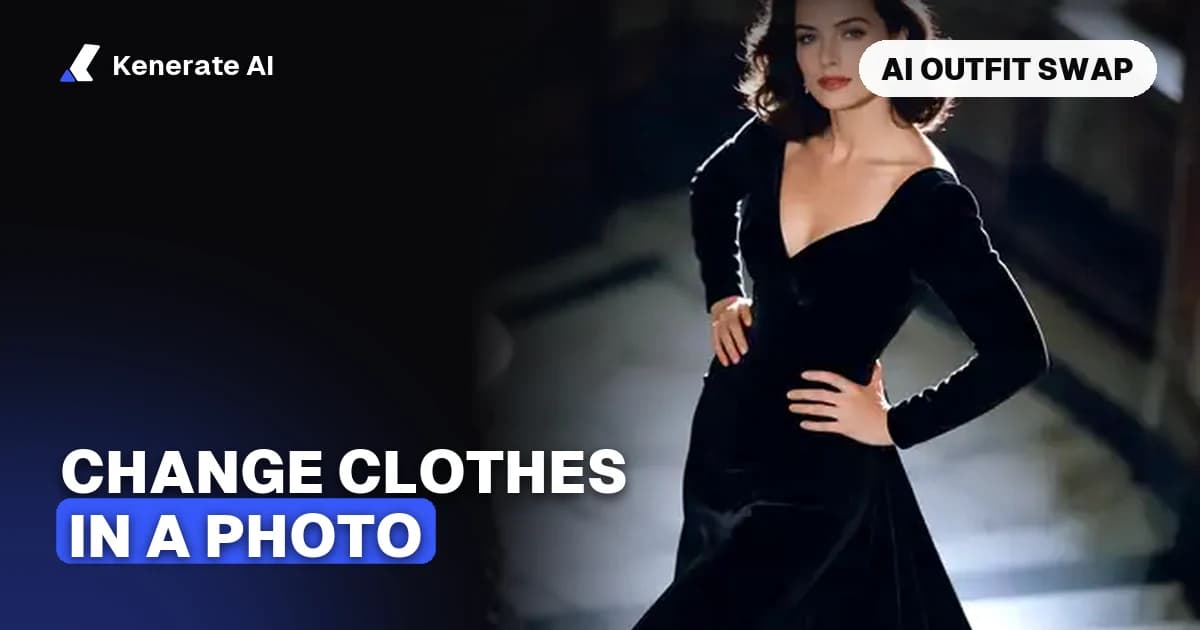
To change clothes in a photo with AI, upload a clear picture of the person, then either describe the new outfit in words or add a photo of the garment you want. An image editing model redraws the clothing and leaves the face, pose and background alone. As of 29 October 2026, Kenerate AI does this in the AI Image Editor with a single photo, and in video with the Change outfit mode. It only swaps one outfit for another; it does not remove clothing.
How does an AI outfit change work?
Most tools follow the same loop: you pick the photo, you tell the model what to wear, and the model returns a new version of the same picture. The method differs in how the new outfit is defined.
- Text prompt: you write the outfit, for example "a cream cable-knit sweater and dark jeans". This is the quickest route and works when you have no garment photo.
- Garment reference: you add a photo of the exact item. The model copies its colour, fabric and cut more closely than a description can.
- Region edit: you mark the area to change, usually the torso or the full outfit, and the model only redraws inside that area.
Magic Hour's guide describes the garment route in similar terms: you upload the person photo and the garment image, then choose a swap scope. Magic Hour's how-to guide lists the scopes as Entire Outfit, Upper Body and Lower Body.
Which photo works best?
The input photo decides most of the result quality. Use a sharp, well-lit picture where the clothing is fully visible. Front-facing or natural poses give the model more to work with, and a heavily cropped or blurry photo leaves it guessing about seams and edges.
| Input | Works well | Causes trouble |
|---|---|---|
| Person photo | Sharp, even light, one person, full clothing in frame | Blur, heavy crop, several people, objects covering the outfit |
| Pose | Front-facing or natural stance | Turned away, hands over the torso |
| Garment photo | Flat or on a plain background, the whole item visible | Garment on a busy background, half the item cut off |
| Scope | Upper body for a top, full outfit for a dress | "Full outfit" when you only want new shoes |
Magic Hour notes that an Entire Outfit swap does not guarantee new shoes, belts, jewellery or bags, so choose the narrowest scope that fits the change. Only use photos you own or have permission to edit.
Which models can change clothes in a photo?
Kenerate runs several image editing models, and the AI Image Editor lets you pick one for each edit. The figures below come from the app's edit price table (src/lib/edit-models.ts) and show the cost of one edit with one input image. Check the price in the app before you run it, because prices can change.
| Model | Max input images | Credits per edit (one image) | Good for |
|---|---|---|---|
| Qwen Image 3.0 | 3 | 9.9 | Quick text-described outfit changes, the AI Edit default |
| GPT Image 2.5 Sunburst | 16 | 11.7 | Garment reference photos and precise edits |
| Nano Banana 2.1 | 14 | 21 | Several reference images, such as a full look |
| Seedream 5.0 Pro | 10 | 13.5 | Region edits (Change Region default) |
Those credit numbers are the price for one edit with one photo, as the app's calculator returns them. Each extra reference image adds to the cost, which the app shows before you generate.
Step-by-step: change clothes in a photo
- Open the editor. Go to the AI image editor and upload your photo.
- Choose the edit. Use AI Edit for a text-described outfit, or Change Region if you want to mark the area first.
- Describe or upload the outfit. Write the garment in plain words, or add a garment photo as a reference and say which image is the outfit.
- Pick a model and check the cost. Start with a cheaper model for drafts and switch to a stronger one for the final.
- Generate and compare. Put the result next to the original. Check the face, hands, seams and the edges of the garment.
- Download the keeper. Re-run with a tighter prompt if the fit or colour is off.
What should you check before you download?
Look closely at the parts models often get wrong: hands and fingers, the join between sleeve and torso, collar edges, logos and body proportions. Also confirm that the areas you meant to keep, such as the background and the face, really stayed the same.
Can you change clothes in a video too?
Yes. Still images use the image editor, but video clips use Genjutsu's Change outfit mode. It re-dresses the person in a clip and keeps the movement and camera angle as filmed. You describe the clothes in words or add a garment image. The AI clothes changer page covers the video workflow in more detail.
Is an AI outfit change the same as virtual try-on?
Not quite. Virtual try-on is built to preview how a garment looks on a person, while a creative outfit change is for exploring a look, a campaign or a character. Google's virtual try-on research uses a diffusion model that takes a garment image and a person image as its two inputs, instead of a text prompt. Google's description of the feature says the model renders the garment onto the person, and at launch it covered only women's tops from a few brands.
The difference matters for shopping. A generated outfit is a visual mockup. It does not confirm sizing, fabric weight or how a purchased item will fit, so keep the original product photo for any listing.
Which tool should you use?
Use the clothes swap tool when you have a garment photo and want to dress a person in that exact item. Use the AI outfit generator when you want to invent new looks from a description. If you only want to change the colour of a garment and keep its shape, change clothes colour is the quicker route.
What are the limits of AI clothes changers?
- Fit and size: the result shows appearance, not fit.
- Small details: shoes, jewellery and bags are often missed by a full-outfit swap.
- Groups: most editors work on one person at a time, so crop the photo first.
- Consent: only edit photos of people who agreed to it, and never use a clothes change to alter someone's appearance without permission.
- Cost: credits add up across retries, so start with a cheap model.
FAQ
Can AI change clothes in a photo without a garment picture?
Yes. Describe the outfit in words, for example "a navy wool coat over a white shirt", and use AI Edit. A garment photo gives more precise results, but it is optional.
Which AI model is best for changing clothes?
It depends on the edit. Qwen Image 3.0 is the cheapest starting point for a text-described change. GPT Image 2.5 Sunburst and Nano Banana 2.1 accept more reference images, which helps when you want an exact garment.
Does the photo need to be high resolution?
A clear, sharp photo helps more than raw resolution. Blur, heavy compression and cropped-out clothing cause the most problems.
Can I change only the top or only the bottom?
Yes. Use Change Region to mark the area, or describe only the part you want changed and say the rest must stay the same.
How much does it cost to change clothes with AI?
On Kenerate AI, a single image edit with one input costs between about 10 and 21 credits depending on the model, as of October 2026. Extra reference images add to that. The editor shows the total before you generate.
Is it legal to change clothes in someone else's photo?
Only edit photos you own or have permission to use. Using someone else's image without consent can breach their rights or privacy, even when the change is only a new outfit.
Why does my result look fake around the hands?
Hands and fine seams are the hardest details for image models. Try a tighter region edit, a clearer reference photo or a stronger model, and check the result before downloading.
Key takeaways
- An AI outfit change redraws the clothing in one photo and keeps the face, pose and background.
- Use a sharp, well-lit photo with the whole outfit visible for the best result.
- Text prompts are the fastest route; garment photos give closer copies of a specific item.
- Kenerate's editor prices each model per edit, from about 10 credits (Qwen Image 3.0) to 21 credits (Nano Banana 2.1) for one input, as of October 2026.
- For video, the Change outfit mode in Genjutsu re-dresses the person and keeps the movement.
- A generated outfit is a mockup, not proof of fit.
Sources
- How to Change Clothes in a Photo With AI, Magic Hour
- How AI makes virtual try-on more realistic, Google
Updated 29 October 2026. Credit figures come from Kenerate's edit price table and may change.