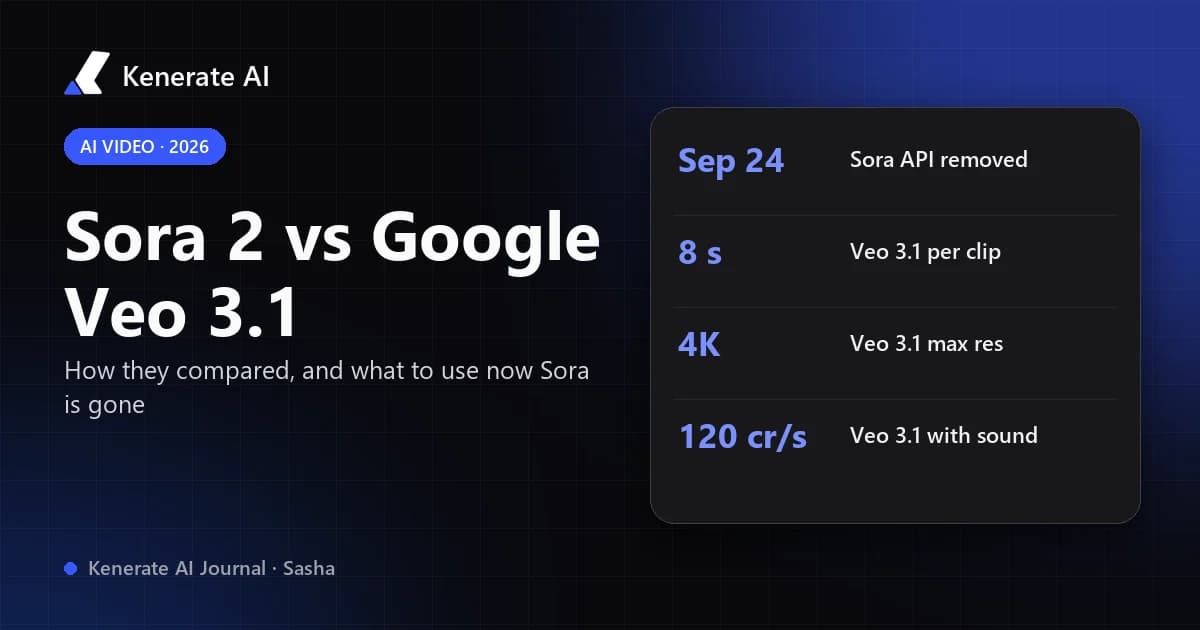
As of October 18, 2026, the Sora 2 vs Veo 3 question has a blunt answer: Veo 3.1 wins by default, because Sora 2 no longer exists. OpenAI removed sora-2 and sora-2-pro from its API on September 24, 2026, months after the Sora app closed, while Google's Veo 3.1 is still live with native audio, 4K output and clip extension. When both were available, Sora 2 was the pick for longer, moodier, story-driven shots and Veo 3.1 for tightly prompted, audio-synced, ad-style clips. This guide compares them side by side and shows what to use in Sora's place.
If you landed here from an older comparison that still treats Sora 2 as an option, check the date on it. Most head-to-head tests were written in late 2025, before OpenAI announced the shutdown on March 24, 2026. We'll keep both models in the comparison, since you may be choosing a style or rebuilding a Sora workflow, but every recommendation below is based on what you can actually generate today.
Is Sora 2 still available in 2026?
No. OpenAI's deprecations page lists the Videos API, sora-2, sora-2-pro and their dated snapshots (sora-2-2025-10-06, sora-2-2025-12-08, sora-2-pro-2025-10-06) as removed from the API on September 24, 2026. Developers were notified on March 24, 2026. The consumer Sora app and website had already closed on April 26, 2026, as we covered in Can ChatGPT Make Videos?.
That has two practical consequences:
- Any site still selling "Sora 2" generation after September 24, 2026 deserves a close look. If OpenAI isn't serving the model, a reseller can't either. Check what model actually renders your clip.
- Sora-era prompts and footage still have value. Your saved prompts can be adapted to Veo 3.1 or another current model, and you can keep the clips you downloaded. Just don't build anything new that depends on Sora.
Kenerate AI offered Sora 2 Pro while OpenAI served it. It is now hidden from the studio's model picker, and our Sora 2 page explains the shutdown and shows the same prompt on the models that replace it.
Sora 2 vs Veo 3.1: how do the specs compare?
The table below puts the two side by side. Sora 2 figures describe the model as it was last offered through the API (and through Kenerate's integration). Veo 3.1 figures come from Google's Gemini API Veo documentation and Kenerate's current model config, as of October 18, 2026.
| Spec | Sora 2 / Sora 2 Pro (OpenAI) | Veo 3.1 / Veo 3.1 Fast (Google) |
|---|---|---|
| Status (Oct 2026) | Discontinued, API removed Sep 24, 2026 | Available |
| Clip length | 4–20 s on Kenerate (4, 8, 12, 16, 20 s) | 4, 6 or 8 s per generation |
| Longer videos | New generation per shot | Extension adds 7 s per step, up to 20 times (148 s total per Google) |
| Resolution | 720p (Sora 2); up to 1080p (Sora 2 Pro) | 720p, 1080p and 4K (1080p and 4K need 8 s per Google) |
| Aspect ratios | 16:9, 9:16 | 16:9, 9:16 |
| Native audio | Yes, always on | Yes; Kenerate adds a silent option at a lower price |
| Image input | Start image | Start image, optional last frame, up to 3 reference images |
| Frame rate | — | 24 fps |
| Watermark / provenance | Visible watermark in the Sora app; C2PA metadata | SynthID invisible watermark |
| API list price | $0.10/s (sora-2, 720p); $0.30–$0.70/s (sora-2-pro, 720p–1080p) | $0.40/s (Veo 3.1, 720p/1080p), $0.60/s at 4K |
Two details matter more than they look. First, length: Sora 2 Pro's 20-second ceiling was its biggest structural advantage, because Veo 3.1 tops out at 8 seconds per generation and reaches longer runtimes only by extension. Second, control: Veo 3.1's last-frame control and three reference images give you more say over where a shot ends and what stays consistent, which is why it suits product and brand work.
What did Sora 2 do better than Veo 3.1?
Across the reviews published while both were live, Sora 2 earned praise for atmosphere, believable environments and story-driven scenes. Tom's Guide ran both models through seven audio prompts and found Sora's scenes often felt more cinematic, while Veo stuck closer to the script. Sora 2 Pro's longer clips also let a single generation hold a whole beat of action, so there was less stitching.
What does Veo 3.1 do better than Sora 2?
Veo 3.1 is the more controllable tool. Reviewers consistently credited it with tighter prompt adherence, dialogue and sound effects that sync with the action, and a cleaner, commercial look. On top of that it has features Sora 2 never offered in the API: 4K output, a last-frame target, up to three reference images, and scene extension. For ads, product shots and anything that has to match a brief, those count for more than mood.
Which is better for audio and dialogue?
Both models generated sound natively, which is what made this comparison popular in the first place. In practice:
- Veo 3.1 handles explicit audio instructions well. Put a spoken line in quotes, name the sound effects, and describe the ambience, and it tends to deliver them in sync. Google's docs note that audio is always generated, and Kenerate exposes a sound on/off toggle for silent b-roll.
- Sora 2 produced rich, believable ambience and was strong on "feel," but reviewers found it more likely to ignore or rewrite a precise audio direction.
If your clip depends on a specific line of dialogue landing on a specific action, Veo 3.1 is the safer choice, and today it's the only one of the two you can use. For longer scenes with sound, see the alternatives below.
How much does Veo 3.1 cost compared with Sora 2?
At OpenAI's last list prices, Sora 2 was the cheapest way into the pair at $0.10 per second for 720p, while Sora 2 Pro ran $0.30–$0.70 per second depending on resolution. Veo 3.1 at $0.40 per second costs more than standard Sora 2 but less than Sora 2 Pro at 1080p. Veo 3.1 Fast is the budget option.
On Kenerate AI, video is priced in credits (300 credits per US dollar of provider cost, per src/lib/video-models.ts). Here is what Veo costs today:
| Veo model on Kenerate | With sound | Silent | 4K (sound / silent) | 8 s clip with sound |
|---|---|---|---|---|
| Veo 3.1 | 120 credits/s | 60 credits/s | 180 / 120 credits/s | 960 credits |
| Veo 3.1 Fast | 45 credits/s | 30 credits/s | 90 / 75 credits/s | 360 credits |
| Veo 3 | 120 credits/s | 60 credits/s | — (720p/1080p only) | 960 credits |
| Veo 3 Fast | 45 credits/s | 30 credits/s | — | 360 credits |
A few worked numbers, based on the plans in Kenerate's pricing:
- The $15 Starter plan (1,300 credits) covers one 8-second Veo 3.1 clip with sound (960 credits), or three 8-second Veo 3.1 Fast clips (1,080 credits).
- The $29 Creator plan (2,700 credits) covers two full-quality Veo 3.1 clips (1,920 credits) or seven Veo 3.1 Fast clips (2,520 credits).
- Extending a Veo 3.1 clip adds 7 seconds for a flat 960 credits (360 on Veo 3.1 Fast). Reference-to-video is a fixed 8-second clip.
Video generation needs a paid plan on Kenerate. The 25 credits new accounts receive are for images only.
How do you get Sora-style results with Veo 3.1?
If you're moving a Sora 2 workflow over, the biggest change is length. Here's a routine that works:
- Open the studio with Veo 3.1 selected. Go to the video studio and choose Veo 3.1, or Veo 3.1 Fast for drafts.
- Split long Sora prompts into 8-second beats. A 20-second Sora shot becomes an 8-second opener plus extensions, or two or three separate shots cut together.
- Rewrite each beat in the order subject → action → setting → camera → lighting → audio. Veo responds best to concrete direction. Put dialogue in quotes and list the sounds you want.
- Lock the look with a start frame. Generate or upload a still for the first frame. Add a last frame if the shot must end on a specific composition.
- Draft on Fast, finish on full Veo 3.1. Iterate at 45 credits per second, then re-render the keeper at full quality or 4K.
- Extend instead of re-prompting. Use extension (+7 s) to carry the same scene forward. Google allows up to 20 extensions per video.
What should you use instead of Sora 2?
Veo 3.1 is the closest match for quality and audio, but it doesn't match Sora 2 Pro's single-shot length. If length is what you miss, these models in Kenerate's studio go longer per generation:
| Model | Length per clip | Native audio | Price on Kenerate (720p) | Best for |
|---|---|---|---|---|
| Veo 3.1 | 4–8 s (+7 s extensions) | Yes | 120 credits/s with sound | Audio-synced, controlled, 4K shots |
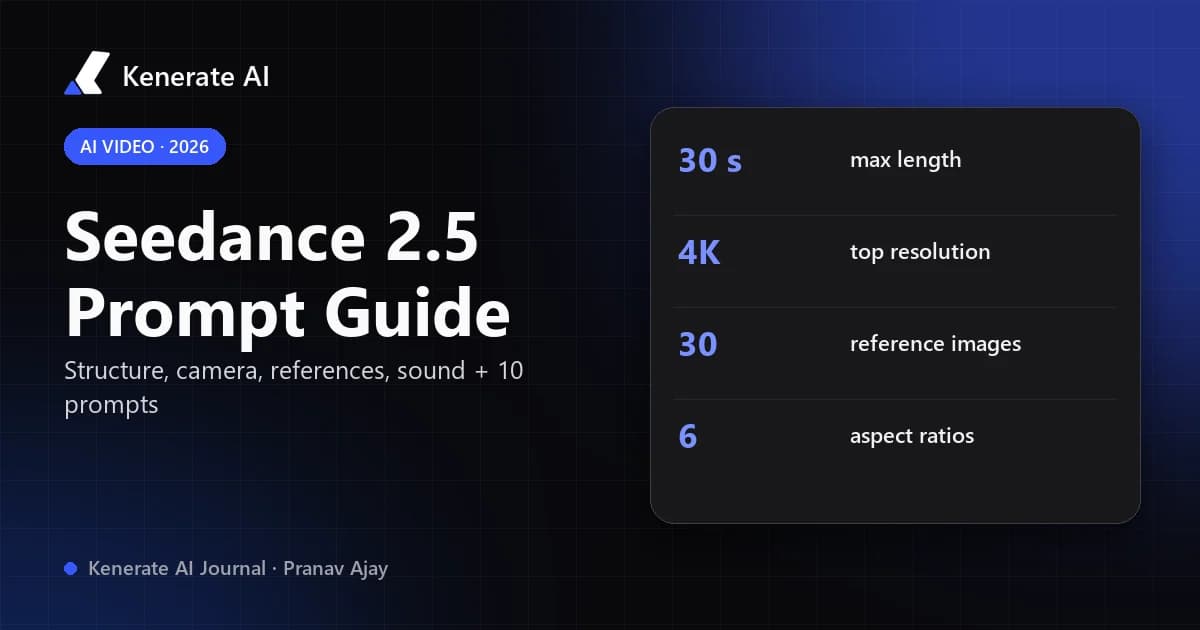
| Seedance 2.5 | 4–30 s | Yes (toggle) | 108 credits/s | Long multi-shot scenes, many references |
| Kling 3.0 Pro | 3–15 s | Yes (toggle) | 50.4 credits/s with sound | Character motion, value |
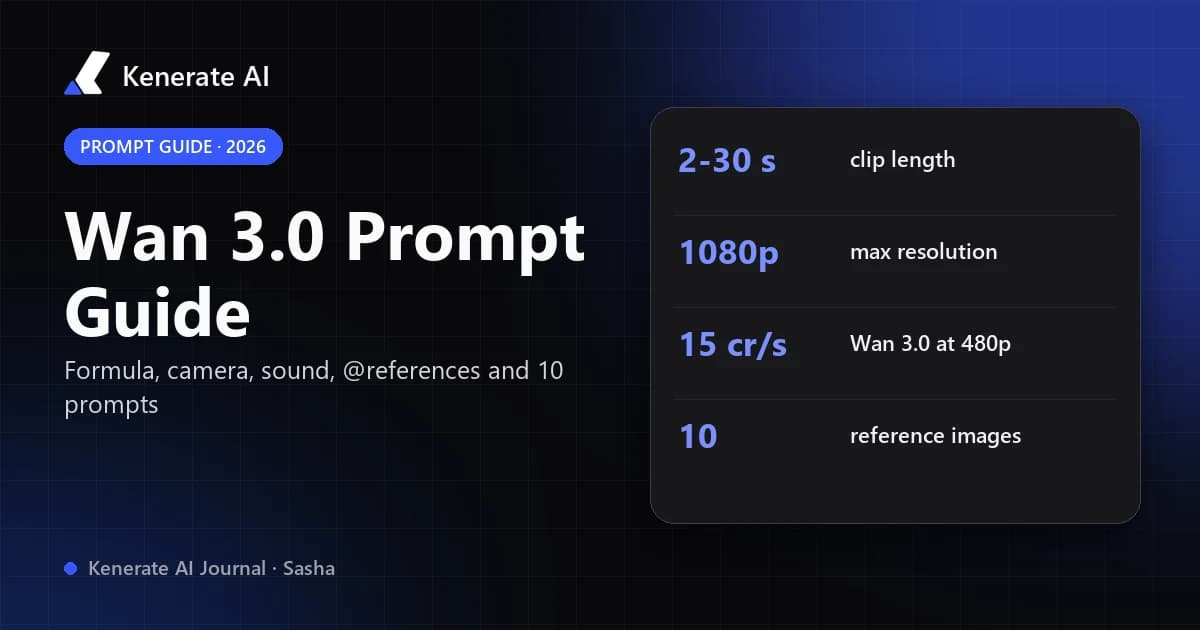
| Wan 3.0 | 2–30 s | Yes (toggle) | 30 credits/s (15 at 480p) | Cheap drafts, long b-roll |
- For Sora 2 Pro's long cinematic shots, use Seedance 2.5. It runs up to 30 seconds in one generation and accepts up to 30 reference images.
- For Sora's audio-first social clips, Veo 3.1 or Veo 3.1 Fast fits best.
- For volume and drafts, Wan 3.0 at 480p is the cheapest way to test a prompt before paying for a premium render.
Our Sora alternative page shows the same prompts rendered on several of these models. If you're comparing Veo with other options, see our Veo 3.1 overview.
Should you choose Veo 3.1 or Veo 3.1 Fast?
Both share the same features (4/6/8 s, 720p to 4K, references, last frame, extension). The difference is price and fidelity:
- Veo 3.1 Fast costs about 38% as much with sound (45 vs 120 credits per second) and is the right default for exploring ideas, testing prompts and making social cuts.
- Veo 3.1 is worth it for the final render, especially at 1080p or 4K, close-ups, and shots with dialogue.
A sensible split is to iterate on Fast at 720p until the motion and timing are right, then render once on Veo 3.1. Note that Google's docs mark Veo 3.0 models as deprecated, so for new work start on Veo 3.1 rather than Veo 3.
The verdict
Sora 2 vs Veo 3 is now a historical comparison. Sora 2 had the edge on mood and single-shot length, and Veo 3.1 led on control, sync and output options. With Sora's API switched off on September 24, 2026, Veo 3.1 is the practical choice for high-quality, audio-synced clips, and Seedance 2.5 or Wan 3.0 covers the long single takes Sora 2 Pro was known for. Start with Veo 3.1 Fast, keep prompts to 8-second beats, and only pay for full Veo 3.1 once the shot works.
Updated October 18, 2026. Prices and specs change; check the studio before large batches.