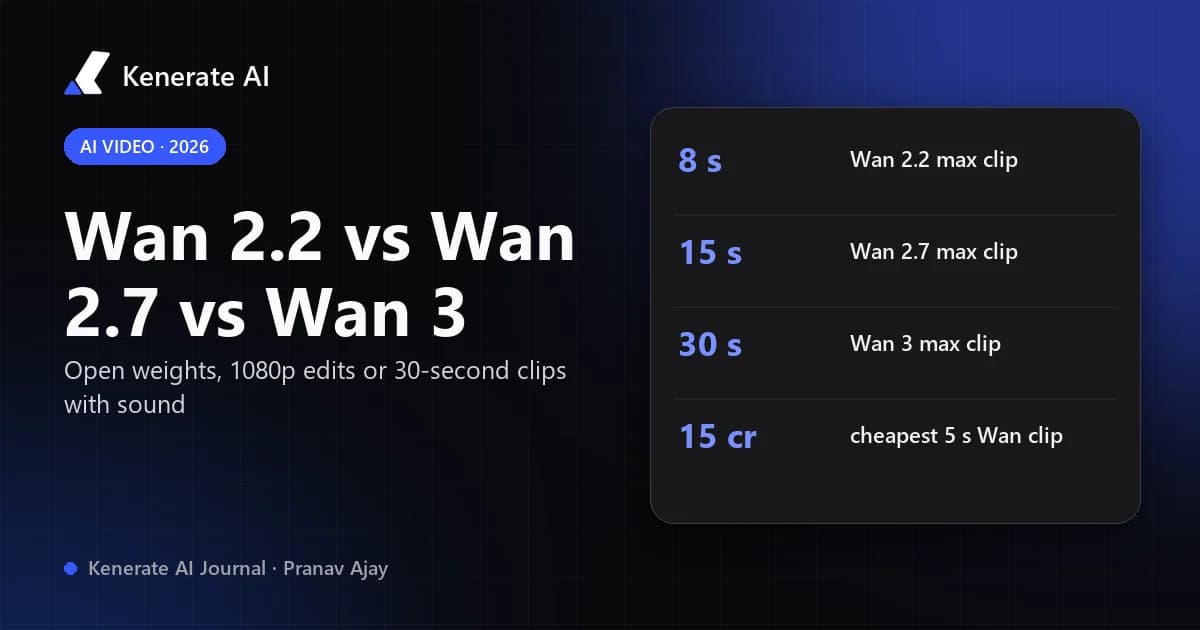
Wan 2.2, Wan 2.7 and Wan 3 are three generations of Alibaba's Wan video model, and they solve different problems. Wan 2.2 is the open-weight model you can download and run yourself (5–8 second clips, up to 720p, no sound); Wan 2.7 is the hosted model built for 1080p, editing and audio-driven clips up to 15 seconds; Wan 3 doubles the length to 30 seconds, adds generated sound and the broadest reference inputs. If you want the cheapest drafts pick Wan 2.2, for edits and dialogue pick Wan 2.7, and for longer, finished-looking shots pick Wan 3.
This comparison uses the published specs from Alibaba's model releases and the settings Kenerate AI actually runs for each model, as of 17 October 2026. Credit prices below come straight from the studio's pricing code, not from estimates.
What is the difference between Wan 2.2, Wan 2.7 and Wan 3?
The short version is open vs. hosted, and short vs. long.
- Wan 2.2 (released 28 July 2025) is the last Wan video model with public weights. Alibaba published the code and checkpoints on Hugging Face under the Apache 2.0 licence: a 14B mixture-of-experts text-to-video and image-to-video pair (A14B) that supports 480p and 720p, plus a smaller 5B model that runs 720p at 24 fps on a consumer GPU.
- Wan 2.7 (text-to-video launched 3 April 2026, with image-to-video, reference and editing following within days) is API-only. It moved Wan to native 1080p, clips of 2–15 seconds, audio input and a full editing suite.
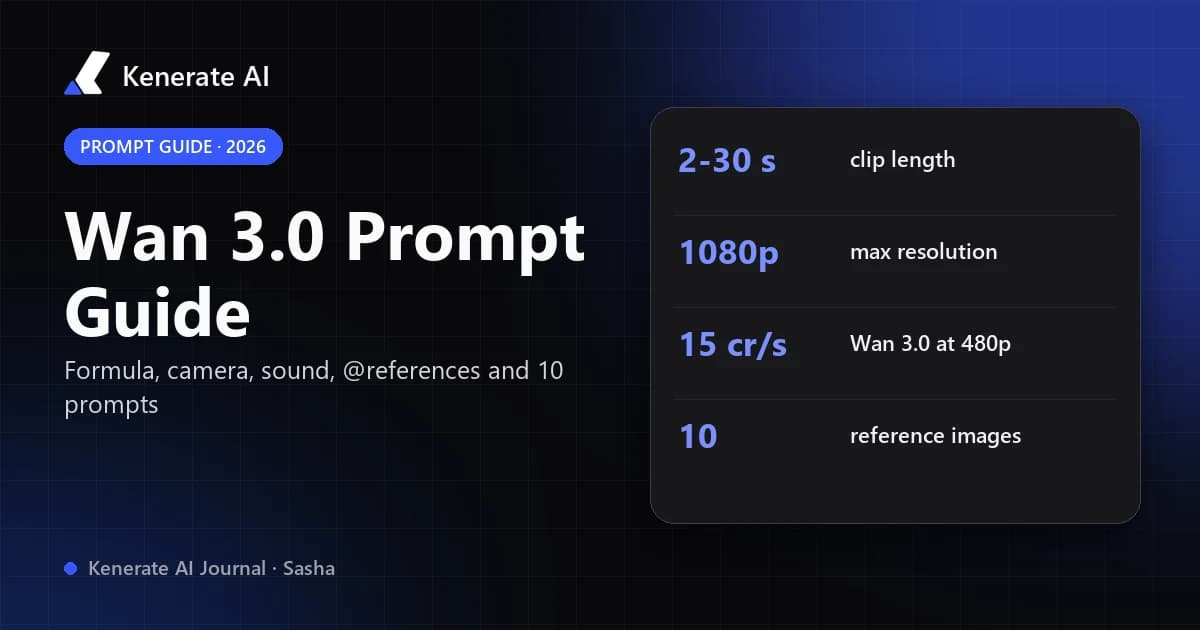
- Wan 3.0 (public beta from 6 August 2026 on Alibaba Cloud Model Studio and Qwen Cloud) is also closed and API-only. It generates 2–30 second clips at 480p, 720p or 1080p, produces sound in the same pass, and its "Omni-Reference" system takes images, video, audio and even documents or webpages as references.
Wan 2.2 vs 2.7 vs 3 at a glance
| Wan 2.2 | Wan 2.7 | Wan 3.0 | |
|---|---|---|---|
| Released | 28 Jul 2025 | Apr 2026 | Aug 2026 (beta) |
| Weights | Open (Apache 2.0) | Closed, API only | Closed, API only |
| Clip length on Kenerate | 5 or 8 s | 2–15 s | 2–30 s |
| Resolution on Kenerate | 480p, 720p | 720p, 1080p | 480p, 720p, 1080p |
| Aspect ratios on Kenerate | 16:9, 9:16 | 16:9, 9:16, 1:1, 4:3, 3:4 | 16:9, 9:16, 1:1, 4:3, 3:4 |
| Modes on Kenerate | Text, image | Text, image, reference, edit, extend | Text, image, reference, edit, extend |
| Sound | Silent | Audio input (drive a clip with a track) | Generated sound, on/off toggle, audio references |
| Reference limits on Kenerate | — | Up to 5 images + clips | 10 images, 5 videos, 5 audio clips (15 s each budget) |
| Credits per second on Kenerate | 9 (480p) · 18 (720p) | 30 (720p) · 45 (1080p) | 15 (480p) · 30 (720p) · 60 (1080p) |
| 5-second 720p clip | 90 credits | 150 credits | 150 credits |
Sources: Alibaba Wan 2.2 model card on Hugging Face; Kenerate's video model config (video-models.ts), checked 17 Oct 2026. Provider APIs can expose slightly different routes from what a given app offers.
Which Wan model gives the best quality?
Wan 3.0 is the most capable of the three on paper: it has the longest clips, the highest resolution tier alongside 2.7, and Alibaba says it improves character consistency, facial detail, micro-expressions and props over earlier versions. There is, however, no independent, controlled benchmark that ranks the three against each other as of October 2026 — even vendor comparisons such as EvoLink's Wan 3.0 vs 2.7 write-up say they have no controlled test showing one beats the other on quality or failure rate.
In practice the differences you will notice are structural rather than "prettier pixels":
- Resolution ceiling. Wan 2.2 stops at 720p. Wan 2.7 and Wan 3 render native 1080p.
- Length. Wan 2.2 makes a single 5 or 8 second shot. Wan 2.7 reaches 15 seconds. Wan 3 runs to 30 seconds in one generation, so you need fewer cuts and less stitching.
- Sound. Wan 2.2 is silent. Wan 3 generates ambience, effects and spoken lines with the video; Wan 2.7 can take an audio track as input.
If you are making a finished social clip with sound, Wan 3 usually saves the most time. If you are judging motion and composition before committing credits, Wan 2.2 (or Wan 3 at 480p) is the cheaper way to iterate.
Is Wan 2.2 still worth using in 2026?
Yes — for two reasons the newer versions can't match.
1. It is open. Wan 2.2 is the only one of the three you can download. The A14B checkpoint needs a GPU with around 80 GB of VRAM for single-card inference (or offloading tricks), while the TI2V-5B model makes a 5-second 720p clip in under nine minutes on a single RTX 4090-class card, according to Alibaba's model card. That makes it the base for local workflows, LoRAs and ComfyUI graphs. Wan 2.7 and Wan 3 have no public weights at all.
2. It is cheap online. On Kenerate, Wan 2.2 bills 9 credits per second at 480p and 18 at 720p, so a 5-second 480p clip is 45 credits. Wan 2.2 Ultra Fast costs a third of that — 3 credits per second at 480p, 15 credits for a 5-second clip — and is the lowest-cost video model in the studio. For storyboarding, testing prompts or animating a batch of stills, that price gap is large.
The trade-off: 5 or 8 seconds only, two aspect ratios (16:9 and 9:16), 720p maximum and no audio. Read more on the dedicated Wan 2.2 page, and if you want to move a character with a reference performance, Wan 2.2 Animate covers motion transfer.
When should you pick Wan 2.7 over Wan 3?
Wan 2.7 is the editing and audio-driven workhorse. Pick it when:
- You are editing an existing clip. Wan 2.7 has a mature edit route: you upload a 2–10 second video, describe the change, and get a revised version. On Kenerate, edits bill both the input and output seconds (a 5-second 720p edit is 300 credits).
- You want to drive the clip with your own audio. Wan 2.7 accepts an audio file with text-to-video, which is useful for music-led clips and lip-sync. Third-party API guides also note per-character voice binding on Wan 2.7 for multi-character dialogue.
- You only need 1080p up to 15 seconds. At 1080p Wan 2.7 costs 45 credits per second against Wan 3's 60, so a 10-second 1080p shot is 450 credits on 2.7 versus 600 on Wan 3.
Wan 2.7 does not offer a 480p draft tier, so its cheapest clip on Kenerate is 720p at 30 credits per second.
When is Wan 3 the right choice?
Wan 3 is the pick for longer, more finished output:
- Clips longer than 15 seconds. Wan 3 offers 2–15 seconds in one-second steps, then 20, 25 and 30 seconds. Nothing else in the Wan line goes past 15.
- Sound in the same pass. Turn generated audio on for ambience, effects or a short spoken line written in quotes in your prompt; turn it off for silent b-roll.
- Heavy referencing. On Kenerate you can attach up to 10 reference images, 5 reference videos and 5 audio clips (videos and audio each share a 15-second budget). Reference video seconds are billed like output seconds.
- Cheap long drafts. The 480p tier is 15 credits per second, so a full 30-second draft is 450 credits; upscale or re-render only the keeper.
- Prompt help. Kenerate exposes Wan 3's prompt optimiser as "Enhance prompt".
There is also Wan 3 Prime, a higher tier at 22.5 / 45 / 90 credits per second (480p / 720p / 1080p) with the same lengths and inputs, for when you want the best result from a prompt you've already proven at standard rates.
How much does each Wan model cost per clip?
Kenerate converts provider cost to credits at a fixed rate (300 credits per $1 of provider cost), so the numbers below are exact for each setting as of 17 October 2026.
| Clip | Wan 2.2 Ultra Fast | Wan 2.2 | Wan 2.7 | Wan 3.0 | Wan 3 Prime |
|---|---|---|---|---|---|
| 5 s · 480p | 15 | 45 | — | 75 | 113 |
| 5 s · 720p | 30 | 90 | 150 | 150 | 225 |
| 8 s · 720p | 48 | 144 | 240 | 240 | 360 |
| 5 s · 1080p | — | — | 225 | 300 | 450 |
| 15 s · 1080p | — | — | 675 | 900 | 1,350 |
| 30 s · 720p | — | — | — | 900 | 1,350 |
Credits are spent only for the model and settings you choose, and the exact cost is shown before you generate. Video generation needs a paid plan; see the pricing page for current plans and credit packs.
How do you choose the right Wan model? A quick decision guide
- Do you need to run it on your own GPU or fine-tune it? → Wan 2.2 (the only open weights).
- Is this a rough draft or a batch test? → Wan 2.2 Ultra Fast for 5–8 second shots, or Wan 3 at 480p if you need longer drafts or more aspect ratios.
- Are you editing or extending an existing clip, or driving it with your own audio? → Wan 2.7.
- Do you need more than 15 seconds, generated sound, or many references? → Wan 3.0.
- Is the prompt already proven and you want the best take? → Wan 3 Prime.
How to make a Wan video on Kenerate AI
- Open the Wan AI video generator or the video studio and choose a Wan model from the model picker.
- Pick a mode: text-to-video, or image-to-video to animate a still (the image to video page explains start frames). Wan 2.7 and Wan 3 also offer reference, edit and extend.
- Set the length, resolution and aspect ratio. The credit cost updates as you change them.
- Write a prompt that describes the subject, the action, the camera move and the lighting. For Wan 3 with sound on, put any spoken line in quotes.
- Generate a cheap draft (480p or Ultra Fast), then re-run the keeper at 1080p or on Wan 3 Prime.
What about Wan 2.5 and Wan 2.6?
They sit between 2.2 and 2.7 and are still available. On Kenerate, Wan 2.5 runs 3–10 seconds at 480p, 720p or 1080p (15 / 30 / 45 credits per second) with audio input, and Wan 2.6 runs 5, 10 or 15 seconds at 720p or 1080p (30 / 45 credits per second) with reference-to-video. For most new projects, Wan 2.7 or Wan 3 covers the same ground with more flexibility, but existing prompts tuned on 2.5 or 2.6 still work.
Sources and further reading: Wan 2.2 T2V-A14B model card (Hugging Face) · Deploying Wan 2.7 — Spheron · Wan 3.0 vs Wan 2.7 — EvoLink · Wan 3.0 model overview — Morphic. Kenerate specs and credit prices checked 17 October 2026.