Wan 2.2 · Ultra Fast · Alibaba · open weights · Apache 2.0
Wan 2.2 online — Alibaba's open video model, text and image to video
Wan 2.2 is the open-weights video model from Alibaba's Wan team. Run it in the browser for text to video or image to video, 5 or 8 seconds at 480p or 720p, with no GPU, no ComfyUI and no model files to download.

- Text or image to video
- 5 or 8 s · 480p or 720p
- Start and end frame
- No GPU needed
Updated by the Kenerate AI team
On this page
Quick answer
Updated
What is Wan 2.2?
Wan 2.2 is Alibaba's open-weights AI video model, released in July 2025 under Apache 2.0, with a mixture-of-experts design: one expert lays out each clip, another refines the detail. In Kenerate AI's studio you can run Wan 2.2 and Wan 2.2 Ultra Fast for text or image to video, 5 or 8 seconds at 480p or 720p, no GPU.
Key facts
- Made by
- Alibaba (Wan team), July 2025
- Licence
- Apache 2.0, open weights
- Modes here
- Text to video, image to video
- Length · resolution
- 5 or 8 s · 480p or 720p
- Aspect ratios
- 16:9 and 9:16
- Sound
- No (silent clips)
- Versions here
- Wan 2.2, Wan 2.2 Ultra Fast
Real results
Real Wan 2.2 clips
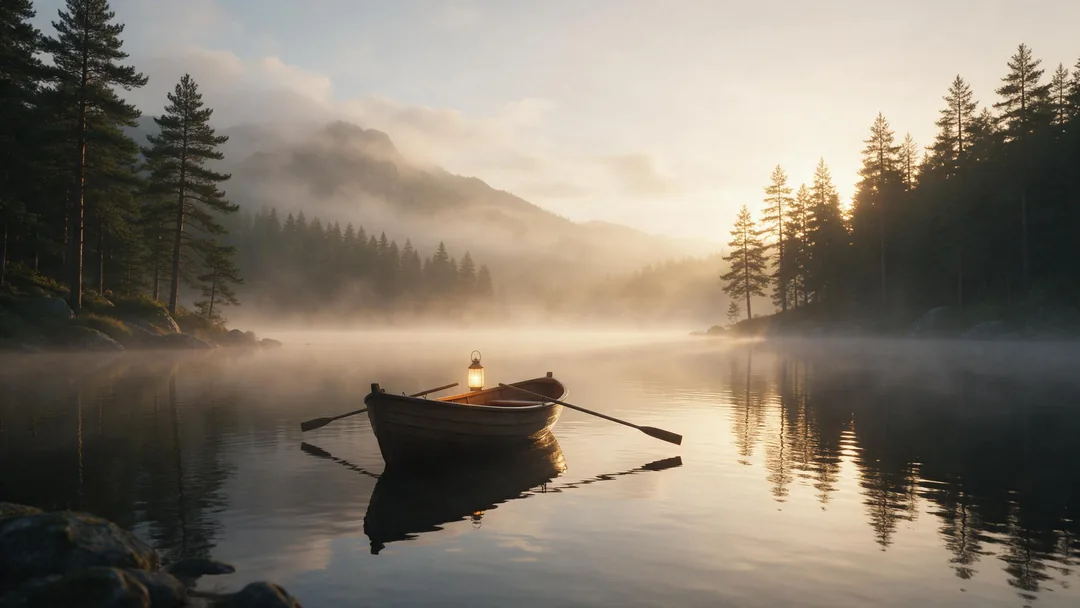
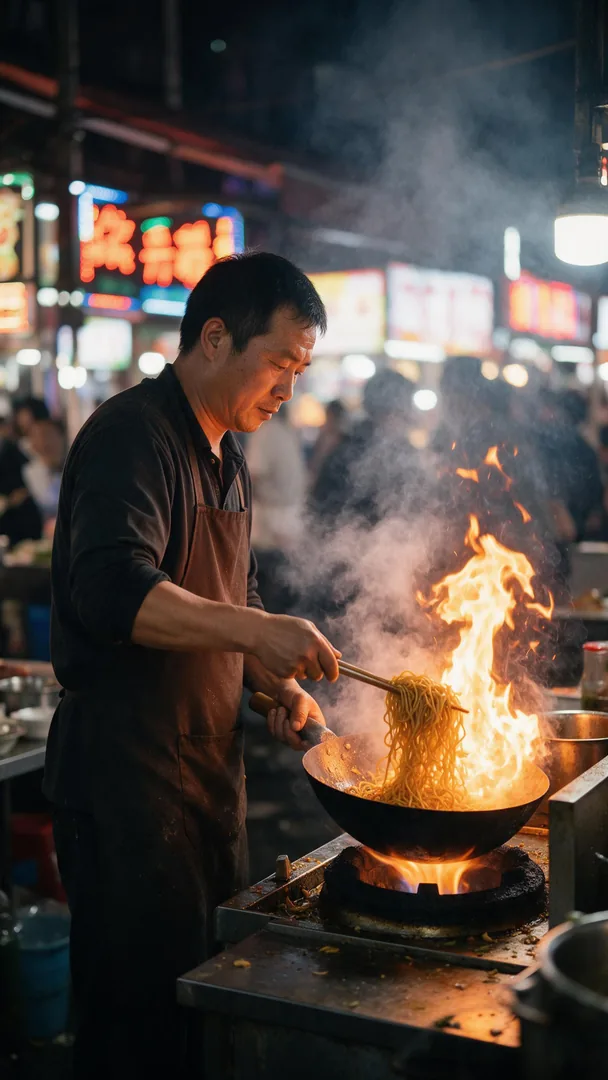
Three Wan 2.2 image-to-video clips from Seedream 5.0 Pro stills and one made from text alone, all 5 s at 480p.
Unedited Wan 2.2 outputs, silent as generated. Open one to copy the prompts.
How to
How to use Wan 2.2 online
- Time needed
- Steps
- 4 steps
Step 1
Open the video studio
Pick Wan 2.2, or Wan 2.2 Ultra Fast for quicker drafts.
Step 2
Start from text or an image
Image to video takes a start image and an optional end frame; text to video needs only the prompt.
Step 3
Write the motion
A prompt is required: one action, one camera move and the pace. In image to video, leave the look to the image.
Step 4
Pick 5 or 8 s and a resolution
Draft at 480p, keep the take you like at 720p; choose 16:9 or 9:16 for text to video.
See it in the app

Open Video Studio in Text to Video mode and write the shot — subject, action, camera move and light.


Watch the tour · 1:19
Text, image & reference to video, models, edit, extend & chat
Chapters
Engines
Wan 2.2 in the studio
From the studio's own model list.
- Used here
Alibaba
Wan 2.2
- Input
- Text, or image (+ end frame)
- Output
- 5 or 8 s · 480p or 720p
Open-model quality, quick clips
Open Wan 2.2 Alibaba
Wan 2.2 Ultra Fast
- Input
- Text, or image (+ end frame)
- Output
- 5 or 8 s · 480p or 720p
Fast, low-cost drafts
Open Wan 2.2 Ultra Fast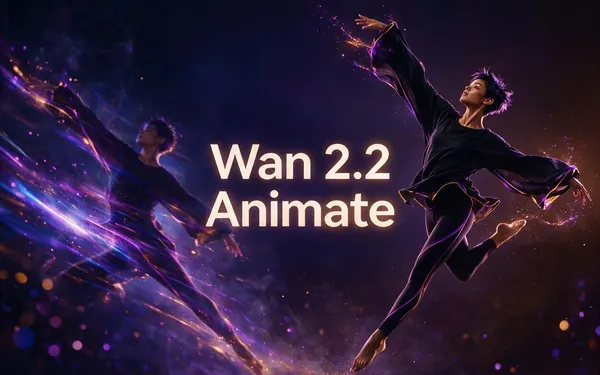
Alibaba
Wan 2.2 Animate
- Input
- Photo + a reference video
- Output
- Your character, moving
Motion transfer
Open Wan 2.2 Animate
Alibaba
Wan 3
- Input
- Text or image (+ end frame)
- Output
- 2–30 s · up to 1080p · sound
Longer clips with sound
Open Wan 3
The clips above were made with Wan 2.2 at 480p.
Tips
Getting good results from Wan 2.2
What worked in the clips above.
One action per clip: 5 or 8 seconds fits a single movement.
Name the camera move: slow push-in, tracks low, holds steady.
Slow words ('slowly', 'drifts', 'gently') keep Wan's motion stable.
In image to video, describe motion, not appearance.
Set an end frame when the shot has to land somewhere exact.
Need sound or more than 8 s? Re-run the prompt on Wan 3.
Example uses
How creators use Wan 2.2
Illustrative examples of typical workflows, not customer reviews.
Video editor on a laptop
An editor could try Wan 2.2 in the browser for a few 5-second b-roll shots before deciding whether to set up the open weights locally.
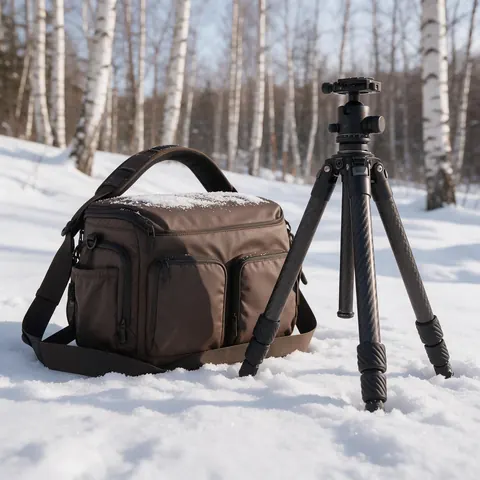
Wildlife channel
A wildlife channel could animate a still of a fox in the snow into a short tracking shot, drafting at 480p and keeping the best take at 720p.
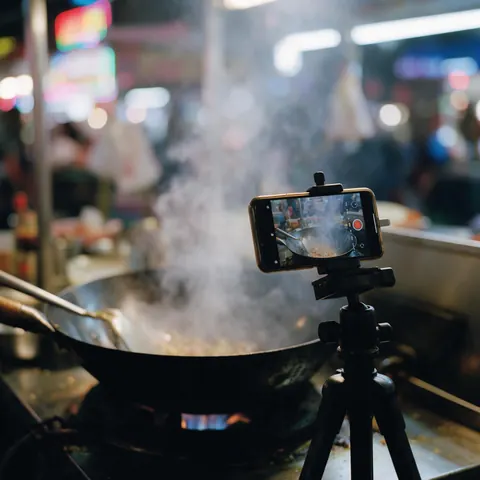
Food creator
A food creator could turn a vertical night-market photo into a 9:16 clip of flames and steam for a short-form post.
FAQ
Wan 2.2 questions
8 questions
Is Wan 2.2 free?
The model is: Alibaba released Wan 2.2's code and weights under Apache 2.0, so you can download and run it on your own GPU at no cost. Running it online on Kenerate AI needs a paid plan, because video isn't part of the free plan. Wan 2.2 Ultra Fast is the studio's lowest-cost video model.
Link to this answerCan I use Wan 2.2 online without a GPU?
Yes. In Kenerate's video studio, pick Wan 2.2, add a prompt (and a start image if you want image to video) and choose 5 or 8 seconds at 480p or 720p. It runs on hosted GPUs, so there's no ComfyUI, no model files and no VRAM limit to worry about.
Link to this answerHow does Wan 2.2 image to video work?
You give it a start image and a motion prompt, which is required, and Wan 2.2 animates the image for 5 or 8 seconds; the clip keeps the image's framing. You can add a second image as the end frame. Describe the action, camera move and pace rather than re-describing what's already in the picture.
Link to this answerCan Wan 2.2 do text to video?
Yes. With no image, Wan 2.2 makes a clip from the prompt alone, in 16:9 or 9:16, at 480p or 720p, 5 or 8 seconds long. The paper-boat clip on this page was made that way at 480p.
Link to this answerWhat's the difference between Wan 2.2 and Wan 2.2 Ultra Fast?
Both do text and image to video at 5 or 8 seconds, 480p or 720p, 16:9 or 9:16. Ultra Fast runs on WaveSpeed AI's accelerated Wan 2.2 endpoints, so it suits quick, low-cost drafts; switch to standard Wan 2.2 for the take you keep.
Link to this answerDoes Wan 2.2 make sound?
No. Wan 2.2's text and image-to-video models make silent clips, and so do both versions in the studio. Alibaba's separate Wan 2.2 S2V model does speech-to-video, but it isn't in the studio. For a clip with sound, use Wan 3.
Link to this answerWhat hardware does Wan 2.2 need locally?
It depends on the model. The official repo says the TI2V-5B model makes 720p video at 24 fps on a consumer GPU such as an RTX 4090, and ComfyUI's docs say it fits 8 GB of VRAM with offloading. The 14B models need at least 80 GB of VRAM on a single GPU.
Link to this answerHow is Wan 2.2 different from Wan 2.5, 2.7 and Wan 3?
Wan 2.1 and 2.2 have open weights; Wan 2.5, 2.6, 2.7 and Wan 3 run only as hosted models. The newer ones add longer clips, 1080p and, on Wan 3, sound and up to 30 seconds. Wan 2.2 stays the quick, open option for 5–8 second clips.
Link to this answerIn depth
Wan 2.2, explained
What the model is, the Wan 2.2 family, and how it runs online versus on your own GPU.
On this page
What Wan 2.2 is
Wan 2.2 is the video model Alibaba's Wan team open-sourced on 28 July 2025, code and weights, under Apache 2.0 [1]. Its 14B text-to-video and image-to-video models use a mixture-of-experts design: a high-noise expert lays out each clip early in generation and a low-noise expert refines the detail, about 27B parameters in total with 14B active per step [1][2].
Compared with Wan 2.1 it was trained on 65.6% more images and 83.2% more videos, with aesthetic data labelled for lighting, composition, contrast and colour tone, which is where its cinematic look comes from [1].
The Wan 2.2 family
"Wan 2.2" (also written wan2.2 or wan.2.2) covers several open models from the same release line [1]:
- T2V-A14B: text to video at 480p or 720p, mixture of experts.
- I2V-A14B: image to video at 480p or 720p, mixture of experts.
- TI2V-5B: a smaller model for text and image to video at 720p and 24 fps [3].
- S2V-14B (August 2025): speech to video.
- Animate-14B (September 2025): character animation and replacement, on Kenerate as Wan 2.2 Animate.
How Kenerate runs Wan 2.2
In the studio, Wan 2.2 and Wan 2.2 Ultra Fast are served through WaveSpeed AI's hosted Wan 2.2 endpoints [5], one per mode and resolution. Both take text, or a start image plus an optional end frame, and return a silent 5 or 8 second clip at 480p or 720p, in 16:9 or 9:16 for text to video.
Every clip on this page came from that same Wan 2.2 image-to-video or text-to-video endpoint at 480p, unedited.
Wan 2.2 online or on your own GPU
Locally, the TI2V-5B model runs on a consumer GPU such as an RTX 4090, with a 5-second 720p clip in under 9 minutes per the official repo [1], and ComfyUI's native templates fit it into 8 GB of VRAM with offloading [4]. The 14B models need at least 80 GB of VRAM on one GPU [1].
Run it locally if you want the open weights, custom workflows and no per-clip cost; run it online if you'd rather have a clip in minutes from a browser.
Wan 2.2 Animate
Wan 2.2 Animate is a separate model from the same family: it moves a photo of your character with the motion from a reference video, or swaps a person in a clip. It runs in Kenerate's motion tool; see the Wan 2.2 Animate guide.
Wan 2.2 NSFW (18+)
Standard Wan 2.2 in the studio is for everyday content. For adults 18+, Wan 2.2 Spicy is a separate image-to-video model; the Wan 2.2 NSFW guide covers it and the local route.
Wan 2.2 in ComfyUI
ComfyUI has native Wan 2.2 templates for TI2V 5B, T2V 14B, I2V 14B and first-last-frame 14B. You download the model files yourself and need a GPU that fits them; the online version needs neither.
Wan image models
Wan 2.2 is a video model. Alibaba's Wan image models are on their own page, Wan Image, if you want a start image from the same family.
Explore
Every Kenerate video tool
Generators, tools, models and guides — all in one studio.