AI University 2026 • Viral Dance & Motion Prompting Masterclass
AI Twerk Video Prompts Guide — Dance Motion, Camera & BPM Cues
Complete guide to AI dance and twerk video prompts. Master director-style motion prompting and camera cues for Seedance 2.5 and Wan 3 image-to-video, within our content rules.
By Kenerate AIUpdated 4 min read
Try it in Kenerate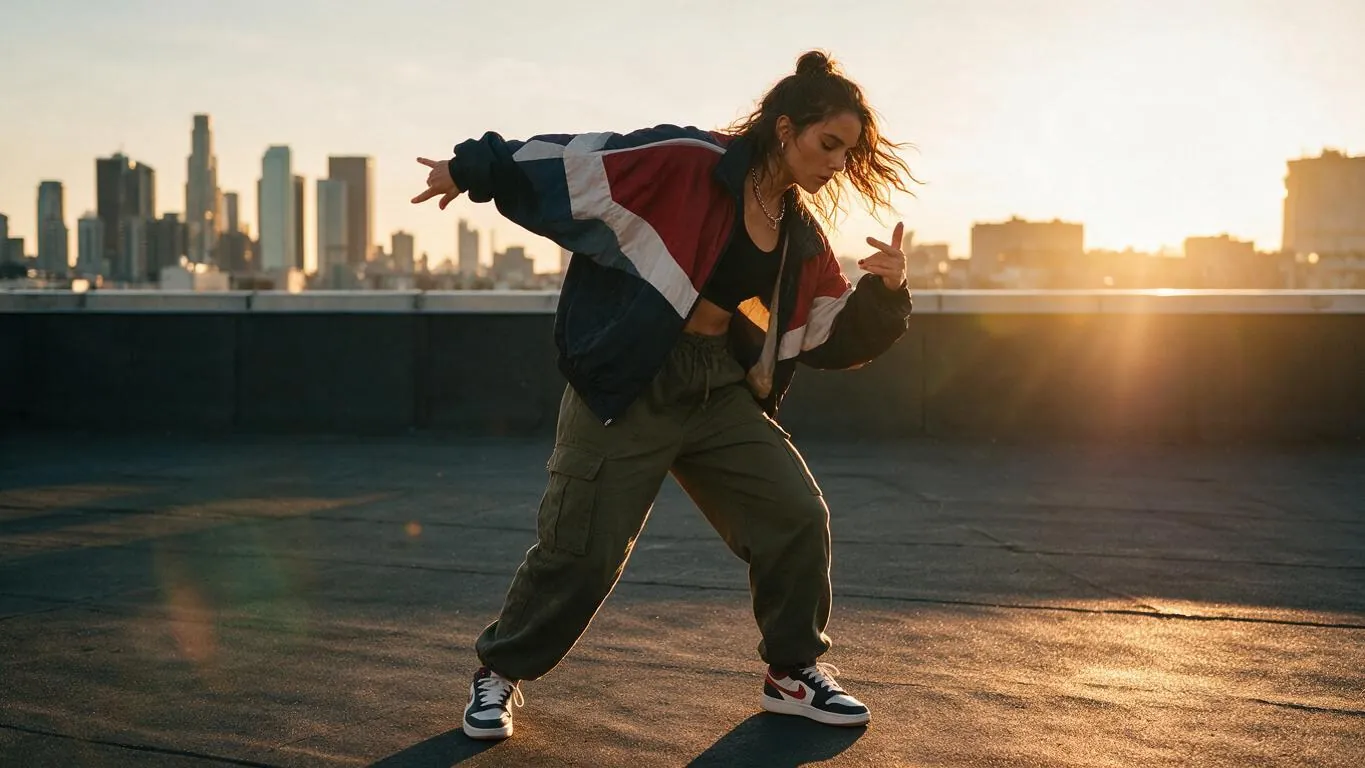
On this page
Quick answer
What is an AI twerk video?
An AI twerk video is a short dance clip of a fictional dancer, animated by an image-to-video model from a full-body still. On Kenerate AI you make the 9:16 still first, write a director-style motion prompt with camera and tempo cues, and render it on Seedance 2.5 or Wan 3.
Key facts
- Format
- 9:16 for TikTok & Reels
- Workflow
- Full-body still → video
- Generation Speed
- Fast cloud GPUs
On this page
AI Twerk Video Prompts Guide
How to make AI twerk videos: 4 prompt rules
How creators get fluid dance motion, clean footwork and fewer limb glitches.
Full-Body 9:16 Framing is Mandatory
Always start with a full-body standing still. If the initial frame cuts off knees, hips, or feet, the AI cannot interpolate leg motion and will freeze or distort the lower body.
Performance Impact: Full-body visibility prevents most limb glitches
Use Director-Style Technical Motion Descriptions
Instead of generic keywords, describe the exact choreography: 'rhythmic hip bounce in time with the beat, low dance squat, arms swinging loosely, quick footwork, a smooth body roll to finish.'
Performance Impact: Enforces precise choreography
Integrate Dynamic Camera Angles & Rhythm Sync
Instruct the virtual camera to enhance energy: 'Wide full-body shot transitioning to a smooth orbit around the dancer, slow push-in on the footwork, strobe-sync rhythm, high-energy club lighting.'
Performance Impact: Higher visual impact on TikTok & Reels
Describe Clean Motion Instead of a Negative Prompt
Kenerate's video models take no negative prompt, so say what must stay stable: 'feet planted on the floor, steady background, consistent lighting, smooth continuous motion'. If limbs still glitch, regenerate or start from a cleaner full-body still.
Performance Impact: Fewer melted spines or fused feet
AI twerk videos: mainstream tools vs Kenerate
How each option handles dance clips and pricing. Competitor plans change, so check their own sites.
| Tool | Dance & twerk clips | Pricing model |
|---|---|---|
| Kenerate AI (Seedance 2.5 + Wan 3) | Image-to-video from a full-body still, director-style camera cues | Free to start; video needs a paid plan or one-time credit pack |
| Runway | Text and image to video | Monthly plans |
| Kling AI | Text and image to video | Monthly plans |
| Luma Dream Machine | Text and image to video | Monthly plans |
Prompts
AI twerk video prompt examples
Compare neon studio choreography, rooftop hip rolls, nightclub strobe syncs, and prompt architecture formulas.
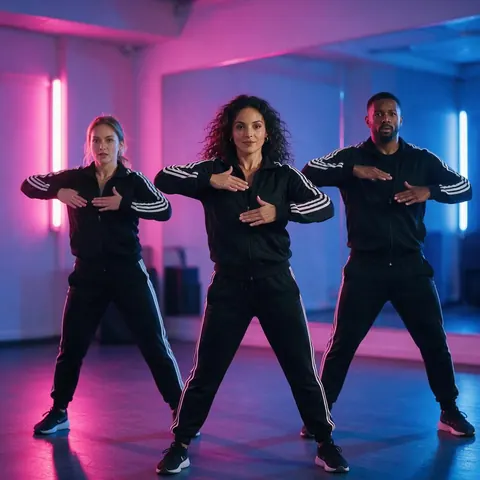
Neon Studio TikTok Viral Dance Choreography
High-energy TikTok dance video still of a stylish adult dancer in her late 20s performing rhythmic choreography in a neon studio, full body, 9:16.
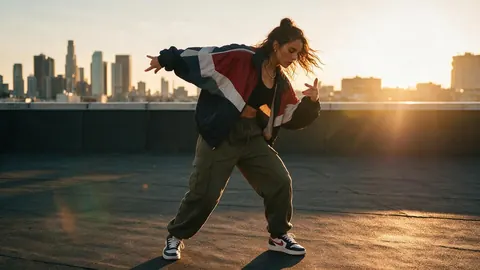
Sunset Rooftop Hip Roll Streetwear Dance
Rooftop sunset dance video still of an adult virtual model in her late 20s in streetwear performing viral hip roll dance, 16:9.
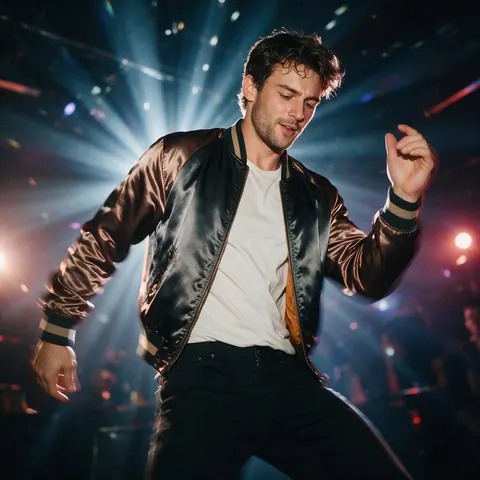
Luxury Nightclub Strobe-Synced Dynamic Motion
Luxury nightclub dance video still of an adult dancer in her 30s, with dynamic camera angle and strobe-synced motion, 16:9.
Director-Style Motion Prompt & Camera Tags
Director-style prompt guide showing camera angles, BPM rhythm tags and stability cues, clean infographic, 16:9.
Real results
Curated AI Dance Video Showcases
Compare neon studio choreography, rooftop hip rolls, nightclub strobe syncs, and prompt architecture formulas.
How it works
How it works in the app
Step 1
Pick a character image
Open Motion Transfer and upload a clear photo of the character, or choose one from your history.
Step 2
Add the motion video
Upload the driving clip whose moves you want to copy — up to 20 seconds.
Step 3
Choose the engine
Open the engine card to pick Kenerate Motion or another engine, then set resolution and frame rate.
Step 4
Click Animate
Press Animate — the character performs the same moves, in sync with the clip's sound.
See it in the app

Open Motion Transfer and upload a clear photo of the character, or choose one from your history.


FAQ
Frequently Asked Questions
8 questions
Why do prompts containing words like 'twerk' or 'dance' get blocked on other AI video generators?
Some AI video platforms run broad safety classifiers that can flag dance terms out of context. On Kenerate AI, describe the choreography plainly (tempo, footwork, arm and hip movement, camera) and keep outfits and framing suitable for TikTok and Reels; dance clips work within our content rules.
Link to this answerCan I make AI twerk videos of a real person?
No. AI twerk videos on Kenerate are for fictional dancers you design yourself. Don't upload photos of real people, influencers or anyone you know: no images of real people without their consent, and content involving minors is blocked. Make the full-body still in the image studio, then animate it.
Link to this answerHow do I prevent my AI dancer from having frozen hips or weirdly floating feet?
Make sure your starting image is a complete full-body shot where both feet and the entire torso are visible. Use director-style prompts that describe the motion (e.g., 'rhythmic hip bouncing, loose arms, grounded footwork') and add stability cues such as 'feet planted on the floor, steady background'.
Link to this answerCan I sync the AI dance motion to a specific music BPM track?
Roughly. Put the tempo in your prompt (e.g., 'fast 130 BPM hip-hop bounce' or 'slow 90 BPM reggaeton hip sway') and the model uses it as a pacing cue. It doesn't hear your track, so timing is approximate; add the music afterwards in the video editor and trim the clip to the beat.
Link to this answerCan I generate video clips for TikTok and Instagram Reels?
Yes! In Kenerate AI, you can turn a full-body 9:16 start image into a short clip with natural motion blur, hair movement and camera pans using image-to-video models such as Wan 3 and Seedance 2.5.
Link to this answerIs there a free AI twerk video generator?
Not for the video itself. Kenerate AI is free to start, and the free starter credits cover the free image models, so you can make a full-body still of a fictional dancer first; image-to-video needs a paid plan or a one-time credit pack. Then paste a twerk or dance motion prompt and generate. Pack credits never expire, with no subscription required.
Link to this answerDo credits on Kenerate AI expire at the end of the month?
No. Credits come in one-time packs that never expire, so they stay in your balance until you use them. There is no subscription required, and new accounts start with free starter credits.
Link to this answerIs there a free trial available to create AI dance videos?
Not for video. Kenerate AI is free to start: the sign-up credits cover the free image models and tools, while image-to-video needs a paid plan or a one-time credit pack whose credits never expire; no subscription required.
Link to this answerGenerate Viral AI Dance Videos Today
Create dance videos of fictional dancers from a start image. Free to start: create images free; video needs a paid plan or a one-time credit pack.
Tried it? Tell us how it went