To make a game with AI, write one sentence that describes the smallest fun version of your idea, give it to an AI game generator or coding assistant, play what comes back, and ask for one change at a time. You don't need to code. For a short browser game, a first playable build takes minutes once your assets exist, while a game you plan to sell still needs weeks of testing and human judgment.
This guide covers the three main routes, then walks through the full process from prompt to shared link. Facts about Kenerate Game Studio come from the product as of 4 November 2026. Claims from other vendors are marked as theirs.
Can AI really make a video game?
Yes, but the size of the game matters. AI can now write working game code, make the art and sound, and fix bugs you describe in plain language. It works best on small games with one clear mechanic: a runner, a space shooter, a tower defense, a quiz.
It's much weaker at the parts that make a large game good. In its 2026 guide to making games without code, Unity describes prompt-to-game tools as suited to quick prototypes and testing a mechanic, with a ceiling of impressive demos and not finished products. The same guide calls multiplayer networking exceptionally difficult to build through no-code or prompts alone. Unity sells an engine, so read that with its interest in mind, but the limit matches what you'll see in practice.
So think of AI as a fast builder with no taste. It handles the boilerplate. You still decide what's fun, how hard it should be, and when it's finished.
What are the ways to make a game with AI?
There are three routes, and they differ most in how much setup you accept and how far the game can grow.
| Route | Examples | Setup | Coding needed | Best for | Main limit |
|---|---|---|---|---|---|
| No-code AI game generator | Kenerate Game Studio, Rosebud, Astrocade | None, runs in the browser | No | Prototypes, small arcade games, games to share with a link | Hard ceiling on size and on engine export |
| AI coding assistant | Claude Code, Cursor, OpenAI Codex | Install tools, manage a code folder | Helpful | Full control over a real code project | You debug and host it yourself |
| Engine with AI help | Unity with its AI assistant, Godot with a coding assistant, Summer Engine | Install an engine, learn its editor | Some, or visual scripting | PC, console or mobile releases | Longest learning curve |
If you have never made a game, start with a generator. You'll learn what makes your idea fun in an evening, and that knowledge carries over if you move to an engine later. If you already use Unity, Unreal or Godot, keep your engine and use AI for scripts and art.
The rest of this guide uses the first route, since that's what most people searching this question want.
How do you make a game with AI, step by step?
These steps use Kenerate Game Studio, our AI game generator. The first four apply to almost any prompt-to-game tool.
Step 1: Shrink your idea
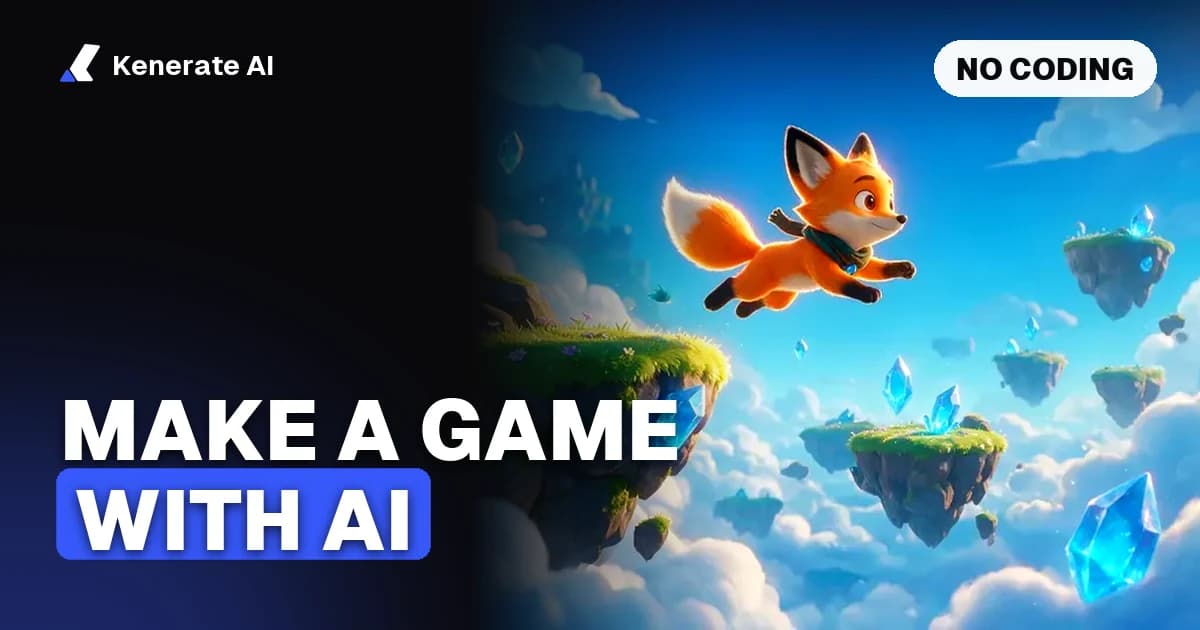
Write your game in one sentence, then cut it. "An open-world fantasy RPG with crafting" won't work. "A fox runs across floating islands and collects gems for three levels" will. Summer Engine's step-by-step guide gives the same first step: find the smallest version that's still fun.
Size matters for a technical reason too. In Game Studio the whole game lives in one HTML file, and a very large game can be too long for a single model reply.
Step 2: Write a prompt the AI can build from
A good game prompt names five things:
- Genre and camera: "third-person 3D adventure", "3D endless runner".
- What the player does and how: "swipe or arrow keys to switch lanes".
- A win or lose rule: "knock down all targets in 3 shots", "10 waves, lives counter".
- Real numbers: 3 levels, 3 laps, 10 questions.
- The look: neon city rooftop, low-poly island, looping desert track.
Here's the studio's own endless runner starter, which covers most of them:
A 3D endless runner on a neon city rooftop: three lanes, swipe or arrow keys to switch lanes, jump over barriers, collect coins, speed rises over time.
Game Studio has 10 of these genre starters: 3D platformer, endless runner, space shooter, racing, 3D puzzle, quiz show, tower defense, 3D explore, physics and an arcade classic. Pick one and edit it, or write your own idea. You can also attach up to 4 reference images, such as a sketch of your main character.
Step 3: Make the assets
Assets are the models, art and sounds in your game. The studio plans what your game needs, and a new game needs at least one 3D model before its first build. That order is deliberate: the code is written around assets that really exist, so your game doesn't fill up with stand-in boxes.
| Asset | What you get | Typical cost in credits |
|---|---|---|
| 3D model | From text, one design image, or a front, side and back sheet. Characters can be auto-rigged with walk and run clips | 145 from text with Rodin 2.5, about 200 from a three-view sheet |
| Sprite | A cut-out image with clean edges | 17.5 |
| Sprite sheet | Animation frames in 8 actions: idle, run, walk, jump, attack, hurt, fly, death | Shown before you make it |
| Sound effect | 10 presets, such as jump, coin, explosion and win | From 2 |
| Music | Background loops | 13 for a 30-second Ken Music 1 track |
A simple game with one 3D model from text, one music track and three short sound effects comes to about 164 credits of assets, plus the code builds. Each build or edit is billed on the tokens the coding model uses, plus 1 credit. The studio shows each asset's price before it makes it.
If you're building in your own engine, you can make the same things separately with the AI game asset generator, the AI 3D model generator, the AI sprite sheet generator and the AI music generator.
Step 4: Build it and play straight away
Pick a coding model and build. GPT-6 Sol is the default and takes about 40 seconds. Gemini 3.6 Flash is the fastest and cheapest at about 30 seconds. The Claude models think first, so Claude Sonnet 5 takes 2 to 5 minutes. Seven models are available in total.
The game opens in a player beside the chat. It's a Three.js web page, so there's nothing to install. Play it before you ask for anything else, and write down the first three things that feel wrong.
Step 5: Test and fix one thing at a time
This is where most of your time goes, and where most AI games get better or fall apart. Ask for one change per message:
- "Make the jumps 20% higher."
- "Add a second enemy that moves faster but has less health."
- "Show the score in the top-left corner."
One change per message tells you exactly what broke when something breaks. If the game shows an error, the Fix it button sends that error back to the model. If an edit goes wrong, restore an earlier version. The studio keeps the latest 30. You can also tap something on the game screen and say what should change.
AI playtest can also do a first pass for you. The studio plays your game through its title screen, start, movement and jump, then checks phone portrait, takes screenshots at each step and fixes the problems it finds. It catches visual and control problems, but it can't tell you if the game is fun. For that, hand it to someone who has never seen it and watch without helping.
Step 6: Share it
You can keep the game private, send a link, or publish it to Discover, where anyone can play and remix it. Games run in a normal web page, so they open on phones and laptops. Ask for touch controls in your prompt so phone players aren't stuck.
You can also download the code as a single .html file, with one catch: attached art and models load through Kenerate paths, so they won't appear in that copy until you host them yourself and change the paths. For most people, the link is the better way to share.
Can you make a 3D game with AI?
Yes. Every new game in Game Studio is 3D. A chat model writes the code, Three.js r170 draws the scene in the browser, and models come from Rodin 2.5 or Meshy 7.1. Meshy suits characters and creatures you want to rig. Older 2D games built on Phaser 3 still open and can be remixed.
Expect stylised, arcade-scale 3D. Low-poly islands, neon tracks and floating platforms work well. Large open worlds and realistic graphics don't, because the game has to run in one web page on ordinary devices.
Is there a free AI game maker?
Partly. Most tools have a free tier, but Cinevva's guide notes that payment is typically needed for heavier generation, commercial rights or export. Check those three things before you commit to a tool.
Be careful with what "free" covers in each case:
- Open-source engines: Godot costs nothing, and you can pair it with a free AI chat account. The cost is your time learning the editor.
- Hosted generators: Free tiers often cap generations or limit what you can export.
- Kenerate Game Studio: A new game isn't free. It needs a 3D model, which needs a paid plan or credit pack, and the 25 sign-up credits can't cover one. Playing shared games costs nothing, and those credits can pay for chat edits on a remix of a public game. Credit packs are one-time, so you can make a game without a subscription.
How long does it take to make a game with AI?
No independent benchmark exists, so treat all of these as rough guides. In Game Studio, a code build takes between 30 seconds and 5 minutes depending on the model, and asset generation adds to that. Summer Engine estimates an afternoon for a first playable prototype, one to three weeks of evenings for a small finished game, and one to several months for a polished Steam release. That's a vendor estimate, but it fits a useful rule: the first version is fast, and the remaining work is almost all testing and tuning.
Why does the AI keep breaking my game?
Three causes account for most of it:
- Too many changes at once. Ask for five things and the model may rewrite working code. Go back to one change per message.
- Vague requests. "Make it better" gives the model nothing to aim at. Describe what triggers something, what happens, and a number if you have one.
- A game that has outgrown the tool. If edits start failing or get cut off, the file may be too big. Ask for a simpler version, or restore a version and take a smaller step.
If the same bug survives two attempts, try a different coding model. Models fail in different ways, and a fresh one often spots the problem.
Can you sell a game made with AI?
Often yes, but check three separate questions.
The tool's terms. Some tools limit commercial use to paid plans. Kenerate claims no ownership of what you generate, and its terms allow commercial use, including gaming projects. You're responsible for making sure your game doesn't copy someone else's characters, names or music.
The store's rules. Valve rewrote Steam's AI disclosure form in January 2026 to focus on AI content that players consume, not on efficiency tools used behind the scenes. Check the current rules for any store you plan to use. Game Studio doesn't export to Steam or app stores, so a store release means rebuilding in an engine.
Copyright. In its January 2025 report, the US Copyright Office said prompts alone don't give enough control to make you the author of the output. Your own selection, arrangement and substantial edits can be protected, but only your human contribution. Rules differ by country, and this isn't legal advice, so talk to a lawyer before you build a business on it.
What should you make first?
Pick the genre starter closest to your idea, cut it to one level, and aim to have something playable the same day. A small game that works will teach you more than a big plan that doesn't. When it feels good, add one feature, test it, and repeat.
Ready to try it? Open Kenerate Game Studio, pick a genre, and change one line of the starter prompt to make it yours.