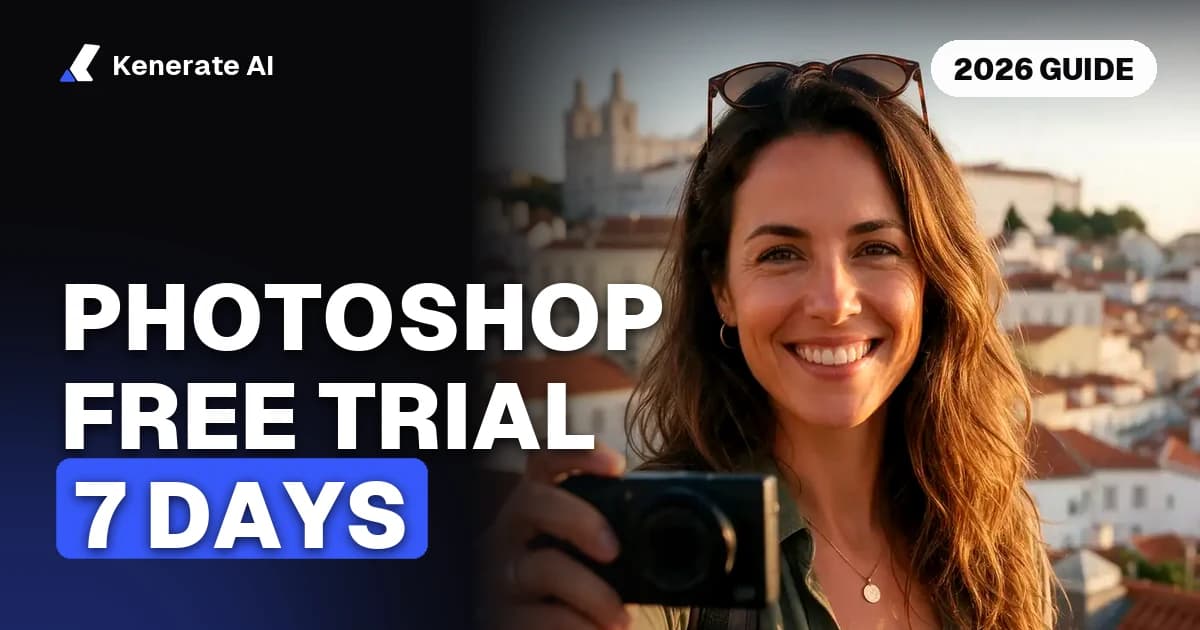
The official Photoshop free trial lasts 7 days, gives you the full desktop app and needs billing details at checkout. You are not charged if you cancel before the trial ends, and Adobe says you can still cancel for a full refund up to 14 days after billing starts. Each person gets one trial, and it turns into a paid plan on its own if you do nothing.
Updated 5 November 2026. Trial terms and prices below come from Adobe's US pages as of that date. Prices vary by country and Adobe runs frequent offers, so check your own checkout page before you start.
The trial itself is simple. The part that catches people out is the plan behind it, because the default plan is a 12-month contract billed monthly. This guide covers how to start the trial, what it costs if you forget, how to cancel, and what Adobe really offers for free on phones, on the web and for students.
How long is the Photoshop free trial?
Seven days. Adobe's free trial page says the trial starts when you check out and lasts for seven days, so the clock starts at checkout, not when you first open the app. Adobe also limits it to one 7-day trial per person.
Business buyers get longer. Adobe's plans page lists a 14-day free trial for Photoshop for teams, against 7 days for the individual plans.
Here is the timeline Adobe publishes for an individual trial:
| Day | What happens | What it costs you |
|---|---|---|
| Day 1 | You check out and the trial starts | $0 |
| Days 1 to 7 | Full Photoshop, cancel at any time | $0 if you cancel in this window |
| Day 8 | Trial ends and billing begins | First payment taken |
| Up to Day 21 | Adobe's stated refund window | Full refund if you cancel |
| After Day 21 | Your subscription terms apply | Possible early cancellation fee |
Do you need a credit card for the Photoshop free trial?
Yes, you need to give a payment method. Adobe's sign-up steps ask you to create your account "by entering your email address and billing information." Nothing is charged during the seven days. Adobe's subscription terms state that if you cancel before the end of your free trial, your payment method won't be charged.
That billing step is what makes the trial a subscription from day one. Adobe says the trial "will automatically convert to a paid Creative Cloud subscription after 7 days" unless you cancel first.
How do you start the Photoshop free trial?
Use Adobe's own site. Downloads from anywhere else are not the official trial.
- Open the Photoshop free trial page.
- Pick a plan. The Photoshop single-app plan is the cheapest choice if Photoshop is all you need.
- Read the billing option at checkout. Note whether it is annual billed monthly, annual prepaid or month to month, because each one has different cancellation rules.
- Enter your email and billing information to create your Adobe account.
- Install Photoshop on your computer and sign in.
- Set a calendar reminder for Day 6, so you can decide with a day to spare.
Adobe says this is the official, full version of the app, so you can test the tools you actually care about. Pick one real project for the week rather than clicking around. If generative tools are the reason you're trying it, our Generative Fill guide walks through them step by step.
What does Photoshop cost after the free trial?
As of 5 November 2026, Adobe's US trial page shows these two plans:
| Plan | US price | What's included |
|---|---|---|
| Photoshop | $22.99/mo, annual, billed monthly | Photoshop on desktop, web and mobile, Adobe Express Premium, 100GB storage, 25 monthly generative credits |
| Creative Cloud Pro | $69.99/mo, annual, billed monthly (new subscribers: $34.99/mo for the first 3 months) | 20+ apps, 4,000 monthly generative credits |
Adobe's plans page also lists Firefly Pro, a Photography plan with Photoshop and Lightroom, and student and team plans. You can't buy Photoshop once and keep it. Adobe's plans page answers that question with a plain "No": Photoshop is available only through a Creative Cloud subscription.
How do you cancel the Photoshop free trial before you're charged?
Cancel in your Adobe account, not on your computer. Uninstalling the app does not stop the subscription.
- Sign in to your Adobe account plans page.
- Find Photoshop under your plans and open Manage plan.
- Choose Cancel plan and follow the prompts to the end. Adobe will show you offers along the way.
- Check for a confirmation, and take a screenshot of it.
Adobe tells trial users to do this within 7 days of starting the trial. Aim for Day 6 rather than the last few hours, since the clock started at checkout.
Save anything you want to keep to your own drive before you cancel. Adobe's trial page doesn't explain what happens to your access or cloud files afterwards, so a local copy is the safe habit.
What if you forgot and got charged?
You probably still have time. Adobe's trial page says you can cancel up to 14 days after your trial ends for a full refund, and its timeline marks Day 21 as the last point.
One detail is worth knowing. The subscription terms word the window as "within 14 days of your initial order", while the trial page counts from the end of the trial. Don't lean on the longer reading if you can avoid it. Cancel the moment you notice the charge, and contact Adobe support if the refund doesn't appear.
What happens if you cancel after the refund window?
This depends on your billing option, and it's where the real cost sits. These are the rules in Adobe's subscription terms for individuals:
| Billing option | Cancel within 14 days | Cancel after 14 days |
|---|---|---|
| Month to month | Full refund | No refund for that payment; service runs to the end of the billing month |
| Annual, billed monthly | Full refund | Lump sum of 50% of your remaining contract obligation; service runs to the end of the billing month |
| Annual, prepaid | Full refund | No refund; service runs to the end of the term |
Here's what the 50% rule can look like. This is our own arithmetic on the $22.99 plan, not an Adobe quote. If you pay for three months of a 12-month contract and then cancel, nine payments remain. That's 9 × $22.99 = $206.91, so the fee would be about $103.46.
The fee has drawn regulators' attention. In June 2024 the US Federal Trade Commission sued Adobe, alleging that it hid this fee and made cancelling hard. Those are allegations, and Adobe said it would contest them. The practical lesson stands either way: read the billing option before you enter your card.
Is Photoshop free at all?
Partly. There's no permanent free desktop version, but the mobile apps do have a free tier.
| Route | Cost | Billing details needed? | Time limit | What you get |
|---|---|---|---|---|
| Desktop trial | $0 for 7 days | Yes | 7 days, one per person | Full desktop Photoshop |
| Photoshop mobile app | Free download | Not for the free tier | None stated | Free app, with premium features behind a subscription |
| Photoshop on the web | Paid plans only | Yes | None | Adobe says there isn't a free web version |
| Student offer | Discounted, not free | Yes | 7-day trial first | Creative Cloud Pro at a student price |
Can you use Photoshop for free on a phone? Yes. Adobe says Photoshop mobile is free on iPhone and Android, and that you can use it on iPad for free too. Adobe describes these as free apps with premium features available by subscription. It doesn't publish a full list of limits on the trial page, so check the app's store listing for the current feature split and in-app prices.
Is Photoshop on the web free? No. Adobe's Photoshop product page says there isn't a free version of Photoshop on the web, and that uploading your own photos needs a Photoshop plan.
Is Photoshop free for students? No. Adobe says students get the 7-day trial and a discount of over 71% on Photoshop as part of the Creative Cloud Pro plan. A verified school-issued email address qualifies you for the student price, and that price rises after the first year, so check both figures at checkout.
What should you use when the trial ends?
Start with what you actually did during the week. If you used layers, masks and pixel-level retouching every day, Photoshop may well be worth paying for. If you mostly removed backgrounds, cleaned up objects and resized images, you may not need a subscription at all.
- For a free desktop or browser editor: our best free Photoshop alternative guide compares GIMP, Photopea, Affinity and others, including which ones handle content-aware fill and PSD files.
- For quick edits from a sentence: the Kenerate free AI photo editor runs in your browser. Twelve tools, such as crop, adjust, filters, text and collage, cost 0 credits. Sign in with Google, GitHub or Discord, with no card, and a new account gets 25 credits for the AI tools.
- For single jobs: use the free AI background remover or the AI image upscaler instead of a whole editor.
To be clear about the limits: Kenerate is not a Photoshop replacement for layered PSD work. Its 25 credits cover about 20 background removals at 1.2 credits each, or 2 AI edits at 9.9 credits each. After that you buy credit packs, starting at $15 for 1,300 credits. They're one-time purchases with no subscription to cancel, credits don't expire, and downloads have no watermark.
The simplest way to decide is to run the same three edits in the Photoshop trial and in a free tool, then compare the results and the time they took.