The Best Free Photoshop Alternative in 2026
For years, editing photos professionally meant committing to a heavy, monthly software subscription and downloading gigabytes of files to your hard drive. If your computer didn't have a high-end graphics card, you spent most of your time watching loading bars and fighting "scratch disk full" errors. Even simple tasks like removing a background or expanding a canvas required tedious layer management and masking.
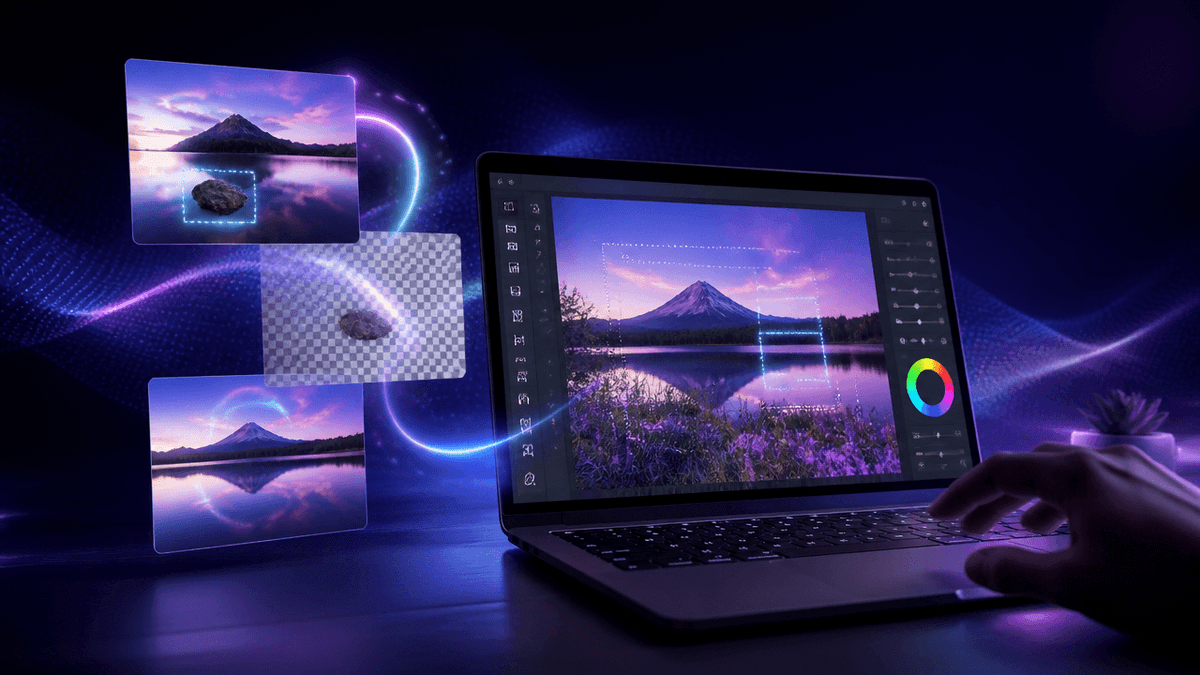
You no longer need a heavy desktop application to get studio-quality results. Kenerate AI is a completely browser-based, free photoshop alternative that replaces manual layer editing with instant AI generation.
If you are looking for a fast photoshop alternative to uncrop images, remove backgrounds, and erase objects, here is exactly why you should switch your workflow to the browser.
🚀 Start Creating Free — No Card Required
Why Switch from Desktop Software to AI?
Traditional photo editing relies on manual manipulation. If you want to remove a tourist from a background, you carefully select the clone stamp tool, sample nearby pixels, and paint over the subject, hoping the textures match. If you want to change the lighting, you have to manually paint shadows using dodge and burn tools.
Kenerate AI changes the fundamental approach. Instead of cloning pixels manually, it uses semantic AI understanding. You brush over the tourist, and the Seedream 5 AI model generates entirely new, contextually accurate background pixels to fill the gap. The result is a flawless edit in three seconds, rather than ten minutes of manual labor.
Because the processing happens on our enterprise GPUs in the cloud, your laptop battery doesn't drain, and your fan doesn't spin up. You get workstation-level power directly inside Chrome or Safari, making it the perfect free photoshop alternative for lower-end machines.
The Advanced AI Features Replacing Photoshop
1. AI Generative Fill (Uncrop and Expand)
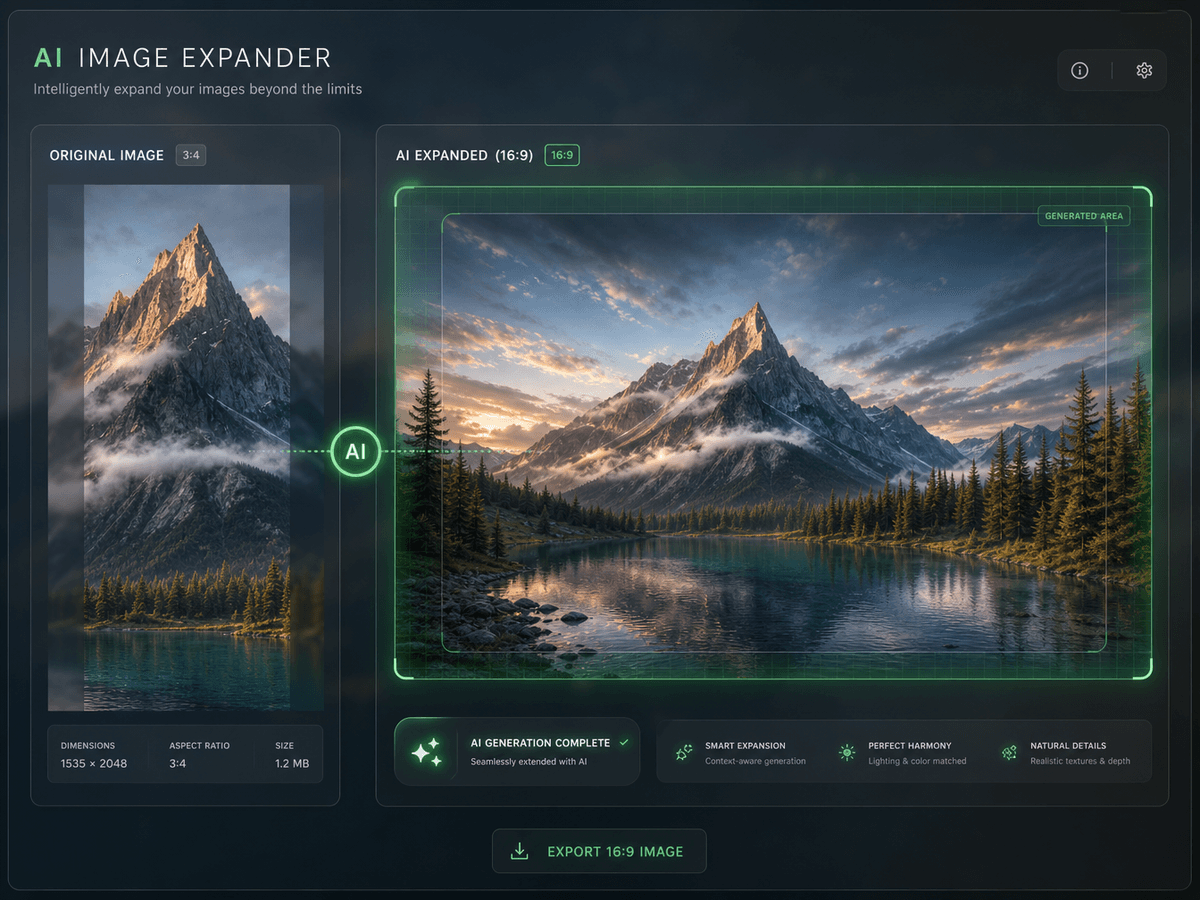
Need to turn a vertical portrait into a 16:9 cinematic widescreen image for a YouTube thumbnail? Older software would force you to stretch the image or leave ugly black bars. Our Generative Fill tool analyzes the existing composition and paints the missing environment perfectly. It matches the lighting, film grain, and depth of field instantly.
2. Magic Eraser (Content-Aware Alternative)
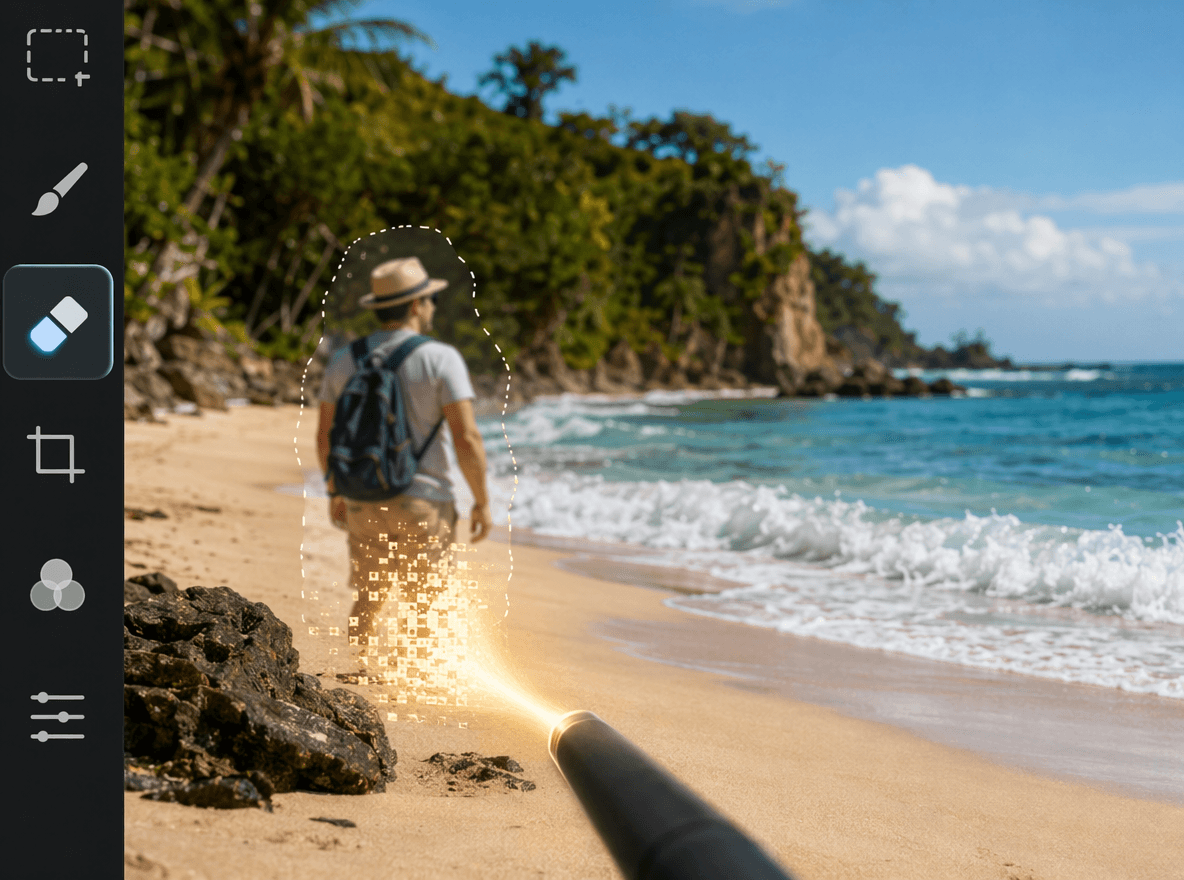
Erase photobombers, watermarks, or unwanted text without leaving blurry, smudged patches. The AI understands the surrounding context—like the texture of a brick wall or the ripples in an ocean—and reconstructs the image behind the erased object seamlessly.
🚀 Start Creating Free — No Card Required
3. Studio AI Relighting
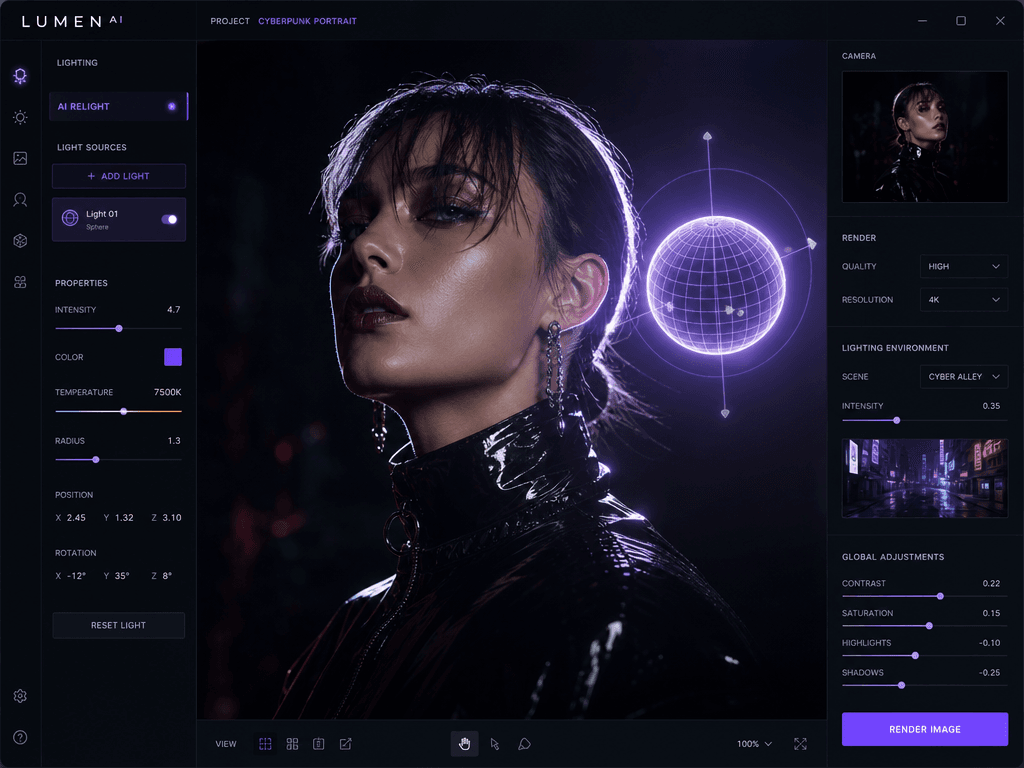
Fixing bad exposure normally requires hours of manual dodging and burning. Kenerate AI calculates the 3D depth map of your 2D photo, allowing you to drop virtual sunlights or rim lights into the scene. You can literally change the time of day in a photo after it was taken, casting mathematically accurate shadows across faces and objects.
4. Text-Based Typography Editing (GPT Image 2)
Struggling to edit text in a flattened JPEG? This is historically one of the hardest things to do in standard editors. With Kenerate AI, you highlight the text, type your new words, and our GPT Image 2 model renders the new text. It matches the exact original font, perspective, and lighting.
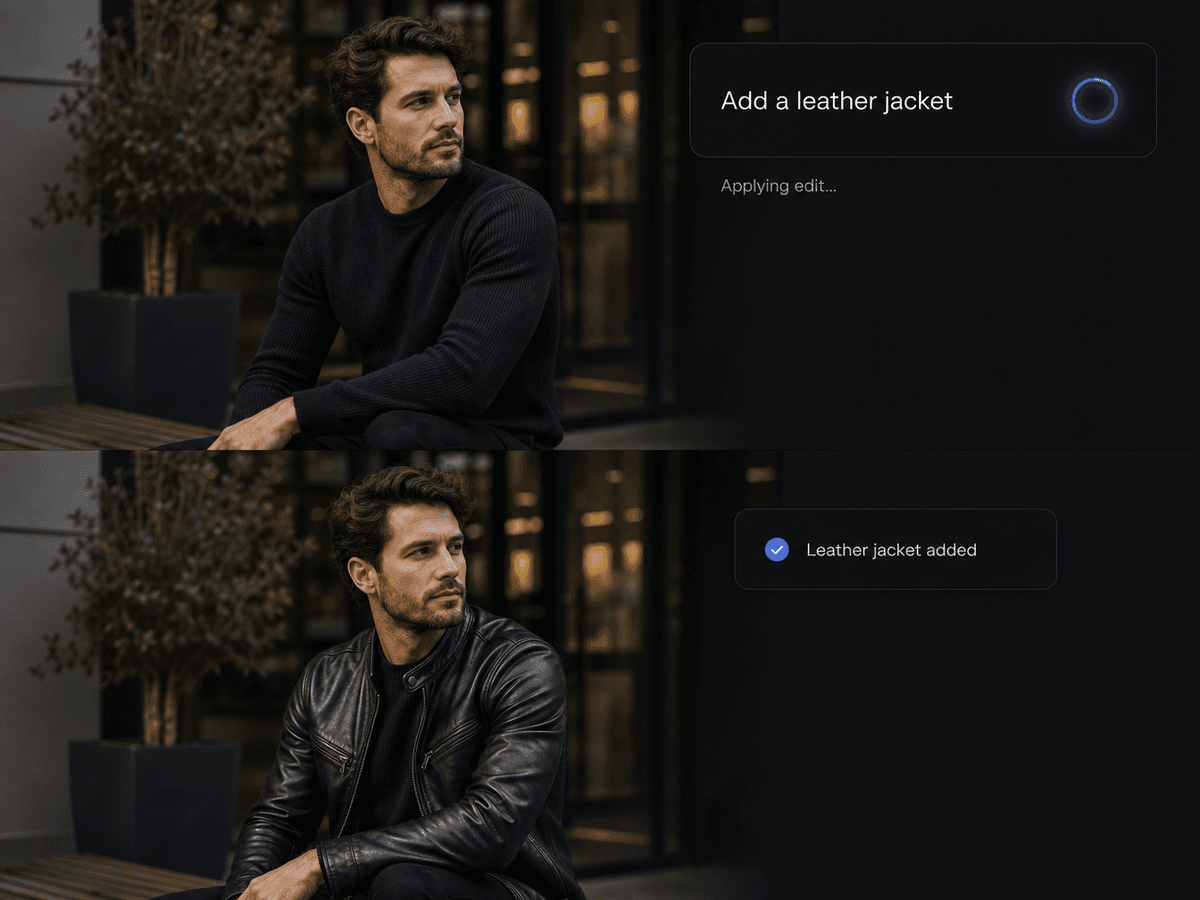
5. Instant Background Removal (RMBG v2)
The traditional magic wand tool struggles with frizzy hair, transparent glass, and motion blur. Our RMBG v2 model analyzes the image semantically, separating the subject from the background with zero white halos in under three seconds. You can then drop your product or portrait onto a transparent background and export it instantly.
6. Instant 4K Upscaling
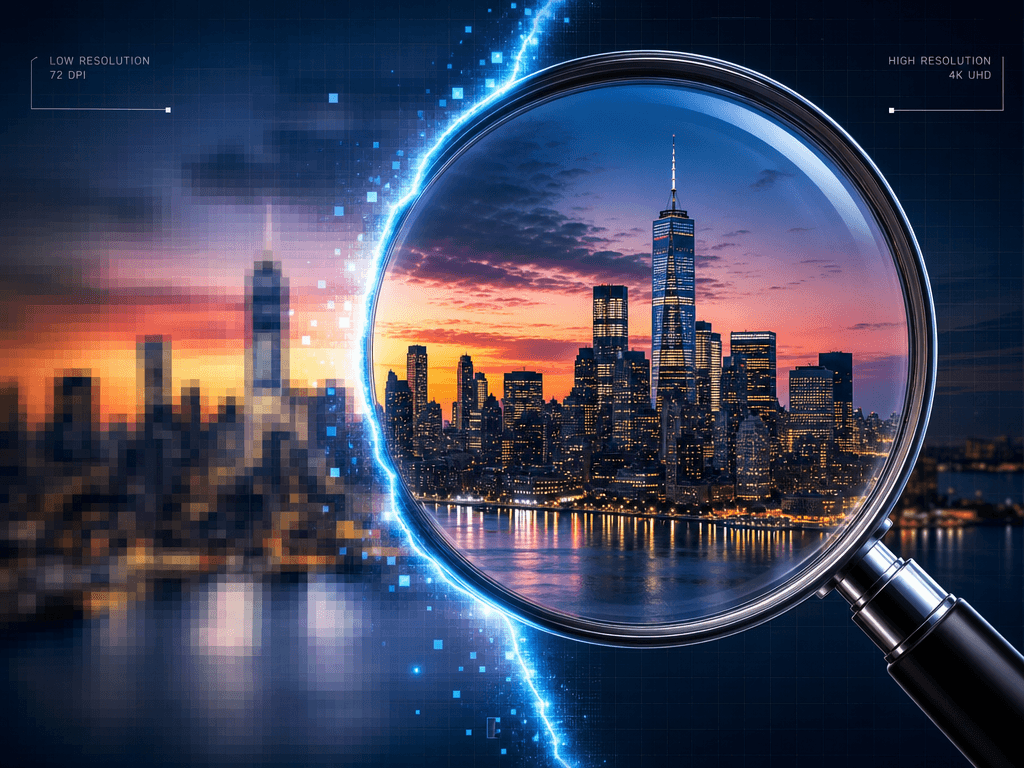
Bring blurry, low-res images back to life without installing expensive third-party plugins. The AI reconstructs missing details perfectly, restoring skin texture and sharp edges that were lost to heavy JPEG compression.
Perfect for E-Commerce and Content Creators
If you run an online store, Kenerate AI is an absolute game-changer. E-commerce sellers use our AI background remover to isolate products, then use generative fill to place them into photorealistic, high-end studio environments without paying for expensive physical photo shoots. You can batch-process dozens of photos simultaneously using our Nano Banana 2 Edit model.
For social media creators, speed is everything. You can upload a 16:9 thumbnail, use generative fill to instantly convert it into a 9:16 Instagram Reel format, and export it in 4K resolution in seconds.
🚀 Start Creating Free — No Card Required
The Clear Winner for Speed and Pricing
Adobe Creative Cloud forces you into a monthly subscription whether you use the software daily or once a month. Kenerate AI operates on a simple, pay-as-you-go credit system with a generous free tier.
You never have to install updates, manage license keys, or worry about your computer's RAM. You just open your browser, drop your image into the workspace, and start creating.